
DreamForge Studio
Image & Video Studio
Diseñada para iPhone, iPad
Gratis · Compras en la aplicación
- Clasificación por edad4+
- CategoríaFoto y vídeo
- DesarrolladorEventide Labs LLC
- IdiomasInglés
- Tamaño16,9 MB
Enlaza a la página oficial de App Store
Download.org no aloja ningún archivo de DreamForge Studio. El botón abre la página de la aplicación en App Store, donde la publica Eventide Labs LLC. Ficha comprobada por última vez el 12/11/2026.
Capturas de pantalla

Acerca de
El desarrollador no ha proporcionado este texto en tu idioma.
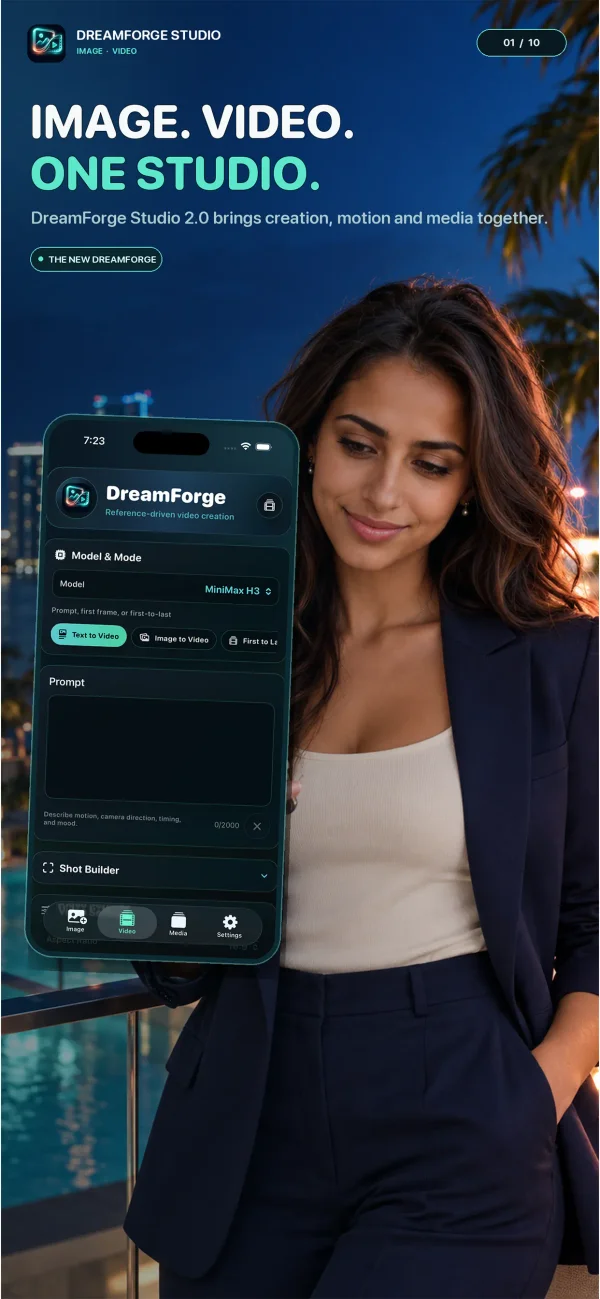
DreamForge Studio turns your iPhone or iPad into a focused image and video creation studio powered by the ComfyUI server you configure.
IMAGE CREATION
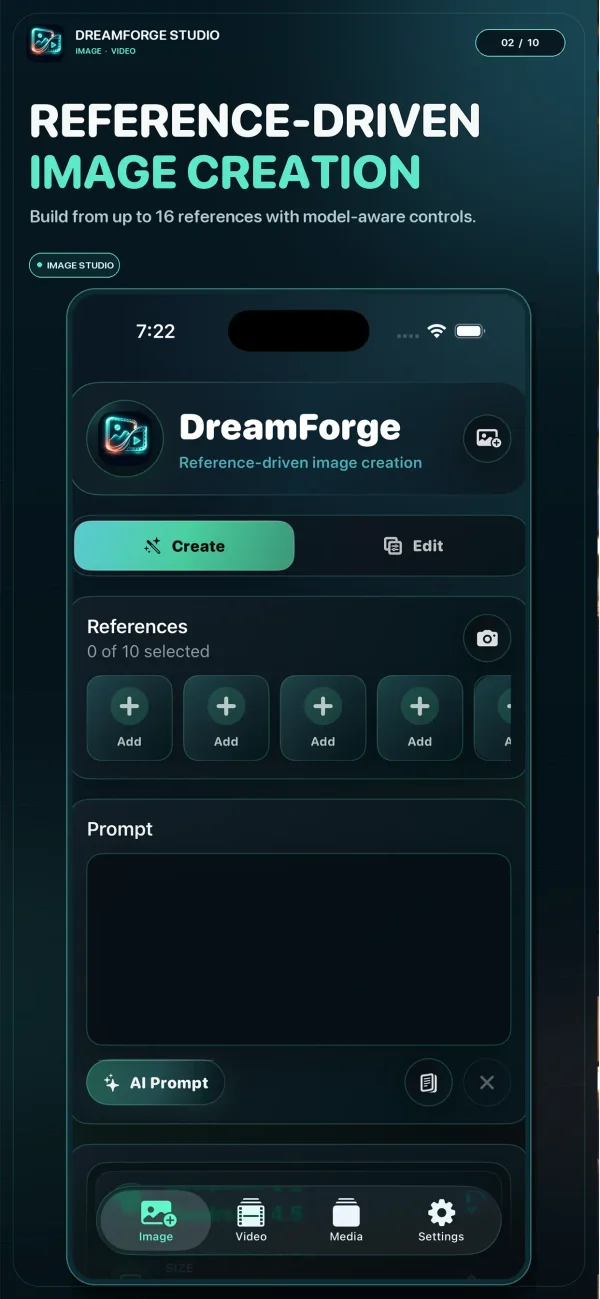
Create polished images from prompts and model-specific references. Choose from nine supported image models, direct the frame with Shot Builder, select flexible sizes and aspect ratios, and generate multiple outputs where supported.
VIDEO CREATION
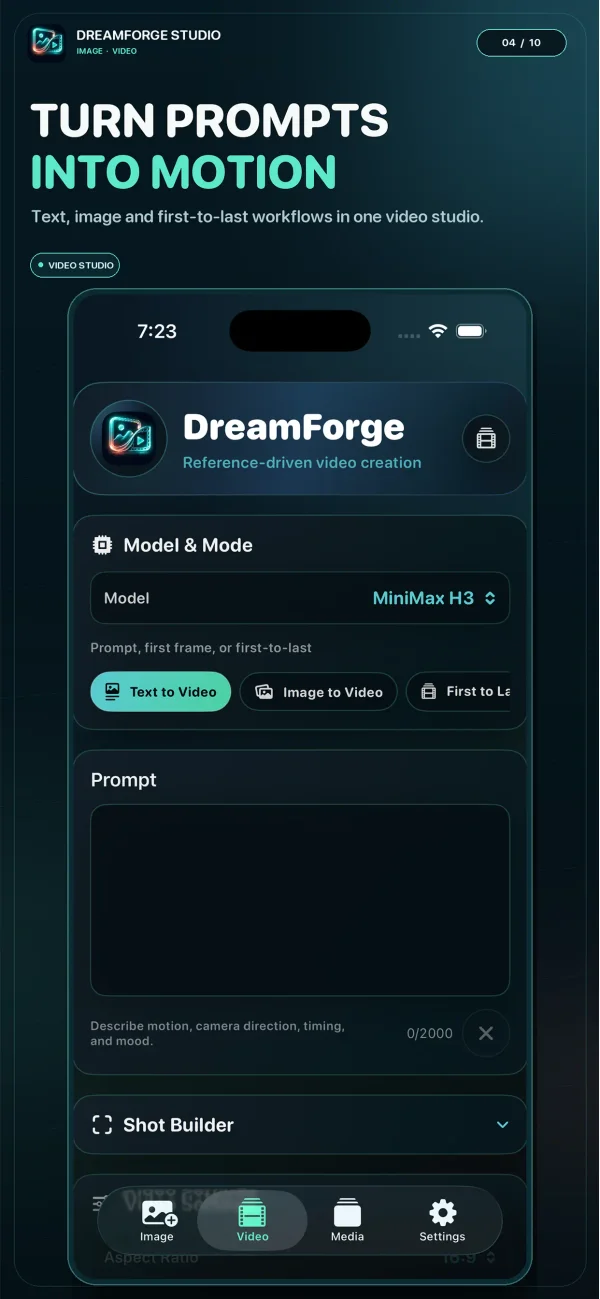
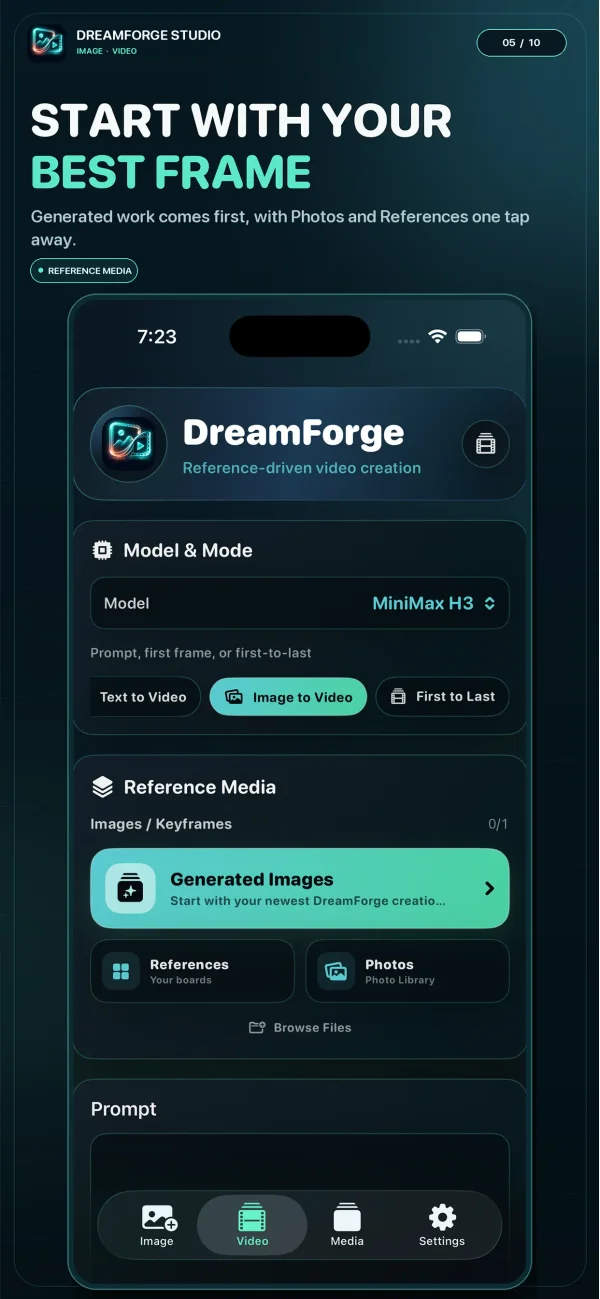
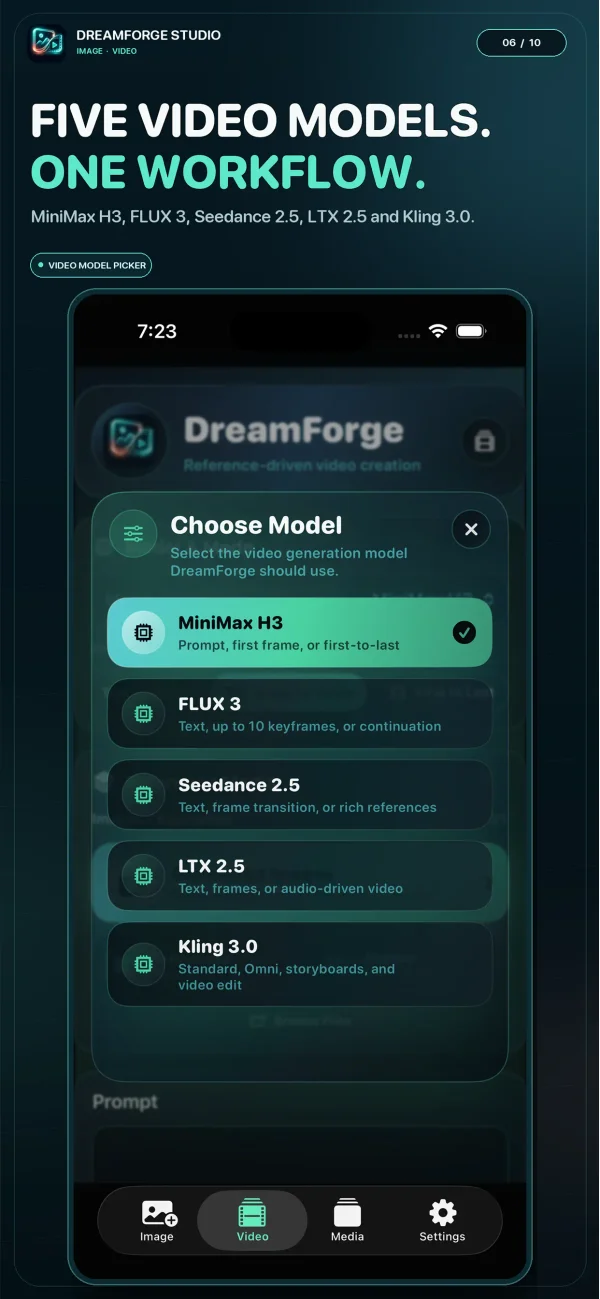
Create cinematic motion from text, generated images, first and last frames, ordered keyframes, reference media, existing video, or audio where supported. DreamForge presents only the modes and controls available for the selected video model.
POWERFUL IMAGE EDITING
Refine creations with GPT Image 2.5, Creative Upscale, Precise Upscale, Relight, Style Transfer, Skin Enhancer, and Remove Background workflows.
MEDIA AND REFERENCES
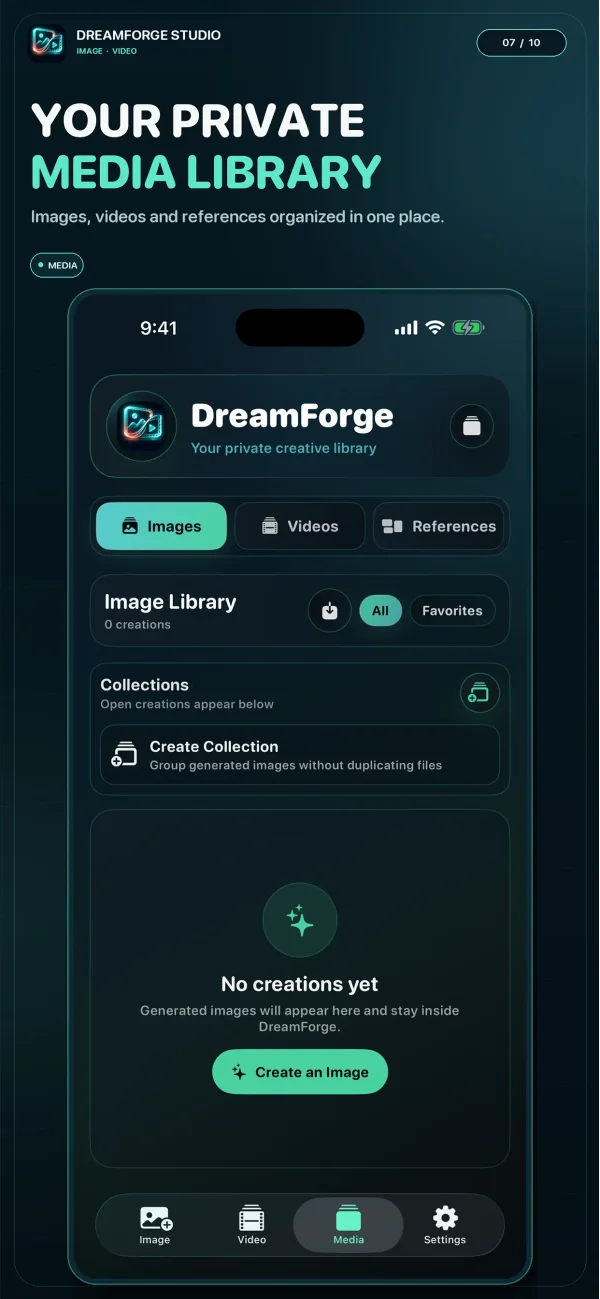
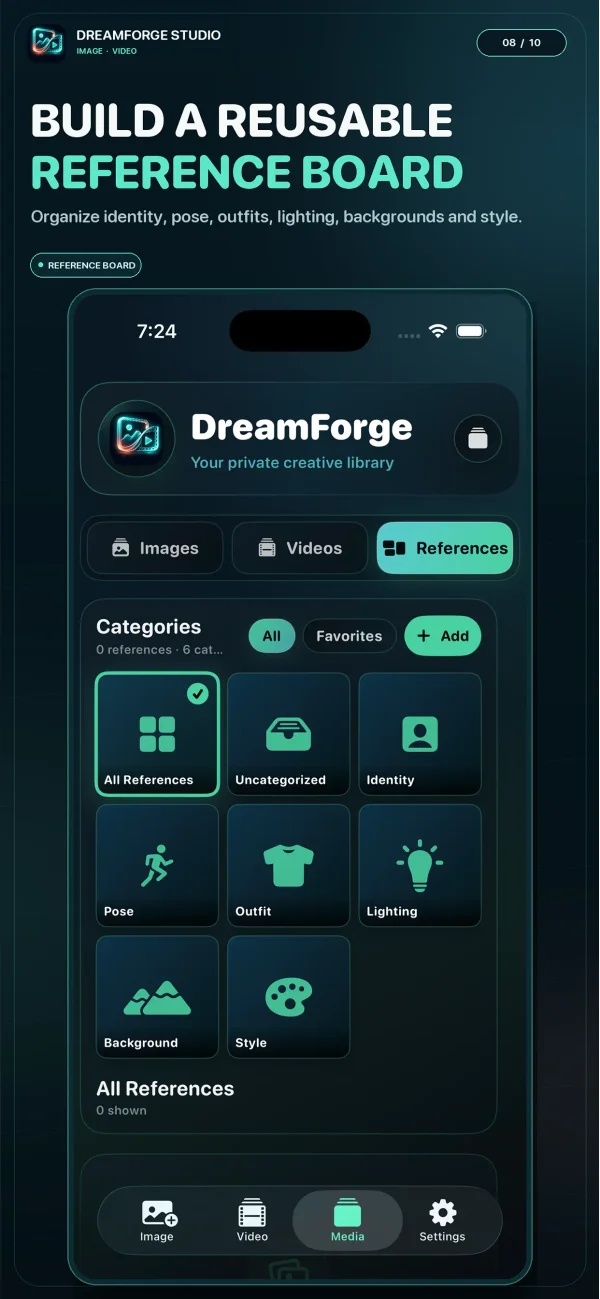
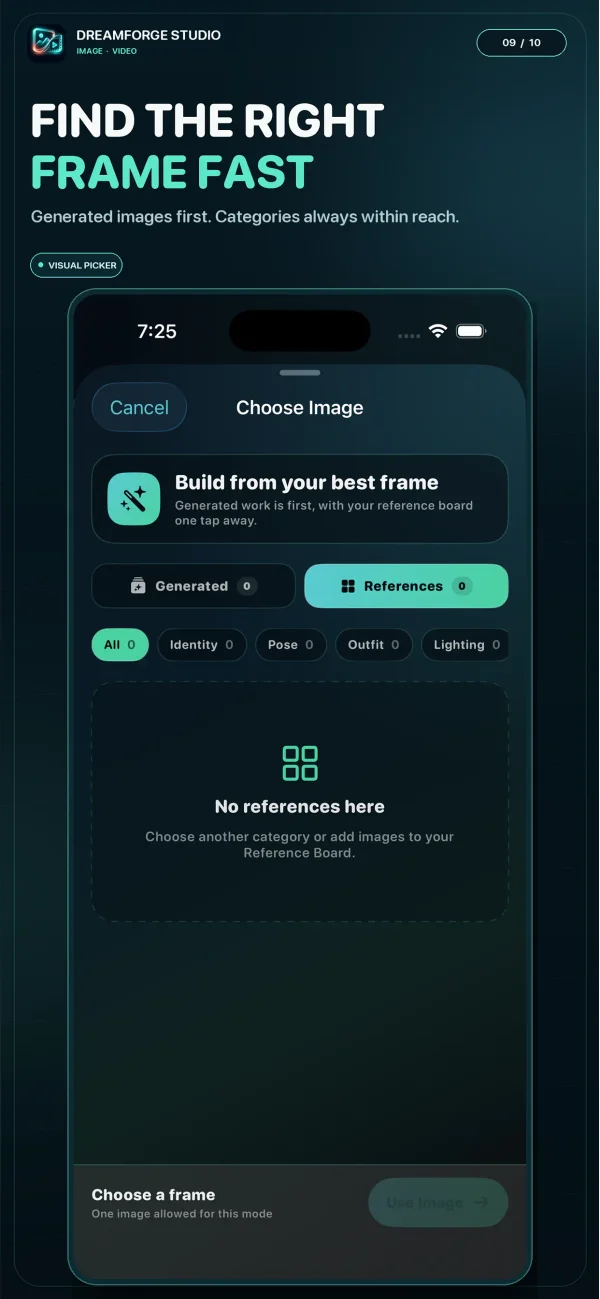
Keep generated images, videos, and reusable references together in a private app-contained library. Build image collections, mark favorites, preview horizontal video in landscape, and organize Reference Boards with visual categories and fast reordering tools.
MODEL-AWARE WORKFLOWS
DreamForge automatically adjusts reference limits, output counts, sizes, resolutions, durations, keyframes, and advanced settings for the selected model and mode.
CLEAR GENERATION COSTS
Connect your Comfy account to view available credits and recent usage. Supported generations show an estimated credit cost before submission. Completed server jobs can also be recovered when they finish after the normal waiting period.
YOUR COMFYUI SERVER
Automatically find ComfyUI on local Wi-Fi, preserve custom ports, enter a server manually, or connect through a private Tailscale or NordVPN Meshnet route. Connection Diagnostics explains exactly which address and port were tested.
DreamForge is a client for a compatible user-configured ComfyUI server; it is not a hosted generation service. Some workflows may require a Comfy account, provider access, or separate usage credits. DreamForge Pro unlocks applicable app features but does not include server hosting, hardware, Comfy credits, or third-party provider charges.
Terms of Use (EULA): https://www.apple.com/legal/internet-services/itunes/dev/stdeula/
Privacy Policy: https://ios.dreamforge-studio.com/privacy.html
Novedades
Versión 2.0 · 24/9/2026
DreamForge Studio 2.0 expands DreamForge from image creation into a complete image and video studio.
• Added video generation with MiniMax H3, FLUX 3, Seedance 2.5, LTX 2.5, and Kling 3.0.
• Added text-to-video, image-to-video, first/last-frame, ordered-keyframe, reference-media, source-video, and audio-driven modes where supported.
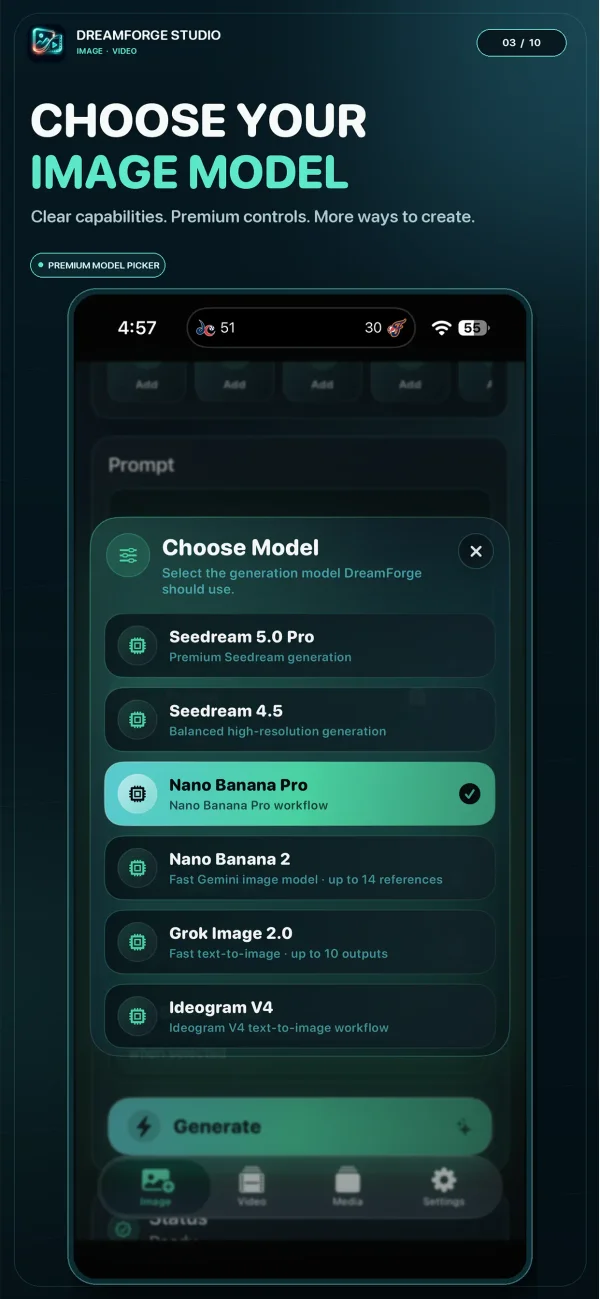
• Added nine upgraded image models with model-specific reference limits, expanded sizes, and multi-image generation.
• Added GPT Image 2.5 and new Creative Upscale, Precise Upscale, Relight, Style Transfer, Skin Enhancer, and Remove Background editing workflows.
• Added Shot Builder controls for framing, camera movement, focus, lens, lighting, pose, and expression.
• Added a unified Media library for generated images, videos, and reusable references.
• Added image collections, favorites, full-screen previews, sharing, saving, metadata, and landscape video playback.
• Added visual Reference Boards with category cover images, favorites, drag-to-reorder, and fast category-moving tools.
• Added a new video reference picker that prioritizes recent DreamForge creations, followed by Reference Boards, Photos, and Files.
• Added full-screen source-image previews before selection.
• Added premium model and settings selectors that clearly explain each available choice.
• Added model-aware controls that automatically adapt reference limits, output counts, aspect ratios, resolutions, durations, and generation modes.
• Added Comfy account and credit status, recent usage, queue status, and estimated generation costs before supported jobs are submitted.
• Added recovery for completed outputs when a server generation finishes after the app's normal waiting period.
• Restored automatic ComfyUI discovery on local Wi-Fi.
• Added custom-port preservation and improved connection diagnostics.
• Added remote server support through user-configured Tailscale and NordVPN Meshnet routes.
• Added improved iPad layouts and full landscape playback for horizontal videos.
• Added interactive keyboard dismissal throughout the app.
• Updated privacy controls and disclosures for server and third-party workflow processing.
• Preserved existing creations, references, collections, favorites, settings, subscription access, and saved credentials for upgrading users.
• Includes reliability, compatibility, and stability improvements throughout the image, video, media, and settings experiences.
Privacidad de la aplicación
Lo que Eventide Labs LLC declara en App Store sobre cómo esta aplicación gestiona los datos.
-
No se recopilan datos
El desarrollador no recopila ningún dato de esta aplicación.
Las prácticas de privacidad pueden variar, por ejemplo, según las funciones que uses o tu edad.
Información
- Vendedor
- Eventide Labs LLC
- Categoría
- Foto y vídeo
- Versión
- 2.0
- Actualizado
- 24/9/2026
- Publicado
- 14/7/2026
- Tamaño
- 16,9 MB
- Requiere
- iOS 26.0 o posterior
- Clasificación por edad
- 4+
- Precio
- Gratis
- Compras en la aplicación
- Sí
- Idiomas
- Inglés
- Copyright
- ©2026 Eventide Labs. All Rights Reserved.
Quizá también te guste
-
 Blur Photo Private Edit StudioFoto y vídeo
-
 Vimora AI ImageFoto y vídeo
-
 HyperEdit – Image EditorFoto y vídeo
-
 AI Studio: Image & Video GenFoto y vídeo
-
 FreeImages.NinjaFoto y vídeo
-
 Editor Fotos IA: Mejorar ImgDesenfocar a HD & Restaurar
-
 LightRoll: Fotos temporalesLimpia y ordena tu carrete
-
 Intro Maker Animated VideosFoto y vídeo
-
 PhotoMe AI - Editor de FotosCrear y Editar Imagenes IA
-
 Picture to Video AI GeneratorFoto y vídeo