
Ecoslip
Scan receipts. Stay on budget.
Diseñada para iPhone, iPod touch
Gratis · Compras en la aplicación
- Clasificación por edad4+
- CategoríaUtilidades
- DesarrolladorRippleit LLC
- IdiomasInglés
- Tamaño43,8 MB
Enlaza a la página oficial de App Store
Download.org no aloja ningún archivo de Ecoslip. El botón abre la página de la aplicación en App Store, donde la publica Rippleit LLC. Ficha comprobada por última vez el 21/11/2026.
Capturas de pantalla
Acerca de
El desarrollador no ha proporcionado este texto en tu idioma.
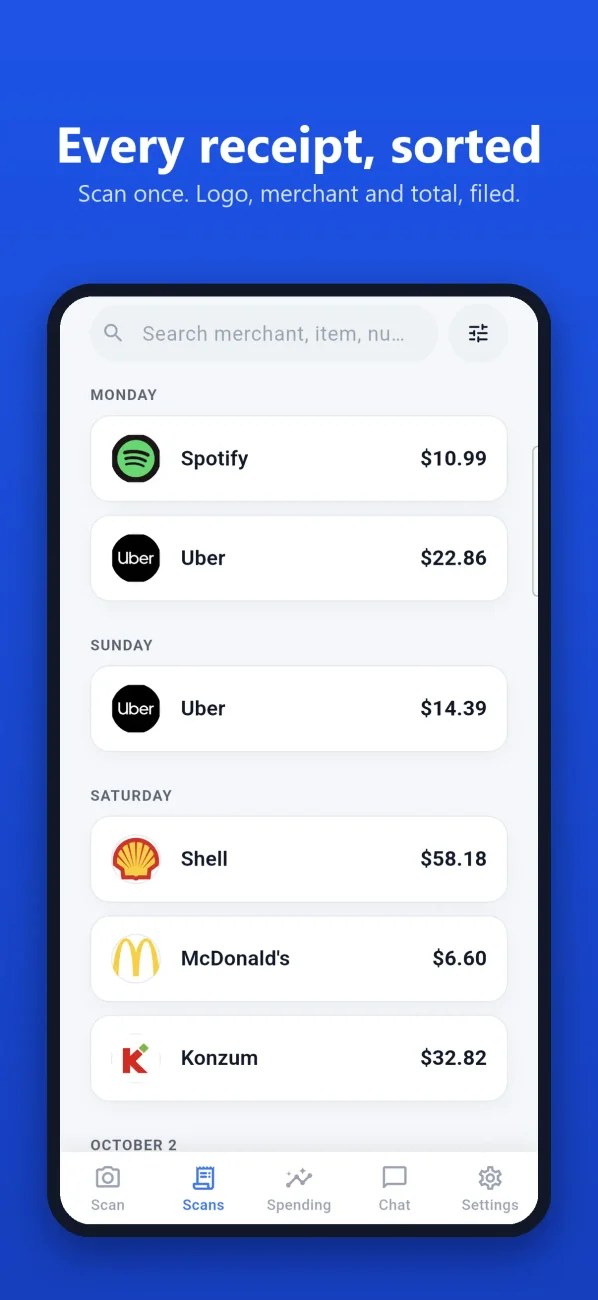
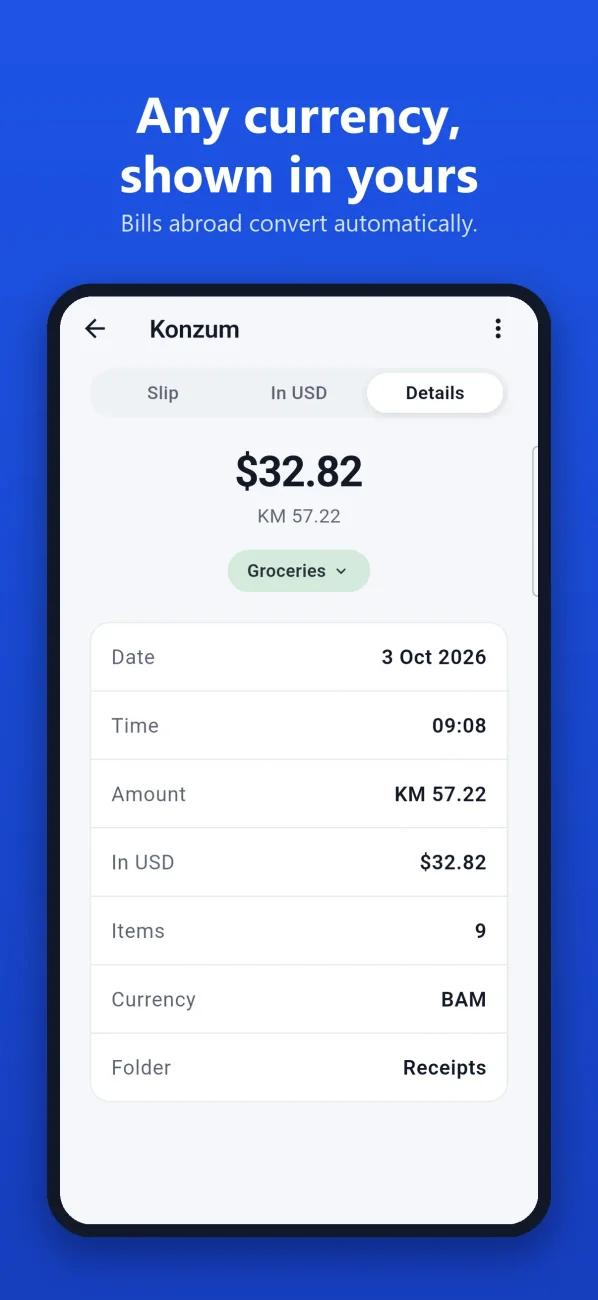
Point Snaptab at any receipt, bill, or invoice. One photo, and every line on it is read for you — merchant, items, totals, tax, even the barcode. Extra-long slip? Capture it in parts and Snaptab merges them into one document.
A BUDGET YOU CAN SEE
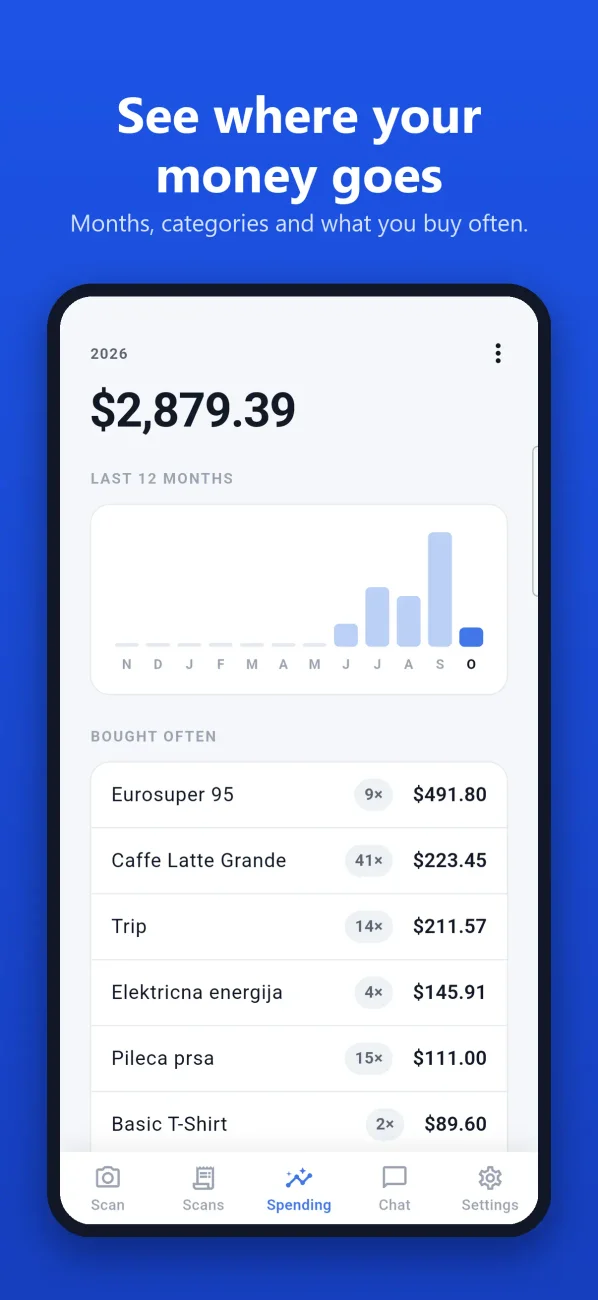
Set a monthly budget, and one for each category you care about. The home screen shows what is left this month at a glance, built only from your own receipts.
BUDGET WITH A PARTNER
Connect two accounts with a code and share one budget. Each person's spending shows in its own colour, and you can be told when your partner buys something. Your partner sees amounts and categories — never your receipts, shops or items.
A BUDGET COACH
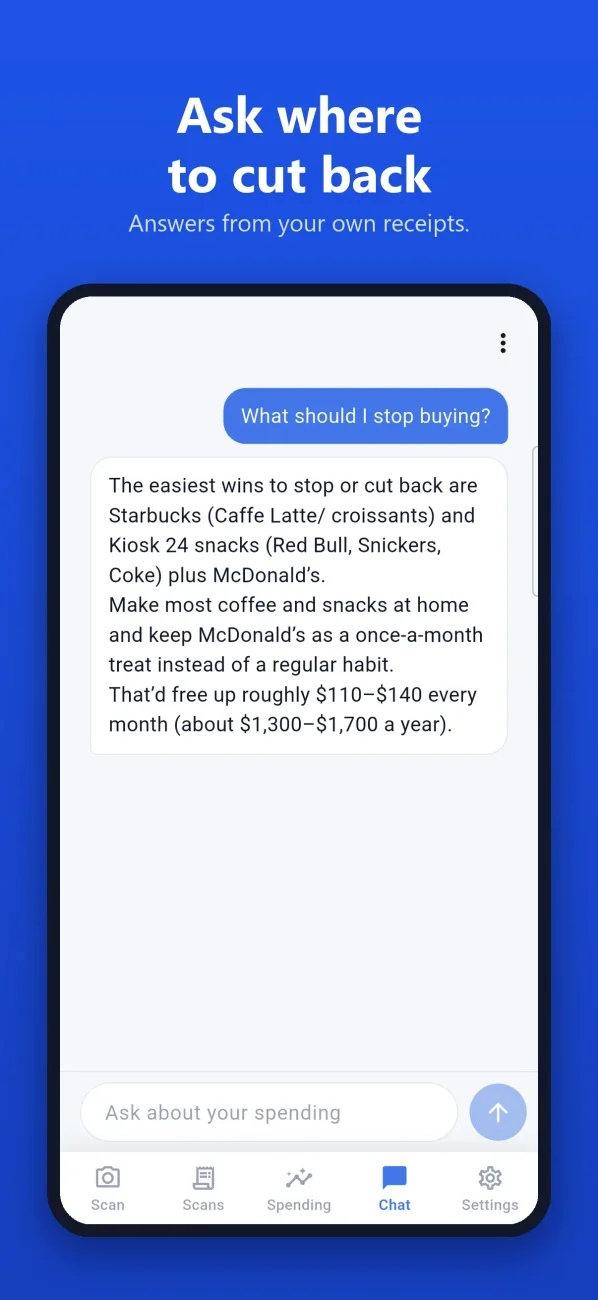
Not sure where to start? The assistant asks about your income, goals and regular costs, looks at your real spending, and proposes a budget you can apply with one tap.
ASK ABOUT YOUR SPENDING
"How much did I spend on groceries this month?" Ask in plain language and get an answer from your own receipts.
KEEP EVERY RECEIPT, READABLY
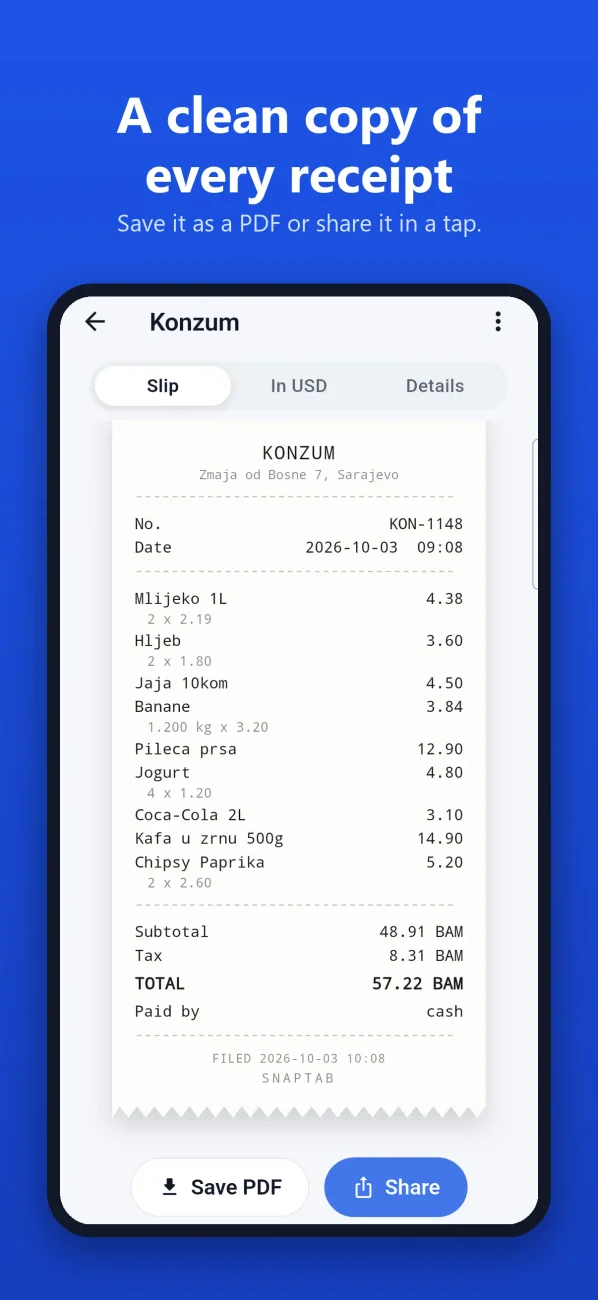
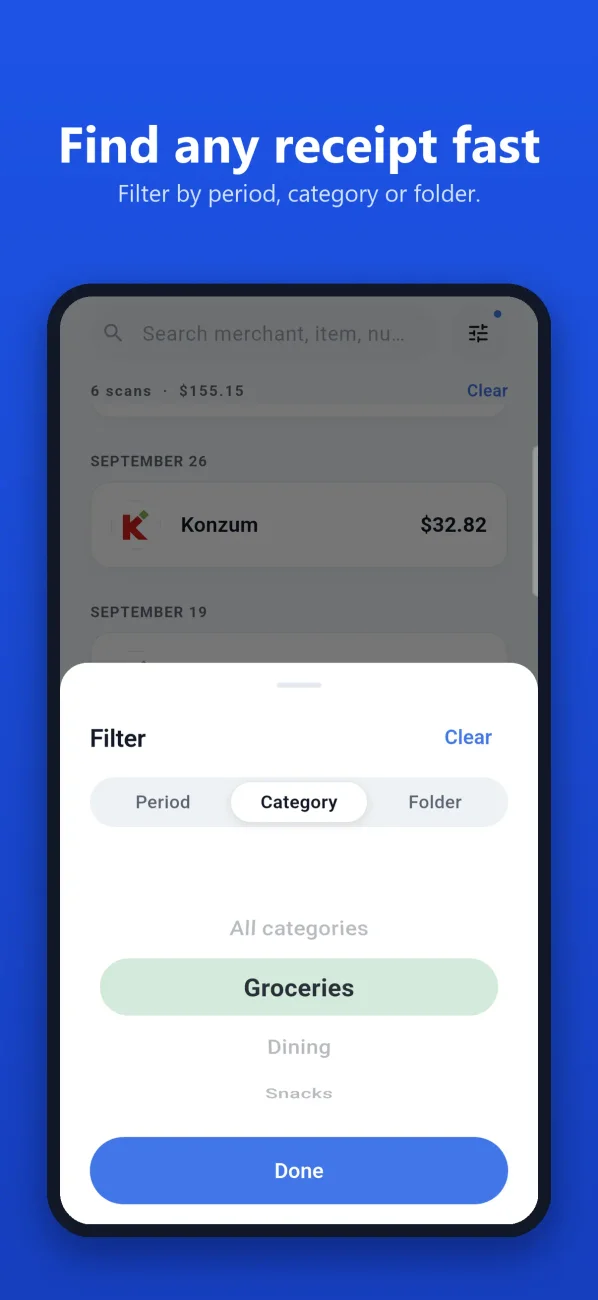
Thermal paper fades. Every scan becomes a clean digital slip, searchable by merchant, item, invoice number, or amount — and exportable as a PDF.
FILE IT WHERE YOU WORK
Folders sort your scans — groceries, fuel, business travel — and can write each scan straight into a Google Sheet as tidy rows, with the columns you chose. Select several scans at once to send or delete together.
YOURS TO TAKE
Download your archive as a ZIP: digitized slip PDFs and a summary spreadsheet. Your documents follow your account to any phone — and leave with you whenever you want.
HONEST BY DESIGN
If a photo isn't a receipt, or is too blurry to trust, Snaptab says so instead of inventing numbers — and it doesn't cost you a scan.
HELPFUL, NOT NOISY
Optional notifications when a budget is nearly used, plus a short weekly summary.
YOUR DATA, YOUR CALL
No ads. No selling data. Receipt photos are read and then discarded. Delete any scan, or your whole account, right from Settings.
IN YOUR LANGUAGE
English, Arabic, French, Japanese and Russian.
Free to try: every feature is included, with 15 scans and 15 assistant answers. Premium: 150 scans and 300 assistant answers a month, and unlimited folders.
Privacy Policy: https://rippleit-co.com/snaptab/privacy
Terms of Use (EULA): https://www.apple.com/legal/internet-services/itunes/dev/stdeula/
Novedades
Versión 1.10.0 · 19/10/2026
Snaptab is now Ecoslip: same app, same account, new name.
Privacidad de la aplicación
Lo que Rippleit LLC declara en App Store sobre cómo esta aplicación gestiona los datos.
-
Datos vinculados a ti
Pueden recopilarse y vincularse a tu identidad.
- Compras
- Información financiera
- Información de contacto
- Contenido del usuario
- Identificadores
Las prácticas de privacidad pueden variar, por ejemplo, según las funciones que uses o tu edad.
Información
- Vendedor
- RIPPLEIT LLC
- Categoría
- Utilidades
- Versión
- 1.10.0
- Actualizado
- 19/10/2026
- Publicado
- 24/9/2026
- Tamaño
- 43,8 MB
- Requiere
- iOS 15.0 o posterior
- Clasificación por edad
- 4+
- Precio
- Gratis
- Compras en la aplicación
- Sí
- Idiomas
- Inglés
- Copyright
- © 2026 RippleIT LLC
Quizá también te guste
-
 FastestPass - Password ManagerUtilidades
-
 Reloj mundial - OrbitimeConversor de zonas horarias
-
 Smart ICTPUtilidades
-
 FollowPeek: Quién ve mi perfilUnfollowers y Stalker Reports
-
 Passport Reader - NFC PassportUtilidades
-
 Air Printer: Smart PDF ScannerUtilidades
-
 NFC Tools: Tag Reader & WriterUtilidades
-
 Toshiba TV Remote-TV&ProjectorUtilidades
-
 AI Call traductor de llamadasLlamadas, chat, video, en vivo
-
 Guía Configuración TeléfonoGuía y Asistente de Ajustes