Fast Reminders: Quick Add
Type it. It's in Reminders.
Diseñada para iPhone, iPad
Gratis · Compras en la aplicación
- Clasificación por edad4+
- CategoríaProductividad
- DesarrolladorHaakon Hoel Bakker
- IdiomasInglés+ 1 más
- Tamaño8,9 MB
Enlaza a la página oficial de App Store
Download.org no aloja ningún archivo de Fast Reminders: Quick Add. El botón abre la página de la aplicación en App Store, donde la publica Haakon Hoel Bakker. Ficha comprobada por última vez el 23/11/2026.
Capturas de pantalla



Acerca de
El desarrollador no ha proporcionado este texto en tu idioma.
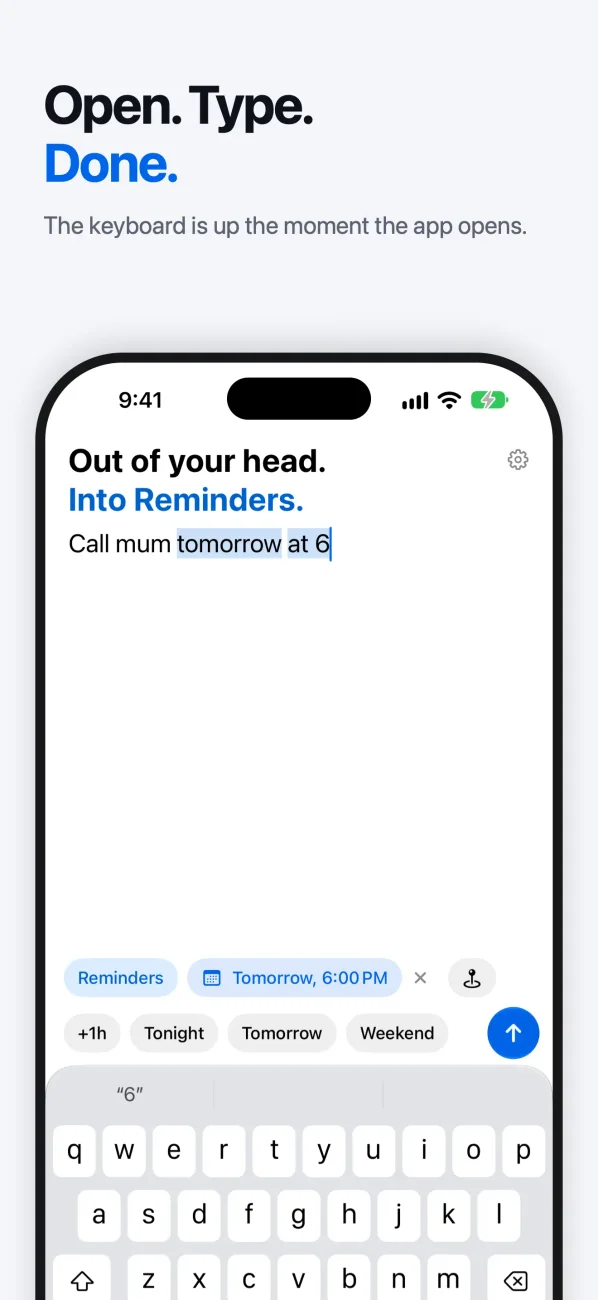
Open. Type. Done.
Fast Reminders is the quickest way to get a thought into Apple Reminders. The keyboard is up the moment the app opens. Type the way you talk, tap Add, and the field is ready for the next one.
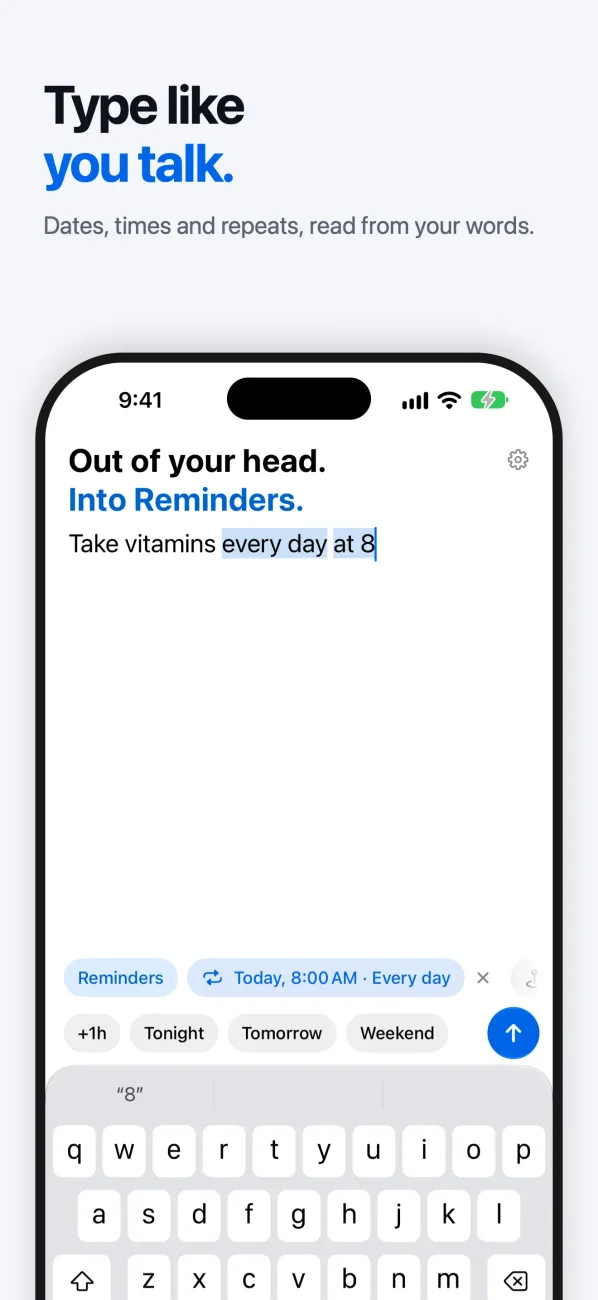
TYPE THE WAY YOU TALK
• “Call John tomorrow at 10”
• “Pay the electricity bill on Friday”
• “Send the report in 2 hours”
• “Take vitamins every day at 8”
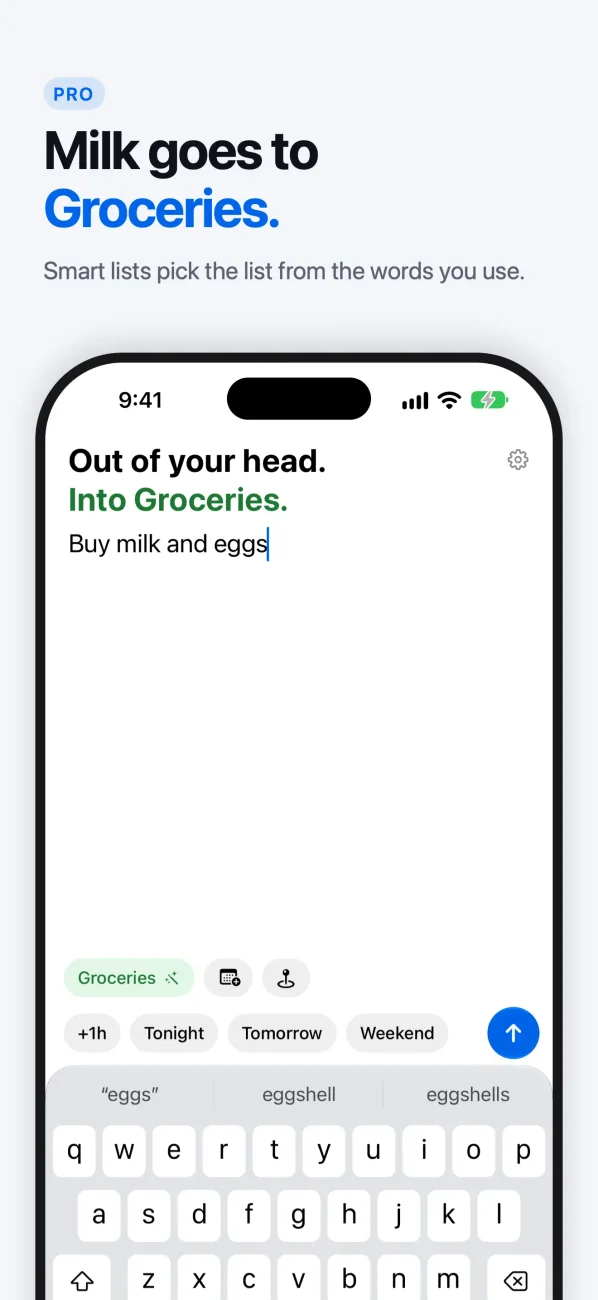
• “Buy milk #groceries”
• Norwegian too: “Ring tannlegen i morgen kl. 9”
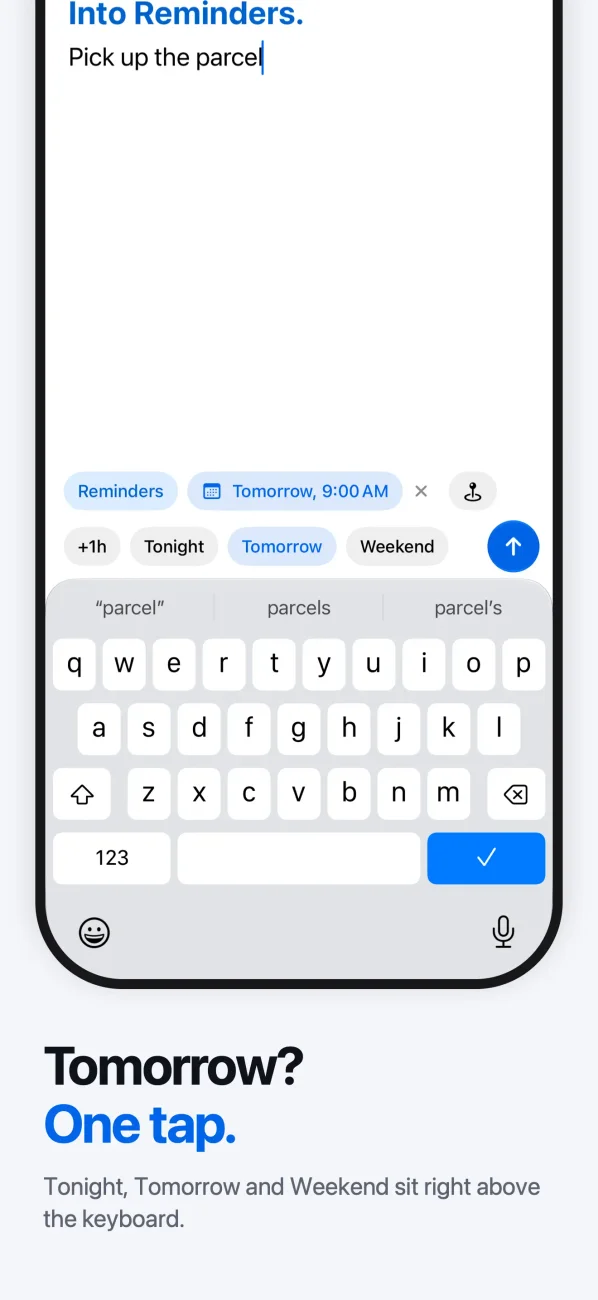
Recognized words are highlighted as you type and shown as chips above the keyboard, so you always see what will be saved. Misunderstood? Tap the × and the words go back into your reminder.
BUILT FOR ONE HAND
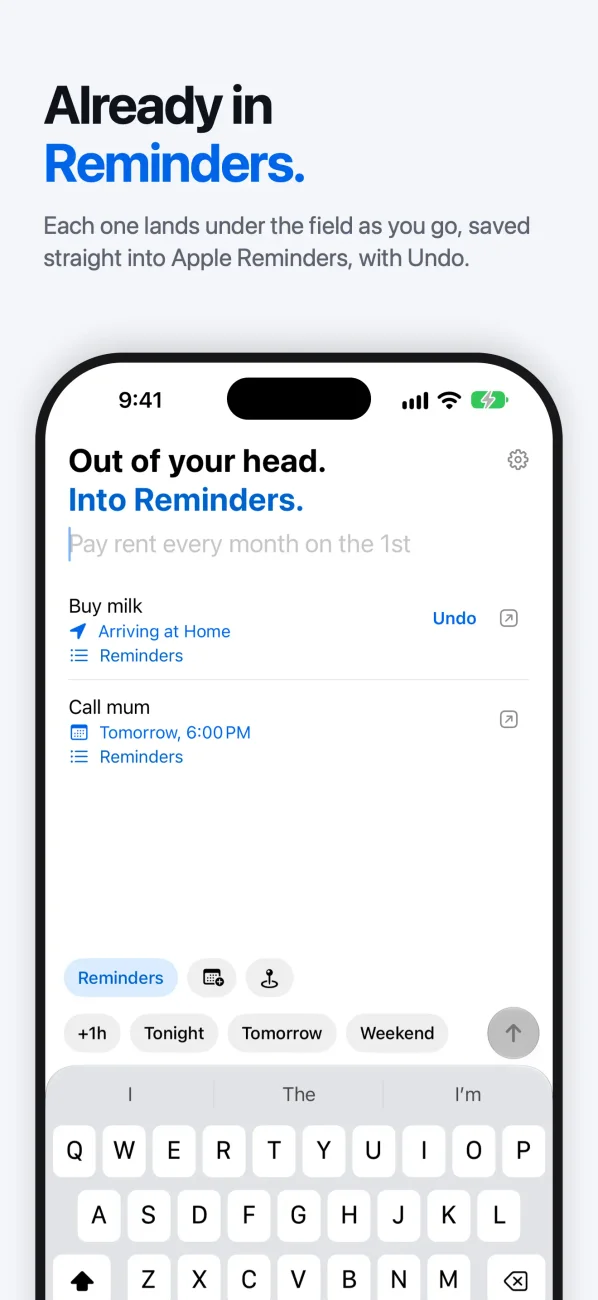
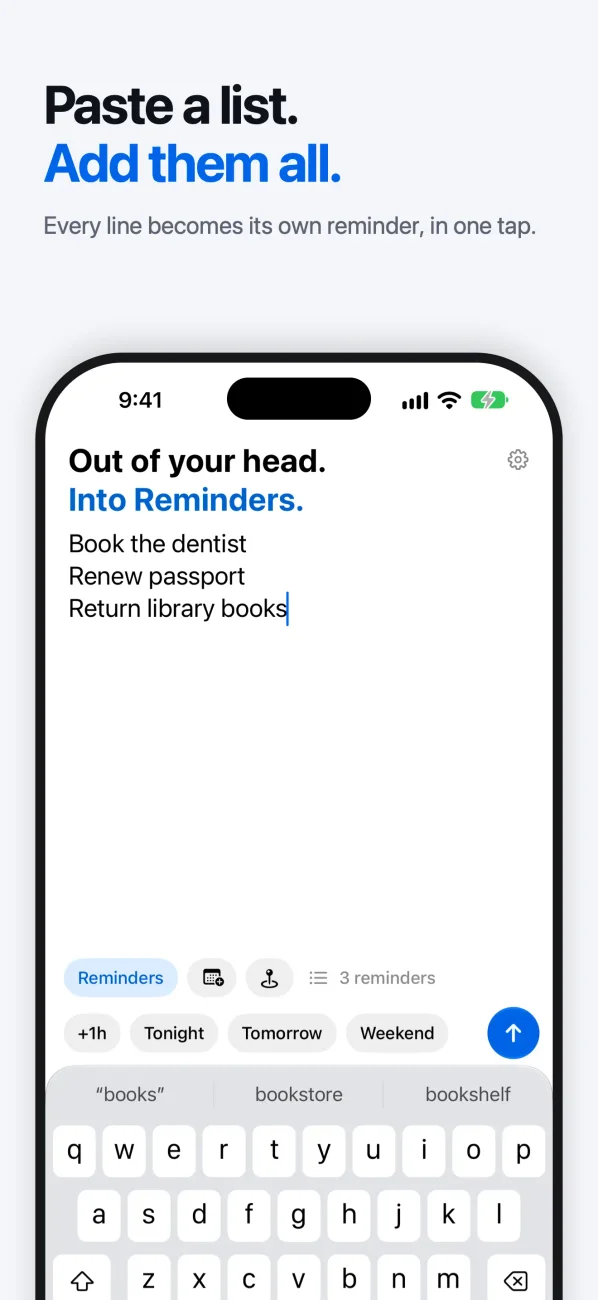
Scheduling buttons such as Tonight, Tomorrow and Weekend sit right above the keyboard. Choose a list with one tap. Add, and keep going: the keyboard stays up for your next thought. Paste several lines to add them all at once.
APPLE REMINDERS STAYS IN CHARGE
Reminders are saved straight into your existing lists, with dates, alerts, repeats and priorities, and they sync wherever Reminders does. There's no account, no server and no separate database.
OPEN IT FROM ANYWHERE
Use the Action Button, Control Center, the Lock Screen, Home Screen widgets, Spotlight, Siri and Shortcuts. “Add Reminder” also works from Shortcuts without opening the app.
FREE, WITH OPTIONAL PRO
Everything above is free. A one-time Pro purchase lets you choose your own quick buttons and set up smart lists that route reminders automatically.
Novedades
Versión 1.6.1 · 17/11/2026
• The Add button now takes the color of the list your reminder is going to, just like the list button beside it.
• iPhone works on its side: turn it to landscape and keep typing, with everything in one bar above the keyboard.
On iPad, 1.6 made Fast Reminders a real iPad app, with keyboard shortcuts, popovers, and trackpad and Apple Pencil support.
Privacidad de la aplicación
Lo que Haakon Hoel Bakker declara en App Store sobre cómo esta aplicación gestiona los datos.
-
No se recopilan datos
El desarrollador no recopila ningún dato de esta aplicación.
Las prácticas de privacidad pueden variar, por ejemplo, según las funciones que uses o tu edad.
Información
- Vendedor
- Haakon Hoel Bakker
- Categoría
- Productividad
- Versión
- 1.6.1
- Actualizado
- 17/11/2026
- Publicado
- 27/10/2026
- Tamaño
- 8,9 MB
- Requiere
- iOS 26.0 o posterior
- Clasificación por edad
- 4+
- Precio
- Gratis
- Compras en la aplicación
- Sí
- Idiomas
- Inglés, Noruego bokmål
- Copyright
- © 2026 Bakker Technologies