
Flashcard Lab
Google Sheets -> Flashcards
Diseñada para iPhone, iPod touch
Gratis · Compras en la aplicación
- Clasificación por edad4+
- CategoríaEducación
- DesarrolladorTidis Ventures LLC
- IdiomasInglés
- Tamaño34,5 MB
Enlaza a la página oficial de App Store
Download.org no aloja ningún archivo de Flashcard Lab. El botón abre la página de la aplicación en App Store, donde la publica Tidis Ventures LLC. Ficha comprobada por última vez el 14/11/2026.
Capturas de pantalla

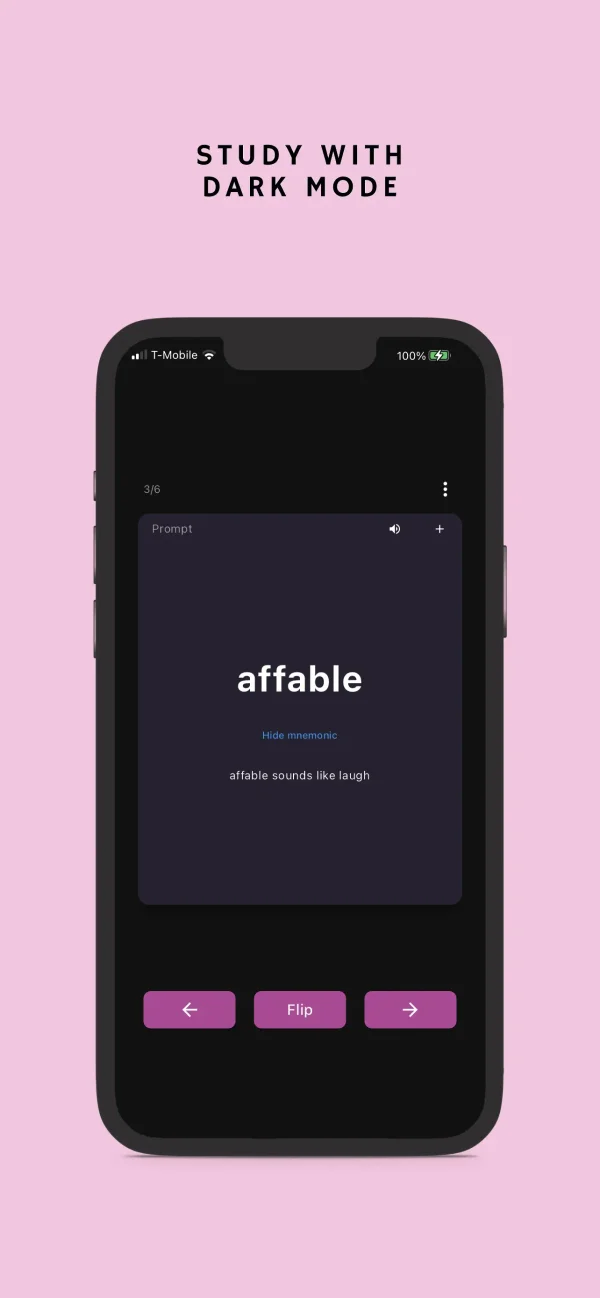
Acerca de
El desarrollador no ha proporcionado este texto en tu idioma.
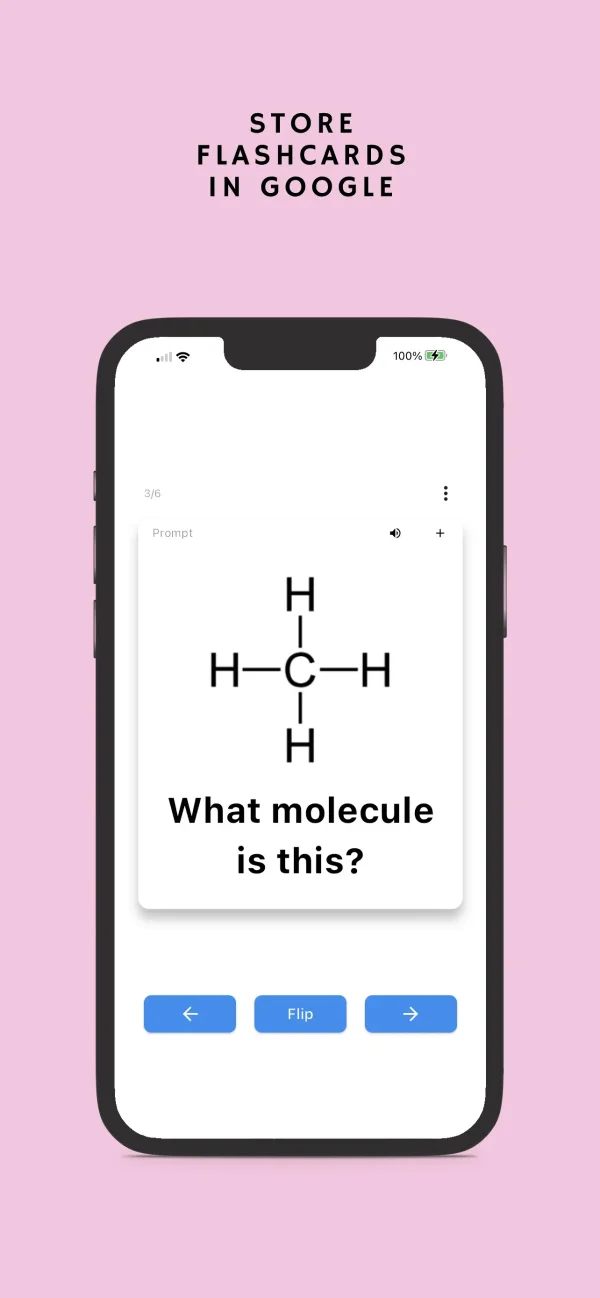
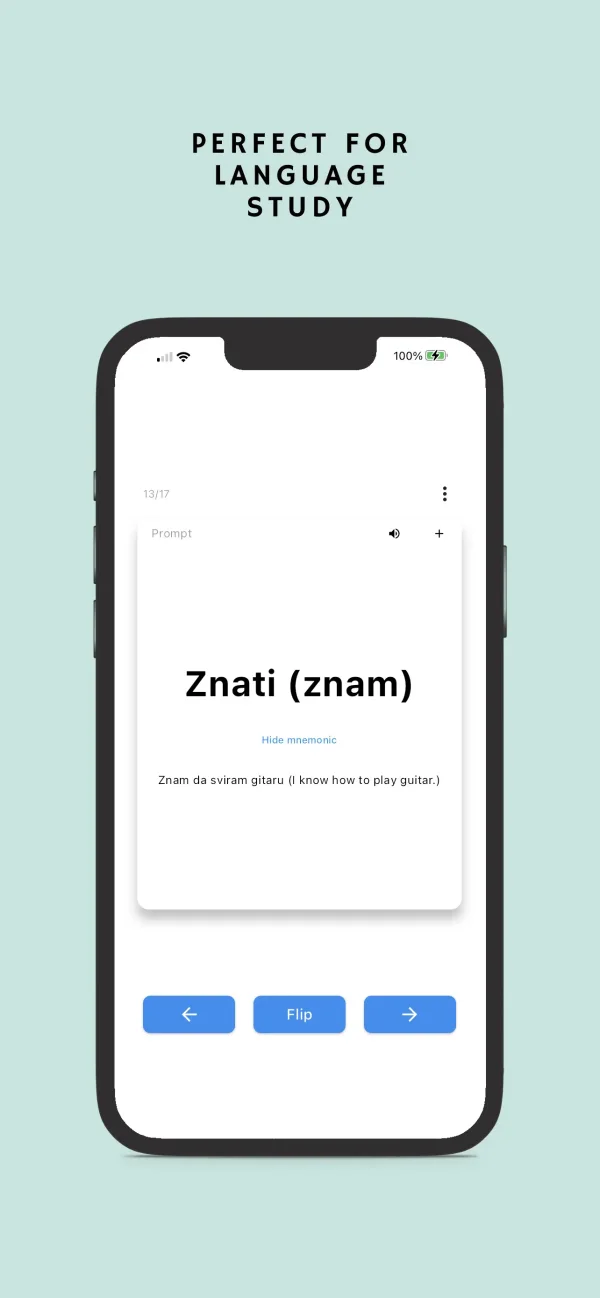
The Flashcard Lab app turns your Google Sheets™ into flashcards to help you study anything from graduate entrance exams to new languages using randomized, customizable virtual flashcards. You can use Flashcard Lab to study for anything from the GREs, SATs, MCATs, GMATs, to new languages like Spanish and Korean.
**How To Use:**
Google Sheets:
First, create a new spreadsheet in the Flashcard Lab mobile app. Use your computer or phone and list your "prompts" (front of the card) in the first column, "answers" (or whatever you want on the "back of the card") in the second column. Optionally, You can also populate the 3rd and 4th columns with synonyms and mnemonics respectively. The first row of the sheet is always the headers. This row is omitted.
Then, open up the Flashcard Lab mobile app, sign in with your Google™ account, select the spreadsheet you just made, and start reviewing!
**Core Features:**
- Study with randomized virtual flashcard testing using Google Sheets™
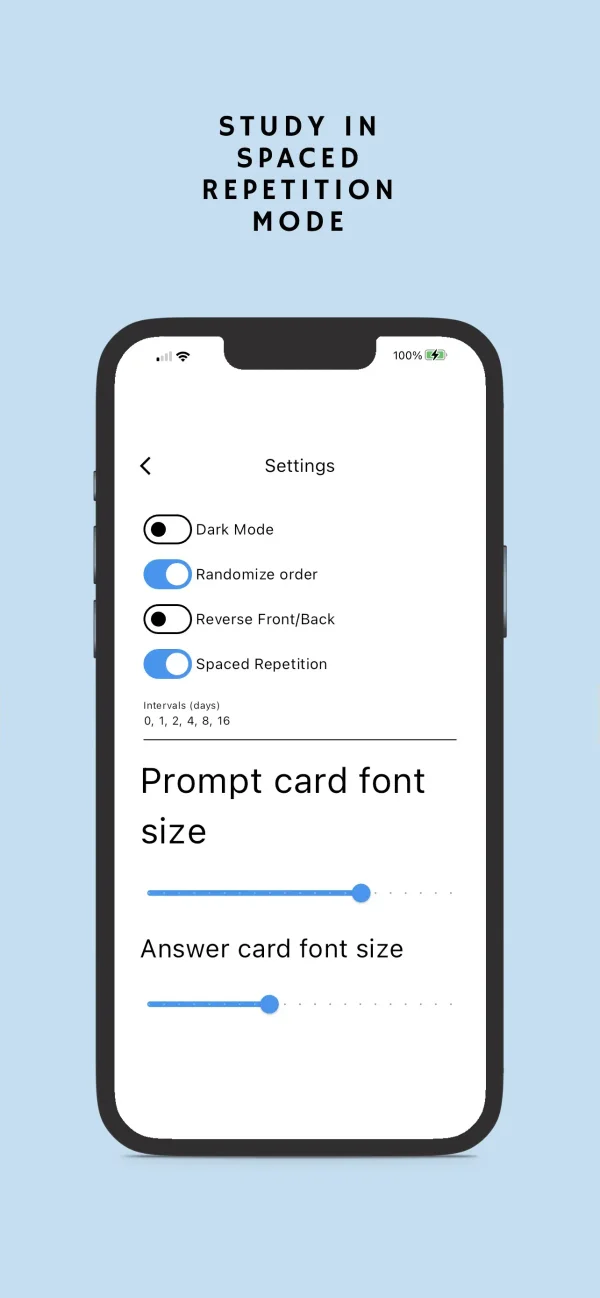
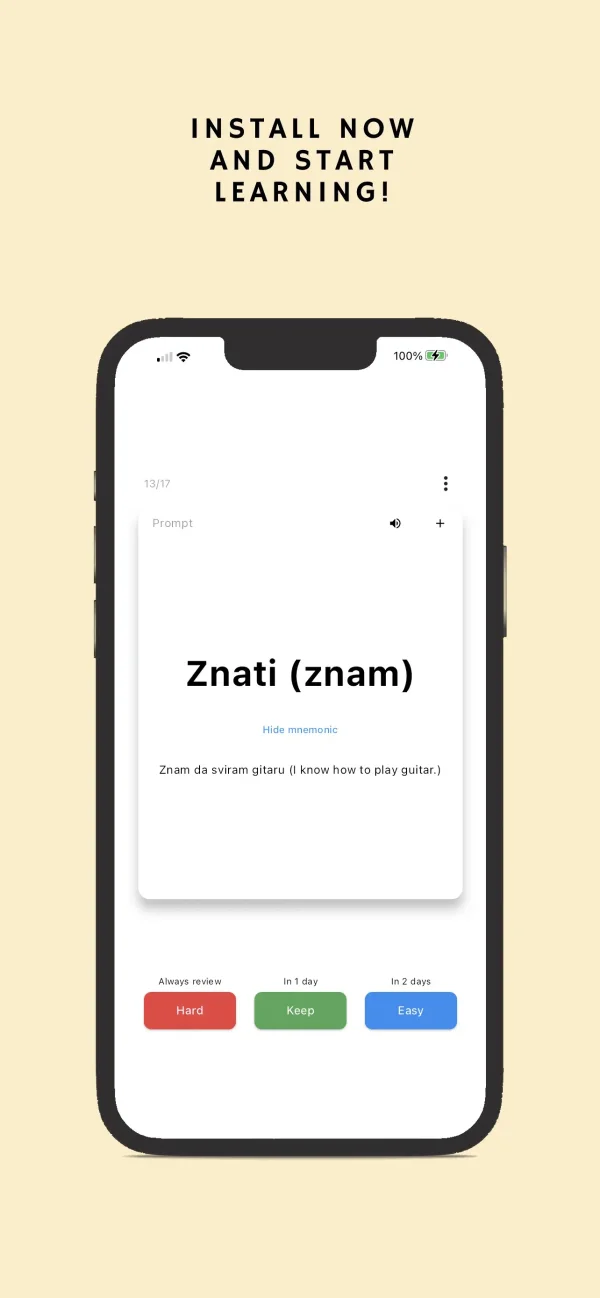
- Spaced repetition study mode (much easier to use than Anki)
- Reverse flashcard study mode (Answer/Prompt)
- Audio hyperlinked prompts/answers
- See your test results to track your progress
- English pronunciation
- Create and add your own custom lists
- Add words to a "Forgotten Words" list for re-testing
- Add synonyms and mnemonics to help memorization
- Super easy to use interface
Additional features with the Flashcard Lab Google Sheets™ add-on:
- Add images to flashcards for reviewing
- Print out physical flashcards to Google Docs™
- Audio pronunciation with various language support
- Play and test audio links for prompts and answers
Free Flashcard Lab Google Sheets™ add-on: https://workspace.google.com/marketplace/app/flashcard_lab/934660656831
Free Chrome Extension: https://chrome.google.com/webstore/detail/flashcard-lab/fomgbfkcdcnconmkcppfhakhoagmndkp
**Pricing:**
Use of the Flashcard Lab add-on is completely free but premium features require a one time payment. Click on the "Upgrade to Pro" button to check the pricing of the add-on and what comes with the premium version!
For non-profit organizations and teachers: discount offered for bulk purchases. Email support@flashcardlab.co for more information.
For more information, please visit https://flashcardlab.co
**Change log:**
4/3/2025: Improve UIUX, bug fixes
3/26/2025: Improve UIUX for larger screens, add audio hyperlink feature for audio testing (prompt & answer), improve analytics
2/24/2025: Fix purchase button position, improve load speed
11/23/2024: Support images on the back of cards
9/9/2024: Improve backend communication
8/29/2024: Sunset Notion integration functionality :(
3/19/2024: Settings update (toggle randomization, text alignment)
3/11/2024: Implement English pronunciation, small UIUX improvements
2/27/2024: Dark mode and Notion page empty row bug fix
2/14/2024: Minor bug fixes
2/7/2024: Improve syncing with Flashcard Lab Google Sheets add-on
1/20/2024: Google permissions updates (less access required)
1/7/2024: Integrate with Notion
12/16/2023: Fix minor bug for reading numbers from sheets.
10/31/2023: Initial publish
Novedades
Versión 2.7.1 · 5/5/2026
Updated support email, subtext font size is now adjustable, added cell style to color flashcards
Privacidad de la aplicación
Lo que Tidis Ventures LLC declara en App Store sobre cómo esta aplicación gestiona los datos.
-
Datos no vinculados a ti
Pueden recopilarse, pero no se vinculan a tu identidad.
- Información de contacto
- Identificadores
- Datos de uso
- Diagnóstico
Las prácticas de privacidad pueden variar, por ejemplo, según las funciones que uses o tu edad.
Información
- Vendedor
- Tidis Ventures LLC
- Categoría
- Educación
- Versión
- 2.7.1
- Actualizado
- 5/5/2026
- Publicado
- 4/11/2023
- Tamaño
- 34,5 MB
- Requiere
- iOS 15.0 o posterior
- Clasificación por edad
- 4+
- Precio
- Gratis
- Compras en la aplicación
- Sí
- Idiomas
- Inglés
- Copyright
- © 2026 Tidis Ventures LLC
Quizá también te guste
-
 NeuraCache: Spaced RepetitionEducación
-
 Flashcards DIY: AI Quiz MakerEducación
-
 Flashcards Deluxe LiteEducación
-
 Cramly - crea flashcards!Aprende con quizzes de IA
-
 Flashcard MaxEducación
-
 Flashcards y Tarjetas: StuditEstudiar, Repetición Espaciada
-
 Flashcards +++Educación
-
 Repeet - Language FlashcardsEducación
-
 Smart Flashcard: Tarjetas IAAprender Idiomas Fácilmente
-
 OutLearn: Tarjetas y estudioRepaso espaciado, IA y LaTeX