
Folder Note and String Counter
Text to Speech and Writing Pad
Diseñada para iPhone, iPad
Compras en la aplicación
- Clasificación por edad17+
- CategoríaProductividad
- DesarrolladorNilCraft Inc.
- IdiomasInglés+ 4 más
- Tamaño173,1 MB
Es posible que Folder Note and String Counter no esté disponible en App Store en este momento
No se pudo acceder a la ficha de la tienda en nuestra última comprobación. El enlace sigue llevando a la página oficial de App Store.
Capturas de pantalla


Acerca de
El desarrollador no ha proporcionado este texto en tu idioma.
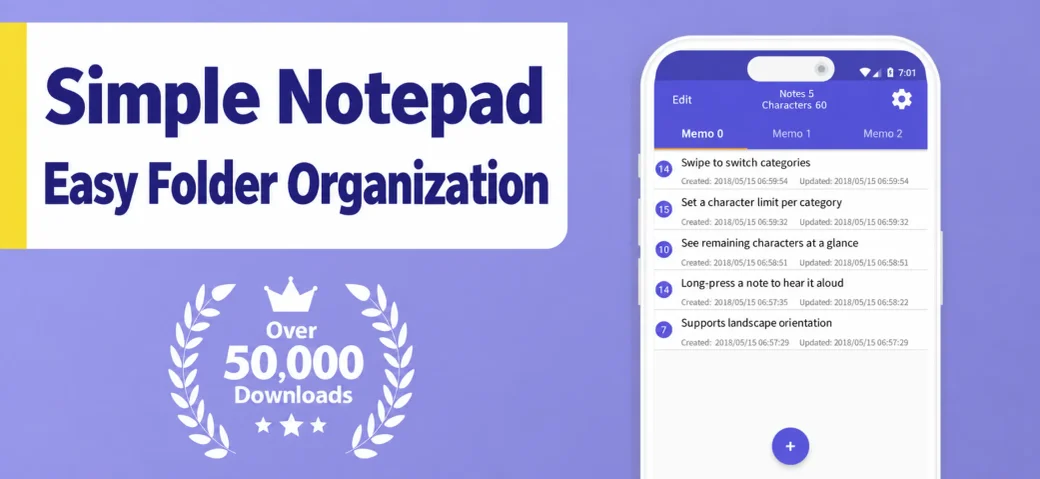
This is a simple notepad that can be easily divided into folders.
You can set the maximum number of characters in a folder, so you can see the difference in the number of characters you can enter.
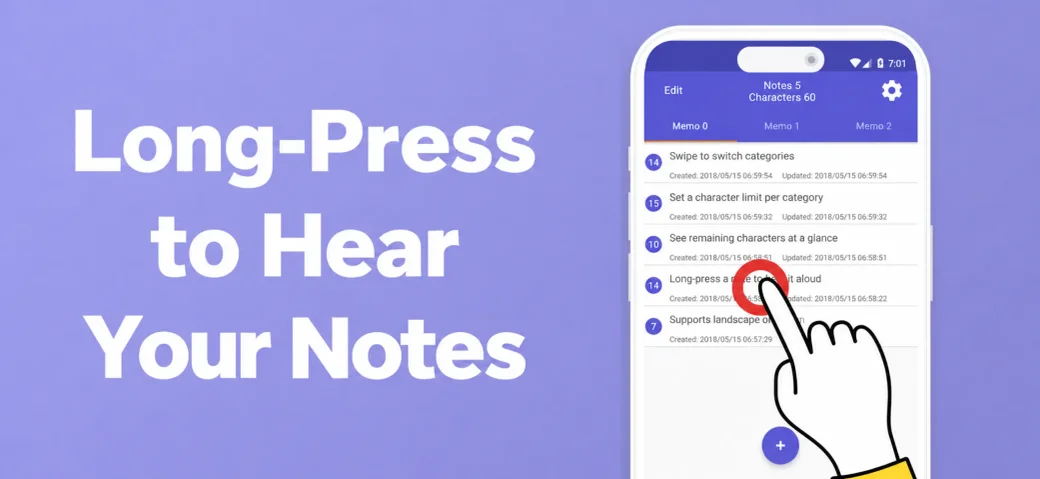
You can read out the text by pressing and holding the data displayed in the list, or by double tapping the specified position on the input screen. If you read out the text on the input screen, you can check the position where the text is being read out.
Functions
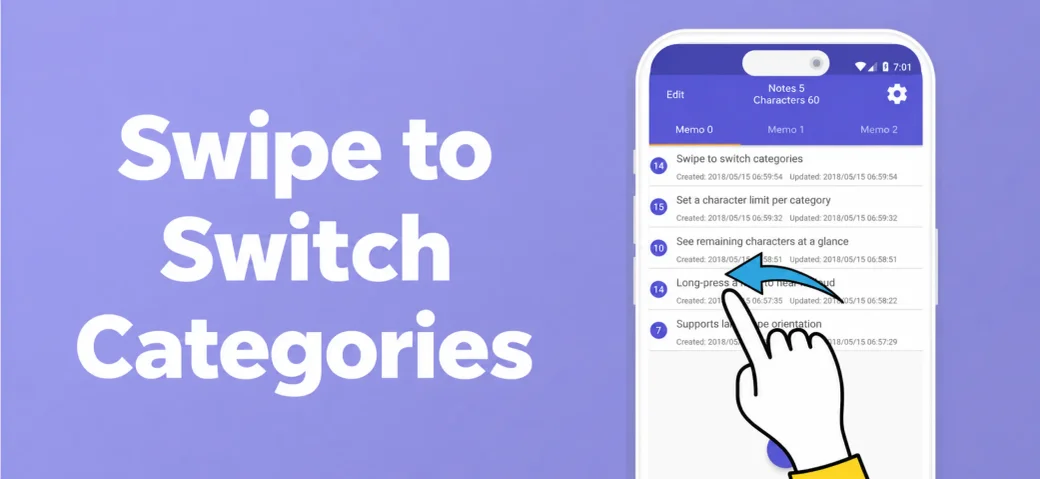
Swipe to switch folders.
Maximum number of characters per folder can be set. Character count difference display.
The total number of characters is displayed for each folder.
Memo is read out loud by long push of the list.
Support for horizontal screen display.
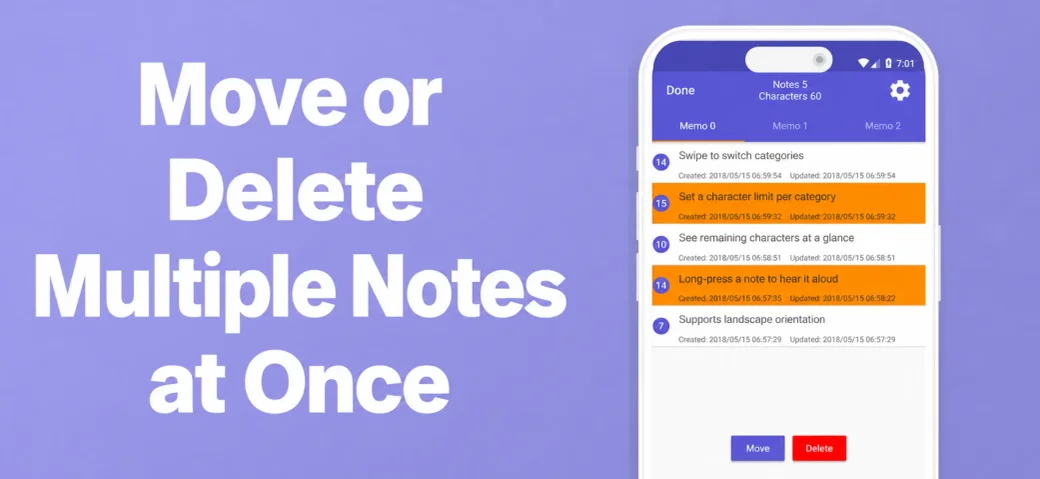
The deletion of the memo at once and the movement of the category are possible.
The size, color, and style of the font of the input screen can be changed.
The background color of the input screen can be changed.
Open the browser immediately from the input screen.
You can open the browser right from the input screen, or close the keyboard after entering a link.
Peek and Pop support (3DTouch compatible devices only)
Memo character count, copy, and share functions.
Data backup with iCloud.
Changeable theme color.
Adjustable speed of text-to-speech.
Looped playback of text-to-speech.
Text search in memo.
The title of the memo is possible.
It is recommended for those who want to make memos in folders.
Please use it.
Also, if you have any requests or problems, please let us know from the review or settings screen. We will consider and respond at any time.
We look forward to working with you.
Restore when changing phones
When you change your phone model, you can restore the previously purchased paid version for free. (Please log in to iTunes on your iPhone or iPad with the same AppleID as when you purchased the app.
Confirmation and cancellation
Select "Recommended" at the bottom of the AppStore app-> Select Apple ID-> Select "Show Apple ID" -> Select from "Manage" in the subscription. From this screen, you can check the timing of the next auto-renewal and cancel/set the auto-renewal.
About auto-renewal billing
The free trial is valid only for the first time. If you do not cancel more than 24 hours prior to the end of the trial period, you will be billed automatically after the 2-week free trial ends.
If you do not cancel the auto-renewal more than 24 hours before the end of the trial period, your subscription will be automatically renewed. You will be billed for the auto-renewal within 24 hours before the end of the subscription period.
Notes
If you have been billed in the app, you cannot cancel by any method other than the above.
Cancellation for the current month will not be accepted.
You will be billed via your iTunes account.
Terms of Use
https://nilcraft.jp/terms_en
Novedades
Versión 2.1.7 · 9/11/2026
• Improved screen layouts and ad display.
• Fixed password lock behavior when returning to the app.
Privacidad de la aplicación
Lo que NilCraft Inc. declara en App Store sobre cómo esta aplicación gestiona los datos.
-
Datos usados para rastrearte
Pueden usarse para rastrearte en aplicaciones y sitios web propiedad de otras empresas.
- Identificadores
- Datos de uso
- Diagnóstico
-
Datos vinculados a ti
Pueden recopilarse y vincularse a tu identidad.
- Ubicación
- Identificadores
- Datos de uso
- Diagnóstico
-
Datos no vinculados a ti
Pueden recopilarse, pero no se vinculan a tu identidad.
- Compras
- Contenido del usuario
- Diagnóstico
- Otros datos
Las prácticas de privacidad pueden variar, por ejemplo, según las funciones que uses o tu edad.
Información
- Vendedor
- NilCraft Inc.
- Categoría
- Productividad
- Versión
- 2.1.7
- Actualizado
- 9/11/2026
- Publicado
- 2/9/2016
- Tamaño
- 173,1 MB
- Requiere
- iOS 16.0 o posterior
- Clasificación por edad
- 17+
- Compras en la aplicación
- Sí
- Idiomas
- Inglés, Japonés, Chino simplificado, Tailandés, Chino tradicional
- Copyright
- © NilCraft
Quizá también te guste
-
 PatchDoc:File & Code EditorProductividad
-
 Notas por carpetas: CrumbNoteOrganiza notas con carpetas
-
 Wrimo 字数制限メモ - 文字数カウント・ES・レポートProductividad
-
 EZ Notepad plus - Symple noteProductividad
-
 Flash Ledger - Expense TrackerGerente de costos de dinero
-
 Notes and Folders - NotepadProductividad
-
 LegibleNote LiteProductividad
-
 シンプルメモ+Productividad
-
 Memopad - Simple&Classic NotesProductividad
-
 Notepad Notas: Notas y apuntesTrabajo, bloc, notas adhesivas