
fotometa
Photo Metadata Studio
Diseñada para iPhone, iPad, Mac, iPod touch
Gratis · Compras en la aplicación
- Clasificación por edad4+
- CategoríaFoto y vídeo
- Desarrolladorgenghong Xie
- IdiomasInglés+ 5 más
- Tamaño91,1 MB
Enlaza a la página oficial de App Store
Download.org no aloja ningún archivo de fotometa. El botón abre la página de la aplicación en App Store, donde la publica genghong Xie. Ficha comprobada por última vez el 12/11/2026.
Capturas de pantalla


Acerca de
El desarrollador no ha proporcionado este texto en tu idioma.
Before you share, submit, or archive a photo, check what it reveals.
fotometa is a metadata studio for photos and videos. It helps you inspect hidden file information, remove GPS and device details, edit EXIF/IPTC/XMP fields, and generate stock-ready metadata when you need to move faster.
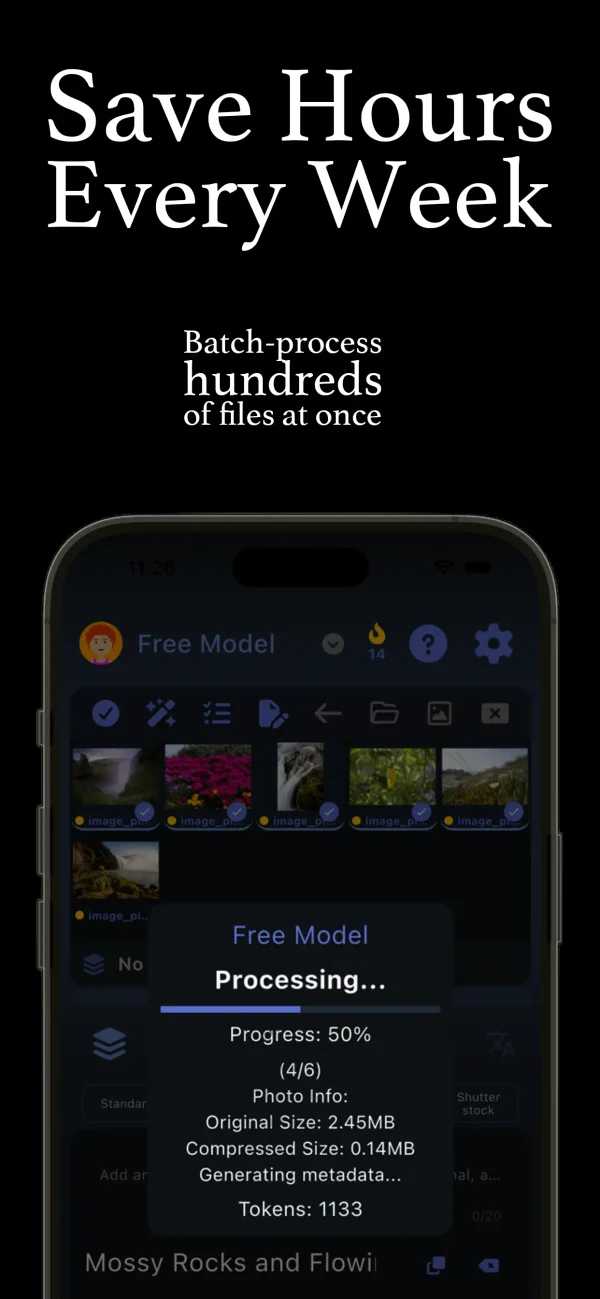
Use it for simple privacy cleanup. Use it for serious photography work. Use it when you have hundreds of assets to prepare and no time to type the same metadata again.
## What you can do with fotometa
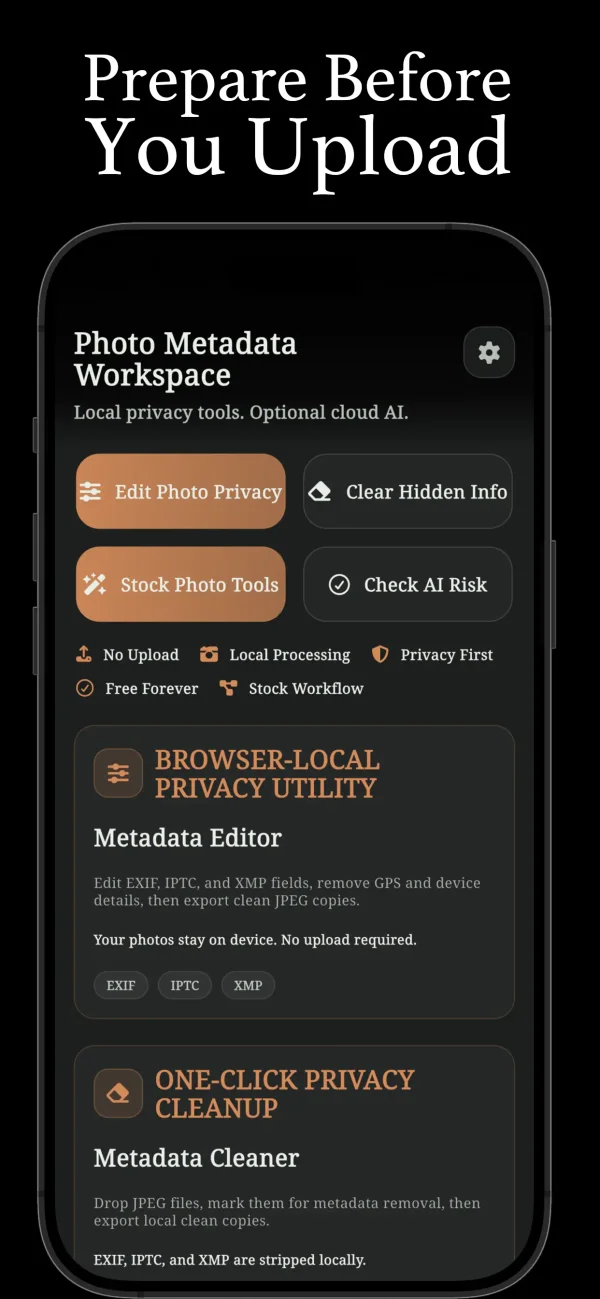
### Metadata Editor
Open a photo and review the metadata inside it.
Edit EXIF, IPTC, and XMP fields such as title, description, keywords, copyright, creator, camera data, and other file details.
For local metadata editing, your photos stay on your device. No upload required.
### Metadata Cleaner
Remove hidden metadata before you post, send, or publish a photo.
Clean GPS location, device details, camera information, EXIF, IPTC, and XMP metadata, then export a clean JPEG copy.
Useful before sharing photos on social media, sending images to clients, or publishing work online.
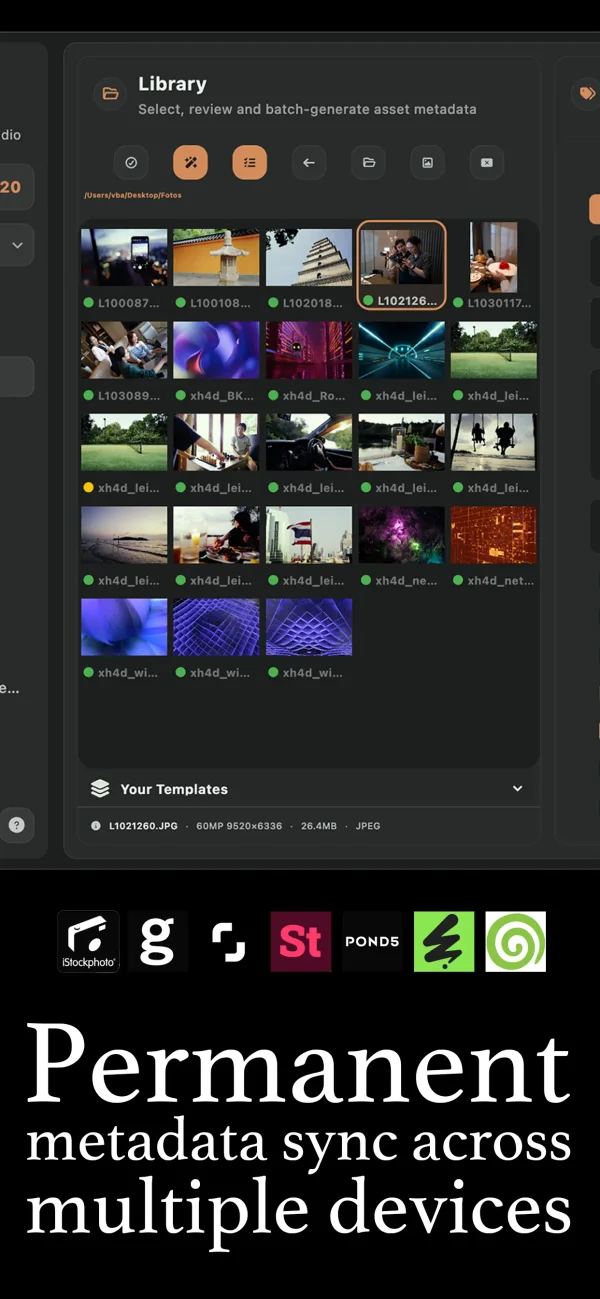
### AI Metadata for Stock Contributors
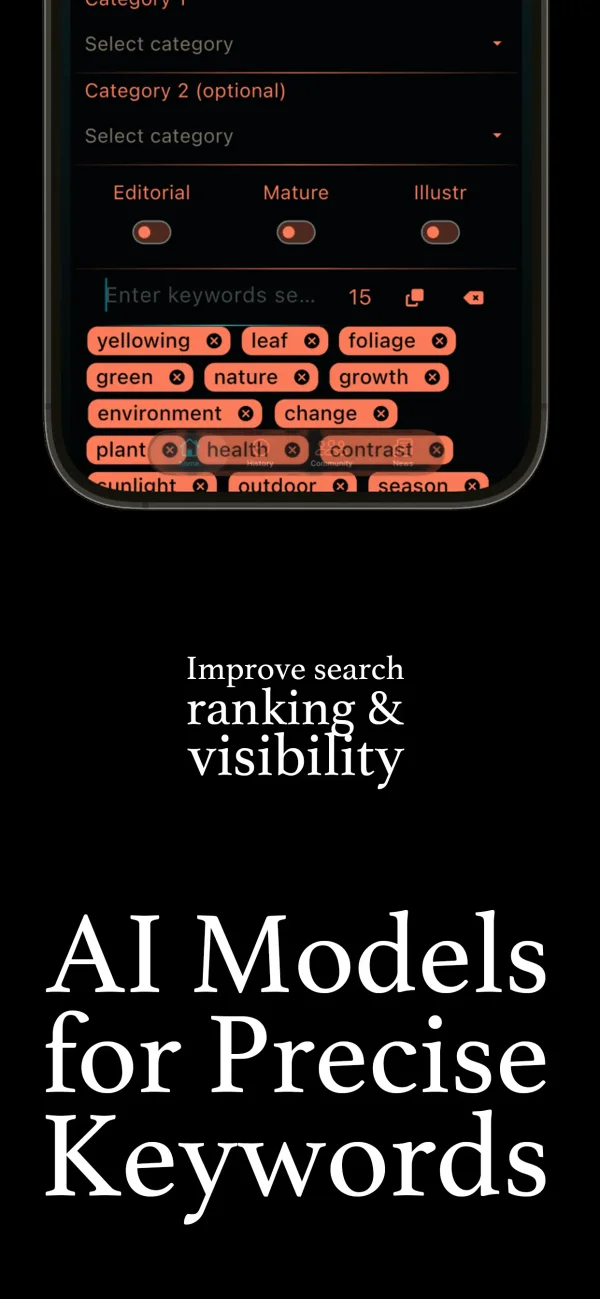
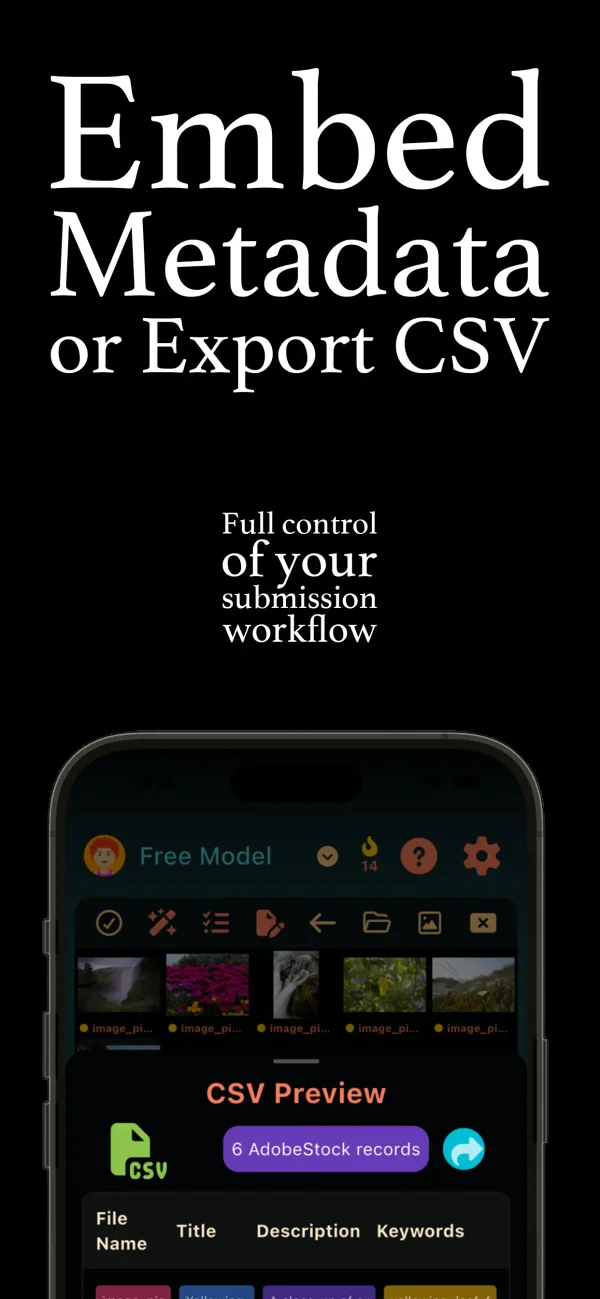
Generate stock-ready titles, descriptions, keywords, and CSV drafts for large submission batches.
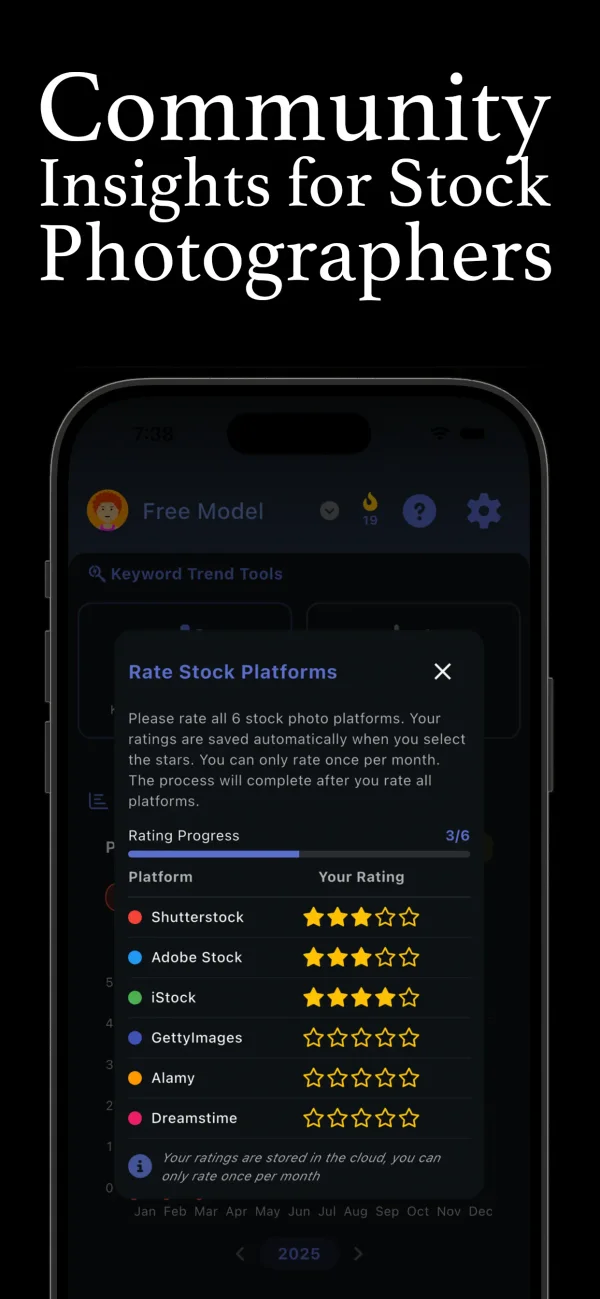
Built for contributors preparing photos and videos for platforms such as Shutterstock, Adobe Stock, iStockphoto, Getty Images, and other stock marketplaces.
Spend less time writing metadata by hand, and keep your submission workflow more consistent.
### AI Image Detector
Review whether an image shows signs of AI generation.
fotometa checks metadata, provenance clues, camera traces, and visual consistency signals to help you inspect how an image may have been created.
AI detection is not absolute, but signal-based review gives you a clearer place to start.
## Designed for real workflows
• Check EXIF data in photos
• Remove GPS before sharing
• Clean hidden photo metadata
• Edit IPTC and XMP fields
• Add titles, descriptions, and keywords
• Export clean JPEG copies
• Generate AI metadata for stock submissions
• Prepare CSV drafts for agency upload
• Analyze video metadata workflows
• Translate metadata for global markets
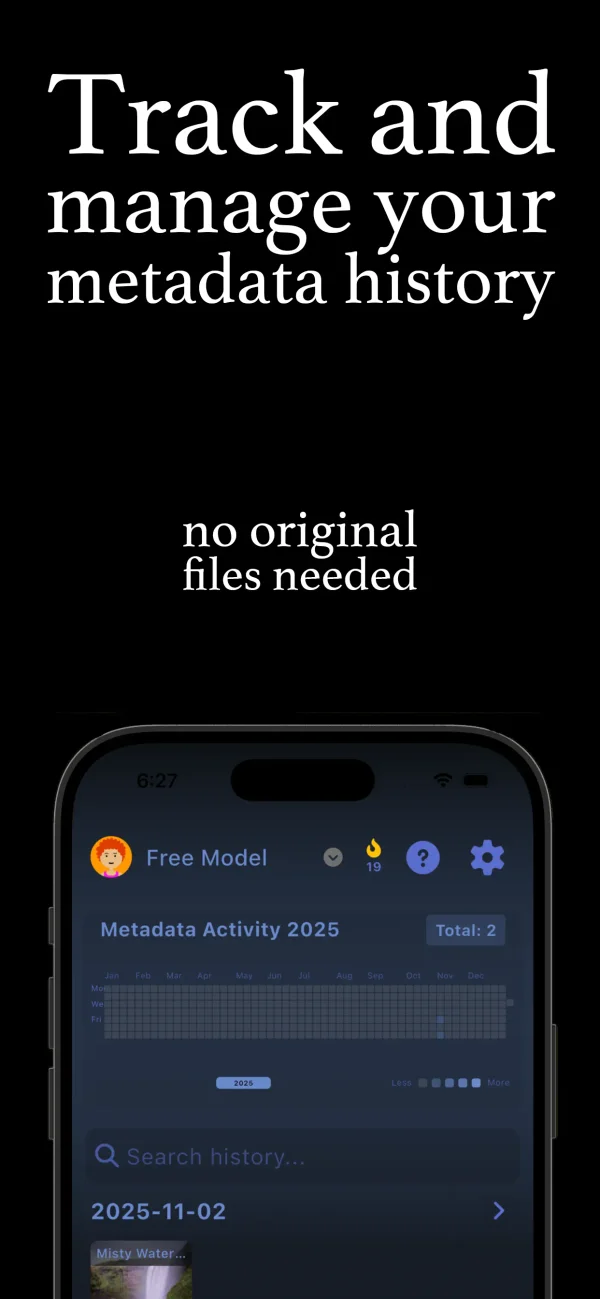
• Save and review metadata history
• Use custom prompts for repeatable output
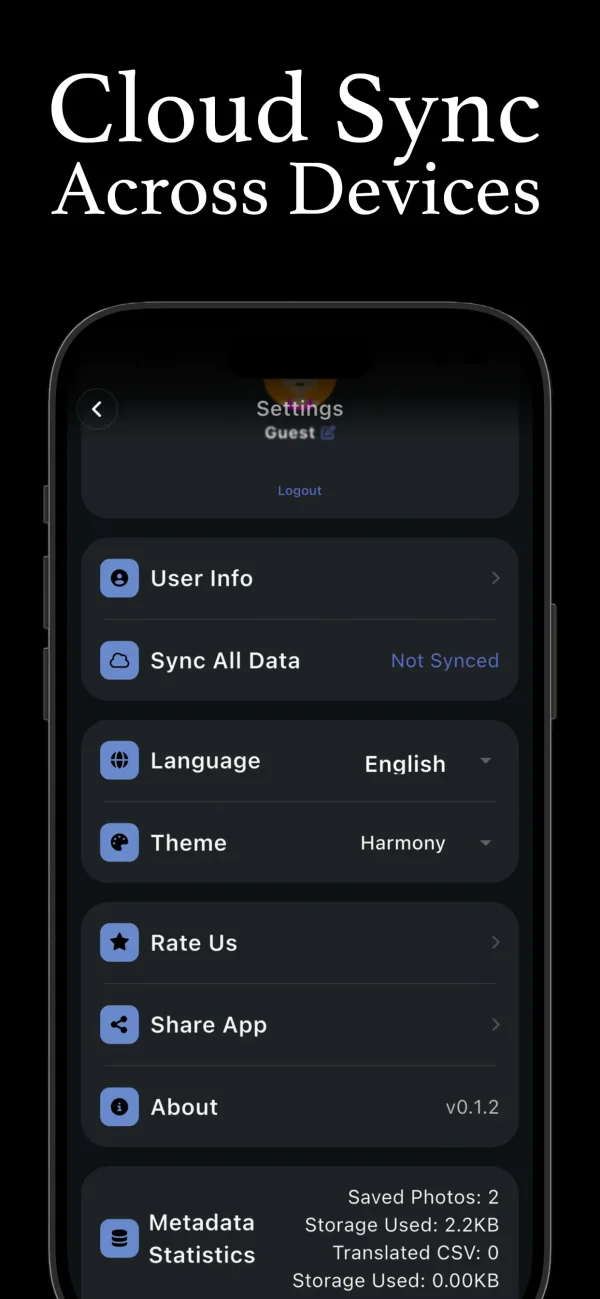
• Sync projects across devices with optional cloud features
## For everyday users
Photos can contain more than the image itself. They may include location, time, camera, device, software, and other hidden details.
fotometa helps you see that information before you share — and remove what you do not want to expose.
## For photographers and creators
Use fotometa to review camera settings, organize metadata, prepare clean exports, and keep creative files easier to manage.
It supports the metadata formats used in real photography and publishing workflows, including EXIF, IPTC, and XMP.
## For stock contributors
If you upload batches of images or videos, metadata becomes repetitive fast.
fotometa helps generate titles, descriptions, keywords, and CSV drafts so you can prepare more assets with less manual typing.
Use AI metadata generation when you need speed. Use templates and custom prompts when you need consistency.
## fotometa Plus
Upgrade to unlock more advanced workflow tools for professional creators:
• More daily AI analysis capacity
• Advanced AI metadata generation
• Video metadata analysis
• Custom prompts
• Multi-language translation
• Project history
• Optional cloud sync and backup
• Priority support
fotometa is built for people who care about what is inside their files — from simple photo privacy to high-volume stock submission.
Check it. Clean it. Edit it. Generate it.
By using this application, you agree to the following terms:
End User License Agreement:
https://www.apple.com/legal/internet-services/itunes/dev/stdeula/
Novedades
Versión 0.1.7 · 5/6/2026
Minor UI fixes
Privacidad de la aplicación
Lo que genghong Xie declara en App Store sobre cómo esta aplicación gestiona los datos.
-
No se recopilan datos
El desarrollador no recopila ningún dato de esta aplicación.
Las prácticas de privacidad pueden variar, por ejemplo, según las funciones que uses o tu edad.
Información
- Vendedor
- genghong Xie
- Categoría
- Foto y vídeo
- Versión
- 0.1.7
- Actualizado
- 5/6/2026
- Publicado
- 10/2/2025
- Tamaño
- 91,1 MB
- Requiere
- iOS 15.0 o posterior
- Clasificación por edad
- 4+
- Precio
- Gratis
- Compras en la aplicación
- Sí
- Idiomas
- Inglés, Francés, Japonés, Coreano, Chino simplificado, Español
- Copyright
- Copyright © 2025 XG
Quizá también te guste
-
 PicDeploy - IPTC EditorEditor de metadatos IPTC/EXIF
-
 Latent FramesFotos y vídeos, una fototeca
-
 CaptionSmithFoto y vídeo
-
 Metadrop - Photo Metadata EditFoto y vídeo
-
 Dreamstime WallpapersFoto y vídeo
-
 EXIF Metadata Editor & RemoverFoto y vídeo
-
 FaceLock: selfies con cámaraEncuadre háptico para vídeo
-
 Arcangel Images AppFoto y vídeo
-
 PixInfo: Exif Metadata ViewerFoto y vídeo
-
 Exif Editor Metadatos FotoEditar GPS, Fecha y Datos