Glance Slots
Your data on watch & widgets
Diseñada para iPhone, iPad
Gratis · Compras en la aplicación
- Clasificación por edad4+
- CategoríaUtilidades
- DesarrolladorENEA JAHOLLARI
- IdiomasInglés+ 11 más
- Tamaño14,1 MB
Enlaza a la página oficial de App Store
Download.org no aloja ningún archivo de Glance Slots. El botón abre la página de la aplicación en App Store, donde la publica ENEA JAHOLLARI. Ficha comprobada por última vez el 13/11/2026.
Capturas de pantalla
Acerca de
El desarrollador no ha proporcionado este texto en tu idioma.
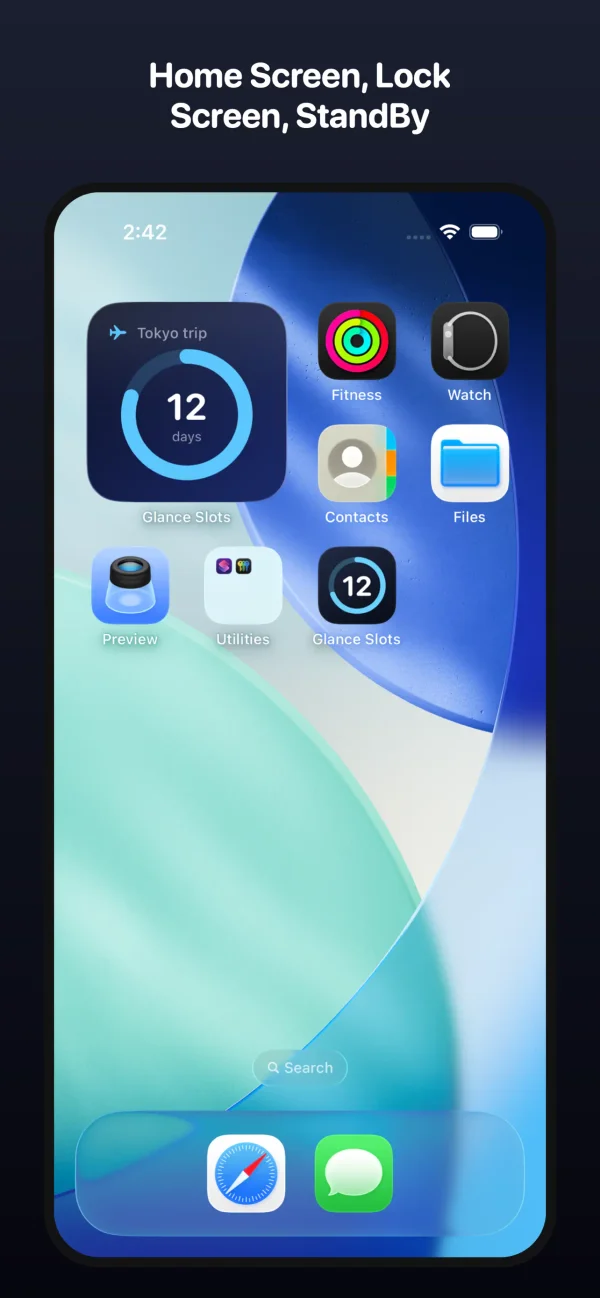
Glance Slots puts your own data on every surface you glance at: Apple Watch complications, the Smart Stack, and iPhone Home Screen, Lock Screen, and StandBy widgets.
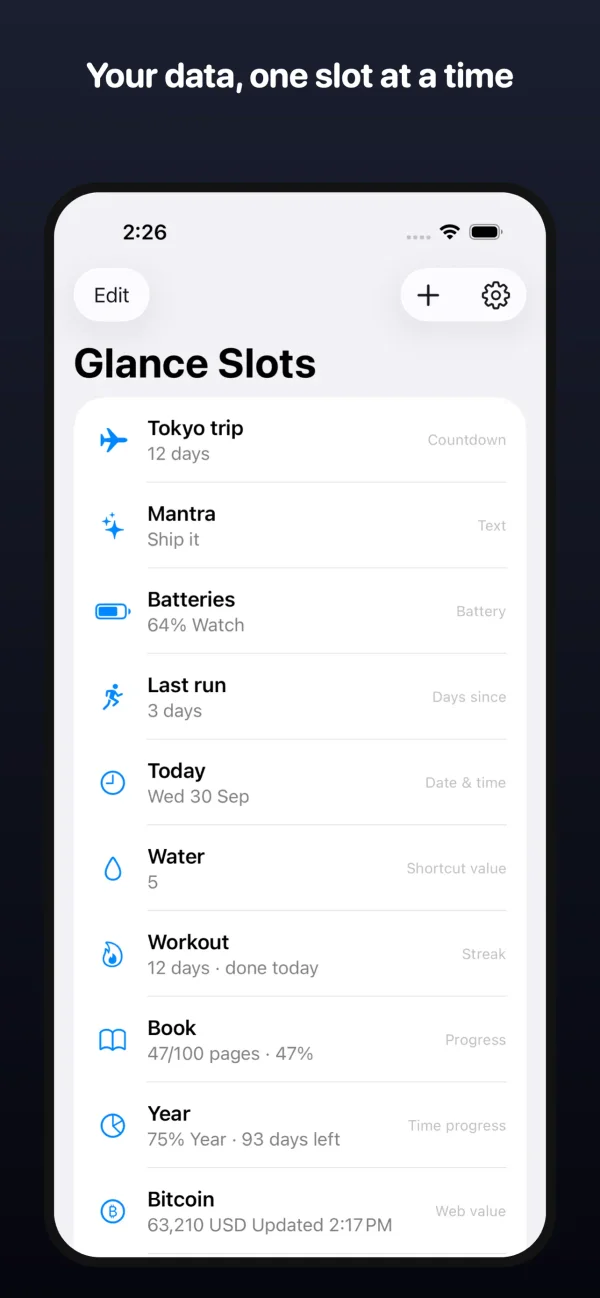
Create a slot in 30 seconds, from 28 ready-made templates or from scratch:
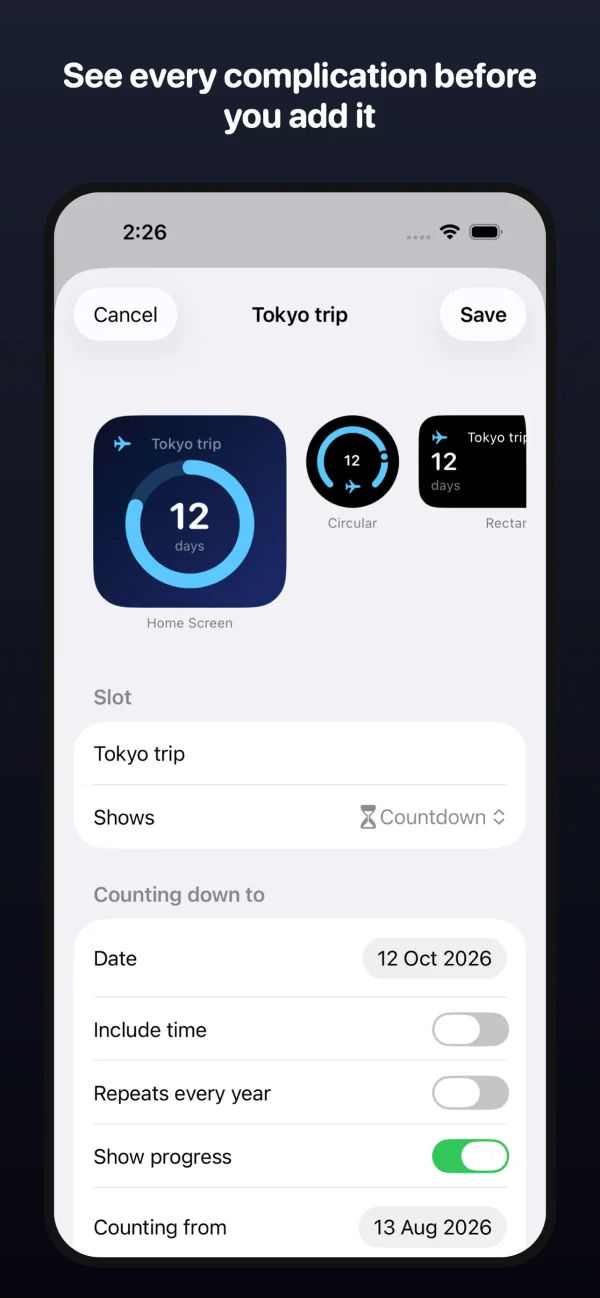
• Countdown or "days since" — never a day off; it flips at midnight, not 24 hours after you made it
• A line of text or an emoji
• Your Apple Watch, iPhone, and iPad battery
• Your next calendar event, including all-day events
• Any value a Shortcut writes: steps, water, a tally, a build number
• A number from any web page or JSON API: a price, a delivery status, your server’s health
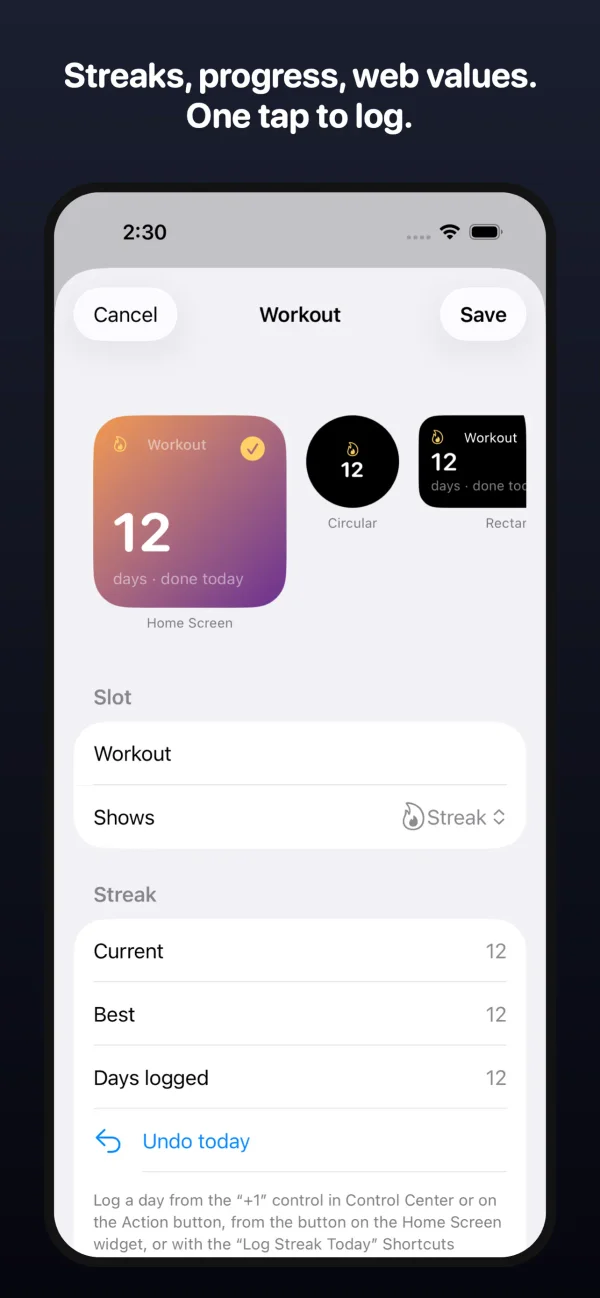
• Progress toward a goal (“47 / 100 pages”) and a streak you log with one tap
• How much of the year, month, week, or day is gone
• A rotating schedule (bin day, A/B day, shifts), the next birthday from your Contacts, or a photo with a caption
Then put it anywhere:
• All four Apple Watch complication families
• Smart Stack — countdowns rise into it on their own during the final week
• Home Screen, Lock Screen, and StandBy widgets: backgrounds that follow Light and Dark Mode, pure black, gradients, accent colours, and what to show
• Pin any slot to the Dynamic Island, Lock Screen, and StandBy, from Shortcuts too
• Buttons right on the widget and in the Dynamic Island: +1 on a tally, “done” on a streak
• A "+1" Control for Control Center and the Apple Watch Ultra Action button
Make it yours: 28 templates to start from, nine backgrounds (including ones that follow Light and Dark Mode), five layouts (standard, big value, ring, bar and dots), four typefaces, nine accent colours, and any of 150 symbols or an SF Symbol name of your own.
A five-screen welcome tour shows what a slot can do; replay it any time from Settings, where your purchase, export and import also live.
See where each slot lives: Home Screen, Lock Screen, watch face or Smart Stack, on which device and in which size. Show your slots as a list or as the widgets themselves.
Add one widget, then change it from the app. Leave a widget on "Featured" and tap "Show on my Home Screen" on any slot: that widget switches at once, on your iPhone, iPad and watch face.
Never loses your dates: your slots sync through your own iCloud and the app keeps ten daily backups on the device, restorable in one tap. Reminders are local notifications from your device, with no account and no server.
Twelve languages: English, German, French, Spanish, Japanese, Portuguese (Brazil), Italian, Korean, Simplified and Traditional Chinese, Dutch and Russian.
Pick the slot right on the watch. On watchOS 26, each complication is configured in Edit Face, so three different slots can sit side by side on one face.
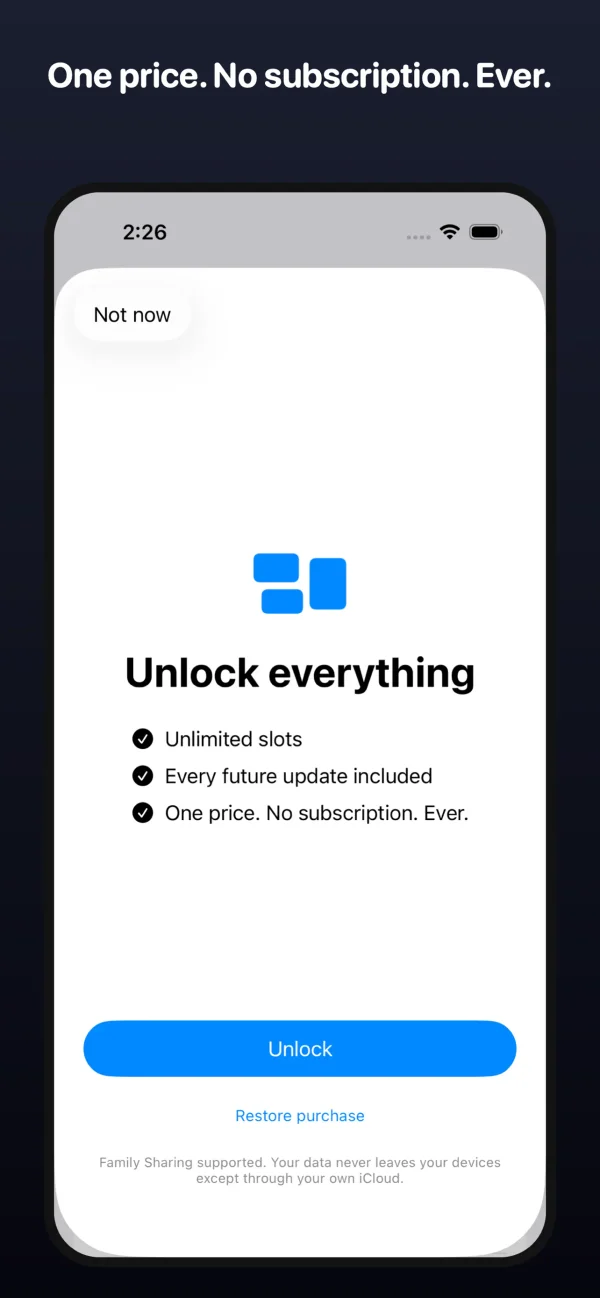
No account. No server. No subscription.
Free with one slot, with every kind, widget and complication included. One purchase unlocks unlimited slots, forever. Family Sharing supported. Your data stays on your devices and your own iCloud. The privacy label says "Data Not Collected" because that's true.
What it doesn't do (on purpose): custom watch faces (not allowed for any app), weather, health data, AirPods battery (no public API exists).
Requires iOS 26. Apple Watch features require watchOS 26.
Privacidad de la aplicación
Lo que ENEA JAHOLLARI declara en App Store sobre cómo esta aplicación gestiona los datos.
-
No se recopilan datos
El desarrollador no recopila ningún dato de esta aplicación.
Las prácticas de privacidad pueden variar, por ejemplo, según las funciones que uses o tu edad.
Información
- Vendedor
- ENEA JAHOLLARI
- Categoría
- Utilidades
- Versión
- 1.0
- Actualizado
- 21/10/2026
- Publicado
- 21/10/2026
- Tamaño
- 14,1 MB
- Requiere
- iOS 26.0 o posterior
- Clasificación por edad
- 4+
- Precio
- Gratis
- Compras en la aplicación
- Sí
- Idiomas
- Inglés, Neerlandés, Francés, Alemán, Italiano, Japonés, Coreano, Portugués, Ruso, Chino simplificado, Español, Chino tradicional
- Copyright
- © 2026 Enea Jahollari