- Clasificación por edad4+
- CategoríaMúsica
- DesarrolladorUwyn, LLC
- IdiomasInglés
- Tamaño5,9 MB
Enlaza a la página oficial de App Store
Download.org no aloja ningún archivo de Glinster. El botón abre la página de la aplicación en App Store, donde la publica Uwyn, LLC. Ficha comprobada por última vez el 25/11/2026.
Capturas de pantalla



Acerca de
El desarrollador no ha proporcionado este texto en tu idioma.
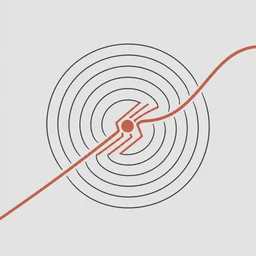
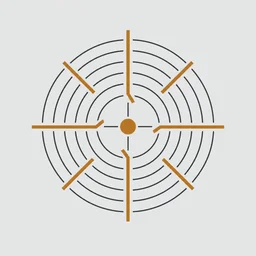
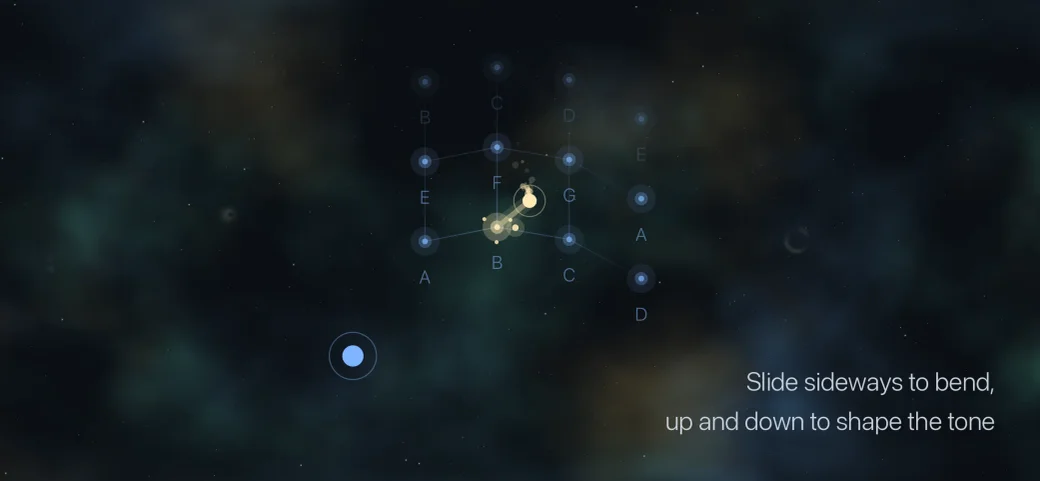
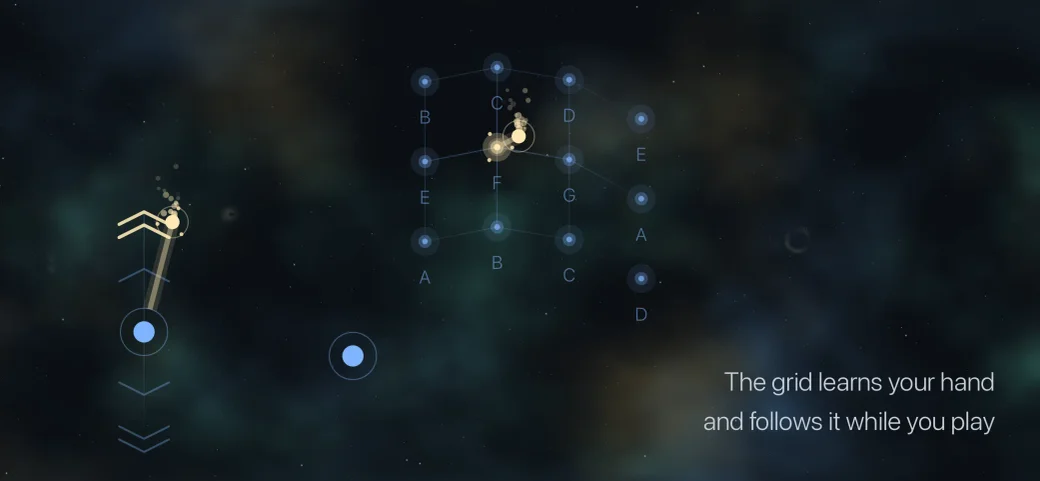
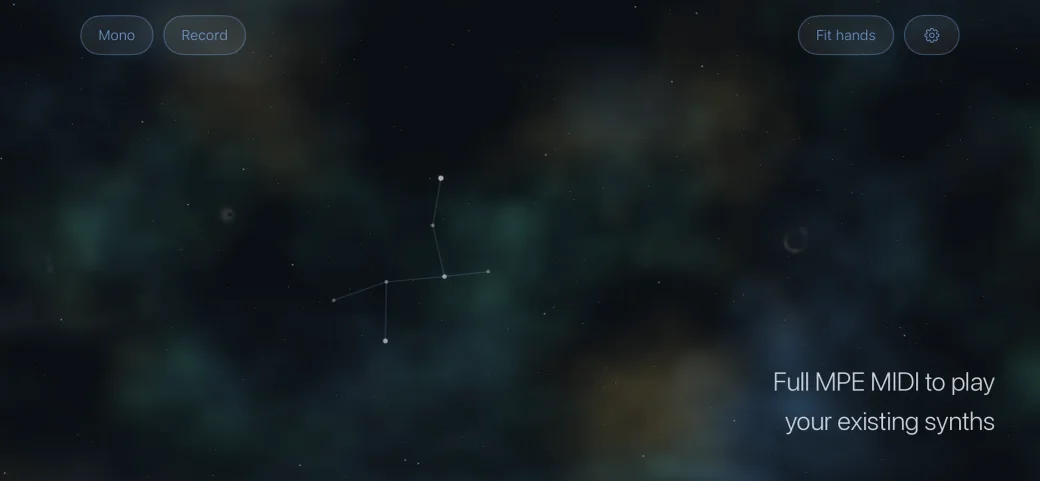
Glinster is a musical instrument and MIDI controller that you play on the glass of your iPhone and iPad. You rest your playing hand flat once and then reach up, and Glinster records where your fingers land. After that, wherever you put your thumb the notes appear beside it, and the grid keeps following your hand while you play. When you lift your hand, the last notes you played stay behind for a moment as a small constellation.
Glinster also runs on Apple Vision Pro, where you play it in the air with your bare hands, without any controller. Both versions use the same sound engine, the same scales, and the same MPE MIDI output.
On iPhone and iPad
• Your four fingers on the resting row play the first four notes of the scale, reaching up plays the next four, and on a screen with room above, more rows continue the scale upward
• Sliding a playing finger sideways bends the pitch and sliding it up and down changes the brightness, while sliding your thumb up and down controls the volume
• Touching a new finger while another one plays lets the new one take over, with a glide instead of a new attack, with Mono on, or every finger plays its own note, each with its own bend and brightness, and the MIDI follows as one MPE note per finger
• Resting a fingertip of your other hand next to the notes brings up the arrows, where one step up shifts a semitone and two steps an octave, the same below, and every arrow can be held together with the others
• A finger on the arrows can slide between them, or wiggle sideways for vibrato, and sliding the resting fingertip sideways bends every note like a pitch wheel
• On iPad, Two hands lets both hands play notes, each thumb setting the volume of its own hand, and Hands apart sets how many octaves below the right hand the left one plays, none, one or two
• Pitch Quantize locks a bent note onto the nearest scale note when you hold it still, and releases it again as soon as you move
• Haptic feedback on every note and every arrow, switchable, and note names on the grid
• Left-handed players are detected from the way they rest their hand
• Runs as an AUv3 instrument and as a MIDI generator inside your iOS DAW
• A guided first start that shows every gesture on the instrument itself
On Apple Vision Pro
• Touching your thumb to a fingertip plays a note, and palm down and palm up reach the whole scale
• Raising your hand makes it louder, pushing forward makes it brighter, and moving sideways bends the pitch
• Your other hand shifts semitones and octaves, and both hands can bend at the same time
• A ruler shows the sounding note, how far it is bent, and the angle of each palm
Sound and MIDI
• Five sound presets: Aether, Ember, Fathom, Rime and Pillar
• Room, Shimmer, Glide, Response, Cutoff and Resonance
• Sixteen scales, from the seven modes to the blues, Whole tone and Double harmonic, and twelve roots, with a reference pitch from 432 to 446 Hz
• MPE MIDI output that assigns a new channel to every note so that release tails don't get cut off, with the number of member channels your choice, or single-channel output, and a Send MCM button to repeat the MPE configuration for a receiver that started late
• Volume and brightness sent as channel pressure, CC 7, CC 11, CC 74 or CC 1, and a pitch bend range of 2, 12, 24, 48 or 96 semitones
• A virtual MIDI source, direct output to the MIDI port of any app, Bluetooth LE MIDI in both directions, and Apple's network MIDI session, so a session made in Audio MIDI Setup on a Mac can connect straight to the device
• Records takes as lossless 32-bit float WAV files
Novedades
Versión 1.1.1 · 24/11/2026
On iPad, the Glinster and Glinster MIDI plugins now play two hands as the app does, when Two hands is on in their Playing tab.
The plugins' settings leave out what does nothing inside a host. Both leave out the Sound and Haptics switches, and Glinster MIDI also leaves out the MIDI out switch and the Network tab. Glinster MIDI has no Sound tab, and its MIDI tab has Cutoff, which sets where the brightness of each note starts.
Privacidad de la aplicación
Lo que Uwyn, LLC declara en App Store sobre cómo esta aplicación gestiona los datos.
-
No se recopilan datos
El desarrollador no recopila ningún dato de esta aplicación.
Las prácticas de privacidad pueden variar, por ejemplo, según las funciones que uses o tu edad.
Información
- Vendedor
- Uwyn, LLC
- Categoría
- Música
- Versión
- 1.1.1
- Actualizado
- 24/11/2026
- Publicado
- 2/11/2026
- Tamaño
- 5,9 MB
- Requiere
- iOS 18.0 o posterior
- Clasificación por edad
- 4+
- Precio
- 9,99 €
- Idiomas
- Inglés
- Copyright
- ©2026 Uwyn LLC