
Hancom Office: Docs & PDF
Document Editor & PDF Viewer
Diseñada para iPhone, iPad, iPod touch
Compras en la aplicación
- Clasificación por edad4+
- CategoríaProductividad
- DesarrolladorHANCOM Incorporated
- IdiomasInglés+ 1 más
- Tamaño582,8 MB
Es posible que Hancom Office: Docs & PDF no esté disponible en App Store en este momento
No se pudo acceder a la ficha de la tienda en nuestra última comprobación. El enlace sigue llevando a la página oficial de App Store.
Capturas de pantalla
Acerca de
El desarrollador no ha proporcionado este texto en tu idioma.
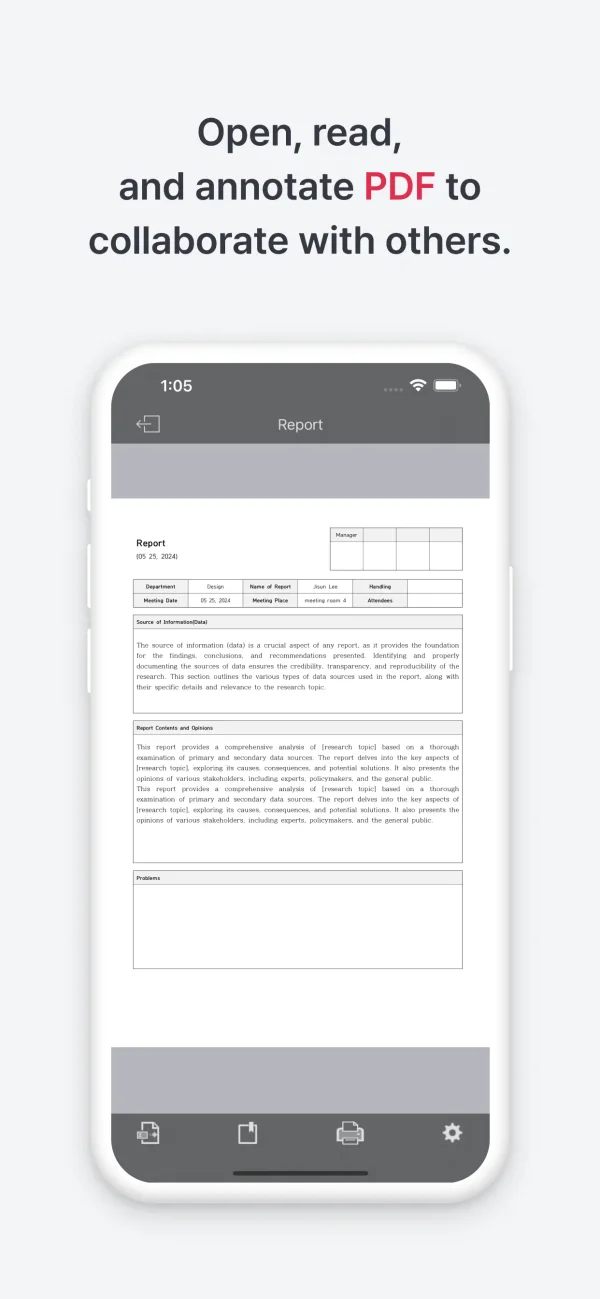
Now on the store: the editor version of Hancom Office Viewer, chosen by 9 million users!
Try Hancom Office for free whenever you need to work with documents from writing resumes and essays to creating presentations and analyzing data.
[Features]
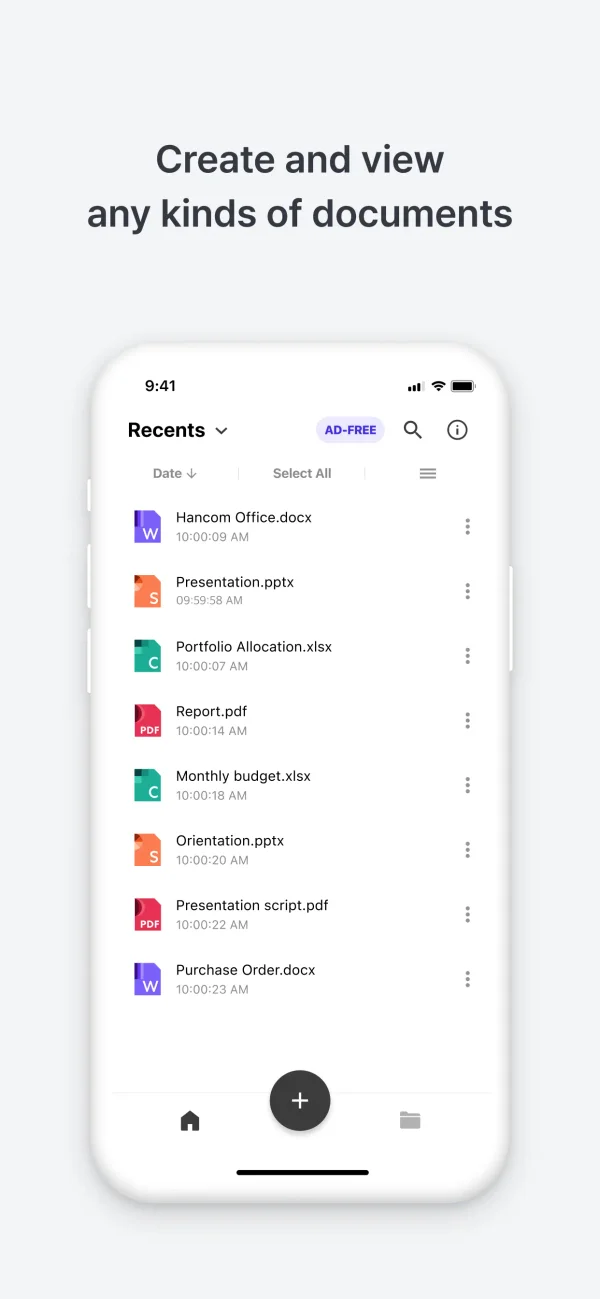
View and edit a variety of document formats, including document, spreadsheet, presentation and PDF, all in a single app.
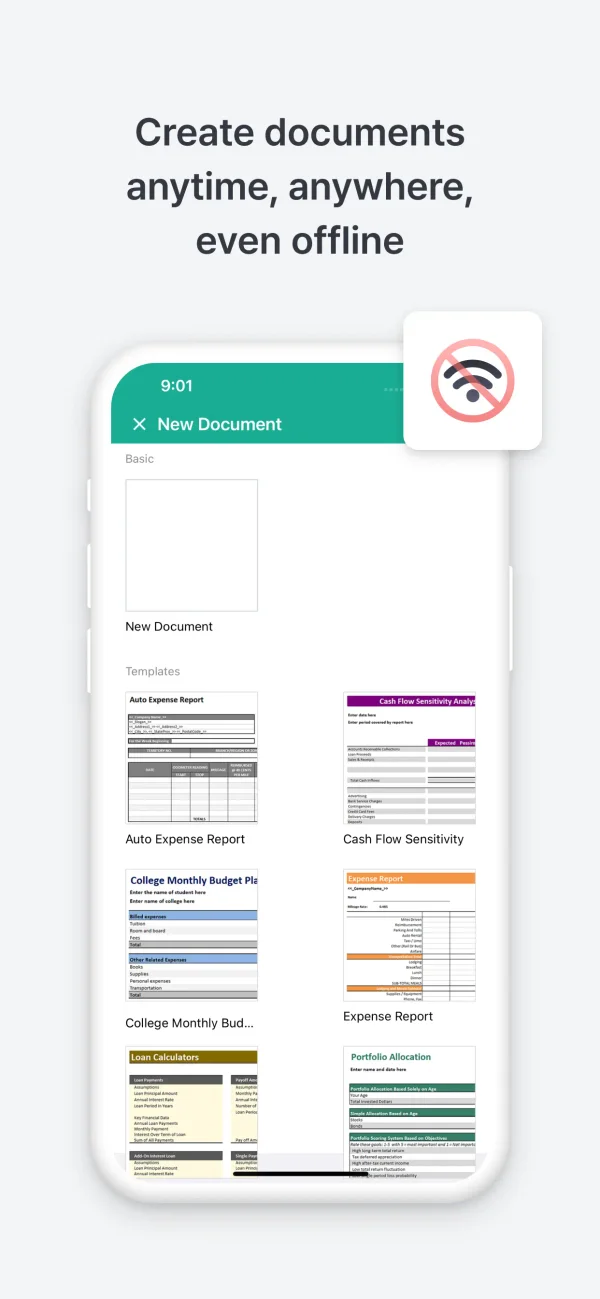
Feel free to work on your documents anytime, anywhere regardless of internet connectivity.
Start efficient document creation with the help of desired UI.
Seamlessly open and edit Microsoft Office documents within the Hancom Office app.
[Word – editing a document]
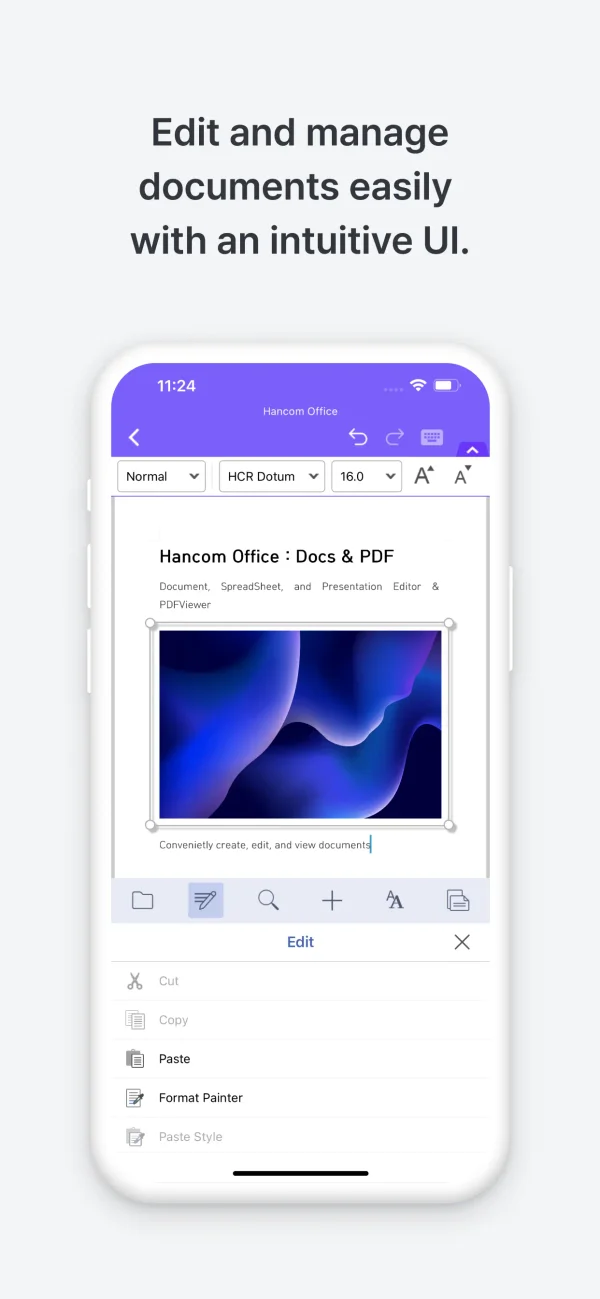
You can move what's in your mind into your document freely in the palm of your hand.
Find or replace words, apply rich text or paragraph formats, and make your document neat and tidy using style and numbering.
Adding various objects like a shape, an image, or a chart can also make your document more dynamic and visualized.
[Cell – managing and analysing data]
Cell enables you to manage and analyze data effectively.
Gain a powerful tool for calculation, data analysis, and visualization – including advanced features such as conditional formatting, sparklines, and more – all in the palm of your hand.
Provided a number of functions, Cell ensures that you can make calculations of massive data quickly and accurately without a single error.
[Show – designing a presentation]
Show makes it easy to create and design a stunning presentation with just a few clicks.
Choose and combine from a wide selection of design themes and animations, predefined objects and effects, then you can visually present your own ideas and grab your audience's attention.
[About subscription]
With the in-app purchase, you can solely focus on working documents without interruption of ads.
- 1-month ad-free: $3.99 ($2.49 for the first subscription)
- 6-month ad-free: $19.99 ($14.49 for the first subscription)
- 1-year ad-free: $29.99 ($24.99 for the first subscription
Payment is processed through your Apple App Store account. Payment history and refunds are available through the Apple customer center.
The ad-free product is automatically paid periodically based on the subscription period and automatically renews 24 hours before the current subscription ends. You can manage and cancel your subscription in your account settings.
System requirements
- Supported operating systems: iOS 15.0 or later
- Supported languages: English and Japanese
▶ Required access permissions
None
▶ Optional access permissions
- Photos
Use to add photos to documents
- Camera
Use to upload images or videos
- User activity
Use to provide personalized advertising
*Optional access permissions are needed when using this feature and if not, there may be restrictions on using the service.
[How to withraw your consent]
Settings > Permissions > Privacy > Allow or deny access
For more information, please see our Privacy Policy and End User License Agreement (EULA).
- Privacy Policy : https://www.hancom.com/member/treatInfoAgreement.do
- End User License Agreement(EULA) : https://help.hancom.com/hoffice_ios/global/en-US/index.htm#t=license%2Feula.htm
Novedades
Versión 10.48.4 · 14/7/2026
Overall service stability enhancements
Privacidad de la aplicación
Lo que HANCOM Incorporated declara en App Store sobre cómo esta aplicación gestiona los datos.
-
Datos usados para rastrearte
Pueden usarse para rastrearte en aplicaciones y sitios web propiedad de otras empresas.
- Ubicación
- Contenido del usuario
- Datos de uso
-
Datos vinculados a ti
Pueden recopilarse y vincularse a tu identidad.
- Ubicación
- Contenido del usuario
- Datos de uso
-
Datos no vinculados a ti
Pueden recopilarse, pero no se vinculan a tu identidad.
- Compras
- Identificadores
- Diagnóstico
- Otros datos
Las prácticas de privacidad pueden variar, por ejemplo, según las funciones que uses o tu edad.
Información
- Vendedor
- HANCOM Incorporated
- Categoría
- Productividad
- Versión
- 10.48.4
- Actualizado
- 14/7/2026
- Publicado
- 2/7/2024
- Tamaño
- 582,8 MB
- Requiere
- iOS 15.0 o posterior
- Clasificación por edad
- 4+
- Compras en la aplicación
- Sí
- Idiomas
- Inglés, Japonés
- Copyright
- © Hancom Inc.
Quizá también te guste
-
 Polaris Viewer - PDF, DocumentProductividad
-
 daglo: All-in-one AI NotetakerProductividad
-
 Polaris Office - PDF & DocsView & Edit all kinds of docs
-
 Ultimate Focus - TemporizadorEstudio, Trabajo y Pomodoro
-
 Themes for PowerPoint - DesiGNTemas y diapositivas
-
 Bakey: Install & Use FontsProductividad
-
 Naver MailProductividad
-
 SlidesModelos incríveis para slides
-
 AO OfficeTextos, hojas y presentaciones
-
 Petey - AI ChatChatbot to Write, Find & Learn