HuePaint
Art painter:canvas,oil,brushes
Diseñada para iPhone, iPad, Mac, iPod touch
Gratis · Compras en la aplicación
- Clasificación por edad4+
- CategoríaDiseño gráfico
- DesarrolladorNorbyte
- IdiomasInglés
- Tamaño22,9 MB
Enlaza a la página oficial de App Store
Download.org no aloja ningún archivo de HuePaint. El botón abre la página de la aplicación en App Store, donde la publica Norbyte. Ficha comprobada por última vez el 12/11/2026.
Capturas de pantalla



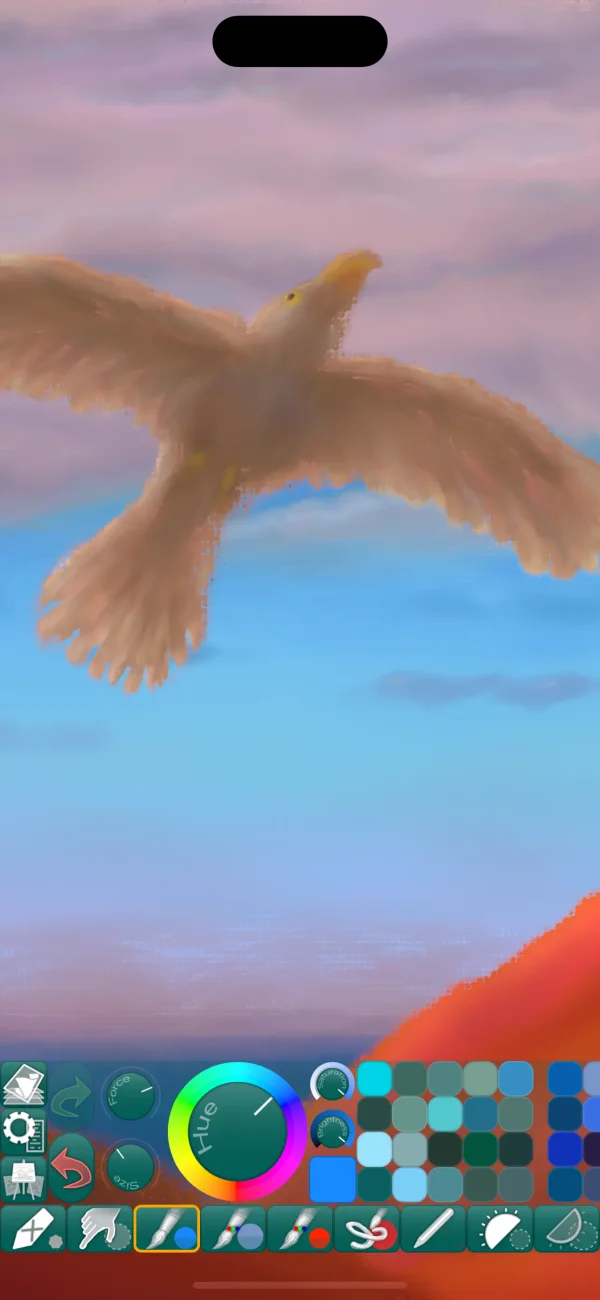
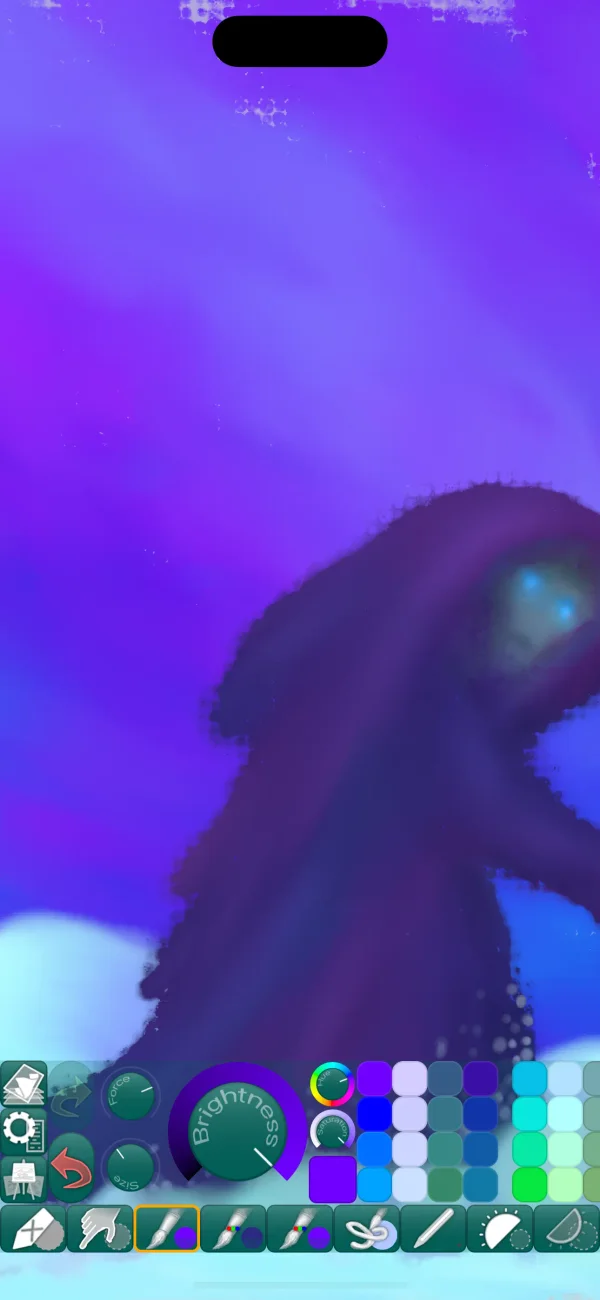
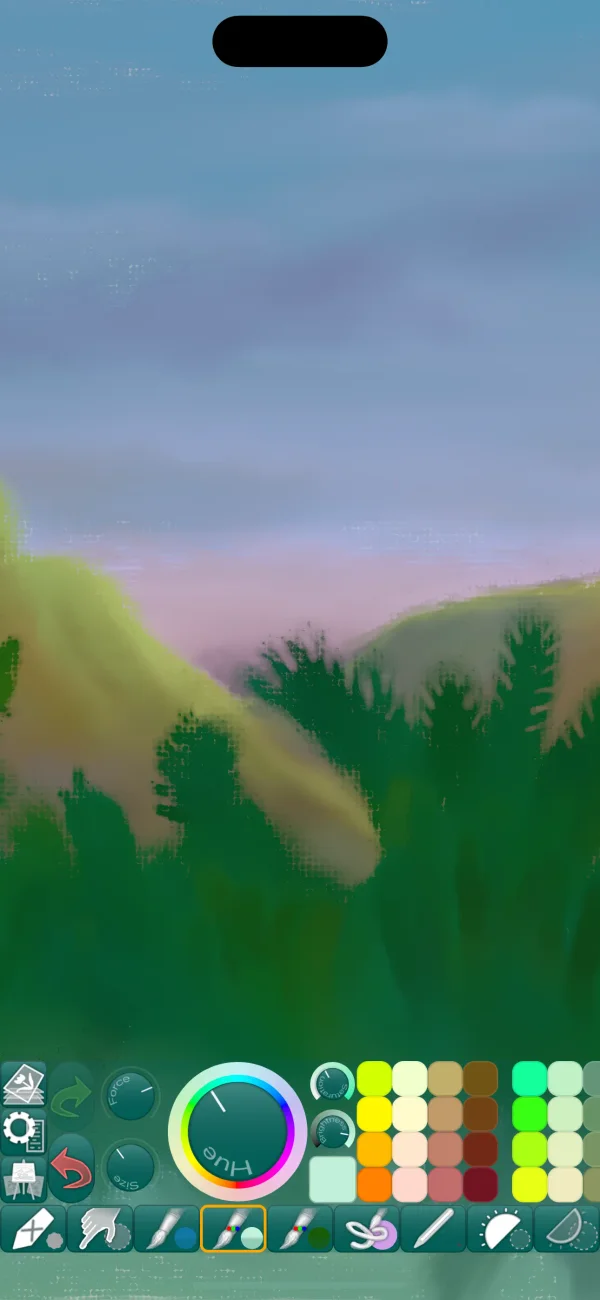
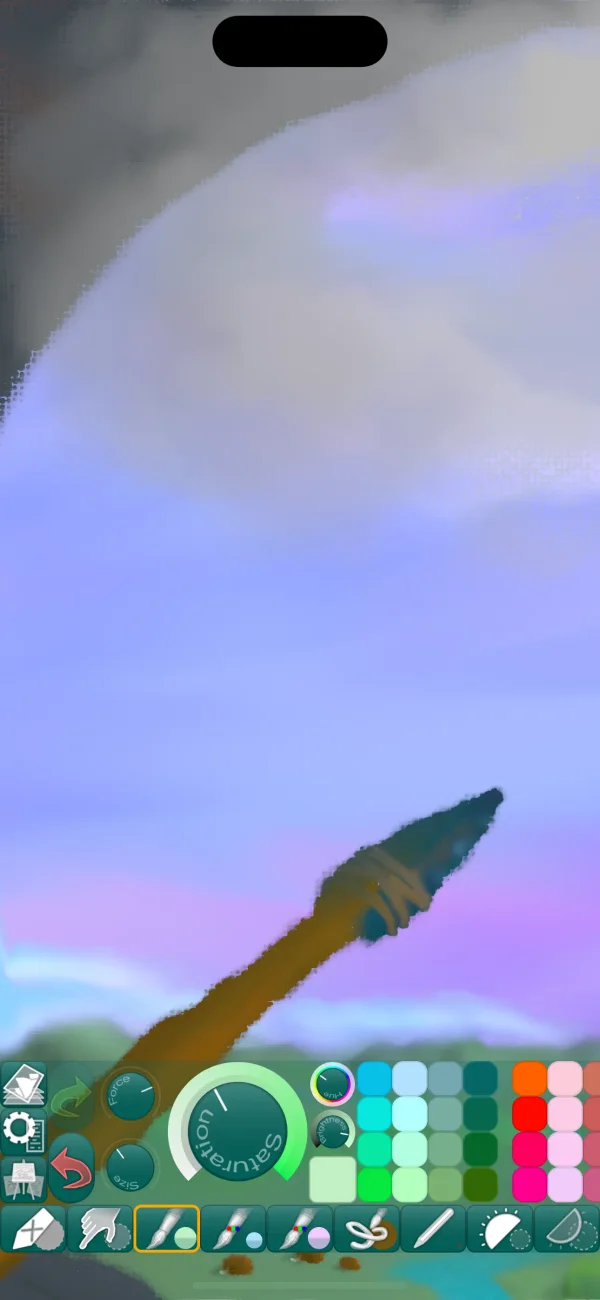
Acerca de
El desarrollador no ha proporcionado este texto en tu idioma.
Paint and create beautiful works of art using this app’s expressive painting tools and workflow-friendly user interface.
• COLORFUL PAINTING TOOLS •
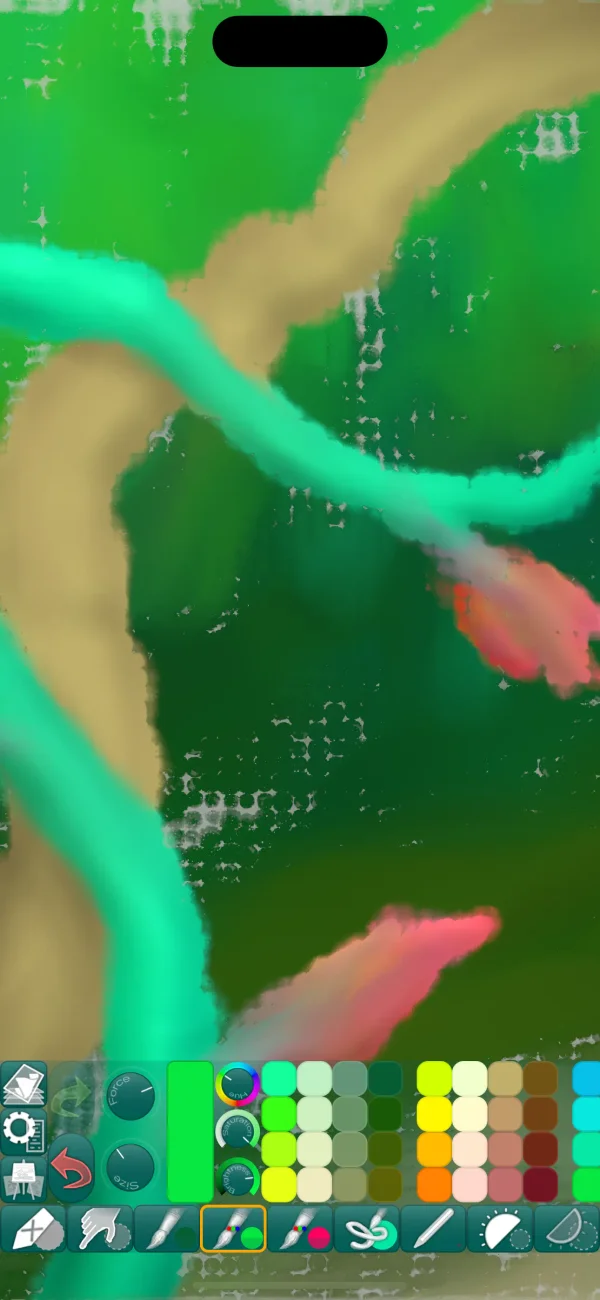
HuePaint features live-calculated brushes and strokes that interact in real time with a canvas texture that is uniquely generated for each picture.
• FINGERTIP = STROKE SIZE •
When you paint, the app measures how much of your finger is touching the screen and changes the stroke size accordingly.
Apply just the corner of your fingertip for a thin line, or the whole fingerprint area for a broad stroke.
A 2nd tool assigned to your finger will still use this feature, so don’t ignore it just because you have an Apple Pencil!
• LEFT-HANDED? •
Just swipe the toolbar over to the other side!
• PARAMETERS CAN BE CHANGED LIVE •
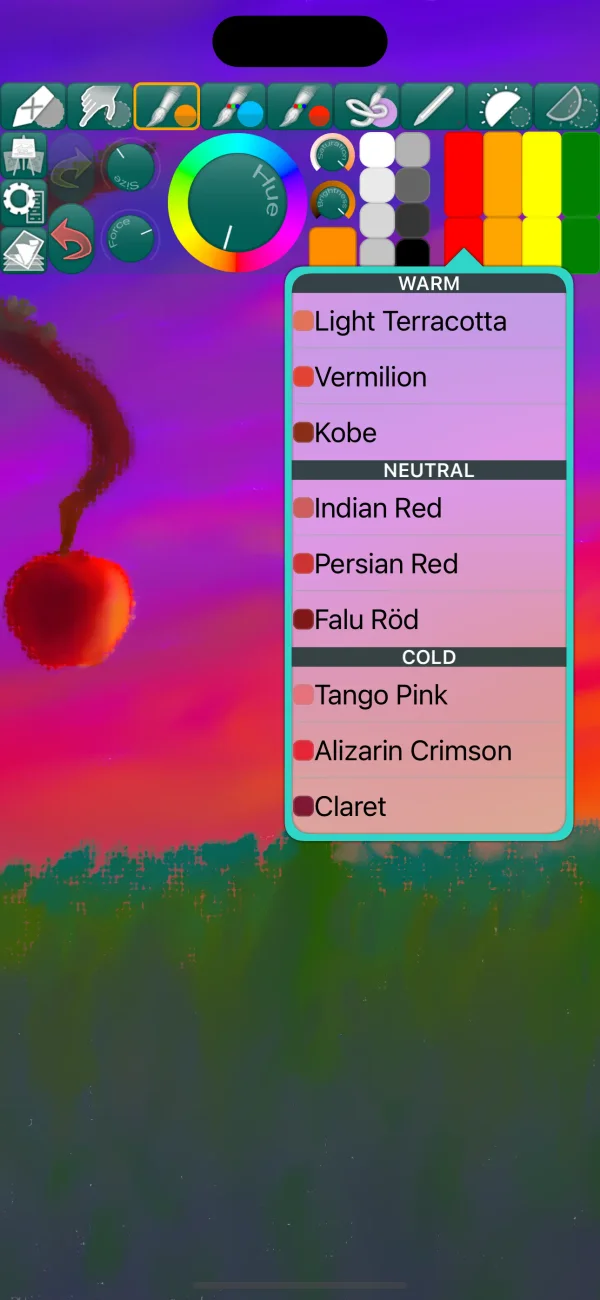
Use any buttons or controls to change/adjust color, size, force, simultaneously while painting.
• UNIVERSAL PURCHASE •
If you choose to buy the Pro upgrade, this one-time in-app purchase will unlock all Pro features in the app on all available platforms (iPad-iPhone-Mac)!
• METAL •
The engine is based on Metal, with 128-bit color and floating-point arithmetic.
• SWIFT •
The app was developed entirely using Swift (earlier versions used C++).
• APPLE PENCIL SUPPORT • FULL SCREEN PAINTING •
• DARK MODE • LANDSCAPE • PORTRAIT • WIDE COLOR •
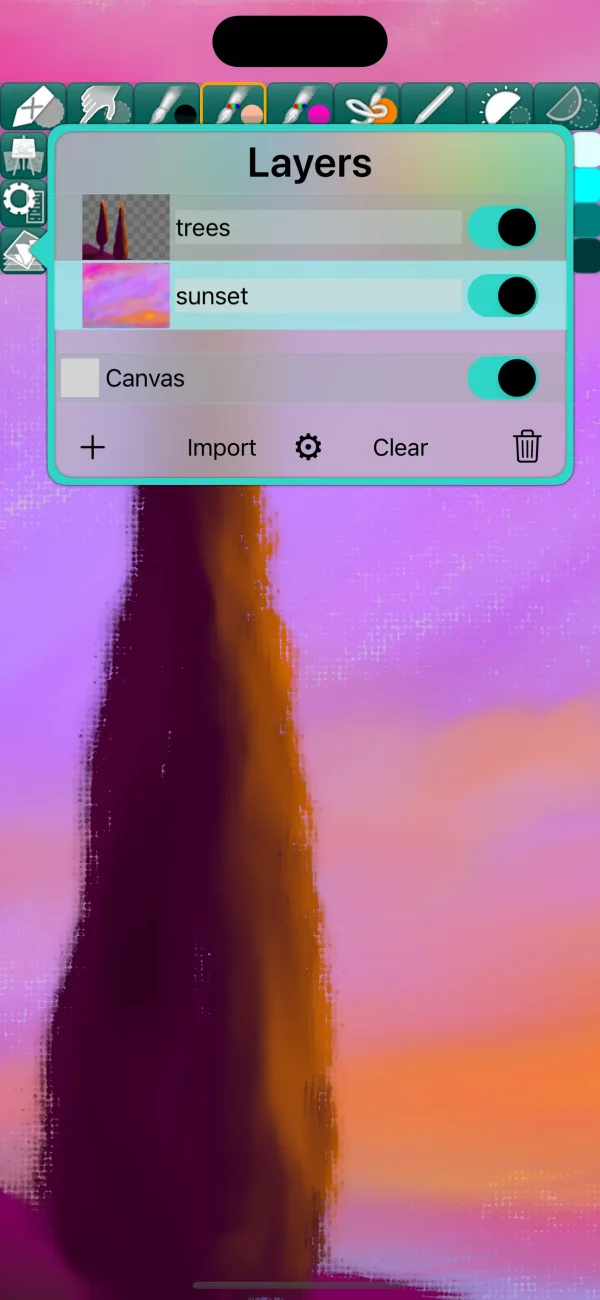
• MULTIPLE LAYERS • PHOTO TRACING MODE (Pro feature) •
Novedades
Versión 5.3.3 · 20/12/2023
[FIXED] Some of the painting tools were not working as expected after the previous update.
Privacidad de la aplicación
Lo que Norbyte declara en App Store sobre cómo esta aplicación gestiona los datos.
-
No se recopilan datos
El desarrollador no recopila ningún dato de esta aplicación.
Las prácticas de privacidad pueden variar, por ejemplo, según las funciones que uses o tu edad.
Información
- Vendedor
- Norbyte
- Categoría
- Diseño gráfico
- Versión
- 5.3.3
- Actualizado
- 20/12/2023
- Publicado
- 28/2/2012
- Tamaño
- 22,9 MB
- Requiere
- iOS 12.0 o posterior
- Clasificación por edad
- 4+
- Precio
- Gratis
- Compras en la aplicación
- Sí
- Idiomas
- Inglés
- Copyright
- © 2012-2023 Norbyte
Quizá también te guste
-
 Oilbook - Liquid PaintingDiseño gráfico
-
 Sketch Tree - Art Drawing PadDiseño gráfico
-
 Paintstorm StudioDiseño gráfico
-
 AbstractorDiseño gráfico
-
 Caligrafía - Pincel de tintaPintura de acuarela y dibujo
-
 FocalPaintDiseño gráfico
-
 CraZeAppDiseño gráfico
-
 Pofi Brush - Sketch · PaintEasy Drawing and Painting App
-
 Realistic Paint StudioDrawing, Watercolor, Oil paint
-
 Draw in AiR: Spatial DrawingDiseño gráfico