
ID & Password Authenticator
Tools - Password Manager
Diseñada para iPhone, iPad, iPod touch
Gratis · Compras en la aplicación
- Clasificación por edad4+
- CategoríaUtilidades
- DesarrolladorTuan Le Quoc
- IdiomasInglés
- Tamaño72,2 MB
Enlaza a la página oficial de App Store
Download.org no aloja ningún archivo de ID & Password Authenticator. El botón abre la página de la aplicación en App Store, donde la publica Tuan Le Quoc. Ficha comprobada por última vez el 10/11/2026.
Capturas de pantalla

Acerca de
El desarrollador no ha proporcionado este texto en tu idioma.
Stay Secure with ID & Password Authenticator
Your trusted mobile app for protecting accounts, managing passwords, and securing digital identities with confidence.
ID & Password Authenticator is a modern, easy-to-use security app designed to help you safeguard your online accounts in one secure place. Whether you’re managing personal logins, work accounts, or sensitive credentials, this authenticator app gives you strong protection without complexity.
With a clean, intuitive interface inspired by modern design principles, ID & Password Authenticator makes digital security simple for everyone—from beginners to advanced users.
Powerful Security Features
Secure ID & Password Storage
Safely store usernames, passwords, and account details using encrypted local storage. Your data stays private and protected on your device.
Two-Factor Authentication (2FA)
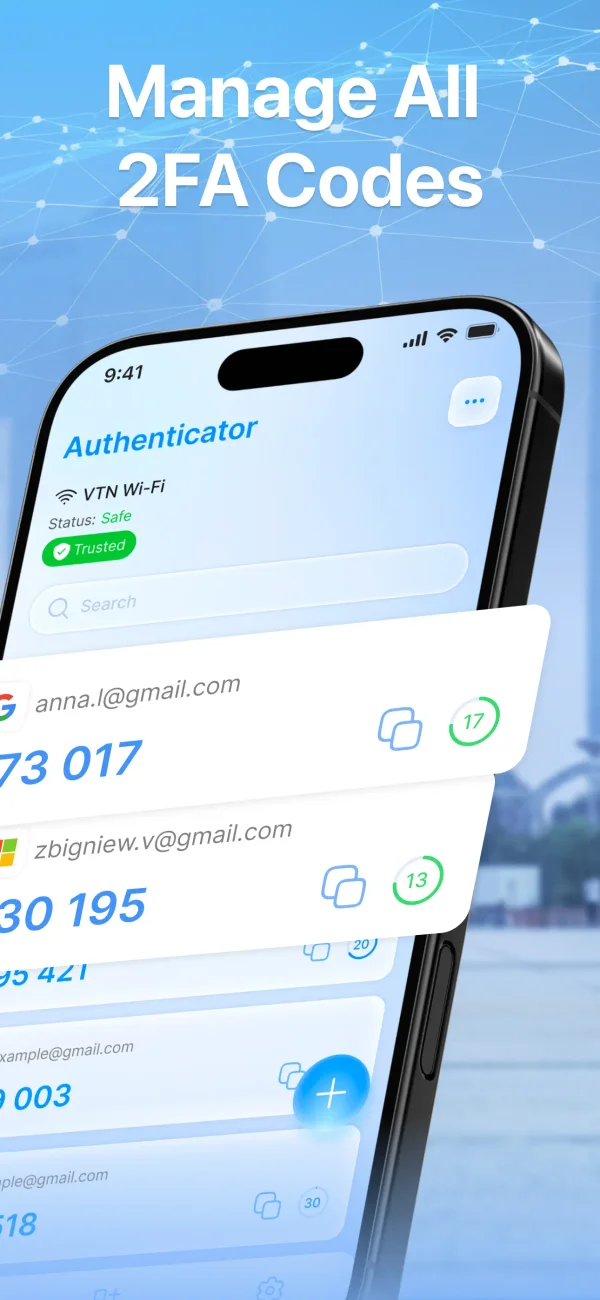
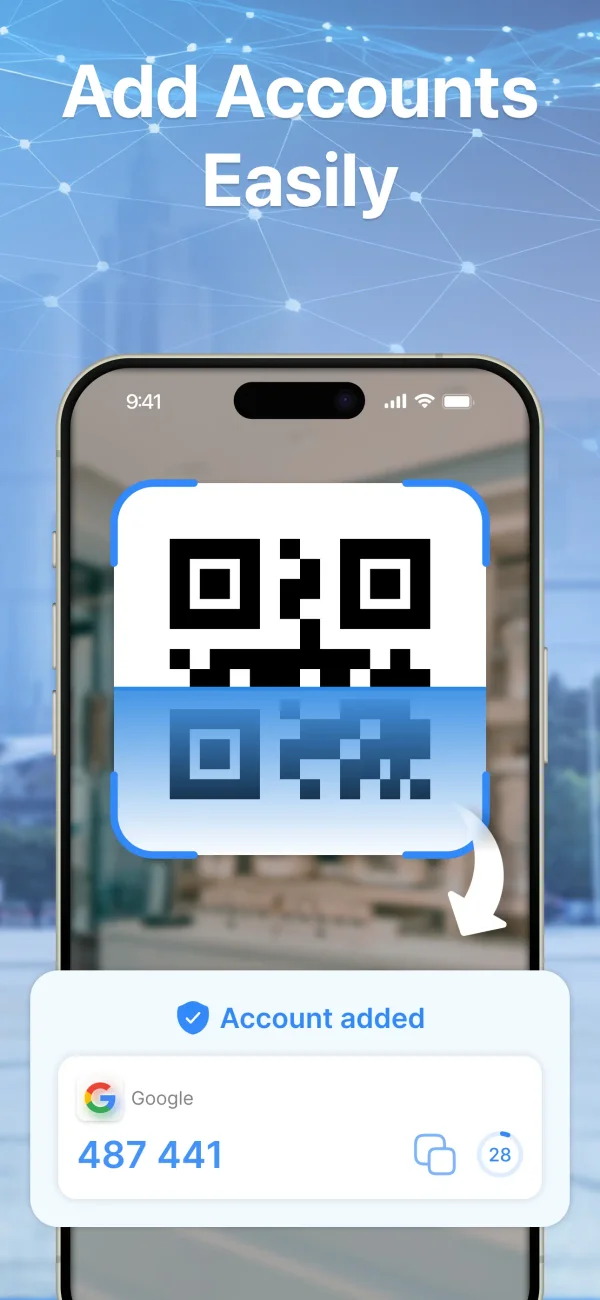
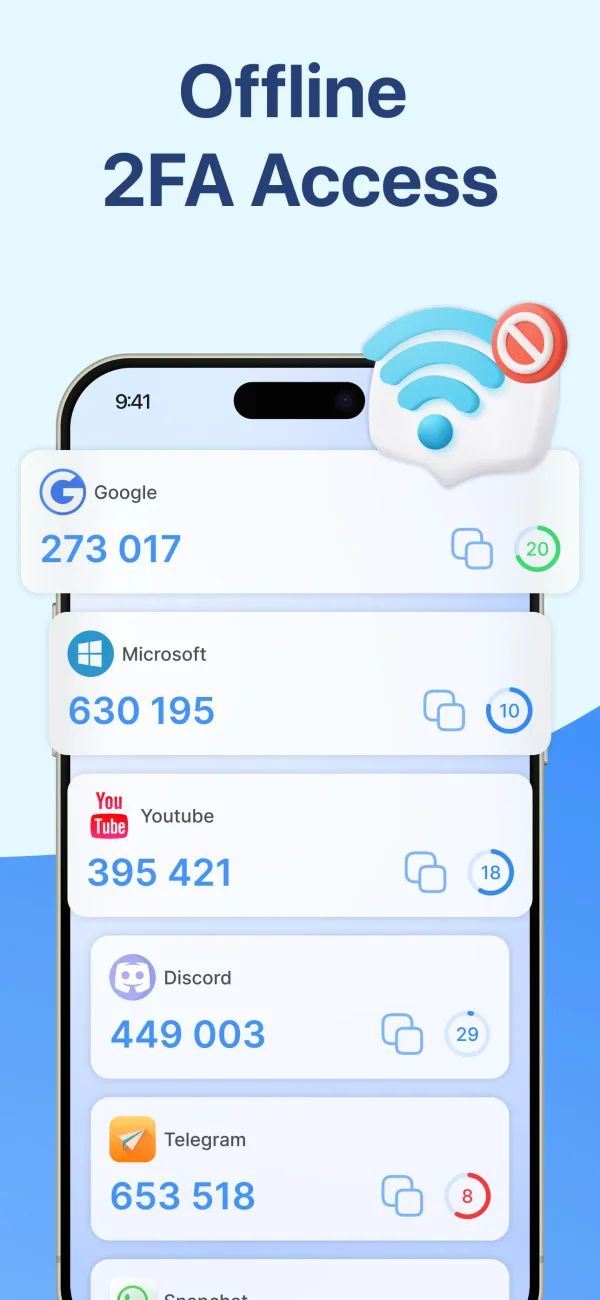
Generate time-based one-time passwords (TOTP) to add an extra layer of security to your accounts. Compatible with popular services that support authenticator apps.
Fast Code Generation
Instantly generate secure verification codes even when offline, ensuring reliable access anytime, anywhere.
Simple Account Management
Add, edit, organize, and remove accounts easily with a clean and user-friendly layout.
Biometric Protection
Use fingerprint or face unlock (supported devices) to protect access to your sensitive data.
Privacy First Design
Your security is our top priority. ID & Password Authenticator does not collect, store, or share your personal data. All information remains securely on your device, giving you full control over your privacy.
Clean & Modern Interface
Designed with clarity and usability in mind, the app features a minimal layout that helps you focus on what matters most—security. Navigate quickly, manage accounts effortlessly, and access codes in seconds.
Network Security Monitoring
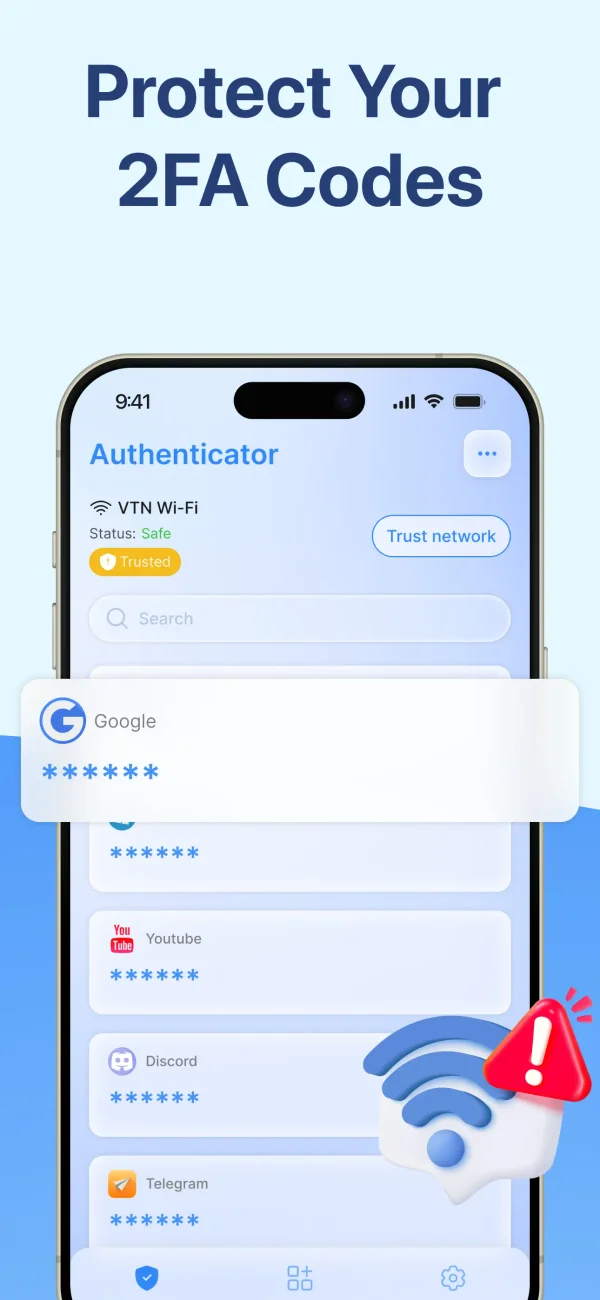
View detailed information about Wi-Fi networks your device has connected to, including the currently active network. The app scans the connected Wi-Fi to evaluate its security level and determine whether it is safe for using features related to your personal and sensitive information. If an insecure or untrusted network is detected, the app will automatically hide protected data to prevent unauthorized access and keep your information safe.
Why Choose ID & Password Authenticator?
Strong protection for IDs, passwords, and authentication codes
Simple setup with no complicated configuration
Works offline for maximum reliability
Lightweight, fast, and battery-friendly
deal for personal, work, and business accounts
Whether you want to protect social media accounts, email, banking apps, or work systems, ID & Password Authenticator gives you peace of mind in a digital world full of risks.
Download ID & Password Authenticator today and take control of your digital security with confidence, simplicity, and trust.
We'd very much appreciate your feedback and suggestions for improving this authentication tool. Your kind words encourage us a lot, thank you!
PRIVACY & SUBSCRIPTIONS
How we handle your data and full details of our in-app purchases and subscriptions are clearly explained at the links below:
- Terms of Use (EULA): https://lequoctuan.netlify.app/terms
- Privacy Policy: https://lequoctuan.netlify.app/policy
Novedades
Versión 1.0.3 · 24/10/2026
What's new in this version:
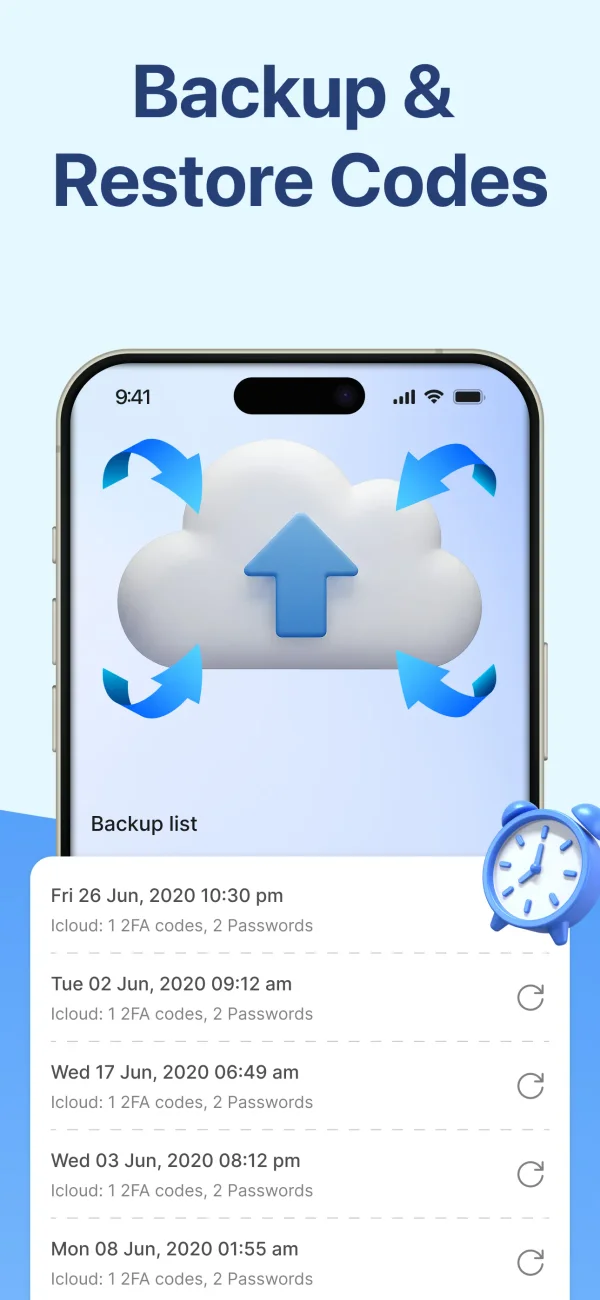
- Premium is here: upgrade to unlock unlimited 2FA accounts, cloud backup & sync, and an ad-free experience.
- Improved app performance and smoother features.
- Fixed crashes reported by our users.
Thank you for using ID & Password Authenticator! If you run into any issue, contact us at brian251088@gmail.com
Privacidad de la aplicación
Lo que Tuan Le Quoc declara en App Store sobre cómo esta aplicación gestiona los datos.
-
Datos usados para rastrearte
Pueden usarse para rastrearte en aplicaciones y sitios web propiedad de otras empresas.
- Datos de uso
-
Datos no vinculados a ti
Pueden recopilarse, pero no se vinculan a tu identidad.
- Datos de uso
- Diagnóstico
Las prácticas de privacidad pueden variar, por ejemplo, según las funciones que uses o tu edad.
Información
- Vendedor
- Tuan Le Quoc
- Categoría
- Utilidades
- Versión
- 1.0.3
- Actualizado
- 24/10/2026
- Publicado
- 30/4/2026
- Tamaño
- 72,2 MB
- Requiere
- iOS 15.6 o posterior
- Clasificación por edad
- 4+
- Precio
- Gratis
- Compras en la aplicación
- Sí
- Idiomas
- Inglés
- Copyright
- © 2026 Le Quoc Tuan
Quizá también te guste
-
 Real AuthenticatorUtilidades
-
 Scan QR: Fast Scanner ProUtilidades
-
 AI Scanning: QRCode & BarcodeUtilidades
-
 Authenticator App ···2FA Autenticación & MFA
-
 Vaulta - TCG CollectorUtilidades
-
 UniTranslate TranslatorUtilidades
-
 Authenticator app — 2FA, MFAUtilidades
-
 Green RoutineUtilidades
-
 CellPulse: EV Battery HealthUtilidades
-
 True Authenticator TOTP 2FAUtilidades