
- Clasificación por edad4+
- CategoríaEconomía y empresa
- DesarrolladorAshwani Kumar
- IdiomasInglés
- Tamaño50,3 MB
Enlaza a la página oficial de App Store
Download.org no aloja ningún archivo de Inspect Survey. El botón abre la página de la aplicación en App Store, donde la publica Ashwani Kumar. Ficha comprobada por última vez el 26/11/2026.
Capturas de pantalla



Acerca de
El desarrollador no ha proporcionado este texto en tu idioma.
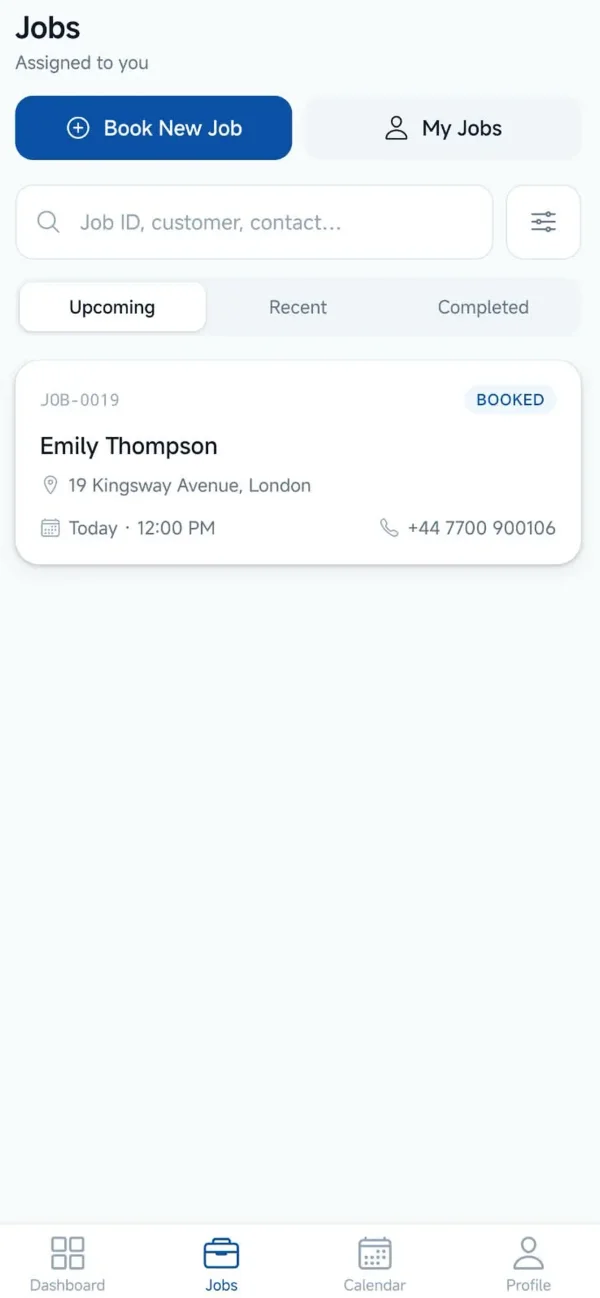
Inspect Survey is a professional field app designed for inspection Surveyors to manage and complete asbestos surveys directly from the field.
Surveyors can receive jobs assigned by the office, manage scheduled inspections, carry out on-site surveys, and access completed reports from one convenient mobile application.
KEY FEATURES
Job Management
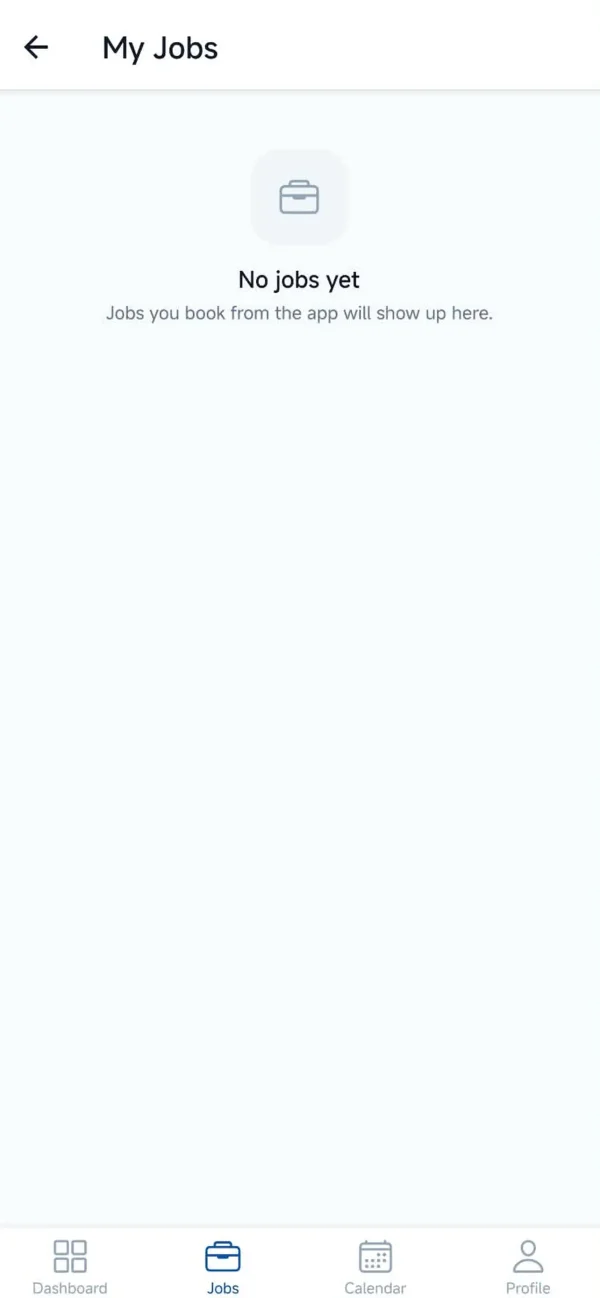
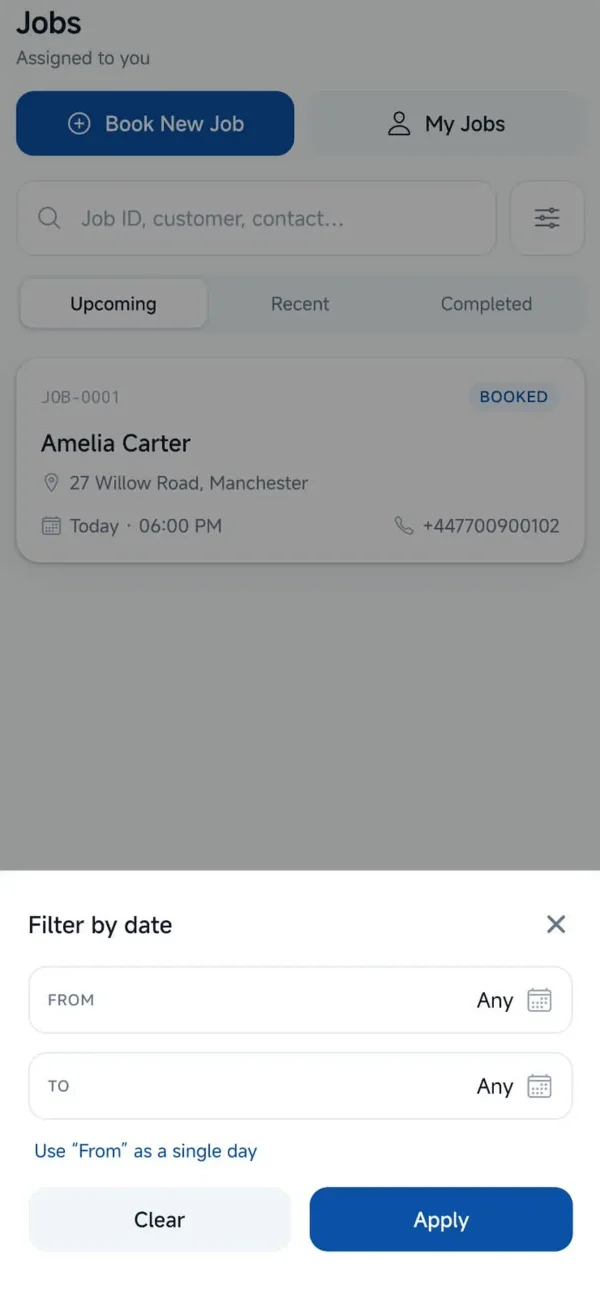
View upcoming, pending, recent, and completed survey jobs. Each job displays important scheduling information, including the remaining time before an inspection and overdue status.
Book New Job
Create a new survey job directly from the app by entering customer, property, service, survey type, date, and time details.
Survey Workflow
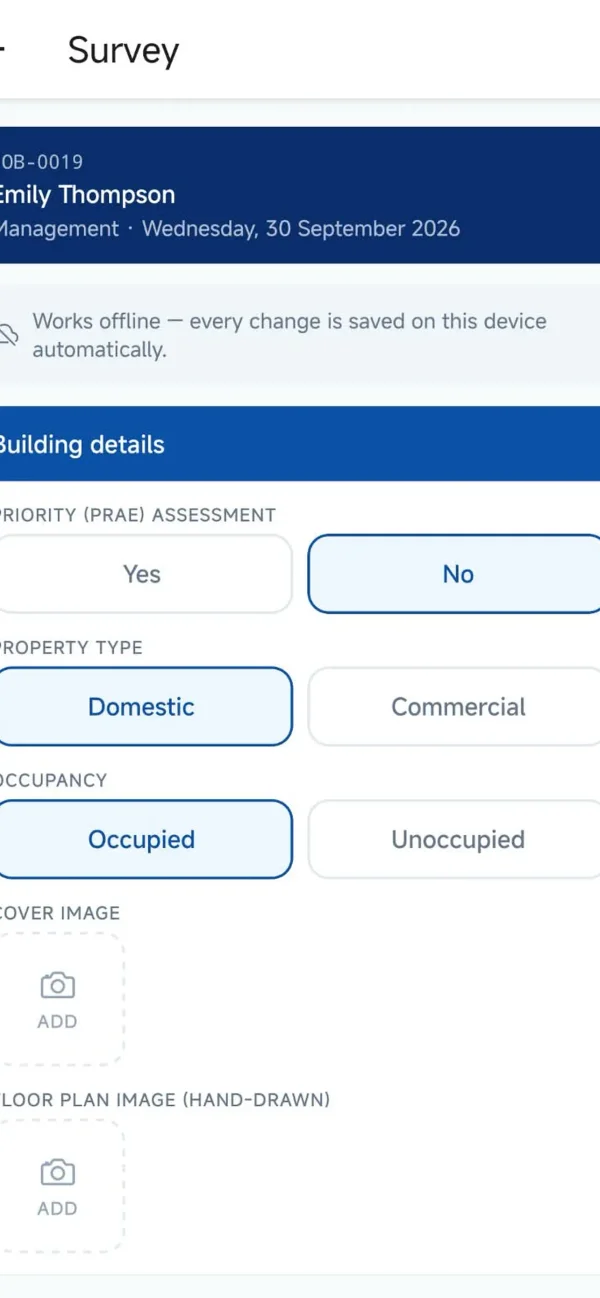
Start a survey directly from a job and record the required property and inspection information. Surveyors can enter building details, property type, occupancy information, and optional photos.
Room & Material Recording
Add individual rooms or areas to a survey, record their location and access status, and indicate whether asbestos-containing material (ACM) is suspected. Where applicable, materials can be added with supporting photographs.
Photos
Capture photos using the device camera or select existing photos from the photo library to support survey records.
Save & Continue
Save a survey as a draft and continue working on it later. Surveyors can save their current room and move to the next one during an inspection.
Offline Support
Survey information can be saved while offline and automatically sent when an internet connection becomes available.
Survey Submission
Once the inspection is complete, surveyors can finish and submit the survey. Submitted jobs are moved to the completed section.
Reports
When a completed report is published by the office, it becomes available within the relevant job. Reports can be downloaded and shared directly from the app.
Calendar
View scheduled survey jobs on their respective dates and keep track of upcoming inspections.
Notifications
Receive notifications about new jobs and when completed reports become available.
Profile Management
Update your profile photo or password, sign out of the application, or permanently delete your account.
Inspect Survey brings job management, on-site asbestos surveying, survey records, and report access together in one streamlined field application for surveyors.
Novedades
Versión 1.1.0 · 24/11/2026
What's new in 1.1.0
• Push notifications: get an alert on your lock screen when the office assigns or updates a job. Tap it to open the job straight away.
• Smarter survey form:
- Choose room codes and sample references (S001–S099) from a list. Codes you've already used are greyed out.
- Saved rooms show with their code, for example "(001) Kitchen".
- Floors now have clear numbered names, such as -1 Basement, 0 Ground Floor and 1 First Floor.
- Every dropdown has a search box, so you can find an option by typing.
- Pick "Other" in a dropdown to add your own value and use it immediately.
- The Location field no longer appears when no ACM is found in a room.
- The floor plan image is now optional. Switch it on only when you need to upload one.
• Inspection notes: add notes to a room and they appear in the report.
• Job view: when you mark samples as submitted to the lab, the job shows the date and time they were submitted.
• Reliability: older draft surveys still open and save, and changes made offline sync when you reconnect.
• Performance and stability improvements.
Privacidad de la aplicación
Lo que Ashwani Kumar declara en App Store sobre cómo esta aplicación gestiona los datos.
-
Datos vinculados a ti
Pueden recopilarse y vincularse a tu identidad.
- Información de contacto
- Contenido del usuario
Las prácticas de privacidad pueden variar, por ejemplo, según las funciones que uses o tu edad.
Información
- Vendedor
- Ashwani Kumar
- Categoría
- Economía y empresa
- Versión
- 1.1.0
- Actualizado
- 24/11/2026
- Publicado
- 25/10/2026
- Tamaño
- 50,3 MB
- Requiere
- iOS 16.4 o posterior
- Clasificación por edad
- 4+
- Precio
- Gratis
- Idiomas
- Inglés
- Copyright
- © 2026 Inspect Survey. All rights reserved.
Quizá también te guste
-
 Enki FastInvoiceFacturas y cotizaciones fácil
-
 SurveyPocket - Offline SurveysEconomía y empresa
-
 1C:ERPEconomía y empresa
-
 Spoke PhoneEconomía y empresa
-
 Money Goals: Metas de AhorroAlcancía y plan para ahorrar
-
 RingoverTelefonía empresarial con IA
-
 Lead ConnectorProductividad
-
 myABLFinanzas
-
 Mahindra For YouEconomía y empresa
-
 Emma - Budget Planner TrackerFinanzas