Interactive Sketchbook
Realistic Pencil illustration
Diseñada para iPhone, iPad
5,99 € · Compras en la aplicación
- Clasificación por edad4+
- CategoríaEntretenimiento
- DesarrolladorDigital Wave Creative
- IdiomasInglés
- Tamaño365,3 MB
Enlaza a la página oficial de App Store
Download.org no aloja ningún archivo de Interactive Sketchbook. El botón abre la página de la aplicación en App Store, donde la publica Digital Wave Creative. Ficha comprobada por última vez el 26/11/2026.
Capturas de pantalla
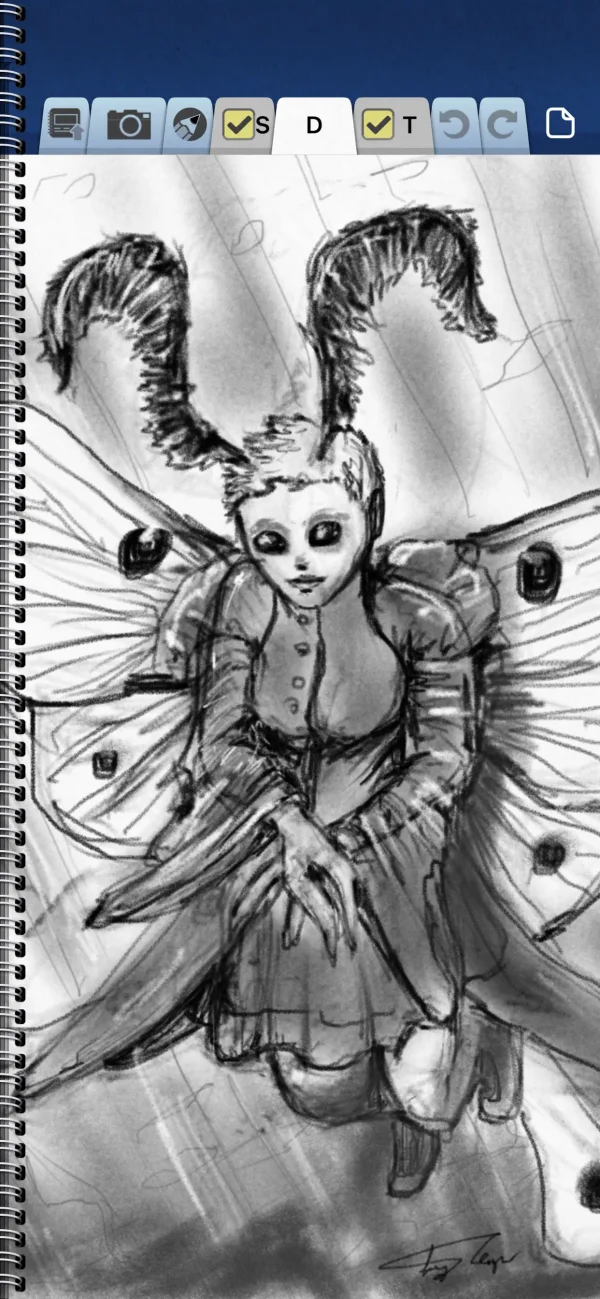
Acerca de
El desarrollador no ha proporcionado este texto en tu idioma.
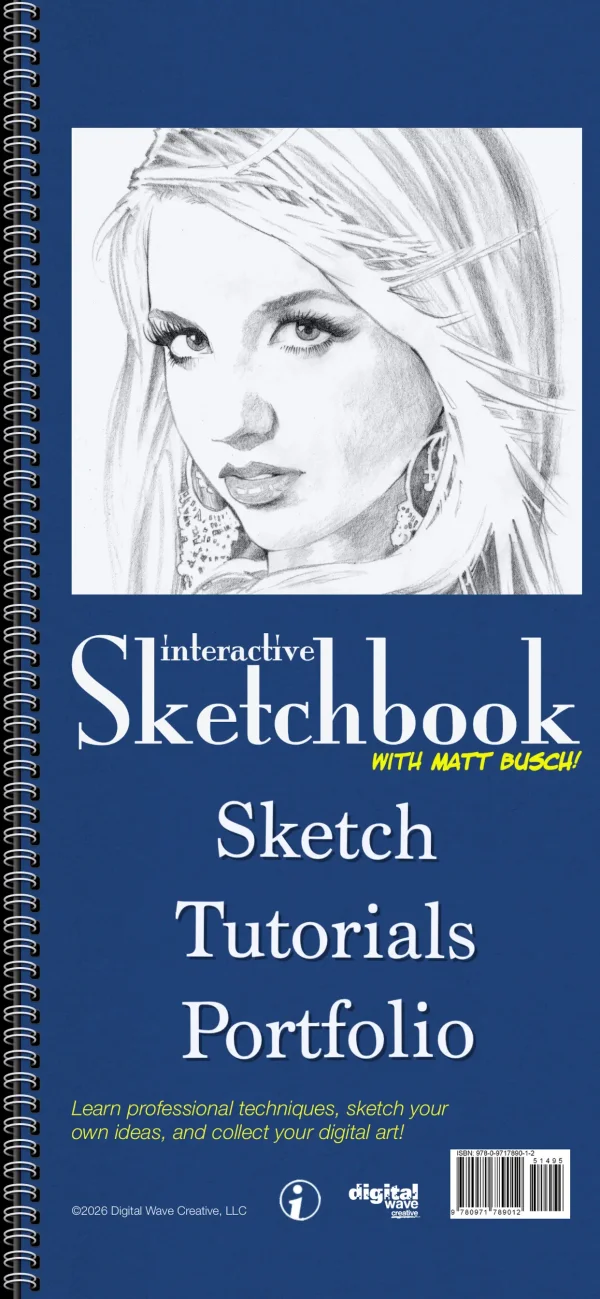
Draw beautifully organic pencil illustrations using professional tutorials, or from photo reference! Practice advance techniques by drawing alongside portrait tutorials from acclaimed illustrator Matt Busch. Or sketch on your own with the option to import your own photo reference.
•INNOVATIVE APPROACH•
THE RIGHT TOOLS
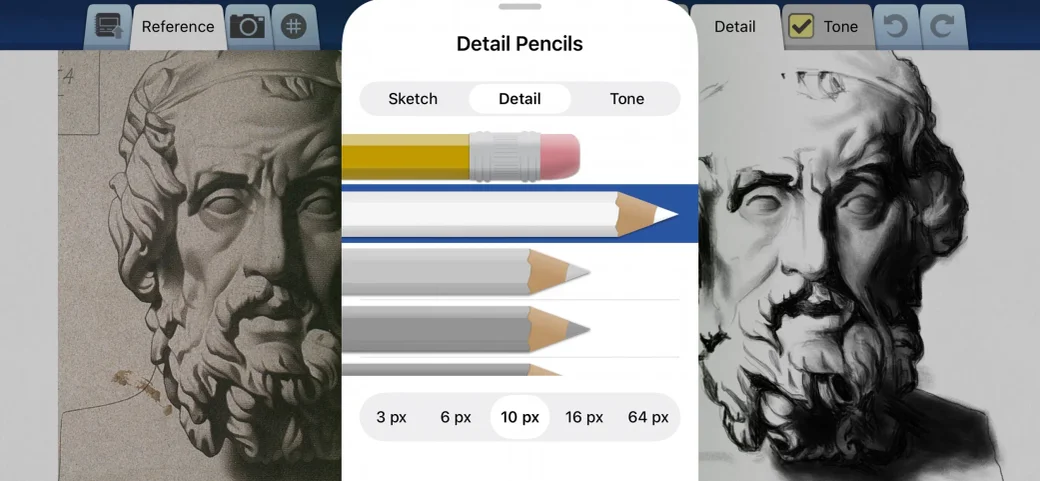
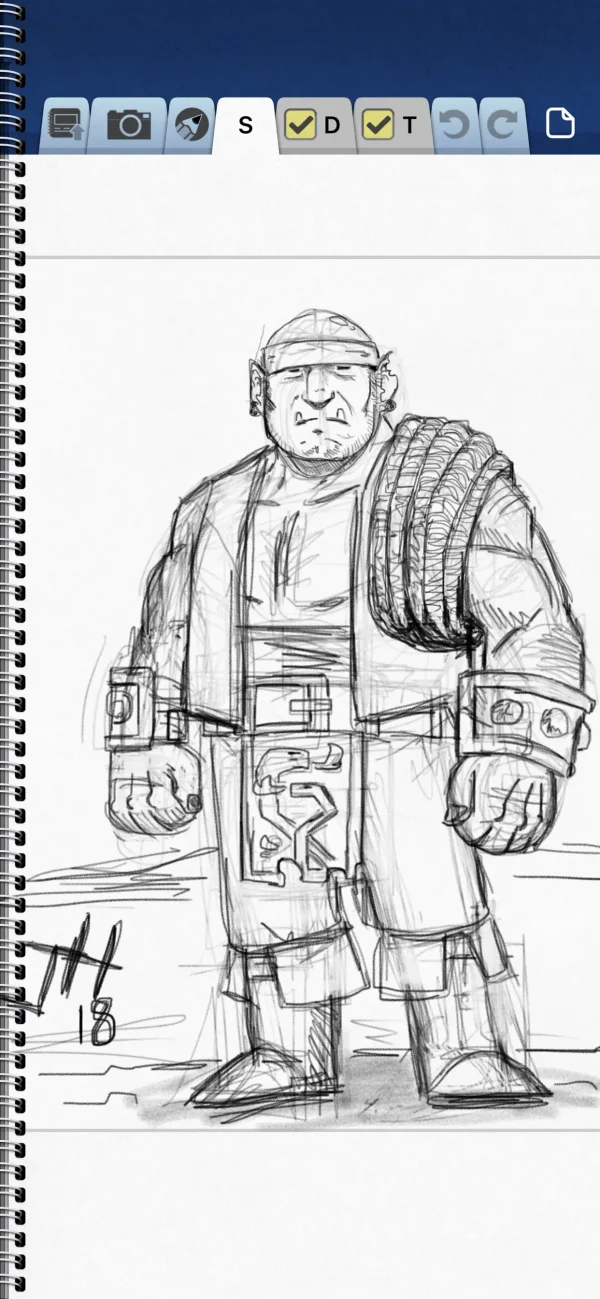
Three custom layers allow you to efficiently switch between the types of tools that are most useful. Draw loosely and plan your work in the "Sketch Layer". Enjoy precise control of line and value in the "Detail Layer" to make highlights and intricate details shine. Enjoy a unique "Tone Layer" that makes smooth shading easy and fun! Each layer's visibility can be toggled on and off.
SIDE BY SIDE
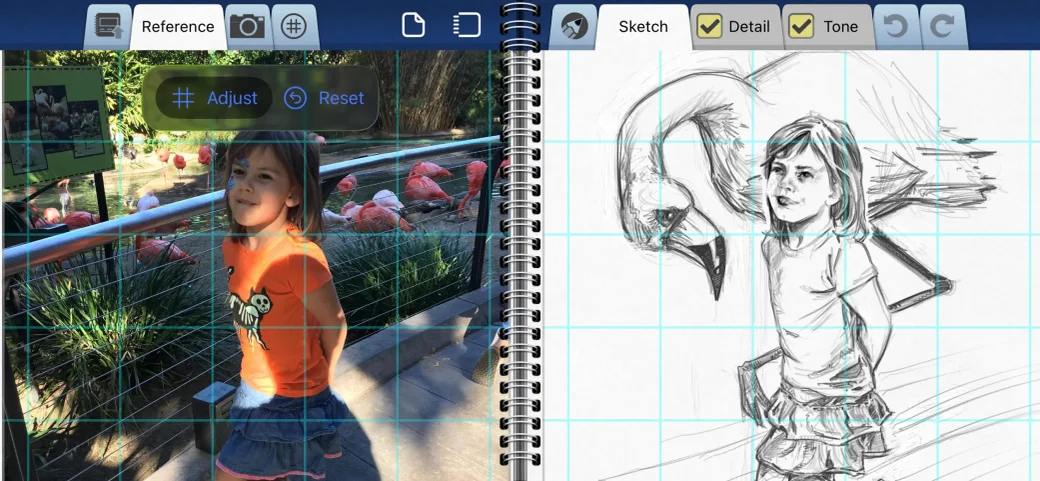
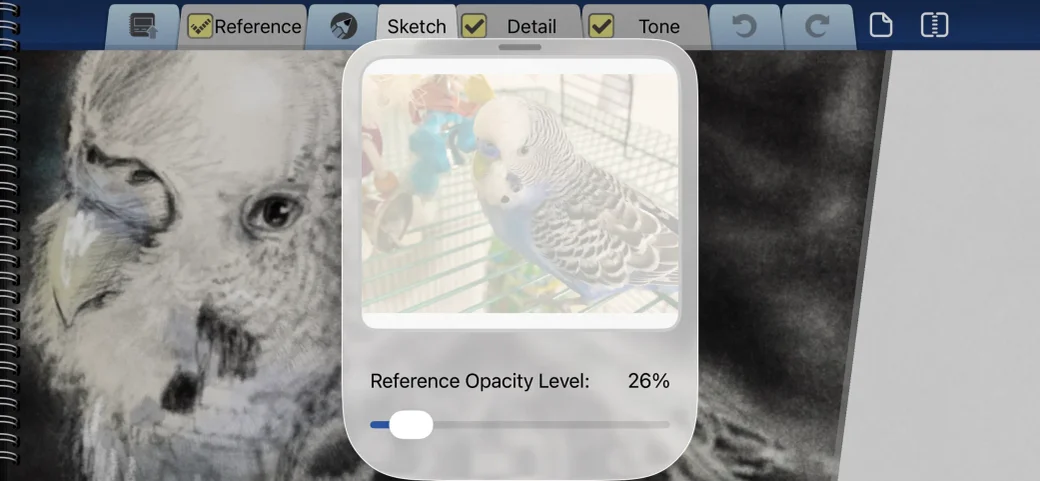
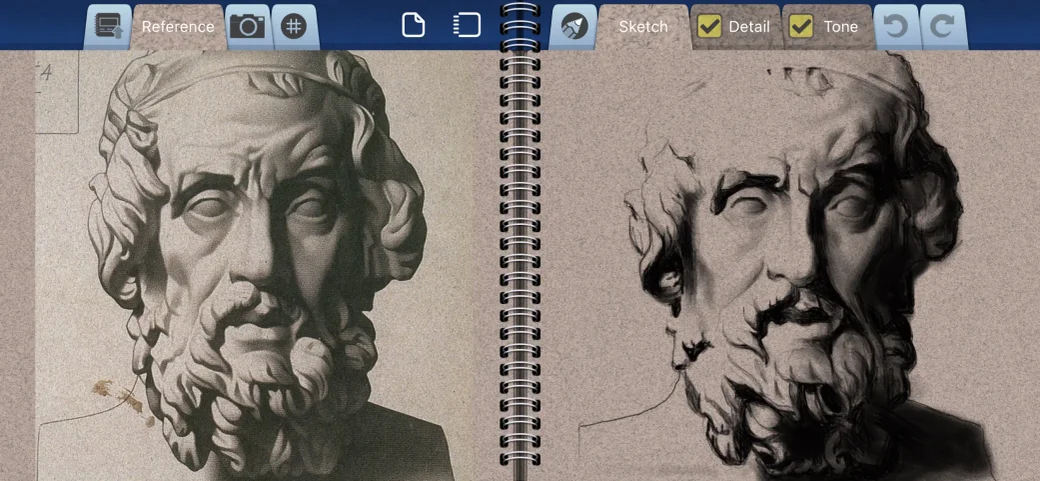
Whether using your own photo or a tutorial, split view allows you to use reference in a unique way, side by side. Pinch to zoom in on detail and both the drawing and reference stay perfectly in sync! Awesome for artists who want to draw from reference without being forced to trace.
INTUITIVE FULL-PAGE MODE
But when you do want to trace. . . -swipe the binder over to utilize the full page where you can use your reference as a guide to get proportions picture perfect. Or enjoy full-screen mode with the reference layer toggled off to focus on detail, and maximize the iPad’s work surface.
ENDLESS REAL-ESTATE
With Interactive Sketchbook, you’ll never run out of pages. And with an undo and redo function you can explore being more creative without ruining your drawing or wasting paper. Like a tangible paper sketchbook Interactive Sketchbook is portable and always ready when inspiration strikes.
•MATT BUSCH TUTORIALS•
LEARN FROM A PRO
Have a professional illustrator as your personal tour guide! Matt Busch has been illustrating some of the hottest properties in movies, books, and comics for over 30 years! And now he’s your interactive instructor, sharing his secrets and teaching you the basics of sketching portraits.
LOTS OF OPTIONS
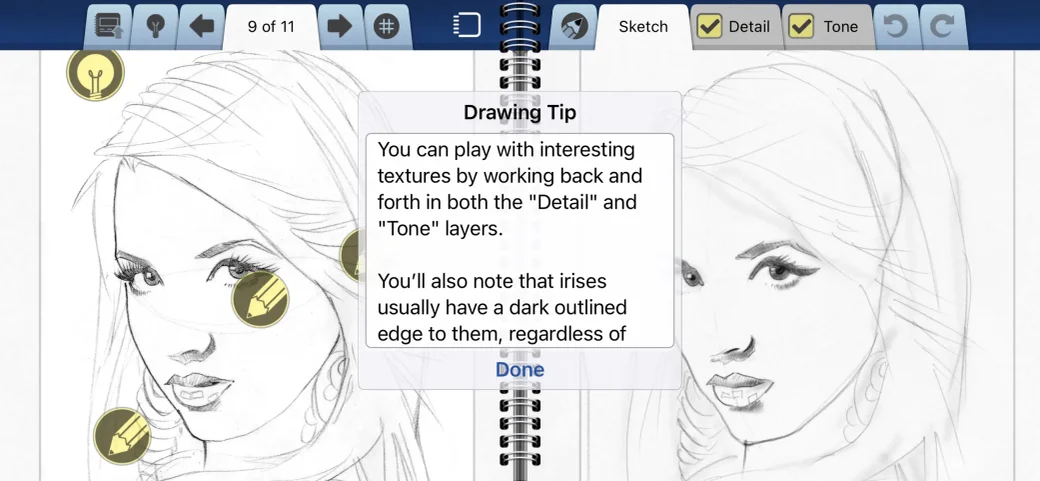
The application has 4 different interactive tutorials that guide you through the steps of creating great portraits. Follow along with Busch at your own pace across 11 visual steps and see every pencil stroke he makes. For more specific guidance, touch an area within a step to reveal Busch’s detailed tips. (Over 3 dozen detailed tips per tutorial!)
•PORTFOLIO AND BEYOND•
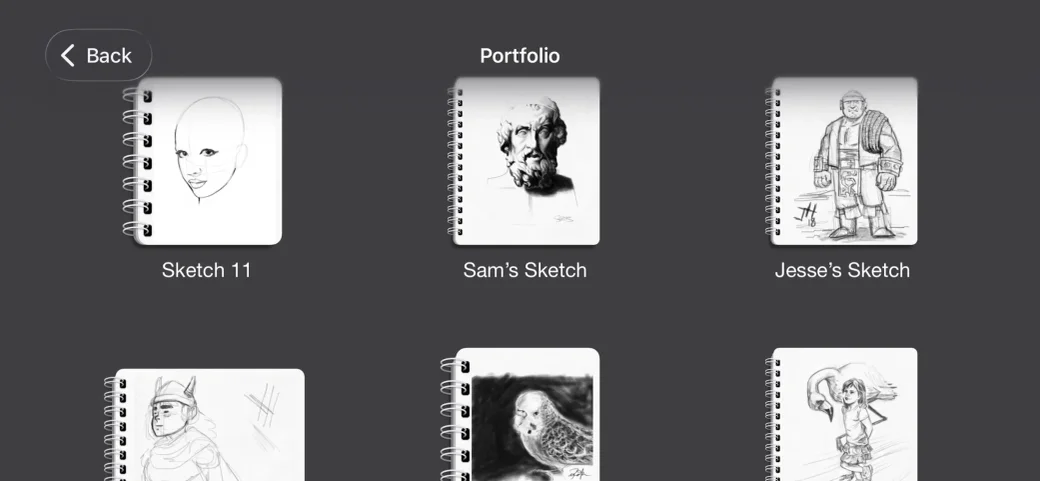
Store, view, edit and resume your drawings in the portfolio. A clean layout and professional presentation allows you to view all your sketches at a glance. Tap a thumbnail to view your latest creations up close. And now, with the new "Animate Sketch" feature, you can watch your drawings redraw themselves step by step!
All your sketches are automatically saved and stored in the portfolio. And you can always continue any sketch from where you last left off!
•APPLE PENCIL SUPPORT•
Take your sketching even further by connecting an Apple Pencil or Logitech Crayon. All styluses support palm rejection to prevent stray marks while resting a hand on the screen during drawing. Also enjoy pressure sensitive strokes for better control of your line work and shading with supporting styluses.
Treat yourself to Interactive Sketchbook now, or surprise a friend and “Gift this App”.
Whether you are an occasional doodler or a professional illustrator, Interactive Sketchbook is a must-have tool for your iPad and iPhone!
Novedades
Versión 4.1 · 25/11/2026
NEW IN VERSION 4.1
• Support for iPhone Duo.
• Support for squeeze gesture on Pencil Pro.
• Support for Pencil hover preview on compatible Apple Pencils.
• Improvements to popover legibility in dark mode.
NEW IN VERSION 4.0:
Toned Paper Sketching:
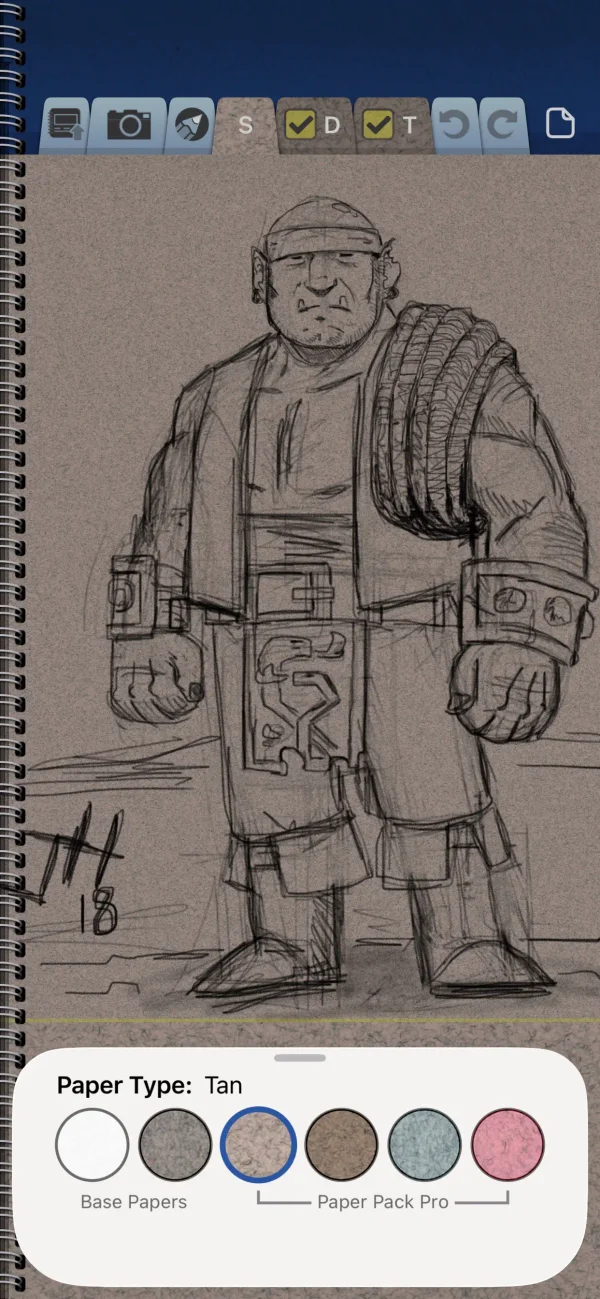
Switch your paper to a richly textured toned paper for Monotone Sketching. Selecting a toned paper adds a white highlight pencil to your tools. Focus on rendering highlights and shadows with the paper handling your illustrations mid tones.
Adjustable Reference Grids:
Side by side mode now has adjustable reference grids that you can turn on to help you get your drawings proportions just right.
Improved Canvas Gestures:
You now have more freedom to position your art on screen, with rotation, zoom and offset.
Sketch Stats in Portfolio:
Want to know how long you worked on a drawing? How many strokes you used to make your masterpiece? You can now see stats of your sketch in the portfolio.
Privacidad de la aplicación
Lo que Digital Wave Creative declara en App Store sobre cómo esta aplicación gestiona los datos.
-
No se recopilan datos
El desarrollador no recopila ningún dato de esta aplicación.
Las prácticas de privacidad pueden variar, por ejemplo, según las funciones que uses o tu edad.
Información
- Vendedor
- Digital Wave Creative LLC
- Categoría
- Entretenimiento
- Versión
- 4.1
- Actualizado
- 25/11/2026
- Publicado
- 28/2/2011
- Tamaño
- 365,3 MB
- Requiere
- iOS 17.6 o posterior
- Clasificación por edad
- 4+
- Precio
- 5,99 €
- Compras en la aplicación
- Sí
- Idiomas
- Inglés
- Copyright
- © 2011 Digital Creative LLC
Quizá también te guste
-
 ADHD Swipe Test: Brain QuizEntretenimiento
-
 Lunicode - Fonts & EmoticonsEntretenimiento
-
 Sound Effect ZNCEntretenimiento
-
 Animation Desk® UltimateCreate animations and cartoons
-
 Frank-FM Cape CodEntretenimiento
-
 GameDiary - Log your gamesEntretenimiento
-
 Pip-ToyEntretenimiento
-
 Barkly - AI Dog TranslatorEntretenimiento
-
 Mr FartsSonidos, bromas y minijuegos
-
 Pose Tool 3DEntretenimiento