Intervalometer for Canon
A simple interval timer
Diseñada para iPhone, iPod touch
Gratis · Compras en la aplicación
- Clasificación por edad4+
- CategoríaFoto y vídeo
- DesarrolladorRichard Buhmann
- IdiomasInglés
- Tamaño4,6 MB
Enlaza a la página oficial de App Store
Download.org no aloja ningún archivo de Intervalometer for Canon. El botón abre la página de la aplicación en App Store, donde la publica Richard Buhmann. Ficha comprobada por última vez el 18/11/2026.
Capturas de pantalla

Acerca de
El desarrollador no ha proporcionado este texto en tu idioma.
Compatible with the following models:
EOS 1D X Mark III
EOS M6 / M6 Mark II / M50 / M50 Mark II / M200
EOS RP / R3 / R5 / R6 / R6 Mark II / R7 / R8 / R10 / R50 / R100
EOS 200D Mark II / 250D/SL3
EOS 850D/T8i
EOS 90D
PowerShot G5 X Mark II / G7 X Mark III / G9 X Mark II
Shoot limitless timelapse, long-exposure, and astrophotography images with your Canon DSLR or mirrorless camera using our energy-efficient Bluetooth Intervalometer App. Or use it for self-portraits: Taking photos of yourself with a real camera does not have to mean running back and forth to beat a 10-second timer. An intervalometer lets your camera take repeated shots at set intervals, so you can step into the frame, adjust your pose, and capture more natural-looking self-portraits, solo travel photos, and hands-free selfies.
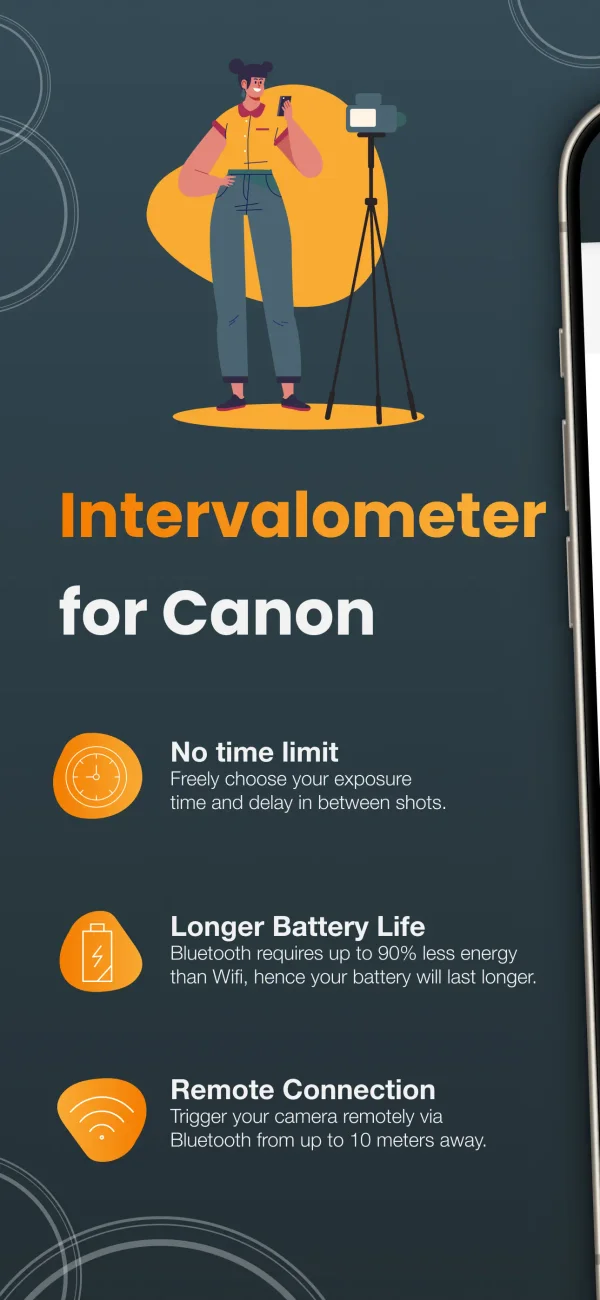
Longer Battery Life
Bluetooth (BLE = Bluetooth Low Energy) requires up to 90% less energy than Wifi, hence your battery will last longer.
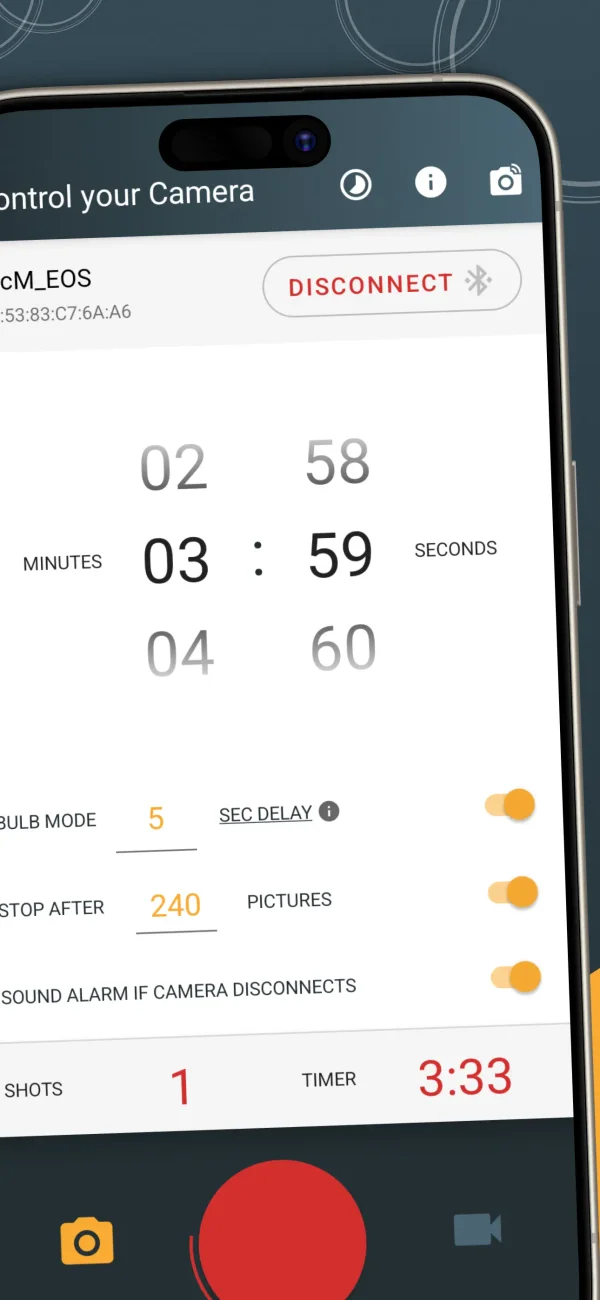
BULB mode
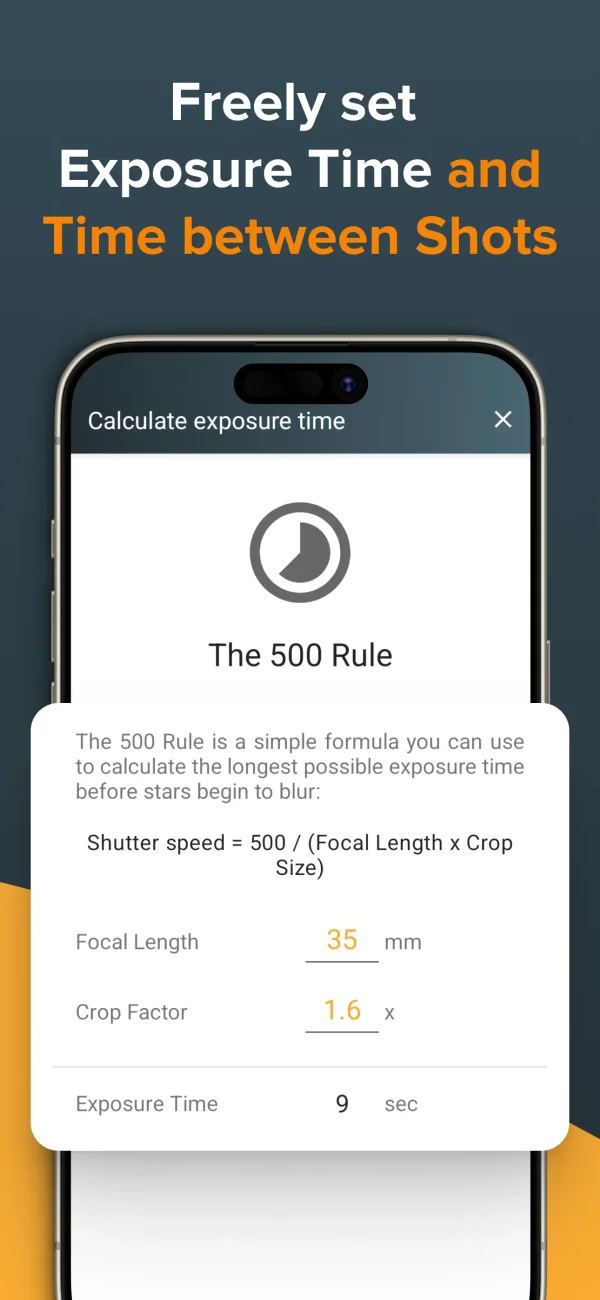
Set the exposure time on your camera or switch to BULB mode and control the exposure time directly from the app without any time limit.
AEB mode
Take multiple pictures while using Auto Exposure Bracketing on your camera.
Unlimited Number of Photos and Automatic Stop
Choose between infinite triggering or an automatic stop after a set number of photos.
Alarm on Interruption and Automatic Reconnect
Sounds an alarm when the camera disconnects from the phone while shooting is in progress and automatically attempts to reconnect the app to the camera in order to continue shooting.
Continue in Background
Triggering continues even when the app is minimised in the background.
Video mode
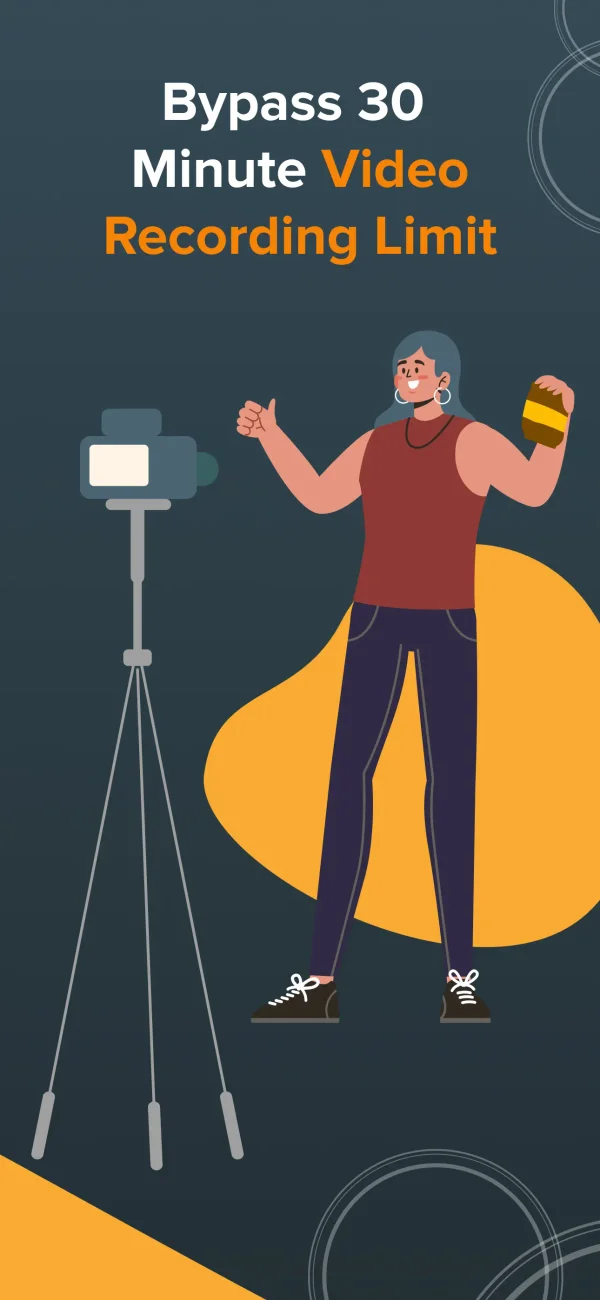
The intervalometer also works in Video mode and can be used to re-start video recording. This might be useful for cameras that have a 30 minute video recording limit.
Terms of use: https://www.apple.com/legal/internet-services/itunes/dev/stdeula/
Novedades
Versión 4.2 · 28/9/2026
Changed minimum iOS version to 15
Privacidad de la aplicación
Lo que Richard Buhmann declara en App Store sobre cómo esta aplicación gestiona los datos.
-
No se recopilan datos
El desarrollador no recopila ningún dato de esta aplicación.
Las prácticas de privacidad pueden variar, por ejemplo, según las funciones que uses o tu edad.
Información
- Vendedor
- Richard Buhmann
- Categoría
- Foto y vídeo
- Versión
- 4.2
- Actualizado
- 28/9/2026
- Publicado
- 21/3/2022
- Tamaño
- 4,6 MB
- Requiere
- iOS 15 o posterior
- Clasificación por edad
- 4+
- Precio
- Gratis
- Compras en la aplicación
- Sí
- Idiomas
- Inglés
- Copyright
- © 2026 NB Services
Quizá también te guste
-
 ONNOA - SmartTimerTimelapse y disparo de rayos
-
 Remote LensBluetooth para Canon EOS Rx
-
 AstroEdit - Simple and QuickFoto y vídeo
-
 Stellar – Cámara TimelapseRAW, Cámara Dual y Remota
-
 AstroStacker: Apila el cieloAstrofotografía en tu iPhone
-
 Timelapse Camera: Stop MotionFoto y vídeo
-
 Canon EOS Multi RemoteFoto y vídeo
-
 Unleashed - Camera RemoteFoto y vídeo
-
 MIOPS MOBILEFoto y vídeo
-
 Benro ConnectFoto y vídeo