
- Clasificación por edad4+
- CategoríaUtilidades
- DesarrolladorABUS Security Center GmbH & Co. KG
- IdiomasInglés+ 4 más
- Tamaño28,8 MB
Enlaza a la página oficial de App Store
Download.org no aloja ningún archivo de IPCam Plus. El botón abre la página de la aplicación en App Store, donde la publica ABUS Security Center GmbH & Co. KG. Ficha comprobada por última vez el 18/11/2026.
Capturas de pantalla


Acerca de
El desarrollador no ha proporcionado este texto en tu idioma.
IPCam Plus with improved user interface
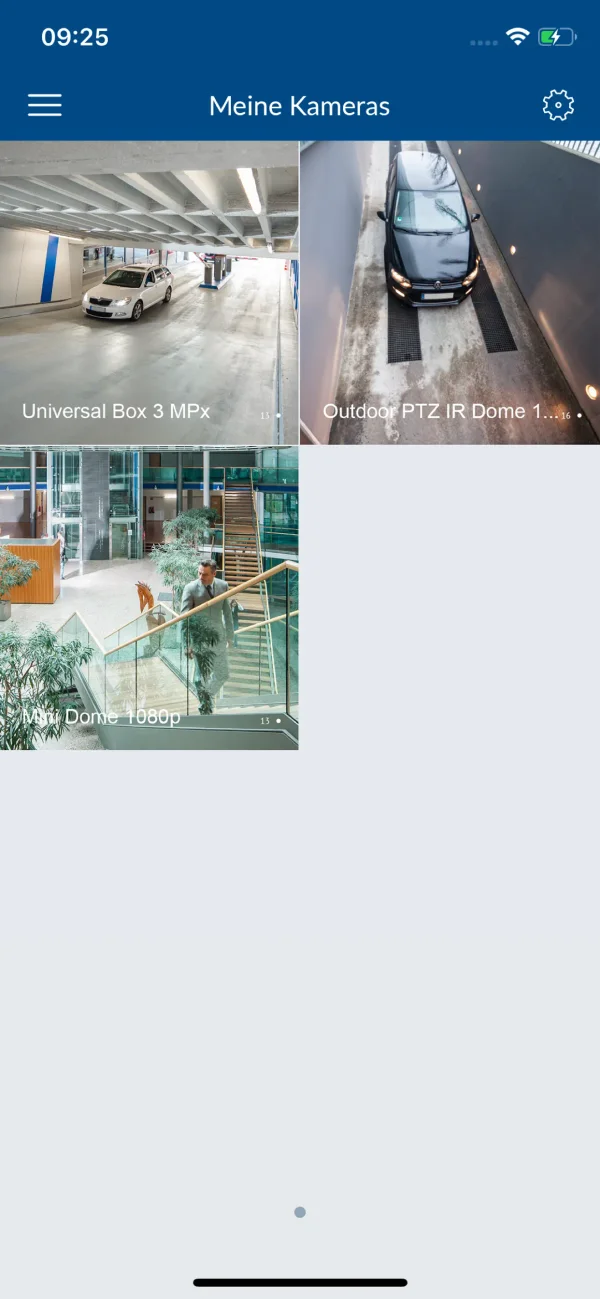
Convenient access to your ABUS IP cameras when out and about allows you to watch all videos live. The free Universal IPCam Plus app is optimised for smartphones and tablets and displays video images from up to six network cameras at once. Alarm outputs can also be controlled via the app. Users can log in both via touch ID or using a six-digit PIN code.
Camera view and online functions
The camera views can be selected individually by creating groups. If multiple cameras are saved in the app, you can switch between them in single or multi-screen simply by swiping. The integrated online help function can display explanations for the control panels, for example. The online update function can be used to update the internal camera database quickly and easily, so that new camera models can be recognised reliably.
Live image access and transfer via MMS or email
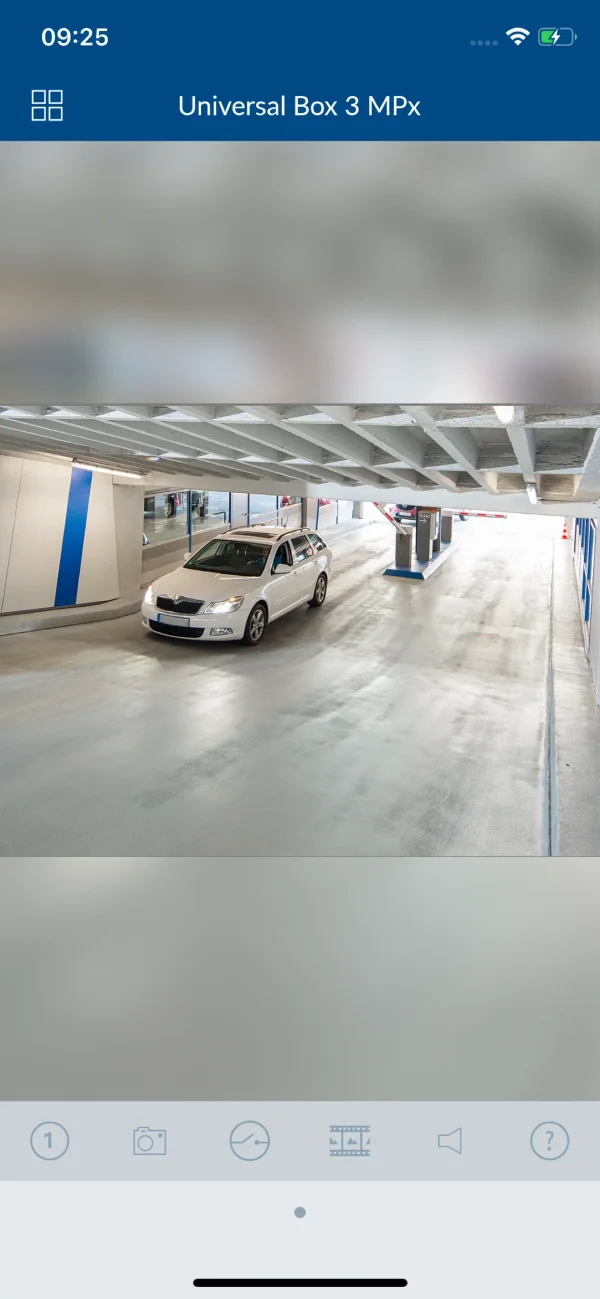
The user-friendliness of iPhones or other similar devices is of course retained; simply tilt the mobile device to the side to view videos in landscape mode. When live-streaming, simply click to switch between different quality settings.
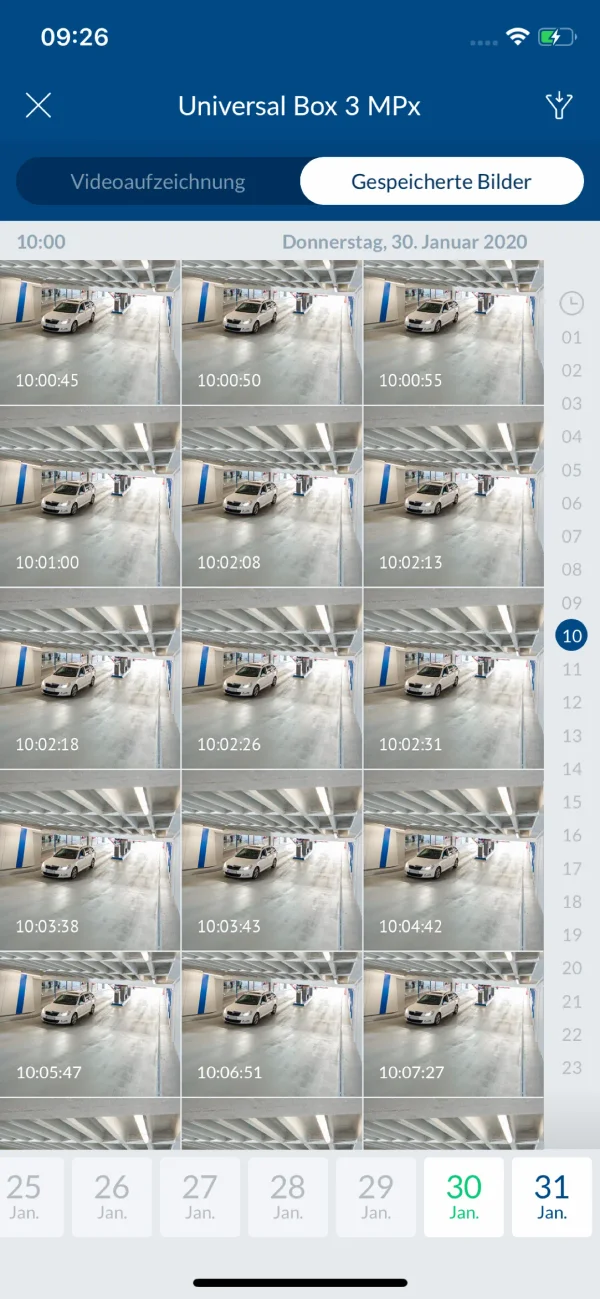
Images can also be saved from the live cast. The relevant image is stored in the image folder on the end device and can be sent easily via MMS or email. If the video files are recorded directly on the camera SD card, the recorded material can be viewed via the app. There is no need to download the entire video; the desired areas can simply be selected and then streamed on the device.
Control of PTZ cameras
A particular highlight is the ability to control pan tilt zoom cameras using the buttons displayed in the live view. The app can also be used to configure preset positions for the cameras, and to change these at any time if necessary. Complete camera tours can also be started and stopped this way.
Wide selection of languages
The app supports German, English, French, Dutch and Danish.
This application supports the following camera models:
- TVIP11502, TVIP11552, TVIP11560, TVIP11561
- TVIP21502, TVIP21552, TVIP21560, TVIP22500
- TVIP31001, TVIP31501, TVIP31551, TVIP32500
- TVIP41500, TVIP41560
- TVIP52502
- TVIP61500, TVIP61550, TVIP61560, TVIP62500
- TVIP71501, TVIP71551, TVIP72500
- TVIP81000, TVIP81100, TVIP82000, TVIP82100
- TIP82900, TVIP83900, TVIP86900
- TVIP91100, TVIP91300, TVIP91600, TVIP91700
- TVIP92100, TVIP92300, TVIP92500, TVIP92600, TVIP92610, TVIP92700
- IPCB42500, IPCB42550, IPCB71500, IPCB72500 (HTTPS and SD-Card Snapshots requires Firmware 5.3.4 or above)
- IPCB42501, IPCB42551, IPCB62500, IPCB72501,
- IPCB24500, IPCB34500, IPCB64500, IPCB74500,
- IPCA22500, IPCA32500, IPCA52000, IPCA62500, IPCA62505, IPCA72500
- IPCA33500, IPCA63500, IPCA66500, IPCA73500, IPCA76500 (HTTPS and SD-Card Snapshots requires Firmware 5.3.2 or above)
- IPCS82520 (HTTPS and SD-Card Snapshots requires Firmware 5.3.3 or above)
- IPCS82500 (HTTPS and SD-Card Snapshots requires Firmware 5.4.12 or above)
- IPCS10020
- IPCB42510A, IPCB42510B, IPCB42510C, IPCB42515A, IPCB44510A, IPCB44510B, IPCB44510C
- IPCB62510A, IPCB62510B, IPCB62510C, IPCB64510A, IPCB64510B, IPCB64510C, IPCB68510A, IPCB68510B, IPCB68510C
- IPCB62520, IPCB64520, IPCB68520
- IPCB72520, IPCB74520, IPCB78520
Important notes:
The app requires the firmware on your network camera to be up to date, so you may have to update the firmware before you start. Intensive use of the live-streaming function can increase battery consumption, causing the end device to heat up. In the case of remote connections, additional costs may be incurred depending on your provider. The video performance will depend on the transmission bandwidth.
The privacy policy can be found here:
https://info.abus-sc.com/legal-documents/ipcam-plus/dsgvo-ipcamplus.html
The terms of use can be found here:
https://info.abus-sc.com/legal-documents/ipcam-plus/terms-ipcamplus.html
Novedades
Versión 1.5.3 · 28/5/2026
Troubleshooting and performance improvement
Privacidad de la aplicación
Lo que ABUS Security Center GmbH & Co. KG declara en App Store sobre cómo esta aplicación gestiona los datos.
-
Datos no vinculados a ti
Pueden recopilarse, pero no se vinculan a tu identidad.
- Datos de uso
- Diagnóstico
Las prácticas de privacidad pueden variar, por ejemplo, según las funciones que uses o tu edad.
Información
- Vendedor
- ABUS Security Center GmbH & Co. KG
- Categoría
- Utilidades
- Versión
- 1.5.3
- Actualizado
- 28/5/2026
- Publicado
- 4/4/2017
- Tamaño
- 28,8 MB
- Requiere
- iOS 12.0 o posterior
- Clasificación por edad
- 4+
- Precio
- Gratis
- Idiomas
- Inglés, Danés, Neerlandés, Francés, Alemán
- Copyright
- © ABUS Security Center GmbH & Co. KG
Quizá también te guste
-
 InstarVisionUtilidades
-
 UniCam: Visor de Cámaras IPAlertas IA, CCTV, Vigilabebés
-
 Visor de Cámaras IPRTSP, ONVIF, CCTV, PTZ locales
-
 Visor de Cámaras IP: Cam HeroCámara de seguridad en casa
-
 Cam&CamCámara de seguridad para
-
 iVCam WebcamTeléfono móvil como PC webcam
-
 IP Scanner - Escáner de RedNetwork Scanner WiFi/LAN
-
 Analizador de Red WiFiBuscar Dispositivo Bluetooth
-
 Cámara de Seguridad SmartVigilancia en casa y oficina
-
 Cámara Segura - Conexión HogarMonitoreo del hogar fácil