iSub Player
Dual Subtitles, Subtitle Panel
Diseñada para iPhone, iPad, iPod touch
Gratis · Compras en la aplicación
- Clasificación por edad4+
- CategoríaUtilidades
- DesarrolladorShandong HOPE Machine Co., Ltd.
- IdiomasInglés+ 2 más
- Tamaño135,1 MB
Enlaza a la página oficial de App Store
Download.org no aloja ningún archivo de iSub Player. El botón abre la página de la aplicación en App Store, donde la publica Shandong HOPE Machine Co., Ltd. Ficha comprobada por última vez el 14/11/2026.
Capturas de pantalla

Acerca de
El desarrollador no ha proporcionado este texto en tu idioma.
With features such as dual subtitles, an independent subtitle panel, subtitle-based seeking, sentence repetition, and favorites, iSub Player turns your local videos into effective learning materials.
Whether you are learning English, Japanese, Korean, French, Spanish, or other languages, iSub Player provides a more efficient viewing and learning experience.
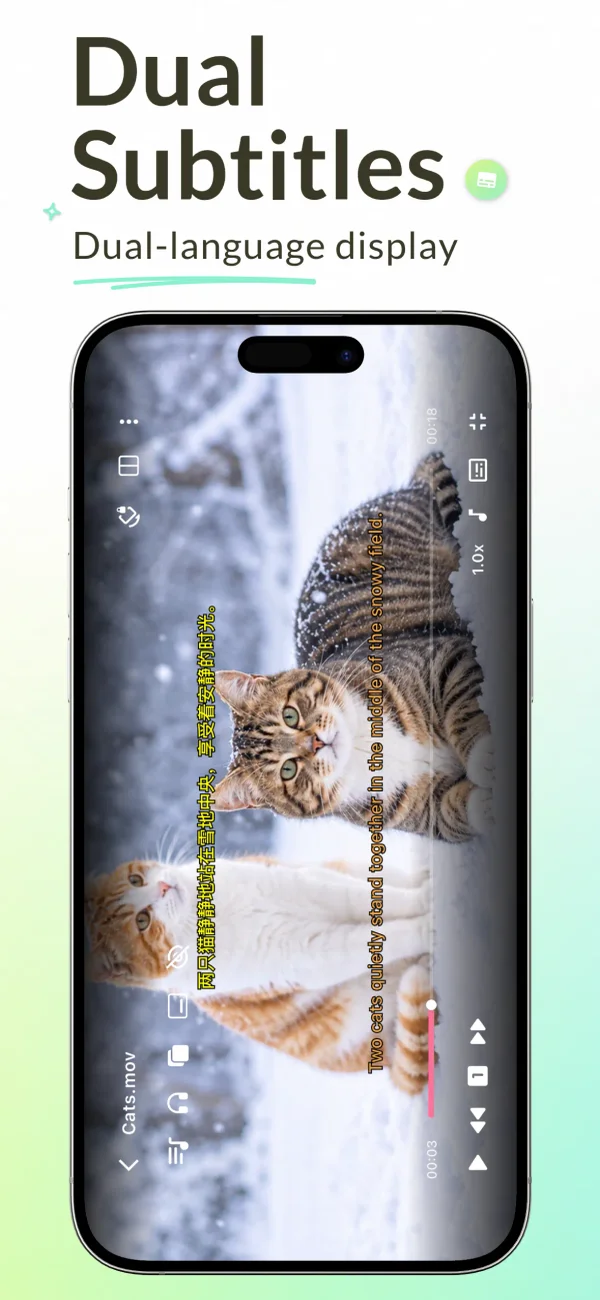
【Efficient Subtitle Learning】
• Display dual subtitles for side-by-side learning
• Independent subtitle panel with free scrolling
• Tap subtitles to jump to the exact position
• Repeat individual sentences for practice
• Shadowing, Record & Compare to Original
• Save subtitles, screenshots, and audio clips with one tap
• Quickly open AI websites to analyze subtitles and words
• Subtitle Masking for a Pure Listening Environment
• Automatically recognize and generate subtitles
【Professional Local Media Player】
• Supports popular video formats including MP4, MKV, MOV, AVI, WEBM, FLV and More
• Supports popular audio formats including MP3, AAC, FLAC, M4A, WAV, WMA and More
• Supports multiple audio track switching and audio Delay
• Supports embedded subtitles and external SRT, ASS subtitles, and LRC lyrics
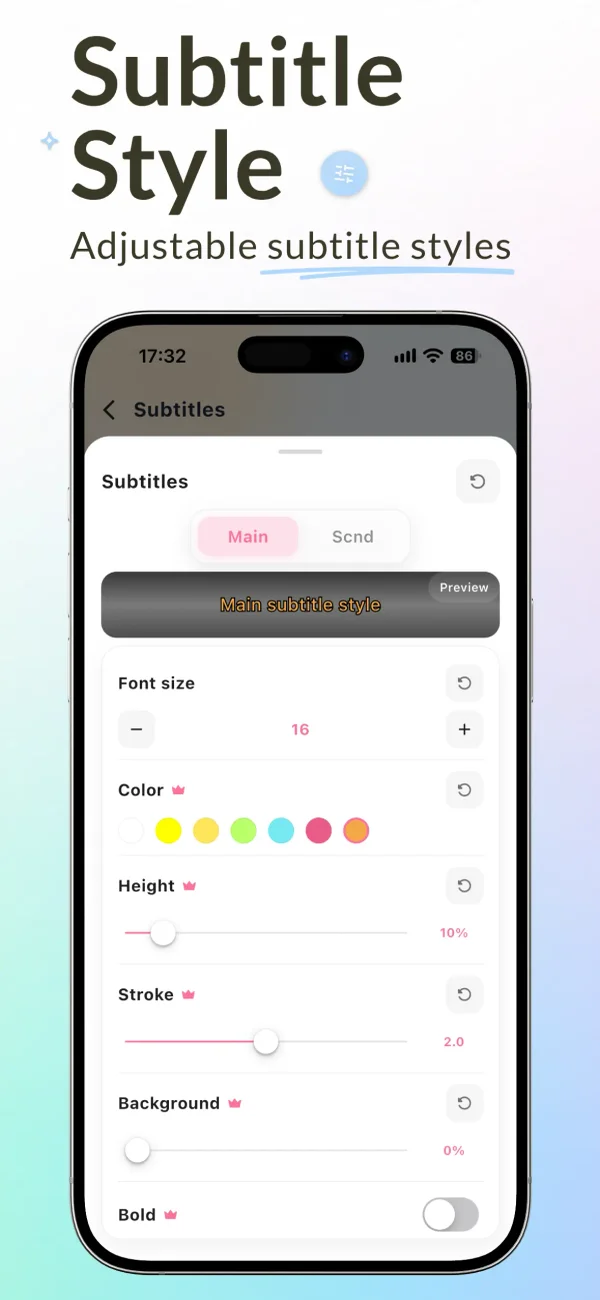
• Customizable subtitle delay, font size, and subtitle styles
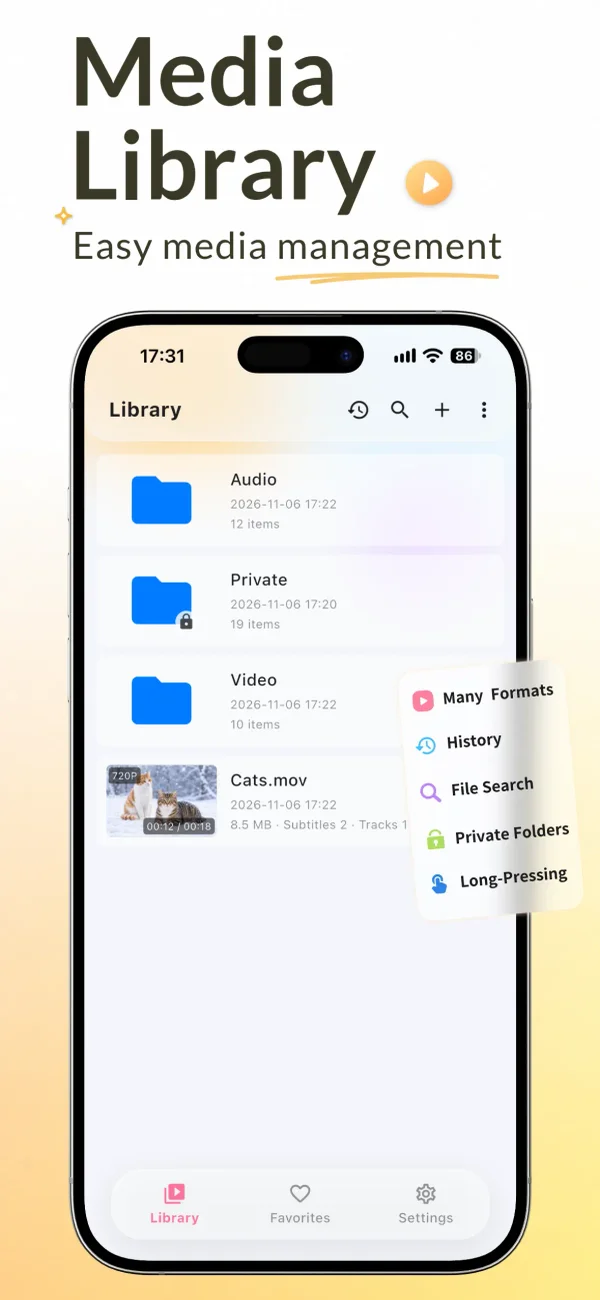
【Powerful Media Library】
• Import local video and audio files
• Automatically scan folders to create playlists
• Browse with list and grid views
• Multiple sorting options
• Automatically save playback history
• Quickly search media files
• Convenient long-press action menu
• Support batch selection and batch operations
• Private folders with password protection
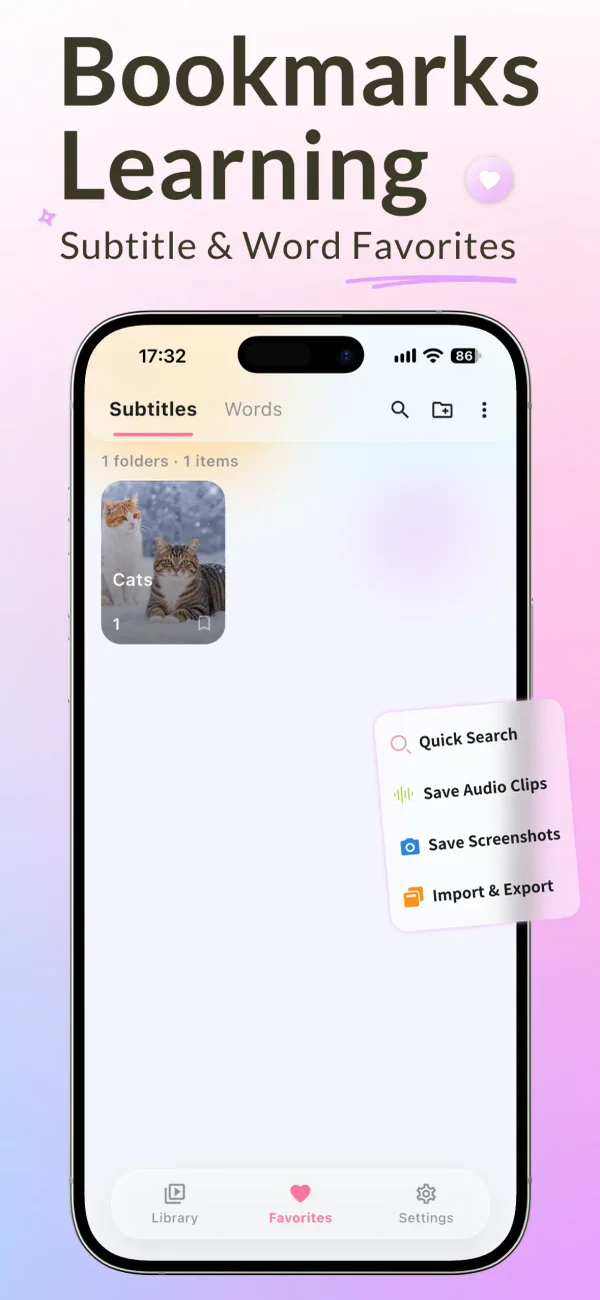
【Favorites & Learning Management】
• Save subtitle sentences, words, screenshots, and audio clips
• Categorize learning materials
• Quickly search saved content
• Export and import favorites data without quality loss
【Professional Playback Experience】
• High-precision timeline seeking
• Playback speed adjustment while maintaining audio pitch
• Automatically remember playback progress
• Gesture controls for brightness, volume, and playback position
• Double-tap to fast forward or rewind
• Pinch-to-zoom video display
• Support playlist loop, single-item loop, and single playback modes
【Background Playback】
• Continue audio playback in the background
• Lock screen media controls
• System notification playback controls
【Rich Personalization Options】
• Multi-language interface
• Customizable subtitle styles (font size, color, position, outline, background, bold, etc.)
• Playback preferences
• Translation settings
• Light mode, dark mode, and system theme support
• Customizable external keyboard shortcuts
iSub Player focuses on local media playback and language learning. It does not provide any online video content. All media files come from the user's device or are imported by the user.
Whether you are watching movies, TV shows, anime, or documentaries, or practicing listening, subtitle-based learning, speaking shadowing, and language skills, iSub Player is your ideal companion for turning local videos into effective learning resources.
Novedades
Versión 1.2.1 · 9/11/2026
• Compatible with iPhone Duo
• Generated subtitles support merging subtitles that belong to the same sentence
• Support subtitle sharing and renaming
• Optimized the display position of the bottom progress bar
• Improved the experience of adjusting progress with swipe gestures
• Added long-press speed playback
• Added shuffle mode for the playlist
Privacidad de la aplicación
Lo que Shandong HOPE Machine Co., Ltd. declara en App Store sobre cómo esta aplicación gestiona los datos.
-
Datos usados para rastrearte
Pueden usarse para rastrearte en aplicaciones y sitios web propiedad de otras empresas.
- Identificadores
-
Datos no vinculados a ti
Pueden recopilarse, pero no se vinculan a tu identidad.
- Contenido del usuario
- Identificadores
- Diagnóstico
Las prácticas de privacidad pueden variar, por ejemplo, según las funciones que uses o tu edad.
Información
- Vendedor
- Shandong HOPE Machine Co., Ltd.
- Categoría
- Utilidades
- Versión
- 1.2.1
- Actualizado
- 9/11/2026
- Publicado
- 29/7/2026
- Tamaño
- 135,1 MB
- Requiere
- iOS 15.5 o posterior
- Clasificación por edad
- 4+
- Precio
- Gratis
- Compras en la aplicación
- Sí
- Idiomas
- Inglés, Chino simplificado, Chino tradicional
- Copyright
- © 2026 Shandong HOPE Machine Co., Ltd.