
KiCAD Schematic Viewer
Schematic Viewing and Analysis
Diseñada para iPhone, iPad, iPod touch
2,99 €
- Clasificación por edad4+
- CategoríaDiseño gráfico
- Desarrollador明杰 曾
- IdiomasInglés+ 6 más
- Tamaño8,3 MB
Enlaza a la página oficial de App Store
Download.org no aloja ningún archivo de KiCAD Schematic Viewer. El botón abre la página de la aplicación en App Store, donde la publica 明杰 曾. Ficha comprobada por última vez el 8/11/2026.
Capturas de pantalla
Acerca de
El desarrollador no ha proporcionado este texto en tu idioma.
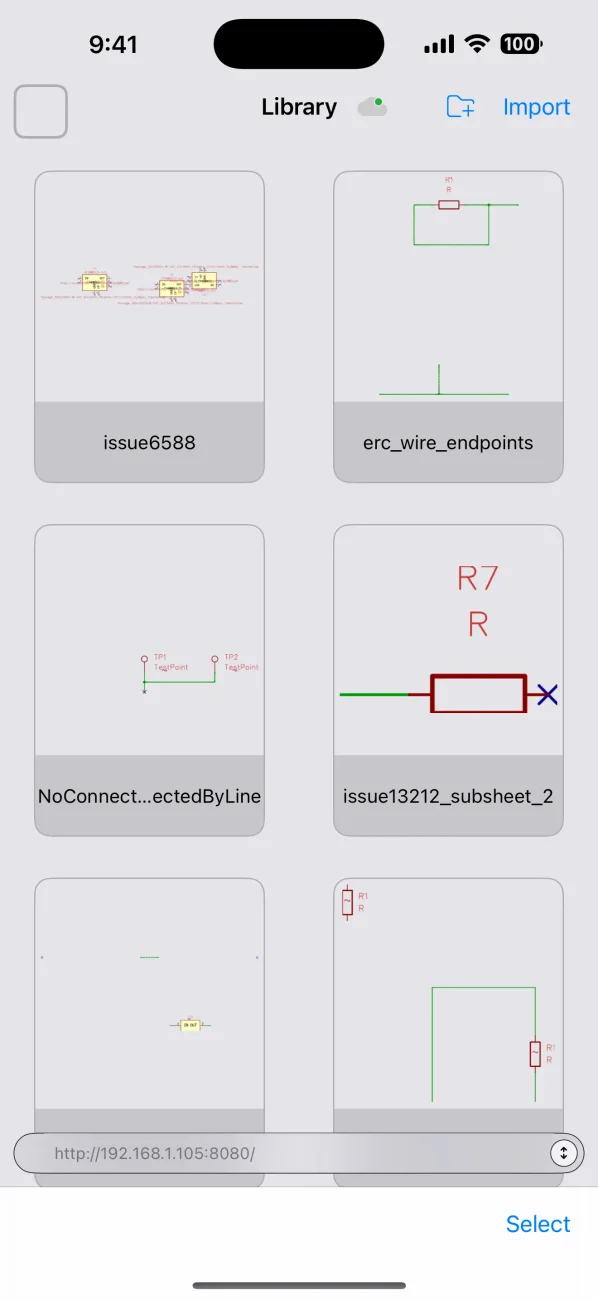
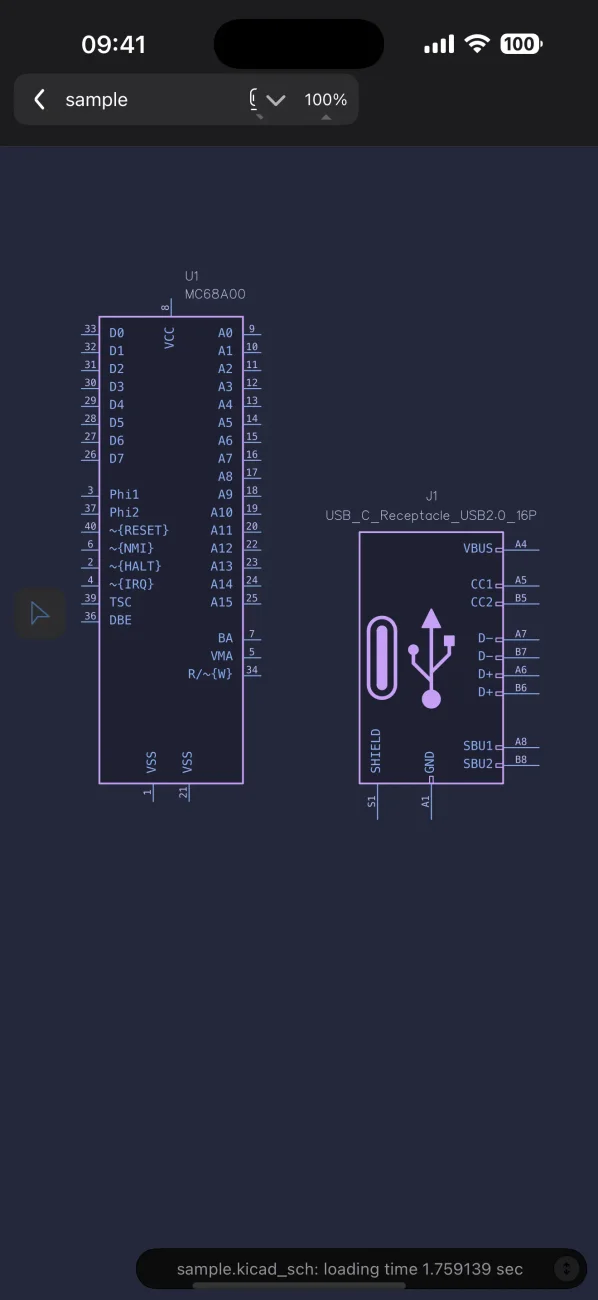
This is a lightweight APP for viewing KiCAD generated schematic files in a mobile environment.
No matter what questions, opinions or ideas you have, you can send an email to xjerry248@gmail.com.
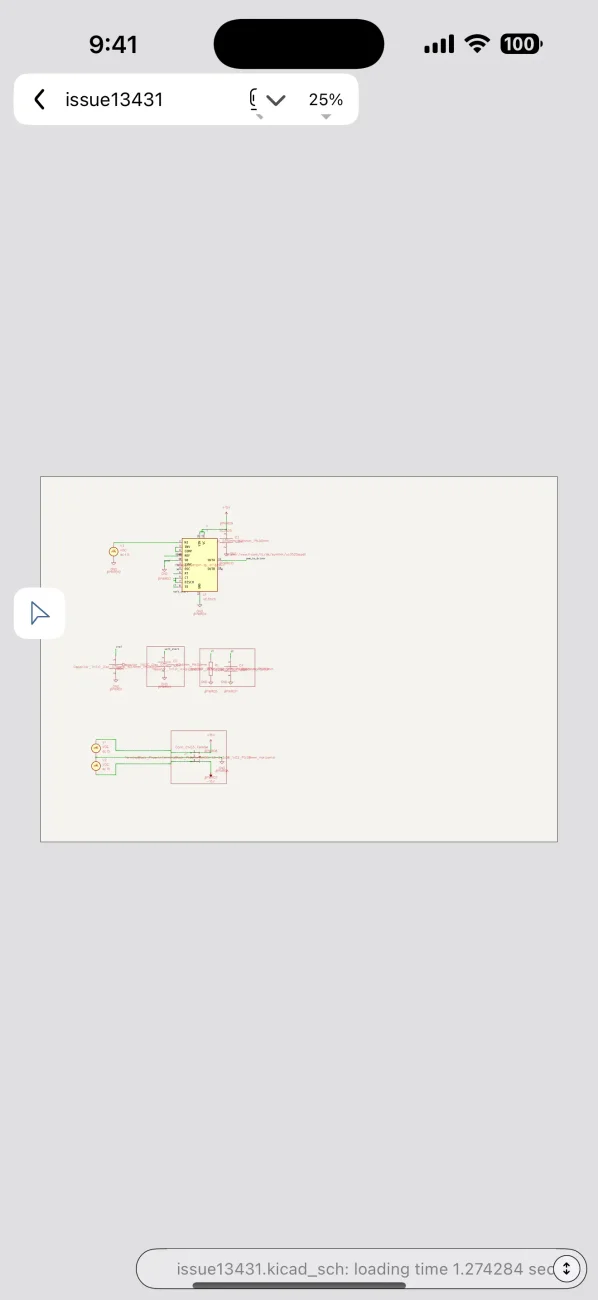
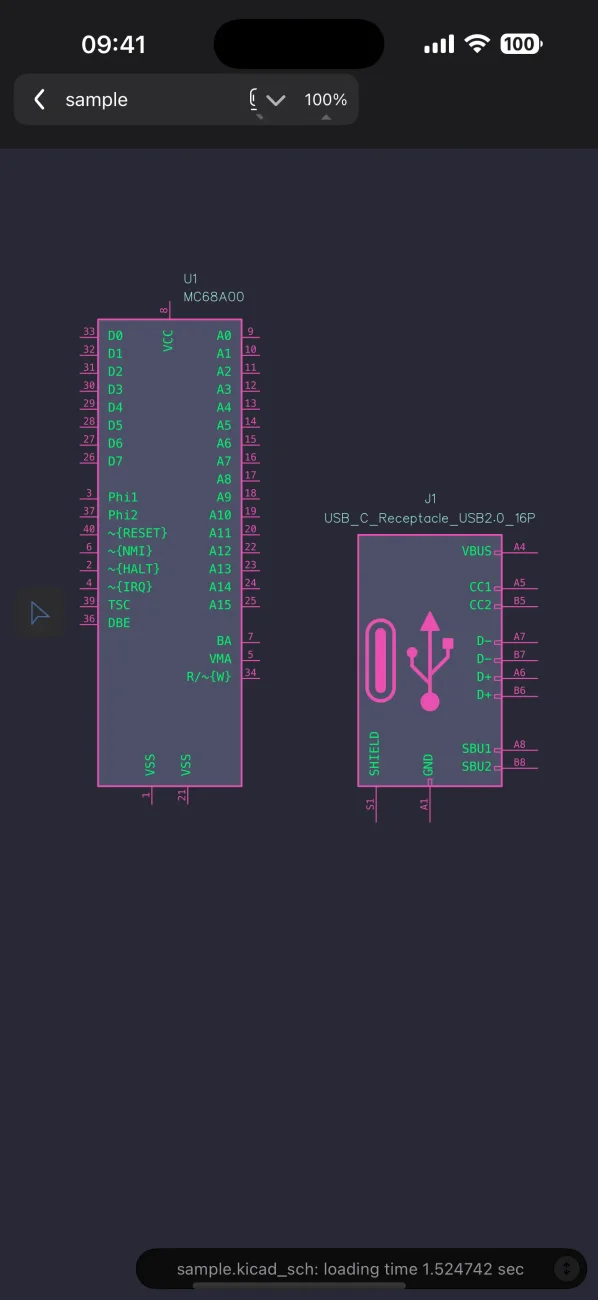
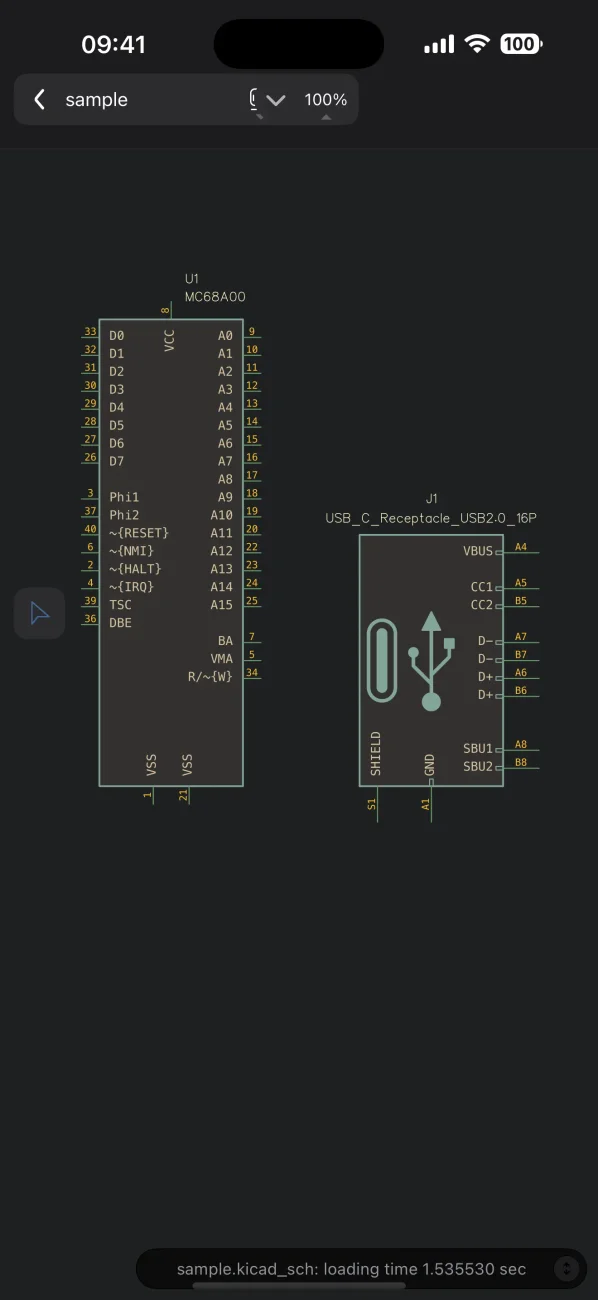
KiCAD Schematic Viewer is a highly professional tool developed specifically for viewing and reviewing schematic design files generated by KiCAD. The tool integrates an advanced graphical interface that allows users to deeply browse schematic designs in a single-layer view mode, supporting comprehensive analysis and verification of complex schematics.
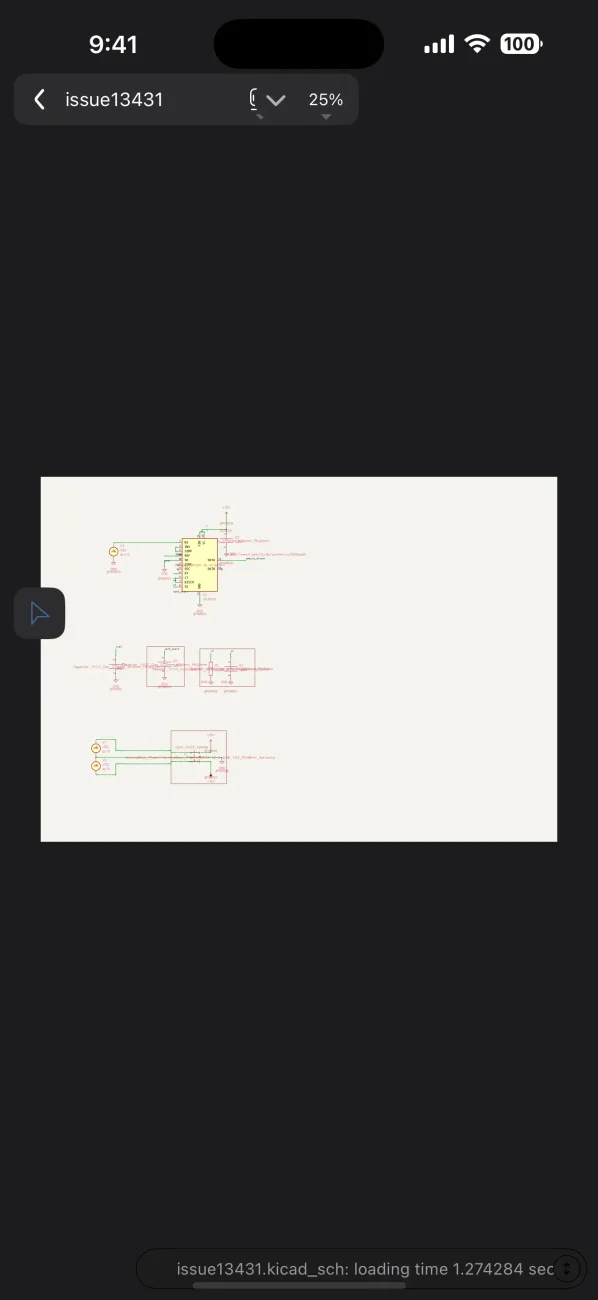
Users can view the component layout, electrical connections, and signal paths in detail, and perform interactive design verification and troubleshooting. KiCAD Schematic Viewer provides real-time zoom, pan, and rotation capabilities, enabling users to precisely locate and inspect every detail of the schematic. At the same time, the tool supports various display modes, including transparent view, high brightness display, and contrast enhancement, helping users to quickly identify and solve potential problems.
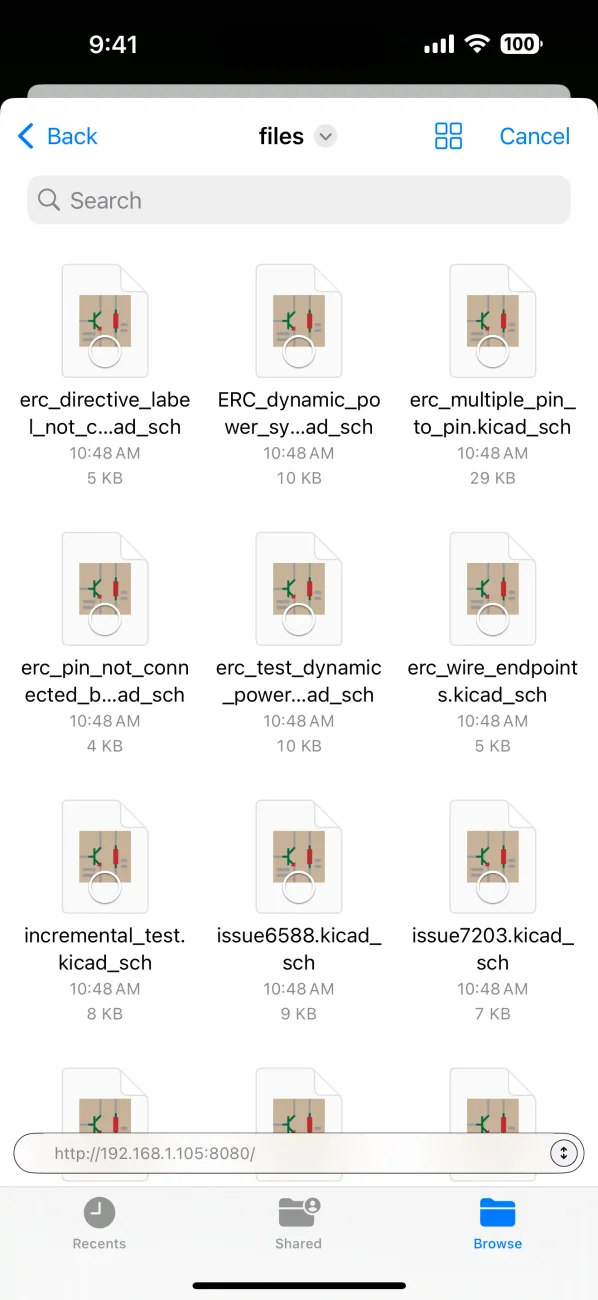
You can access the Web interface of the APP directly in the browser, easily manage, upload, and download the schematic design file generated by KiCAD, and achieve cross-platform convenient and efficient file operation.
KiCAD Schematic Viewer provides engineers with comprehensive support to ensure high quality, reliability, and manufacturability of schematic designs, whether at the beginning of design, mid-development, or final review before production. By using KiCAD Schematic Viewer, engineers can more efficiently perform design verification, optimization, and fault diagnosis, improving overall design efficiency and product quality.
KiCAD Schematic Viewer supports the Model Context Protocol (MCP). Through this protocol, it can provide AI models with the necessary context from schematic files to enhance circuit schematic analysis. Engineers can connect KiCAD Schematic Viewer with AI - driven functions like automated design analysis and intelligent verification. This allows them to more effectively identify potential schematic design issues and improve the overall quality of their schematic designs.
Novedades
Versión 1.1.6 · 26/10/2026
Thank you for your feedback! New changes in this release:
New: KiCad symbol `extends` inheritance and inherited symbol attributes.
New: symbol and sheet instance parsing, unit resolution, and path validation.
Fixed: opening `.kicad_sch` files.
Fixed: hidden pin parsing and hierarchical sheet pin rendering.
Fixed: symbol mirroring and RGBA color/text-effect handling.
Fixed: closed-path endpoint handling that caused overlapping corners.
Privacidad de la aplicación
Lo que 明杰 曾 declara en App Store sobre cómo esta aplicación gestiona los datos.
-
Datos no vinculados a ti
Pueden recopilarse, pero no se vinculan a tu identidad.
- Identificadores
- Diagnóstico
Las prácticas de privacidad pueden variar, por ejemplo, según las funciones que uses o tu edad.
Información
- Vendedor
- 明杰 曾
- Categoría
- Diseño gráfico
- Versión
- 1.1.6
- Actualizado
- 26/10/2026
- Publicado
- 2/5/2025
- Tamaño
- 8,3 MB
- Requiere
- iOS 13.0 o posterior
- Clasificación por edad
- 4+
- Precio
- 2,99 €
- Idiomas
- Inglés, Francés, Alemán, Italiano, Japonés, Coreano, Chino simplificado
- Copyright
- © @KiCAD Viewer
Quizá también te guste
-
 Protoboard DesignerDiseña PCB y exporta Gerber
-
 Almighty Note ProDiseño gráfico
-
 Pcb AtlasDiseño gráfico
-
 ArmorPaintDiseño gráfico
-
 WeaveMeDiseño gráfico
-
 Boxy SVG for iOSEditor de gráficos vectoriales
-
 Infinity SketchDiseño gráfico
-
 Uniform - 3D EditorDiseño gráfico
-
 EFUGY 3D SlicerDiseño gráfico
-
 Image AI - Crear Imágenes IAGenerador de fotos y dibujos