
Learn Botany Guide
Learn complete Botany now
Diseñada para iPhone, iPad, iPod touch
2,99 €
- Clasificación por edad9+
- CategoríaEducación
- DesarrolladorMuhammad Umair
- IdiomasInglés
- Tamaño78,9 MB
Enlaza a la página oficial de App Store
Download.org no aloja ningún archivo de Learn Botany Guide. El botón abre la página de la aplicación en App Store, donde la publica Muhammad Umair. Ficha comprobada por última vez el 17/11/2026.
Capturas de pantalla

Acerca de
El desarrollador no ha proporcionado este texto en tu idioma.
Discover the world of plants with Learn Botany, a structured learning app that brings botanical lessons, topic quizzes, study planning, and progress tracking together in one place. Explore plant science at your own pace, review important concepts, and build a consistent learning routine.
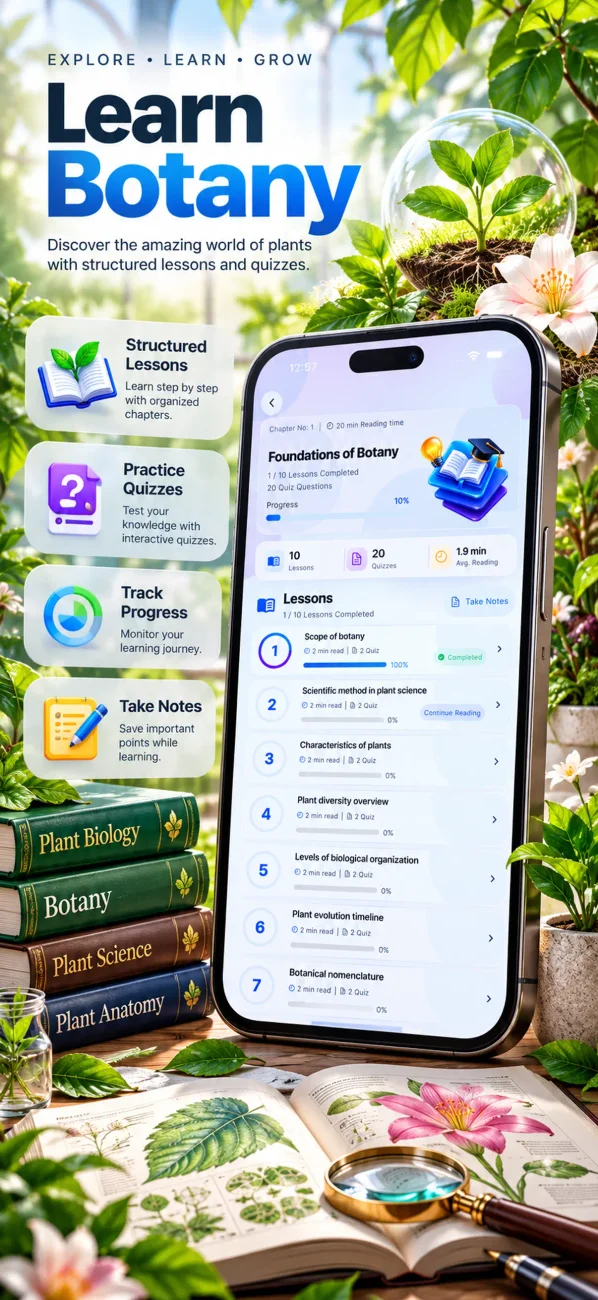
EXPLORE BOTANY STEP BY STEP
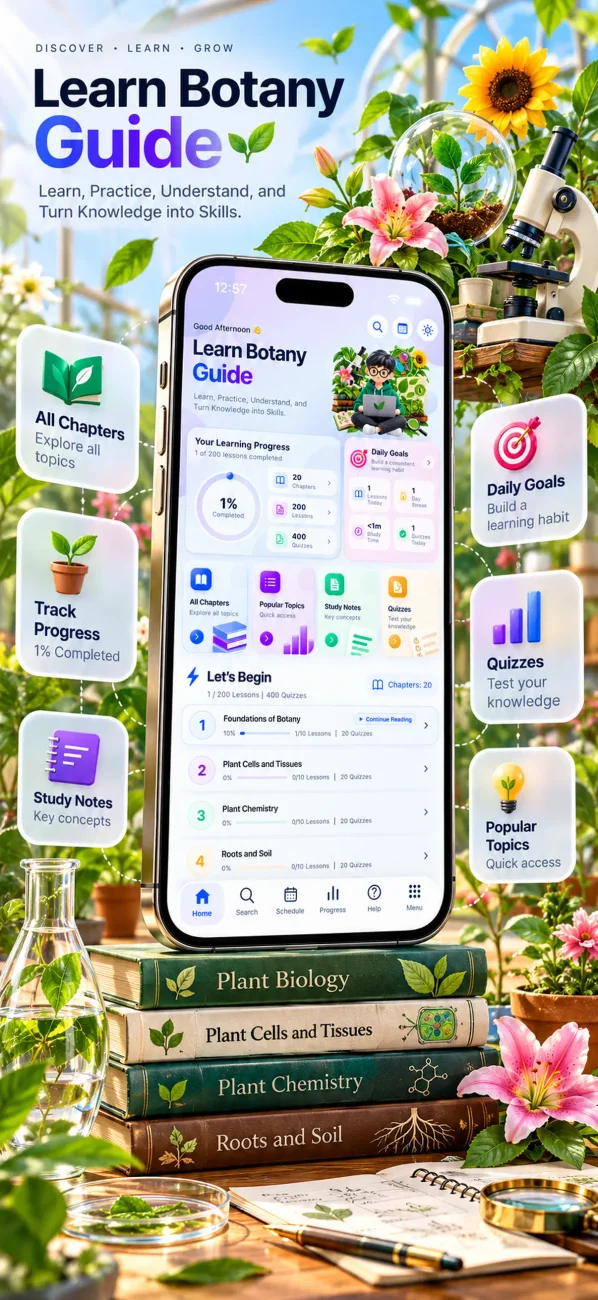
Browse organized chapters and lessons covering the foundations of plant science. Start with introductory topics and move through botanical concepts in a clear, lesson-based format. The app displays 20 chapters and 200 lessons, making it easy to see the scope of your learning journey.
Topics shown in the app include foundations of botany, the scientific method in plant science, characteristics of plants, plant diversity, levels of biological organization, plant cells and tissues, plant chemistry, roots and soil, plant ecology, photosynthesis, and plant anatomy. Explore each topic as part of an organized course.
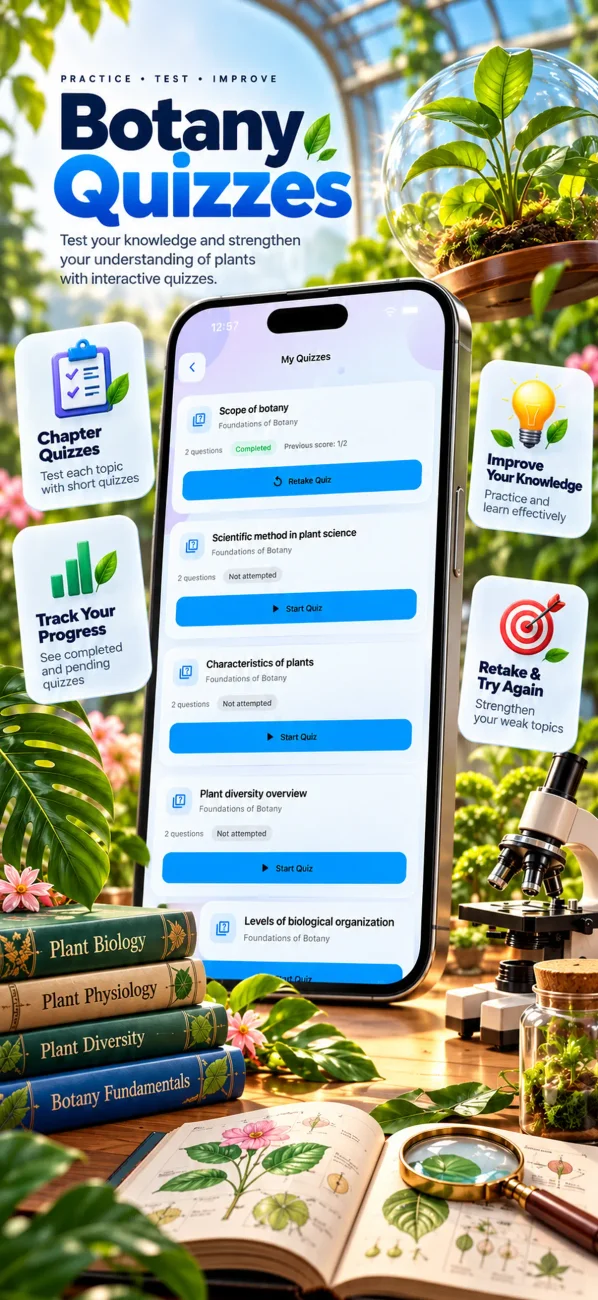
PRACTICE WITH TOPIC QUIZZES
Use quizzes to check your understanding as you study. The app displays 400 quiz questions across its learning content. Open a quiz for a specific lesson, see whether it has been attempted, and return to completed quizzes when you want more practice.
Quiz features include:
- Start Quiz buttons for available topics
- Completed and not-attempted indicators
- Previous quiz scores
- Retake Quiz options
- A dedicated My Quizzes screen
Quizzes help you revisit key ideas and see which subjects deserve another look.
FOLLOW YOUR OVERALL PROGRESS
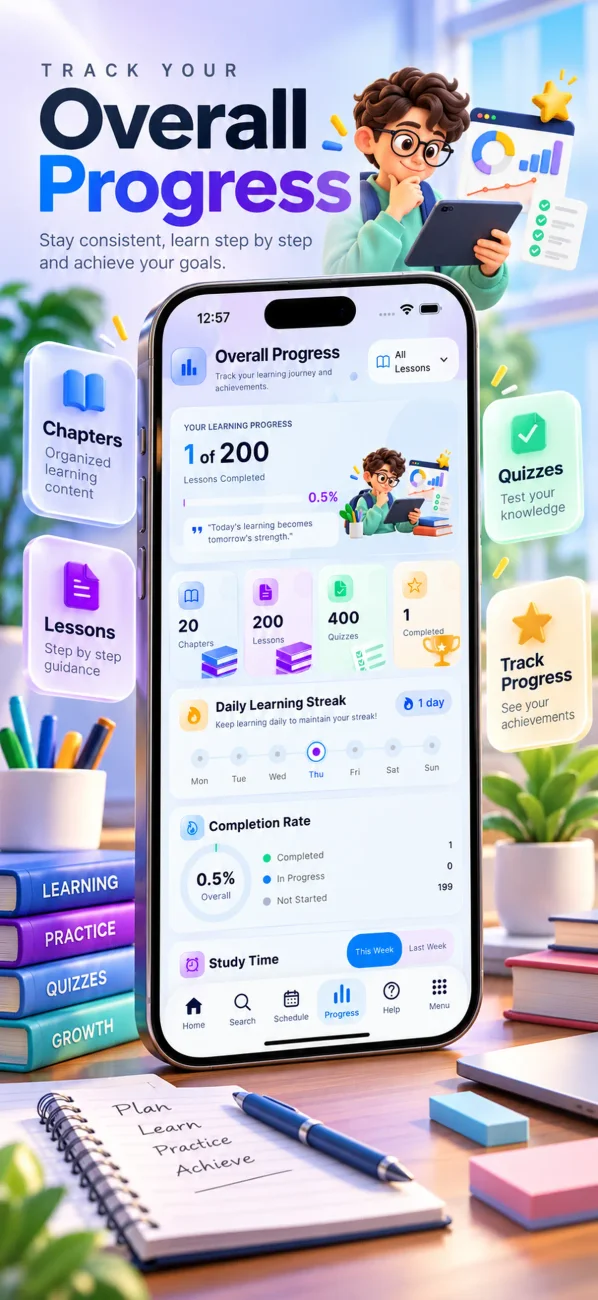
The progress dashboard brings useful learning information into one view. Check how many lessons you have completed, see your completion percentage, and follow your daily learning streak. Review your chapter, lesson, and quiz totals alongside study-time information.
The dashboard also shows completion categories, including completed, in progress, and not started. Use these indicators to understand where you are in the course and decide what to study next.
PLAN A DAILY LEARNING SCHEDULE
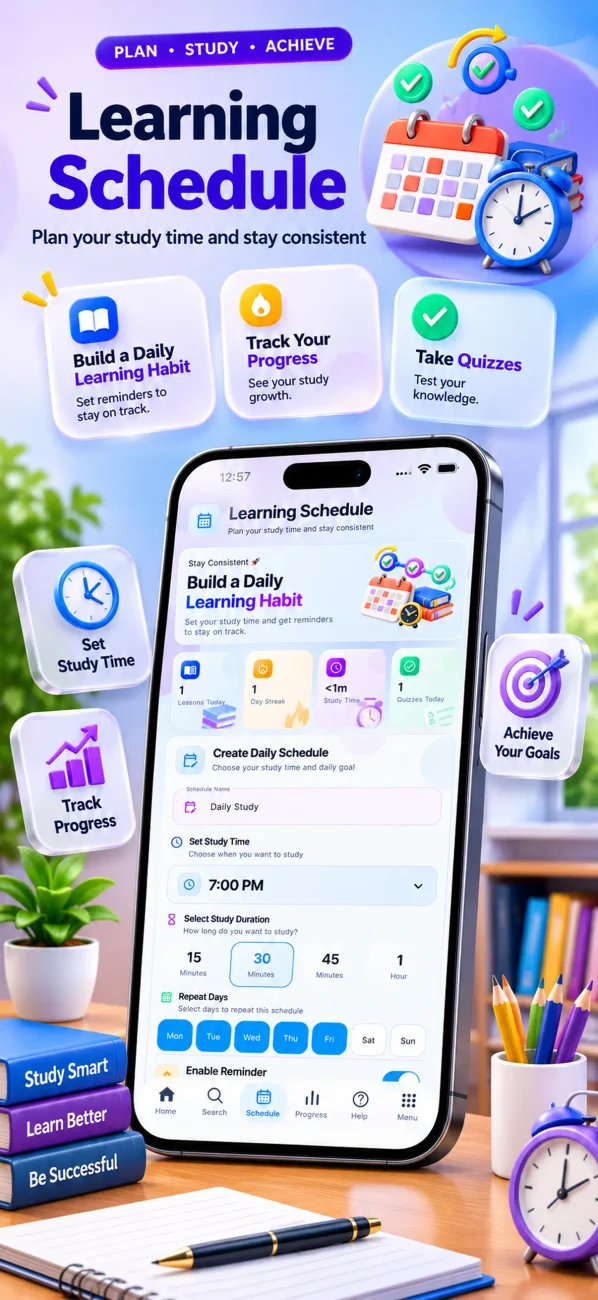
Create a study routine that fits your day. Choose a schedule name, set your preferred study time, select a duration, and pick the weekdays you want to study. The Learning Schedule screen also includes a reminder option to support your study plan.
Whether you prefer a short daily session or a longer study period, the schedule tools help you organize your learning time and keep your goals visible.
SEARCH LESSONS AND CATEGORIES
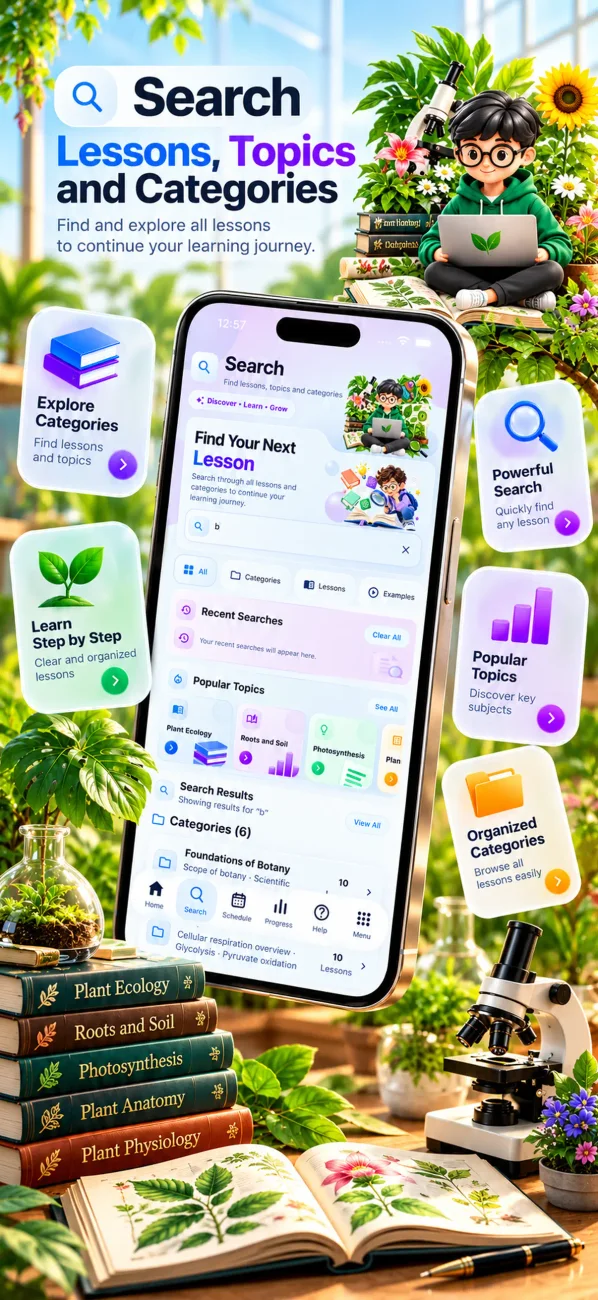
Use the built-in search page to find lessons, topics, and categories. Browse popular topics, view category results, and return to recent searches. Search provides another way to navigate the course when you already know what you want to review.
TAKE NOTES AND SAVE LESSONS
Use the study notes area to keep important concepts together. Bookmark lessons you want to revisit later, and find your saved learning material through the app settings. These tools make it easier to return to topics during revision.
EXPLORE COMMUNITY HELP
The Community Help section provides a place to browse questions, search community topics, and explore learning discussions. Its interface includes options for browsing questions, finding topics, viewing community guidelines, and accessing saved questions.
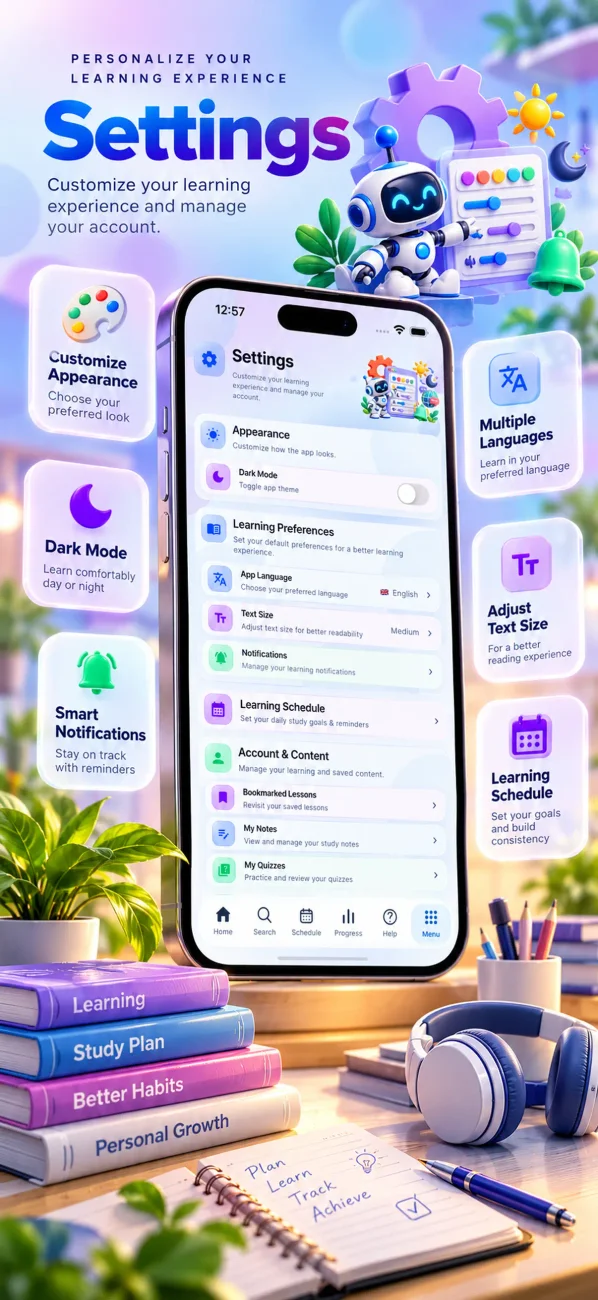
CUSTOMIZE YOUR EXPERIENCE
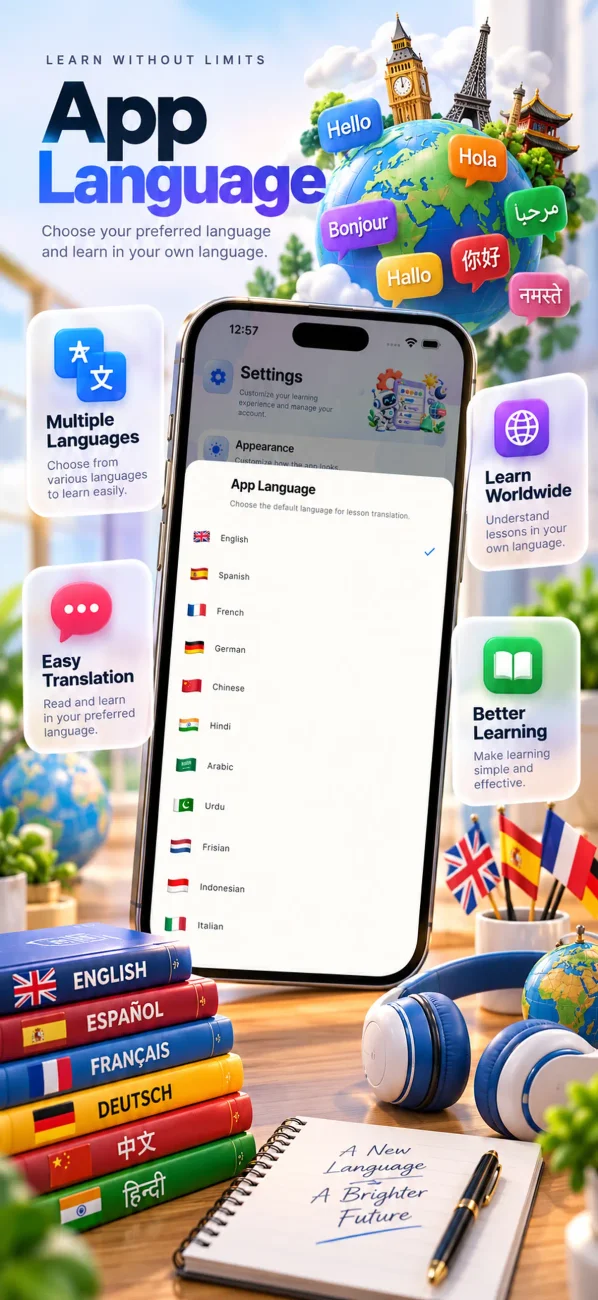
Adjust the learning environment using the settings available in the app. Switch dark mode on or off, choose an app language, adjust text size, and manage notification preferences. You can also access your learning schedule, bookmarked lessons, notes, and quizzes from the settings screen.
STUDY WITH A CLEAR ROUTINE
Learn Botany is designed around a simple cycle: find a topic, read a lesson, test your understanding, and check your progress. Structured chapters help you choose what to learn, quizzes give you a way to practice, and the schedule and progress screens help you stay organized.
Explore plant science, strengthen your understanding of botanical concepts, and continue your learning journey one lesson at a time. Study at ease.
Novedades
Versión 1.3 · 31/10/2026
New User Interface
Fixed Bugs
Added New Features
Privacidad de la aplicación
Lo que Muhammad Umair declara en App Store sobre cómo esta aplicación gestiona los datos.
-
No se recopilan datos
El desarrollador no recopila ningún dato de esta aplicación.
Las prácticas de privacidad pueden variar, por ejemplo, según las funciones que uses o tu edad.
Información
- Vendedor
- Muhammad Umair
- Categoría
- Educación
- Versión
- 1.3
- Actualizado
- 31/10/2026
- Publicado
- 16/7/2023
- Tamaño
- 78,9 MB
- Requiere
- iOS 15.6 o posterior
- Clasificación por edad
- 9+
- Precio
- 2,99 €
- Idiomas
- Inglés
- Copyright
- © Muhammad Umair
Quizá también te guste
-
 Reproduction-Flowering PlantsEducación
-
 Energy Sources - CWEducación
-
 Physical Changes in MatterEducación
-
 Physics.expEducación
-
 Categories Learning CenterEducación
-
 RadicleBotanyEducación
-
 Genetics and Molecular BiologyEducación
-
 Botany Knowledge DictionaryEducación
-
 Kilowatt KrushEducación
-
 Wild-flowersReferencia