
Learn XML & AJAX
XML and AJAX Guide
Diseñada para iPhone, iPad, iPod touch
2,99 €
- Clasificación por edad9+
- CategoríaEducación
- DesarrolladorMuhammad Umair
- IdiomasInglés
- Tamaño73,2 MB
Enlaza a la página oficial de App Store
Download.org no aloja ningún archivo de Learn XML & AJAX. El botón abre la página de la aplicación en App Store, donde la publica Muhammad Umair. Ficha comprobada por última vez el 17/11/2026.
Capturas de pantalla






Acerca de
El desarrollador no ha proporcionado este texto en tu idioma.
Learn XML & AJAX Programming is an educational app designed to help you explore XML, understand web development concepts, practice coding, and build your knowledge through structured lessons and quizzes.
Whether you are starting with XML fundamentals or exploring AJAX and web development, the app provides an organized learning experience with chapter-based lessons, coding examples, quizzes, and progress tracking.
LEARN XML & AJAX STEP BY STEP
Explore learning content organized into chapters and individual lessons. Follow a structured path that helps you study important concepts, review topics, and track your progress as you learn.
The XML learning content includes:
• Introduction to XML
• XML Syntax and Rules
• XML Elements and Attributes
• XML Namespaces
• XML Document Type Definition (DTD)
• XML Document Structure
• XML vs HTML vs JSON
• XML Use Cases in Real-World Applications
Explore AJAX-related learning content alongside XML and web development topics.
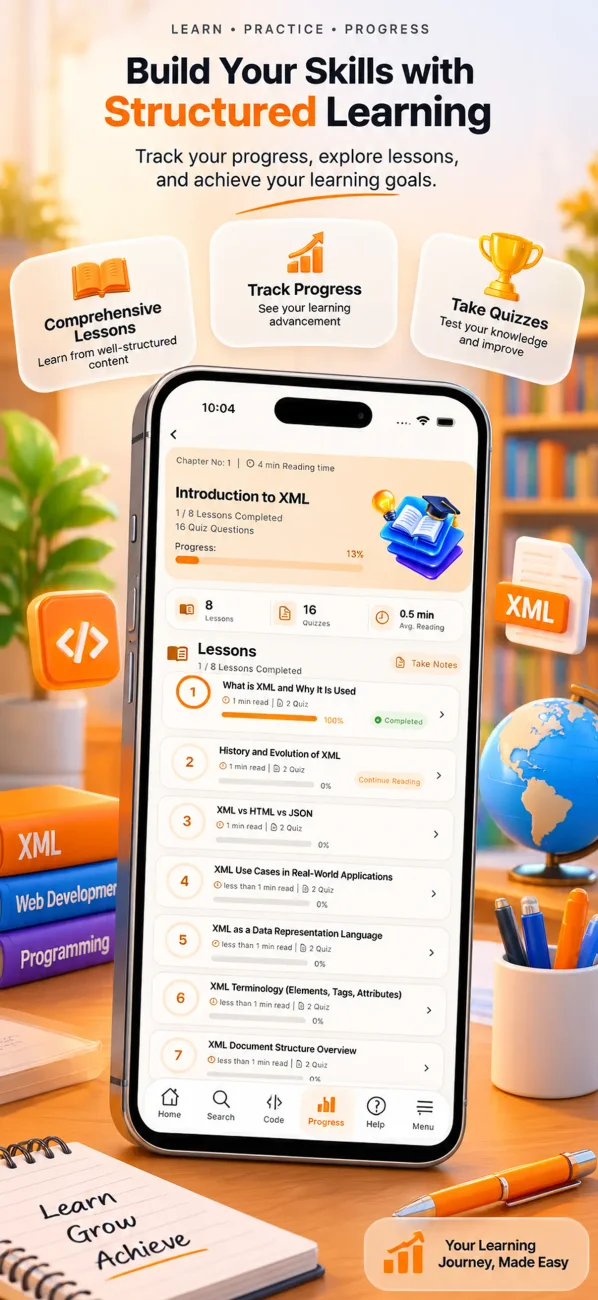
STRUCTURED CHAPTERS AND LESSONS
Navigate through organized chapters with individual lessons and quizzes. Each chapter displays lesson information and completion progress, making it easier to identify what you have studied and what remains.
• Browse chapters and lessons
• View lesson completion status
• Continue reading unfinished lessons
• Monitor chapter progress
• Review lesson reading times
• Follow your learning journey at your own pace
PRACTICE CODING WITH THE CODE EDITOR
Explore programming concepts using the built-in code editor.
The coding workspace includes:
• Programming language selection
• Python, JavaScript, Dart, and C++ options
• Quick coding examples
• Code editing workspace
• Run and output controls
Use the available coding tools to explore examples and develop your programming understanding.
TEST YOUR KNOWLEDGE WITH QUIZZES
Reinforce your understanding with quizzes connected to the learning content.
• Access quizzes within lessons
• Review lesson-related questions
• Explore quiz content across chapters
• Track your learning progress
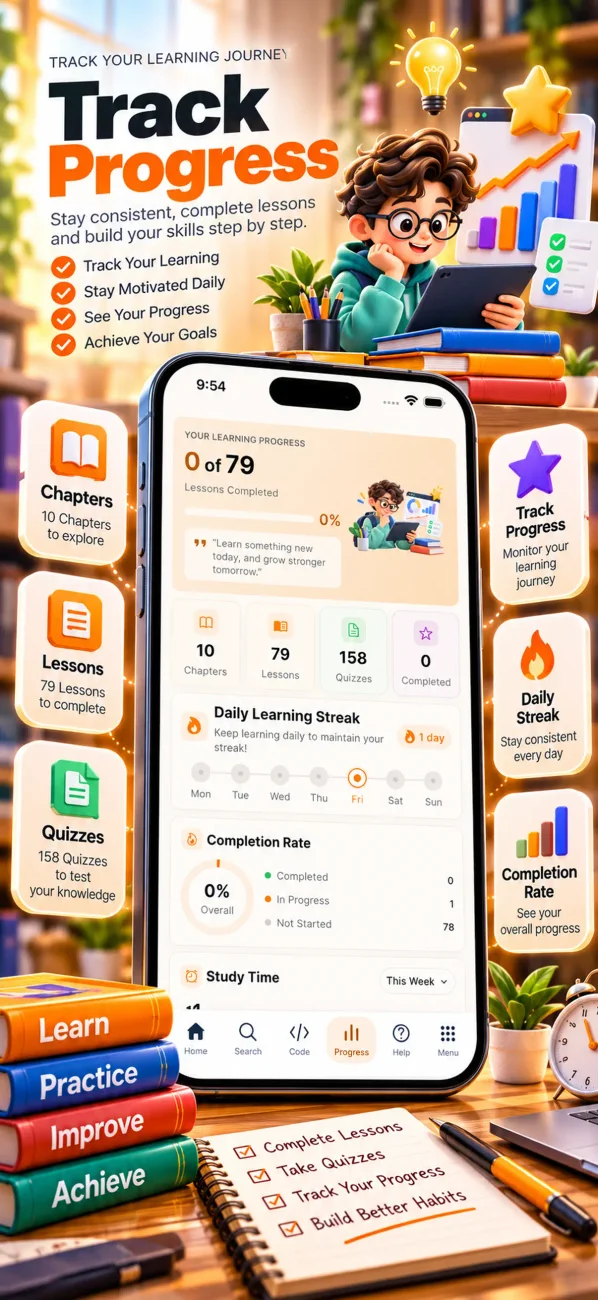
TRACK YOUR LEARNING PROGRESS
Stay informed about your learning journey with a dedicated progress dashboard.
View:
• Total chapters
• Total lessons
• Available quizzes
• Completed lessons
• Overall completion percentage
• Lessons in progress
• Lessons not yet started
• Study time information
The progress dashboard helps you see your learning activity and continue working toward your goals.
BUILD A DAILY LEARNING HABIT
Maintain consistency with the Daily Learning Streak feature.
Review your weekly learning activity and keep track of your daily study habits. The progress dashboard provides a clear overview of your learning journey.
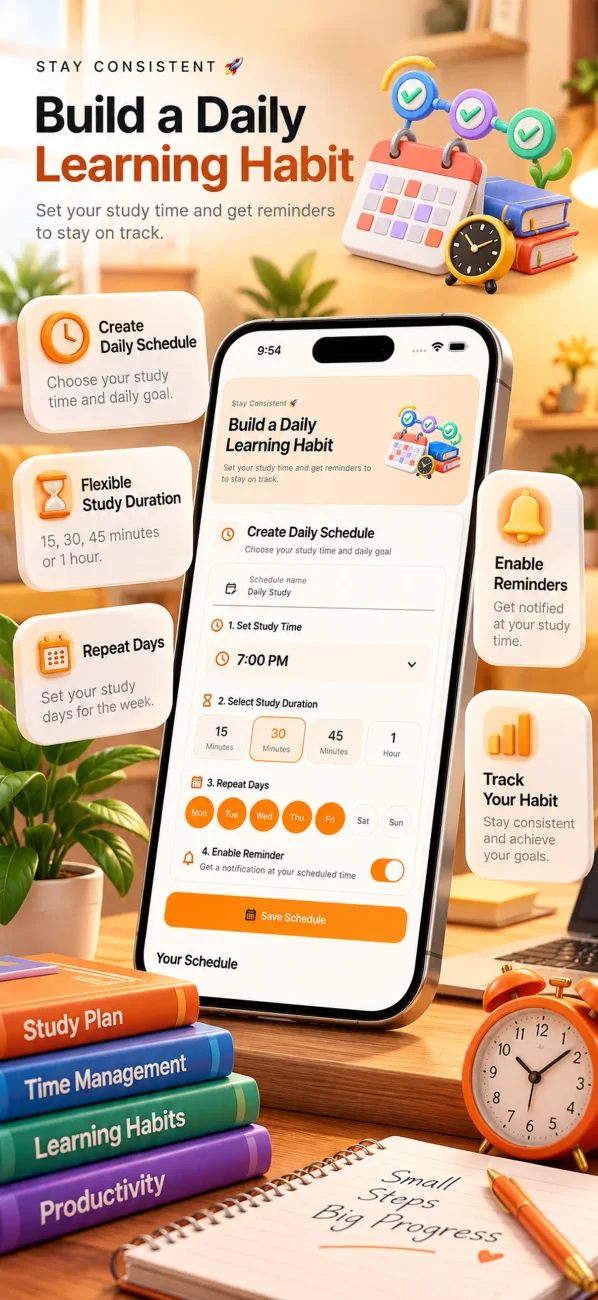
CREATE A PERSONALIZED STUDY SCHEDULE
Organize your study routine using the built-in learning scheduler.
• Create a daily study schedule
• Choose your preferred study time
• Select a study duration
• Choose repeat days
• Enable study reminders
• Save your learning schedule
Available study durations include 15, 30, and 45 minutes, or 1 hour.
SEARCH LESSONS AND TOPICS
Find learning content using the integrated search feature.
• Search lessons and categories
• Explore popular topics
• Browse search results
• Filter learning content
• Access recently searched topics
The search interface helps you navigate available educational content more conveniently.
BOOKMARK LESSONS AND TAKE NOTES
Keep your learning materials organized with convenient study tools.
• Bookmark lessons for later
• Revisit saved learning content
• Take study notes
• View and manage your notes
• Continue previously started lessons
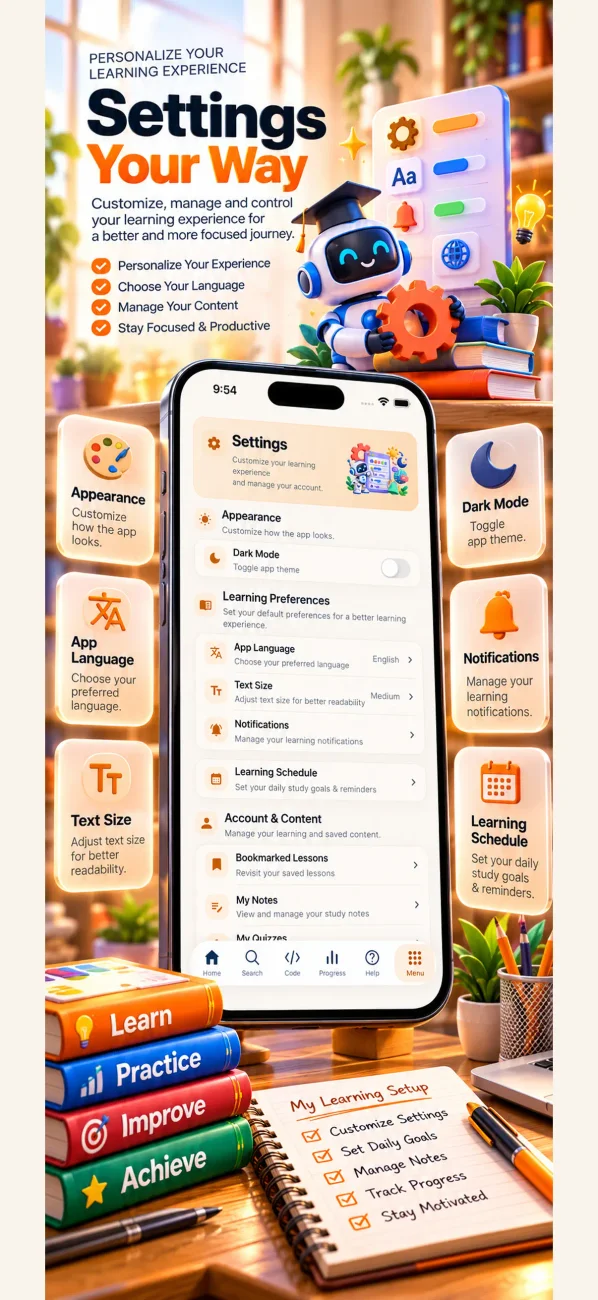
PERSONALIZE YOUR LEARNING EXPERIENCE
Adjust the application to suit your preferences.
Available settings include:
• Dark Mode
• App language preferences
• Adjustable text size
• Notification settings
• Learning schedules
• Bookmarked lessons
• Personal notes
LEARN, PRACTICE, AND TRACK YOUR PROGRESS
Novedades
Versión 1.1 · 19/10/2026
Totally new User Interface
Fixed Bugs
Added new Features
Privacidad de la aplicación
Lo que Muhammad Umair declara en App Store sobre cómo esta aplicación gestiona los datos.
-
No se recopilan datos
El desarrollador no recopila ningún dato de esta aplicación.
Las prácticas de privacidad pueden variar, por ejemplo, según las funciones que uses o tu edad.
Información
- Vendedor
- Muhammad Umair
- Categoría
- Educación
- Versión
- 1.1
- Actualizado
- 19/10/2026
- Publicado
- 31/8/2023
- Tamaño
- 73,2 MB
- Requiere
- iOS 15.6 o posterior
- Clasificación por edad
- 9+
- Precio
- 2,99 €
- Idiomas
- Inglés
- Copyright
- © Muhammad Umair
Quizá también te guste
-
 Tutorial for XMLReferencia
-
 Learn Ionic - Mobile App DevEducación
-
 Learn Machine Learning, AIEducación
-
 Learn TypeScript ProgrammingEducación
-
 Learn Django Web DevelopmentEducación
-
 FlashToPass ScholasticCálculo mental para el salón
-
 jQuery learnEducación
-
 Ionic Code PlayEducación
-
 Skill: MicroaprendizajePython, JavaScript, SQL y más
-
 CMLibraryReferencia