
- Clasificación por edad4+
- CategoríaUtilidades
- DesarrolladorStephanie Liew
- IdiomasInglés
- Tamaño1,5 MB
Es posible que LeftoverMate no esté disponible en App Store en este momento
No se pudo acceder a la ficha de la tienda en nuestra última comprobación. El enlace sigue llevando a la página oficial de App Store.
Capturas de pantalla


Acerca de
El desarrollador no ha proporcionado este texto en tu idioma.
Reduce food waste. Stay organized. Eat smarter.
LeftoverMate is your friendly food-saving companion that helps you track leftovers, avoid spoilage, make the most of your meals, reduce food waste, and stay organized. Whether it's last night's dinner or a half forgotten meal sitting in the back of the fridge along with a few other leftovers you might also have forgotten about, LeftoverMate keeps everything in one place. Helps you organize with emojis, expiration dates, and helpful reminders. LeftoverMate can also be for groceries not just leftovers. It can help you track your groceries or leftover groceries you haven't used or cooked with.
Key Features:
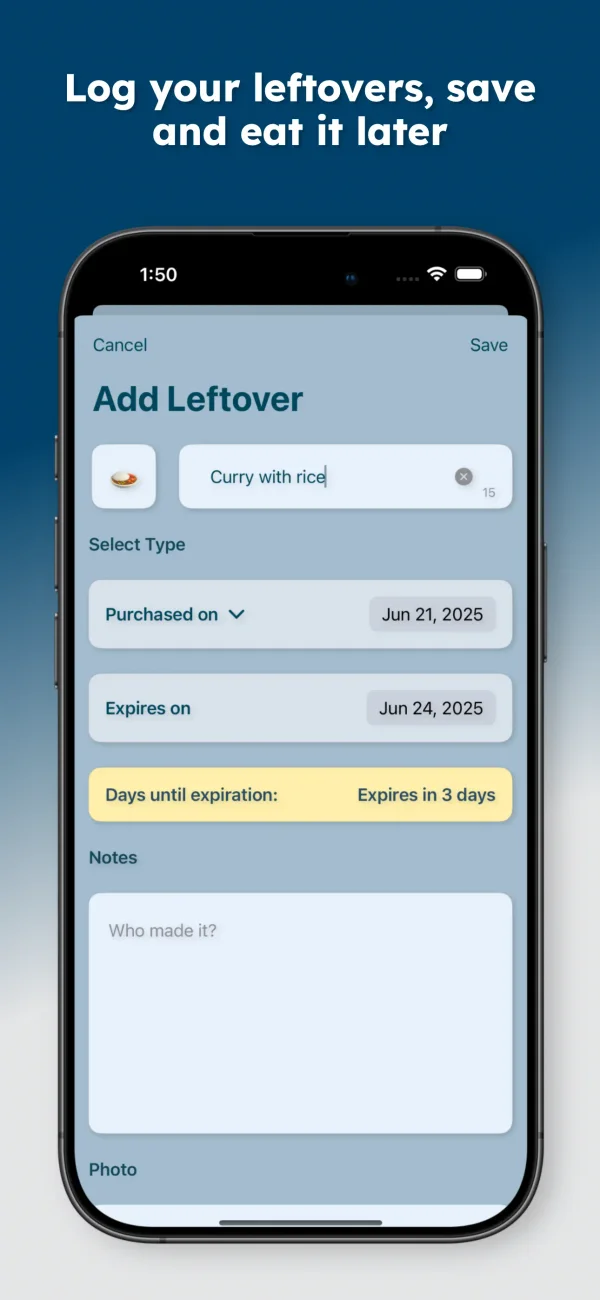
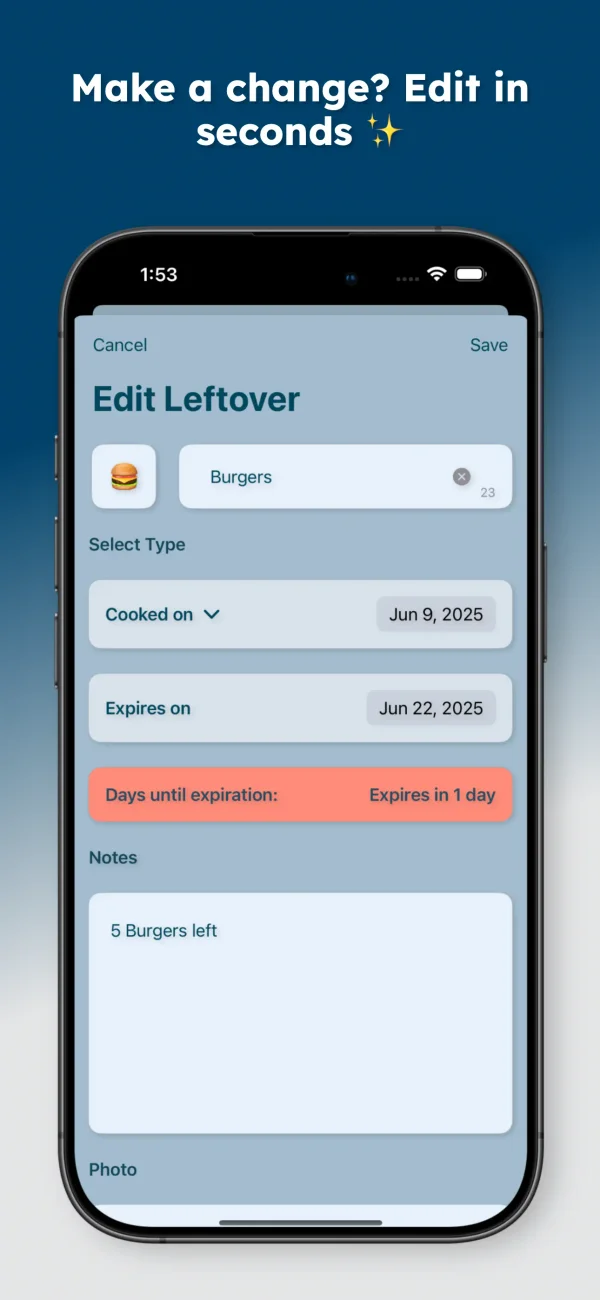
- Quick Add: Log leftovers in seconds with a name, emoji, cooked date, and expiration date.
- Smart Notifications: Get personalized reminders before your food expires - never forget a meal again!
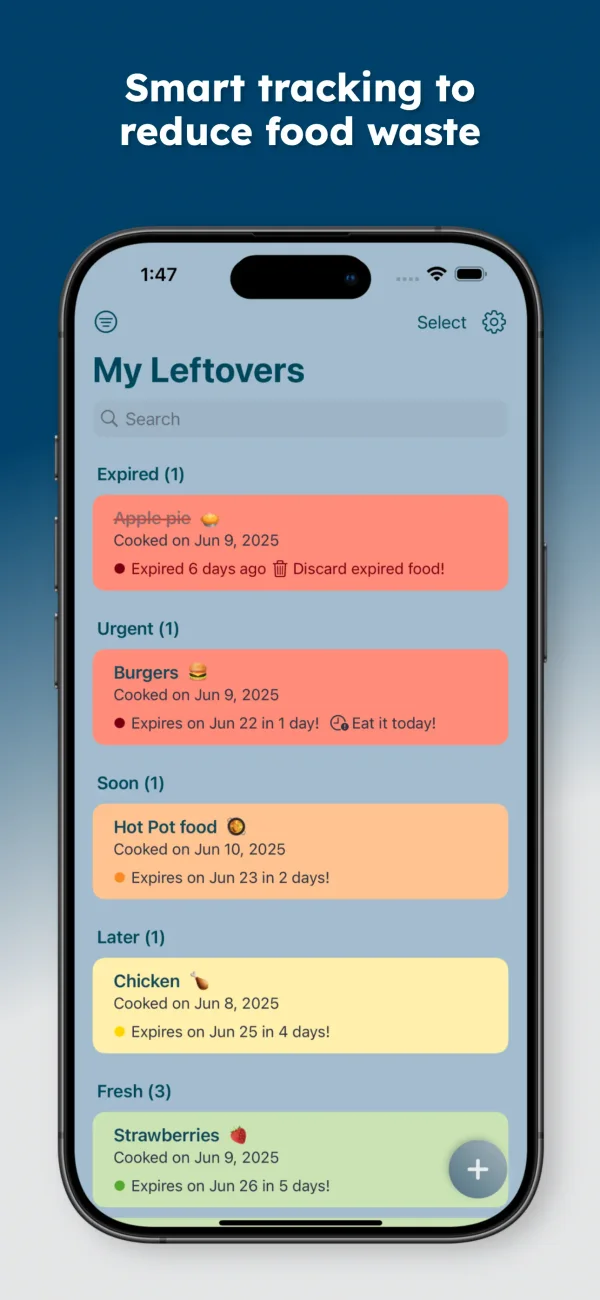
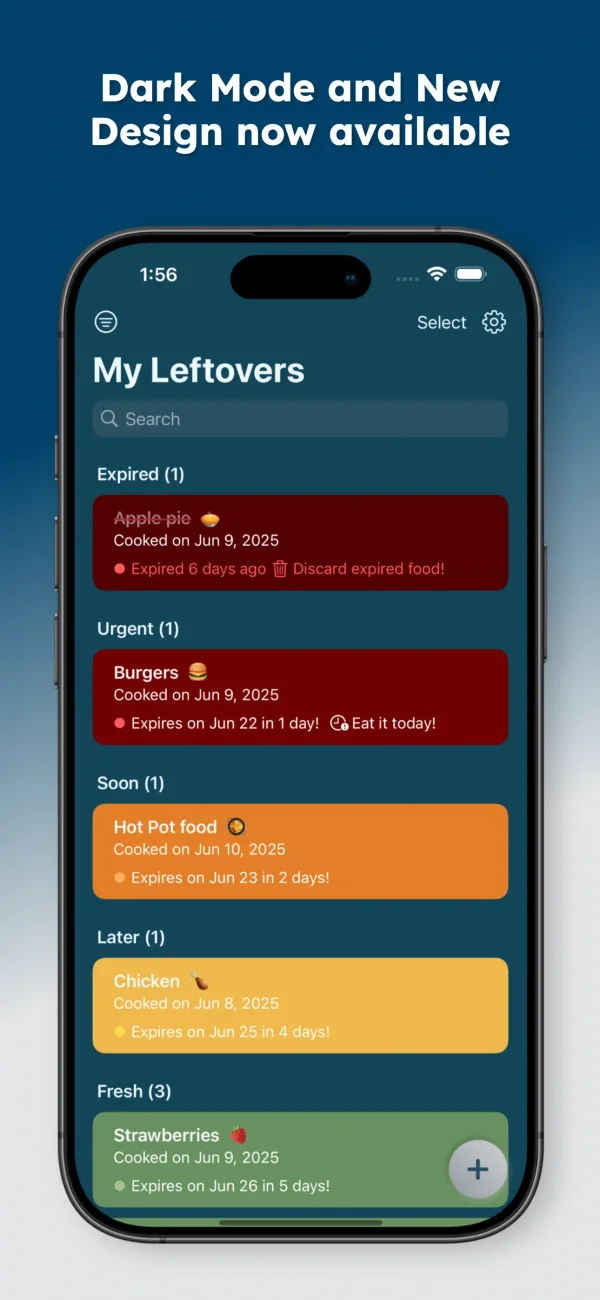
- Color-Coded Urgency: Easily spot which items are urgent, expiring soon, or already expired.
- Grouped Alerts: Get a simple, daily summary of items nearing expiration.
- Custom Settings: Set your preferred reminder time and how many days in advance you want to be notified.
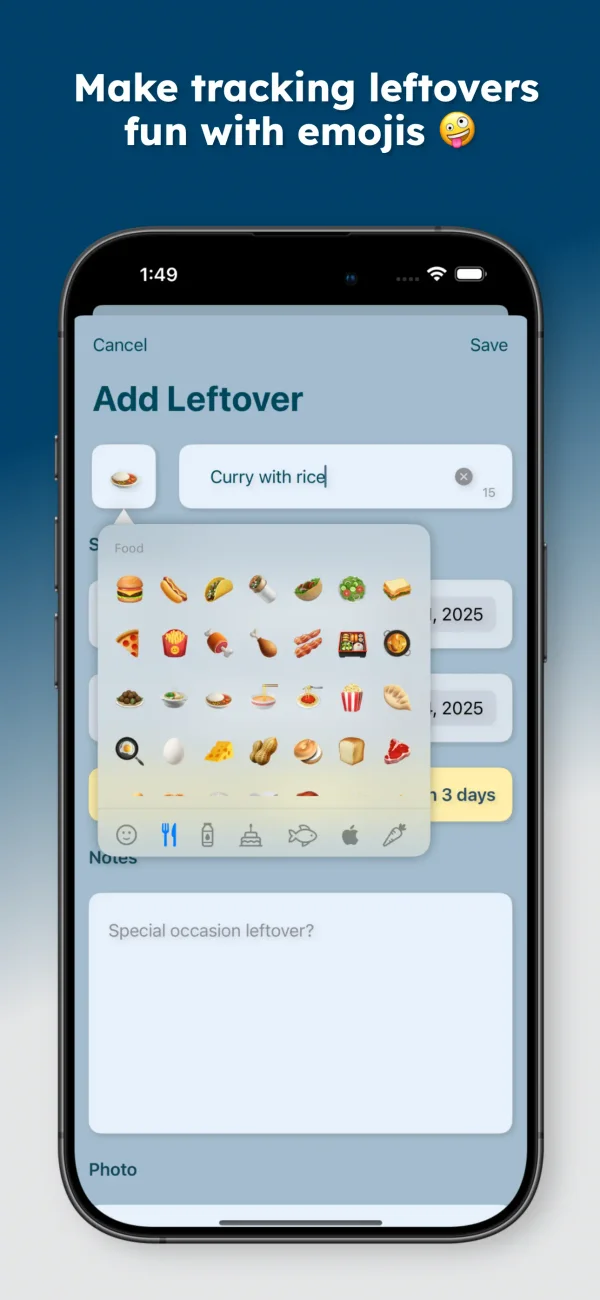
- Emoji Picker: Give your food personality with fun, categorized emojis!
- Search & Filter: Find items fast by name, emoji, cooked date, or urgency, etc.
Whether you're meal-prepping, saving dinner leftovers, or just hate wasting food, LeftoverMate helps you stay on top of what's in your fridge and reduce waste while you're at it.
Built for people who care:
If you've ever opened the fridge and found something you meant to eat... LeftoverMate is for you.
FAQ:
Q: Do I need to enter everything manually?
A: Nope! Just add a name, pick a cooked or purchased date, choose estimated expiration date, and pick when to be reminded about your leftovers. LeftoverMate will handle the rest with reminders and urgency sorting.
Q: Can I turn off notifications?
A: Yes! You can disable reminders in the iPhone settings.
Q: What happens when food expires?
A: Expired items are clearly marked in red, faded out, and crossed out so you can decide what to toss or change.
Q: How LeftoverMate handles reminders after you add a leftover:
A: - You choose the cooked or purchased date and the estimated expiration date.
- In Settings, you choose how many days in advance you want to be notified (e.g., 3 days before expiry).
- Based on this, LeftoverMate schedules a grouped notification like: "You have 2 items expiring in 2 days."
Novedades
Versión 1.4.1 · 26/6/2025
What's New
- Camera minor bug fixes
Privacidad de la aplicación
Lo que Stephanie Liew declara en App Store sobre cómo esta aplicación gestiona los datos.
-
No se recopilan datos
El desarrollador no recopila ningún dato de esta aplicación.
Las prácticas de privacidad pueden variar, por ejemplo, según las funciones que uses o tu edad.
Información
- Vendedor
- Stephanie Liew
- Categoría
- Utilidades
- Versión
- 1.4.1
- Actualizado
- 26/6/2025
- Publicado
- 31/5/2025
- Tamaño
- 1,5 MB
- Requiere
- iOS 18.2 o posterior
- Clasificación por edad
- 4+
- Idiomas
- Inglés
- Copyright
- © 2025 Stephanie Liew