
- Clasificación por edad4+
- CategoríaDiseño gráfico
- DesarrolladorCHRISTOPHER BRADLEY WOOD
- IdiomasInglés
- Tamaño6,7 MB
Enlaza a la página oficial de App Store
Download.org no aloja ningún archivo de Light Animator. El botón abre la página de la aplicación en App Store, donde la publica CHRISTOPHER BRADLEY WOOD. Ficha comprobada por última vez el 18/11/2026.
Capturas de pantalla




Acerca de
El desarrollador no ha proporcionado este texto en tu idioma.
Animate by hand on iPad. Time it. Score it. Ship it. Light Animator is a complete animation studio — drawing, cel-hold timing, keyframes, multitrack audio, and export, all in one app.
Whether you're sketching your first walk cycle, finishing a music video, or animating a short film, Light Animator takes you from first stroke to final cut without leaving the canvas.
DRAW
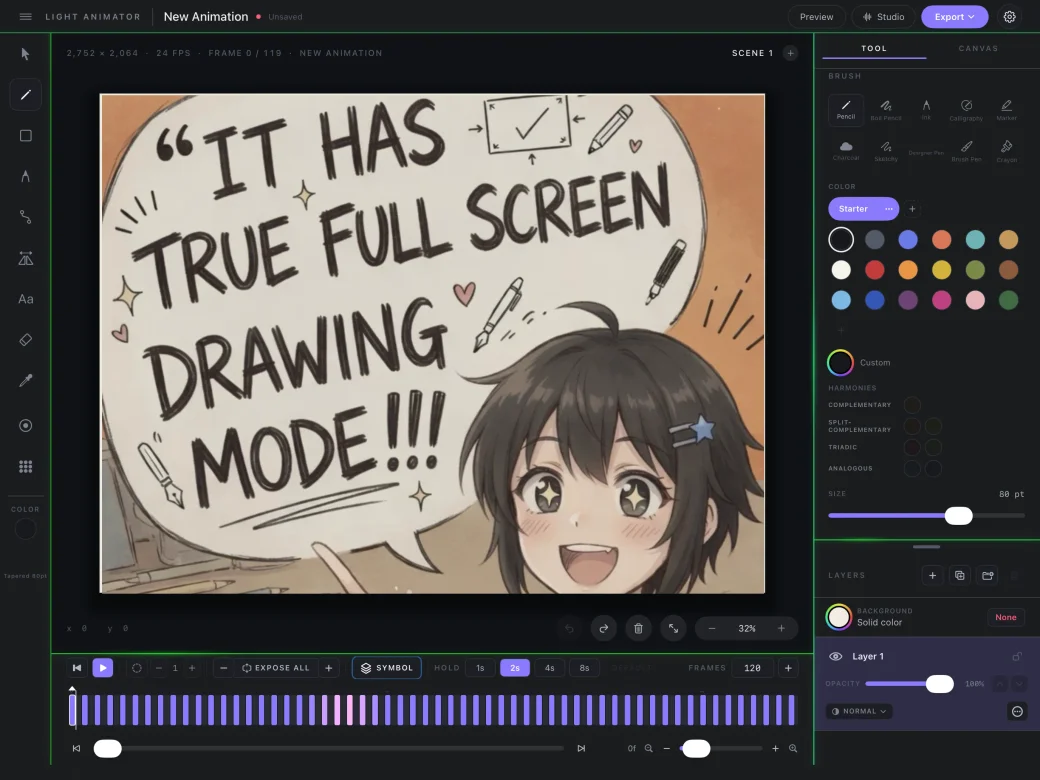
Vector and raster brushes side by side. Vector strokes stay editable forever — adjust width, color, or shape long after you've laid them down. Raster brushes carry real Pencil dynamics: tilt, pressure, and barrel-roll all change how the brush feels. Ten hand-tuned starter brushes including Wet Acrylic, Inker, Pencil, Rough Charcoal, and Marker. Save your own brush profiles, build custom shape libraries, and pin reusable color palettes that follow you between projects.
TIME
A real timeline, not a stack of stickies. Hold a drawing for any number of frames — Light Animator's cel-hold system lets you time animation on twos, threes, fours, or any custom rhythm an animator actually uses. Keyframe position, rotation, scale, and stretch on any object. Smooth tweens between keyframes, onion skins that adapt to your hold, motion paths you can drag, and a hold-picker that shows exactly how long each cel sits on screen.
COMPOSE
Multi-layer compositing with blend modes, group folders, and per-layer opacity. Reusable symbols for cycles you don't want to redraw frame by frame. A Director view to sequence multiple scenes into one continuous film. Canvas sizes from Instagram square to 4K, with presets for the formats you actually share.
SOUND
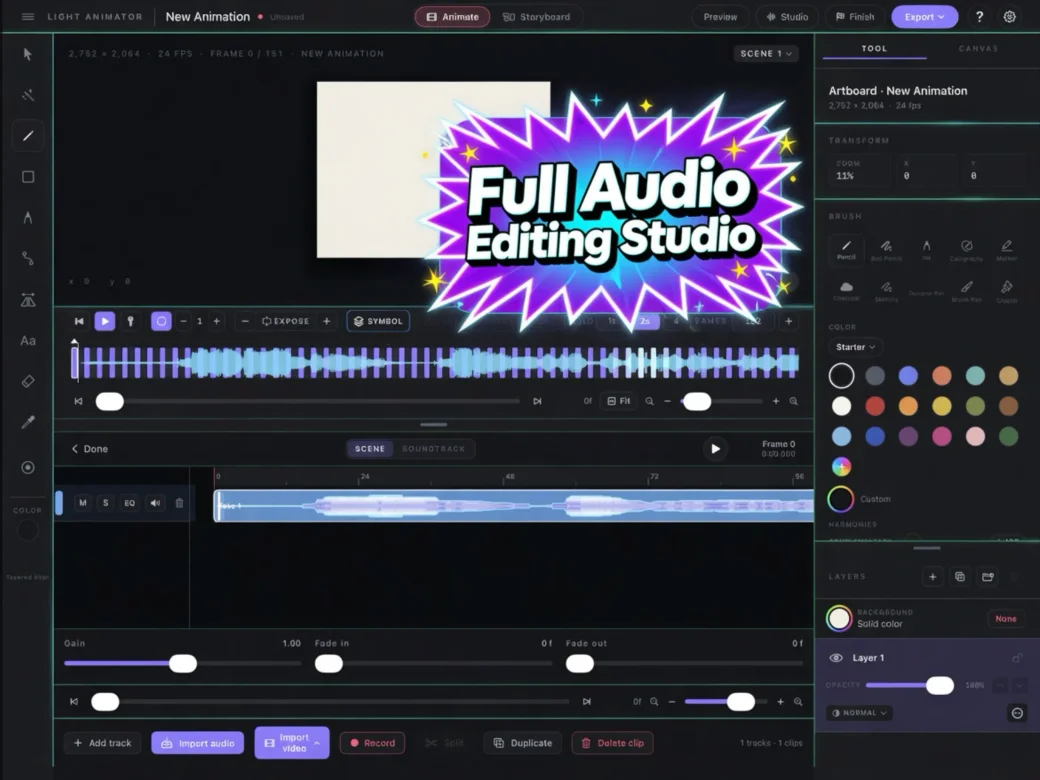
A multitrack audio studio built into the timeline. Import music, podcasts, or sound effects — or record straight from the iPad mic. Trim, split, fade, and EQ each clip independently. Lay video underneath your animation as a rotoscoping reference. Export with sound baked in, or as transparent footage ready for any compositor.
EXPORT
H.264 MP4, HEVC-with-alpha MOV, animated GIF, or numbered PNG sequence inside a zip. Frame-rate options for 12, 24, or 30 fps. JPEG quality control. Transparent backgrounds when you need them. Every export is sized to the canvas you set up — no recropping, no surprises.
DESIGNED FOR REAL WORK
Two-finger tap to undo. Three-finger tap to redo. Spacebar plays. Arrow keys step. K sets a keyframe. Shift-tap extends a selection. Long-press a frame to set its hold. Customizable undo depth, customizable workspace, light and dark themes that adapt to your room. Light Animator gets quieter the longer you use it.
iPad-only. Optimized for Apple Pencil. Built with Metal for full-resolution canvases up to 4K.
Make something this week.
Novedades
Versión 1.7 · 24/6/2026
What's New
- Fixed an issue that could prevent projects from saving — saving is now fast and reliable.
- Added a one-tap Save with a "Saved " confirmation, plus a new Save As option to save under a new name.
Privacidad de la aplicación
Lo que CHRISTOPHER BRADLEY WOOD declara en App Store sobre cómo esta aplicación gestiona los datos.
-
No se recopilan datos
El desarrollador no recopila ningún dato de esta aplicación.
Las prácticas de privacidad pueden variar, por ejemplo, según las funciones que uses o tu edad.
Información
- Vendedor
- CHRISTOPHER BRADLEY WOOD
- Categoría
- Diseño gráfico
- Versión
- 1.7
- Actualizado
- 24/6/2026
- Publicado
- 14/5/2026
- Tamaño
- 6,7 MB
- Requiere
- iOS 17.0 o posterior
- Clasificación por edad
- 4+
- Precio
- 8,99 €
- Idiomas
- Inglés
- Copyright
- © 2026ChrisWood
Quizá también te guste
-
 Doodle - Vector DrawingDiseño gráfico
-
 Munus PaintDiseño gráfico
-
 Canvas Software - AnimateDiseño gráfico
-
 VectoraDiseño gráfico
-
 Sable: Pixel • Draw • VectorDiseño gráfico
-
 Make Logo Design for BusinessDiseño gráfico
-
 Pixelart Studio: Sprite MakerDiseño gráfico
-
 Kreyon: Draw, Paint & ComicsDiseño gráfico
-
 Poligon: Pixel Art & Low PolyDiseño gráfico
-
 LowPoly 3D ModelingDiseño gráfico