
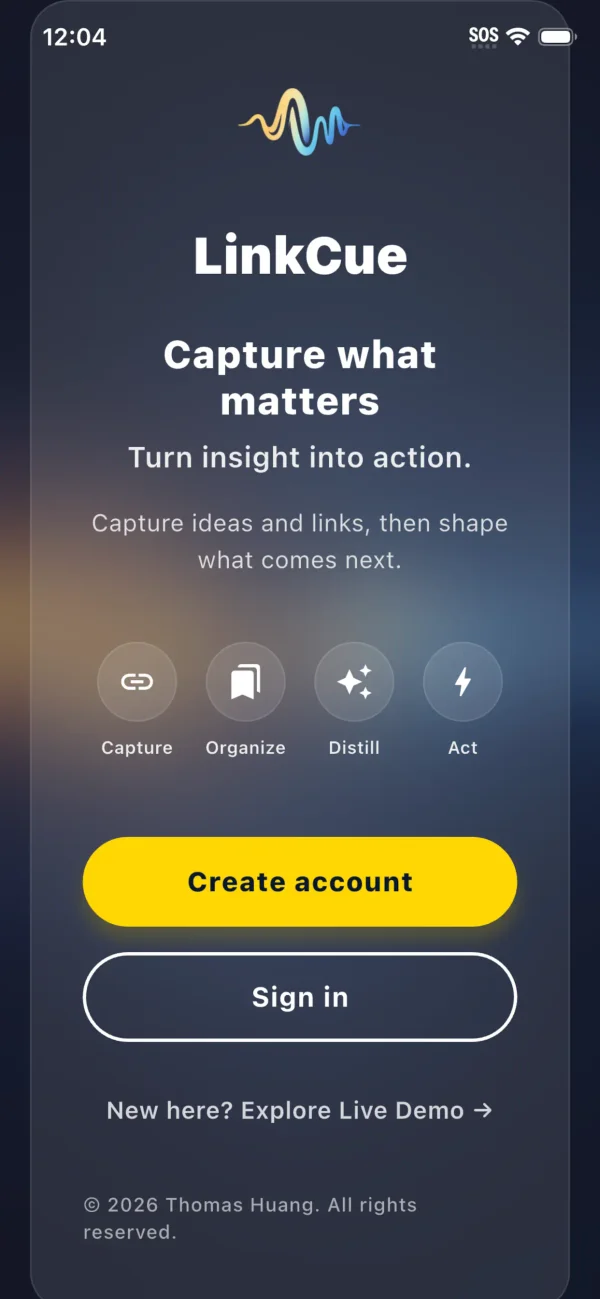
LinkCue
Capture what matters.
Diseñada para iPhone, iPad, Mac, iPod touch
Gratis · Compras en la aplicación
- Clasificación por edad12+
- CategoríaProductividad
- DesarrolladorThomas Huang
- IdiomasInglés
- Tamaño60,2 MB
Enlaza a la página oficial de App Store
Download.org no aloja ningún archivo de LinkCue. El botón abre la página de la aplicación en App Store, donde la publica Thomas Huang. Ficha comprobada por última vez el 22/11/2026.
Capturas de pantalla

Acerca de
El desarrollador no ha proporcionado este texto en tu idioma.
LinkCue — A project workspace with an AI research assistant that brings your research, ideas, planning, and progress into one place
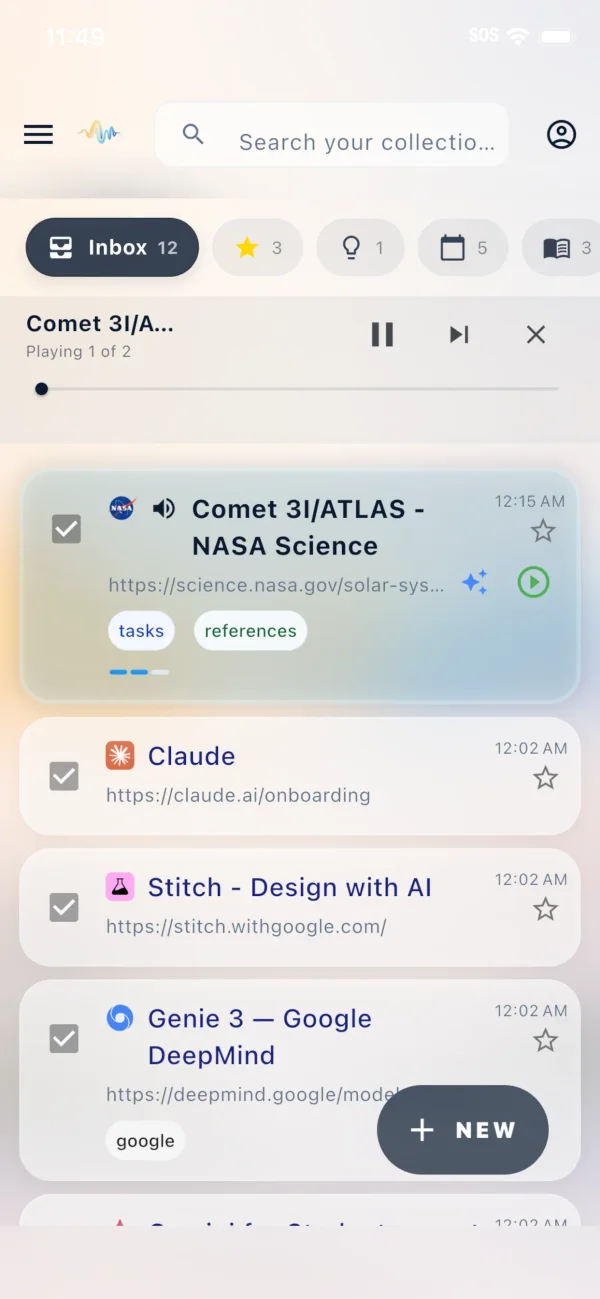
We save things with good intentions — but they end up scattered and hard to act on. LinkCue brings everything into one place: capture, organize, and turn it into real progress with an AI assistant that makes sense of it all.
Capture: Collect what matters
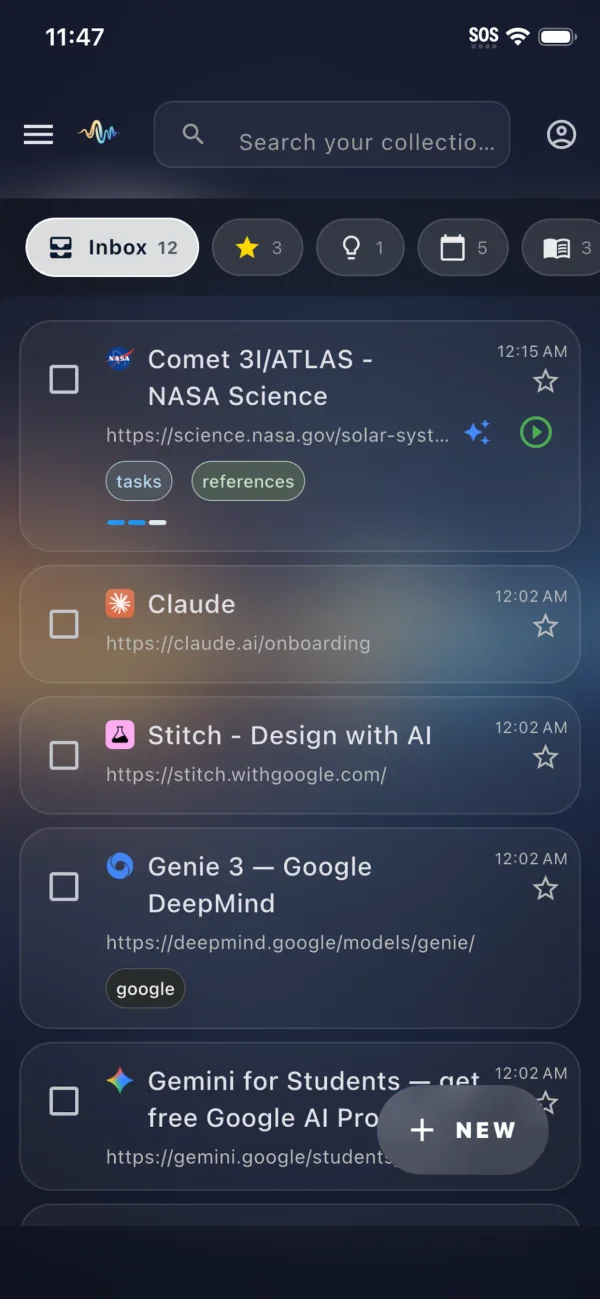
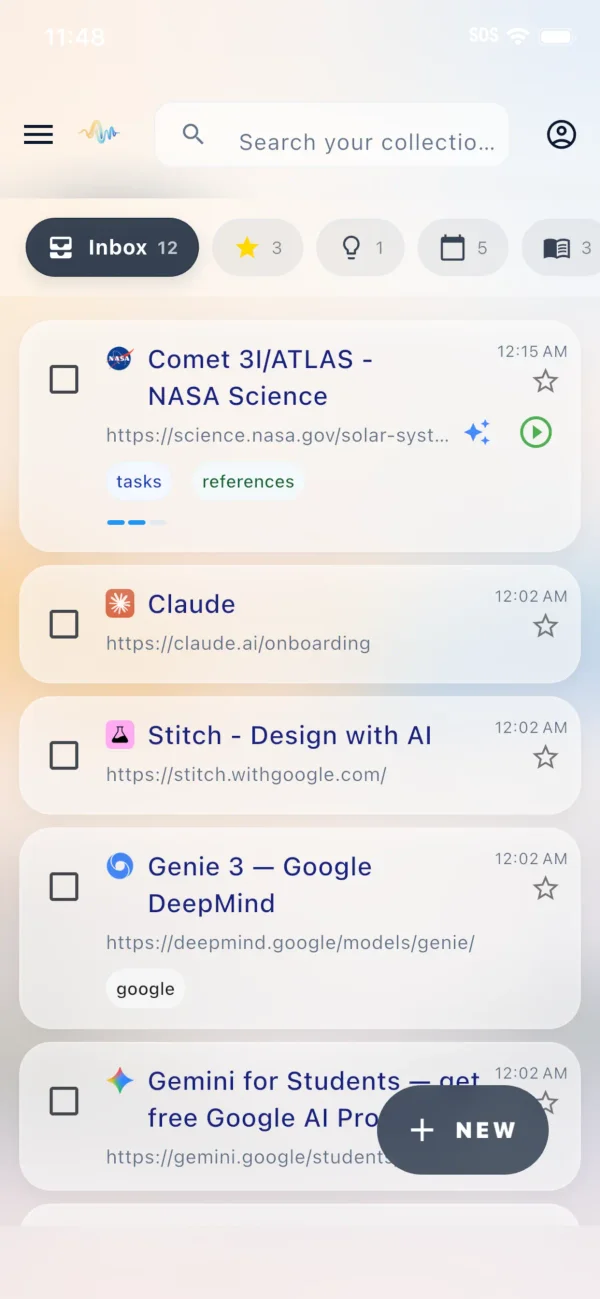
• Save articles, links, bookmarks, and research
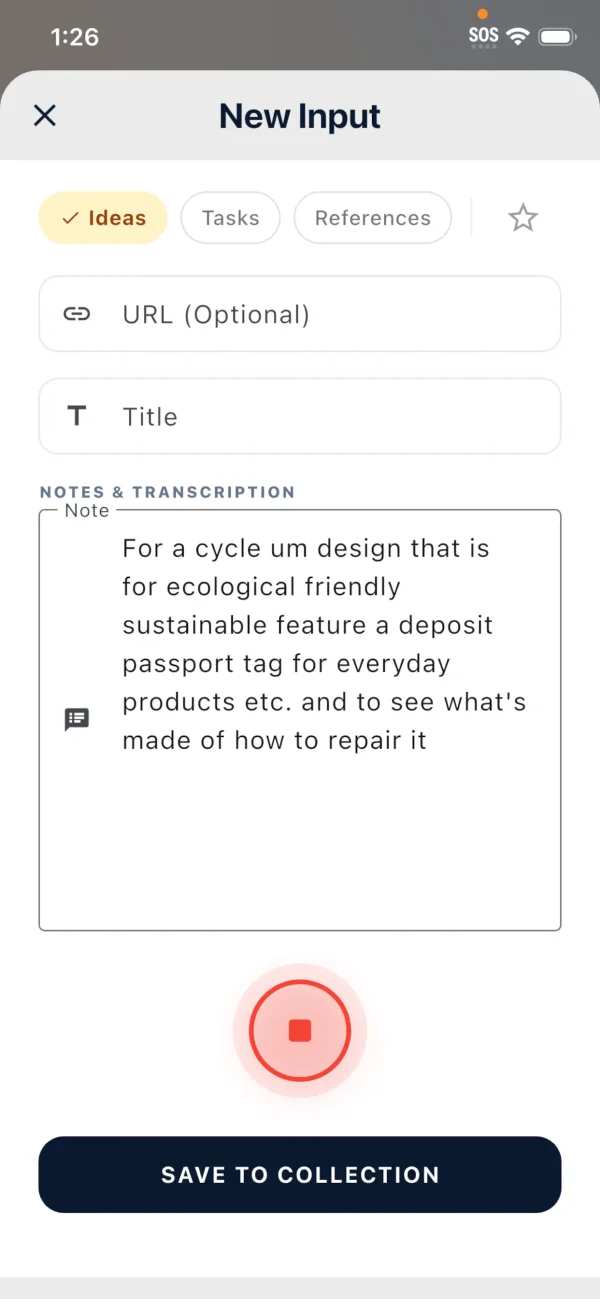
• Capture ideas the moment they come to you
• Speak your thoughts and turn them into notes
• Attach files — images, PDFs, Word docs, text, markdown, CSV, spreadsheets, and captions — processed just like a saved link
• Drop in audio recordings — podcasts, voice memos, meetings — and get a diarized transcript plus a listenable AI summary
• Works in the browser too — PDFs, images, audio, and spreadsheets on Chrome, Safari, and Firefox
Distill: Make sense of what you collect
• Get simple summaries of long articles
• Listen to content as short audio briefings
• Refine notes with AI — summarize, expand, simplify, and more
• Edit any AI summary inline and switch between versions any time
• Regenerate in a different style — short, key points, or a custom prompt — and refresh the audio in one tap
• Tap any transcript line to jump to that moment — playback auto-highlights and scrolls with you
• Spreadsheets render as clean tables inside the record, with synthesis modes tuned to tabular data
• Pick your transcription engine in Settings → AI & Intelligence
Research: Chat with your knowledge
• Ask questions and get AI answers with citations linking back to your library
• Search the web without leaving the app
• Browse your Knowledge Map — concepts and topics extracted from your content
• Choose your AI model from the chat toolbar
• Tap the sparkle icon on any record to start a scoped Knowledge Agent chat instantly
Think Visually: Map out ideas and connections
• Build mind maps from scratch or import your saved records
• Connect ideas, add notes, and rearrange freely
• Auto-layout organizes complex webs instantly; export to Markdown and sync across devices in real time
• Share a mind map via a public, view-only link — revoke any time
• Rebuilt: smart edge routing, undo/redo, group multi-select, and reliable cross-device sync
Organize: Build a system that fits how you think
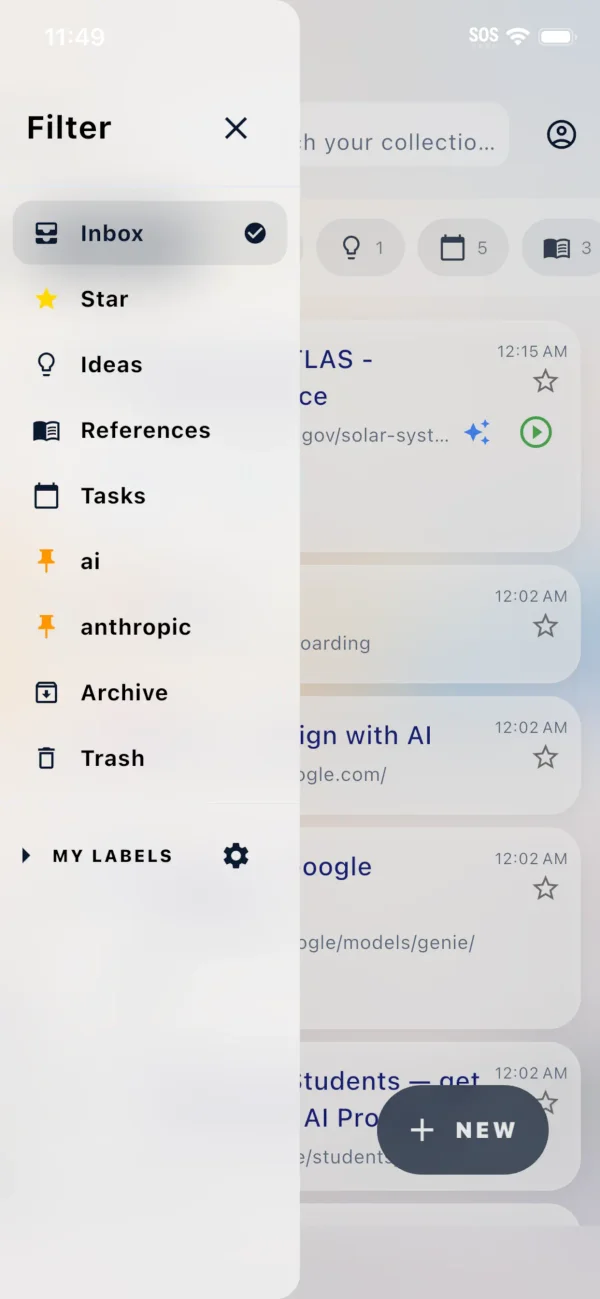
• Group with labels; create projects and folders for any goal
• Navigate with breadcrumbs — always know where you are
• Choose how uploaded files are stored: keep, auto-delete after processing, or never store
Act: Move from planning to doing
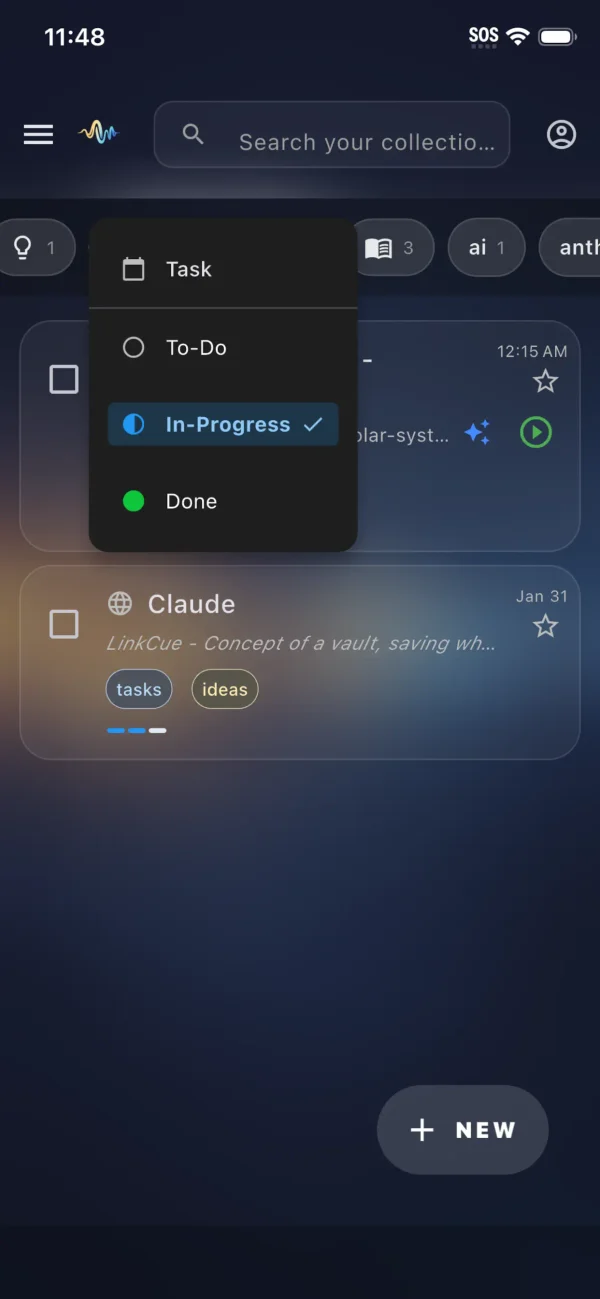
• Turn notes into tasks and see plans on a calendar
• Track progress with a consistent 5-stage Kanban across all your devices
• Link records to GitHub issues and keep them in sync
Built for real projects
• Planning a life event or side project
• Managing research and long-term goals
• Developers tracking work across GitHub and notes
Subscription Details
LinkCue offers a free plan with limited features, as well as optional paid monthly subscriptions that unlock additional capabilities.
If you purchase a LinkCue subscription, payment will be charged to the payment method associated with your Apple ID at confirmation of purchase. Your account will be charged for renewal within 24 hours prior to the end of the current subscription period.
Subscriptions automatically renew unless auto-renew is turned off at least 24 hours before the end of the current period. You can manage or turn off auto-renewal at any time in your App Store account settings.
If you choose not to subscribe, you can continue using LinkCue with the free plan.
Privacy Policy: https://www.linkcue.net/privacy
Terms of Use: https://www.apple.com/legal/internet-services/itunes/dev/stdeula/
Novedades
Versión 1.2.4 · 6/5/2026
**New: Snap a photo, get a summary**
Tap the camera icon in +New to photograph anything — a receipt, a whiteboard, a page of notes — and LinkCue turns it into a summary + audio brief. Attaching an image from your library works the same way.
**New: Scanned PDFs work now**
PDFs that are just scanned images (no selectable text) are read by AI and summarized automatically, the same way a regular document is.
**New: Share from anywhere**
Share a file from any app — Safari, Files, Mail, Drive, Photos — straight into LinkCue. Works for PDFs, Word docs, text, markdown, and images. On Mac you can also drag files onto the +New tab.
**New: Choose your vision AI**
Settings → AI & Intelligence → Vision Model. Pick Google Gemini for speed (default) or Anthropic Claude for higher accuracy. Available on every plan.
**Improved: Integrations toggle**
A master toggle in Settings now hides Linked Issues and other optional integrations so the UI stays focused on what you use.
**Reliability**
- Uploads that fail during a bad network now retry with longer spacing and pick back up automatically when you relaunch the app.
- Quicker cold-start when a share intent fires before the app finishes loading.
- Cross-device sync for AI and media settings is faster and more reliable.
**Fixes**
- Firefox iOS share: the URL is captured correctly even when the browser sends a page title first.
- Summary empty-state no longer flashes momentarily after generation.
- Media audio spinner now persists correctly when switching screens mid-job.
- Article detail Calendar section respects the per-user automation toggle.
Privacidad de la aplicación
Lo que Thomas Huang declara en App Store sobre cómo esta aplicación gestiona los datos.
-
Datos vinculados a ti
Pueden recopilarse y vincularse a tu identidad.
- Información de contacto
- Contenido del usuario
- Historial de búsqueda
- Identificadores
- Datos de uso
- Diagnóstico
Las prácticas de privacidad pueden variar, por ejemplo, según las funciones que uses o tu edad.
Información
- Vendedor
- Thomas Huang
- Categoría
- Productividad
- Versión
- 1.2.4
- Actualizado
- 6/5/2026
- Publicado
- 4/3/2026
- Tamaño
- 60,2 MB
- Requiere
- iOS 14.0 o posterior
- Clasificación por edad
- 12+
- Precio
- Gratis
- Compras en la aplicación
- Sí
- Idiomas
- Inglés
- Copyright
- © 2026 Thomas Huang
Quizá también te guste
-
 Pro Type: AI keyboardProductividad
-
 Weekly2DoProductividad
-
 Stickit: Sticky Notes BoardProductividad
-
 Saam: family planner & choresProductividad
-
 Get CubbyProductividad
-
 Ask Safely: AI Scam CheckProductividad
-
 Norton Family AssistantProductividad
-
 Strukt: Productivity DashboardProductividad
-
 Noema: IA local sin conexiónChat IA privado con archivos
-
 TeachAI: asistente docente IAMejora tu eficiencia docente