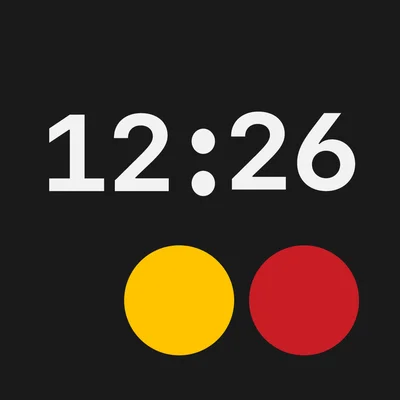
LiveCue Timer
Pro Timer for Shows & Streams
Diseñada para iPhone, iPad
Gratis · Compras en la aplicación
- Clasificación por edad4+
- CategoríaUtilidades
- DesarrolladorStartPort LLC
- IdiomasInglés+ 1 más
- Tamaño3,4 MB
Enlaza a la página oficial de App Store
Download.org no aloja ningún archivo de LiveCue Timer. El botón abre la página de la aplicación en App Store, donde la publica StartPort LLC. Ficha comprobada por última vez el 18/11/2026.
Capturas de pantalla


Acerca de
El desarrollador no ha proporcionado este texto en tu idioma.
A professional timer for live streaming, stage, and presentations.
External monitor output, PiP, Apple Watch sync, Live Activity, operation lock, and passcode protection. Built around the workflows of real production environments.
---
Designed for event staff, streamers, instructors, hosts, and backstage crews.
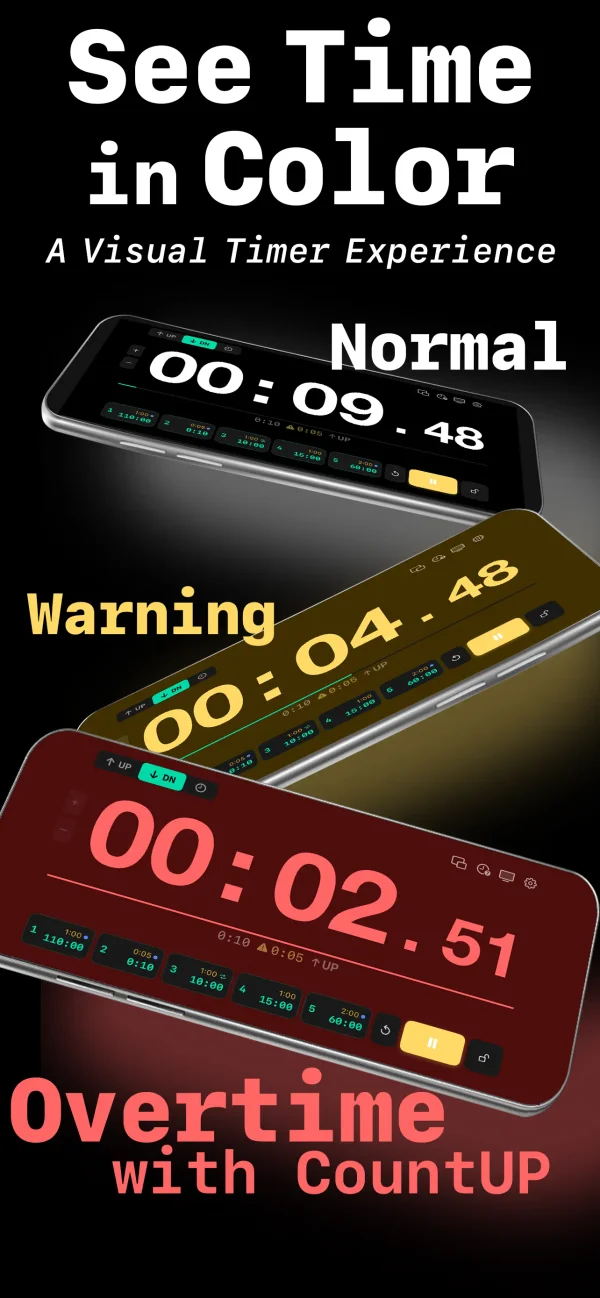
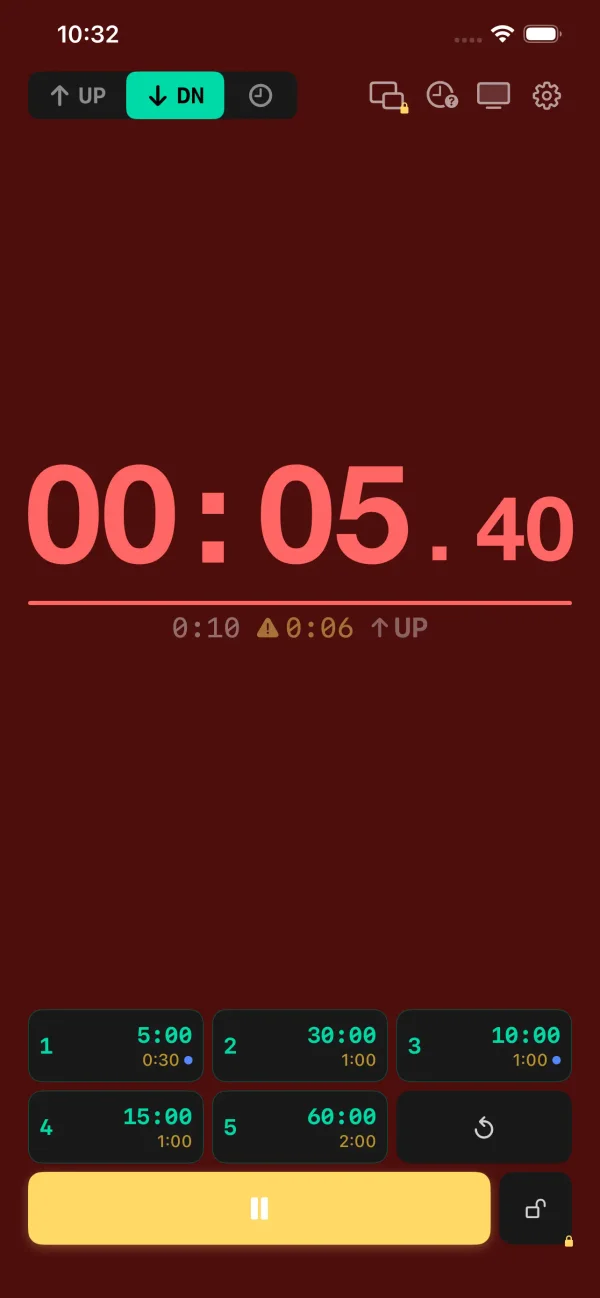
Operation lock prevents accidental touches that lose time during live shows. Post-end count-up visualizes overtime in red. Purpose-built presets — every feature is sharpened for actual on-site needs.
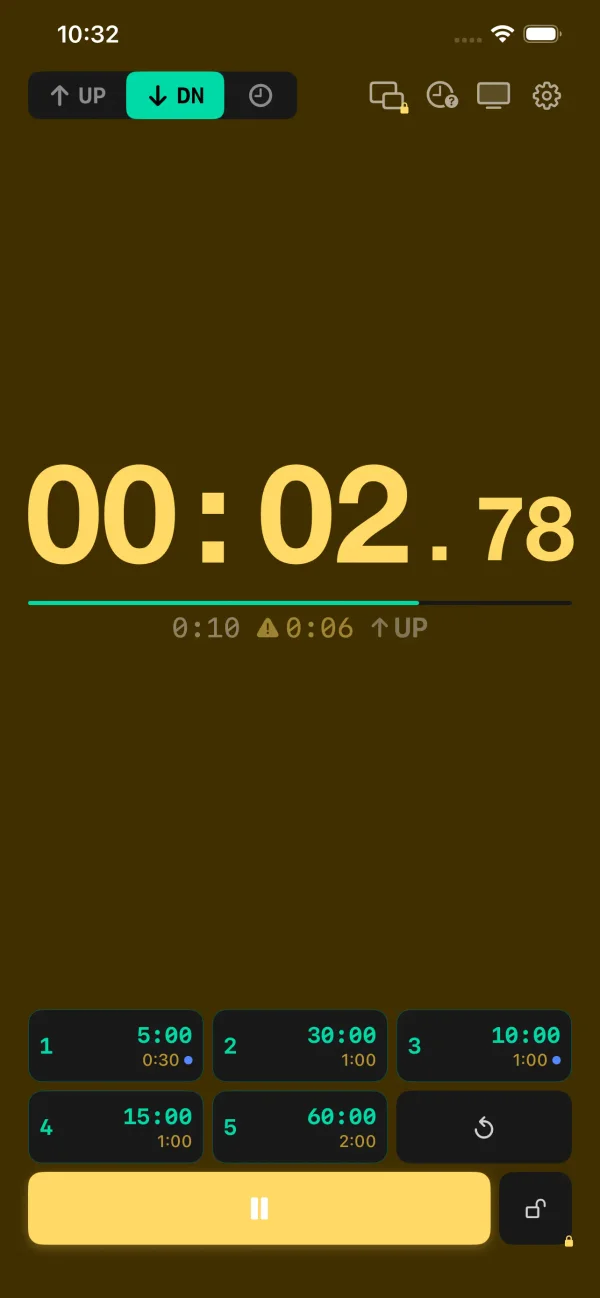
At a glance, anyone can see the remaining time, so both hosts and performers can focus on the show without watching the clock.
---
Key features
[Display]
- Full-screen large display — readable from the back of the venue
- External monitor output — supports HDMI adapter / AirPlay
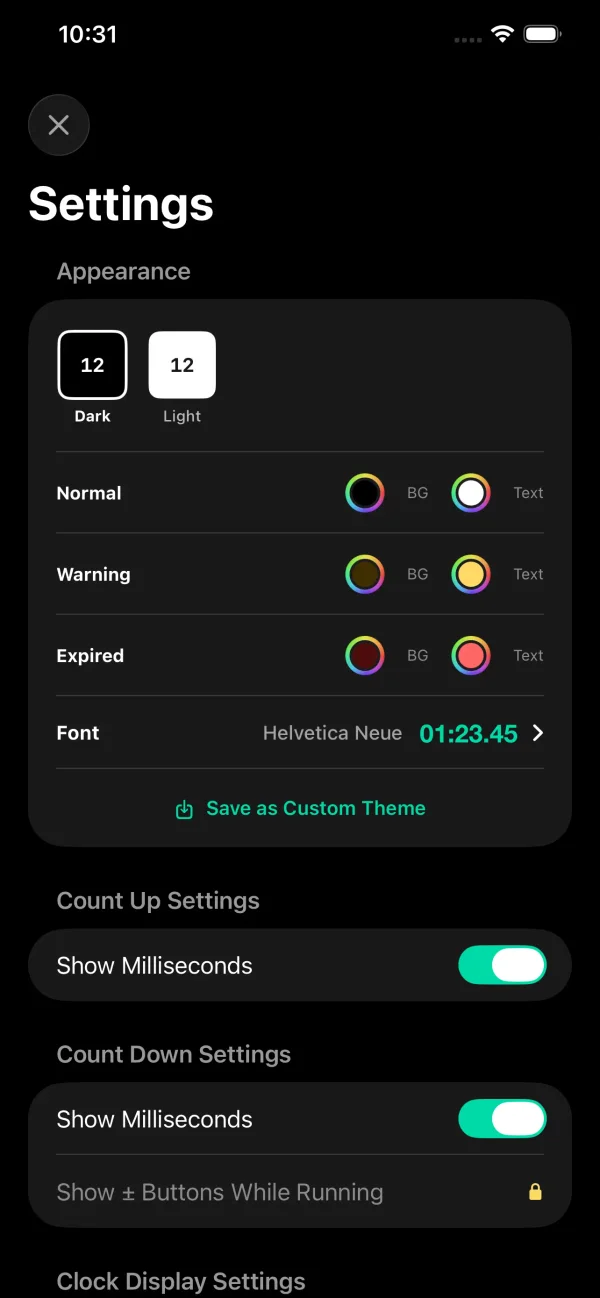
- Multiple themes including light, dark, and high contrast
[Time]
- Switch between count-down, count-up, and clock display
- Post-end count-up — visualizes how many minutes you are over
- Continued [to HH:MM] readout after the timer ends
[Organize]
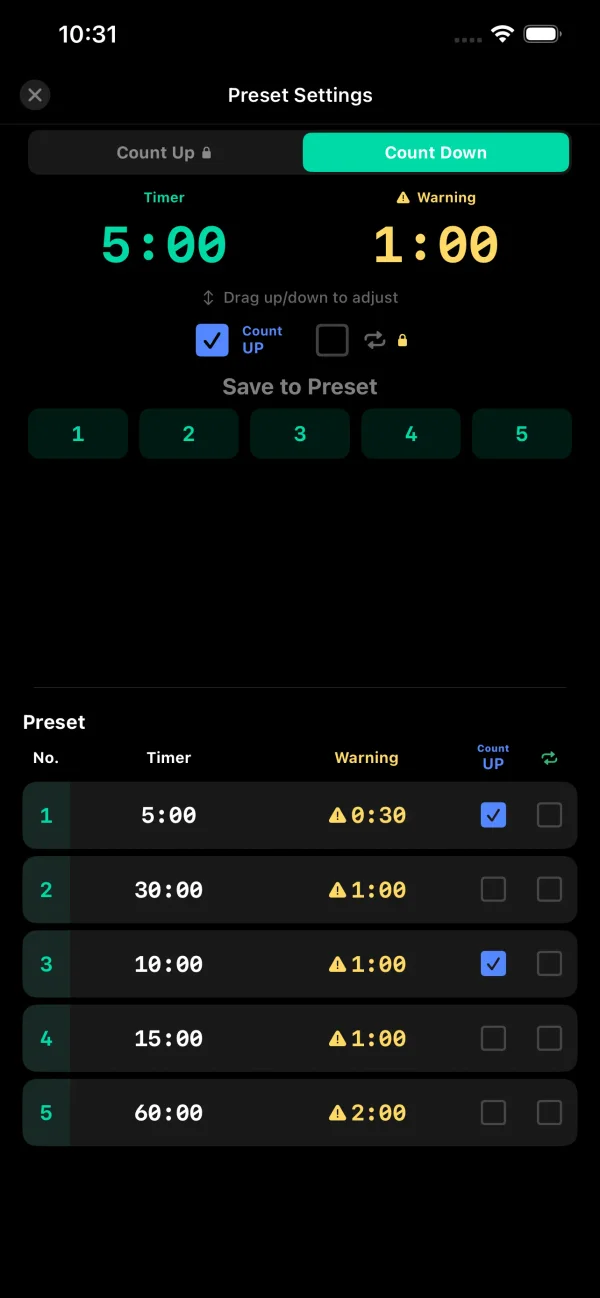
- Preset storage — 5 presets (Free) / 5 groups × 5 = up to 25 presets (Pro)
- Custom sound import
- Japanese / English UI
- iPhone / iPad support
---
Pro unlocks more capability for on-site needs
[NEW · v4.0.0]
- Preset Groups A–E — manage up to 25 presets across scenes such as live shows, rehearsal, streaming, and recording. Switch groups with one tap.
- Custom group names — name A–E to match your workflow (e.g., "Live," "Stream," "Lecture").
- iPhone landscape preset editing redesigned with a 2-column layout.
[v3.0.0 – v3.2.1]
- SideClock — check the current time while the timer is running, with no effect on the external display.
- Live Activity — show remaining time on the Lock Screen and Dynamic Island.
- Apple Watch sync — control the timer and check remaining time from your wrist.
[On-site safety]
- Operation lock — prevent accidental taps during operation
- Passcode protection — fully block unintended operations during live shows
[Pro-level details]
- Picture-in-Picture (PiP) — show remaining time and the current clock in a corner while using other apps
- ±1 minute buttons during operation for instant adjustment
- Auto-restart after count-down completes
- Create count-up presets
- External display customization (font size, progress bar, and more)
Pro is available as an in-app purchase and can be upgraded at any time.
* As features expand, Pro will increase from 500 yen to 700 yen with the next update.
---
Used in the field for
- Event and conference flow management
- Live streaming / recording segment timing
- Seminars, lectures, and lightning talks
- Stage and performance remaining-time sharing
- Meetings and workshops time-keeping
- Broadcast / MC duration management
---
Compatibility
- iOS / iPadOS (latest version recommended)
- Apple Watch sync: watchOS-compatible model required
- Live Activity: compatible device and OS required
- External display output: compatible adapter / AirPlay environment required
---
Support
For questions or requests, please contact us via the in-app contact form or the developer.
We will continue improving the app based on the voices of professionals in the field.
LiveCue Timer is the timer for everyone who supports flow with time.
Novedades
Versión 4.0.2 · 19/5/2026
v4.0.2 — Bug fixes
Fixed: "Warning 0" was not preserved on Count Up presets
Fixed an issue where saving a Count Up preset with "End 00:00 / Warning 00:00 / Start 45:00" caused the Warning value to be silently overwritten with the Start
value. Presets that intentionally set Warning to 0 (= no warning) are now saved and used exactly as configured.
Fixed: Count Up could be configured from Preset Settings without Pro
The main timer screen correctly gated Count Up behind Pro, but the Preset Settings screen let anyone configure Count Up presets. Free users now see a Pro upsell when tapping Count Up, while existing Count Up presets remain editable.
Thanks for using LiveCue Timer.
Privacidad de la aplicación
Lo que StartPort LLC declara en App Store sobre cómo esta aplicación gestiona los datos.
-
No se recopilan datos
El desarrollador no recopila ningún dato de esta aplicación.
Las prácticas de privacidad pueden variar, por ejemplo, según las funciones que uses o tu edad.
Información
- Vendedor
- StartPort LLC
- Categoría
- Utilidades
- Versión
- 4.0.2
- Actualizado
- 19/5/2026
- Publicado
- 13/2/2026
- Tamaño
- 3,4 MB
- Requiere
- iOS 18.6 o posterior
- Clasificación por edad
- 4+
- Precio
- Gratis
- Compras en la aplicación
- Sí
- Idiomas
- Inglés, Japonés
- Copyright
- © 2026 StartPort LLC.