
Marklings - Camera Translation
Mark, Capture, Practice
Diseñada para iPhone, iPod touch
Gratis · Compras en la aplicación
- Clasificación por edad4+
- CategoríaEducación
- DesarrolladorDeniz Ordulu
- IdiomasInglés+ 1 más
- Tamaño43,3 MB
Enlaza a la página oficial de App Store
Download.org no aloja ningún archivo de Marklings - Camera Translation. El botón abre la página de la aplicación en App Store, donde la publica Deniz Ordulu. Ficha comprobada por última vez el 18/11/2026.
Capturas de pantalla




Acerca de
El desarrollador no ha proporcionado este texto en tu idioma.
Stop copying words into a notebook.
Marklings is a vocabulary app for people who read in a foreign language and for
students preparing for exams like IELTS, TOEFL and YDS. You read the way you
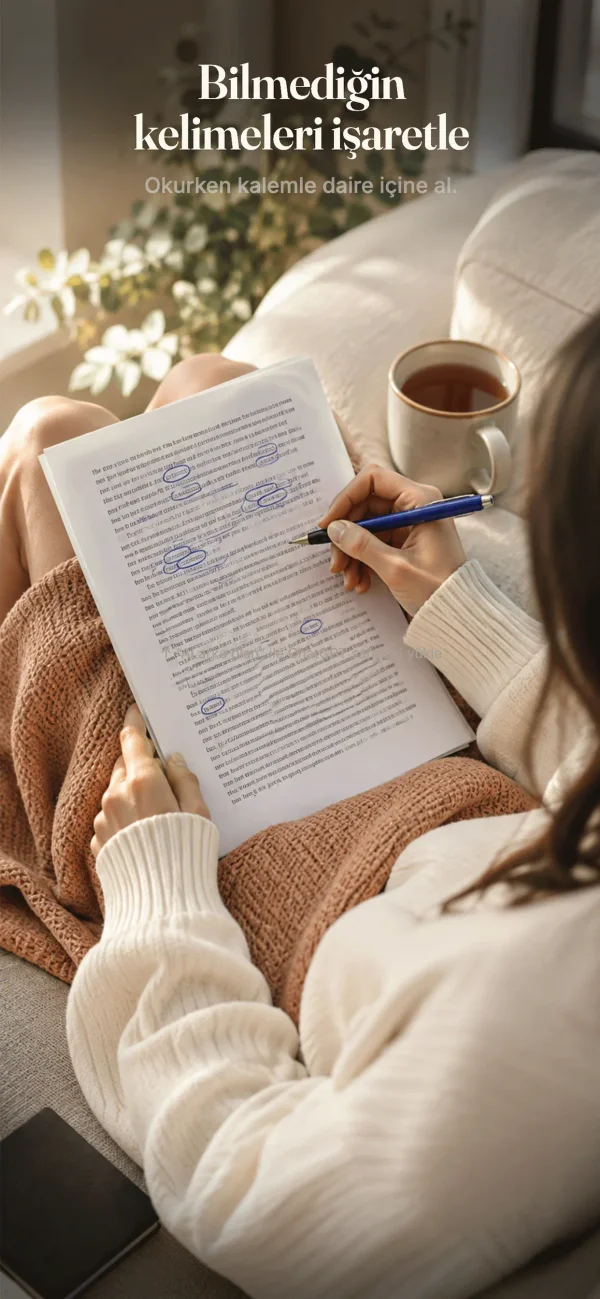
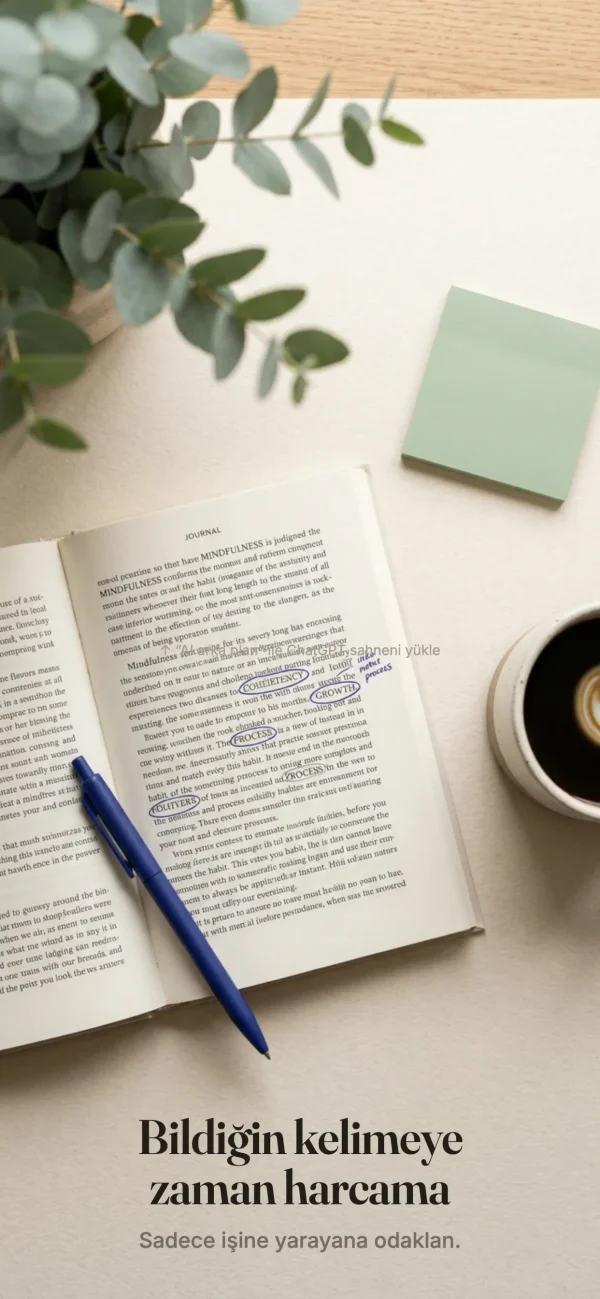
always do. When you hit a word you don't know, you mark it — underline it,
highlight it, or circle it. Then you take one photo of the page.
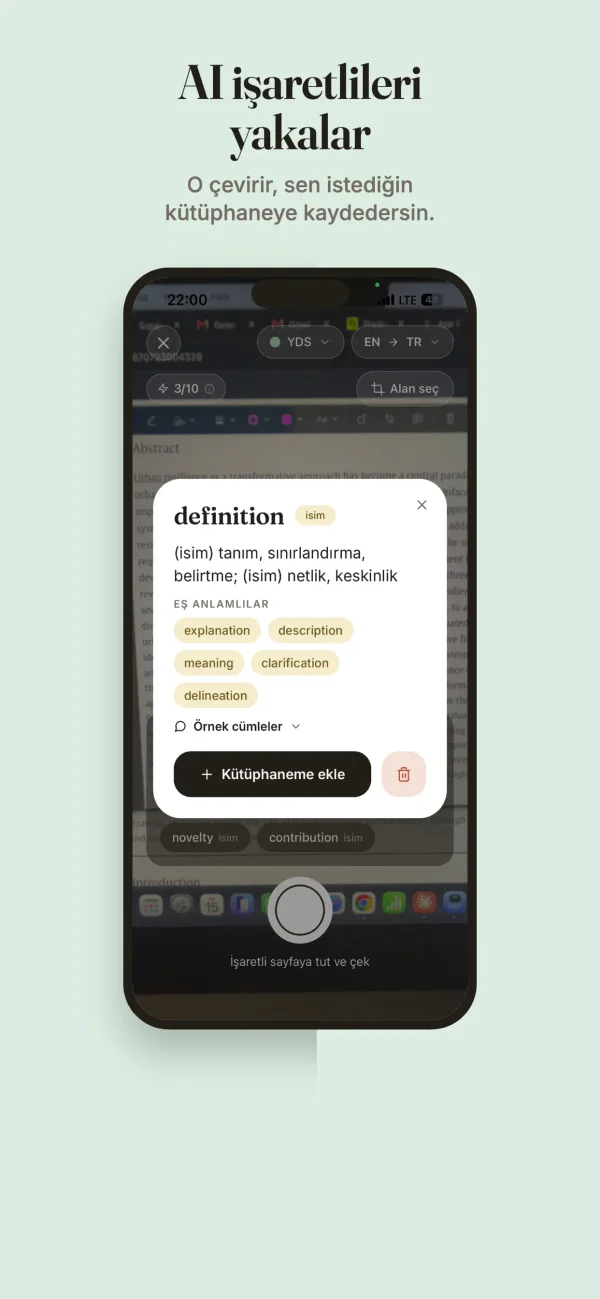
Marklings reads the page and picks out ONLY the words you marked. Everything you
already know is ignored, because your time shouldn't be spent on words you
understand. Each marked word comes back translated, with its part of speech,
synonyms and example sentences, and goes straight into your library.
IT ALSO CATCHES GRAMMAR
If you mark a phrase that contains a grammar pattern, Marklings separates the
two: it saves the core word AND the pattern behind it, with a simple formula and
an explanation. Your grammar patterns live in their own collection, so they never
clutter your word lists.
BUILT FOR REAL STUDYING
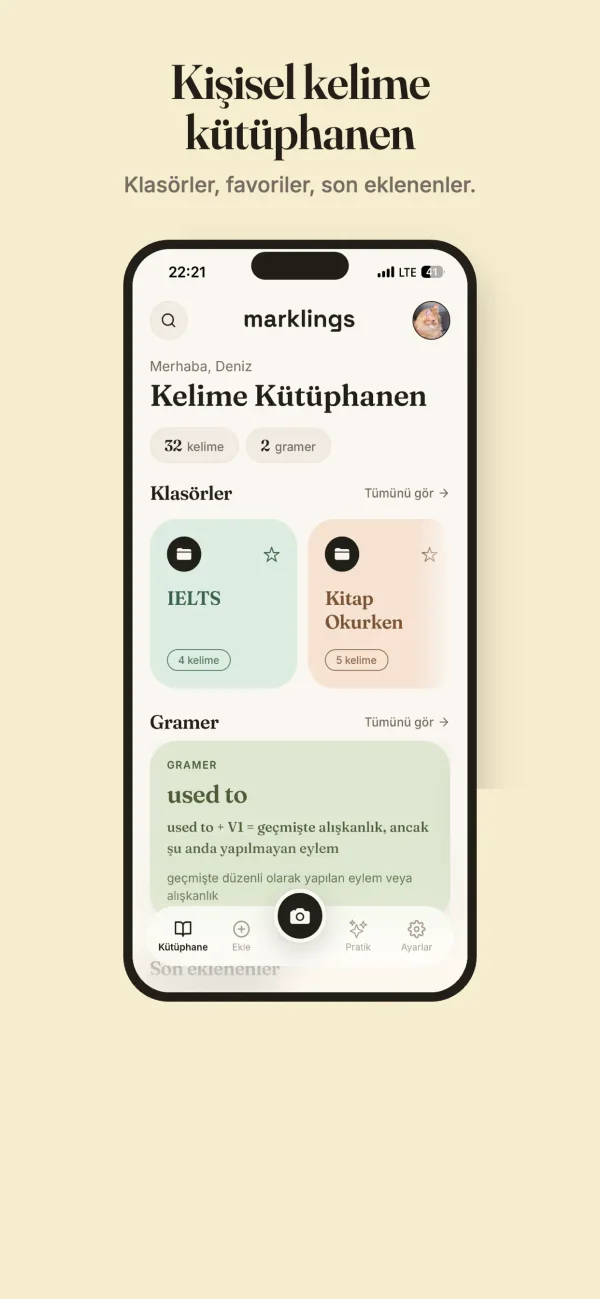
• Organize words into colour-coded folders — one per book, one per exam, however
you think
• Pin your favourite folders and grammar patterns to the home screen
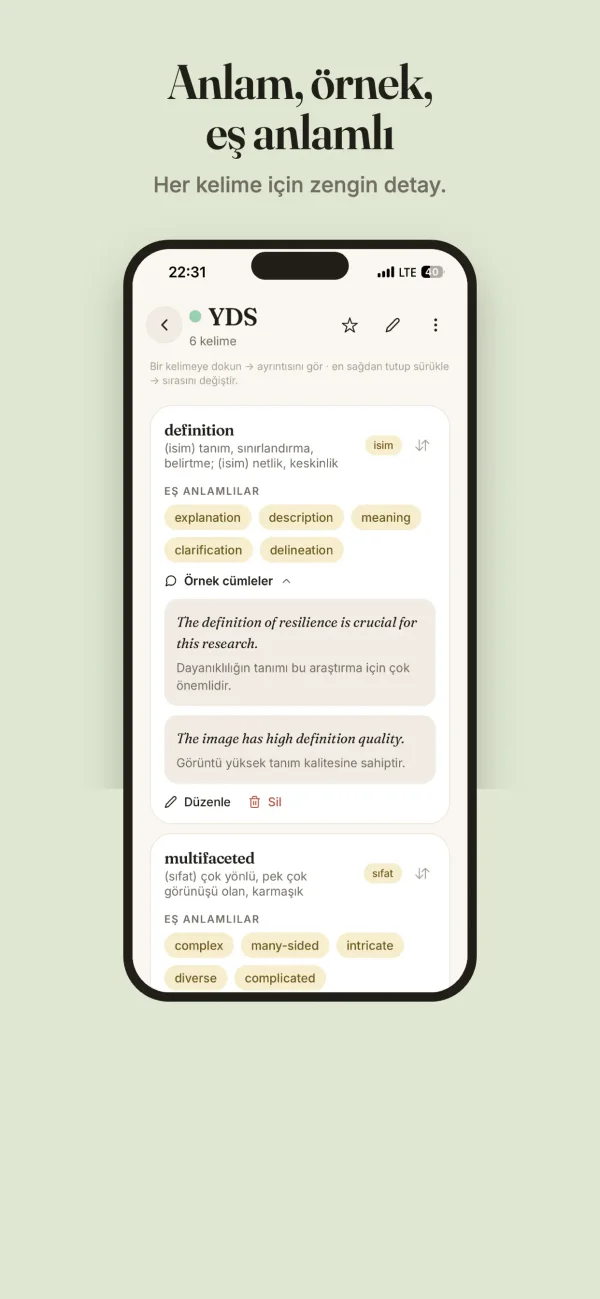
• Tap any word for the full entry: meanings, synonyms, examples
• Practise with a swipeable flashcard deck or a quiz, and mark words as learned
• Everything syncs to your account, so your library follows you
MULTIPLE MEANINGS, NOT JUST ONE
A word like "crop" means one thing to a farmer and another to a photographer.
Marklings gives you the meanings that matter, not just the one that happened to
fit the sentence you were reading.
WHAT'S FREE
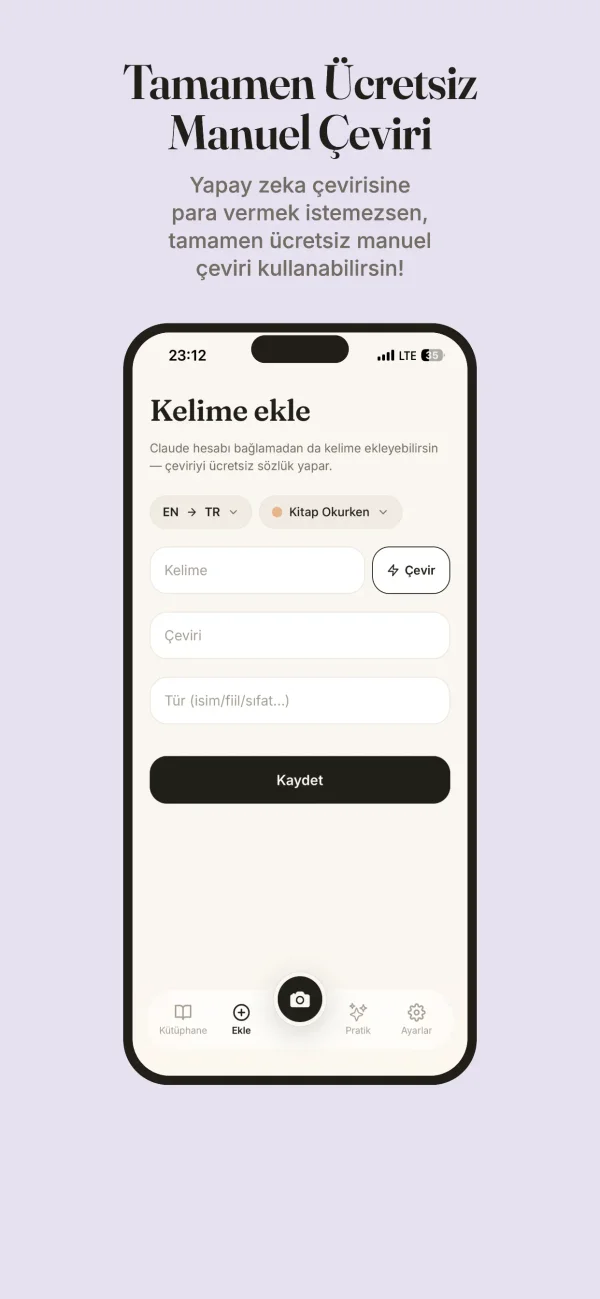
Adding words by hand is free and unlimited — type a word, get a translation,
save it. Your library, folders, grammar collection and practice modes are free
and unlimited too.
Camera translation is the part that costs us money to run, so every account gets
10 camera scans for free. After that you can subscribe, or keep using the app
for free by adding words manually.
SUBSCRIPTIONS
• Pro — 250 camera translations per month
• Elite — unlimited camera translations
Both are available monthly or annually. The annual plan costs noticeably less
per month.
Payment is charged to your Apple Account at confirmation of purchase. The
subscription renews automatically unless it is cancelled at least 24 hours
before the end of the current period. Your account is charged for renewal within
24 hours before the end of the current period. You can manage or cancel your
subscription in your Apple Account settings after purchase. Prices are shown in
the app and vary by region.
Terms of Use: https://marklings.com/legal/terms
Privacy Policy: https://marklings.com/legal/privacy
Questions or feedback: info@marklings.com
Novedades
Versión 1.10 · 10/9/2026
Gallery image upload is now available.
• Upload an image and highlight the words you don’t know with your finger. AI translates them and turns them into flashcards.
• Added as an alternative to taking a photo with the camera.
Privacidad de la aplicación
Lo que Deniz Ordulu declara en App Store sobre cómo esta aplicación gestiona los datos.
-
Datos vinculados a ti
Pueden recopilarse y vincularse a tu identidad.
- Información de contacto
- Contenido del usuario
- Identificadores
- Otros datos
-
Datos no vinculados a ti
Pueden recopilarse, pero no se vinculan a tu identidad.
- Compras
- Contenido del usuario
Las prácticas de privacidad pueden variar, por ejemplo, según las funciones que uses o tu edad.
Información
- Vendedor
- Deniz Ordulu
- Categoría
- Educación
- Versión
- 1.10
- Actualizado
- 10/9/2026
- Publicado
- 25/8/2026
- Tamaño
- 43,3 MB
- Requiere
- iOS 15.1 o posterior
- Clasificación por edad
- 4+
- Precio
- Gratis
- Compras en la aplicación
- Sí
- Idiomas
- Inglés, Turco
- Copyright
- © 2026 Deniz Ordulu
Quizá también te guste
-
 BitlikAprende a programar de cero
-
 ATAC AkademiEducación
-
 ATAC MedPDF, tarjetas y anatomía
-
 OzUVerse AppEducación
-
 endeneme clubEducación
-
 Colección de TCG: DeckexEscáner de cartas y precios
-
 WörterMeister: Aprender AlemánGramática, artículos y verbos
-
 Aprende Inglês News Spoken AIHablar y Practica
-
 prompts.chatEducación
-
 ErgiMobilEducación