
MDPeak: Markdown Reading Space
No Ads. Built for Focus.
Diseñada para iPhone, iPad, iPod touch
Gratis · Compras en la aplicación
- Clasificación por edad4+
- CategoríaUtilidades
- DesarrolladorAyoub Mouakkir
- IdiomasInglés
- Tamaño46,6 MB
Enlaza a la página oficial de App Store
Download.org no aloja ningún archivo de MDPeak: Markdown Reading Space. El botón abre la página de la aplicación en App Store, donde la publica Ayoub Mouakkir. Ficha comprobada por última vez el 28/11/2026.
Capturas de pantalla


Acerca de
El desarrollador no ha proporcionado este texto en tu idioma.
MDPeak is a fast, distraction-free Markdown reading workspace built for developers, technical writers, students, and power users.
Read documentation, README files, notes, and technical content in a clean environment designed for focus and clarity — without the complexity of a full editor.
Unlike many Markdown apps, MDPeak is completely ad-free. No banners, no pop-ups, no distractions.
FEATURES
• Multi-Document Workspace
Open and switch between multiple Markdown files with a fast tabbed interface inspired by professional desktop workflows.
• Split View
Read rendered Markdown alongside the raw source code on supported screen sizes.
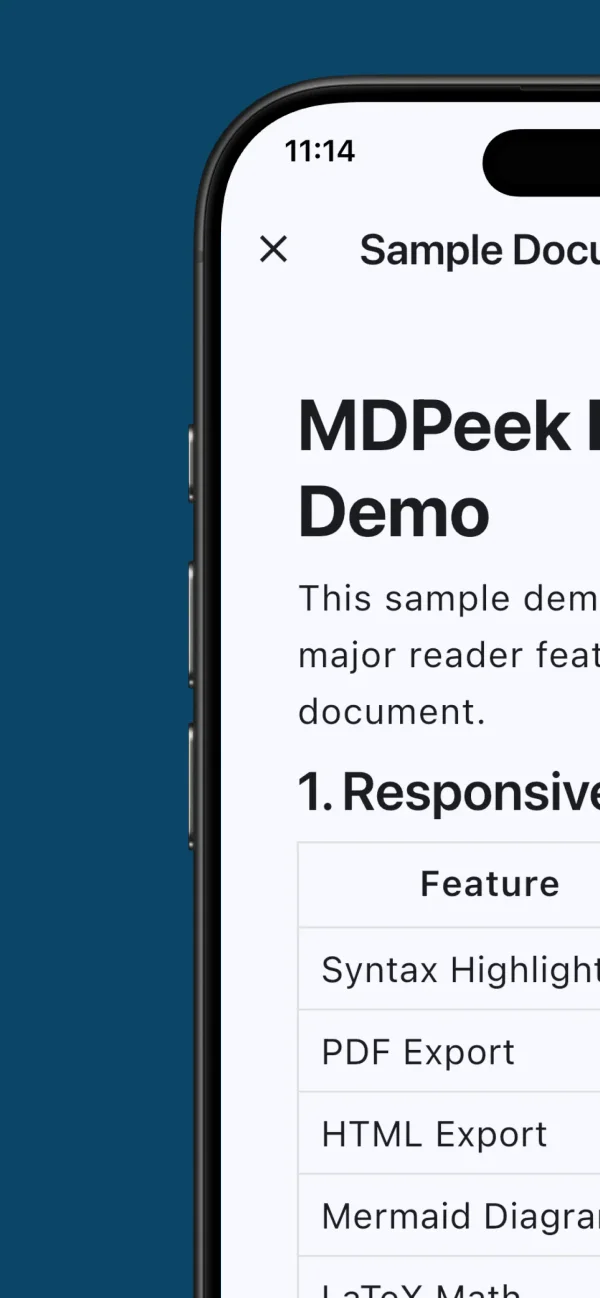
• Beautiful Markdown Rendering
Enjoy high-fidelity rendering with support for GitHub Flavored Markdown including tables, task lists, code blocks, and more.
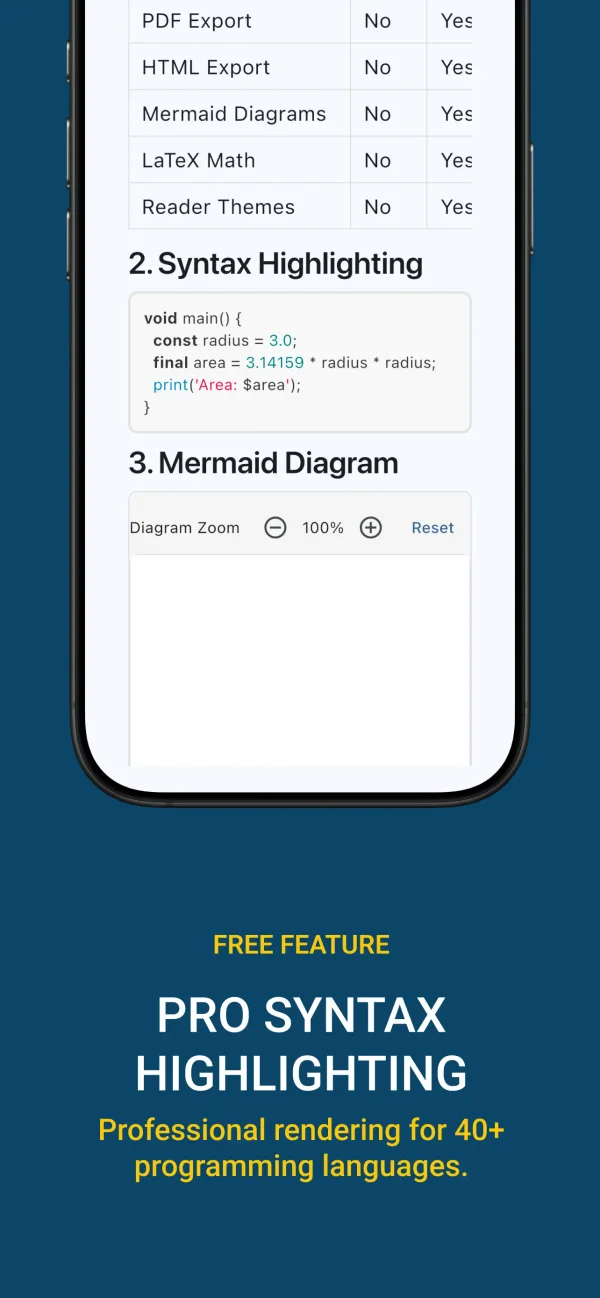
• Syntax Highlighting
Professional code rendering for 40+ programming languages.
• Fast Local File Access
Open local .md files instantly with native performance and smooth navigation.
• Reading Tools
Track word count, character count, and estimated reading time while navigating large technical documents.
• Smart Search
Quickly search within the active document and jump between results efficiently.
• RTL Language Support
Automatic right-to-left detection for Arabic and other RTL languages, with manual controls available.
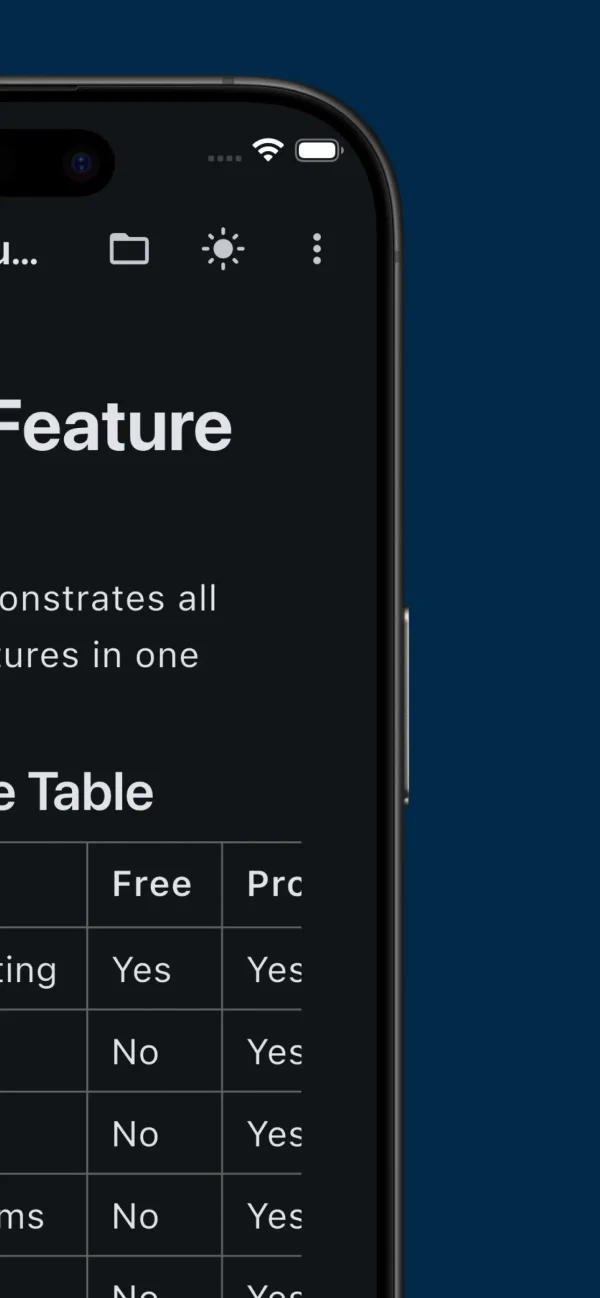
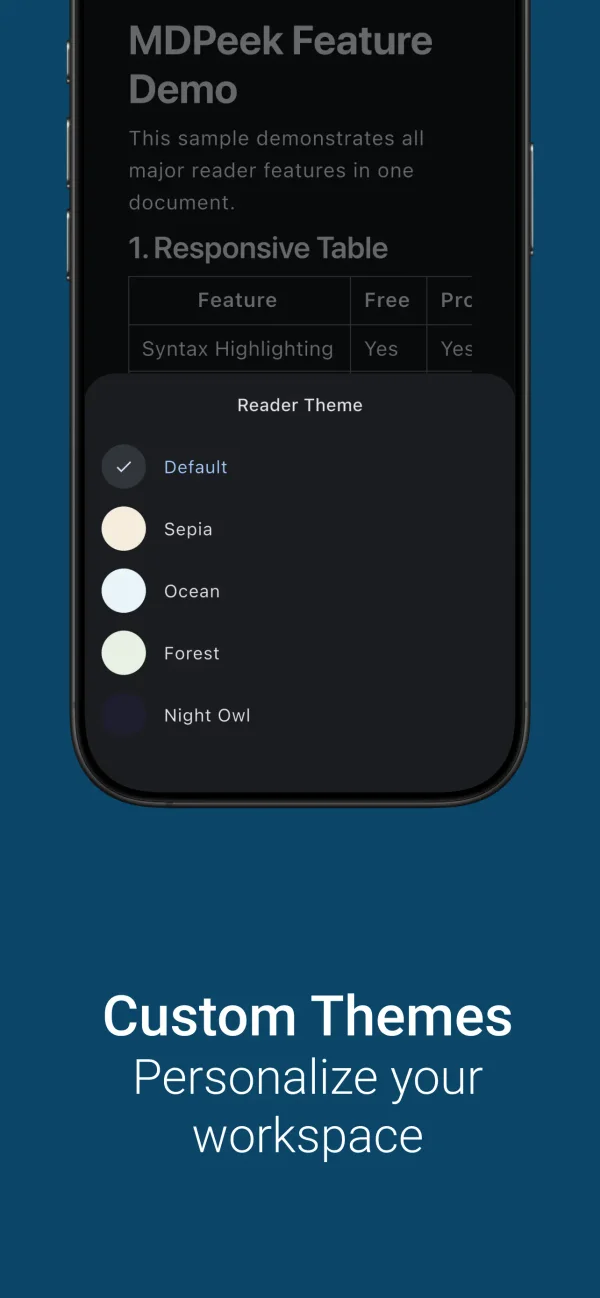
• Dark Mode & Themes
Enjoy a comfortable reading experience with carefully designed themes including Night, Sepia, Ocean, and Forest modes.
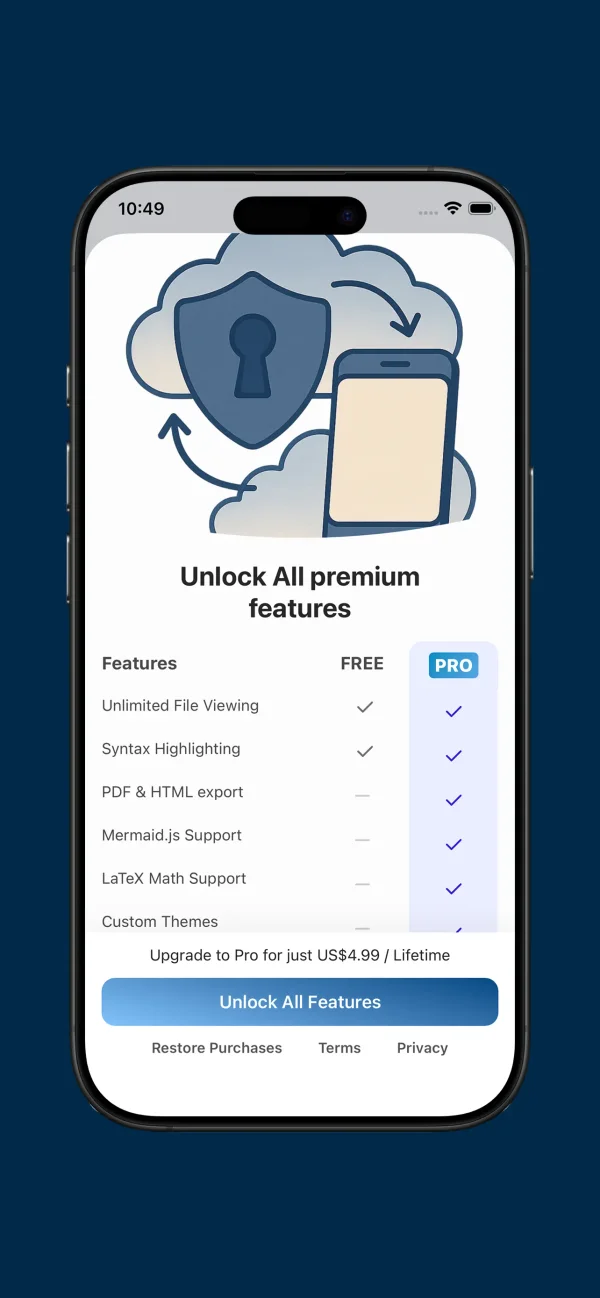
MDPEAK PRO — ONE-TIME PURCHASE
Unlock advanced features permanently with a single lifetime upgrade. No subscriptions.
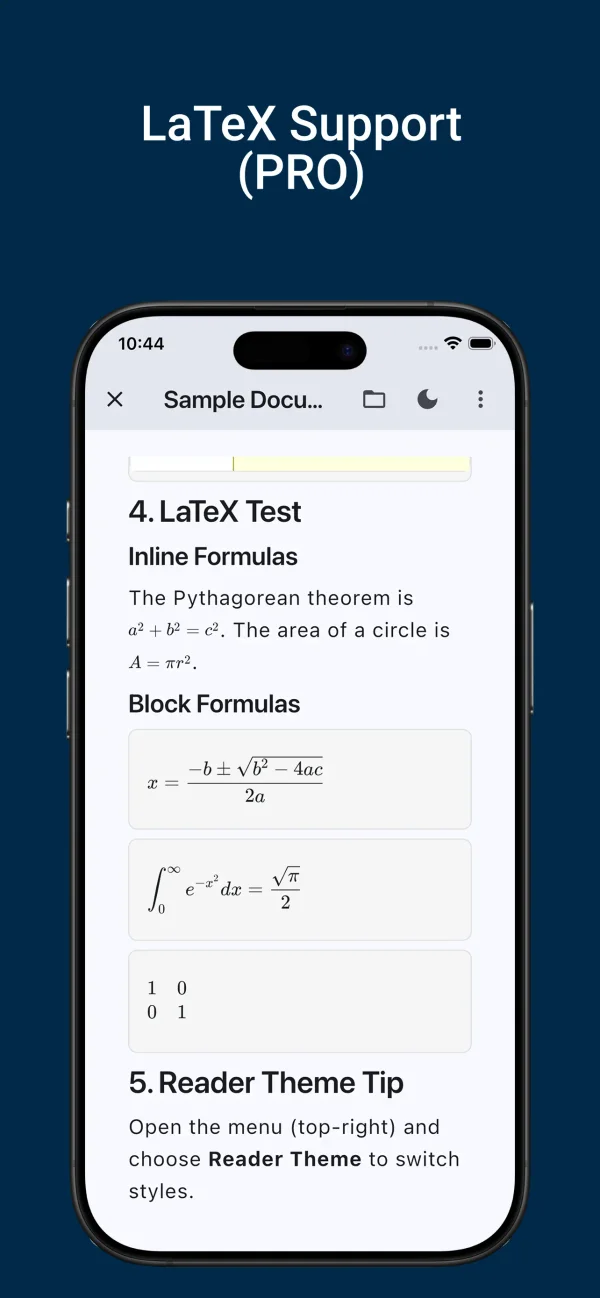
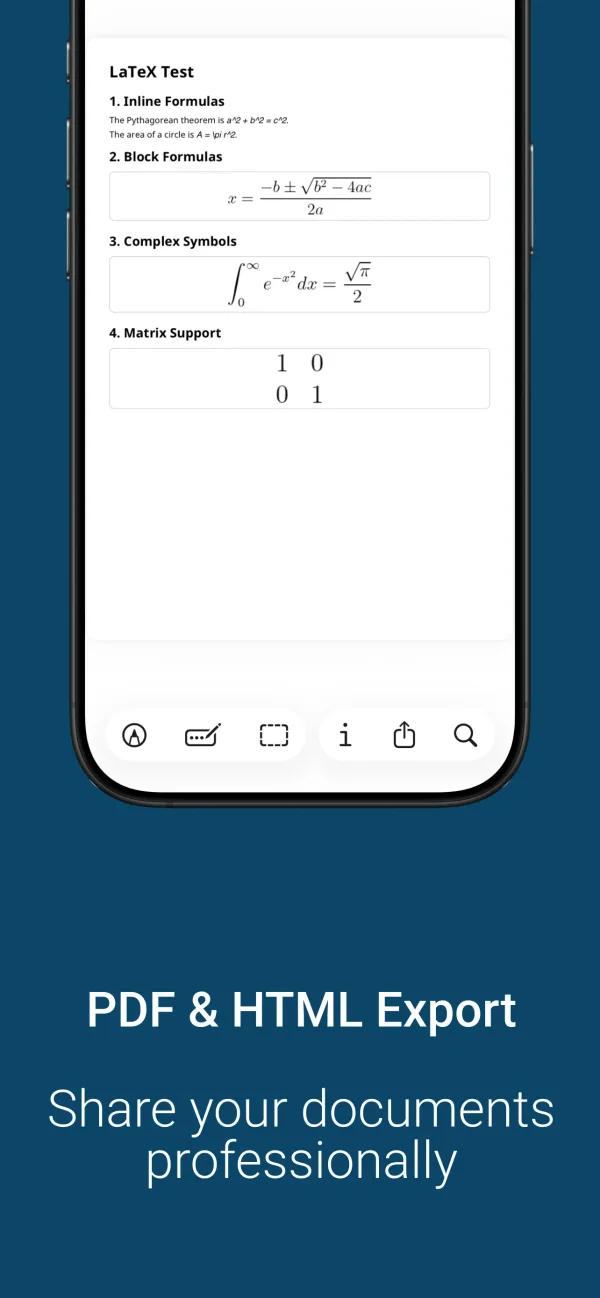
• LaTeX Support
Render mathematical expressions and technical formulas beautifully.
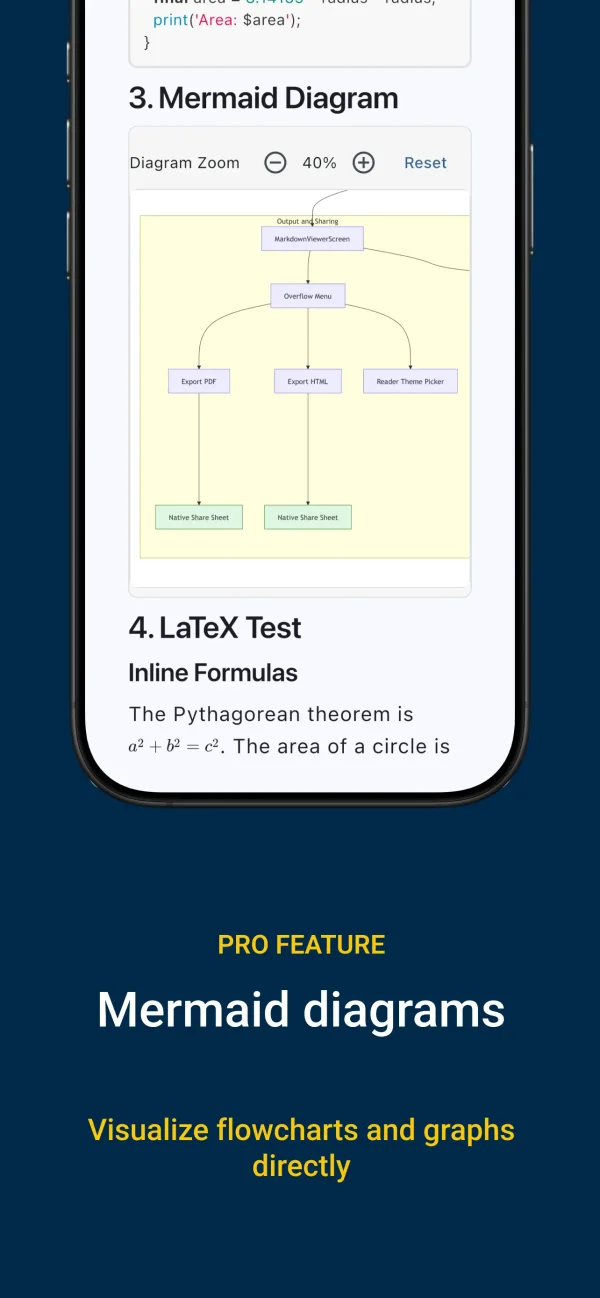
• Mermaid Diagrams
Visualize flowcharts and diagrams directly inside your Markdown documents.
• PDF & HTML Export
Export and share documents professionally.
• Premium Typography
Choose from a curated collection of reading-focused fonts.
• Advanced Workspace Personalization
Customize themes and viewing preferences for your ideal reading environment.
PRIVACY FIRST
MDPeak is designed with privacy in mind.
Your files remain on your device.
No accounts.
No cloud tracking.
No user data collection.
Built for focused Markdown reading.
Novedades
Versión 1.6.0 · 13/7/2026
Version 1.6.0
What's New ?
* Revamped PDF Export: Full support for rich text formatting, syntax-highlighted code blocks, and beautifully rendered LaTeX math.
* Upgraded HTML Export: Clean new styling with full offline support for images and embedded equations.
* iOS Share Extension: Quickly send Markdown files, text, and links to MDPeak directly from other apps like Safari and Files.
* Smarter File Opening: Faster, more reliable loading from external sources like Google Drive, with improved back-button navigation.
* Fixes & Improvements: Smoother UI elements, better loading indicators, and a new "Default Viewer" guide in Settings.
Privacidad de la aplicación
Lo que Ayoub Mouakkir declara en App Store sobre cómo esta aplicación gestiona los datos.
-
No se recopilan datos
El desarrollador no recopila ningún dato de esta aplicación.
Las prácticas de privacidad pueden variar, por ejemplo, según las funciones que uses o tu edad.
Información
- Vendedor
- Ayoub Mouakkir
- Categoría
- Utilidades
- Versión
- 1.6.0
- Actualizado
- 13/7/2026
- Publicado
- 4/6/2025
- Tamaño
- 46,6 MB
- Requiere
- iOS 13.0 o posterior
- Clasificación por edad
- 4+
- Precio
- Gratis
- Compras en la aplicación
- Sí
- Idiomas
- Inglés
- Copyright
- © 2026 AMAFsoft
Quizá también te guste
-
 MarkFlow - Lector MarkdownLee respuestas IA con estilo
-
 MD PreviewUtilidades
-
 Md Preview - Visor MarkdownResaltado Código y LaTeX
-
 Only MarkdownUtilidades
-
 MarkLook - Markdown ReaderUtilidades
-
 Editor de Markdown simpleNotas Markdown sencillas
-
 YABA: Yet Another Bookmark AppUtilidades
-
 On-Device AI: AsistenteIA Offline, Chat y Voz IA
-
 Sill – Mac StreamingUtilidades
-
 Liquid ApolloUtilidades