Melodic Sampler: Sample Pads
Slice, Play & Shape Sounds
Diseñada para iPhone, iPad, iPod touch
Gratis · Compras en la aplicación
- Clasificación por edad4+
- CategoríaMúsica
- DesarrolladorSean Ray Dvir
- IdiomasInglés
- Tamaño34,1 MB
Enlaza a la página oficial de App Store
Download.org no aloja ningún archivo de Melodic Sampler: Sample Pads. El botón abre la página de la aplicación en App Store, donde la publica Sean Ray Dvir. Ficha comprobada por última vez el 13/11/2026.
Capturas de pantalla
Acerca de
El desarrollador no ha proporcionado este texto en tu idioma.
Turn any sound into something you can play.
The Sampler is built for capturing, shaping, and performing sounds in a fast and direct way.
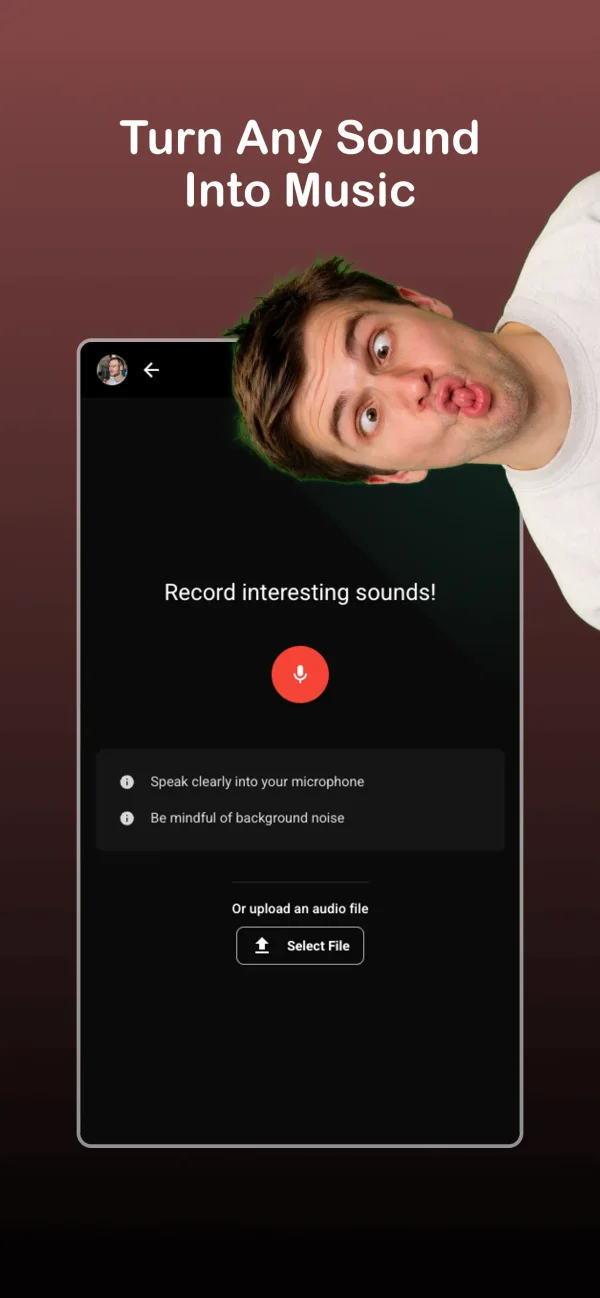
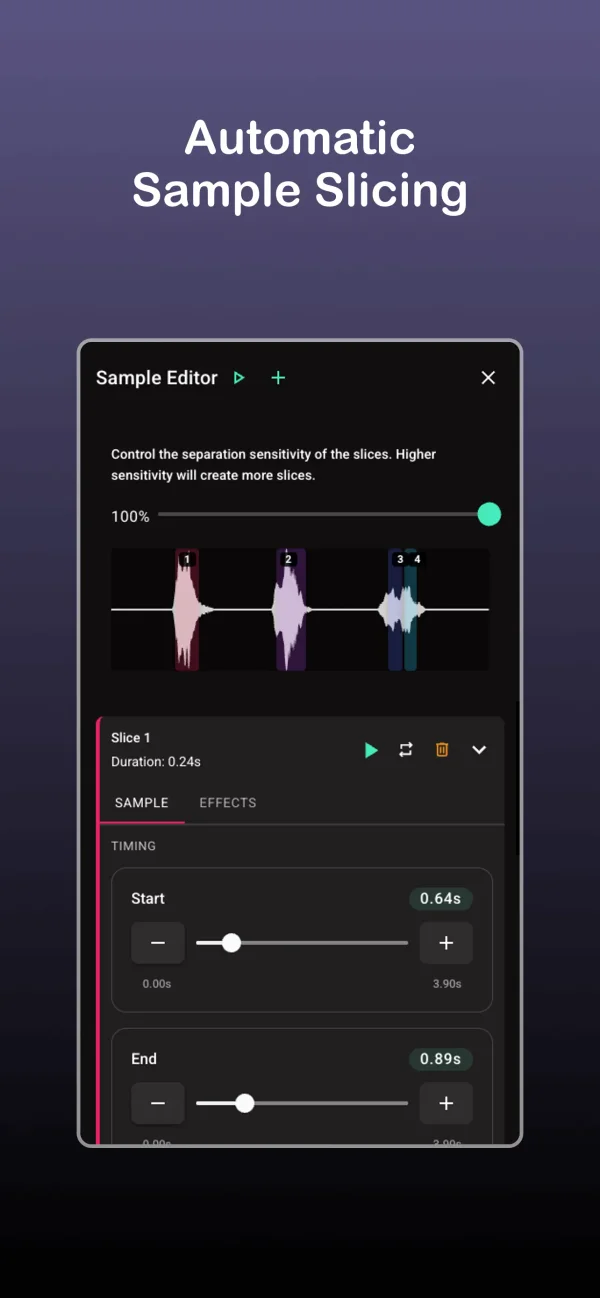
Start by bringing in a sound - Record it, import it, or capture it in the moment. The app automatically detects slices and spreads them across pads, giving you an instant playable layout. It gives you control over how audio is sliced, mapped, and played, so you can turn raw material into something musical.
Each slice can be adjusted, You can edit the timing, trim edges, and control how the sample behaves. This makes it easy to clean up recordings or reshape them into something new.
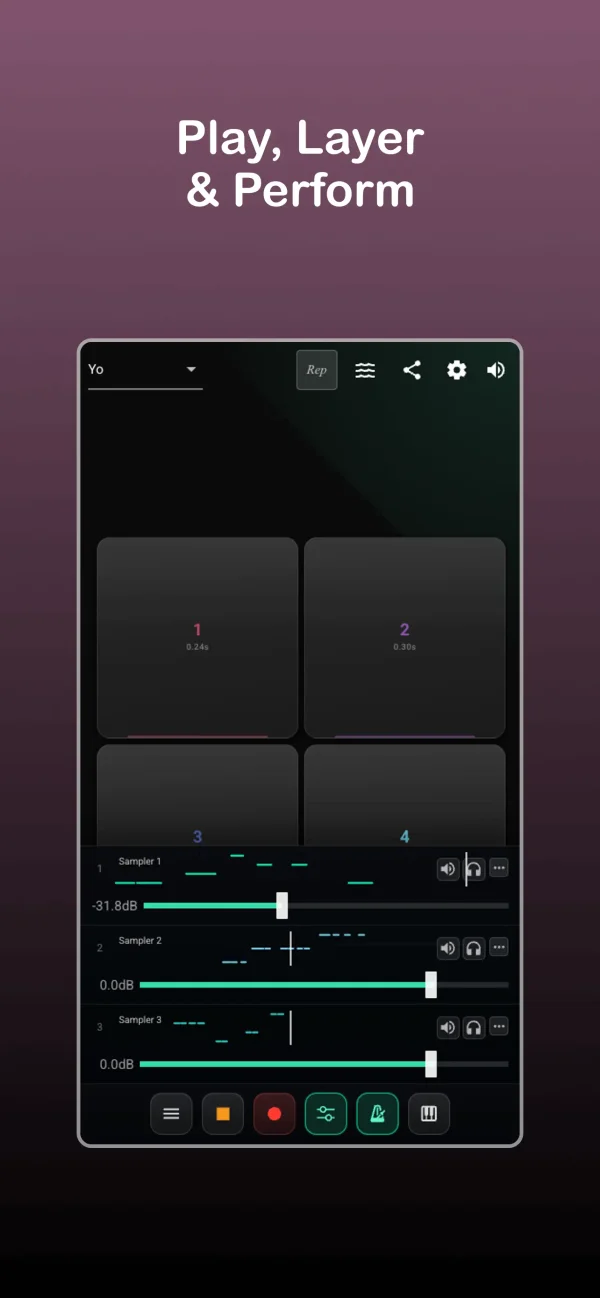
The pad interface keeps everything simple. Tap to trigger sounds, build rhythms, and experiment freely. It’s designed for quick interaction, so ideas come together quickly.
The Sampler also helps you easily create advanced rhythms - use note repeat to create rolls, patterns, and rhythmic variations in real time. Layer multiple samples to build depth and texture.
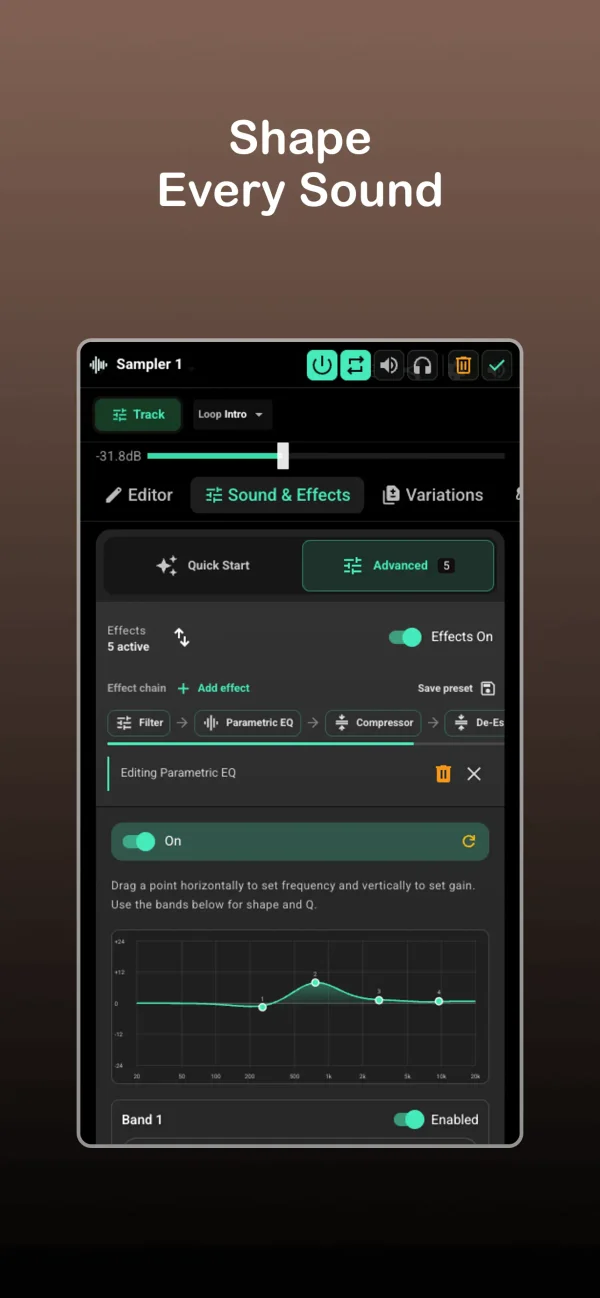
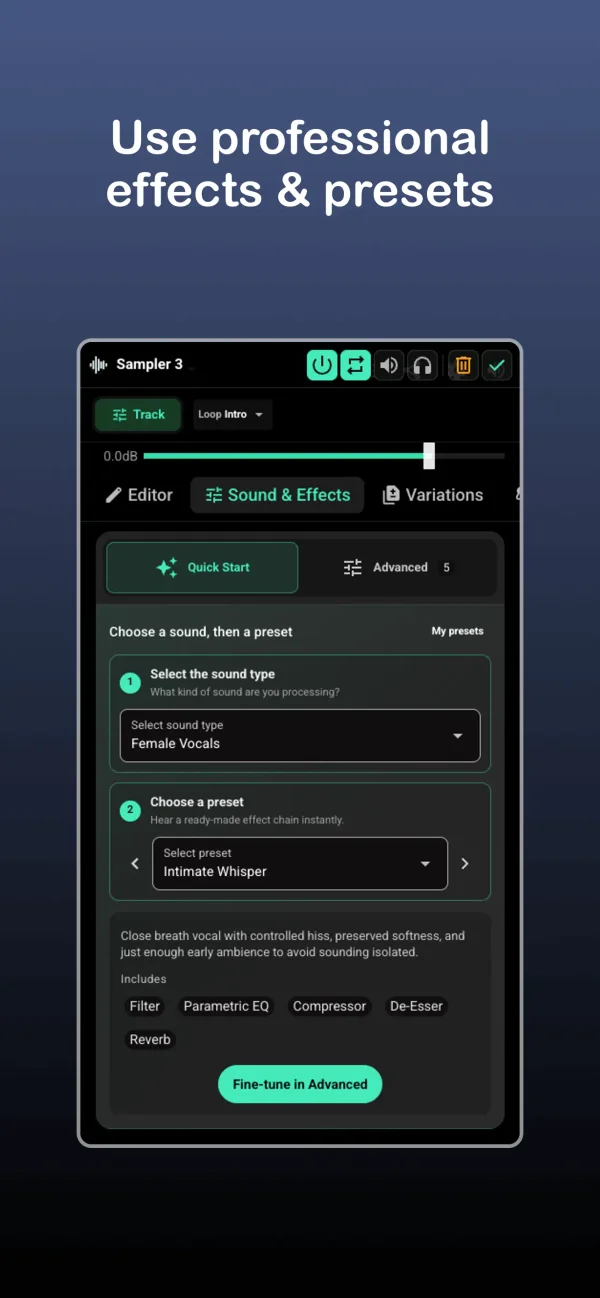
Effects are built in. Shape your sound with tools like EQ, compression, delay, reverb, distortion, and more. Apply them directly and hear the result instantly. This lets you move from raw audio to a polished sound without leaving the app.
Recording is part of the workflow. Capture your performance, layer ideas, and build something more complete over time. Each take can be refined and reused.
Everything stays organized and ready to use. You can export your samples, recordings, or full ideas and move them into other tools or share them.
The experience stays focused from start to finish - You bring in a sound, shape it, play it, and build on it.
Key Features:
• Automatic sample slicing and pad mapping
• Record, import, and capture sounds instantly
• Edit and refine each slice
• Play sounds on an intuitive pad interface
• Note repeat for rhythmic control
• Layer samples to build depth
• Built-in professional effects
• Record and export your ideas
Sampler works for beat making, sound design, and experimentation - It gives you a direct way to turn sound into music.
You explore, listen & create - That’s the core idea behind Melodic Mind. Let music feel natural again.
Terms of Use (EULA):
https://www.apple.com/legal/internet-services/itunes/dev/stdeula/
Privacy Policy:
https://melodic-mind.com/privacy-policy
Novedades
Versión 1.02 · 4/11/2026
New app icon and refreshed interface. Improved audio playback, controls, and stability.
Privacidad de la aplicación
Lo que Sean Ray Dvir declara en App Store sobre cómo esta aplicación gestiona los datos.
-
Datos vinculados a ti
Pueden recopilarse y vincularse a tu identidad.
- Información de contacto
- Contenido del usuario
- Identificadores
- Datos de uso
Las prácticas de privacidad pueden variar, por ejemplo, según las funciones que uses o tu edad.
Información
- Vendedor
- Sean Ray Dvir
- Categoría
- Música
- Versión
- 1.02
- Actualizado
- 4/11/2026
- Publicado
- 3/9/2026
- Tamaño
- 34,1 MB
- Requiere
- iOS 15.0 o posterior
- Clasificación por edad
- 4+
- Precio
- Gratis
- Compras en la aplicación
- Sí
- Idiomas
- Inglés
- Copyright
- © 2026, Sean Ray Dvir