- Clasificación por edad4+
- CategoríaMúsica
- DesarrolladorKangsoo Lee
- IdiomasCoreano+ 1 más
- Tamaño33,4 MB
Enlaza a la página oficial de App Store
Download.org no aloja ningún archivo de MeloDraw. El botón abre la página de la aplicación en App Store, donde la publica Kangsoo Lee. Ficha comprobada por última vez el 8/11/2026.
Capturas de pantalla
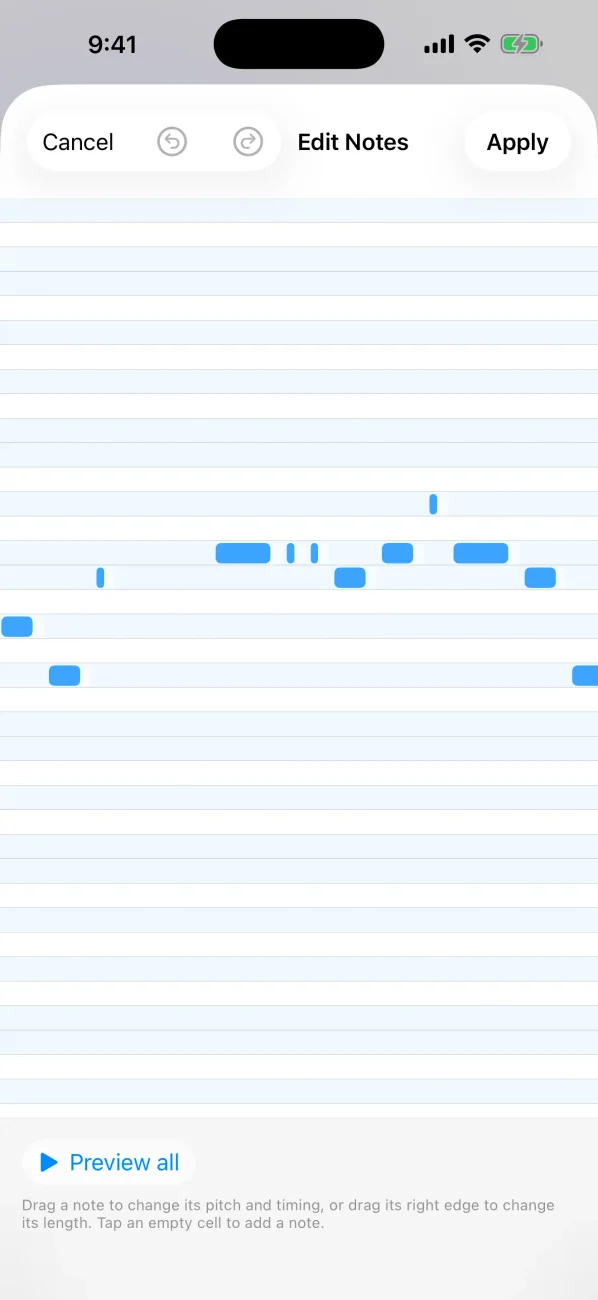
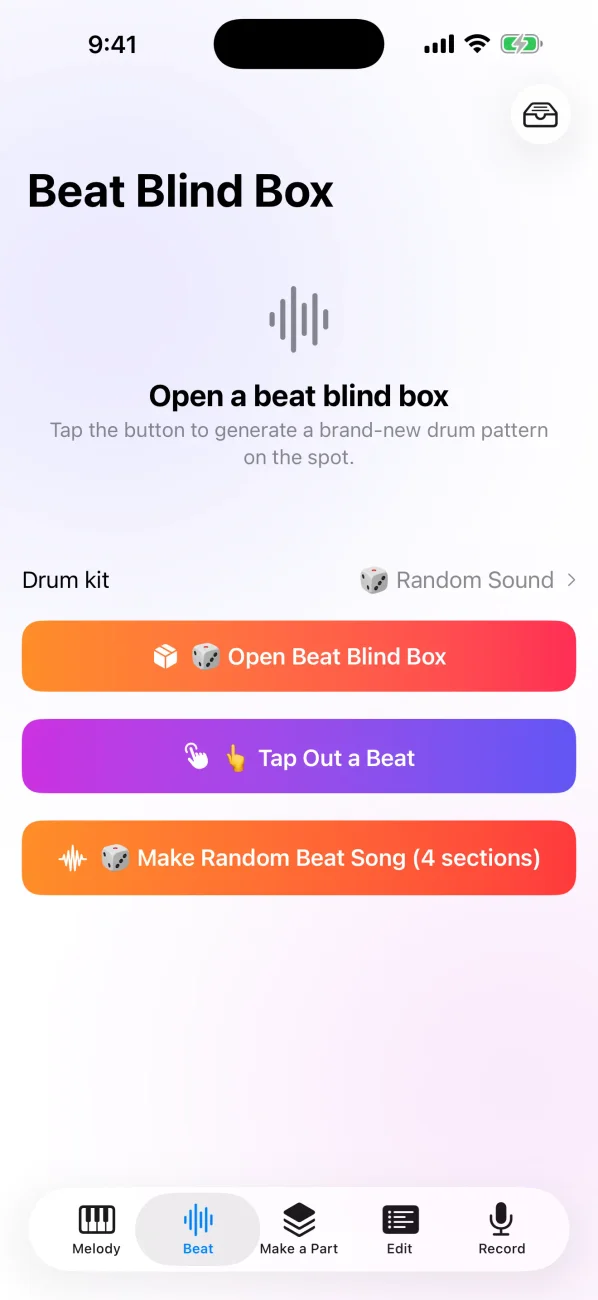
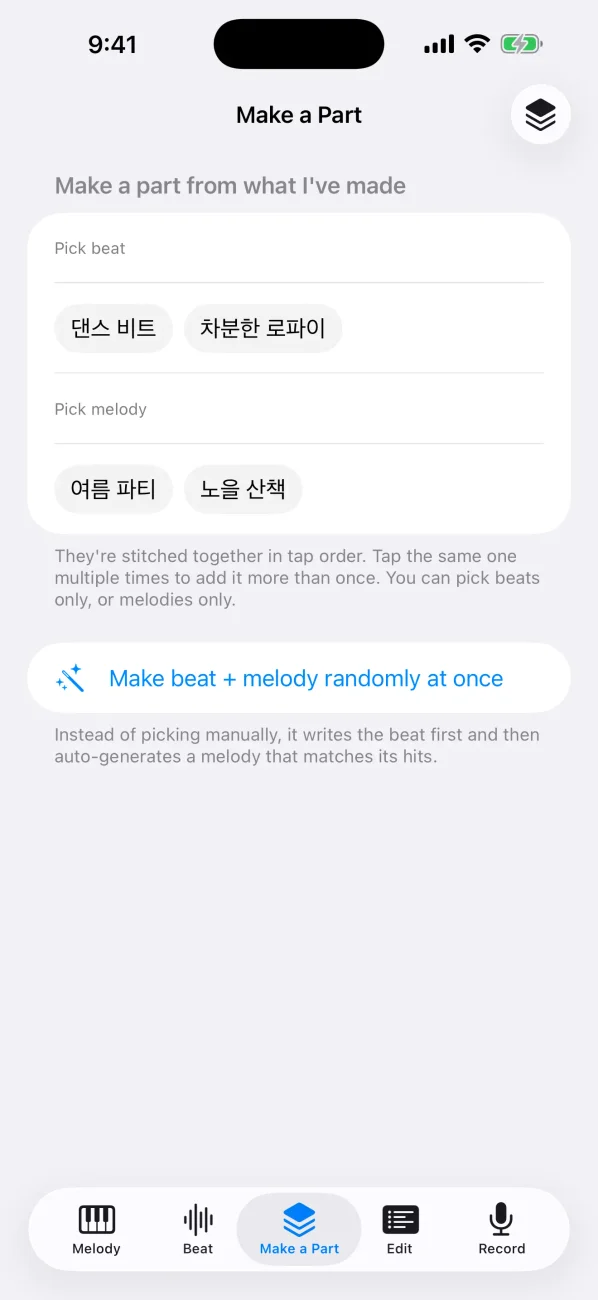

Acerca de
El desarrollador no ha proporcionado este texto en tu idioma.
Draw a melody or a beat and hear something genuinely new every time - not a pre-made pack, a fresh procedural generation each draw.
Shape what you draw: adjust tempo and pitch afterward, extend a piece you like, keep every past draw in your history and swipe back through it. Layer a melody with a beat into a Combo, then arrange several drawn pieces into a full song.
REAL INSTRUMENTS, ANY SOUND
- All 128 General MIDI instruments, played with real sampled sound.
- Build your own custom sound three ways: a slider editor, humming into the mic, or a photo's colours.
RECORD YOUR OWN VOICE
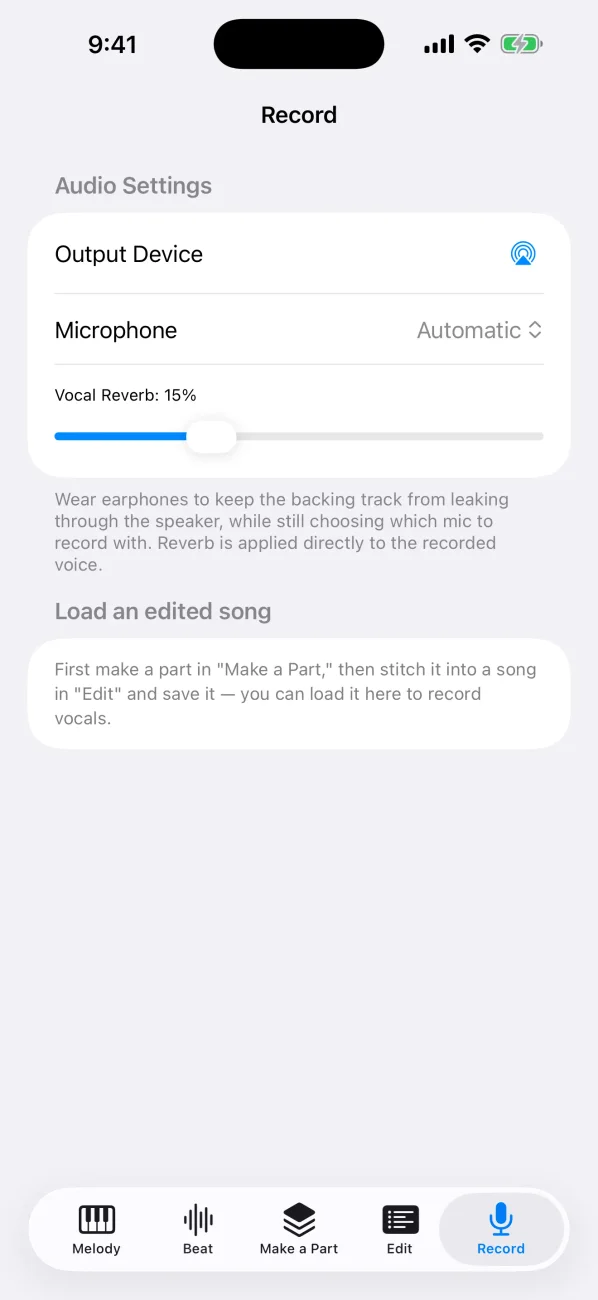
- Play a saved song while recording vocals over it - MeloDraw mixes them together automatically.
- Multiple people's takes can sit on the same song, each tagged with who sang it.
YOUR MUSIC, ON YOUR DEVICE
- No account, no server, no internet connection at all - MeloDraw has no networking code.
- Back up your whole library to a file and restore it on a new device whenever you like.
- Turn on App Lock to keep your saved music behind Face ID or Touch ID.
Free to use, with no in-app purchases.
Novedades
Versión 1.1 · 18/8/2026
- Pick a song-structure role (Intro/Verse/Chorus, etc.) when saving a part - now shown in the Edit list too.
- Fixed selecting/deselecting melody and beat mini-cards in Make a Part.
- The "rotate to landscape" button in Edit now actually rotates, and you're asked whether to rotate back when leaving.
- Polished editing tools: fade in/out, per-part volume, trimming.
- Fixed a few spots that showed Korean text under the English language setting.
- Stability review and small bug fixes.
Privacidad de la aplicación
Lo que Kangsoo Lee declara en App Store sobre cómo esta aplicación gestiona los datos.
-
No se recopilan datos
El desarrollador no recopila ningún dato de esta aplicación.
Las prácticas de privacidad pueden variar, por ejemplo, según las funciones que uses o tu edad.
Información
- Vendedor
- Kangsoo Lee
- Categoría
- Música
- Versión
- 1.1
- Actualizado
- 18/8/2026
- Publicado
- 17/8/2026
- Tamaño
- 33,4 MB
- Requiere
- iOS 17.0 o posterior
- Clasificación por edad
- 4+
- Precio
- Gratis
- Idiomas
- Coreano, Inglés
- Copyright
- © 2026 Kangsoo Lee
Quizá también te guste
-
 NoizyBeastSinte de drones por feedback
-
 Billie TrackerGroovebox, sampler y sintes
-
 Rithmatic: sintetizador FMPlug-in AUv3 y 36.000 patches
-
 Laleuca LooperMúsica
-
 Absolute PitchOído musical: toca la nota
-
 FishtailMúsica
-
 FOAM: Physical Modeling SynthEl sonido de burbujas y espuma
-
 Métrica Musical 3: el ritmoPara aprender a leer la música
-
 Epic EarMúsica
-
 Nocturne LoFi: Lluvia y SueñoLoFi generativo: foco y calma