
- Clasificación por edad4+
- CategoríaMúsica
- DesarrolladorMasayuki Akamatsu
- IdiomasInglés+ 1 más
- Tamaño30,6 MB
Enlaza a la página oficial de App Store
Download.org no aloja ningún archivo de MIDIWriter. El botón abre la página de la aplicación en App Store, donde la publica Masayuki Akamatsu. Ficha comprobada por última vez el 12/11/2026.
Capturas de pantalla


Acerca de
El desarrollador no ha proporcionado este texto en tu idioma.
[[ A STRANGE MUSIC TOOL FOR MANIAC MUSIC LOVERS! ]]
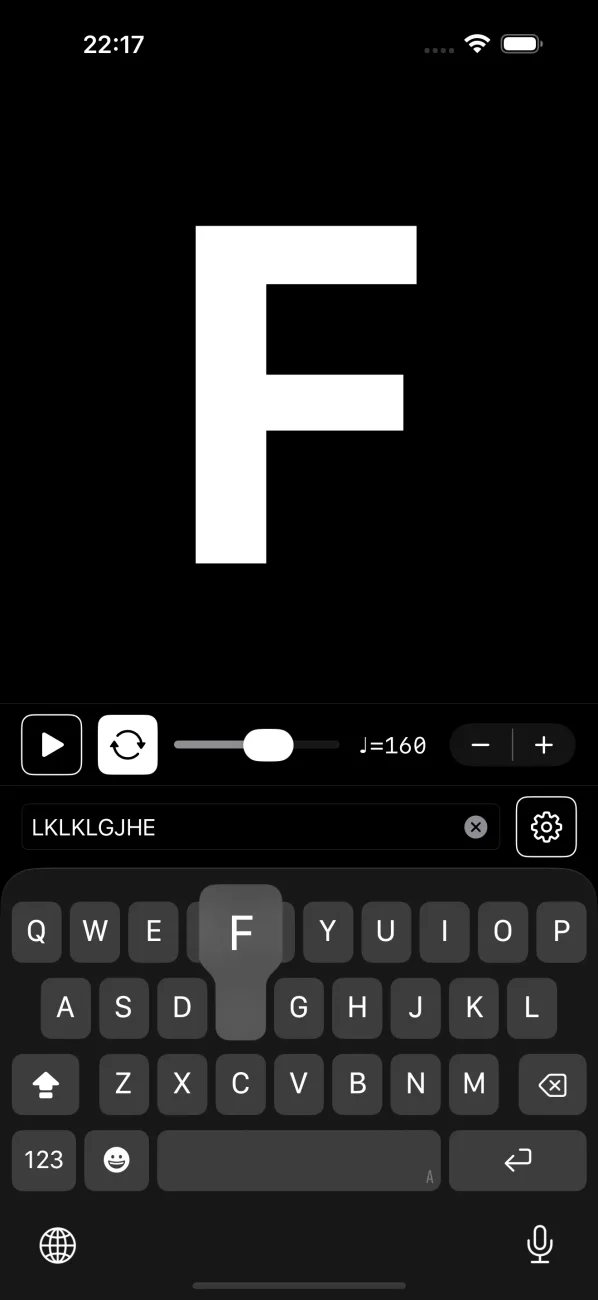
MIDIWriter is a unique app that converts keyboard input into MIDI note messages. Each character you type instantly produces sound. You can also enter a phrase and play it back as a sequence with adjustable tempo and loop options.
KEY FEATURES:
Built-in Sound Engine:
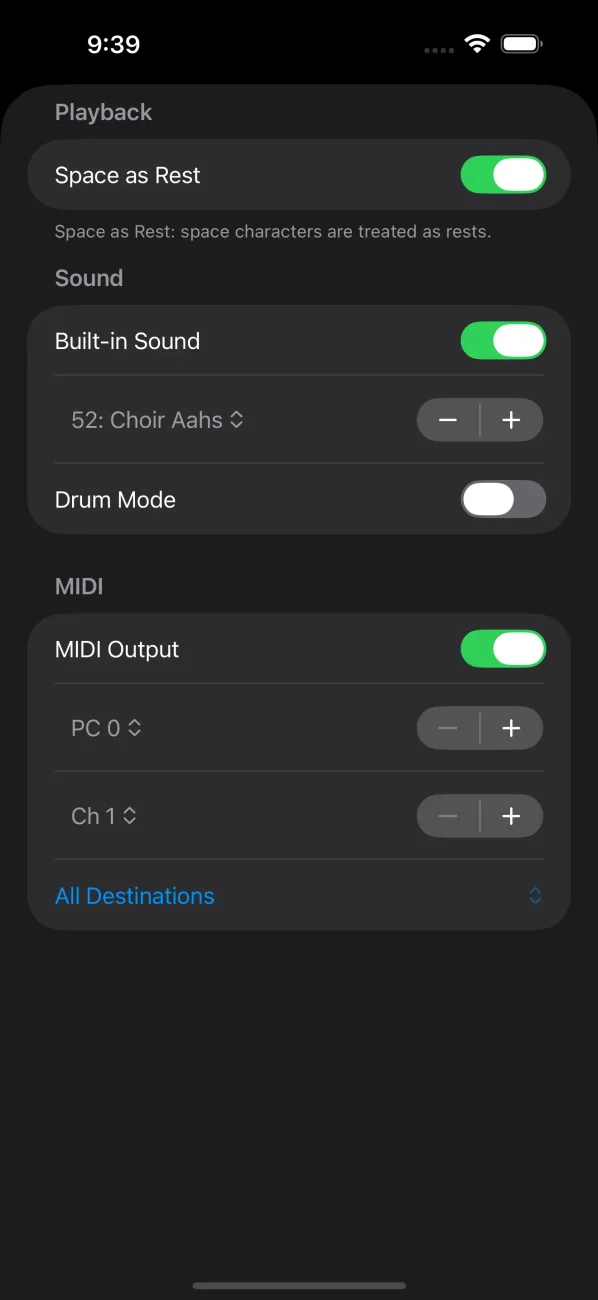
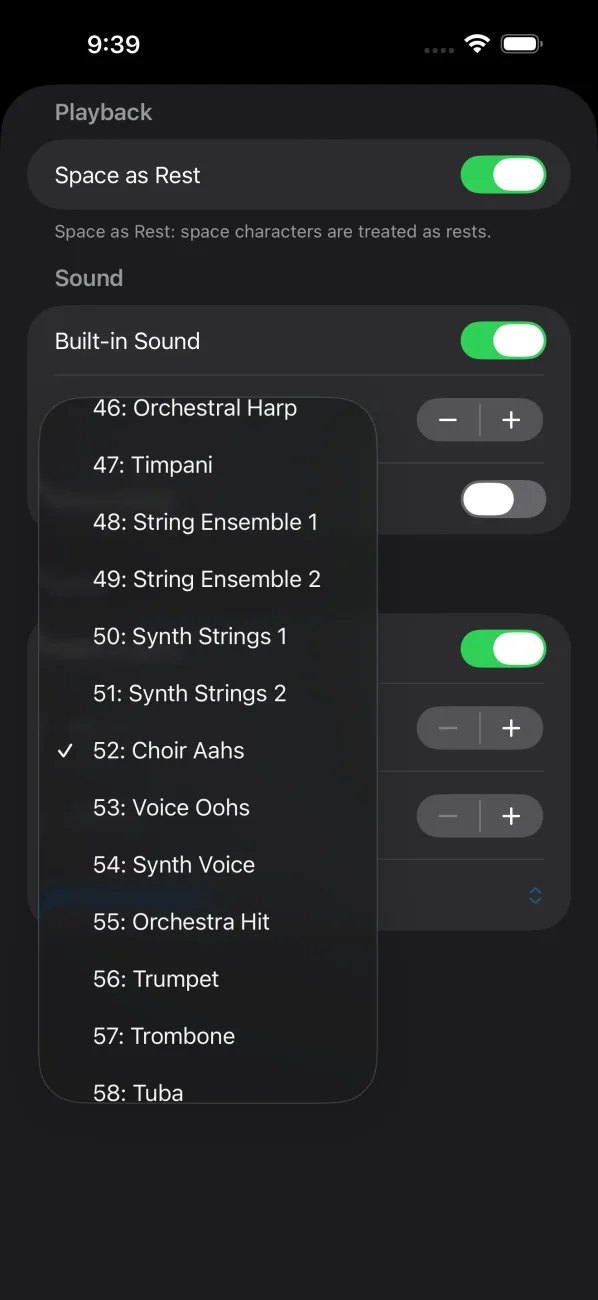
No external app required! MIDIWriter includes a built-in General MIDI sound engine with 128 instruments and 9 drum kits. Just type and hear the sound immediately.
Phrase Playback:
Enter any text and play it as a musical sequence. Adjust the tempo (1-480 BPM), enable loop mode, and let your words become music. Space characters can be used as rests.
Drum Mode:
Switch to drum mode to play percussion sounds. Choose from 9 GM drum kits including Standard, Room, Power, Electronic, 808/909, Jazz, Brush, and Orchestral.
MIDI Output:
Send MIDI to other apps or external devices. Configure MIDI channel (1-16), program change (0-127), and destination. Works with Virtual MIDI and MIDI Network Session. Can be used simultaneously with the built-in sound engine.
Keyboard Support:
Use the on-screen software keyboard, or connect a Bluetooth/USB hardware keyboard for a real typing experience. Supports Japanese input with proper IME handling.
MIDI Network Session:
Connect to Mac or other iOS devices over Wi-Fi to control CoreMIDI-compatible sound generators remotely.
Dark Mode & Rotation:
Full support for light and dark modes. Works in portrait and landscape orientations on both iPhone and iPad.
Note: Playback stops when the app goes to background.
Using the Built-in Sound:
Simply launch MIDIWriter and start typing. Each key produces a unique sound based on its character code. Enable drum mode in Settings for percussion sounds.
Using with External MIDI Apps (Virtual MIDI):
1. Open a CoreMIDI sound generator app.
2. In MIDIWriter Settings, turn on "MIDI Output" and select the destination.
3. Type any key to hear sound from the external app.
Using with Mac (MIDI Network Session):
1. Connect iPhone and Mac to the same Wi-Fi network.
2. Open MIDIWriter on iPhone.
3. On Mac, open "Audio MIDI Setup" and configure Network MIDI.
4. Connect your iPhone to the session.
5. Open a CoreMIDI app on Mac and select the network session as MIDI input.
6. Type on MIDIWriter to play sounds on Mac.
Credits:
Built-in sound engine uses "GeneralUser GS" SoundFont by S. Christian Collins.
https://schristiancollins.com/generaluser.php
Novedades
Versión 2.0.1 · 4/7/2026
Minor bugs have been fixed.
Privacidad de la aplicación
Lo que Masayuki Akamatsu declara en App Store sobre cómo esta aplicación gestiona los datos.
-
No se recopilan datos
El desarrollador no recopila ningún dato de esta aplicación.
Las prácticas de privacidad pueden variar, por ejemplo, según las funciones que uses o tu edad.
Información
- Vendedor
- 正行 Akamatsu
- Categoría
- Música
- Versión
- 2.0.1
- Actualizado
- 4/7/2026
- Publicado
- 25/4/2012
- Tamaño
- 30,6 MB
- Requiere
- iOS 16.0 o posterior
- Clasificación por edad
- 4+
- Precio
- 0,99 €
- Idiomas
- Inglés, Japonés
- Copyright
- © Masayuki Akamatsu