
MiniStream
Go live everywhere!
Diseñada para iPhone, iPad
Gratis · Compras en la aplicación
- Clasificación por edad4+
- CategoríaFoto y vídeo
- DesarrolladorNajhi Ullah
- IdiomasInglés
- Tamaño145,0 MB
Enlaza a la página oficial de App Store
Download.org no aloja ningún archivo de MiniStream. El botón abre la página de la aplicación en App Store, donde la publica Najhi Ullah. Ficha comprobada por última vez el 23/11/2026.
Capturas de pantalla

Acerca de
El desarrollador no ha proporcionado este texto en tu idioma.
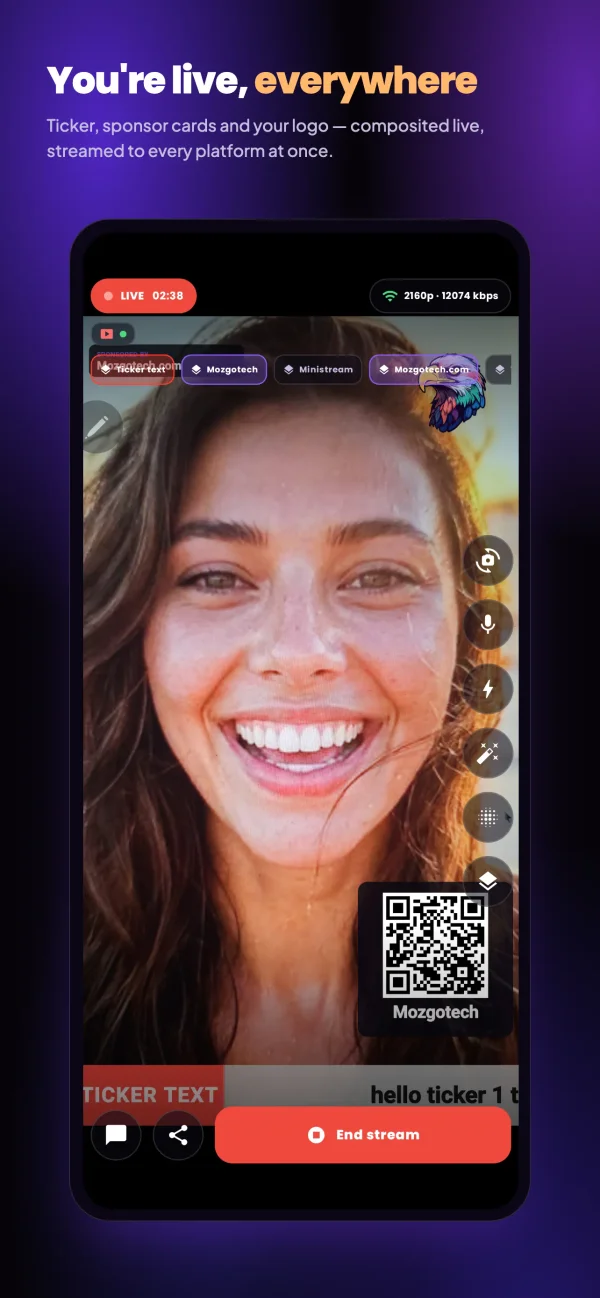
MiniStream lets you broadcast live to several platforms at the same time, straight from your iPhone.
GO LIVE EVERYWHERE
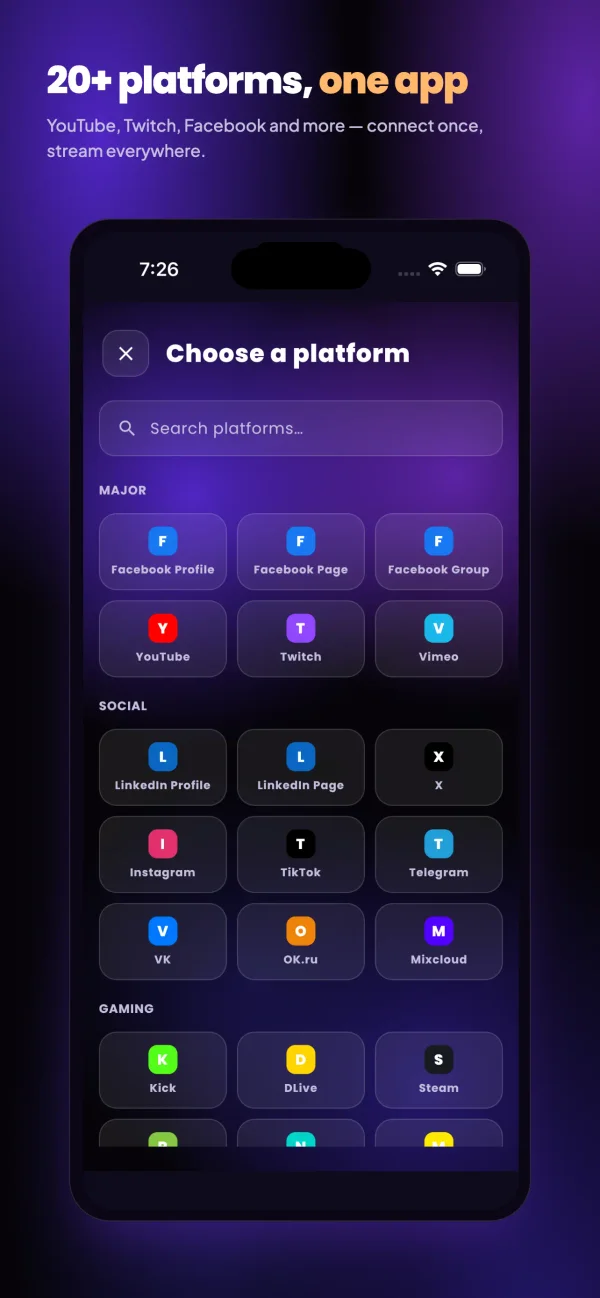
• Stream to YouTube, Twitch, Facebook, Vimeo and any custom RTMP/RTMPS server in one tap
• Connect accounts with a secure sign-in. No copying stream keys
• Each destination shows its own health while you are live
CAMERA OR PRE-RECORDED
• Go live with your camera, with beauty looks and background blur
• Stream a pre-recorded video as if it were live
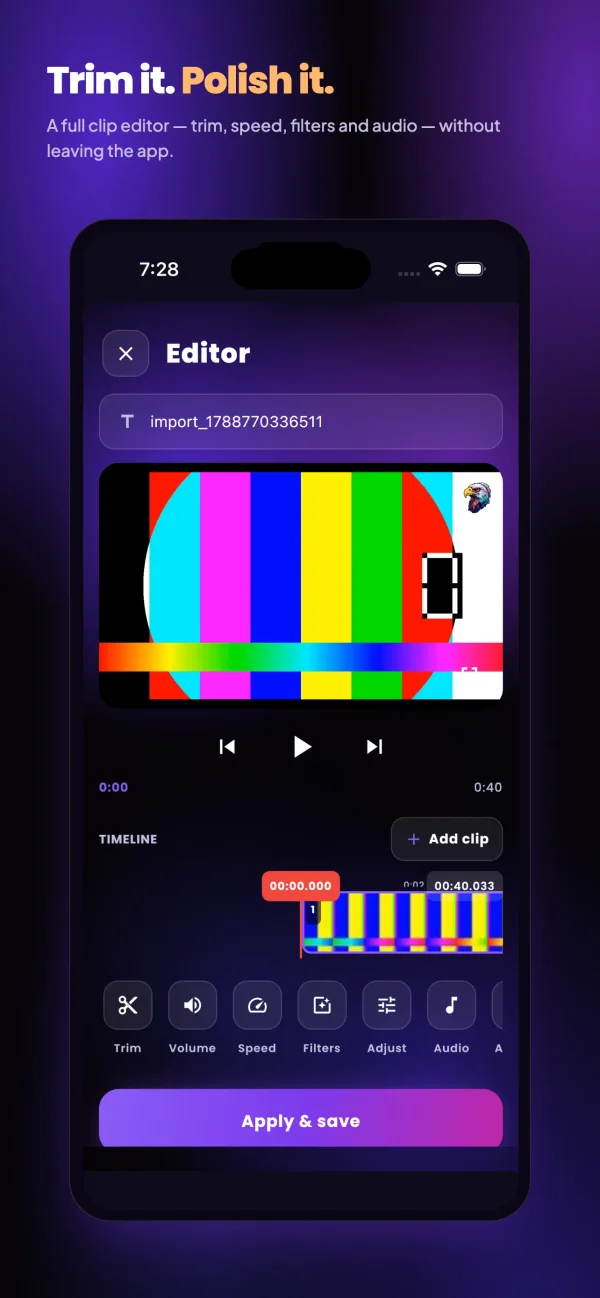
• Built-in clip editor: trim, join clips, filters, adjustments and your logo
SCHEDULE AHEAD
• Schedule broadcasts and create upcoming events on your channels with the real date
• Get a reminder before you go live
ONE CHAT, ONE INBOX
• Read live chat from all your platforms in one feed
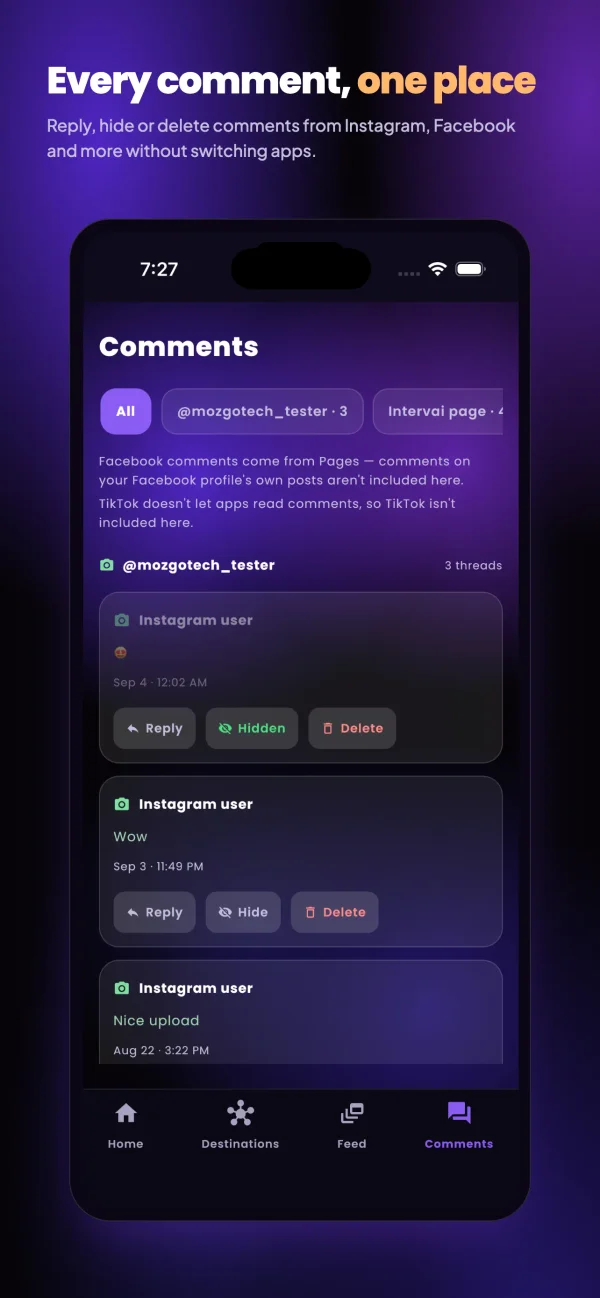
• Reply to comments from one inbox, grouped by account
AFTER THE STREAM
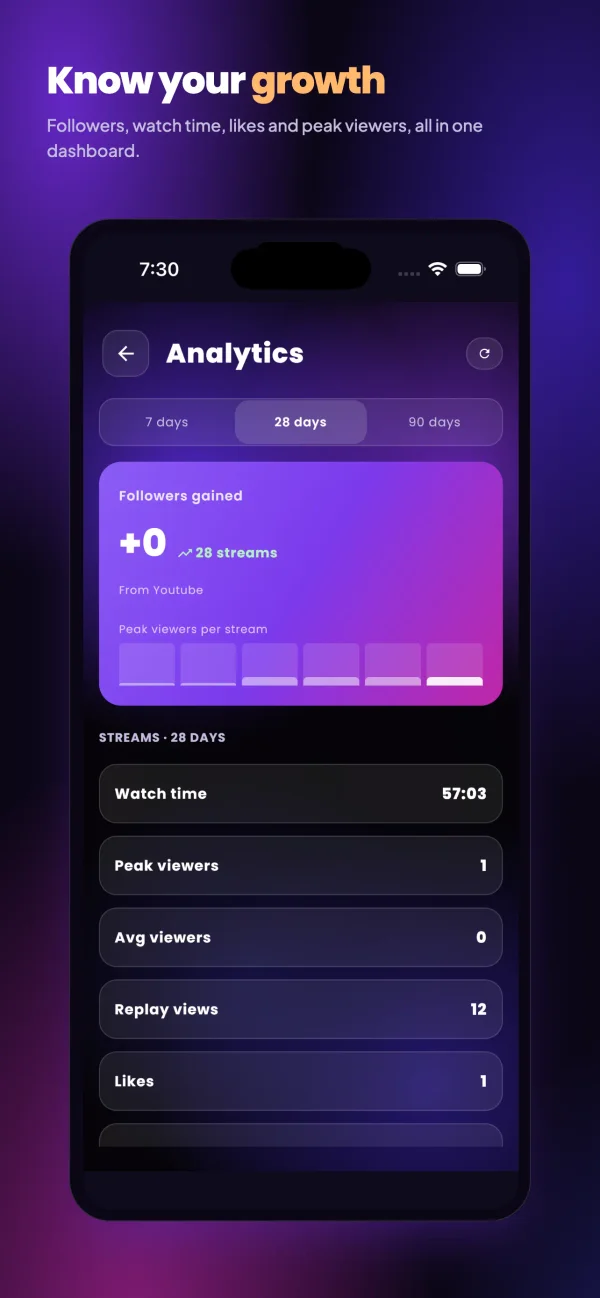
• History and analytics for every broadcast
• AI recap with ready-made captions for each platform
• Automatic highlight clips you can edit and share
POST TO YOUR FEEDS
• Cross-post videos and photos to your connected accounts, now or on a schedule
DISCOVER
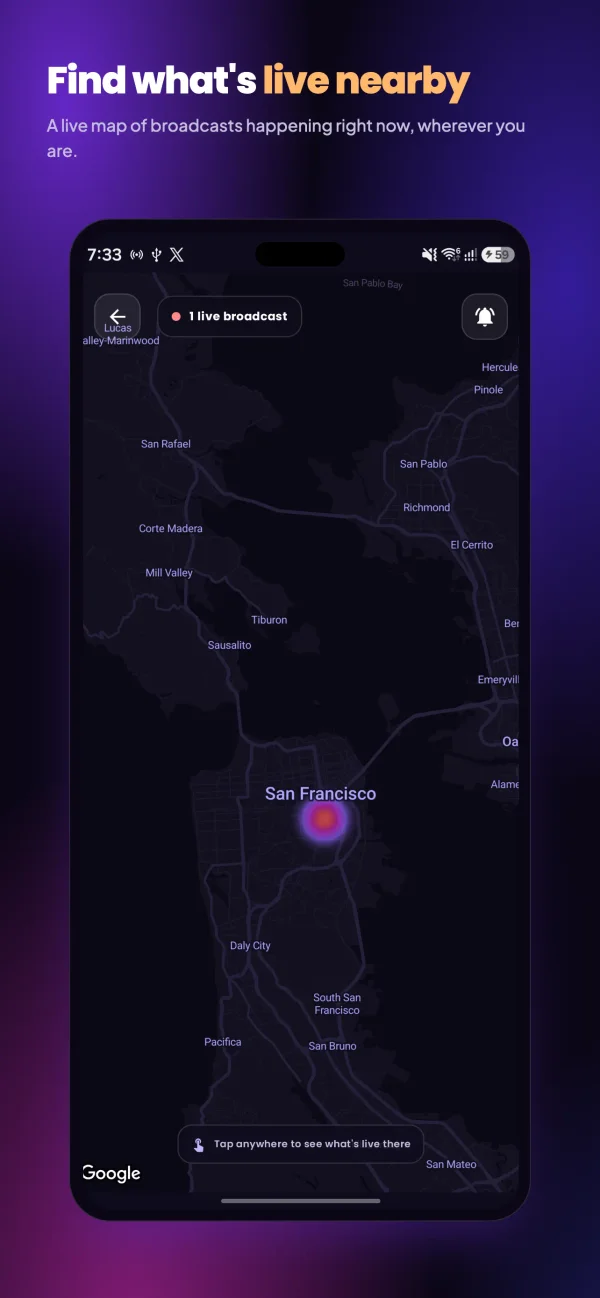
• See who is live right now on the Live Map. Sharing your location is always off unless you turn it on
SUBSCRIPTIONS
MiniStream is free to use. Paid plans unlock more destinations, cloud storage and pro features. Payment is charged to your Apple ID when you confirm the purchase. Subscriptions renew automatically unless you cancel at least 24 hours before the end of the current period. Manage or cancel them in your App Store account settings.
Terms of Use: https://mozgotech.com/ministream/terms
Privacy Policy: https://mozgotech.com/ministream/privacy
Novedades
Versión 3.2.0 · 22/11/2026
Go Live in two taps. Go Live now opens on your camera with your channels already picked. Title, effects and channels are one tap away, and the title is optional.
New backgrounds: blur your room, put yourself in one of 10 rooms or your own picture, or use a green screen. Find them under Effects in Go Live and Record (Creator plan and up).
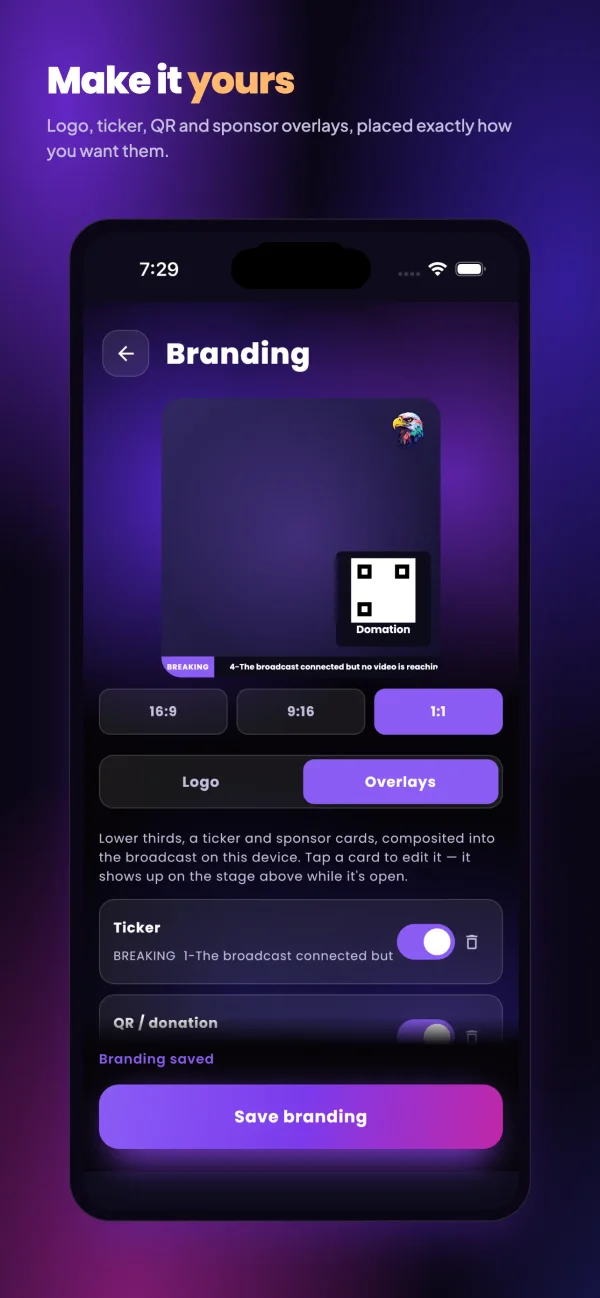
Your logo in 3D: it becomes a solid shape with ten moves, like a coin spin or a flip. Tickers come in five new animated styles. Set both up in Branding (Pro plan and up); on other plans you can try them in a preview first.
Plans are easier to compare: pick Creator, Pro or Agency to see its price and just what it adds. Tap a locked feature and Plans opens on the plan that unlocks it.
Live chat now sits on the video, with floating hearts and Facebook and YouTube reactions. Tap anywhere to close it.
Teams: invite teammates with a link. They go live and schedule on your channel without ever seeing your stream keys, and you choose which destinations each one can use.
When you save a destination, we check its server address and tell you if your stream won't get through.
Your hashtags now show in YouTube and Facebook descriptions.
Facebook: if a profile live would reach fewer people than you picked, we tell you before you go live.
Fixes: the app no longer freezes after you leave Go Live, or closes when you open Published in Feed. Green screen and background pictures cut you out more cleanly. Tap outside a text box to put the keyboard away. Tickers on scheduled shows draw every language, you can delete a clip once its scheduled shows are over, and lots of wording is clearer.
Privacidad de la aplicación
Lo que Najhi Ullah declara en App Store sobre cómo esta aplicación gestiona los datos.
-
Datos vinculados a ti
Pueden recopilarse y vincularse a tu identidad.
- Compras
- Ubicación
- Información de contacto
- Contenido del usuario
- Identificadores
- Datos de uso
- Diagnóstico
-
Datos no vinculados a ti
Pueden recopilarse, pero no se vinculan a tu identidad.
- Compras
- Identificadores
Las prácticas de privacidad pueden variar, por ejemplo, según las funciones que uses o tu edad.
Información
- Vendedor
- Najhi Ullah
- Categoría
- Foto y vídeo
- Versión
- 3.2.0
- Actualizado
- 22/11/2026
- Publicado
- 14/10/2026
- Tamaño
- 145,0 MB
- Requiere
- iOS 18.2 o posterior
- Clasificación por edad
- 4+
- Precio
- Gratis
- Compras en la aplicación
- Sí
- Idiomas
- Inglés
- Copyright
- © 2026 Mozgotech
Quizá también te guste
-
 Kast LiveFoto y vídeo
-
 PixieDust | Creator StudioFoto y vídeo
-
 Upscale ProFoto y vídeo
-
 PhotoAI - Cambio de cara y IAFace Swap y estilos con IA
-
 AVKANS LiveFoto y vídeo
-
 CastreamGo Live Everywhere in Seconds
-
 VSCO Studio Pro: Photo EditorFoto y vídeo
-
 Dub AI - Traductora de VideosPrueba Subtítulos y Lip-Sync
-
 Live Publisher: RTMP SRT NDIPocket Cam for Social Media
-
 Banuba TechnologiesFoto y vídeo