Morse Code Translator & Decode
Convert text into Morse Code
Diseñada para iPhone, iPad, iPod touch
Gratis · Compras en la aplicación
- Clasificación por edad4+
- CategoríaProductividad
- DesarrolladorAhmad Sattar
- IdiomasInglés
- Tamaño67,3 MB
Enlaza a la página oficial de App Store
Download.org no aloja ningún archivo de Morse Code Translator & Decode. El botón abre la página de la aplicación en App Store, donde la publica Ahmad Sattar. Ficha comprobada por última vez el 13/11/2026.
Capturas de pantalla
Acerca de
El desarrollador no ha proporcionado este texto en tu idioma.
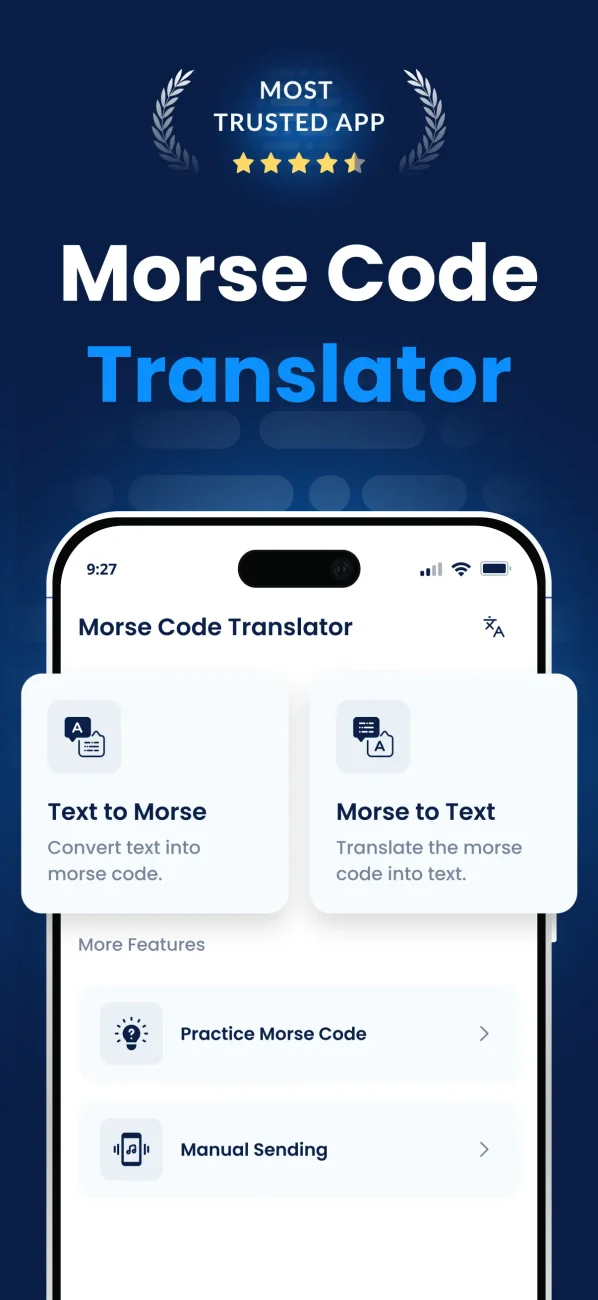
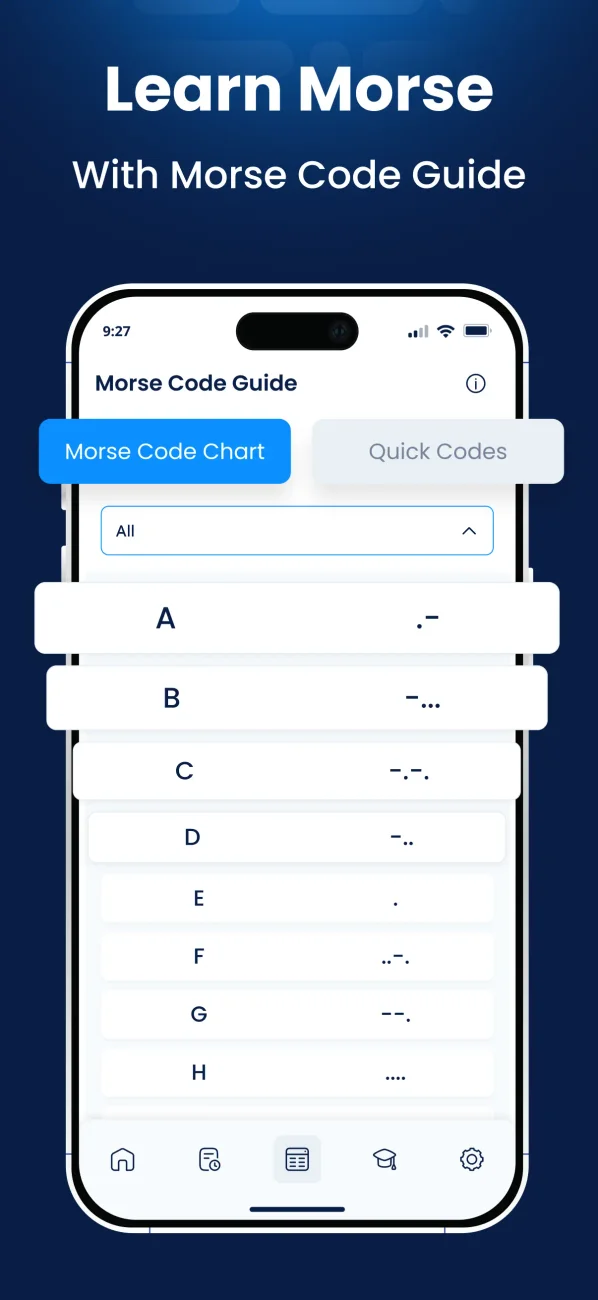
The Morse code translator allows users to convert plain text into Morse code and decode any Morse code into simple text or the alphabet. This Morse code decoder and coder will help you to easily understand the message written in Morse code. It is a useful app for everyone to learn Morse code and convert Morse to text.
How to Use The Morse Code Translator App?
Follow the steps to use this Morse code translator app:
• Install the Morse code translator app on your device.
• Open the Morse code app.
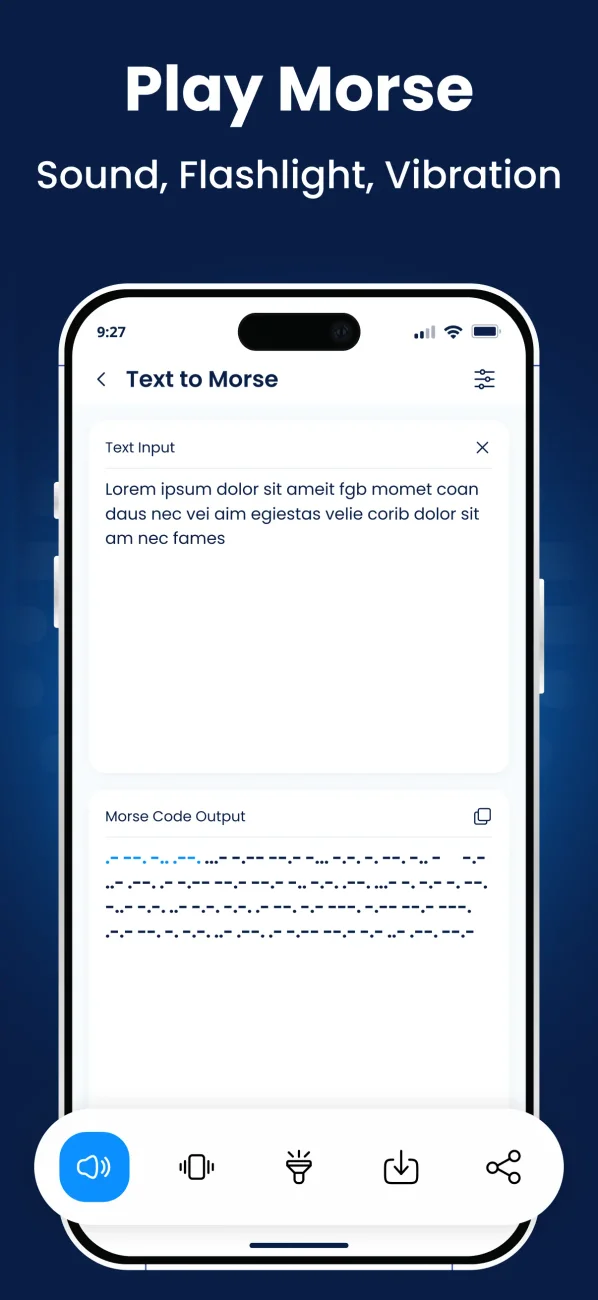
• Providing plain text, the app will automatically convert text into Morse code.
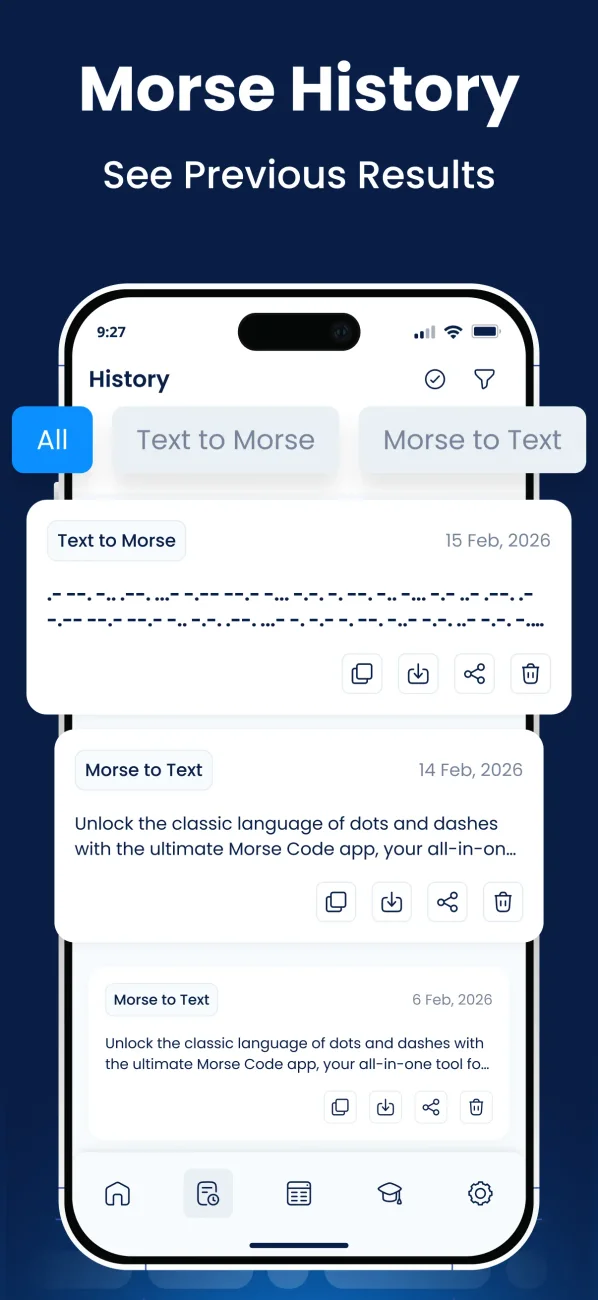
• Now you can copy, download, or share the Morse code.
The above steps explain the process of converting text or alphabets into Morse code. Similarly, you can paste code in the input box and let the app translate and decode it into plain text.
Key Features of the Morse Code Translator
1. Double Way Translator:
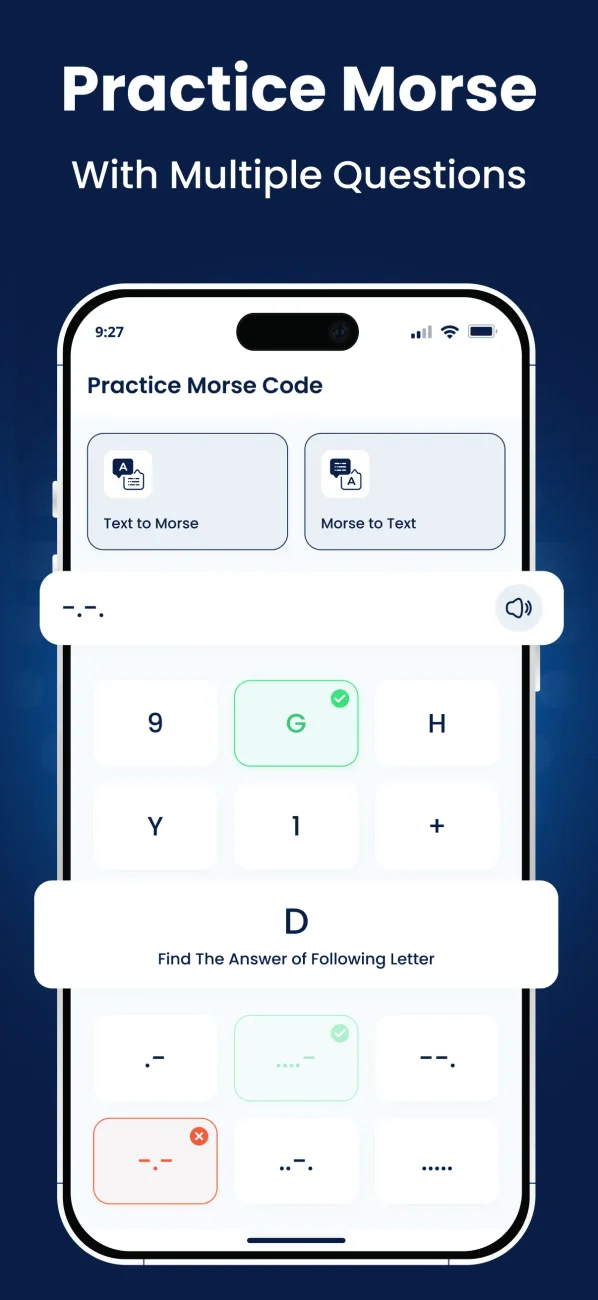
The Morse code app is a double-way translator. It can code plain text into Morse code as well as decode Morse code into plain text, alphabets, or numbers.
2. Transmission Options:
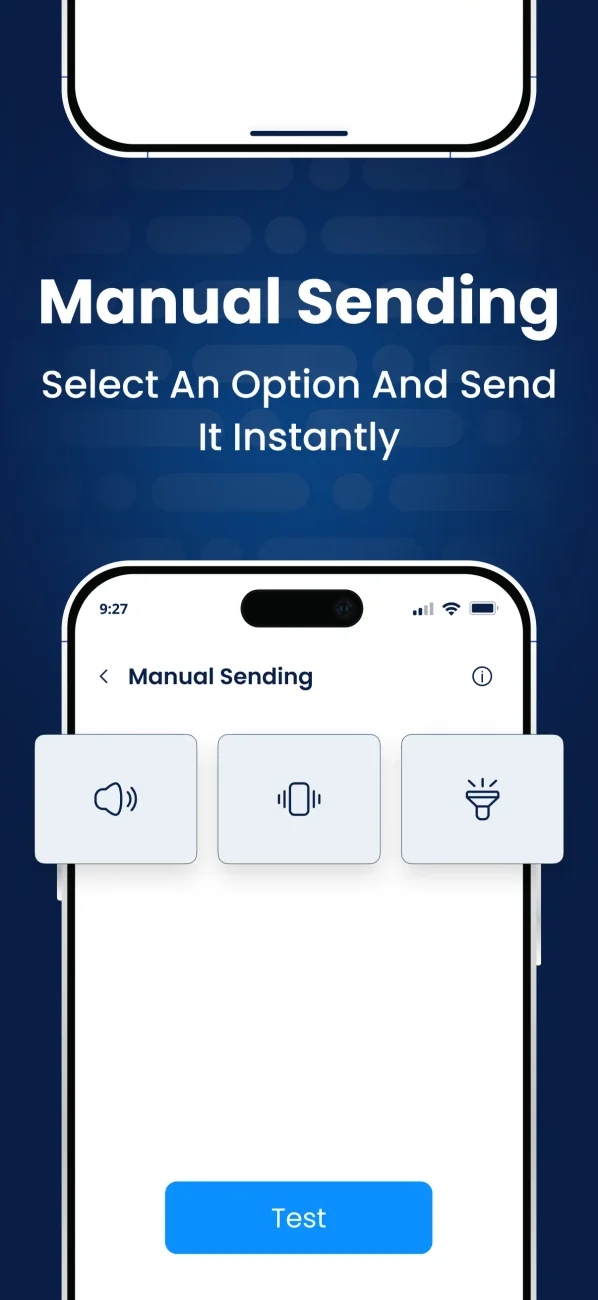
You can play the Morse Code signals into sound, flashlight, and vibration by clicking the respective icons.
3. Customizable:
Our Morse code decoder app divides letters by a single slash (/), and words by a double slash (//). You can adjust and customize these default separators in the settings menu. Similarly, you customize or change the frequency.
4. No Words or Code Limit:
The Morse code translator app can decode an unlimited number of words into clear text. Similarly, there is no specific limit for characters or words. Here, you can encode or decode lengthy messages without any boundaries
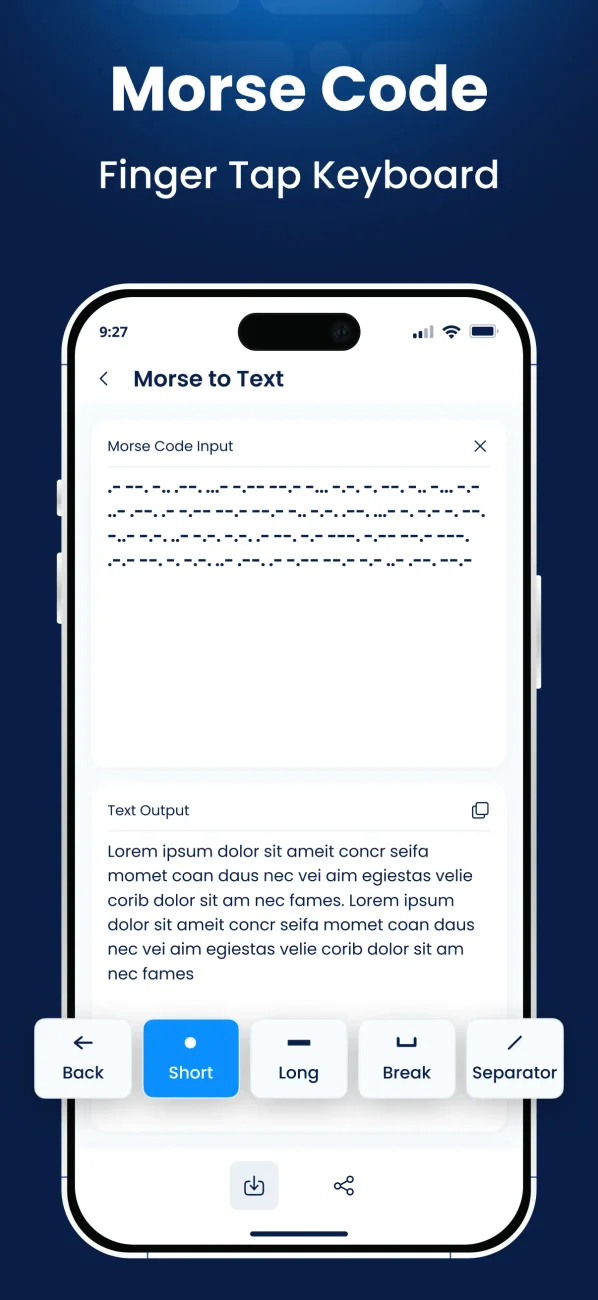
5. Finger Tap Keyboard
The Morse to text translator app offers a finger tap keyboard, using which you can type Morse code. The keyboard has a dot for a short tap, a dash for a long tap, and a slash for a separator.
6. Quick Codes:
It provides users with a list of “Quick codes” that are commonly used during Morse code communication. This featur will help you communicate instantly by providing you with ready-made text messages that you can copy and convert into Morse code.
7. Manual Sending:
The manual sending feature lets users easily share Morse Code messages without typing. It is ideal for those who have learned Morse code. This option allows users to use vibrations or the device’s flashlight to transmit Morse code messages manually.
8. Custom Speed, Frequency, and Separator
You can configure sound frequency, separator (Gap), and playing speed according to your needs.
Benefits of the Morse Code Translator
• The Morse code app can help you learn Morse code. For this, the application provides an easy module.
• The Morse code translator does not demand that users spend even a single penny. Every conversion and learning opportunity is without any charge or subscription plan.
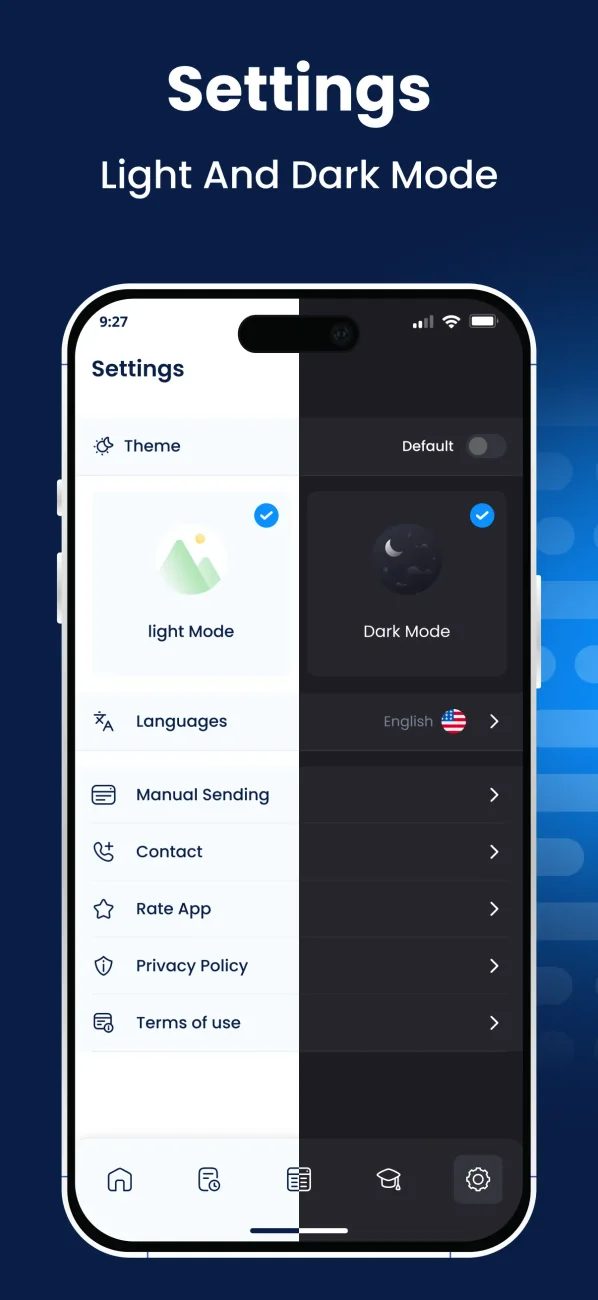
• This Morse code translator also provides users with a “Dark Mode”. Enabling the Dark mode is useful for eye protection and your device’s battery life.
• Our free Morse to text translating app is available in a wide range of languages.
• It is very fast in encoding as well as decoding Morse code.
• There are no distracting ads displayed on this app.
Note:
We value your privacy. None of your data will be shared with third parties.
If you have any further questions or encounter any problems while using this app, please feel free to contact us.
Payment will be charged to your iTunes Account at confirmation of purchase. Your subscription will automatically renew unless auto-renew is turned off at least 24 hours before the end of the current subscription period. Automatic renewals cost the same price you were originally charged for the subscription. You can manage your subscriptions and turn off auto-renewal by visiting your account settings in the App Store after purchase..
Terms of Use:
https://www.morsecodetranslator.info/terms-condition
Privacy Policy:
https://www.morsecodetranslator.info/privacy-policy
Novedades
Versión 1.0.7 · 5/11/2026
Update the Morse Code App!
- Improved Home Screen
Privacidad de la aplicación
Lo que Ahmad Sattar declara en App Store sobre cómo esta aplicación gestiona los datos.
-
No se recopilan datos
El desarrollador no recopila ningún dato de esta aplicación.
Las prácticas de privacidad pueden variar, por ejemplo, según las funciones que uses o tu edad.
Información
- Vendedor
- Ahmad Sattar
- Categoría
- Productividad
- Versión
- 1.0.7
- Actualizado
- 5/11/2026
- Publicado
- 23/1/2026
- Tamaño
- 67,3 MB
- Requiere
- iOS 15.6 o posterior
- Clasificación por edad
- 4+
- Precio
- Gratis
- Compras en la aplicación
- Sí
- Idiomas
- Inglés
- Copyright
- © Copyright 2026. Morse Code Translator. All rights reserved.
Quizá también te guste
-
 NetLogger CompanionProductividad
-
 World Radio LeagueProductividad
-
 Ham2K Portable LoggerProductividad
-
 BTECH UV ProgrammerProductividad
-
 Lingo: Teclado TraductorTraducción de Chat y Texto
-
 Shadow PCAccede a Shadow donde quieras
-
 Text to Speech: Texto a vozLector en voz alta natural
-
 DayCountProductividad
-
 Camera Detector AppProductividad
-
 Resumen Asistente de Notas IANotas de voz grabadora audio