Murmur — Teleprompter
Voice-tracking teleprompter
Diseñada para iPhone, iPad
Gratis
- Clasificación por edad4+
- CategoríaFoto y vídeo
- Desarrollador诚竹 赵
- IdiomasInglés+ 2 más
- Tamaño3,6 MB
Enlaza a la página oficial de App Store
Download.org no aloja ningún archivo de Murmur — Teleprompter. El botón abre la página de la aplicación en App Store, donde la publica 诚竹 赵. Ficha comprobada por última vez el 14/11/2026.
Capturas de pantalla
Acerca de
El desarrollador no ha proporcionado este texto en tu idioma.
Murmur — never forget your lines. A free teleprompter for iPhone and iPad: no in-app purchases, no watermark, no ads, no sign-up — the features other apps charge for are all free here.
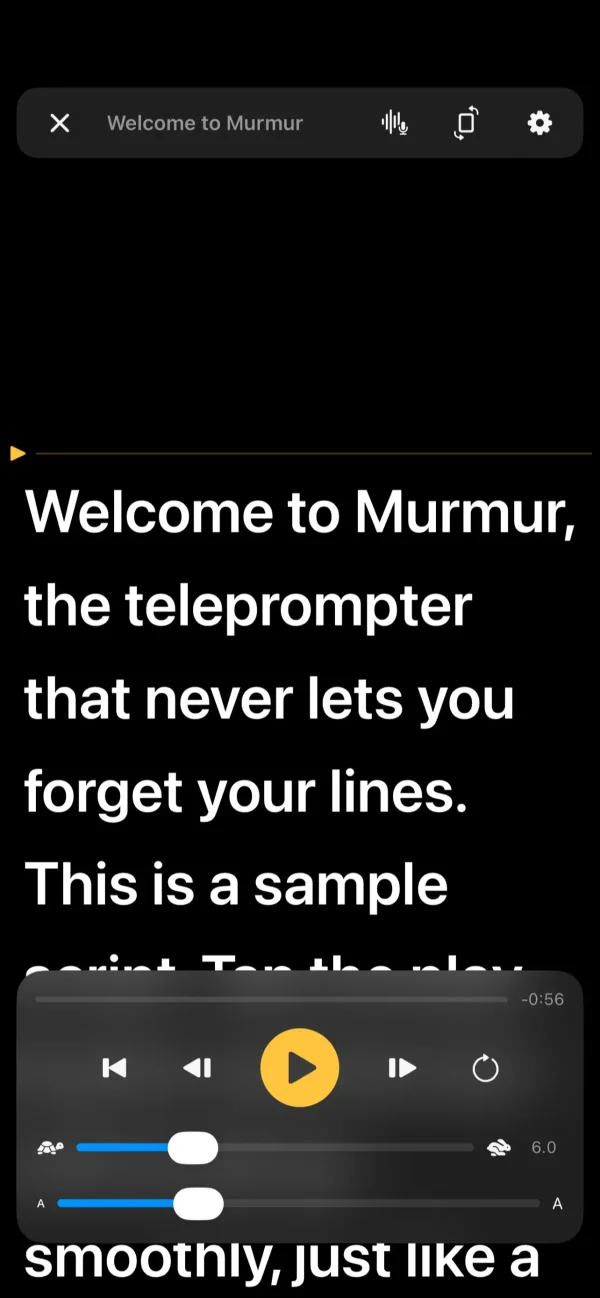
VOICE TRACKING — Turn on Smart Mode and the prompter listens as you speak English or Chinese: wherever you go in the script, it follows. Pause and it waits; skip ahead and it catches up. Recognition runs on your device whenever supported; your scripts never leave the device.
PRO PROMPTING — Adjust font size, weight, width, line spacing, page width and scroll speed. Horizontal and vertical mirroring for beam splitter rigs, countdown, reading guide, spoken-text dimming.
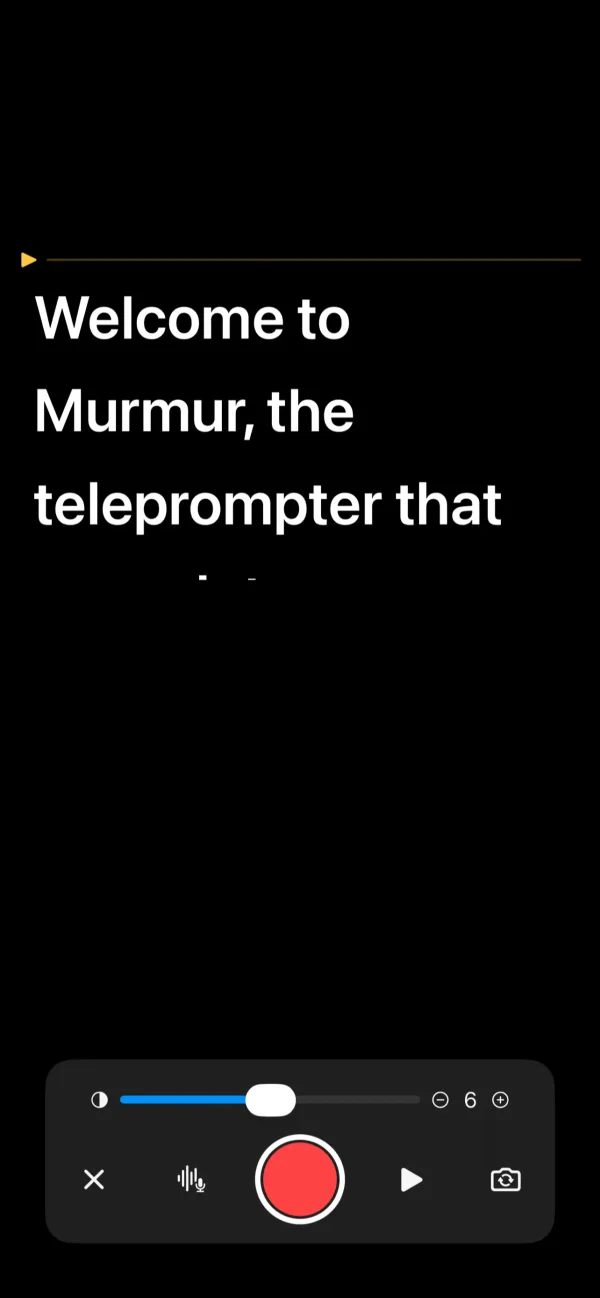
RECORD WHILE PROMPTING — Film with the script docked near the lens for natural eye contact. 1080p, no watermark, saved straight to Photos. Voice tracking keeps working while recording.
BLUETOOTH REMOTES — Page turners, clicker rings and keyboards work instantly. Selfie clickers and earphone buttons can toggle playback.
DEVICE REMOTE — Turn a second iPhone or iPad into a control console: playback, speed, font size, even live script editing, over Wi-Fi or nearby peer-to-peer. No internet needed.
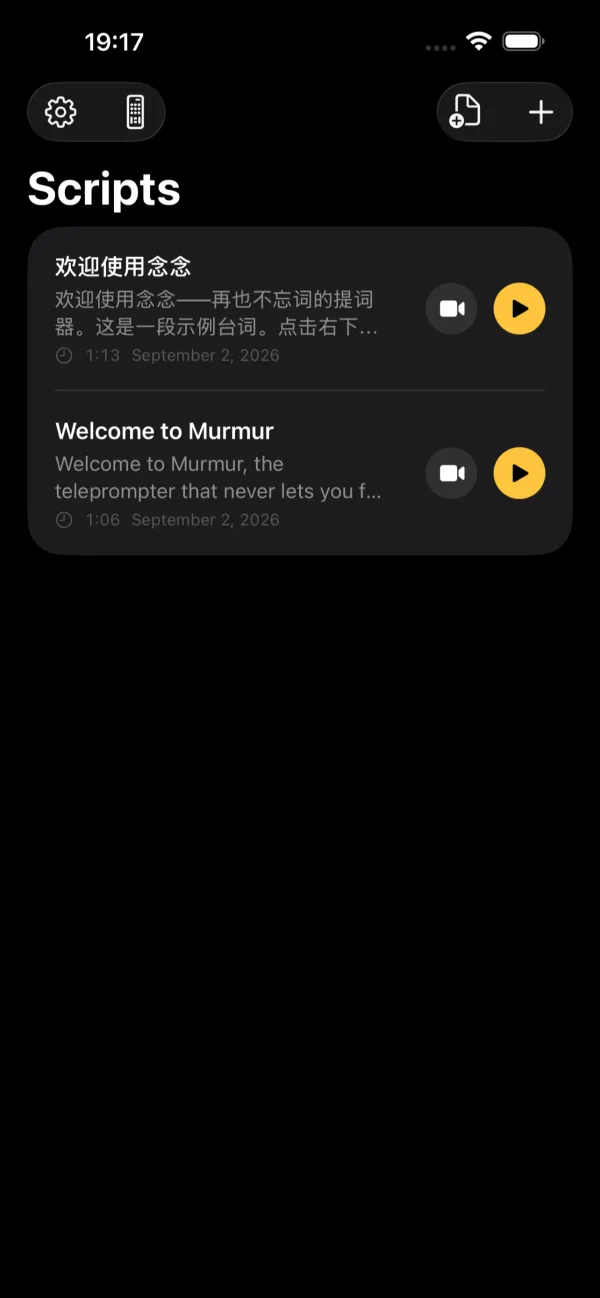
DOCUMENT IMPORT — docx, doc, md, txt, rtf and pdf. Pick exactly the paragraphs you need.
NO LIMITS — Unlimited scripts, unlimited length, every feature free forever.
Novedades
Versión 1.1.0 · 18/10/2026
Murmur 1.1 is a big update:
• iPhone Duo: fills the inner display when open. Film with the rear cameras while your script scrolls on the outer display, facing you. Half-folded on a table, the script sits on top and the controls below. Closing the phone pauses scrolling.
• New iPad models: in camera mode the script sits next to the camera, so your eye line stays right on iPads with a landscape front camera. Resizable windows, menu bar and keyboard shortcuts, Apple Pencil Pro (squeeze to play/pause, double-tap for the next paragraph), and smoother 120 Hz scrolling on ProMotion.
• External displays and AirPlay: a clean, script-only output with its own mirror switch, for beam-splitter rigs and confidence monitors.
• Recording: 720p, 1080p or 4K, 24–60 fps and HEVC; record front and back cameras together (picture-in-picture or split); audio-only mode; choose your microphone and see live levels; high-quality AirPods recording, and start/stop with the AirPods stem or volume buttons; Center Stage switch; USB cameras.
• Clean cut: Murmur spots the sentences you read twice and exports a version without the stumbles, captions included.
• Practice report: time, pace, pauses and skipped paragraphs, and estimates that use your own pace.
• Start and stop recording from the remote device.
• Voice tracking: a new on-device engine on iOS 26 and later for better accuracy; Mandarin (Taiwan) and Cantonese; adjustable sensitivity; Simplified and Traditional Chinese scripts both work.
• Traditional Chinese interface.
• Scripts: two-column layout on large screens; find and replace, undo and redo; open documents in Murmur from Files or other apps, or drag them in.
• Pinch to resize the text without losing your place.
• Other fixes and improvements.
Privacidad de la aplicación
Lo que 诚竹 赵 declara en App Store sobre cómo esta aplicación gestiona los datos.
-
No se recopilan datos
El desarrollador no recopila ningún dato de esta aplicación.
Las prácticas de privacidad pueden variar, por ejemplo, según las funciones que uses o tu edad.
Información
- Vendedor
- 诚竹 赵
- Categoría
- Foto y vídeo
- Versión
- 1.1.0
- Actualizado
- 18/10/2026
- Publicado
- 21/9/2026
- Tamaño
- 3,6 MB
- Requiere
- iOS 16.0 o posterior
- Clasificación por edad
- 4+
- Precio
- Gratis
- Idiomas
- Inglés, Chino simplificado, Chino tradicional
- Copyright
- © 2026 Chengzhu Zhao
Quizá también te guste
-
 一镜提词器Foto y vídeo
-
 Teleprompter Offline y PrivadoScroll por voz y guion con IA
-
 Begin Teleprompter: Cámara 4KTu voz guía la lectura con IA
-
 从容提词器Foto y vídeo
-
 Teleprompter AI: Seguir VozGuion Flotante y Cámara Video
-
 PrompTele: AI TeleprompterFoto y vídeo
-
 悬浮提词器 — 智能提词口播神器Foto y vídeo
-
 Soyla: TeleprompterTu voz mueve tu guion
-
 Talkue: TeleprompterTeleprompter y editor
-
 Teleprompter for VideosFoto y vídeo