
NimoteCode: AI Code & SSH IDE
AI-powered SSH IDE Mobile Dev
Diseñada para iPhone, iPad, iPod touch
Gratis · Compras en la aplicación
- Clasificación por edad9+
- CategoríaPara desarrolladores
- Desarrollador小军 马
- IdiomasInglés
- Tamaño447,1 MB
Enlaza a la página oficial de App Store
Download.org no aloja ningún archivo de NimoteCode: AI Code & SSH IDE. El botón abre la página de la aplicación en App Store, donde la publica 小军 马. Ficha comprobada por última vez el 23/11/2026.
Capturas de pantalla
Acerca de
El desarrollador no ha proporcionado este texto en tu idioma.
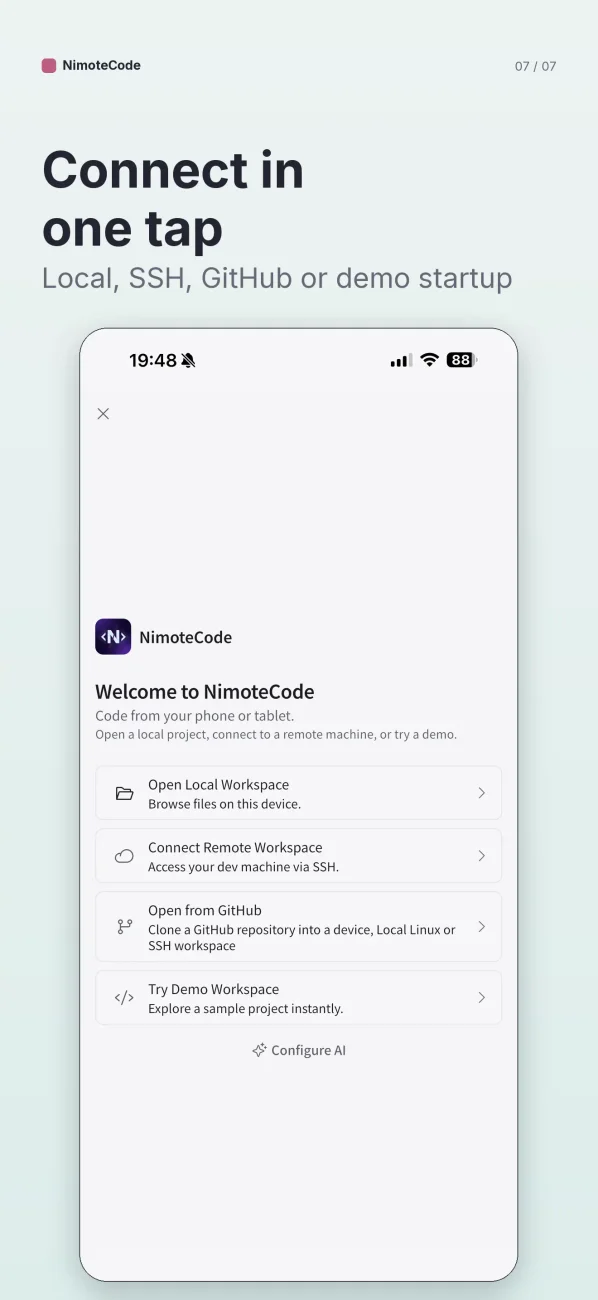
NimoteCode is an AI-powered remote development IDE built for real engineering workflows over local and SSH environments.
It brings coding, debugging, Git operations, terminal control, and AI assistance into a single unified workspace — designed for modern remote-first development.
Instead of switching between multiple tools, everything happens directly inside your development environment.
---
## Free Version
The Free version provides essential tools for real development work:
Workspace & Access
* Open local workspaces
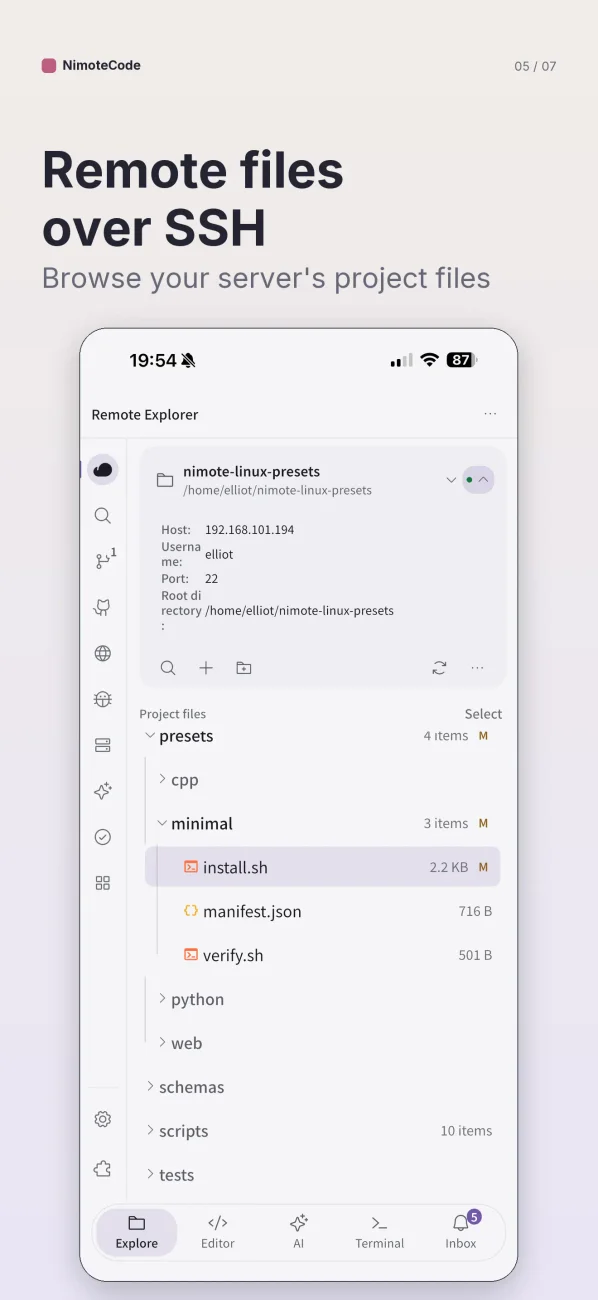
* Connect and manage SSH remote environments
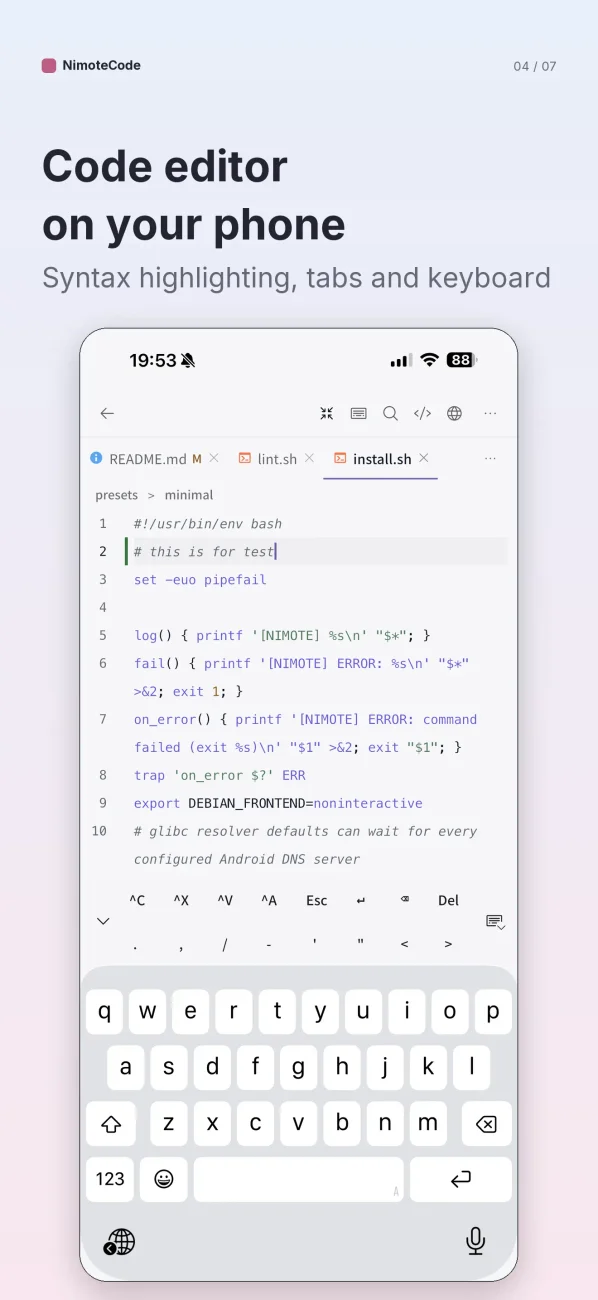
* File editing and project navigation
Terminal
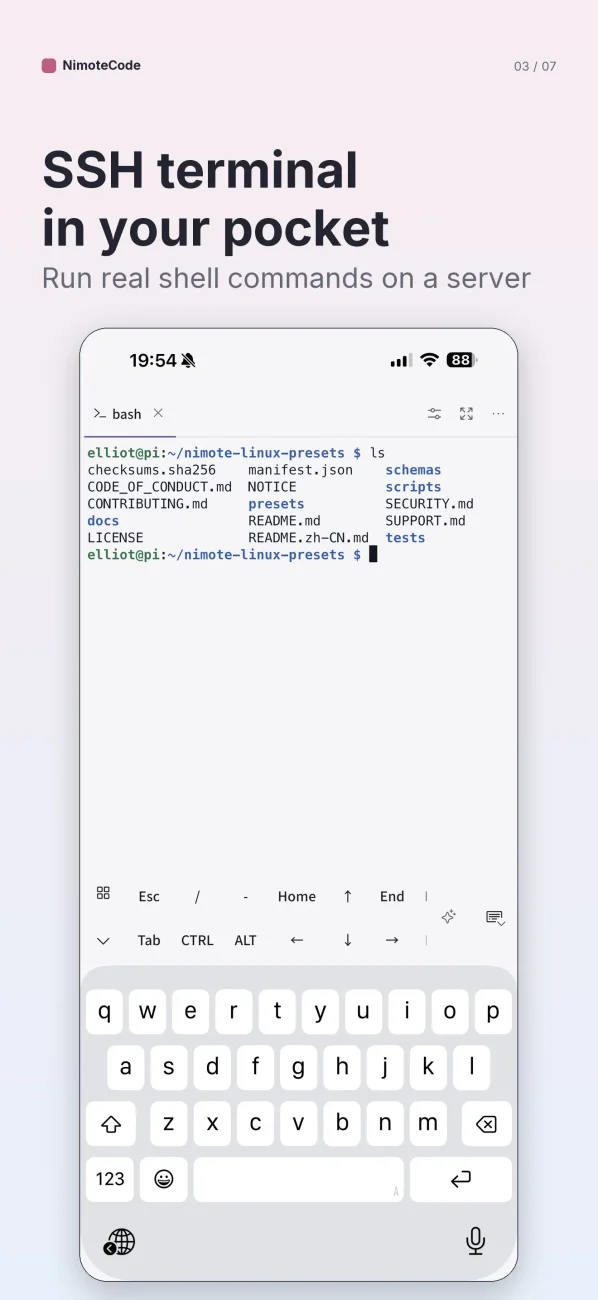
* Basic terminal support for development workflows
AI Assistance
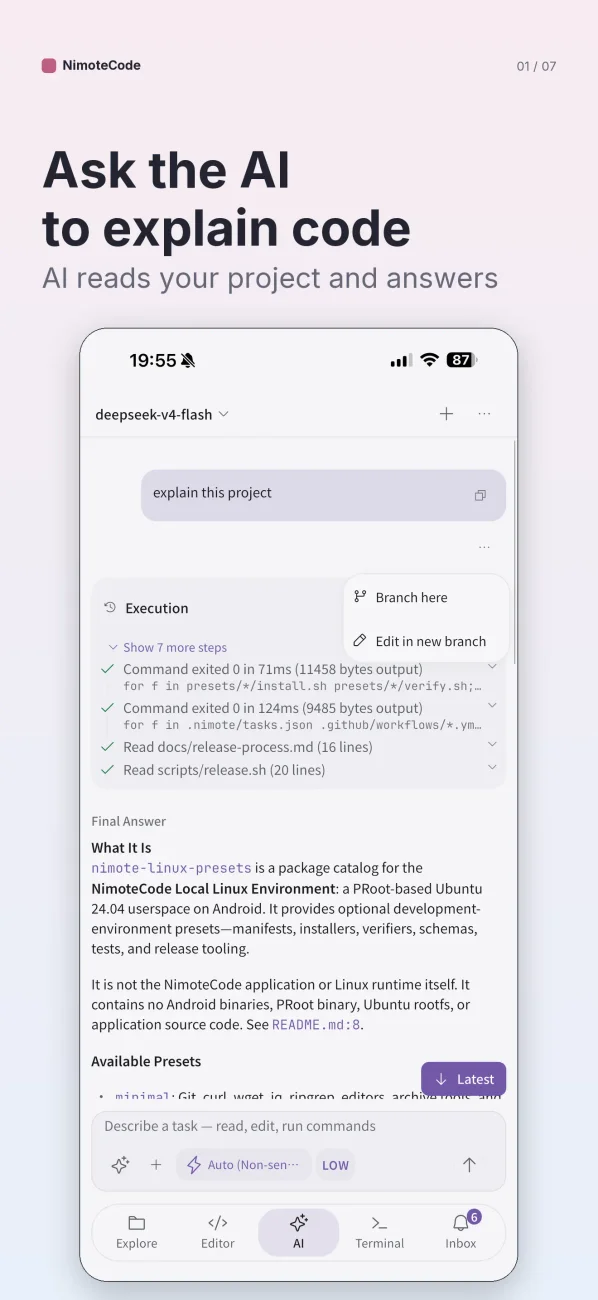
* AI Chat integration
* Connect your own AI providers (OpenAI, Claude, Gemini, etc.)
* Limited AI Agent usage
* Limited remote code search
Productivity
* Task creation and execution
* Development timeline view
---
## Pro Version (NimoteCode Pro)
Unlock the full AI-powered development experience.
---
AI Agent System
* Unlimited AI Agent execution
* Multi-step autonomous development workflows
Git Workflow
* Full Git operations (commit, push, branch, stash)
* AI-powered Git assistant
* Intelligent diff and change review
Terminal
* Multi-terminal support
* Run tests, logs, servers, and deployments in parallel
Code Search
* Unlimited remote project search
* Fast navigation across large codebases
LSP Intelligence
* Diagnostics and error detection
* Code actions and suggestions
* Jump to definition and issue resolution
Debugging
* Breakpoints
* Call stack inspection
* Variables and watch expressions
Timeline AI
* Root cause analysis
* AI debugging insights
* Suggested fixes based on execution history
Advanced Tasks
* Multi-step task execution
* Sequential and parallel workflows
* Task filtering and management
Sync & Cache
* Local and remote workspace synchronization
* Smart caching system
* Secure path validation
---
## Value Proposition
NimoteCode integrates AI directly into your remote development workflow.
It is not a chat tool — it is a development environment where AI helps you code, debug, understand, and ship faster inside real SSH-based systems.
---
## Built for
* Remote backend development
* SSH-based workflows
* Large codebase debugging
* Git-heavy engineering teams
* Mobile and on-the-go development
---
## Final Message
Build faster. Debug smarter. Understand code instantly.
All inside your remote development environment.
---
## Legal Information
Privacy Policy:
https://nimotecode.com/privacy
Terms of Use (EULA):
https://www.apple.com/legal/internet-services/itunes/dev/stdeula/
Novedades
Versión 2.4.1 · 18/11/2026
NimoteCode 2.4.1 is a major update with a redesigned interface, improved tablet support, and a new Host workspace for remote development.
• Transfer files and folders between your device and SSH workspaces, or import and export them locally.
• Switch between IDE, Terminal, and AI modes while keeping your project and Explorer state in sync.
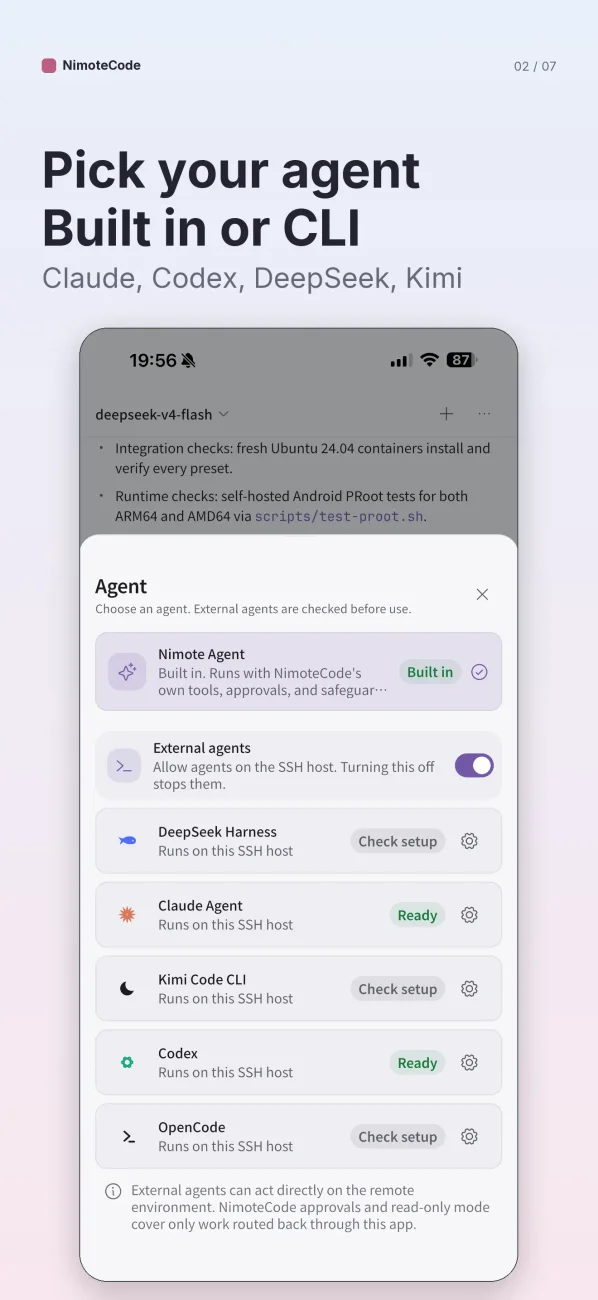
• Use improved plugins and Agent follow-up instructions where supported, with more capable Windows SSH workspaces.
• Open file locations from terminal output, send selections to AI, and review supported command records.
• Manage Docker and Compose on SSH hosts, create Dev Containers, and use adaptive terminal split panes.
• Install and start a compatible NimoteHost remotely, then connect over SSH to browse and resume remote terminal and Agent sessions.
• Use structured Agent conversations, approvals, commands, and model controls where supported.
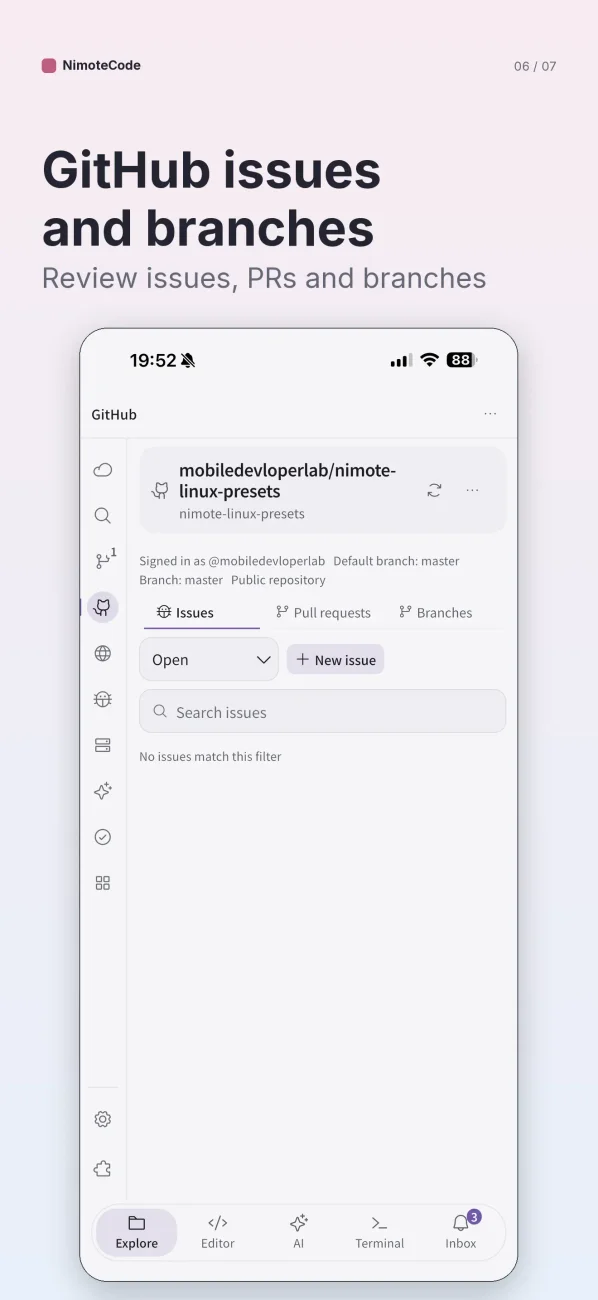
• Review tasks, verification results, and diffs in the Host inbox, or dispatch GitHub Issues to an Agent. Availability depends on Host capabilities and configuration.
• Access compatible Host plugins and connect project tasks with workspace terminals.
• Discover supported project tasks from npm, Taskfile, Makefile, justfile, and VS Code task definitions.
• Filter GitHub CI runs and inspect step logs and error context.
• Use a unified application configuration entry and improved reduced-motion support.
• Configure Agent alerts, editor line numbers, and the landscape minimap.
• Improved terminal responsiveness, search, scrolling, clipboard access, and interactive programs.
• More reliable SSH host verification and remote saves, plus refined Git review and adaptive workbench layouts.
• Search retained terminal history; improved wide-character selection and mouse input.
• Explorer Git status colors, more reliable Windows remote saves, and improved landscape and tablet layouts.
• Fixed various bugs.
Privacidad de la aplicación
Lo que 小军 马 declara en App Store sobre cómo esta aplicación gestiona los datos.
-
Datos vinculados a ti
Pueden recopilarse y vincularse a tu identidad.
- Compras
- Información de contacto
- Contenido del usuario
- Identificadores
- Datos de uso
- Diagnóstico
Las prácticas de privacidad pueden variar, por ejemplo, según las funciones que uses o tu edad.
Información
- Vendedor
- 小军 马
- Categoría
- Para desarrolladores
- Versión
- 2.4.1
- Actualizado
- 18/11/2026
- Publicado
- 11/9/2026
- Tamaño
- 447,1 MB
- Requiere
- iOS 15.6 o posterior
- Clasificación por edad
- 9+
- Precio
- Gratis
- Compras en la aplicación
- Sí
- Idiomas
- Inglés
- Copyright
- Copyright © 2026 NimoteCode. All rights reserved.
Quizá también te guste
-
 Orchestra CodePara desarrolladores
-
 DesklessPara desarrolladores
-
 CamadonPara desarrolladores
-
 GitCode Reader (Git con IA)Git con IA y código offline
-
 Exec Terminal: SSH & MoshPara desarrolladores
-
 ChatSSH - Terminal & Local LLMIA local privada para SSH
-
 Hangar: Deploy ControlPara desarrolladores
-
 CodeMechaPara desarrolladores
-
 QuotaKit: AI Usage TrackerPara desarrolladores
-
 iCoderAgent: AI Code AssistantPara desarrolladores