Note Trainer: Sight Reading
Sight-Reading Note Quiz
Diseñada para iPhone, iPad, iPod touch
Gratis
- Clasificación por edad4+
- CategoríaEducación
- DesarrolladorSiU Ahn
- IdiomasInglés
- Tamaño36,0 MB
Enlaza a la página oficial de App Store
Download.org no aloja ningún archivo de Note Trainer: Sight Reading. El botón abre la página de la aplicación en App Store, donde la publica SiU Ahn. Ficha comprobada por última vez el 15/11/2026.
Capturas de pantalla

Acerca de
El desarrollador no ha proporcionado este texto en tu idioma.
Note Trainer builds the "reading sight" that makes a note's name pop into your head the instant you see it on the staff. Whether you play piano, guitar, ukulele, violin, or sing, how fast you read notation decides how fast you learn and how smoothly you play.
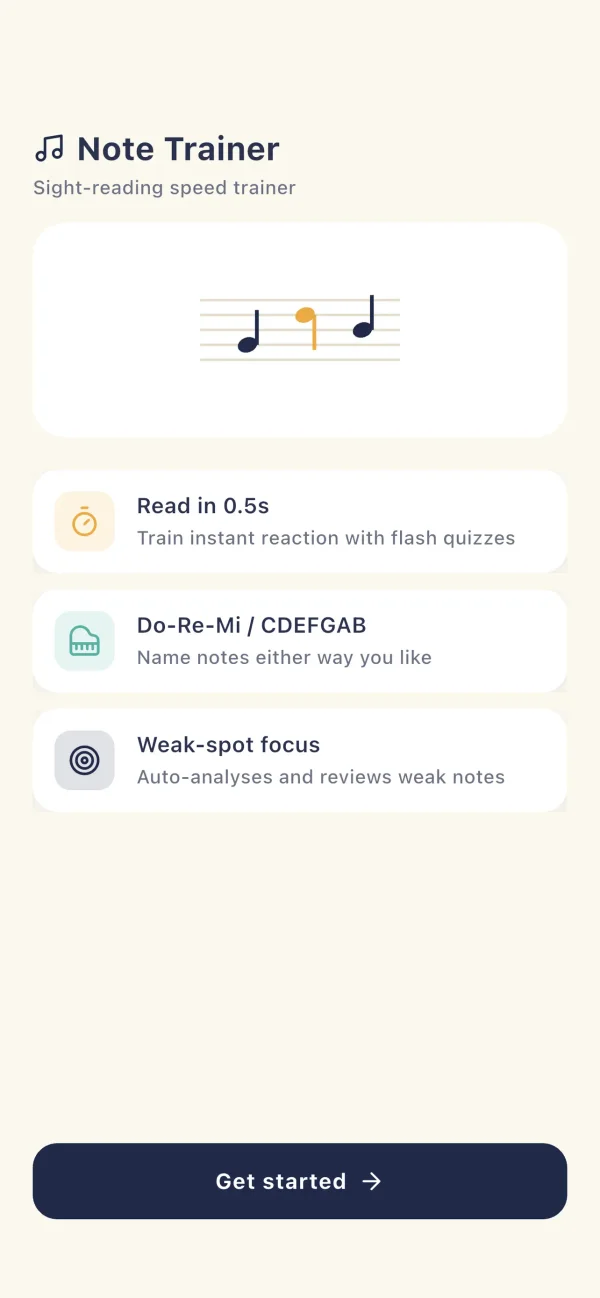
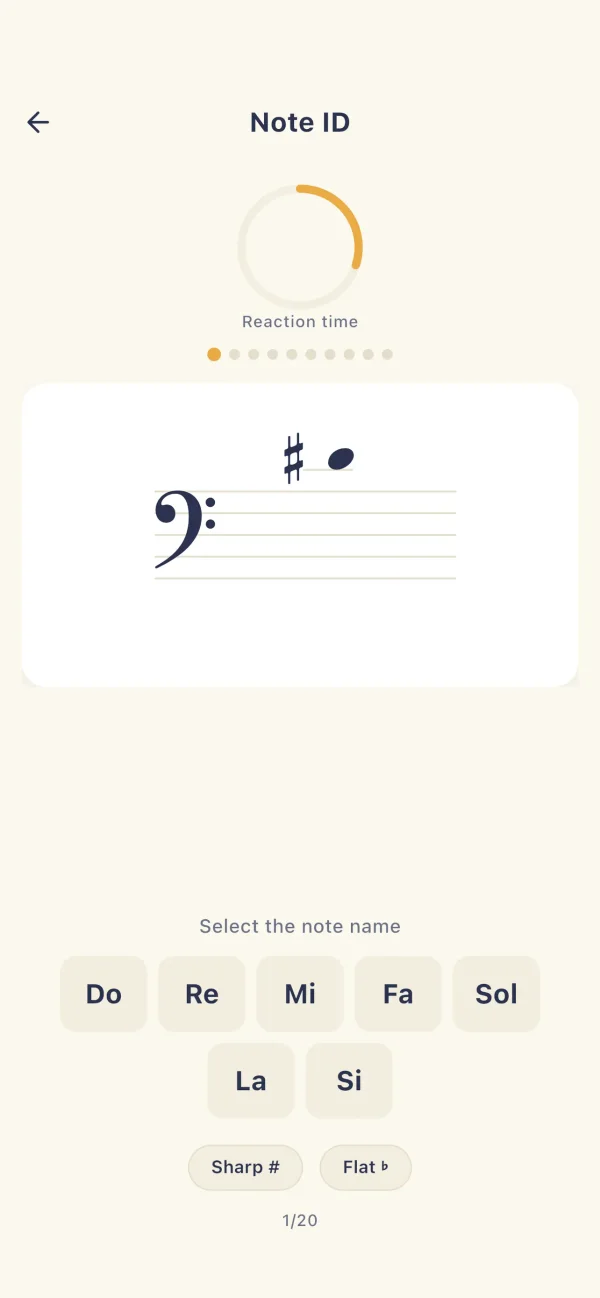
When a note appears, name it within 0.5 seconds. This focused flash-quiz drill trains your instant recognition speed (sight-reading), and even a few minutes a day makes your reading noticeably faster.
■ Why train note reading?
Counting lines one note at a time breaks your playing and kills momentum. Real fluency comes only when the position and name of a note register the moment you see it. This app trains exactly that automatic reaction speed.
■ Features
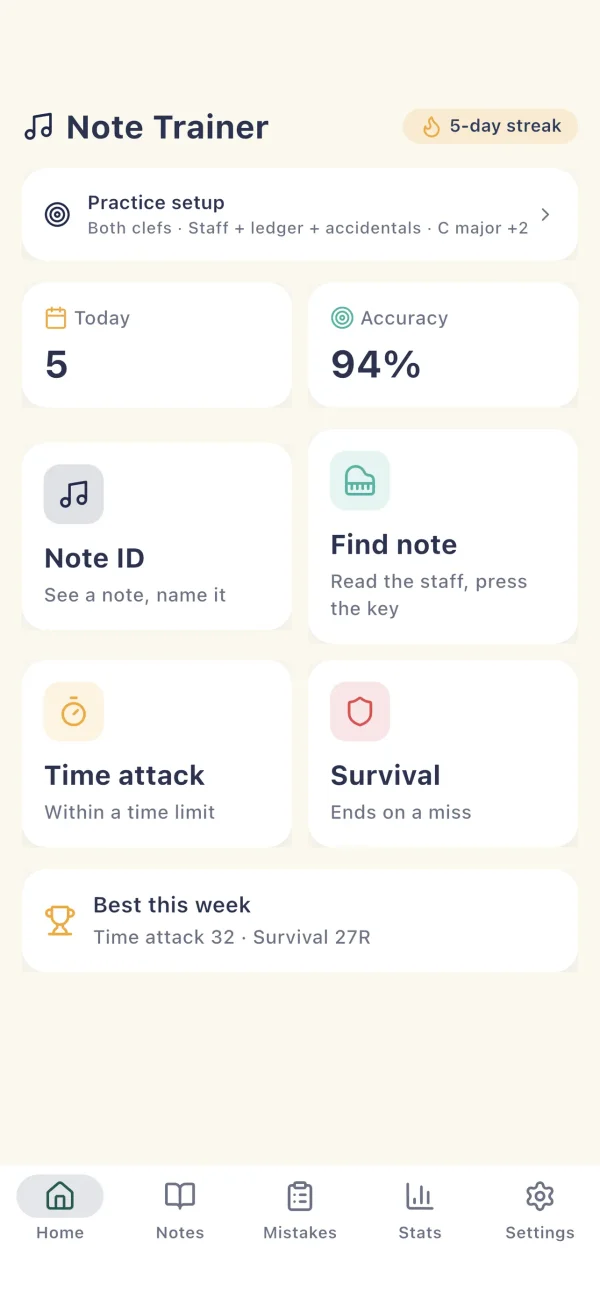
• Note ID — see a note on the treble or bass clef and name it
• Find the note — read the staff and press the same note on a keyboard, linking notation to the keys
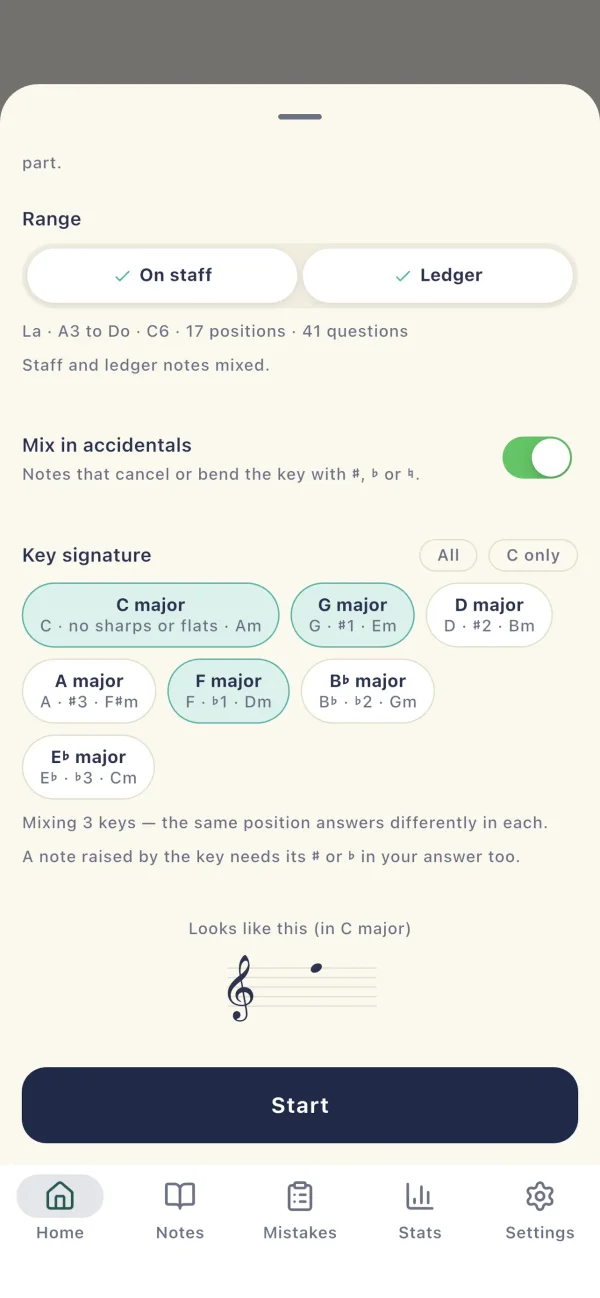
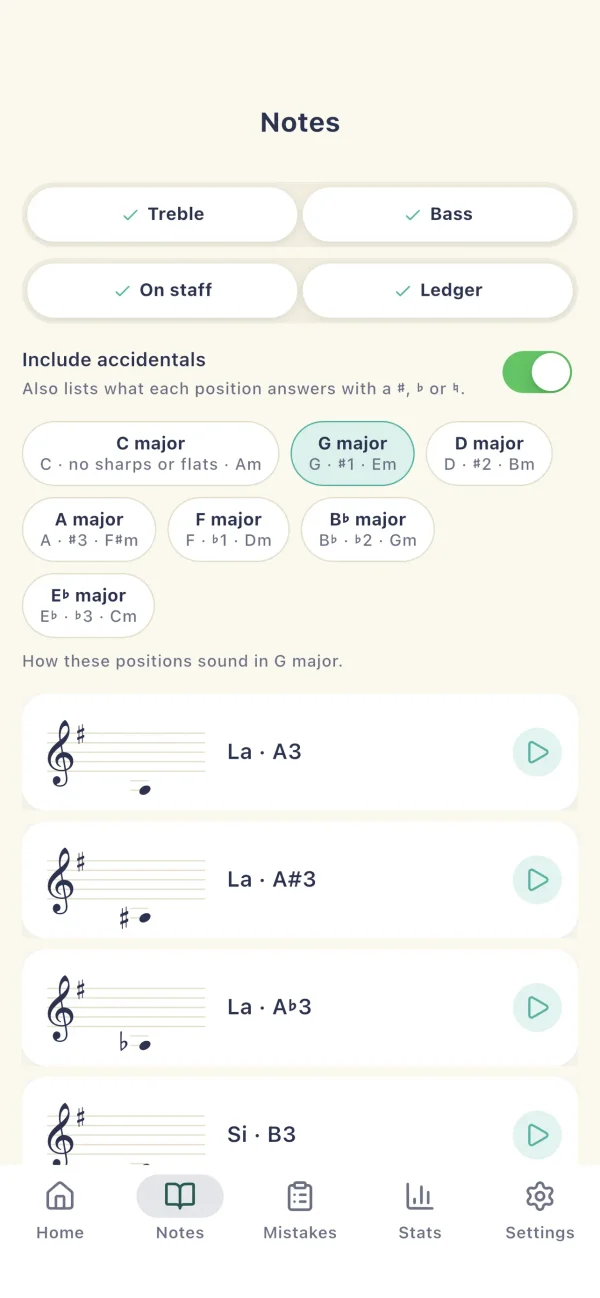
• Seven key signatures — C through A major and E-flat major. The same position answers differently once a key sits at the left
• Mix keys in one session — pick any set and they alternate question to question
• Choose the range — turn staff notes and ledger notes on and off separately, so you can drill ledger lines alone
• Mix in accidentals — sharps, flats and naturals that cancel or bend the key
• Mix both clefs — treble and bass alternate, and switching between them is the part that is actually hard
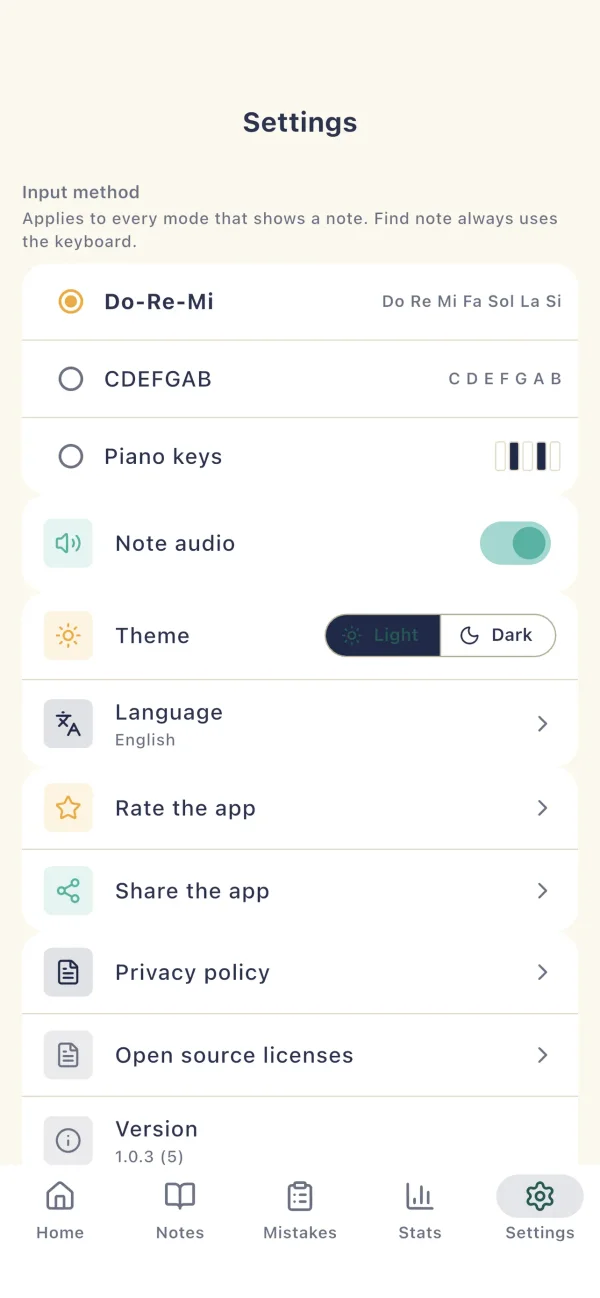
• Do-Re-Mi / CDEFGAB — both note-naming systems, so you practice your way
• Time Attack — score as many as you can within the time limit
• Survival — one miss and it's over, training focus and accuracy together
• Weak-spot focus — records each miss with its position, key and accidental, then replays exactly what was on screen
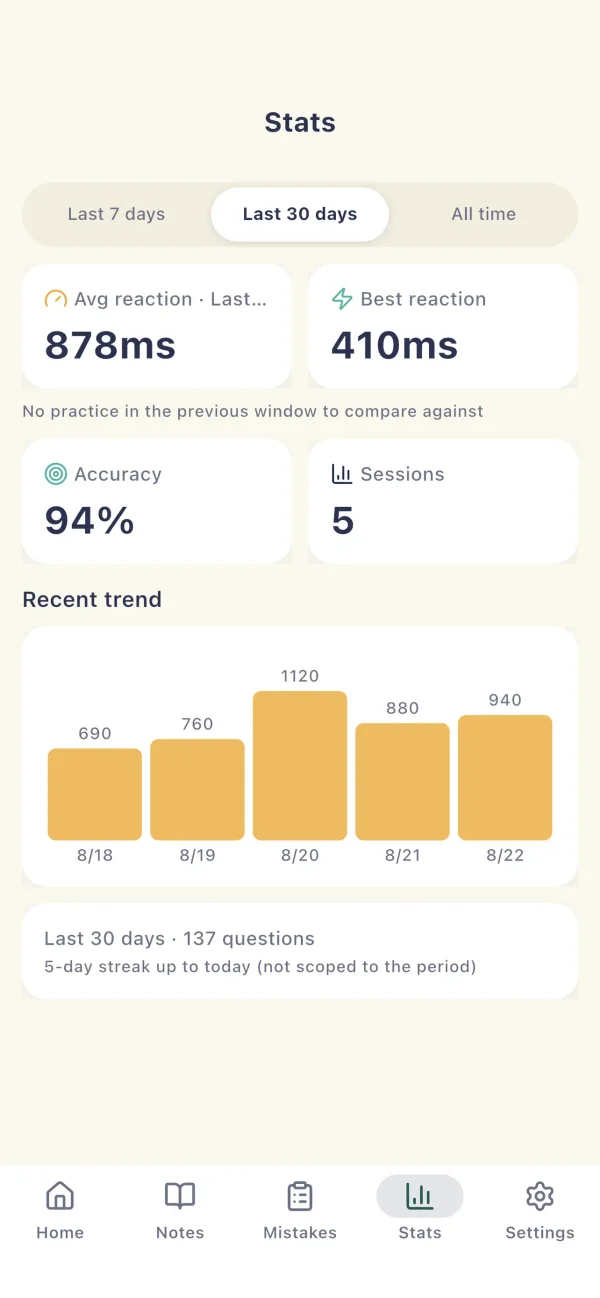
• Stats — reaction time, accuracy and a daily trend over the last 7 days, 30 days or all time, plus your practice streak
• Reference sheet — every position in the clefs, range and key you are practising, each one playable so you can hear it
■ Great for
• Beginners and self-learners on piano, guitar, ukulele, violin, or voice
• Anyone whose playing keeps stalling because reading is slow
• Students prepping for music exams, sight-singing, and ear training
• Parents helping a child build note-reading basics
• Quick practice on a commute or break
■ How to use it
1) Start with treble-clef note ID to build the basics.
2) Once comfortable, turn on ledger notes and mix in the bass clef.
2a) Add key signatures one at a time to feel how a position shifts with the key.
3) Push speed and focus with Time Attack and Survival.
4) Close the gaps with Weak-spot focus on the notes you miss most.
No sign-up required and it works offline. All records stay on your device, and can be erased entirely from settings at any time. A few minutes a day is enough — start your sight-reading drills today.
Novedades
Versión 1.0.7 · 10/11/2026
• Fixed "Rate this app" in Settings opening a web page instead of the App Store review screen.
• App share text now includes the App Store link.
• Added the license notice (SIL OFL) for the bundled fonts (Bravura, Pretendard) to the open-source licenses screen.
Privacidad de la aplicación
Lo que SiU Ahn declara en App Store sobre cómo esta aplicación gestiona los datos.
-
Datos usados para rastrearte
Pueden usarse para rastrearte en aplicaciones y sitios web propiedad de otras empresas.
- Identificadores
- Datos de uso
- Diagnóstico
-
Datos no vinculados a ti
Pueden recopilarse, pero no se vinculan a tu identidad.
- Identificadores
- Datos de uso
- Diagnóstico
Las prácticas de privacidad pueden variar, por ejemplo, según las funciones que uses o tu edad.
Información
- Vendedor
- SiU Ahn
- Categoría
- Educación
- Versión
- 1.0.7
- Actualizado
- 10/11/2026
- Publicado
- 18/6/2026
- Tamaño
- 36,0 MB
- Requiere
- iOS 15.0 o posterior
- Clasificación por edad
- 4+
- Precio
- Gratis
- Idiomas
- Inglés
- Copyright
- © 2026 SiU Ahn
Quizá también te guste
-
 NoteRider – Lectura de notasLeer notas musicales
-
 SuperMusicNote - Leer NotasSolfeo en clave de sol y fa
-
 Nota a VistaPiano, violín, guitarra y más
-
 PrimaVista - Sight ReadingEducación
-
 Guitar Man: Fretboard TrainerEducación
-
 화성박사Educación
-
 Piano AIAprende solfeo tocando de cero
-
 너두! 도레미Educación
-
 Music Reading PracticeEducación
-
 Rhythm Academia楽譜でリズム感を鍛える練習アプリ