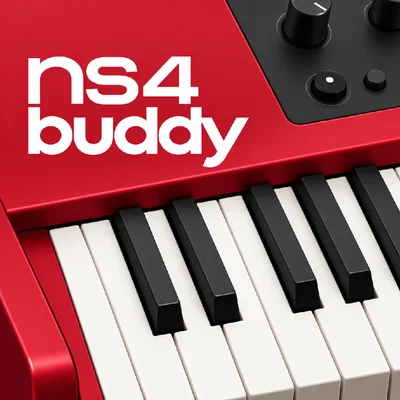
NS4 Buddy
NS4 Live-Keyboarder Controller
Diseñada para iPad
Gratis · Compras en la aplicación
- Clasificación por edad4+
- CategoríaMúsica
- DesarrolladorThomas Waspi
- IdiomasInglés+ 3 más
- Tamaño5,6 MB
Enlaza a la página oficial de App Store
Download.org no aloja ningún archivo de NS4 Buddy. El botón abre la página de la aplicación en App Store, donde la publica Thomas Waspi. Ficha comprobada por última vez el 23/11/2026.
Capturas de pantalla



Acerca de
El desarrollador no ha proporcionado este texto en tu idioma.
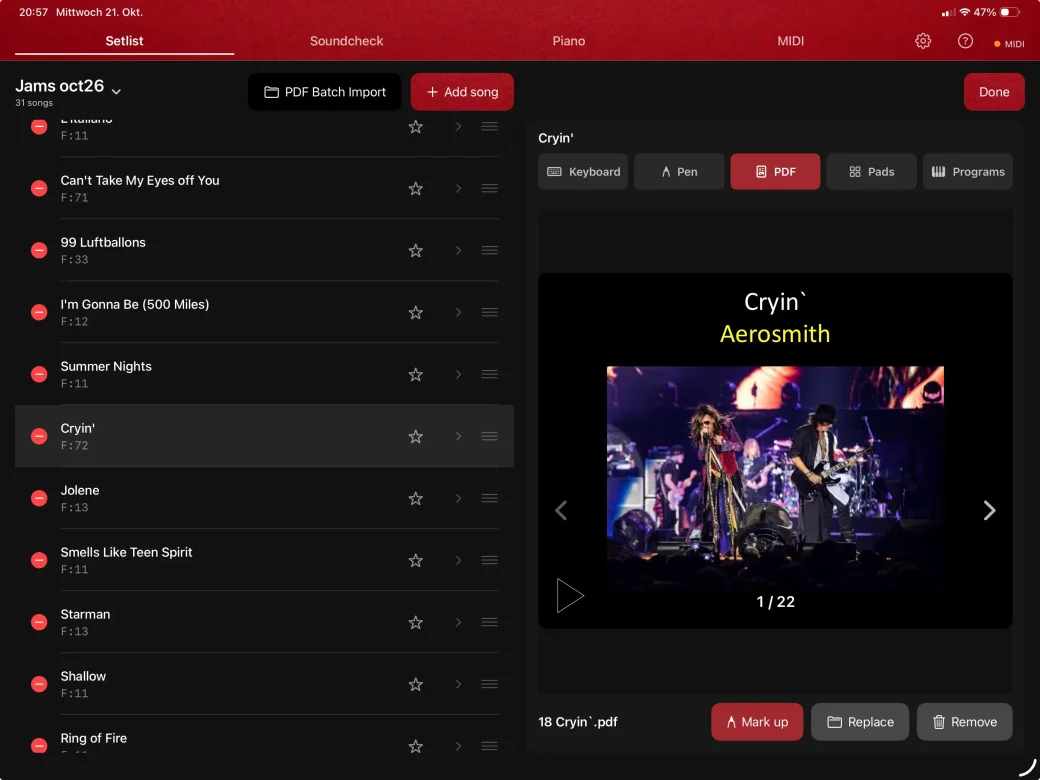
NS4 Buddy is the ideal app for live keyboard players with a Nord Stage 4 or Nord Stage 3. You can create new setlists and choose the programs from your Nord Stage 4 or 3.
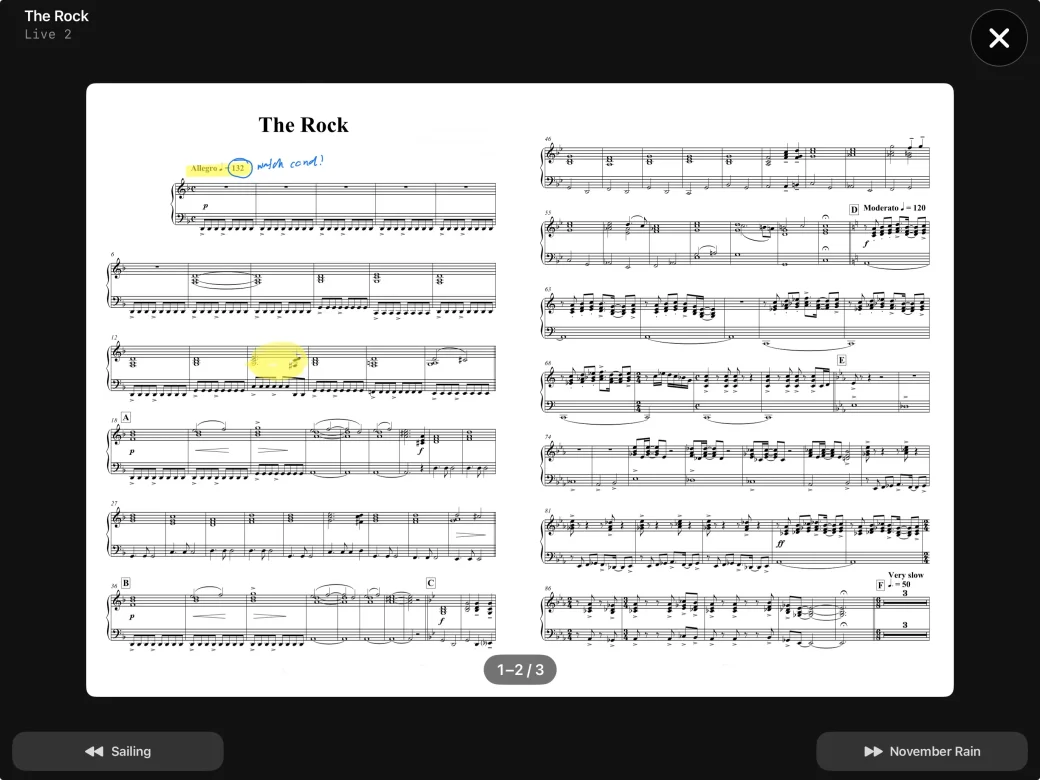
Each setlist has several songs, and each song selects a program on your Nord Stage with a MIDI program change. Besides switching programs, you can add a PDF of sheet music to every song, or notes written with your Apple Pencil, or typed notes.
Once you have finished building the setlist, you have everything you need for your performance and can focus on playing.
Do you sometimes keep samples, sound effects or even audio loops in the Nord Stage synth? Then the pads are made for you. You no longer have to remember which key holds the thunder or the sound effect. You create a pad for it in NS4 Buddy. During the performance you simply tap that pad on the iPad, and the sound effect plays.
Sometimes you need more than one Nord Stage program, and on the Nord Stage 4 also Scene II. In NS4 Buddy a song can hold up to 8 extra programs and up to 8 pads. So instead of 1, you have 9 programs ready to go.
Connecting is simple: use a USB-C to USB-B cable and plug your iPad straight into your Nord Stage.
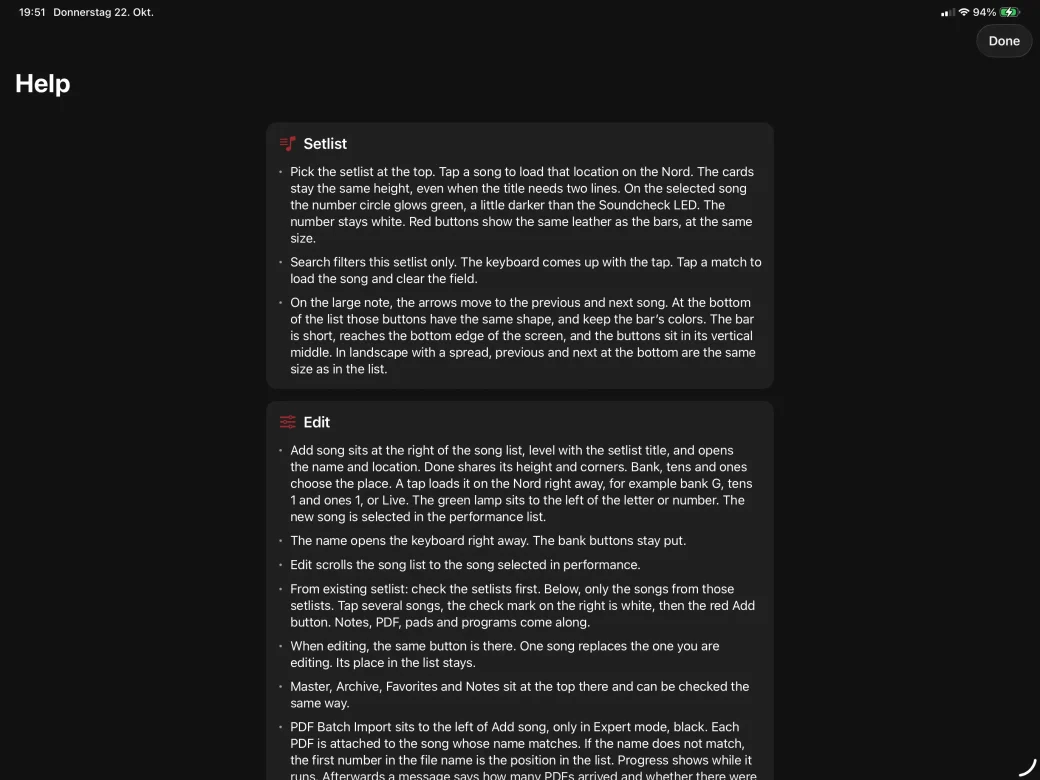
There are many more features and settings. For soundcheck, for example, you can record a few MIDI files and play them back. Then you walk into the hall and listen to how your Nord Stage 4 sounds from the audience.
Novedades
Versión 1.6.4 · 19/11/2026
This version follows 1.6.3.
On stage, Edit on stage under the gear shows an Edit symbol next to the keyboard, the pen, and the PDF. Press it to type, draw, or mark the page. Apple's palette chooses the pen. A finger still turns the page. The page arrows can stay visible.
Add pages puts another PDF at the end. The crop, the pen, and the zoom of the pages you already have stay. Remove pages drops the open original page. The pages after it move up and keep their crop and pen marks. A split page goes away with both halves.
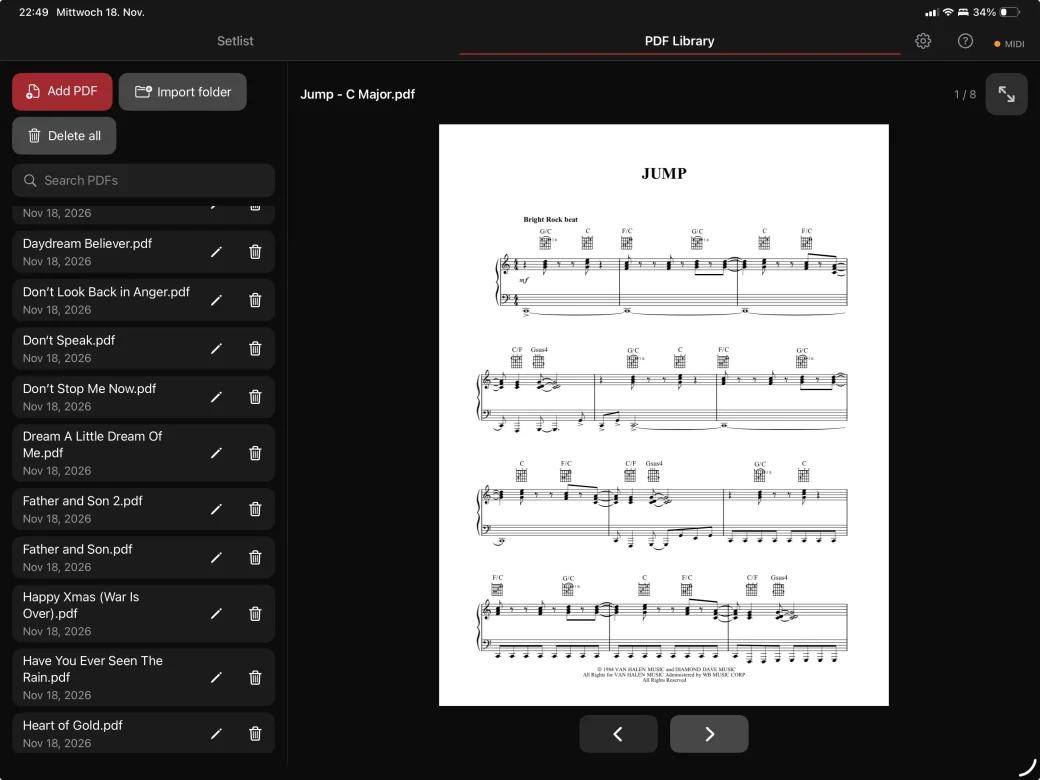
The PDF Library keeps every PDF you attached to a song or added there, even after you remove it from the song. Search by name, turn the pages in the preview and full screen, and attach the same file to another song. Deleting it in the library leaves the PDF on the song.
Markup shows the same cropped pages as the performance. A stroke you make on stage, including the highlighter, sits in the same place. The eraser and Clear markup take it off the open page. A crop leaves marks that were already in the file on the same notes.
One click turns one page, even when you go back and forth quickly. After a song change, the Bluetooth pedal and the cursor keys turn the page at once, and you see this song's page. The program title stays at the top left and stays readable on black, gray, and white.
Privacidad de la aplicación
Lo que Thomas Waspi declara en App Store sobre cómo esta aplicación gestiona los datos.
-
No se recopilan datos
El desarrollador no recopila ningún dato de esta aplicación.
Las prácticas de privacidad pueden variar, por ejemplo, según las funciones que uses o tu edad.
Información
- Vendedor
- Thomas Waspi
- Categoría
- Música
- Versión
- 1.6.4
- Actualizado
- 19/11/2026
- Publicado
- 4/11/2026
- Tamaño
- 5,6 MB
- Requiere
- iOS 17.0 o posterior
- Clasificación por edad
- 4+
- Precio
- Gratis
- Compras en la aplicación
- Sí
- Idiomas
- Inglés, Alemán, Italiano, Español
- Copyright
- © 2026 Thomas Wäspi