ODDCAMERA
8 alt cameras in one toolbox
Diseñada para iPhone, iPad, iPod touch
Gratis · Compras en la aplicación
- Clasificación por edad4+
- CategoríaFoto y vídeo
- DesarrolladorCHENG YANG KUO
- IdiomasInglés+ 1 más
- Tamaño19,6 MB
Enlaza a la página oficial de App Store
Download.org no aloja ningún archivo de ODDCAMERA. El botón abre la página de la aplicación en App Store, donde la publica CHENG YANG KUO. Ficha comprobada por última vez el 18/11/2026.
Capturas de pantalla

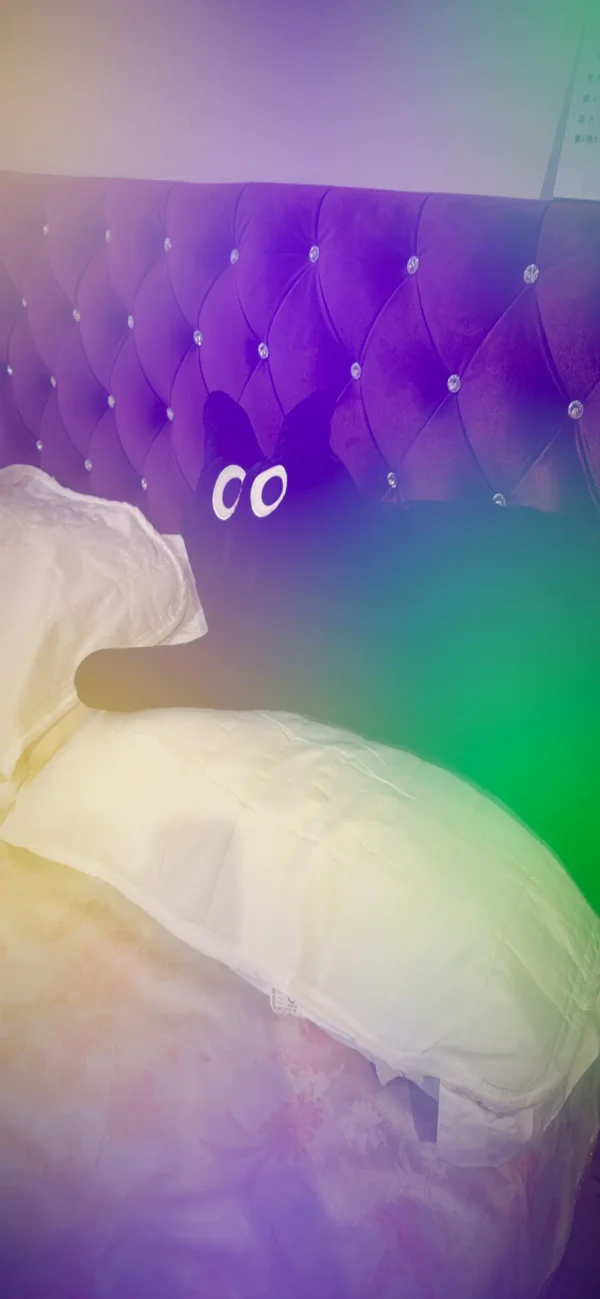
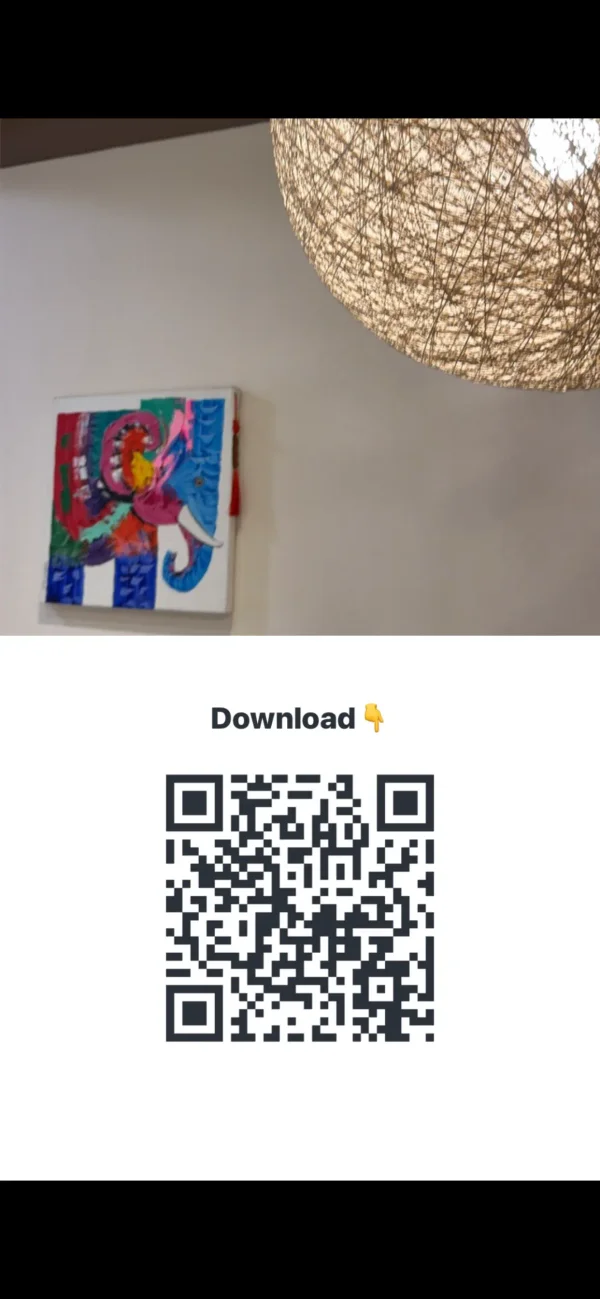
Acerca de
El desarrollador no ha proporcionado este texto en tu idioma.
ODDCAM isn't another beauty-filter app — it's a toolbox of offbeat cameras. Eleven unusual ways to shoot, all in one app, each with live preview, adjustable parameters, and direct output to photos or video.
Eleven camera modes
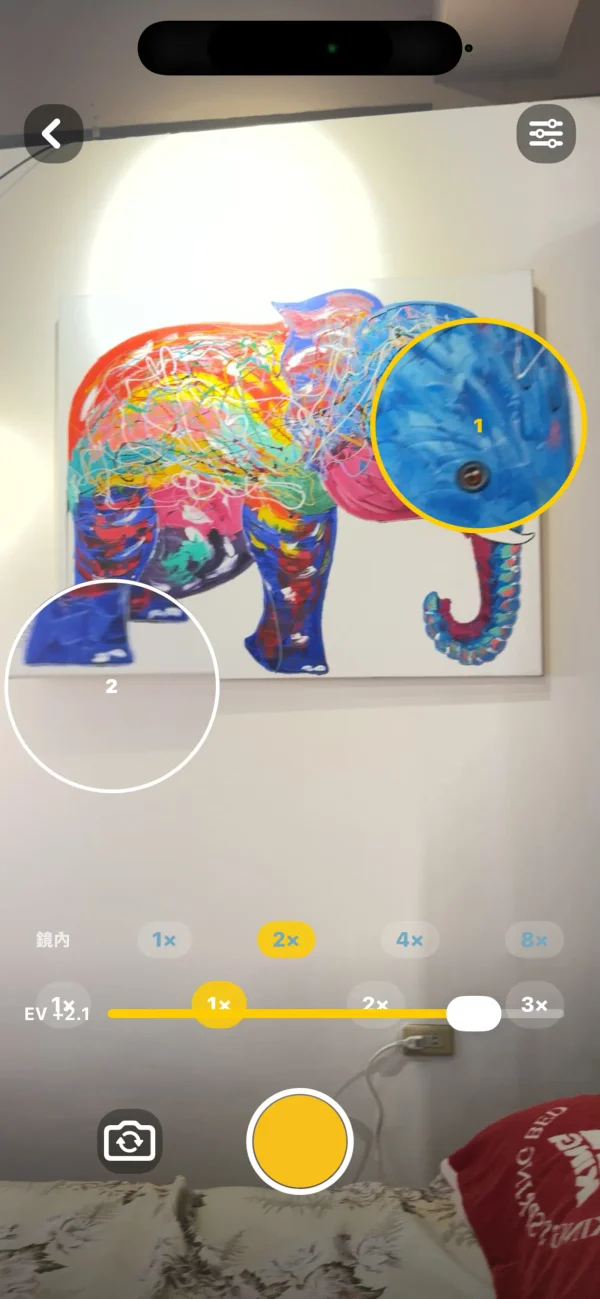
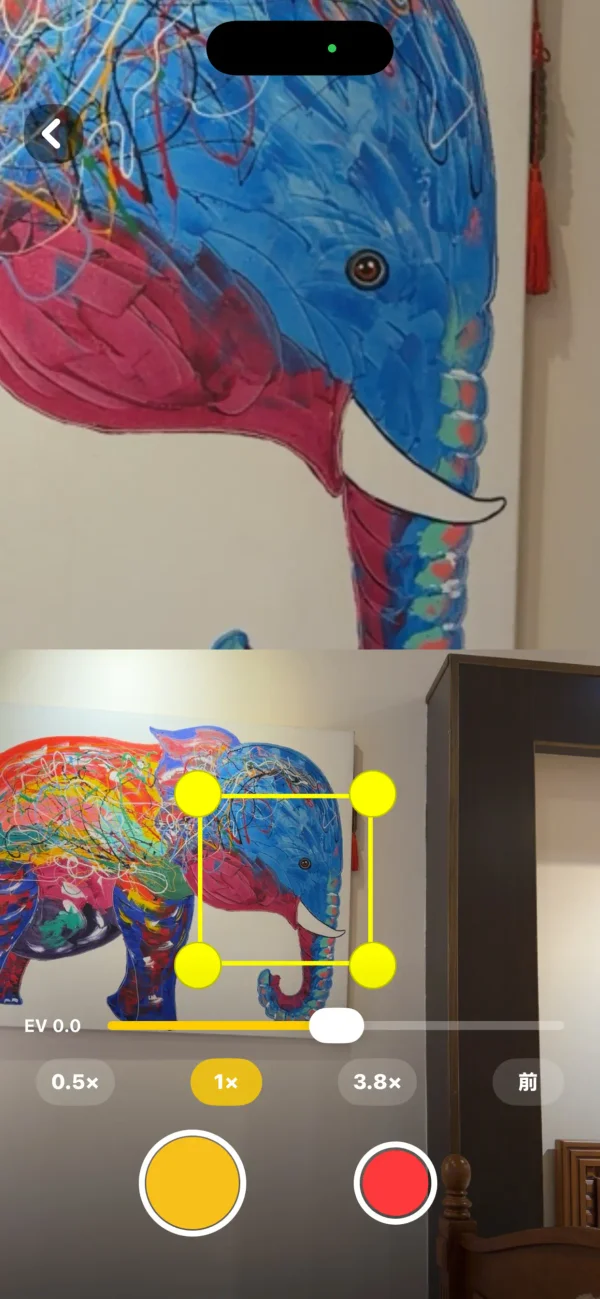
1. Loupe Camera Drag a resizable yellow frame to magnify any part of the scene while keeping the full composition. Split top/bottom in portrait, left/right in landscape — photos and video both save as a dual-view composite.
2. Multi-Bubble Loupe Up to six circular magnifier bubbles on screen at once, each freely movable with its own zoom level.
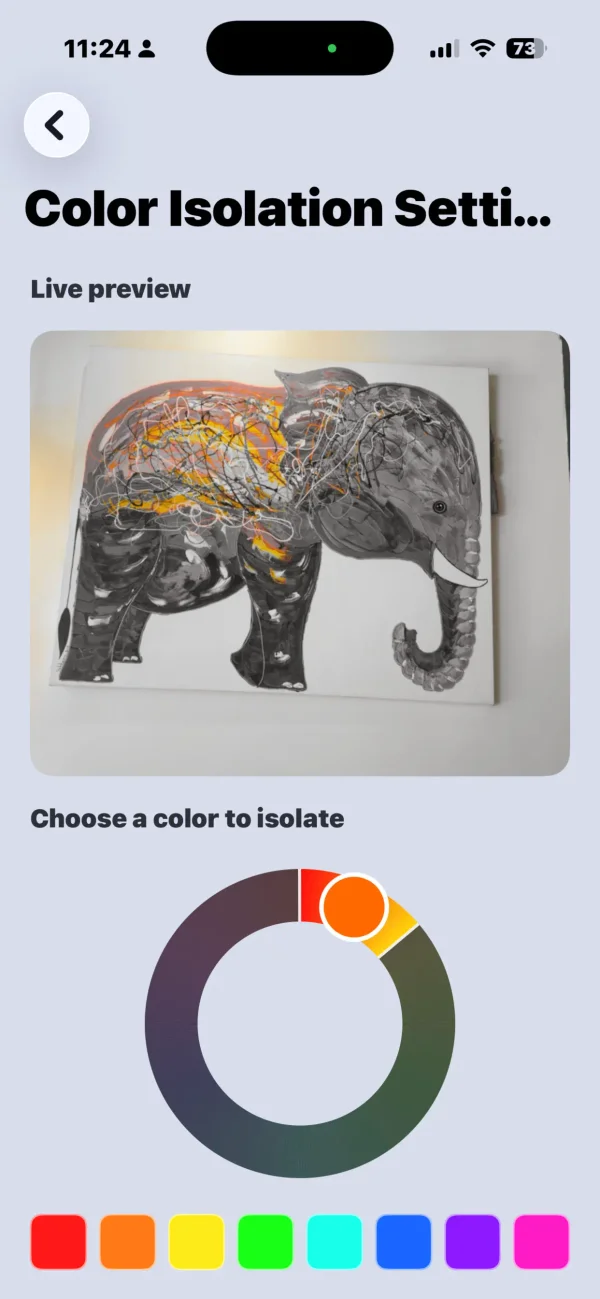
3. Color Isolation Camera Keep one hue range in full color and turn everything else black & white. Adjustable hue range, saturation, and brightness, with 1080p/4K recording.
4. Dual Filter Camera Two different looks on one frame — left/right or top/bottom — with a draggable split line. One shot, two moods.
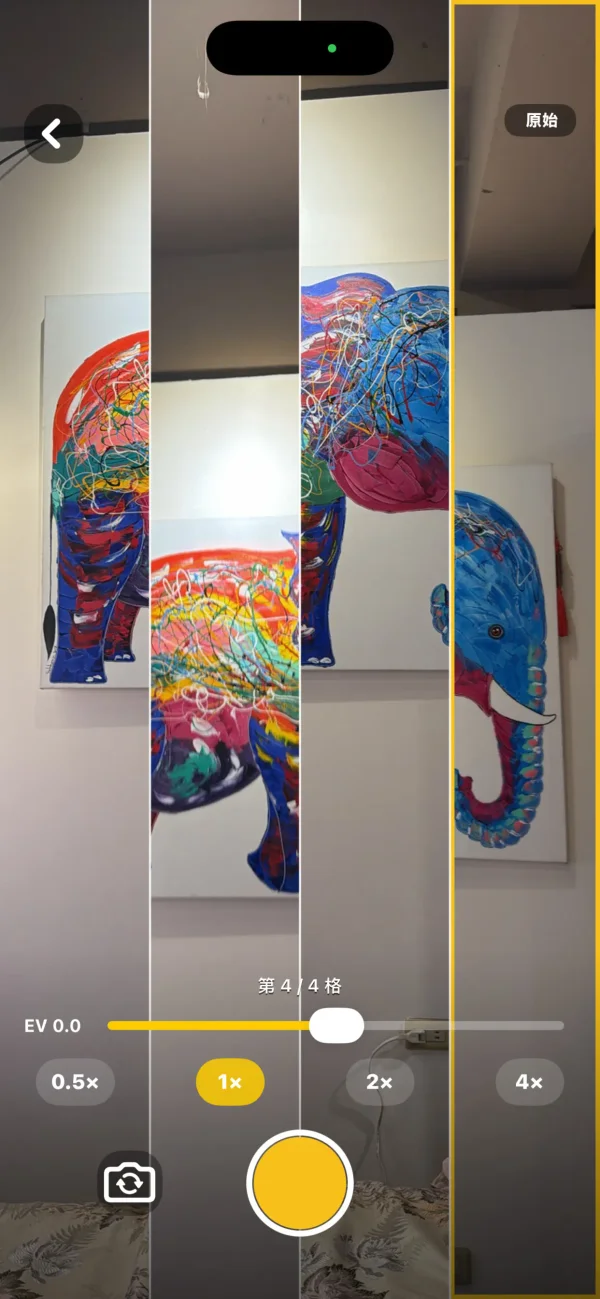
5. Split Camera Shoot 2–8 panels in sequence and composite them into a single split collage. Great for travel shots and action sequences.
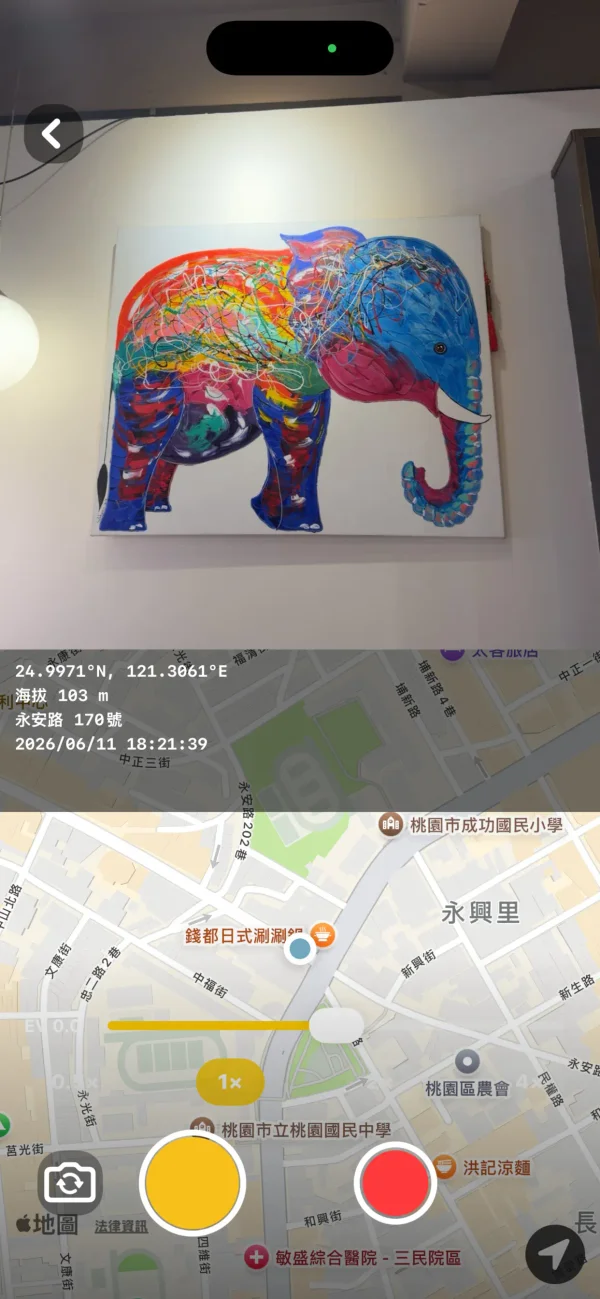
6. Map Camera Your live view and a map in the same frame, overlaid with coordinates, altitude, street, and timestamp — so you always know where a shot was taken.
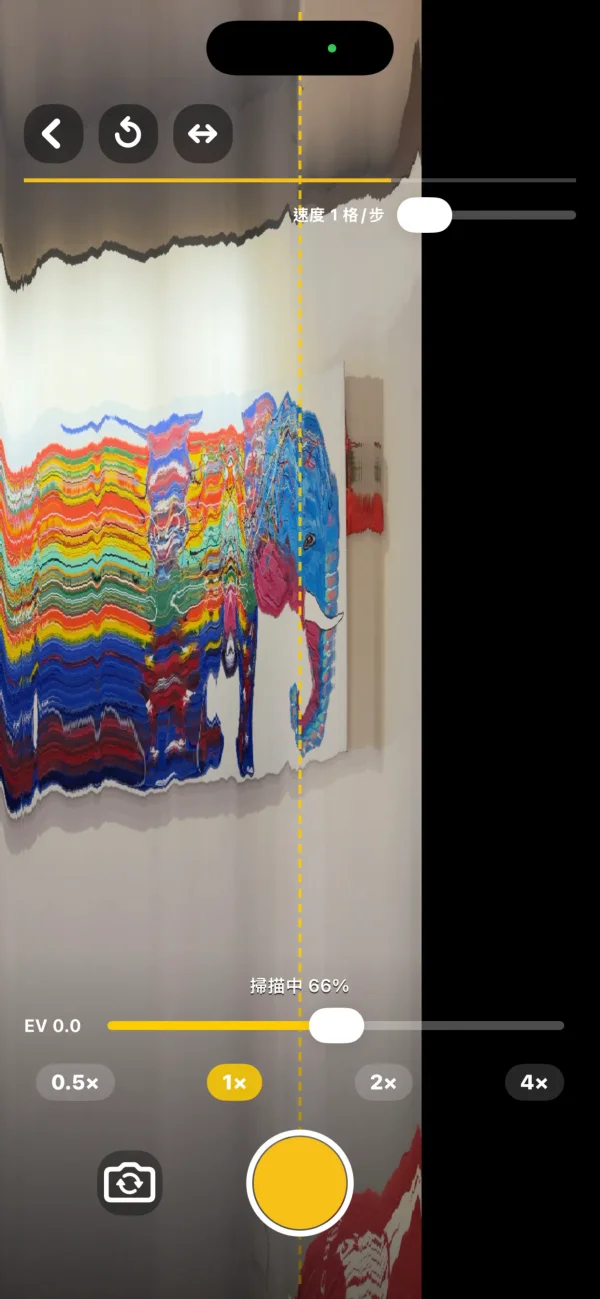
7. Slit Scan A fixed slit scans line by line, stretching moving people, cars, and clouds into abstract time-slice images.
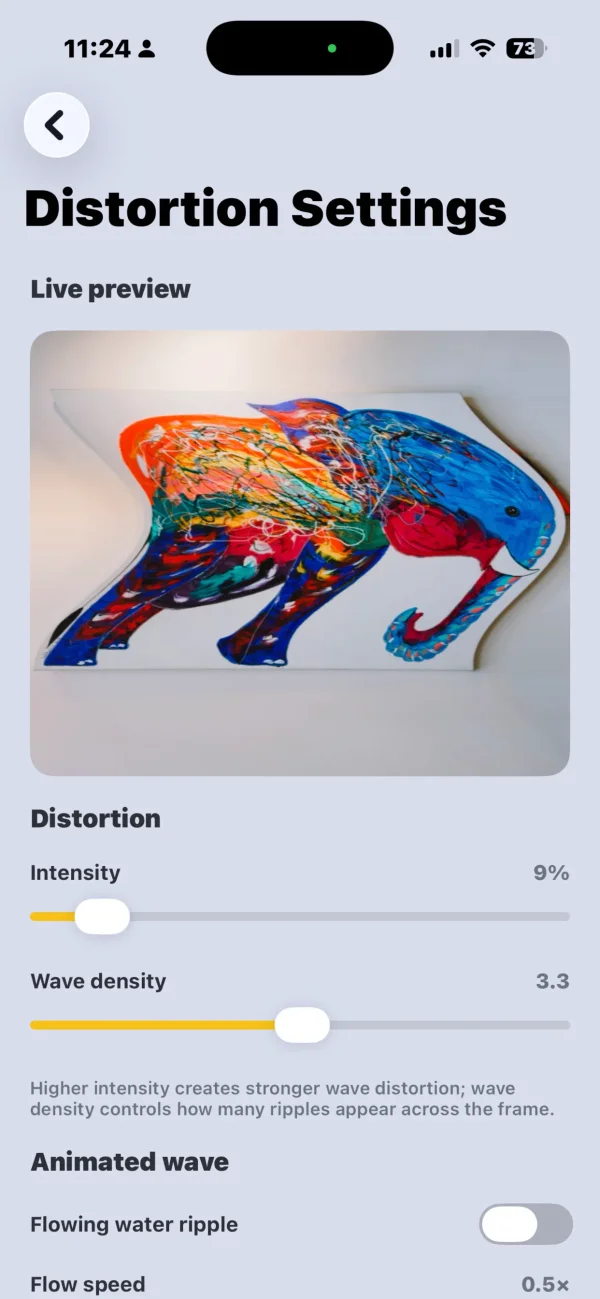
8. Distortion Camera A live sine-wave / ripple distortion engine with adjustable strength, ripple density, horizontal or vertical axis, and edge handling — plus an animated "flowing water" mode. Supports 1080p/4K recording.
9. Dive Camera (new) Bring back the reds that water takes away. Pick a depth profile — 2, 5, 10, or 20 meters — and switch between blue-water and green-water correction. The filter is baked straight into your photos and video, so there's no color grading afterward. Supports 1080p/4K recording.
10. Aura Camera (new) Dreamy aura-photo glow. Choose 1–4 colors from an eight-color palette to blend, or let random mode decide, and dial the glow from subtle to strong. Baked into photos and video. Supports 1080p/4K recording.
11. QR Camera (new) Your shot on top, your QR code below. The top half shoots live photos or video (with lens/zoom switching and the front camera), or imports a photo or video from your library that you can pinch to zoom and drag to reframe. The bottom half generates a QR code from any URL you enter, with a line of custom text above and below it — and full color control over the background, text, and QR itself. Drag the divider to set the split, and export imported video as a fully composited clip in one tap. Perfect for signing your work, digital business cards, event promos, and shop signage.
Look LUTs
A set of original film-style LUTs is built in and applies live across most camera modes, so photos and video match. You can also import your own .cube 3D LUTs.
Processed on device, private by design
Every effect is computed live on your device. Your shots are saved to your own photo library — nothing is uploaded or shared.
Try before you buy
Every camera is free to try. Upgrading to Pro is a one-time purchase (not a subscription): unlimited use of every camera, advanced adjustments, no watermarks, no ads, and restore purchases anytime.
Novedades
Versión 1.3 · 1/8/2026
Magnifying Glass Camera Optimization
Privacidad de la aplicación
Lo que CHENG YANG KUO declara en App Store sobre cómo esta aplicación gestiona los datos.
-
No se recopilan datos
El desarrollador no recopila ningún dato de esta aplicación.
Las prácticas de privacidad pueden variar, por ejemplo, según las funciones que uses o tu edad.
Información
- Vendedor
- CHENG YANG KUO
- Categoría
- Foto y vídeo
- Versión
- 1.3
- Actualizado
- 1/8/2026
- Publicado
- 29/6/2026
- Tamaño
- 19,6 MB
- Requiere
- iOS 15.0 o posterior
- Clasificación por edad
- 4+
- Precio
- Gratis
- Compras en la aplicación
- Sí
- Idiomas
- Inglés, Chino tradicional
- Copyright
- © 2026 0123456789.tw
Quizá también te guste
-
 hueve - Mix Your Own ColorFoto y vídeo
-
 Kuuki CamUn estilo para cada escena
-
 ToneCraft - Editor de ColorAñade bokeh real tras la foto
-
 ShredLensFoto y vídeo
-
 Orione - Photo EditorFoto y vídeo
-
 Mirror Booth: cara simétricaFiltros divertidos de selfie
-
 Craveable: Food PhotographyFoto y vídeo
-
 Motion Camera: Trail EffectsFoto y vídeo
-
 ChromaSyncAesthetic Photo Editor & Grid
-
 HDR Photo LABFoto y vídeo