
OnTime Work Time Pro
Work Time & project hours app
Diseñada para iPhone, iPod touch
Gratis
- Clasificación por edad4+
- CategoríaEconomía y empresa
- DesarrolladorOnTimeiOS
- IdiomasInglés+ 2 más
- Tamaño6,5 MB
Enlaza a la página oficial de App Store
Download.org no aloja ningún archivo de OnTime Work Time Pro. El botón abre la página de la aplicación en App Store, donde la publica OnTimeiOS. Ficha comprobada por última vez el 17/11/2026.
Capturas de pantalla

Acerca de
El desarrollador no ha proporcionado este texto en tu idioma.
Mobile App
OnTime Worktime’s mobile app allows managers and supervisors to keep track of their employee’s work hours and the time spent on individual projects remotely.
Dashboard
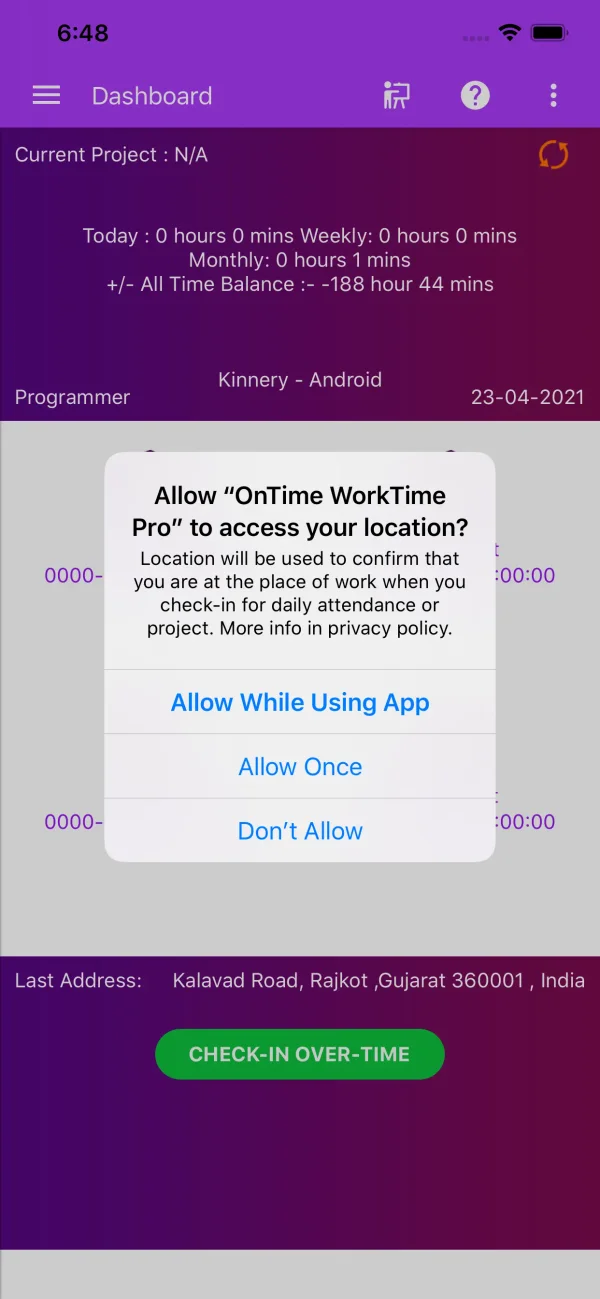
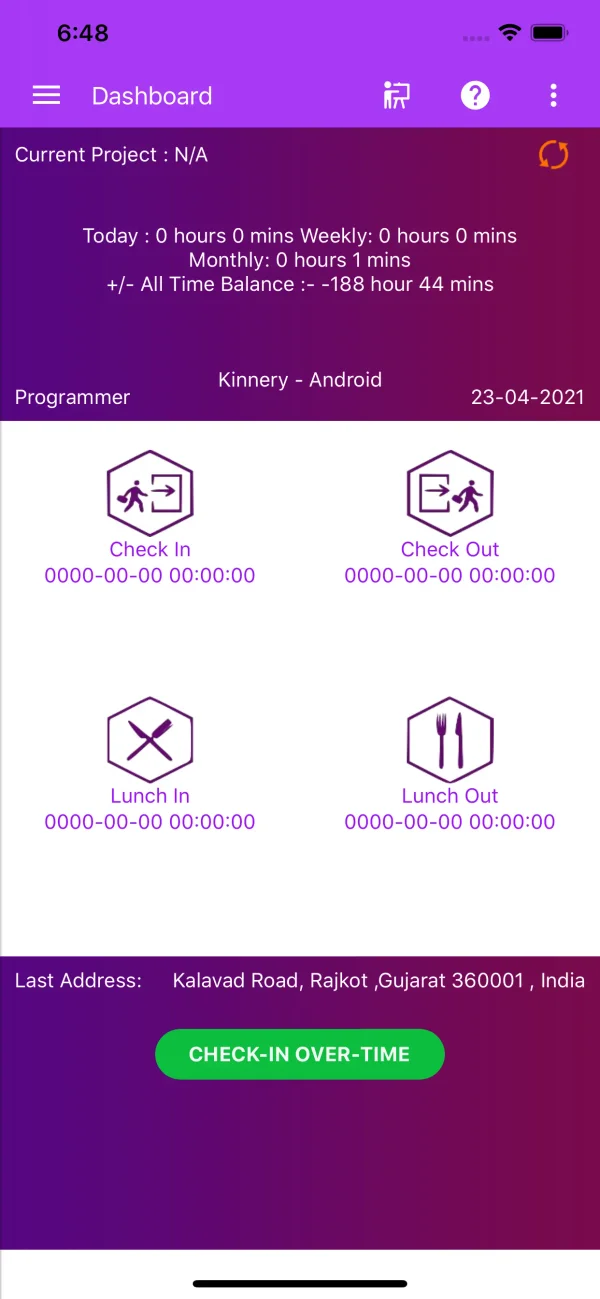
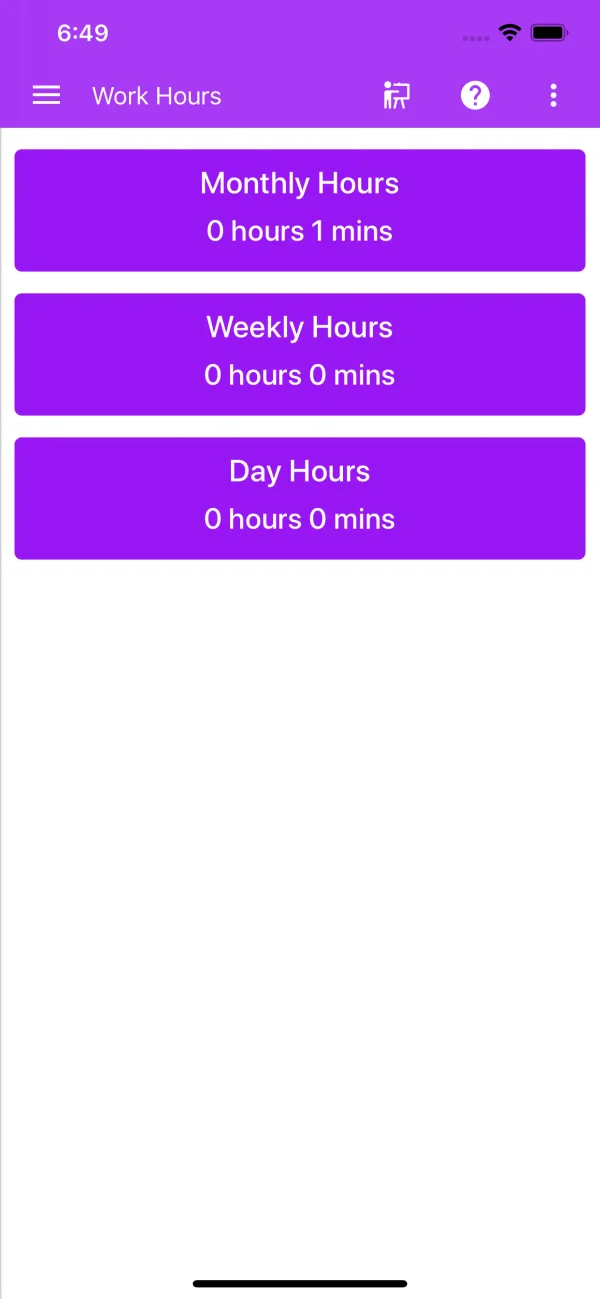
Within the dashboard of the app, users are able to see their cumulative amount of work and break hours spanning their hourly, weekly, monthly, and total hours logged as well as the address of the employee’s work location. The dashboard presents users with various options to log the amount of time spent during both work and break hours per day.
• Check-In
Record the exact time an employee starts their workday up until their mandatory lunch break.
• Lunch-In
Logs the amount of time an employee spends on break.
• Lunch-Out
Recommences the recording of the employee’s work hours for the day.
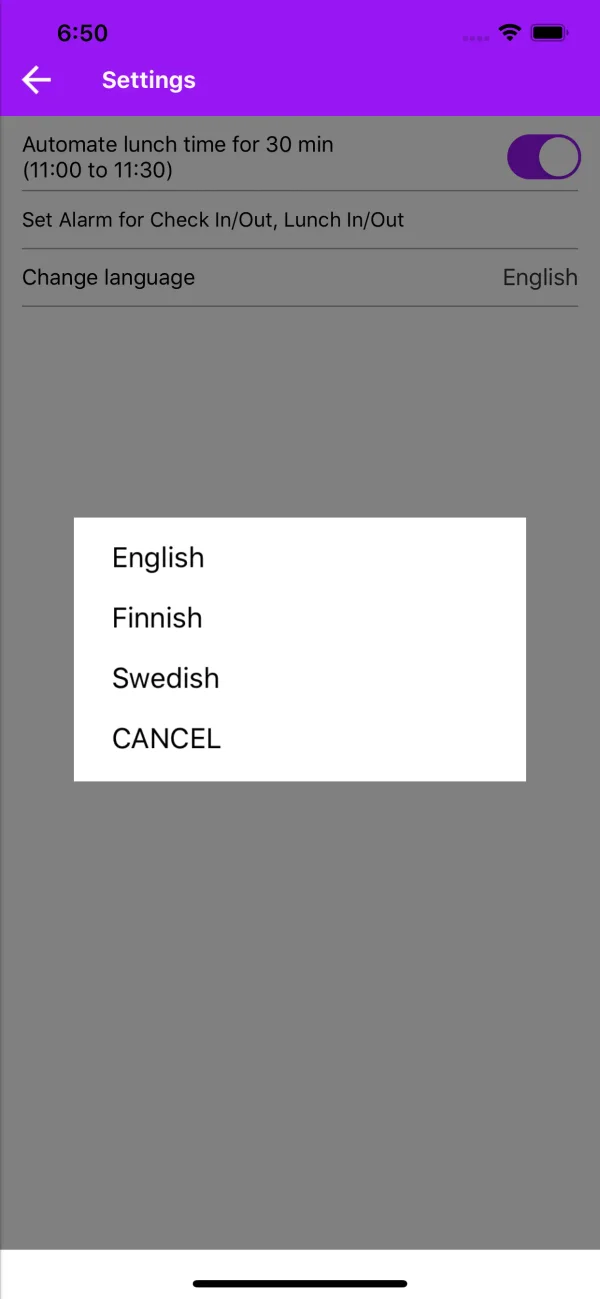
Additionally, employees are able to set an automated lunchtime to bypass the need to manually punch in and out.
• Check-Out
Concludes the employee’s work hours for the day.
At the end of the day, you as the manager will have each employee’s work and break hours on record, every day.
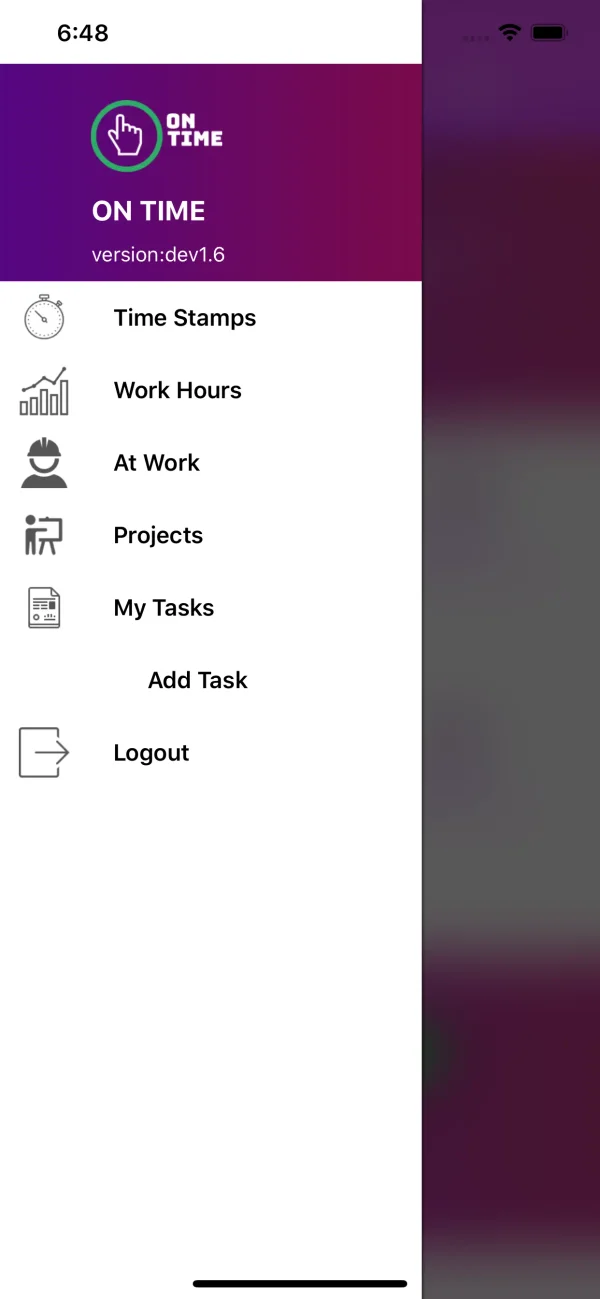
Projects Tab
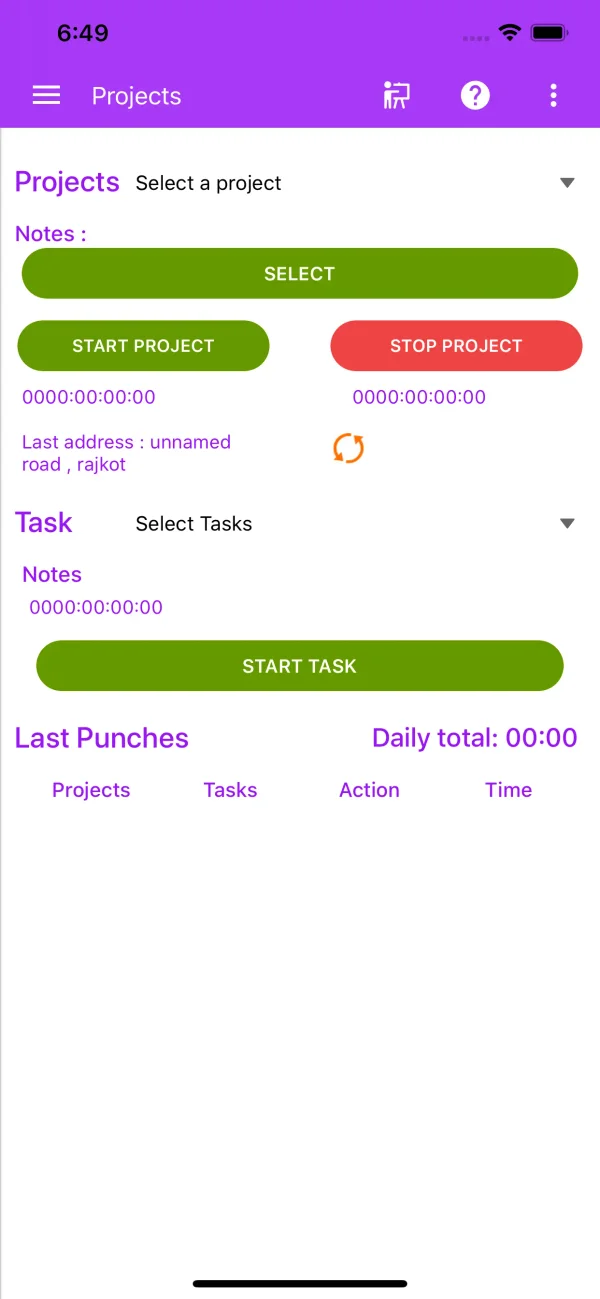
Employees are able to log the amount of time spent working on a single task for a particular client.
• Employees begin a task after selecting from a list of both Client and Task options
• The time at which they begin the task will be logged
• At the end of their workday, employees select whether the project has been completed or if it is still in progress.
• Option to add a note to the task as additional information they wish for the manager to see, within the Projects tab, managers will also be able to see the total work-time spent on all tasks as well as the state of completion.
Tasks Tab
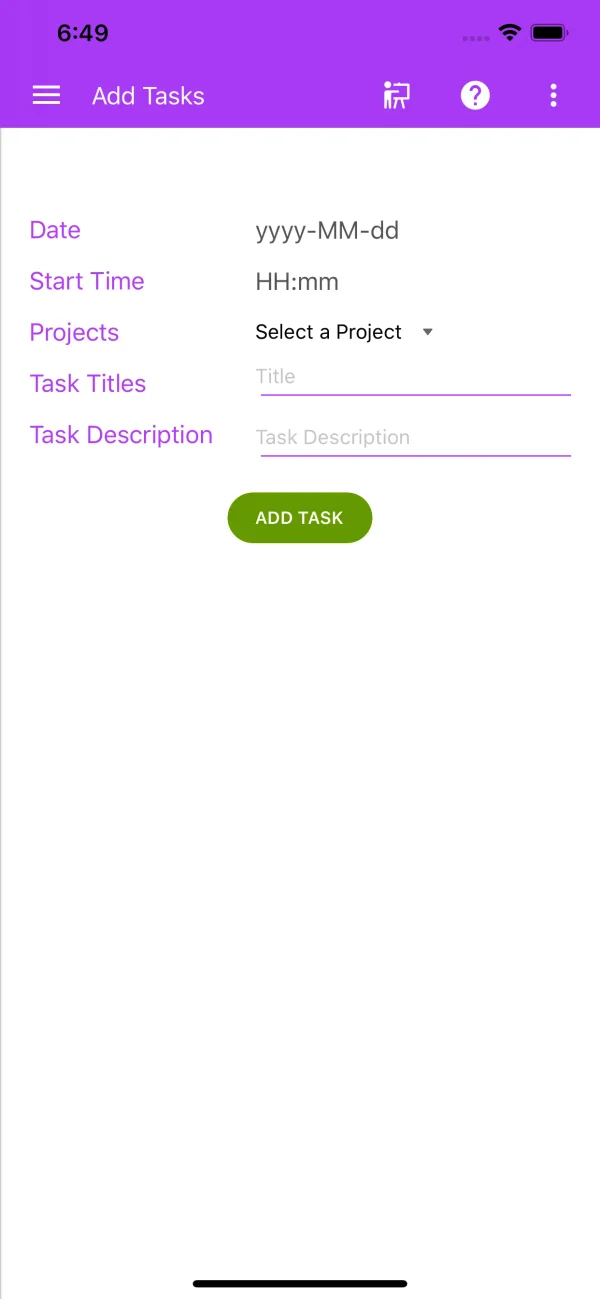
Managers are also able to assign tasks to specific employees within the Tasks tab. Here, managers can select the type of task, the date on which the task will begin, as well as who the employee taking on the task will be.
Notes Tab
Add individual notes per employee or per project, or add team notes for everyone to view.
Novedades
Versión 4.0 · 1/5/2024
- improvements and bug fixing
Privacidad de la aplicación
Lo que OnTimeiOS declara en App Store sobre cómo esta aplicación gestiona los datos.
-
No se recopilan datos
El desarrollador no recopila ningún dato de esta aplicación.
Las prácticas de privacidad pueden variar, por ejemplo, según las funciones que uses o tu edad.
Información
- Vendedor
- Ontime Innovations Ab Oy
- Categoría
- Economía y empresa
- Versión
- 4.0
- Actualizado
- 1/5/2024
- Publicado
- 1/9/2021
- Tamaño
- 6,5 MB
- Requiere
- iOS 14.0 o posterior
- Clasificación por edad
- 4+
- Precio
- Gratis
- Idiomas
- Inglés, Finés, Sueco
- Copyright
- © OnTime Innovations Oy
Quizá también te guste
-
 Project BoardProductividad
-
 Metal Work EB80UpProductividad
-
 MobiNautaProductividad
-
 Mantra: Project ManagementProductividad
-
 Enterprise 4bProductividad
-
 EuroSafetyProductividad
-
 BreakerPRO Dismantler SystemProductividad
-
 ObraFácil: Gestión de ObrasParte diario de obra y costes
-
 ScanOnTime GPS AttendanceEconomía y empresa
-
 MoontalkEconomía y empresa