OrigNotes
Notes, PDF Markup & Mind Maps
Diseñada para iPhone, iPad, iPod touch
Gratis
- Clasificación por edad4+
- CategoríaProductividad
- DesarrolladorHangzhou Future Writing Technology Co.,LTD.
- IdiomasInglés+ 31 más
- Tamaño106,0 MB
Enlaza a la página oficial de App Store
Download.org no aloja ningún archivo de OrigNotes. El botón abre la página de la aplicación en App Store, donde la publica Hangzhou Future Writing Technology Co.,LTD. Ficha comprobada por última vez el 17/11/2026.
Capturas de pantalla
Acerca de
El desarrollador no ha proporcionado este texto en tu idioma.
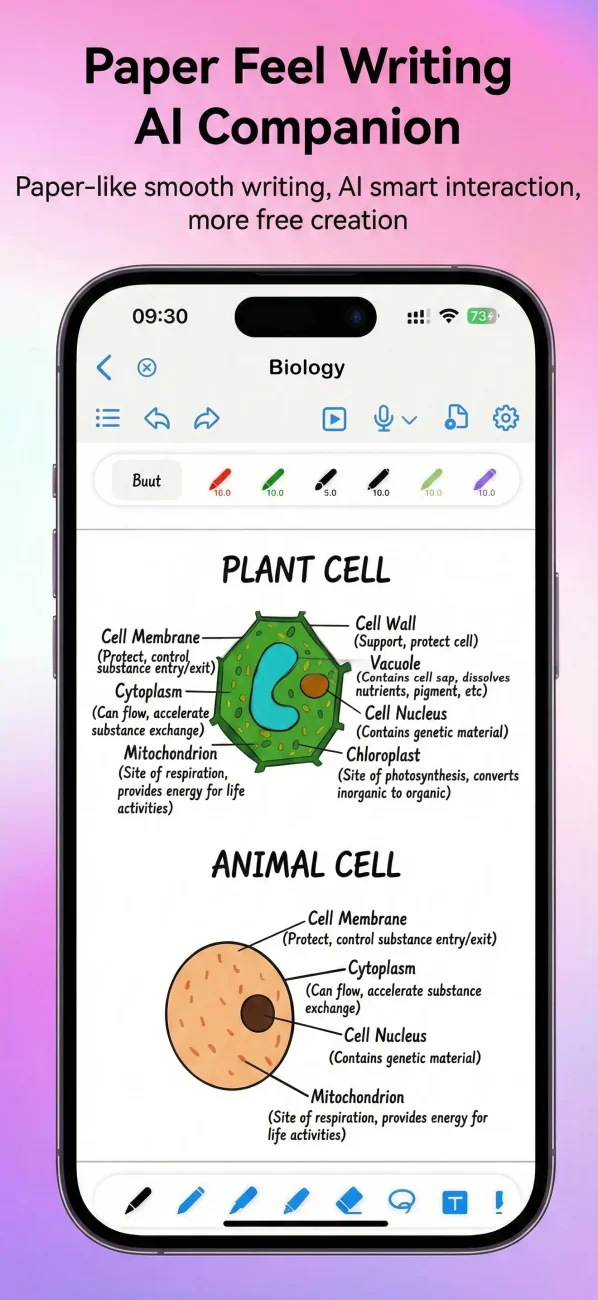
OrigNotes is a powerful, free digital note-taking app built for iPad and iPhone.
Whether you're taking handwritten notes, annotating PDFs, organizing ideas with mind maps, or capturing inspiration with images, audio, and video, OrigNotes gives you the tools to keep everything in one place.
Write naturally with Apple Pencil, convert handwriting into editable text, search through your notes, and customize your workspace to fit the way you think and work.
OrigNotes is free to use, and we're committed to keeping it that way.
If you're enjoying OrigNotes, we'd greatly appreciate a 5-star review. Your support helps us continue improving the app and building new features for everyone.
Have an idea or feature request? Leave us a review or contact us directly through the app. You can also check our Future Plans inside OrigNotes to see what we're working on and follow the progress of upcoming features.
KEY FEATURES
• Handwriting & Drawing
Enjoy a natural writing experience with a variety of pens, brushes, and creative tools designed for Apple Pencil.
• PDF Reading & Annotation
Import PDFs to read, highlight, annotate, draw, and take notes directly on your documents.
• Mind Maps
Create mind maps to organize ideas, study topics, and brainstorm visually. Add topics and subtopics, drag and rearrange nodes, and customize your mind map to fit your ideas.
• Handwriting to Text
Turn handwritten notes into editable text for easier editing, organizing, and reuse.
• Powerful Search
Find information faster by searching handwritten notes and text inside PDFs.
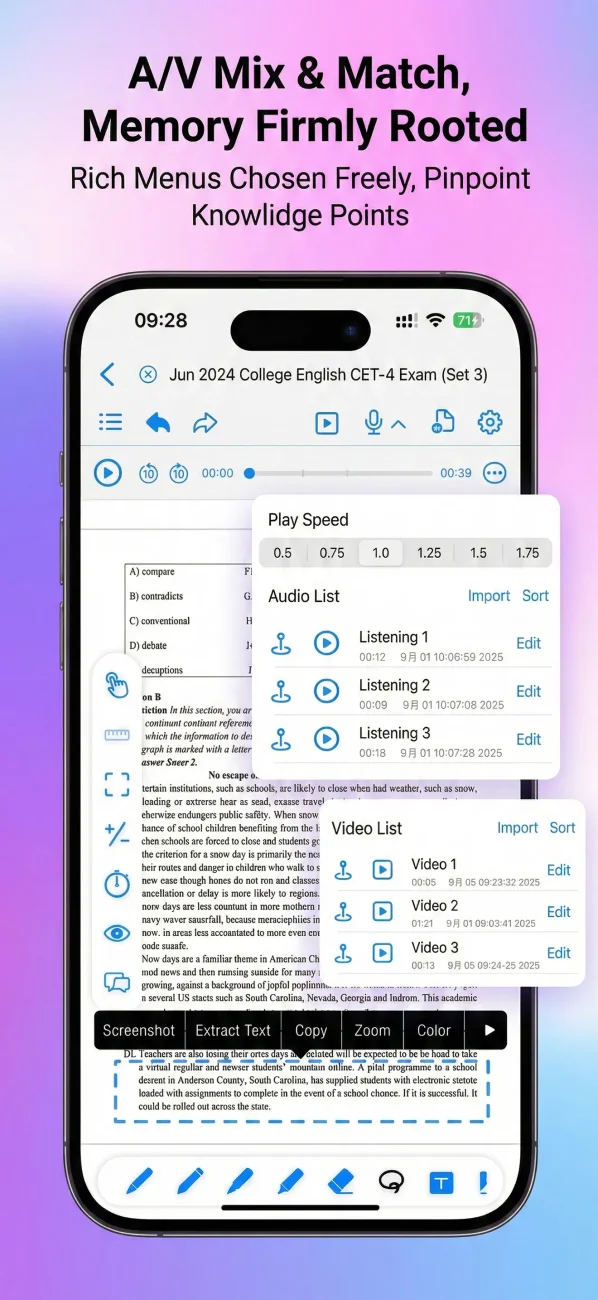
• Images, GIFs, Audio & Video
Bring your notes to life with images, animated GIFs, audio, and video—all within your notebook.
• Personalized Notebooks
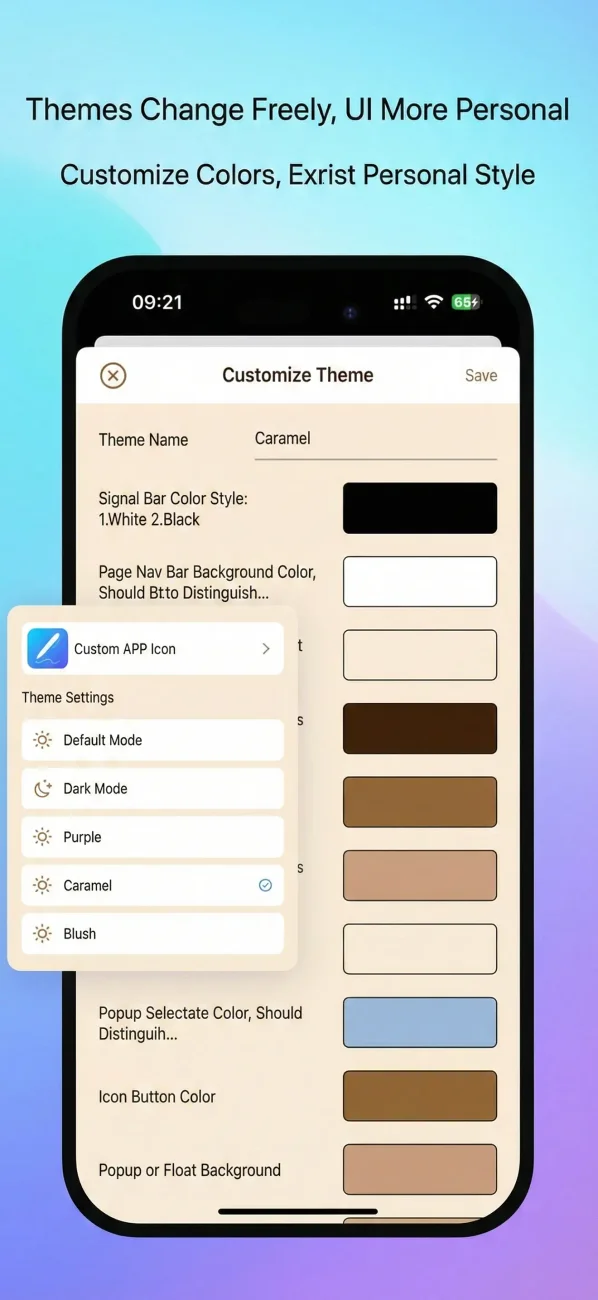
Customize covers, paper templates, and themes to create a workspace that feels like your own.
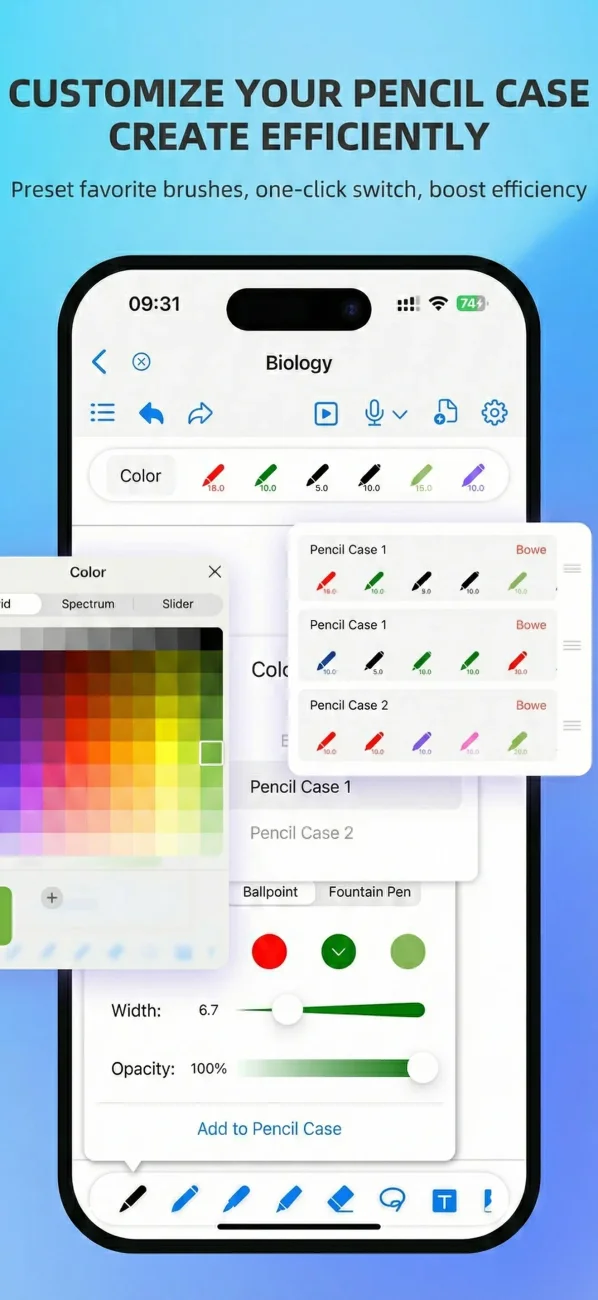
• Custom Toolbar & Tool Box
Arrange your favorite tools around the way you work and keep the ones you use most within easy reach.
• Smooth Writing Experience
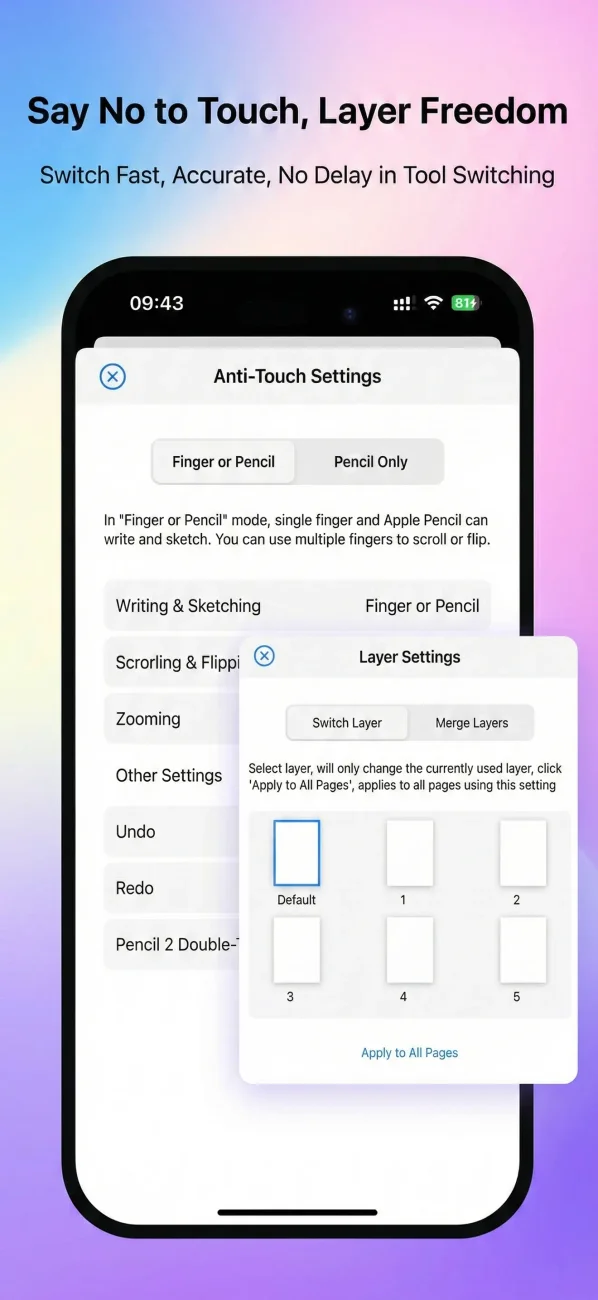
Optimized handwriting, palm rejection, and Apple Pencil interactions help writing feel smooth, responsive, and natural.
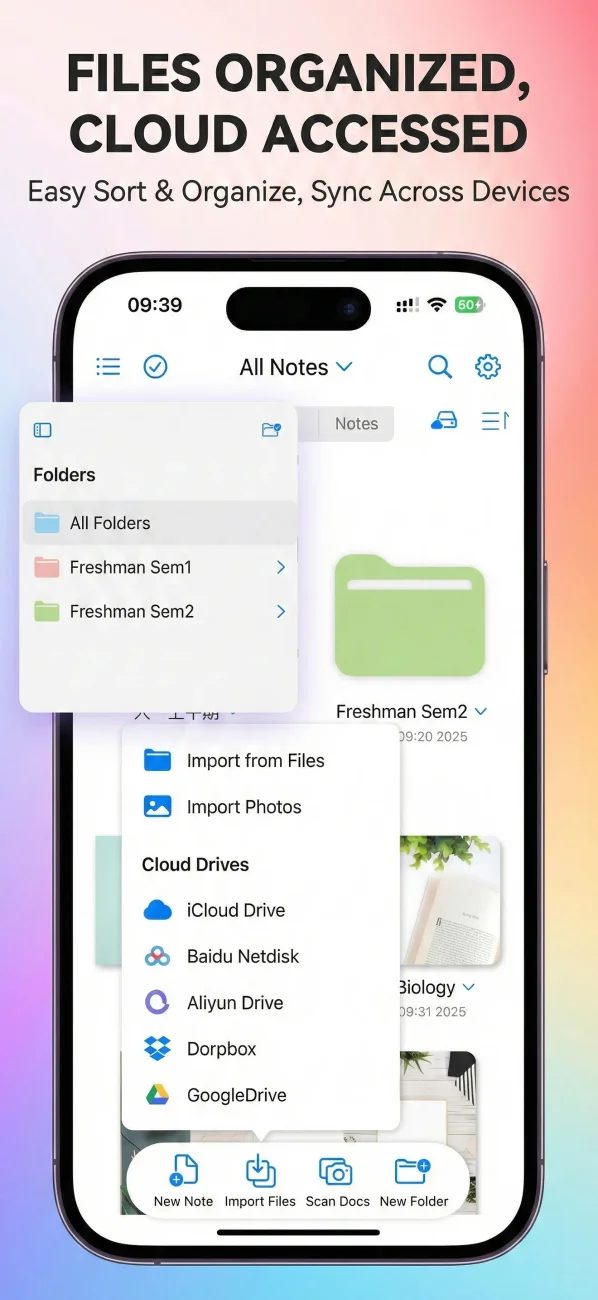
• Easy Organization
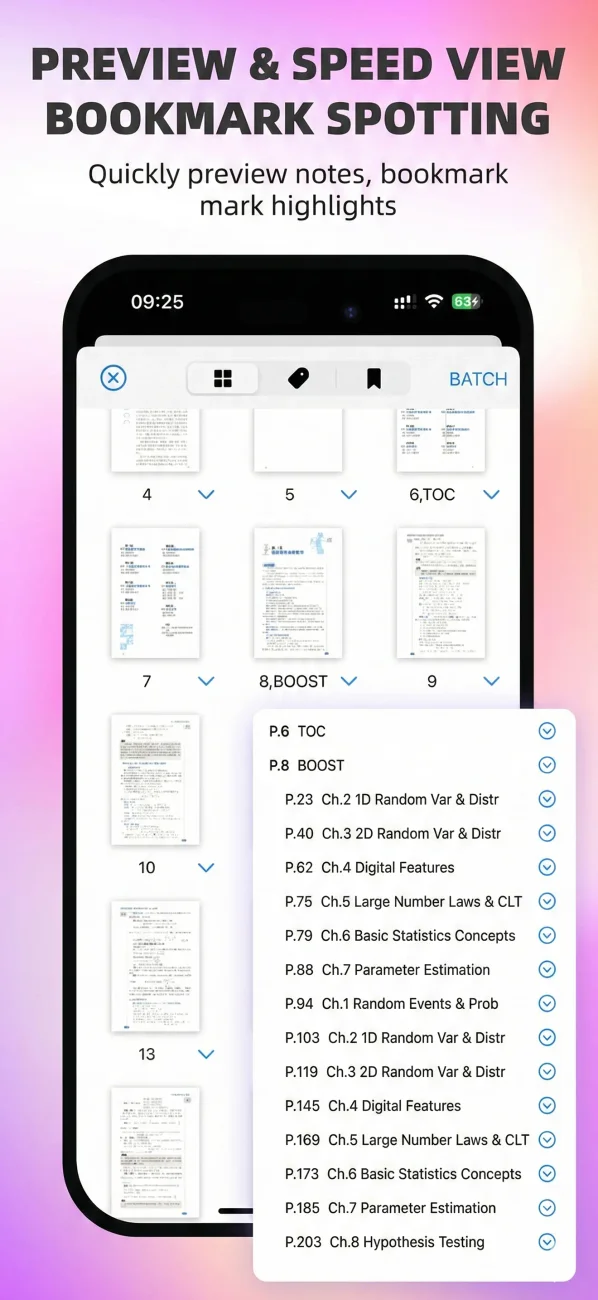
Organize and sort your documents, bookmark important pages, and quickly get back to the content you need.
• Data Protection & Backup
Multiple backup options and improved data protection help keep your important notes safe.
• Cloud Backup
Back up your notebooks to cloud storage for easier long-term storage and management.
MADE FOR THE WAY YOU TAKE NOTES
From class notes and study materials to work documents, PDF annotation, brainstorming, and everyday ideas, OrigNotes gives you a flexible space to capture, organize, and develop your thoughts.
Simple when you need it. Powerful when you need more.
Write. Think. Create. Organize.
All in OrigNotes.
Novedades
Versión 2.0.4 · 8/11/2026
2.0.4 Release Notes:
New Features:
1. Added support for importing notes from and automatically backing them up to Quark Drive and OneDrive.
2. Added Mac canvas controls for drawing with a mouse, panning, zooming, turning pages, and using common editing shortcuts.
3. The AI assistant now renders Markdown and math formulas as responses stream. You can also choose separate models for chat and image recognition.
Improvements:
1. Improved chat history loading, scroll positioning, and image sending in the AI assistant.
2. Added hourly cloud backup intervals, clearer upload status, and improved options for keeping a copy or replacing a note during restoration.
3. Improved image and text box selection and resizing, with easier-to-grab handles on small selections.
4. Improved scratch paper previews, mind map node text, and thumbnails for some complex PDFs.
Bug Fixes:
1. Fixed a layout issue when switching between list and grid views while the home screen was refreshing.
2. Fixed an issue switching between Favorites and Thumbnails with two windows open, and a potential crash when dragging page thumbnails.
3. Fixed a potential crash when swiping to select photos and added an error message when image sharing from Quick Access fails.
4. Fixed unintended marks when writing while the canvas was still scrolling, and an issue that could prevent drawing after quickly switching to the eraser.
5. Fixed an issue where the feedback form could be cut off at the bottom or close unexpectedly while typing.
Privacidad de la aplicación
Lo que Hangzhou Future Writing Technology Co.,LTD. declara en App Store sobre cómo esta aplicación gestiona los datos.
-
Datos no vinculados a ti
Pueden recopilarse, pero no se vinculan a tu identidad.
- Identificadores
- Diagnóstico
Las prácticas de privacidad pueden variar, por ejemplo, según las funciones que uses o tu edad.
Información
- Vendedor
- Hangzhou Future Writing Technology Co.,LTD.
- Categoría
- Productividad
- Versión
- 2.0.4
- Actualizado
- 8/11/2026
- Publicado
- 10/4/2023
- Tamaño
- 106,0 MB
- Requiere
- iOS 15.0 o posterior
- Clasificación por edad
- 4+
- Precio
- Gratis
- Idiomas
- Inglés, Árabe, Catalán, Checo, Danés, Neerlandés, Finés, Francés, Alemán, Griego, Hebreo, Hindi + 20 más
- Copyright
- © Hangzhou Future Writing Technology Co., Ltd
Quizá también te guste
-
 Feenote - Notes and listsProductividad
-
 Prodrafts: Notas infinitasEscritura, mapas mentales, PDF
-
 BoardNotes: Notes, PDF, DocsProductividad
-
 Notes Writer: PDF, Test, DocsFichas, grabadora de voz, IA
-
 Element Note: Cuaderno digitalNotas a mano y anotar PDF
-
 QuickNotes X: Notas, AI y PDFNote-Taking, Made Easy.
-
 Notas para iPad - CuadernoPlanificador y Bloc de Notas
-
 UltraNotes - Note Taking & PDFProductividad
-
 Noteful: Notes & PDF MarkupHighlight. Write. Learn.
-
 Flexcil Note & Good PDF ReaderNotas,Documento,Editor,Agenda