
PaperScorer Scanner
Smart Bubble Sheet Scanner
Diseñada para iPhone, iPad
Gratis
- Clasificación por edad4+
- CategoríaEducación
- DesarrolladorNowTwo, LLC
- IdiomasInglés
- Tamaño66,2 MB
Enlaza a la página oficial de App Store
Download.org no aloja ningún archivo de PaperScorer Scanner. El botón abre la página de la aplicación en App Store, donde la publica NowTwo, LLC. Ficha comprobada por última vez el 15/11/2026.
Capturas de pantalla
Acerca de
El desarrollador no ha proporcionado este texto en tu idioma.
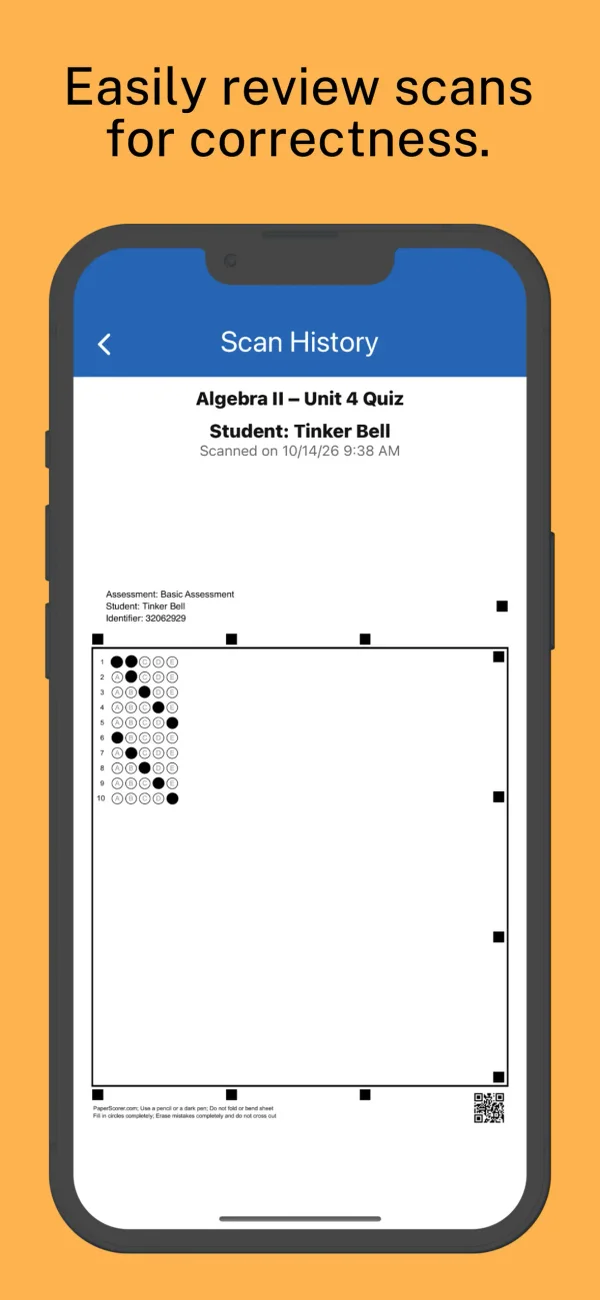
PLEASE NOTE: This app will ONLY work with testing sheets printed from the PaperScorer web app. You will need to create a PaperScorer account through our website to print new testing sheets. This app will NOT work with any other testing sheets printed from another company. This app is ONLY used for scanning already printed sheets.
PaperScorer is a full service bubble scanning platform that empowers teachers to quickly and easily create bubble sheets, scan bubble sheets and review the data.
We have deep integrations with a number of powerful LMS platforms; Canvas, Blackboard, Google Classrooms, Classify Learning, and much more. Let us do the heavy lifting for you. Once you scan sheets with your iOS smartphone or tablet, we will send auto scored data directly into assignments or tests created on those platform.
This application will work on any Apple iOS smartphone or tablet released in the last 3-4 years. You will not have to worry about buying expensive scanning equipment. Simply use your own smart phone to scan completed sheets using the PaperScorer app.
You can manage assessments online through our teacher app. This app is very powerful and easy to use when creating/managing classes and assessments. Teachers will be able to create assessments with the following question types; single select, multi select, numeric response and written response. Once assessments are completed, teachers will use the iOS scanning app to get score data into our system.
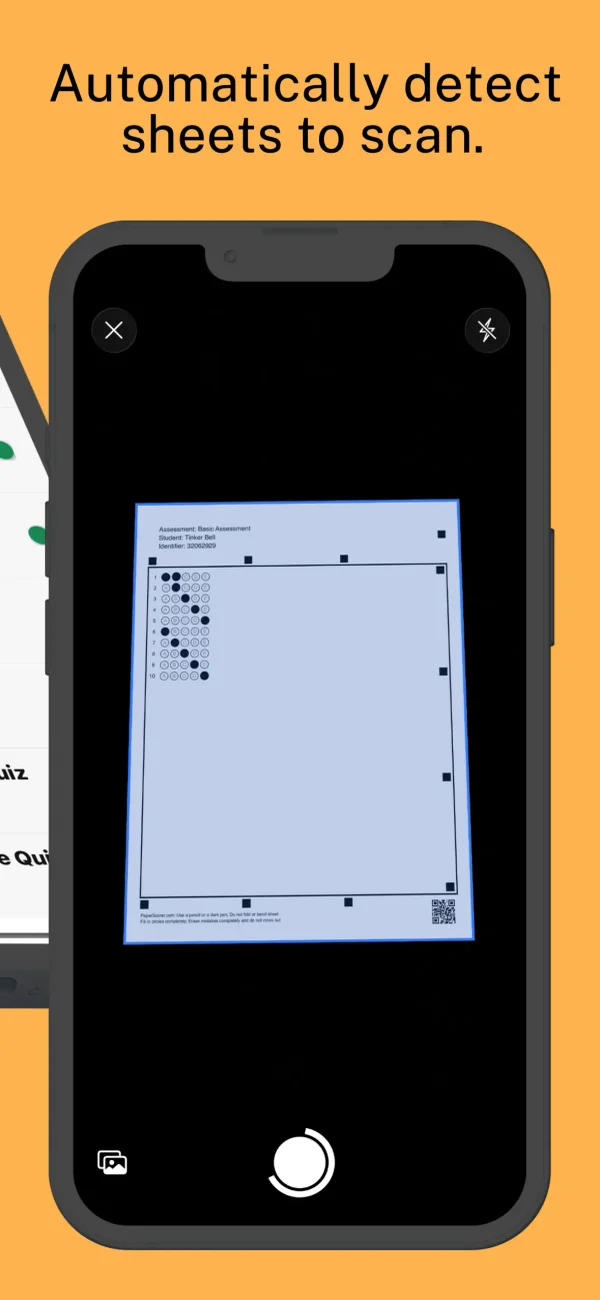
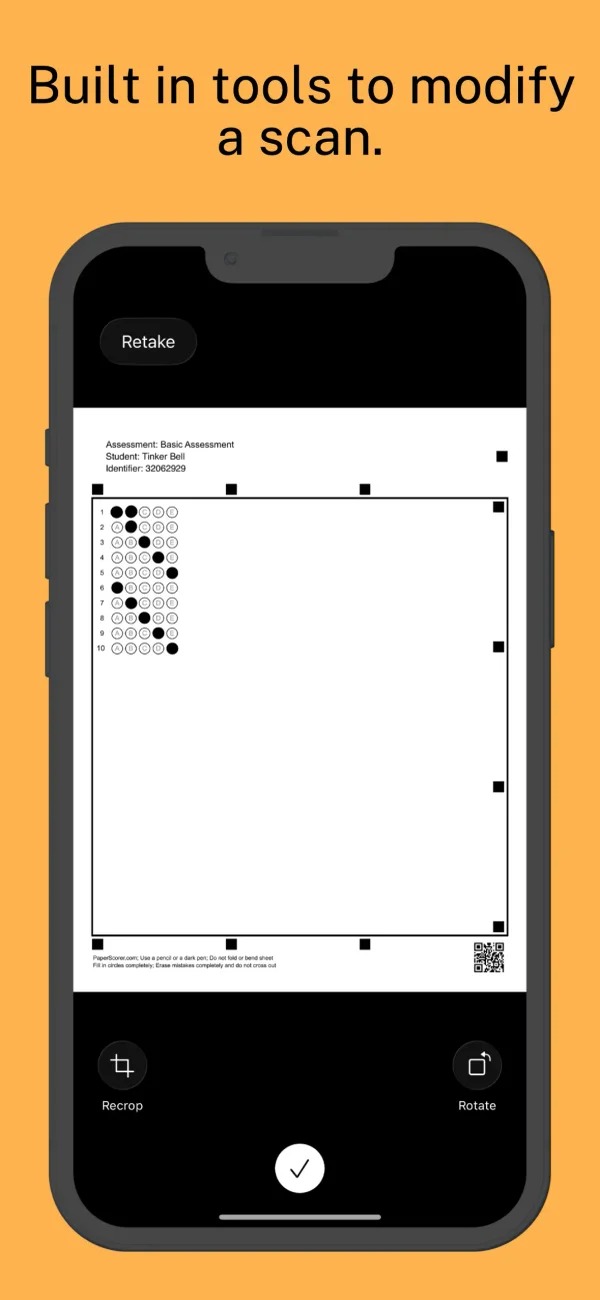
Our bubble sheets on printed on standard 8.5x11 sheets of paper. There is no need to buy special paper. You can use any standard printer to print sheets where students can fill in their ID, or you can print sheets with student information already pre-filled. Furthermore, our iOS app will automatically detect our sheets to make it really easy to scan completed tests.
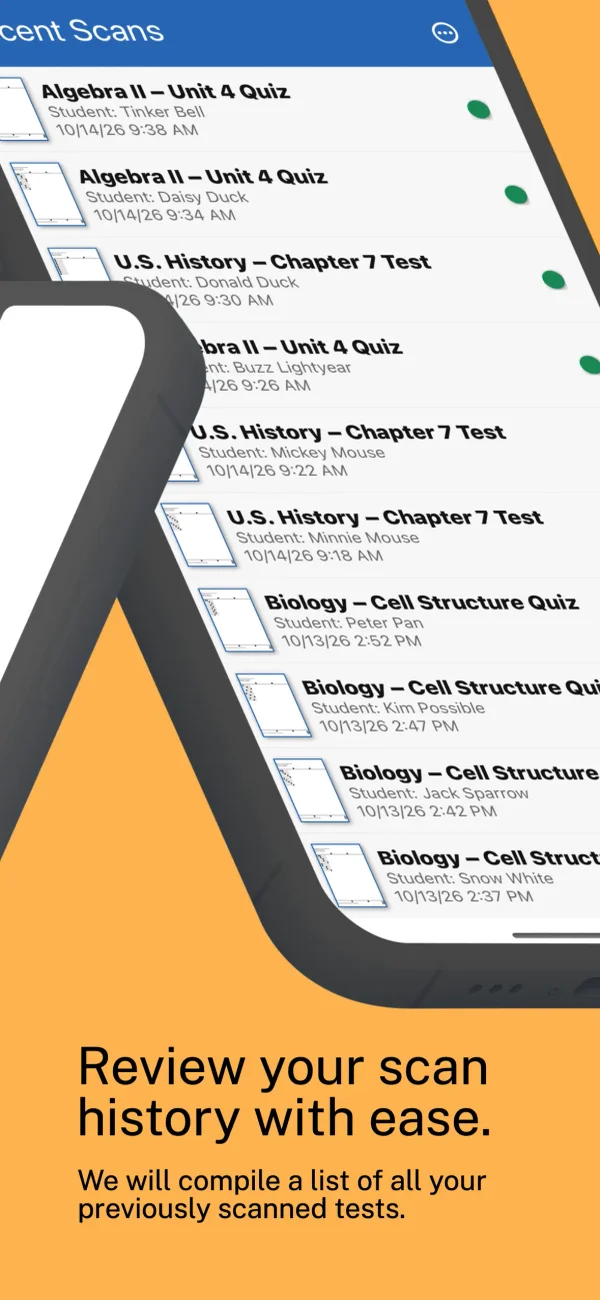
Once scanning is complete, you can review the results online using our detailed reports. PaperScorer allows teachers to add common core standards to any question, and the teacher app will support tagging questions to slice data differently. Teachers can also export the data to review scanned information within an external reporting tool.
Novedades
Versión 6.1.1 · 20/10/2026
- Performance improvements.
- Stability improvements.
Privacidad de la aplicación
Lo que NowTwo, LLC declara en App Store sobre cómo esta aplicación gestiona los datos.
-
Datos no vinculados a ti
Pueden recopilarse, pero no se vinculan a tu identidad.
- Identificadores
- Datos de uso
- Diagnóstico
Las prácticas de privacidad pueden variar, por ejemplo, según las funciones que uses o tu edad.
Información
- Vendedor
- NowTwo LLC
- Categoría
- Educación
- Versión
- 6.1.1
- Actualizado
- 20/10/2026
- Publicado
- 15/3/2024
- Tamaño
- 66,2 MB
- Requiere
- iOS 16.4 o posterior
- Clasificación por edad
- 4+
- Precio
- Gratis
- Idiomas
- Inglés
- Copyright
- © NowTwo, LLC.
Quizá también te guste
-
 Quick Key: Califica exámenesEscanea hojas de respuestas
-
 MarkSheet: hoja de respuestaApp de hoja de respuestas OMR
-
 Exam Reader-Optical Test GradeEducación
-
 Examica for TeachersTests creator and scanner
-
 ScanGraderCalificación automatizada
-
 Answer Sheet with OverviewEducación
-
 Escáner OMR – Corregir ExamenCorrige hojas de respuestas
-
 ScanNGradeEducación
-
 Test Plus: Escanear ExamenesEscáner de hojas de respuestas
-
 ZipGradeEducación