PaperTrail: TaskPaper Client
A pocket full of TaskPaper
Diseñada para iPhone, iPad
9,99 €
- Clasificación por edad4+
- CategoríaProductividad
- Desarrolladorgingerbeardman
- IdiomasInglés
- Tamaño2,8 MB
Enlaza a la página oficial de App Store
Download.org no aloja ningún archivo de PaperTrail: TaskPaper Client. El botón abre la página de la aplicación en App Store, donde la publica gingerbeardman. Ficha comprobada por última vez el 22/11/2026.
Capturas de pantalla
Acerca de
El desarrollador no ha proporcionado este texto en tu idioma.
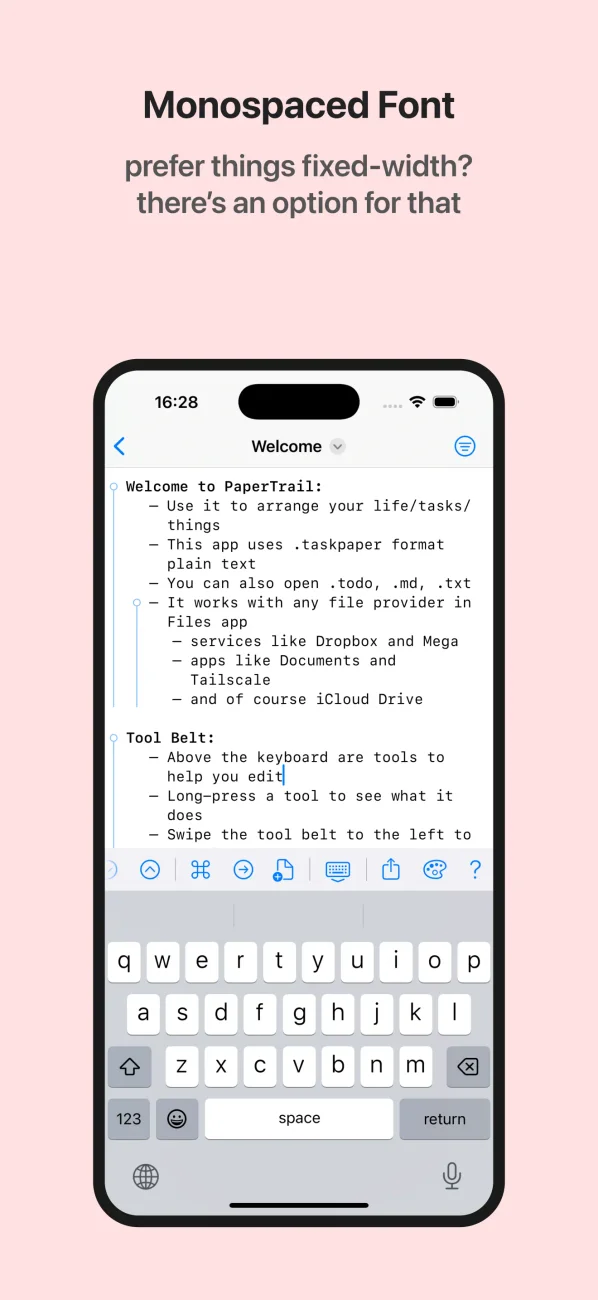
PaperTrail brings full TaskPaper editing to iOS and iPadOS. TaskPaper is plain text productivity—simple, fast, flexible.
Projects, tasks, notes, and tags. Filter, search, and archive. All in plain text files you can sync via iCloud and edit in TaskPaper on your Mac.
FEATURES
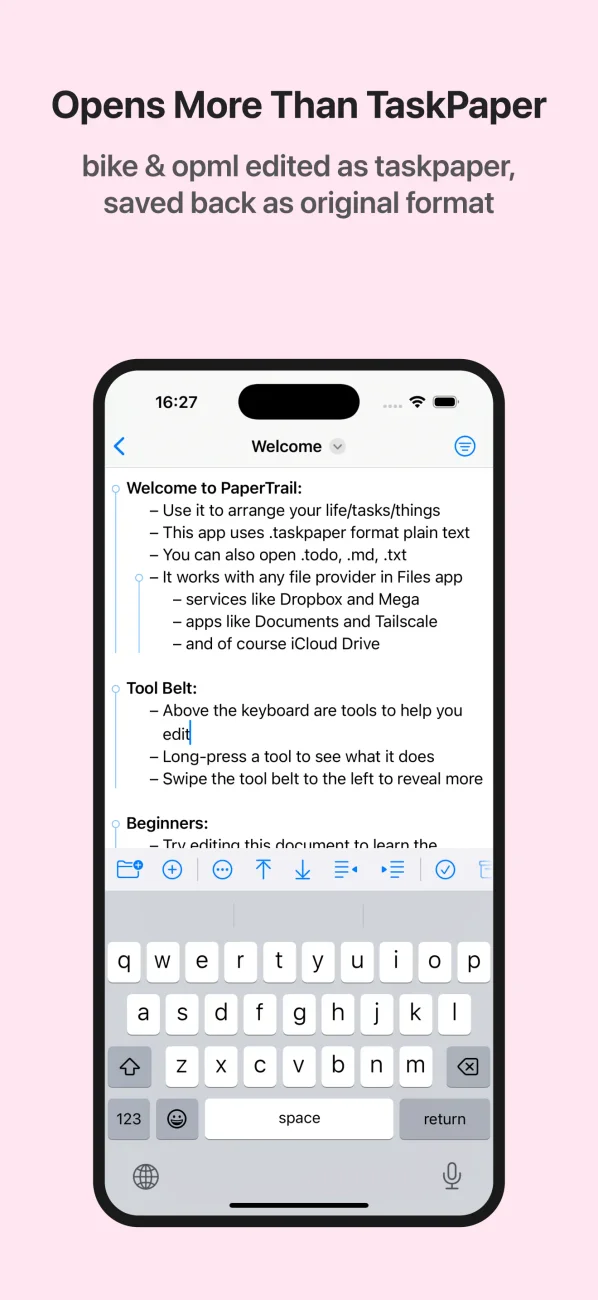
• Full TaskPaper format support (.taskpaper, .todo, .txt, .md)
• Open Bike (.bike) and OPML (.opml) outlines, with clear warnings when an import can't carry everything across
• OPML and Bike-style export, so tags and done state round-trip back into Bike
• Fold and focus into any subtree for distraction-free editing
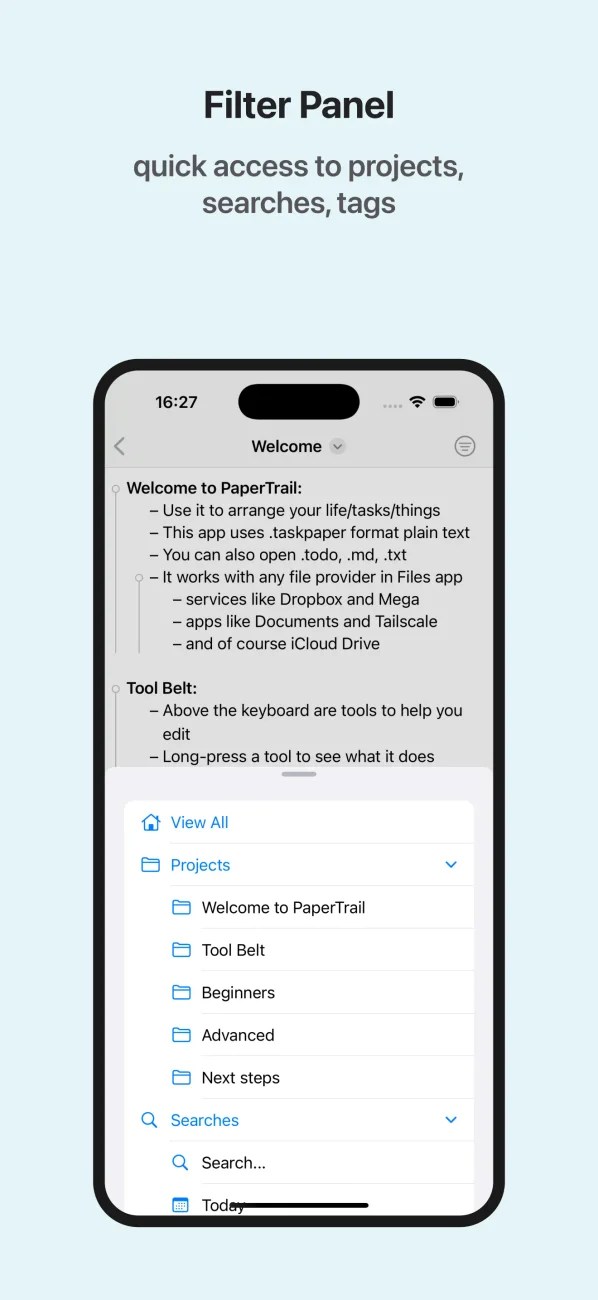
• Full query language with text, tag, boolean, and semantic search
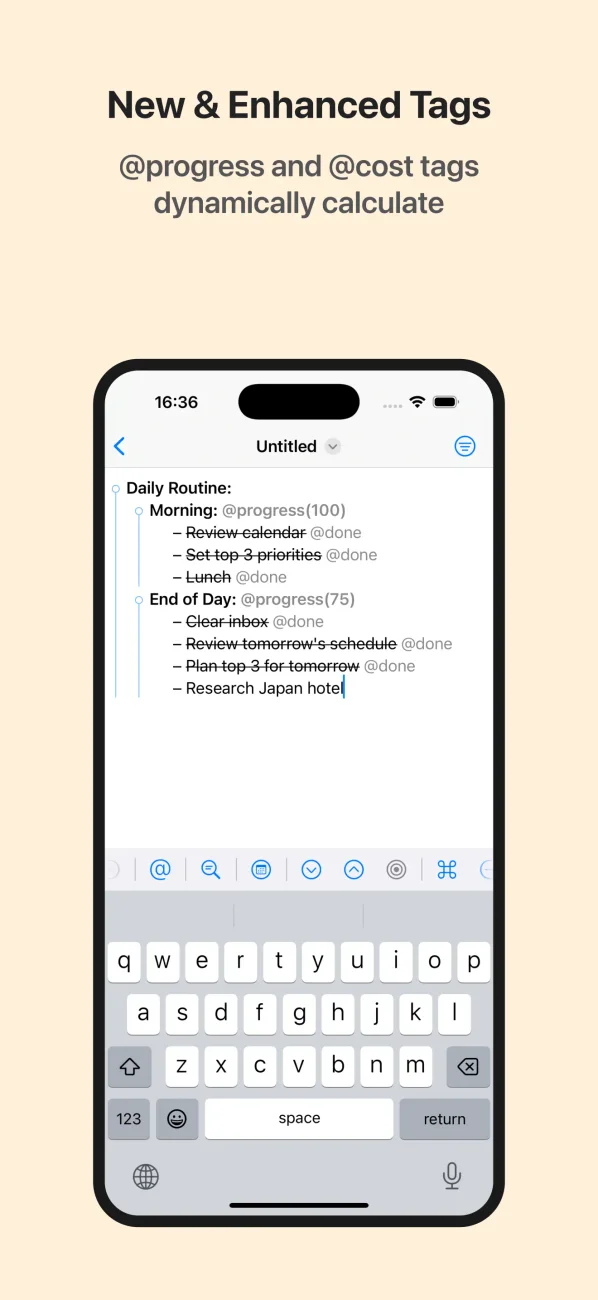
• Tag system with dates, progress tracking, and cost aggregation
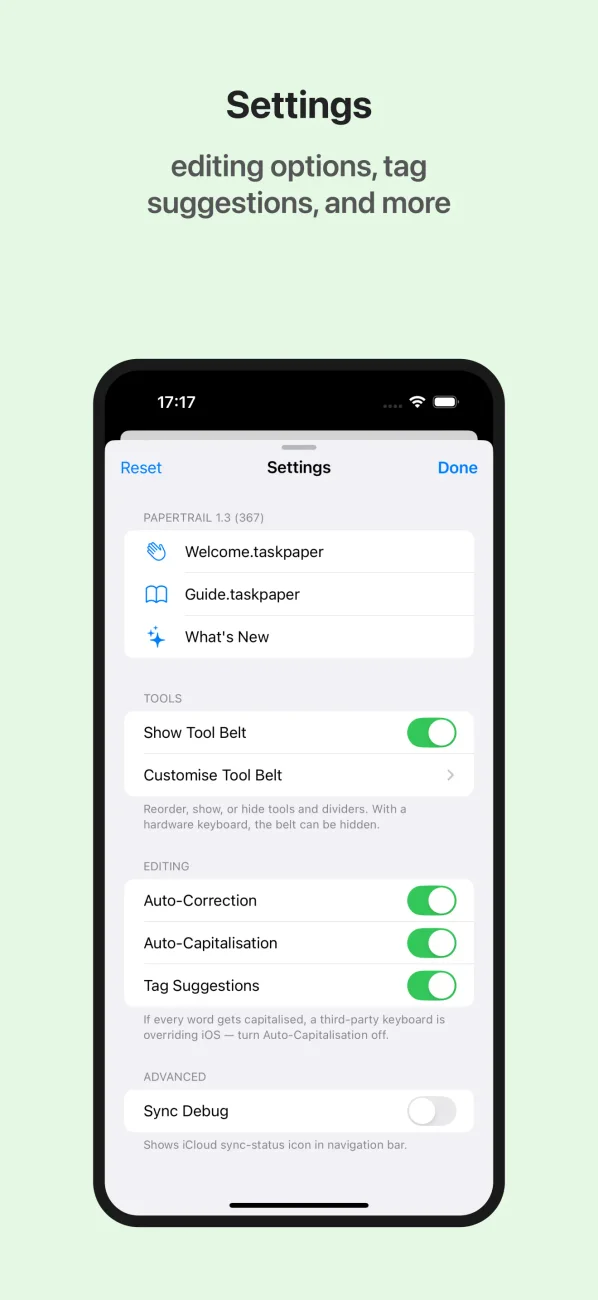
• Tag autocomplete ranked by how often you use each tag
• Smart filters with edge-swipe gestures and an iPad side-by-side sidebar
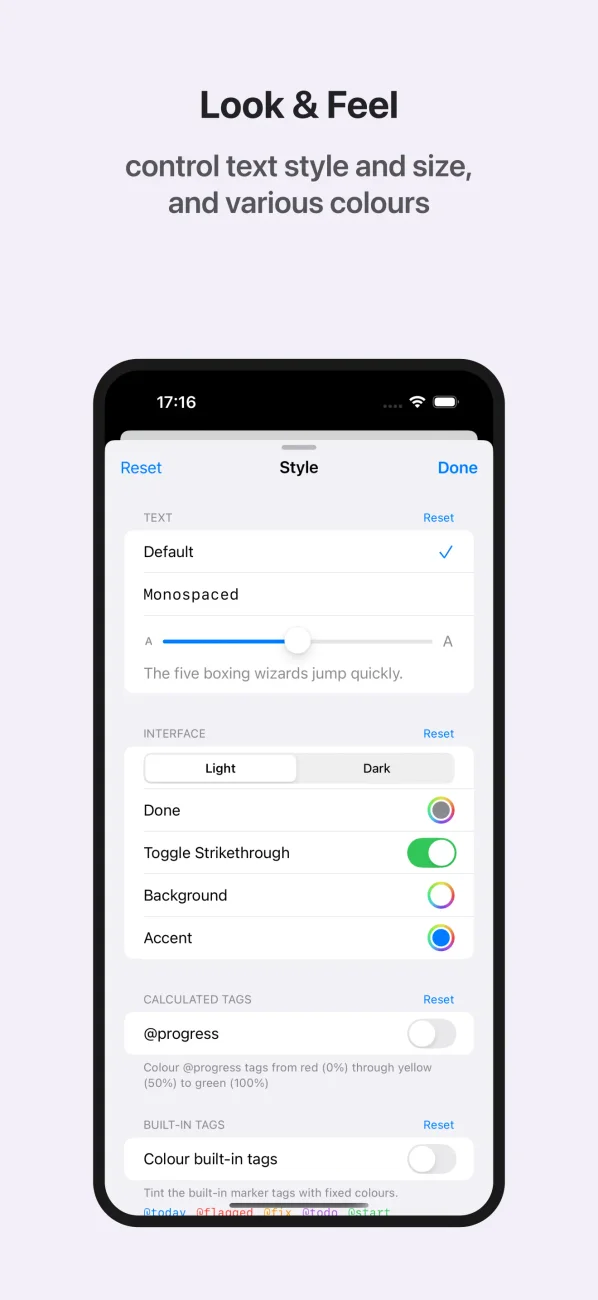
• Colour lines by priority, depth, or due date proximity
• Natural date parsing and two-way iOS Reminders integration—import a Reminders list as a project
• Quick capture: append tasks, notes, clipboard text, or web links to your most recent document
• Planning shortcuts: Open in Today, Random Next Task, and Morning Brief
• Shortcuts, Siri, Action Button, and Spotlight integration via App Intents
• Find & update documents from Shortcuts: run queries, mark done, set tags, append tasks
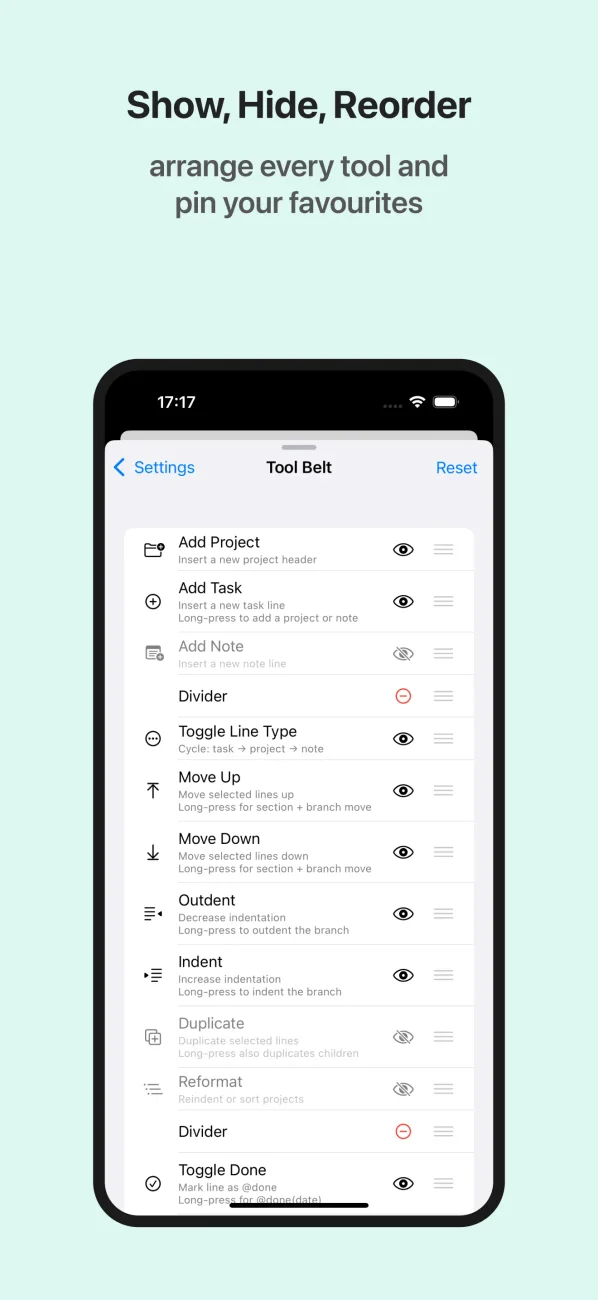
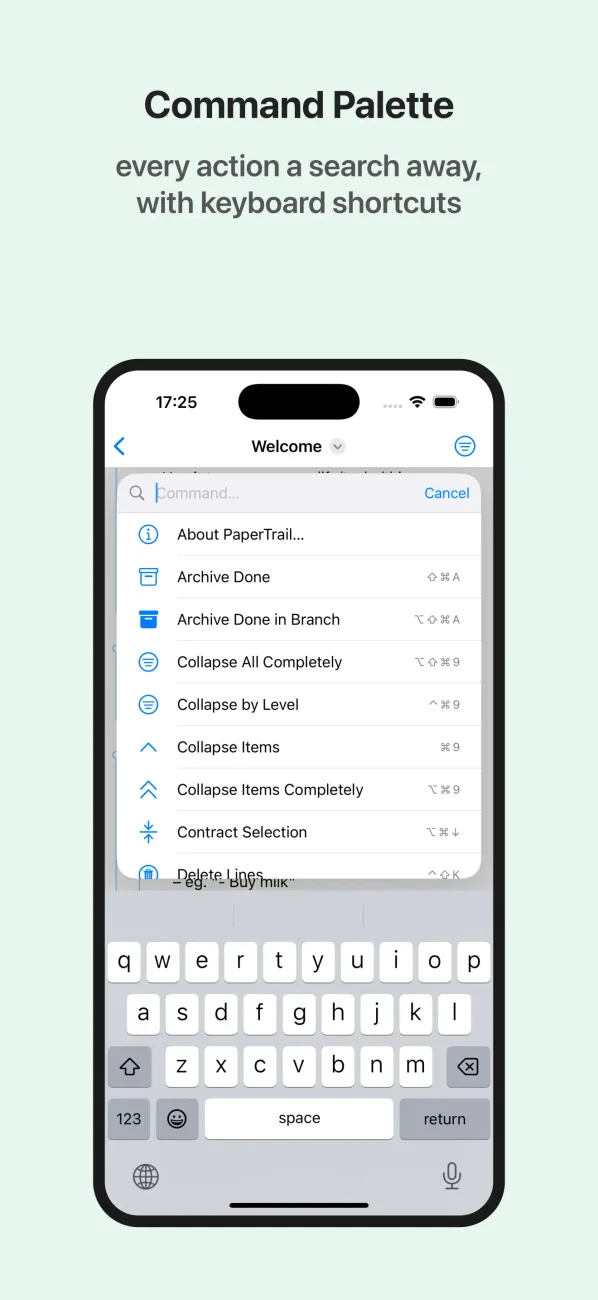
• Command palette for projects, searches, tags, and every editor command
• iPadOS menu bar with Item, Tag, Outline, View, and Palette menus
• Export documents as interactive HTML slide presentations or as OPML outlines
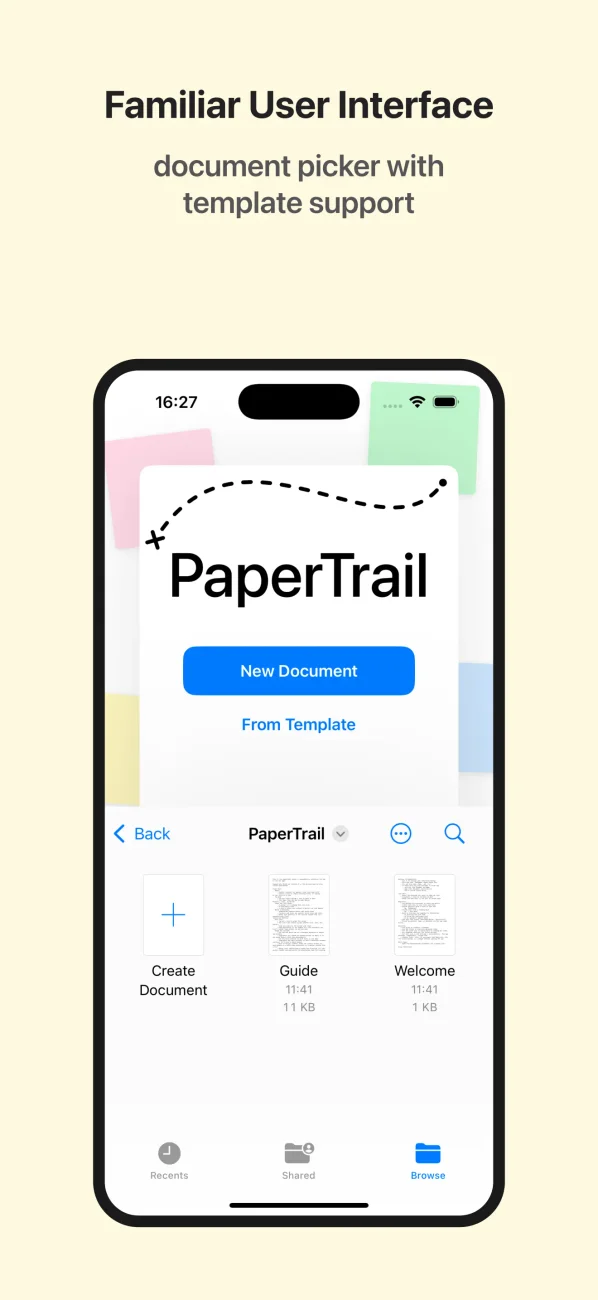
• Built-in and custom document templates
• 50+ keyboard shortcuts for power workflow
• Native Swift app—tiny install size, built for speed
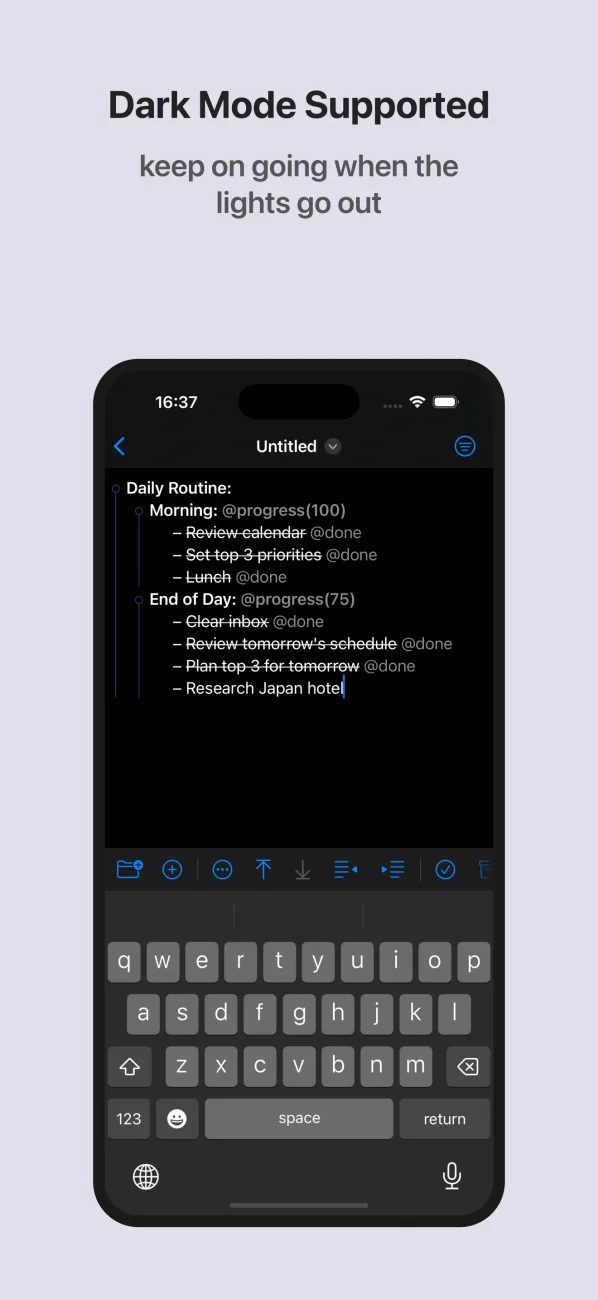
• Dynamic Type, VoiceOver, and dark mode support
Novedades
Versión 1.4.5 · 19/11/2026
- Performance improvements
Privacidad de la aplicación
Lo que gingerbeardman declara en App Store sobre cómo esta aplicación gestiona los datos.
-
No se recopilan datos
El desarrollador no recopila ningún dato de esta aplicación.
Las prácticas de privacidad pueden variar, por ejemplo, según las funciones que uses o tu edad.
Información
- Vendedor
- Matt Sephton
- Categoría
- Productividad
- Versión
- 1.4.5
- Actualizado
- 19/11/2026
- Publicado
- 10/4/2026
- Tamaño
- 2,8 MB
- Requiere
- iOS 17.0 o posterior
- Clasificación por edad
- 4+
- Precio
- 9,99 €
- Idiomas
- Inglés
- Copyright
- © 2025 Matt Sephton
Quizá también te guste
-
 Traverse outliner mobileProductividad
-
 AnecnoteProductividad
-
 FSNotesProductividad
-
 Memo AI - Notas de Voz & ChatGraba, Transcribe, Pregunta
-
 2Do: Lista y Gestor de TareasAgenda, Recordatorios, Notas
-
 Beam BrowserSidebar, Spaces & Command Bar
-
 TaskForge: Tareas ObsidianTo-do en Markdown y widgets
-
 Quick Notes - SupasendProductividad
-
 Hour by Hour: Travel & EventsProductividad
-
 Quick Capture - Vault notesProductividad