
- Clasificación por edad4+
- CategoríaProductividad
- DesarrolladorSungchul Lim
- IdiomasInglés
- Tamaño31,4 MB
Enlaza a la página oficial de App Store
Download.org no aloja ningún archivo de PassforAll. El botón abre la página de la aplicación en App Store, donde la publica Sungchul Lim. Ficha comprobada por última vez el 13/11/2026.
Capturas de pantalla


Acerca de
El desarrollador no ha proporcionado este texto en tu idioma.
# PassforAll – Secure Offline Password Manager
PassforAll is an offline password manager that securely organizes all your passwords in one place.
No registration is required, and your passwords are never stored on a server.
Password management works without an internet connection, and all your data is stored locally on your device. Your saved password data is never transmitted to external servers. (An internet connection is used only to verify subscriptions and purchases.)
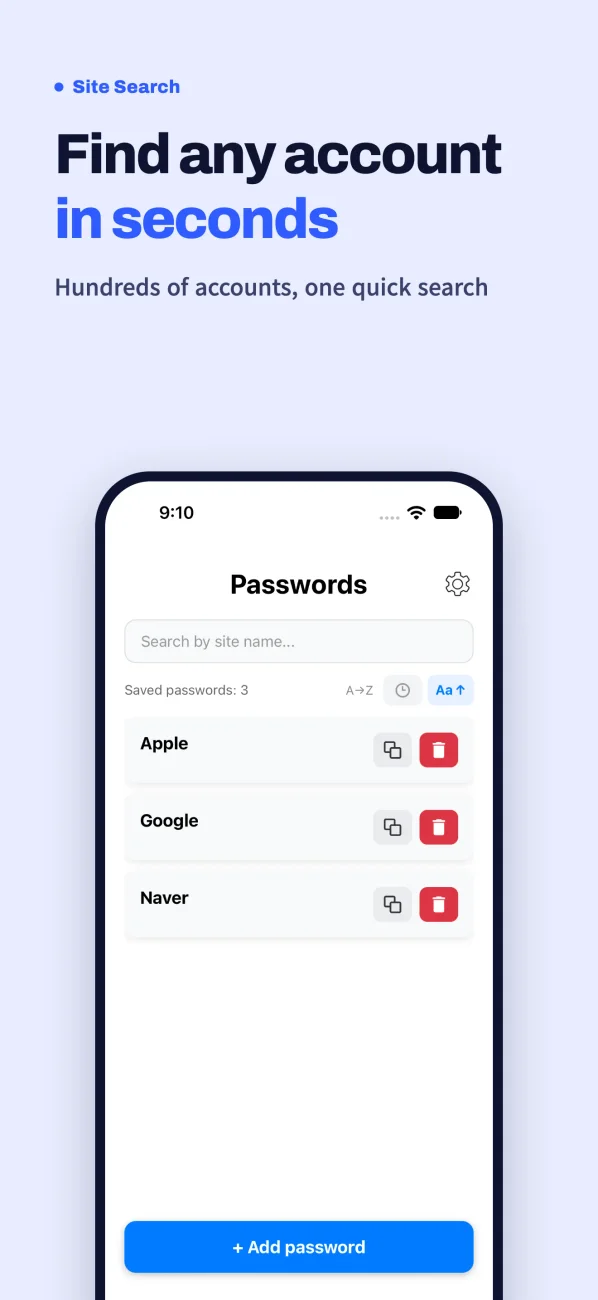
Keep all your account information in encrypted storage and find what you need in seconds by searching for a website name.
## ■ Key Features
**• Import Passwords**
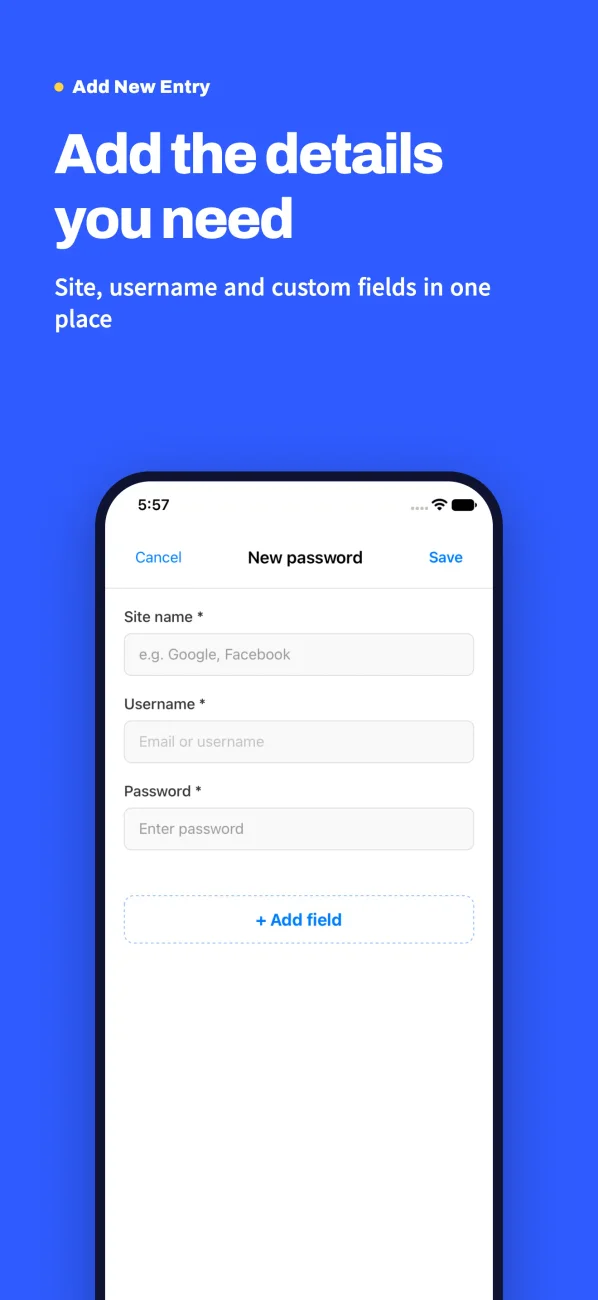
Import passwords from an external CSV file and start managing your accounts right away.
**• Export to CSV**
Export your saved passwords to a CSV file for backup or transfer to another application.
Note: Exported CSV files are not encrypted. Store them securely or delete them after use.
**• Automatic Backup and Restore**
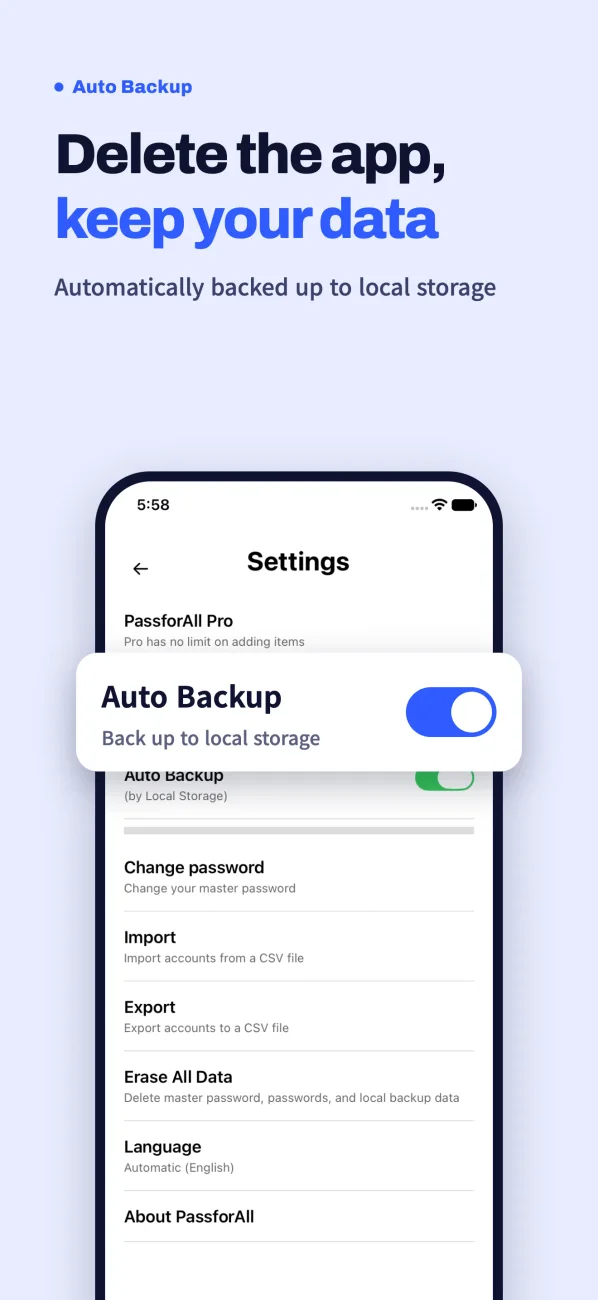
Your data is automatically backed up to local device storage whenever changes are made. If your data is accidentally modified or an issue occurs, you can restore a backup directly within the app.
Note: Automatic backups are stored locally on your device and will be lost if you reset or replace your device. When switching devices, manually save and transfer your backup files using iCloud or another secure storage method.
**• Edit Passwords**
Easily update your saved account passwords and keep your information up to date.
**• Search by Website Name**
Quickly find the account you need, even if you manage dozens or hundreds of passwords.
**• Automatic Lock**
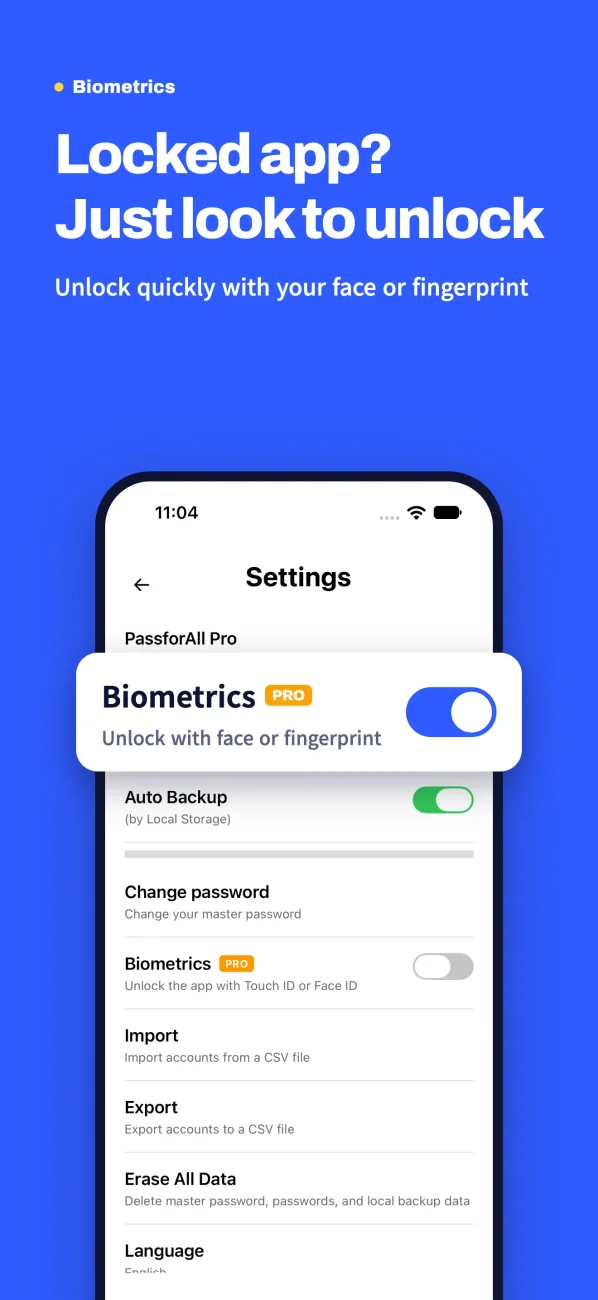
The app automatically locks after a specified period of inactivity, helping protect your information when you step away from your device.
## ■ Advanced Security
**• Double Encryption**
Each password entry is encrypted using industry-standard encryption technology trusted by financial institutions. The entire database file is also encrypted for an additional layer of protection.
**• Master Password Protection**
Your master password is never stored in plain text on your device. It is used to derive encryption keys through a well-established, industry-standard key derivation method.
**• Device Integrity Checks**
The app prevents access on devices detected as compromised or tampered with, helping reduce the risk of data theft.
## ■ Important Information
**• Your Master Password Cannot Be Recovered**
Because PassforAll does not store your password information on any server, even the developer cannot recover your master password. Please keep it in a safe place.
**• Back Up Your Data Regularly**
Deleting the app or replacing your device may permanently erase all locally stored data, including automatic backups.
We strongly recommend regularly exporting your passwords to CSV or manually saving backup files to iCloud or another secure location.
## ■ Who Is PassforAll For?
• Anyone who struggles to remember or organize passwords for multiple websites.
• Users who prefer not to store sensitive passwords in the cloud or on external servers.
• Anyone looking for a secure way to back up, manage, and transfer password information.
## ■ Subscriptions and Purchases
Payment will be charged to your Apple Account upon purchase confirmation or when an applicable free trial ends.
Subscriptions automatically renew unless auto-renewal is turned off at least 24 hours before the end of the current subscription period.
You can manage your subscriptions and turn off auto-renewal at any time in your device's Settings under your Apple Account's Subscriptions section.
**Terms of Use:**
https://www.apple.com/legal/internet-services/itunes/dev/stdeula/
**Privacy Policy:**
https://sites.google.com/view/passforall-en
## ■ Contact and Support
If you have any questions or experience any issues while using PassforAll, please feel free to contact us.
**Email:** passforall.help@gmail.com
Novedades
Versión 1.0.5 · 10/11/2026
* Improve search functionality
Privacidad de la aplicación
Lo que Sungchul Lim declara en App Store sobre cómo esta aplicación gestiona los datos.
-
Datos no vinculados a ti
Pueden recopilarse, pero no se vinculan a tu identidad.
- Compras
- Datos de uso
- Diagnóstico
Las prácticas de privacidad pueden variar, por ejemplo, según las funciones que uses o tu edad.
Información
- Vendedor
- Sungchul Lim
- Categoría
- Productividad
- Versión
- 1.0.5
- Actualizado
- 10/11/2026
- Publicado
- 23/10/2026
- Tamaño
- 31,4 MB
- Requiere
- iOS 15.1 o posterior
- Clasificación por edad
- 4+
- Precio
- Gratis
- Compras en la aplicación
- Sí
- Idiomas
- Inglés
- Copyright
- © 2026 SungChul Lim
Quizá también te guste
-
 Jom Hae! - Enfoque con amigosCumple tus metas en equipo
-
 Quick Memo+ToDo - PinDeckProductividad
-
 Pack Check: Voice ChecklistProductividad
-
 Eisenhower To-Do - MellowTaskProductividad
-
 MacKeymapperProductividad
-
 이음 - 삶의 모든 성장을 잇다Productividad
-
 HarudalProductividad
-
 Pin Reminder: Place AlertsProductividad
-
 LookCalendarProductividad
-
 MinuteCueProductividad