PDF Document Scanner: Pageora
Scan Photos & JPG, OCR
Diseñada para iPhone, iPad
Gratis · Compras en la aplicación
- Clasificación por edad4+
- CategoríaProductividad
- DesarrolladorNikola Sretenovic
- IdiomasInglés
- Tamaño7,4 MB
Enlaza a la página oficial de App Store
Download.org no aloja ningún archivo de PDF Document Scanner: Pageora. El botón abre la página de la aplicación en App Store, donde la publica Nikola Sretenovic. Ficha comprobada por última vez el 17/11/2026.
Capturas de pantalla
Acerca de
El desarrollador no ha proporcionado este texto en tu idioma.
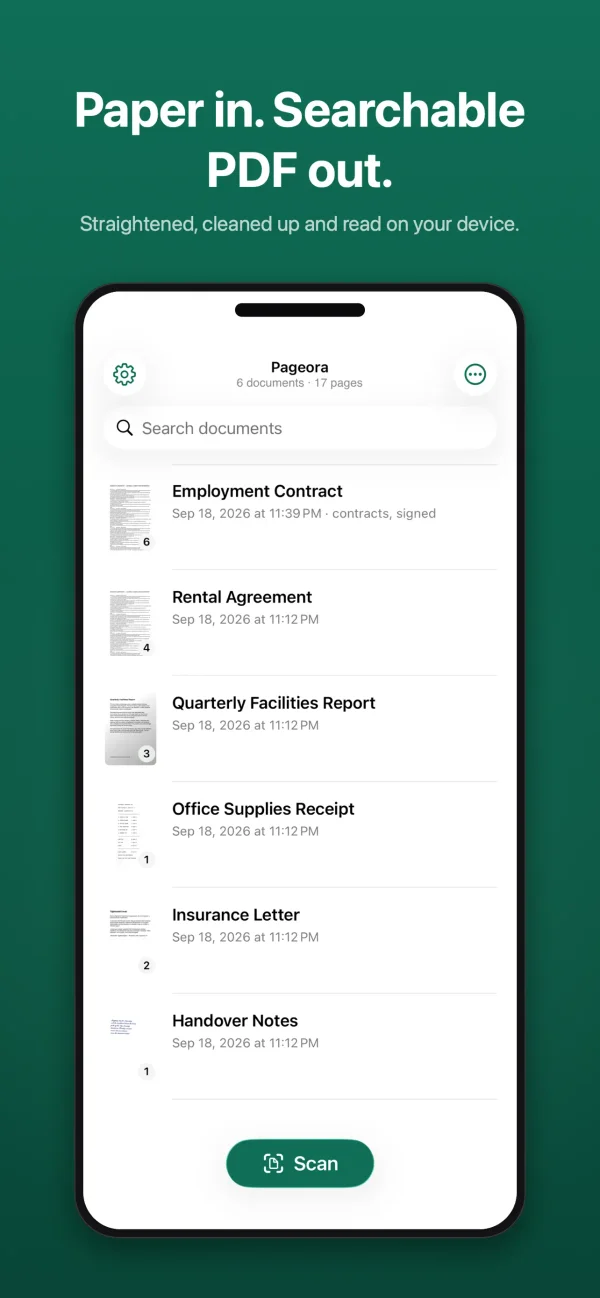
Scan it, file it, send it. Paper in front of you becomes a clean, straight PDF in your own iCloud in seconds — no account, no ads, no subscription, and nothing collected about you.
SCAN, OR BRING PHOTOS YOU ALREADY HAVE
Point the camera at any paper — letters, contracts, receipts, handwritten notes. Pages are straightened and cleaned up automatically, in color, grayscale or crisp black & white.
Already photographed it? Import JPG, HEIC or PNG from your photo library, or an existing PDF. Imported photos are straightened automatically, and you can crop any page by hand when a photo needs it.
YOURS, IN YOUR ICLOUD
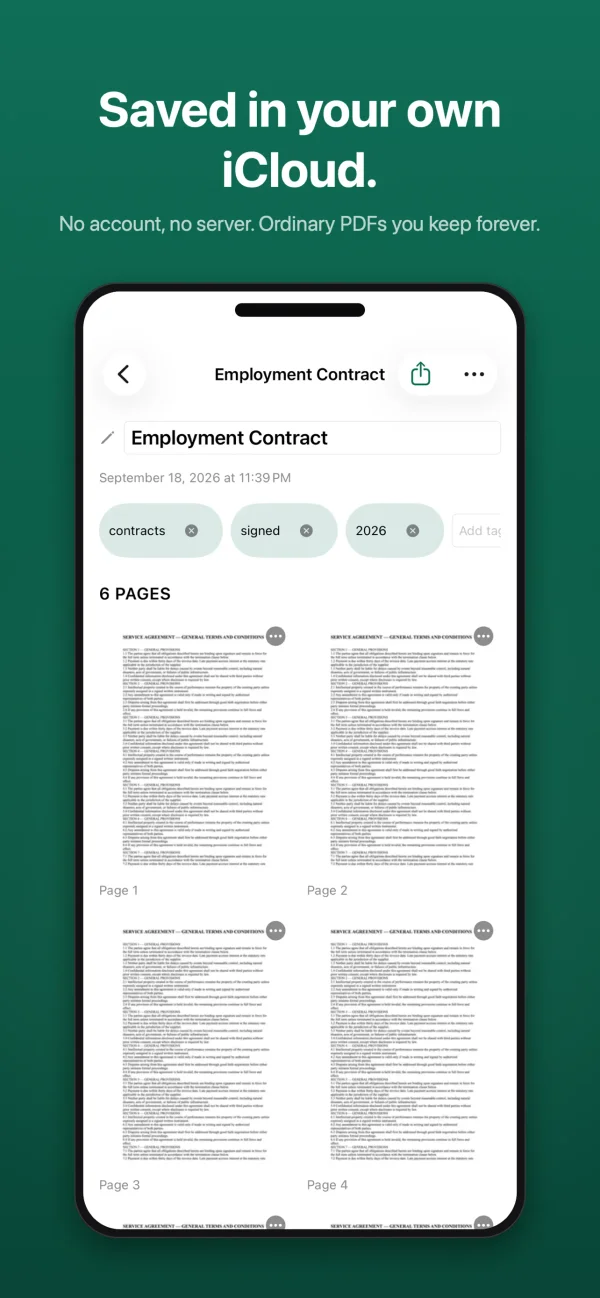
Every scan is a normal PDF in your own iCloud Drive — in the Files app, on your other devices, and still yours if you ever delete the app. Pageora has no server.
FIND ANYTHING
Every PDF is searchable. Search finds words inside your documents, not just titles — including from your iPhone's Home Screen. Where Apple Intelligence is available, scans name and tag themselves on your device, and you can browse your library by tag.
REDACTION THAT MEANS IT
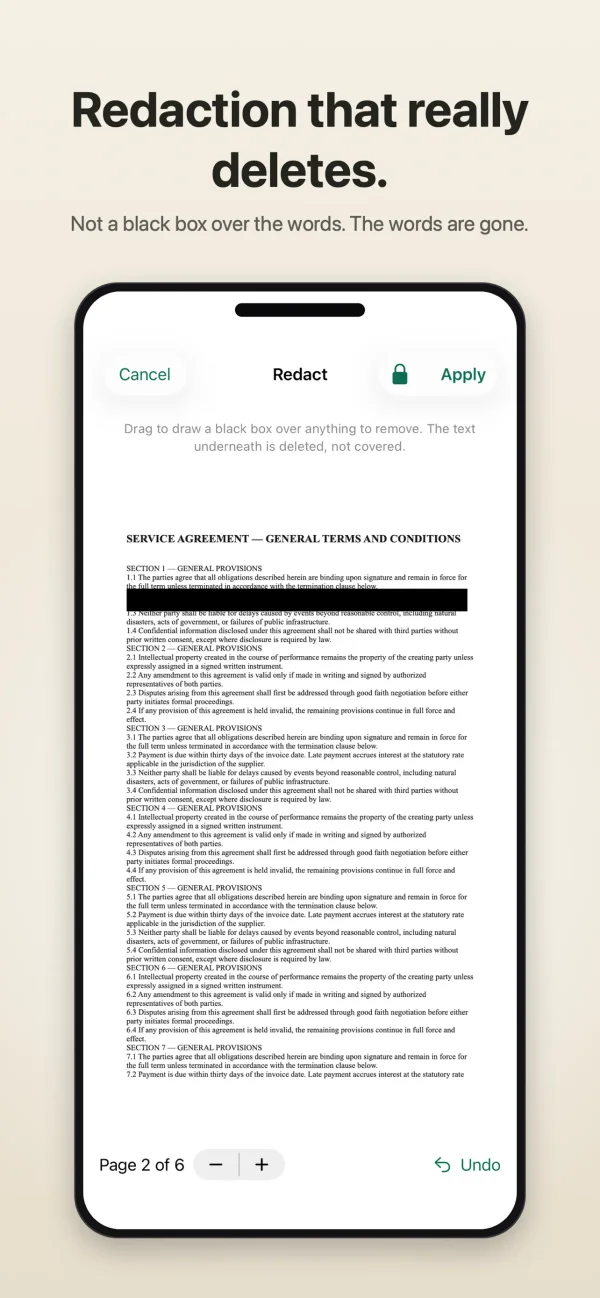
Draw a box over anything sensitive and the text underneath is deleted from the PDF, not covered. Copy, extraction and search find nothing — because nothing is there.
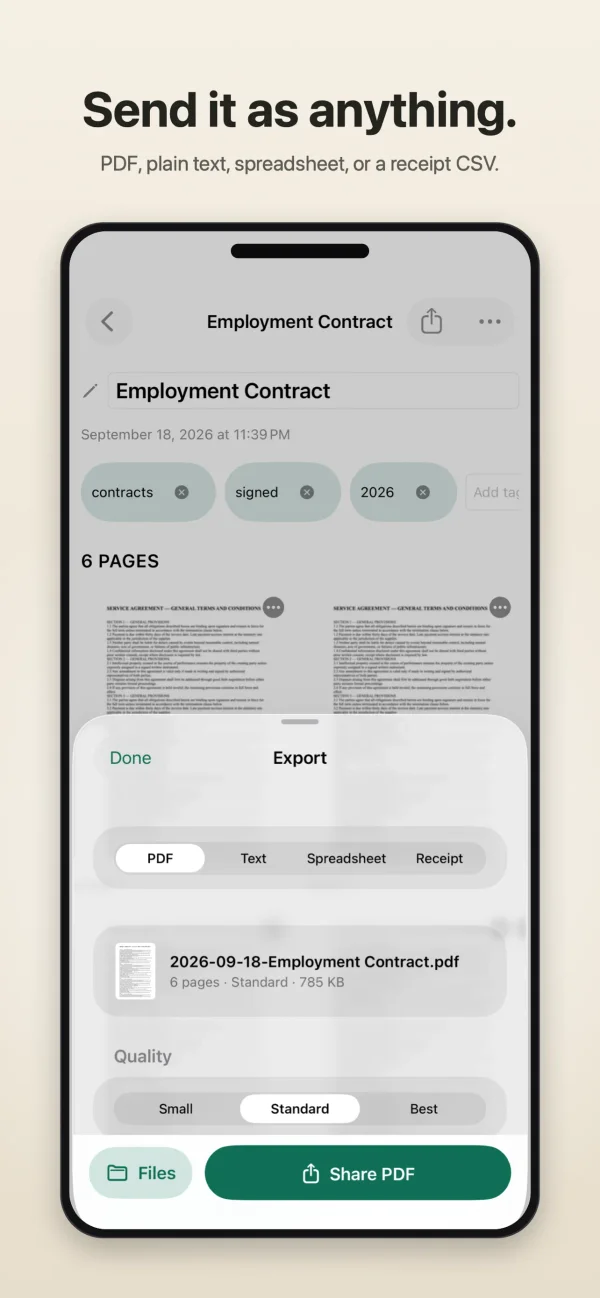
EDIT PAGES, SEND IT HOW YOU LIKE
Crop, rotate, reorder, retake or delete a page. Export at the size you need, and password-protect a PDF before you send it.
PAGEORA UNLIMITED, IF YOU WANT MORE
Your scans tag themselves — rules sort every new scan by what it is, and you can find duplicates and back up the whole library. Due dates Pageora spots go straight to Calendar.
Receipts become spreadsheets — where Apple Intelligence is available, Pageora reads the shop, date and total off the page, ready for your accountant. Tables, text, archive PDF/A and email-sized PDFs too.
Finish documents here — sign and date, merge and split, black out a word everywhere at once, and keep private pages behind Face ID.
ONE PAYMENT, OR NONE
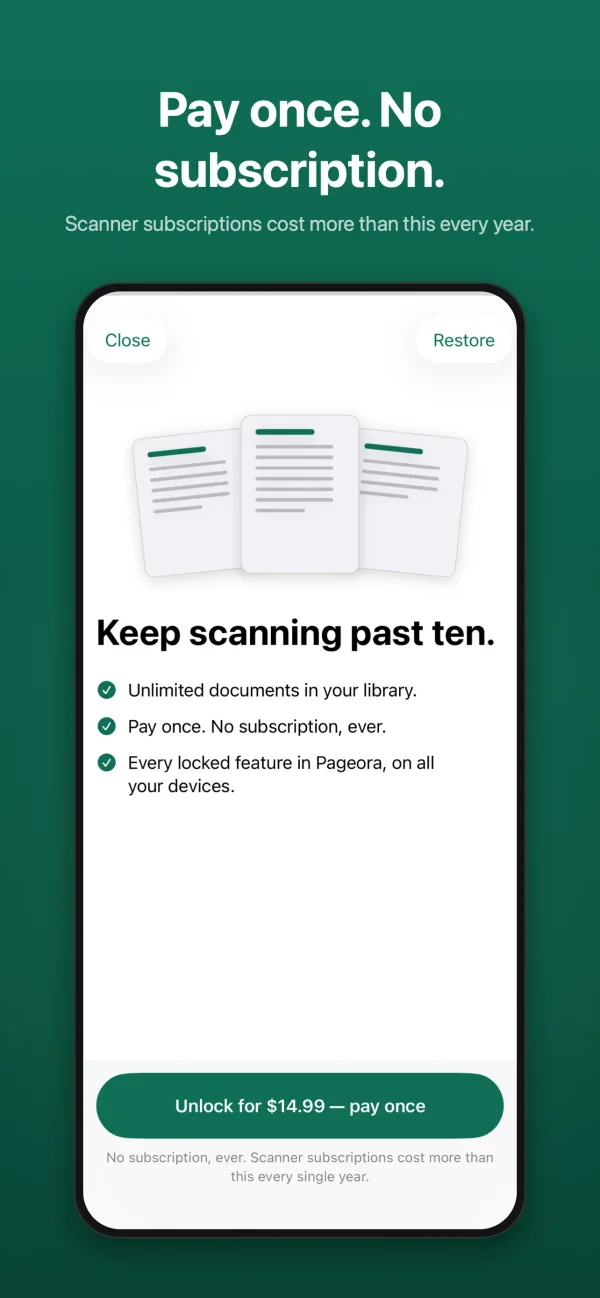
The free app is the full scanner for up to 25 documents — full quality, no watermarks, no ads. Pageora Unlimited removes the limit and turns everything above on, for a single one-time purchase. No subscription, ever.
Privacy: Pageora collects no data — no analytics, no tracking, no account. The App Store privacy label says "Data Not Collected" because that is the truth.
Novedades
Versión 1.0.3 · 10/10/2026
Share in one tap. The Share button on a document now opens the share sheet straight away, and you can share from the library with a swipe or a long press. Format, quality and password options live under Export Options.
Import photos right next to the Scan button, or open PDFs and photos from Mail, Messages and Files straight into Pageora.
Crop any page by hand, and undo automatic straightening whenever it guesses wrong: Adjust, then Use Original Photo. Photos of screens are no longer squeezed into a page shape.
Scan up to 25 documents before you need Pageora Unlimited, and see what it adds before you decide: the receipt fields Pageora read, the due dates it found and the tags your filing rules would apply.
Browse your library by tag from the top of the list.
Receipts are read even when they are not on the first page.
Draw a new signature whenever you like, and delete your saved signature from Settings.
Better names for imported photos, a page that fails to process no longer costs you the whole scan, and a new icon for iOS 26.
Privacidad de la aplicación
Lo que Nikola Sretenovic declara en App Store sobre cómo esta aplicación gestiona los datos.
-
No se recopilan datos
El desarrollador no recopila ningún dato de esta aplicación.
Las prácticas de privacidad pueden variar, por ejemplo, según las funciones que uses o tu edad.
Información
- Vendedor
- Nikola Sretenovic
- Categoría
- Productividad
- Versión
- 1.0.3
- Actualizado
- 10/10/2026
- Publicado
- 7/9/2026
- Tamaño
- 7,4 MB
- Requiere
- iOS 26.0 o posterior
- Clasificación por edad
- 4+
- Precio
- Gratis
- Compras en la aplicación
- Sí
- Idiomas
- Inglés
- Copyright
- © 2026 Nikola Sretenovic
Quizá también te guste
-
 DocClear: Escáner PDF y OCRDigitaliza documentos y firma
-
 Paperix - PDF Secure and LocalProductividad
-
 HTML Viewer - Lector de cómicsPagira: CBZ, CBR, EPUB, PDF
-
 Epson DatacomProductividad
-
 Borrador y Removedor de fondoEliminar Editar Cortar fotos
-
 Marcado de fotos & DibujarDibuja y marca tus imagen
-
 Drawboard PDF Annotate, MarkupProductividad
-
 Whisper Memos - Notas de VozGrabadora de voz, notas con IA
-
 AppLocker • Passcode lock appsProductividad
-
 Text Capture: Image to TextProductividad