PDF Mobile Document Creator
Signature: Scan Photos to PDF
Diseñada para iPhone, iPad
Gratis
- Clasificación por edad4+
- CategoríaProductividad
- DesarrolladorKeyur Kyada
- IdiomasInglés
- Tamaño7,5 MB
Enlaza a la página oficial de App Store
Download.org no aloja ningún archivo de PDF Mobile Document Creator. El botón abre la página de la aplicación en App Store, donde la publica Keyur Kyada. Ficha comprobada por última vez el 21/11/2026.
Capturas de pantalla
Acerca de
El desarrollador no ha proporcionado este texto en tu idioma.
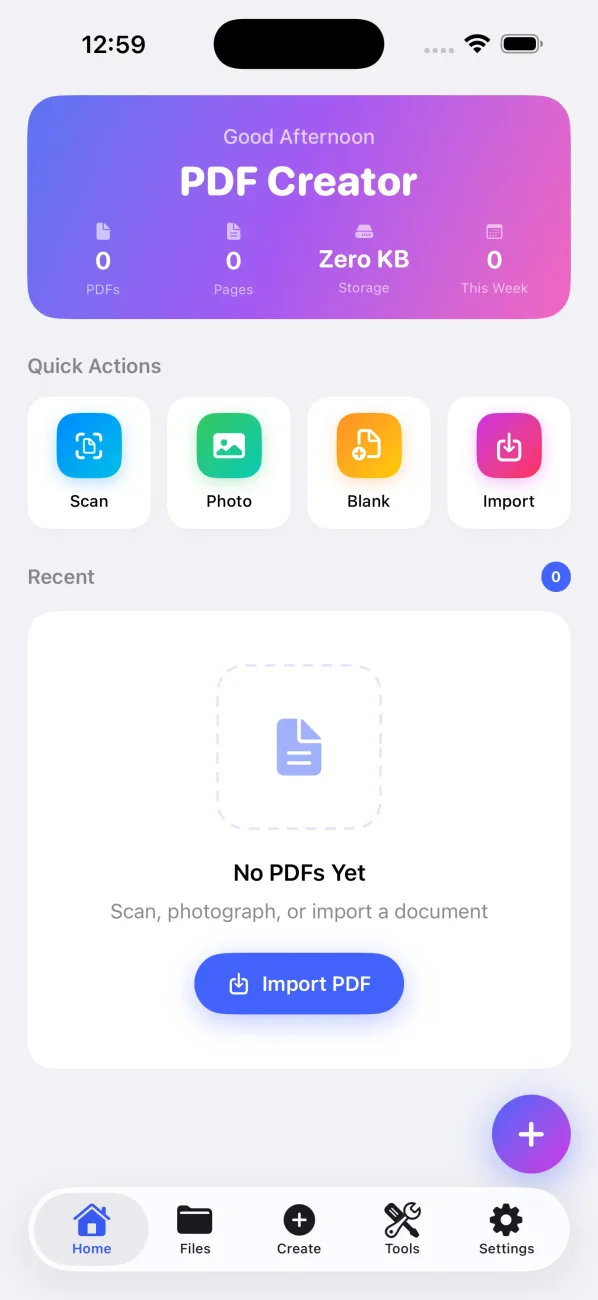
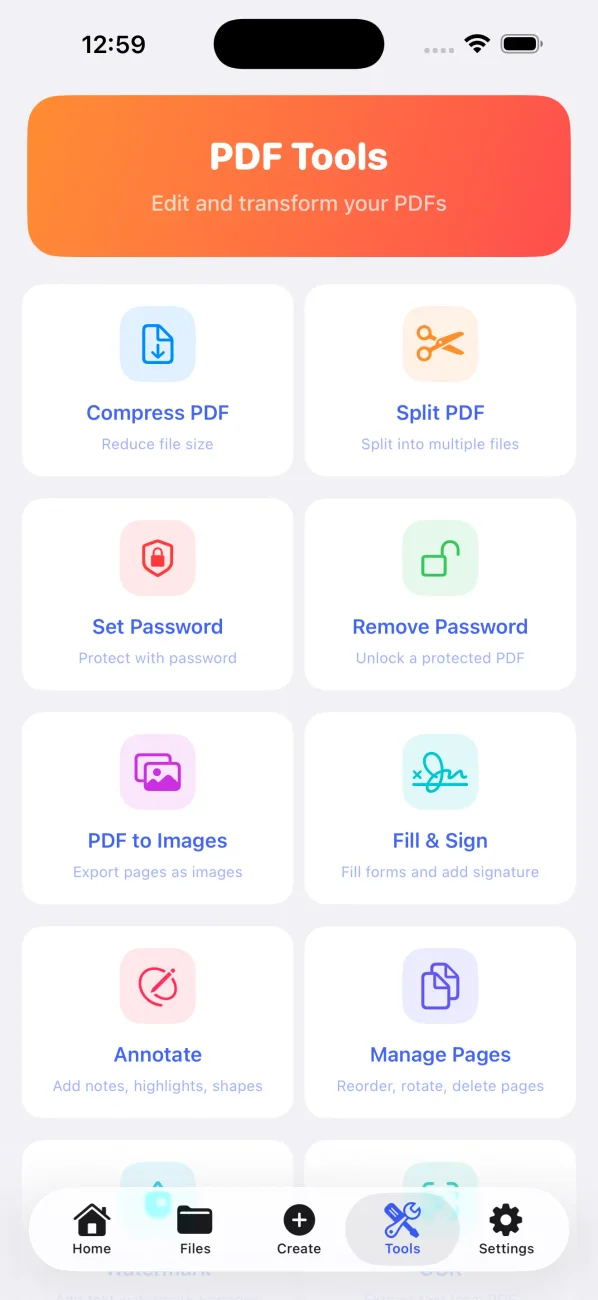
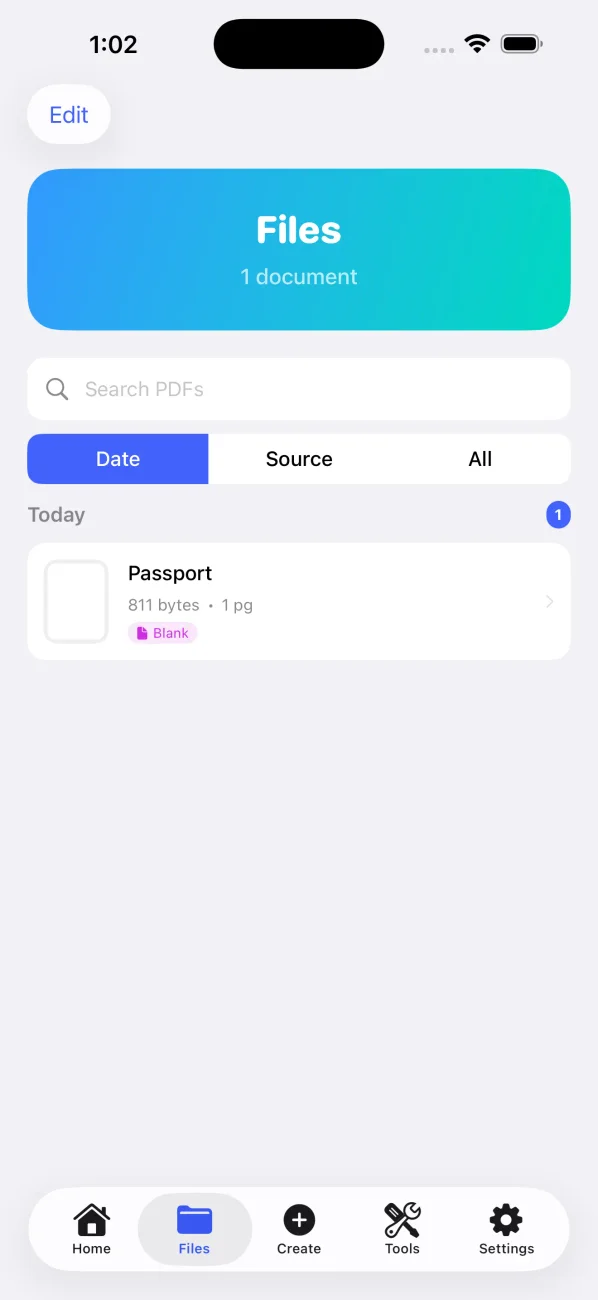
Use PDF Editor app when you want to edit or sign your documents on the go from your iPhone or iPad. Import PDF files to the app, then read, comment on, edit, and share. Scan your papers and convert them into PDF files with just few taps.
Perform all basic PDF tasks:
- Quickly open and view PDF files
- Search, scroll, and zoom in and out
Scan paper documents to PDF:
- Turn you camera into advanced document scanner
- Perspective document transformation
- Color adjustions
- Automatic crop tools
Anotate PDF files:
- Comment on PDFs using sticky notes and drawing tools
- Highlight and mark up text with annotation tools
- View and respond to annotations in the comments list
- Use Apple Pencil with iPad Pro to improve your precision
Sign important documents:
- Quickly fill out PDF forms by typing text into fields
- Use your finger or Apple Pencil to e-sign any PDF document
All documents are stored locally on your device, they are not available to us, nor to third parties. You can easily share documents using the export option.
Privacidad de la aplicación
Lo que Keyur Kyada declara en App Store sobre cómo esta aplicación gestiona los datos.
-
No se recopilan datos
El desarrollador no recopila ningún dato de esta aplicación.
Las prácticas de privacidad pueden variar, por ejemplo, según las funciones que uses o tu edad.
Información
- Vendedor
- Keyur Kyada
- Categoría
- Productividad
- Versión
- 1.0
- Actualizado
- 31/3/2026
- Publicado
- 25/4/2026
- Tamaño
- 7,5 MB
- Requiere
- iOS 16.0 o posterior
- Clasificación por edad
- 4+
- Precio
- Gratis
- Idiomas
- Inglés
- Copyright
- © pdfeditor
Quizá también te guste
-
 Hansson VaultProductividad
-
 AI Text Rewriter – ParaphraseProductividad
-
 miuEditor de texto
-
 Screenshot Search: CaptureMindProductividad
-
 Calc-U-59Productividad
-
 SaveIt - Enlaces y notasGuardar para leer más tarde
-
 ZFilesProductividad
-
 Archium: document organizerProductividad
-
 PlainText Pro EditorProductividad