PDF OCR: Scanner & Editor
Sign, Annotate, Convert, Merge
Diseñada para iPhone, iPad
Gratis · Compras en la aplicación
- Clasificación por edad17+
- CategoríaProductividad
- DesarrolladorLayerz Corp.
- IdiomasInglés+ 5 más
- Tamaño35,7 MB
Enlaza a la página oficial de App Store
Download.org no aloja ningún archivo de PDF OCR: Scanner & Editor. El botón abre la página de la aplicación en App Store, donde la publica Layerz Corp. Ficha comprobada por última vez el 26/11/2026.
Capturas de pantalla
Acerca de
El desarrollador no ha proporcionado este texto en tu idioma.
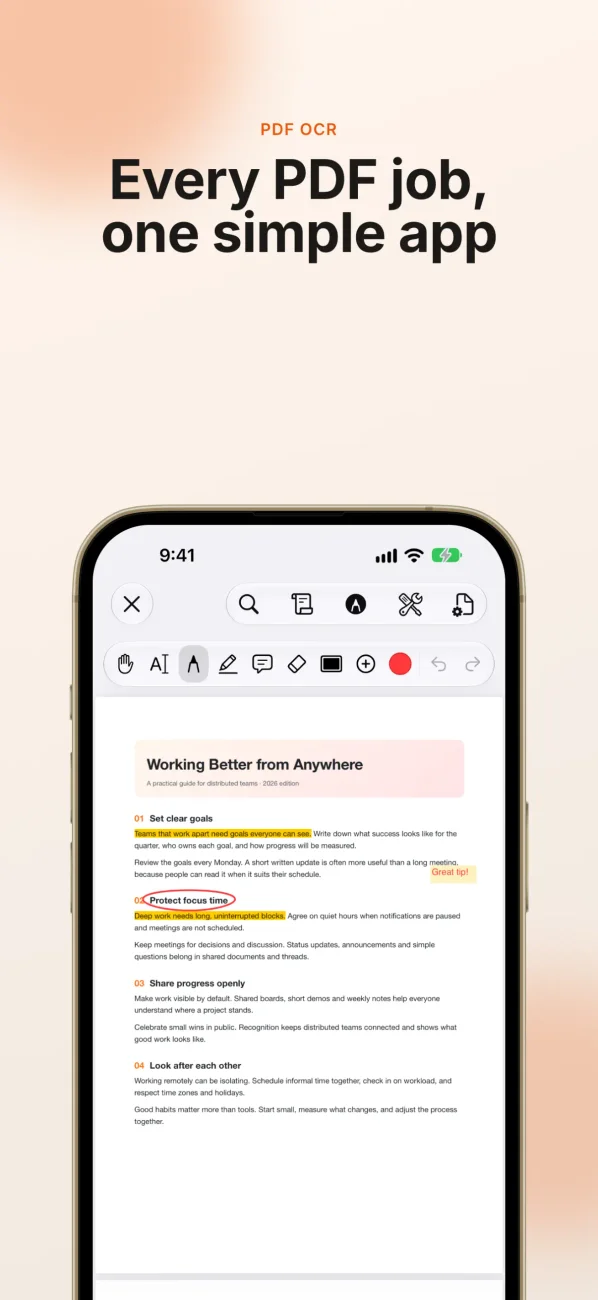
PDF OCR is the all-in-one PDF app for iPhone and iPad. Scan paper into searchable PDFs, read and mark up any document, edit text right on the page, measure drawings to scale, and convert between PDF, Word and Office files. Everything runs on your device, with no account and no uploads.
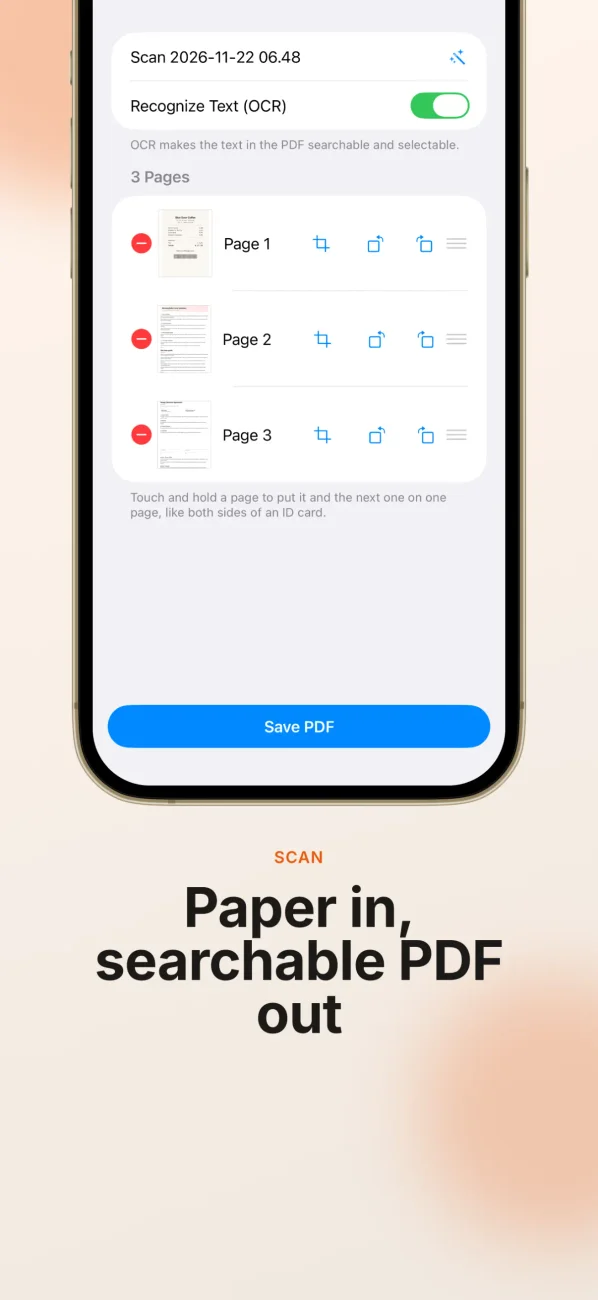
SCAN & RECOGNIZE TEXT (OCR)
• Document scanner: edges are found and pages are straightened for you
• Text recognition: scans become searchable, selectable PDFs
• Recognize text in scanned PDFs you already have
• Scan many pages at once, then reorder, rotate or remove them
• Read QR codes
• Put two pages on one, like both sides of an ID card
• Smart file names suggested from what was scanned (Pro)
YOUR PDF LIBRARY
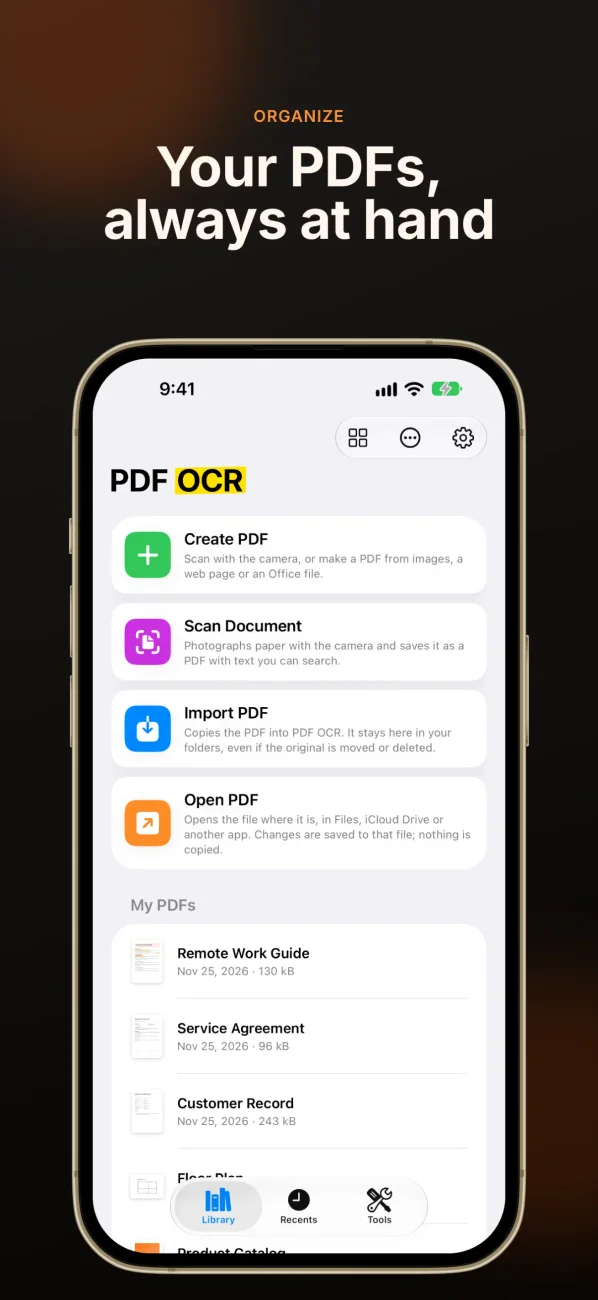
• Keep PDFs in the app, organized in folders
• Import a copy, or open a file where it is in Files or iCloud Drive
• List or grid, search, sort by name, date or size, or set your own order
• Recents show which files are in the library and which are linked
• On iPad, use tabs or a sidebar
READ IN COMFORT
• Fast viewer with search, contents and bookmarks
• Continuous scroll, single page or two-page spread
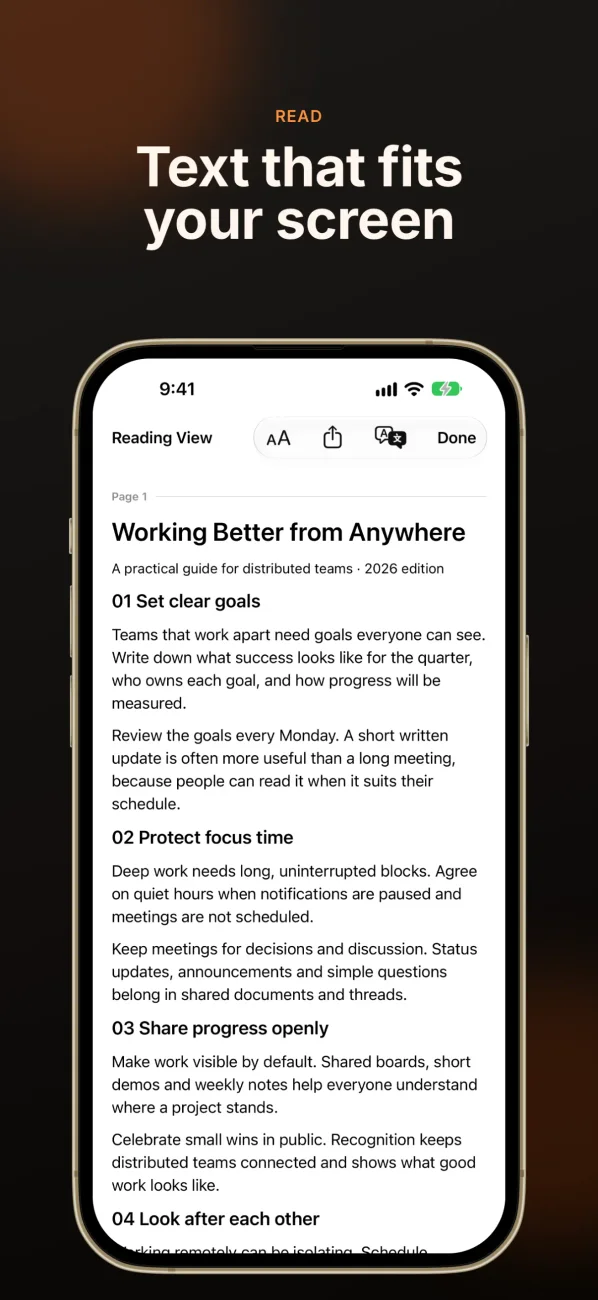
• Reading View: the text reflowed to fit your screen, in your size, font and theme
• Export what you read as text, Markdown or Word (Markdown and Word are Pro)
• Night mode and read aloud
• Opens where you left off; recent documents appear in Spotlight
ANNOTATE & MARK UP
• Pen and highlighter, smooth with Apple Pencil
• Highlight, underline and strike through text
• Notes, shapes, arrows, polygons and stamps
• Select anything you added to move or resize it, with undo
• Changes are saved as you work
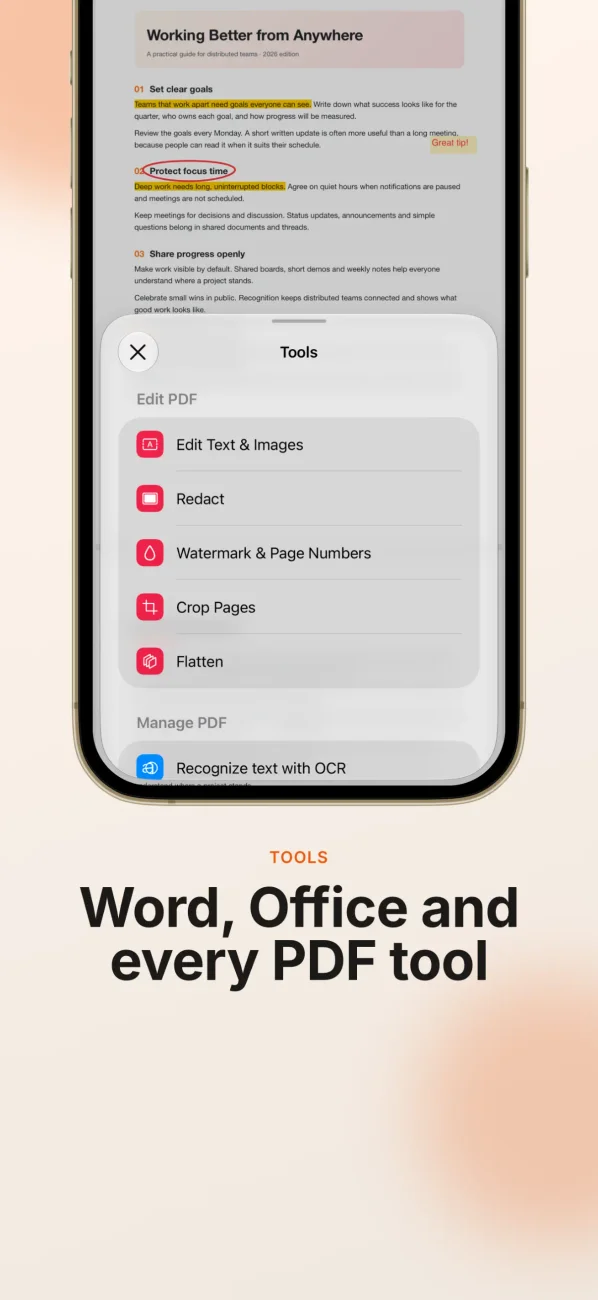
EDIT PDF LIKE A DOCUMENT (PRO)
• Edit text right where it is, in the document's own fonts
• Move, delete and add text and images
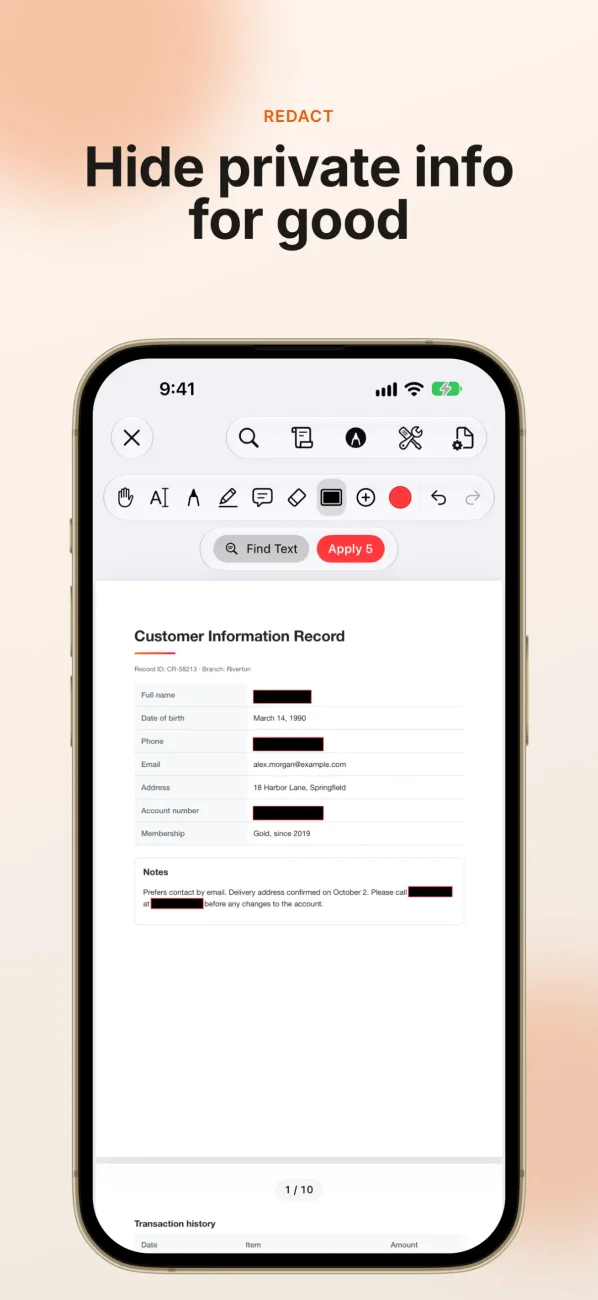
• Redaction removes sensitive text and images for good
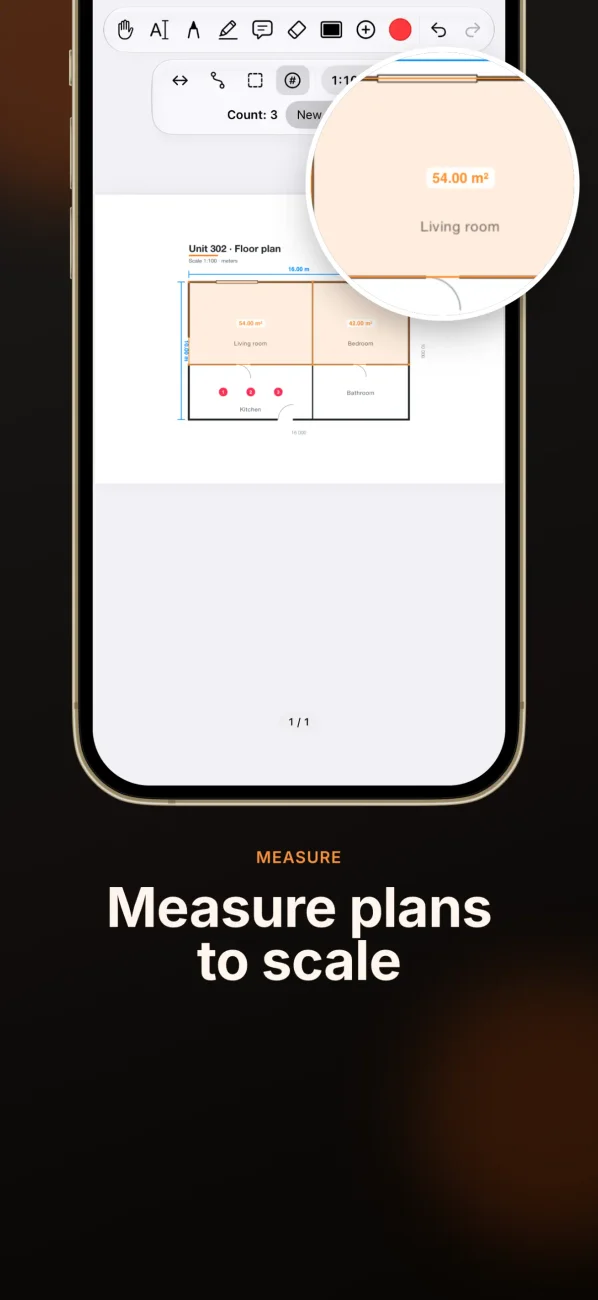
MEASURE DRAWINGS (PRO)
• Distance, perimeter, area and count on plans and drawings
• Drawing scales such as 1:100, or calibrate to a length you know
• Snaps to corners; totals and CSV export
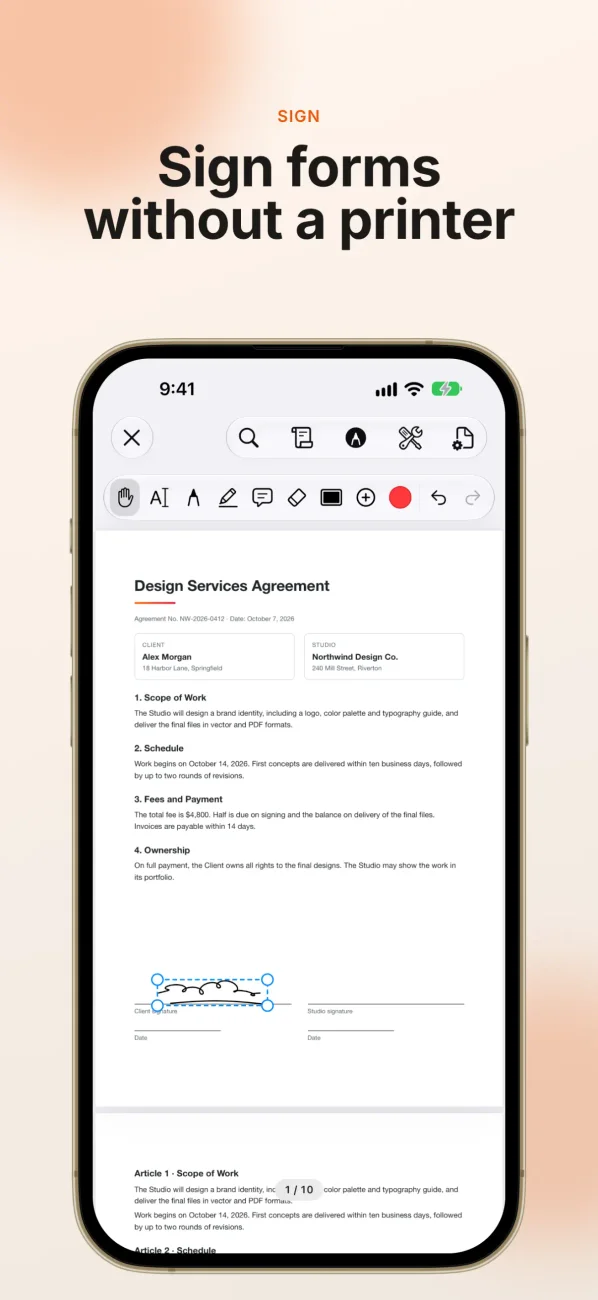
FILL & SIGN
• Fill in PDF forms
• Draw your signature once and place it on any document
• Sign contracts, invoices and applications without a printer
CONVERT
• PDF to Word (Pro), images, text and RTF
• Markdown files to PDF, and PDF to Markdown (Pro)
• Word, Excel, PowerPoint, Pages and Keynote files to PDF
• Photos and web pages to PDF
ORGANIZE & OPTIMIZE
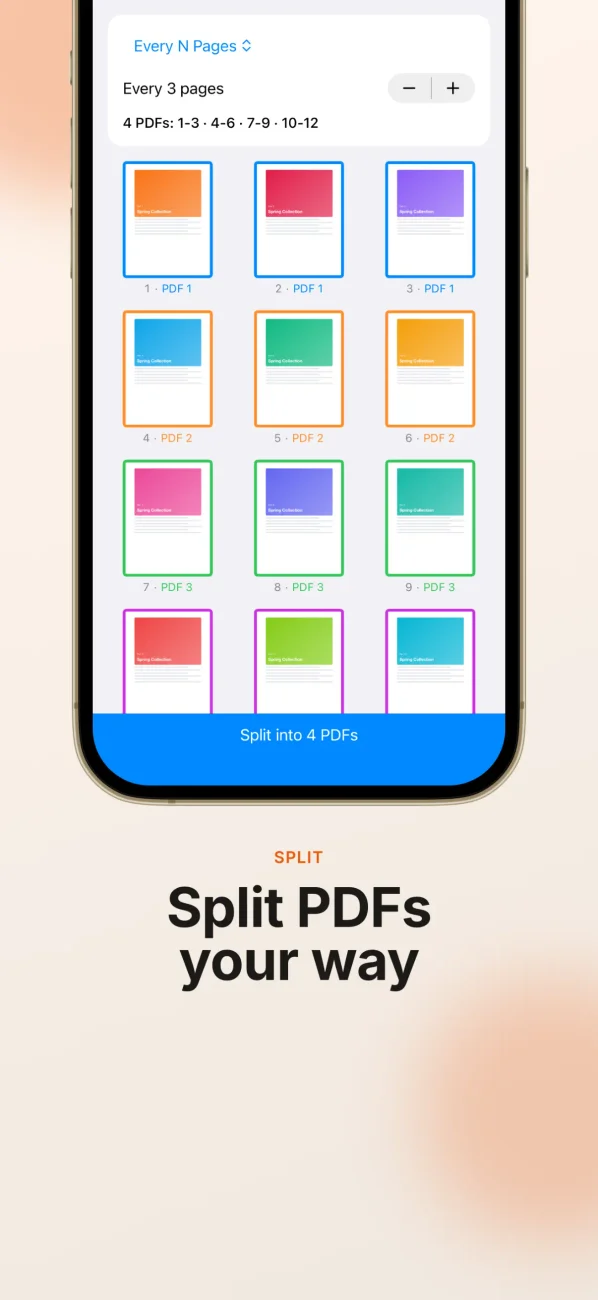
• Merge PDFs and images; split by selected pages, ranges or every N pages
• Reorder, rotate, insert, crop and delete pages
• Compress PDFs to make them smaller
• Flatten annotations and forms, and print
PROTECT
• Protect PDFs with a password
• Change permissions or remove security (Pro)
• Watermarks and page numbers (Pro)
• Lock the app with Face ID (Pro)
SMART TOOLS, ON YOUR DEVICE
• Summaries with Apple Intelligence (Pro; iOS 26 on supported devices)
• Translation in Reading View's layout, between the languages you choose (Pro; iOS 18 or later)
• Shortcuts actions for OCR, compression and merging (Pro)
PRIVATE BY DESIGN
Your documents never leave your device. Scanning, text recognition, editing, conversion and summaries all happen on the device. No account, and no watermark on your files.
PDF OCR PRO
Reading, markup, signatures, scanning and most tools are free, and OCR is free for up to 30 pages per document. Pro adds OCR without page limits, editing text and images, PDF to Word, Markdown conversion, measuring, advanced split, redaction, watermarks and page numbers, Face ID lock, smart file names, summaries and translation, and Shortcuts actions.
Subscriptions renew automatically unless cancelled at least 24 hours before the end of the current period, and can be managed in Settings › Apple Account › Subscriptions.
Terms of Use: https://www.apple.com/legal/internet-services/itunes/dev/stdeula/
Privacy Policy: https://layerz.app/pdfocr/privacy
Novedades
Versión 4.1.0 · 25/11/2026
• Changes are saved as you work: no Save button, and password-protected PDFs keep their protection
• Markdown: turn a Markdown file into a PDF, or a PDF into Markdown, with a built-in Markdown viewer (Pro)
• OCR, compression, passwords and permissions now work on the open document
• Tool results go straight to your library; split files are saved in a folder of their own
• Extract TXT and RTF show the whole text at once, ready to share
• A Scan Document card in the library: one tap to the scanner
• A guide PDF for new users, also available in Settings
Privacidad de la aplicación
Lo que Layerz Corp. declara en App Store sobre cómo esta aplicación gestiona los datos.
-
Datos no vinculados a ti
Pueden recopilarse, pero no se vinculan a tu identidad.
- Datos de uso
- Diagnóstico
Las prácticas de privacidad pueden variar, por ejemplo, según las funciones que uses o tu edad.
Información
- Vendedor
- Layerz Corp.
- Categoría
- Productividad
- Versión
- 4.1.0
- Actualizado
- 25/11/2026
- Publicado
- 3/12/2024
- Tamaño
- 35,7 MB
- Requiere
- iOS 17.0 o posterior
- Clasificación por edad
- 17+
- Precio
- Gratis
- Compras en la aplicación
- Sí
- Idiomas
- Inglés, Árabe, Japonés, Coreano, Chino simplificado, Chino tradicional
- Copyright
- © 2024-2026 Layerz Corp.
Quizá también te guste
-
 ScanBigProductividad
-
 noteE: AI Notes & DocsProductividad
-
 iroto capture quicklyProductividad
-
 Tom: transcribe audio y vídeoTranscriptor sin conexión
-
 Bookmark Manager - TraceGuarda links y léelos después
-
 Unique DaysProductividad
-
 AI Note Taker By Bee NoteMultimodal AI Note Taker
-
 Scanner365Productividad
-
 Undetectable AI: Humanizar IAIA indetectable y Detector IA
-
 Grabadora de voz IA offlineTranscripción privada