
PDFCraft
Add, Edit, Merge, Split PDF
Diseñada para iPhone, iPad
Gratis · Compras en la aplicación
- Clasificación por edad4+
- CategoríaEconomía y empresa
- DesarrolladorVarsha Patel
- IdiomasInglés+ 12 más
- Tamaño28,8 MB
Enlaza a la página oficial de App Store
Download.org no aloja ningún archivo de PDFCraft. El botón abre la página de la aplicación en App Store, donde la publica Varsha Patel. Ficha comprobada por última vez el 21/11/2026.
Capturas de pantalla

Acerca de
El desarrollador no ha proporcionado este texto en tu idioma.
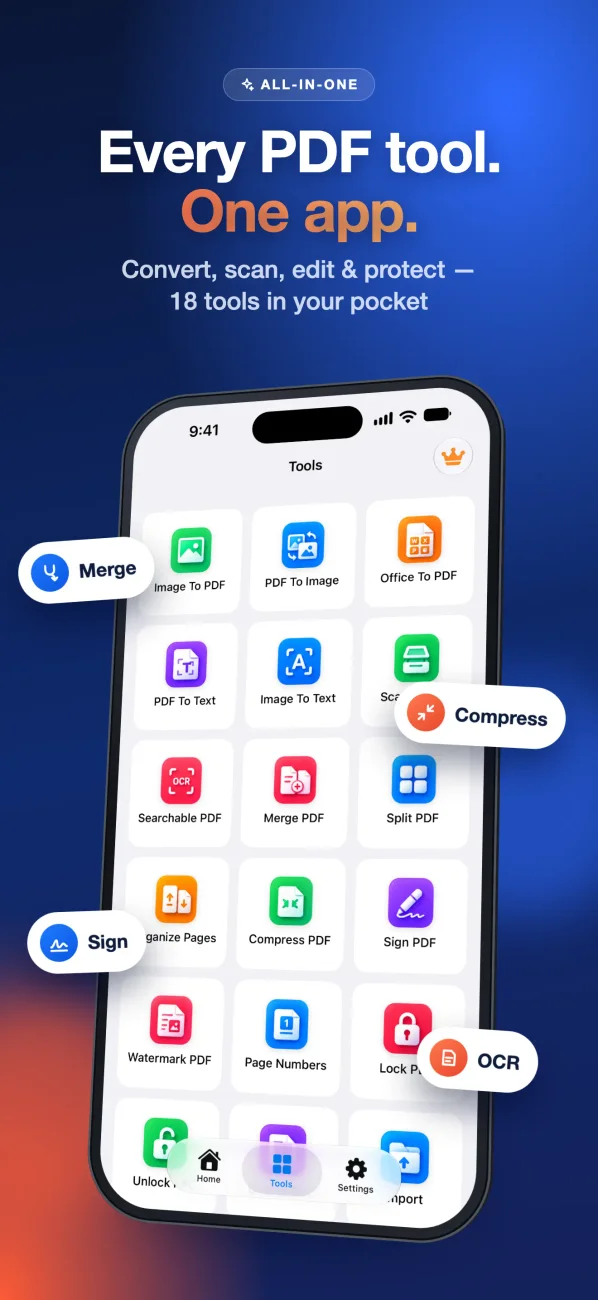
PDFCraft is the all-in-one PDF editor, PDF converter and document scanner for iPhone and iPad. Merge, split, compress, sign, scan, convert and protect PDF files in seconds – 25+ powerful PDF tools in one simple app.
WHAT'S NEW
• Create PDF – make a new PDF from scratch with blank pages
• Crop PDF – trim margins and cut pages to the exact size you need
• Flatten PDF – lock forms, annotations and signatures into the page
• Header & Footer – add custom text to the top and bottom of every page
• Smarter Organize Pages – reorder, delete and rearrange pages with ease
• Better Watermark & Lock PDF – more styles and stronger password protection
• Tool Search & Favorites – find any tool instantly and pin the ones you use most
• Dark Mode – a beautiful dark theme that is easy on your eyes
• 13 Languages – use PDFCraft in your own language
ALL-IN-ONE PDF TOOLS
Edit & Organize
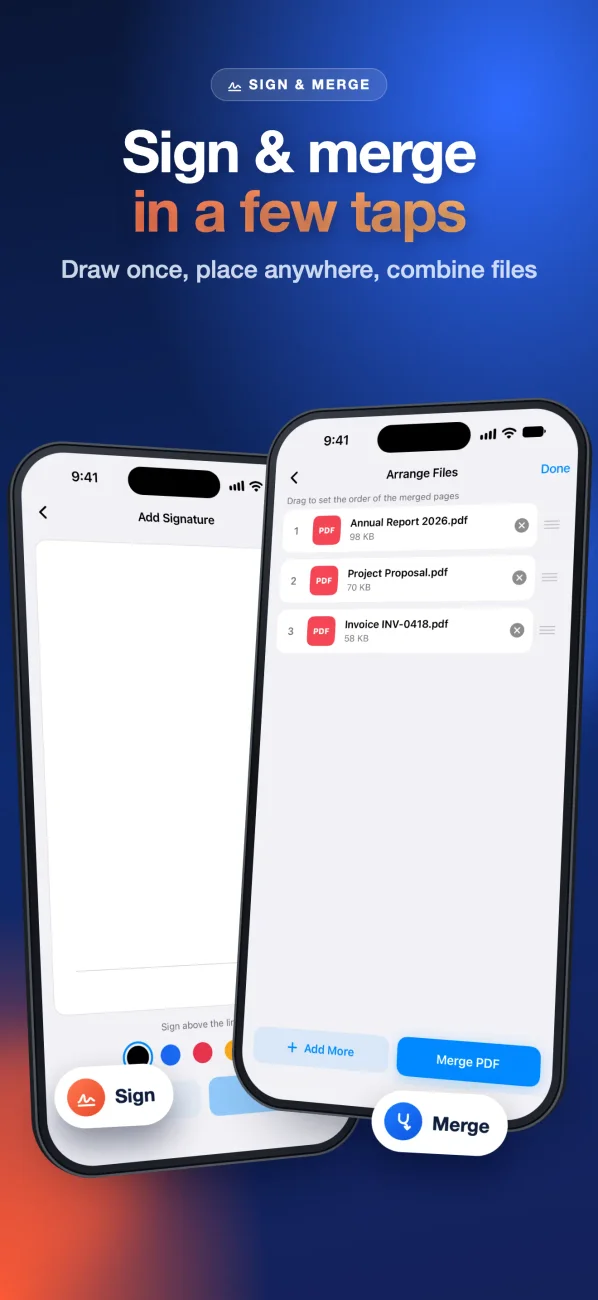
• Merge PDF – combine multiple PDF files into one document
• Split PDF – extract pages or split a PDF i
• Organize Pages – reorder, rotate and delete PDF pages
• Rotate PDF – fix sideways or upside-down p
• Crop PDF – remove unwanted margins
• Page Numbers – add page numbers to any PDF
• Header & Footer – add titles, dates and notes to every page
• Edit Info – change PDF title, author and o
Convert
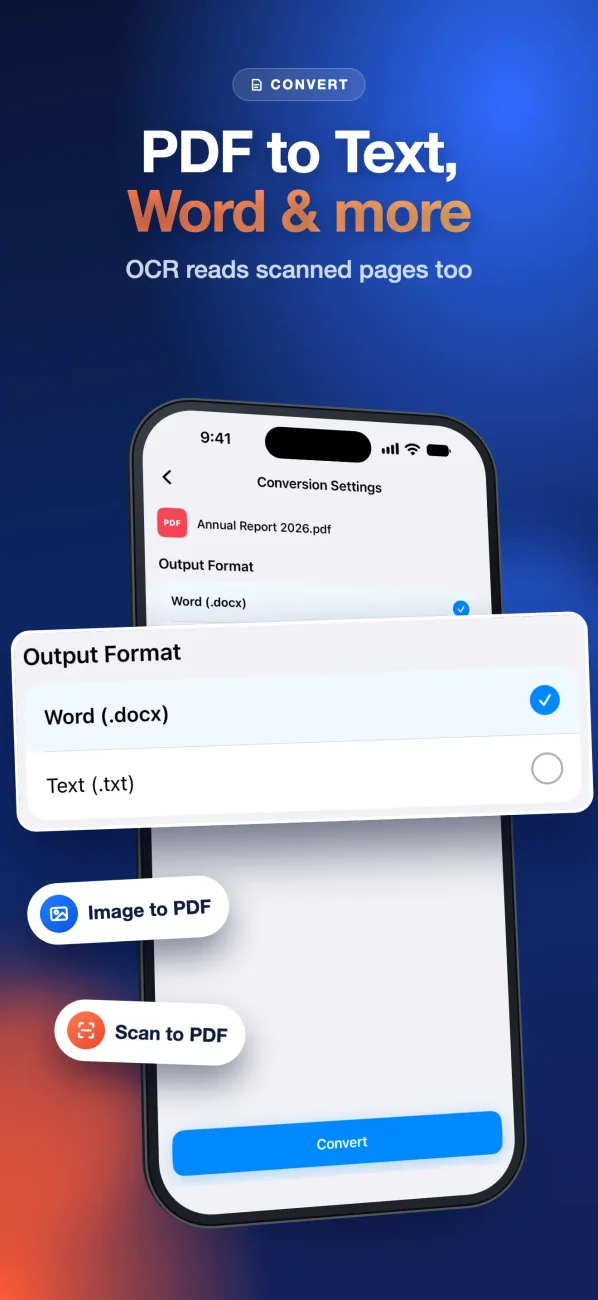
• Image to PDF – turn photos and JPG/PNG images into PDF
• PDF to Image – export PDF pages as high-qu
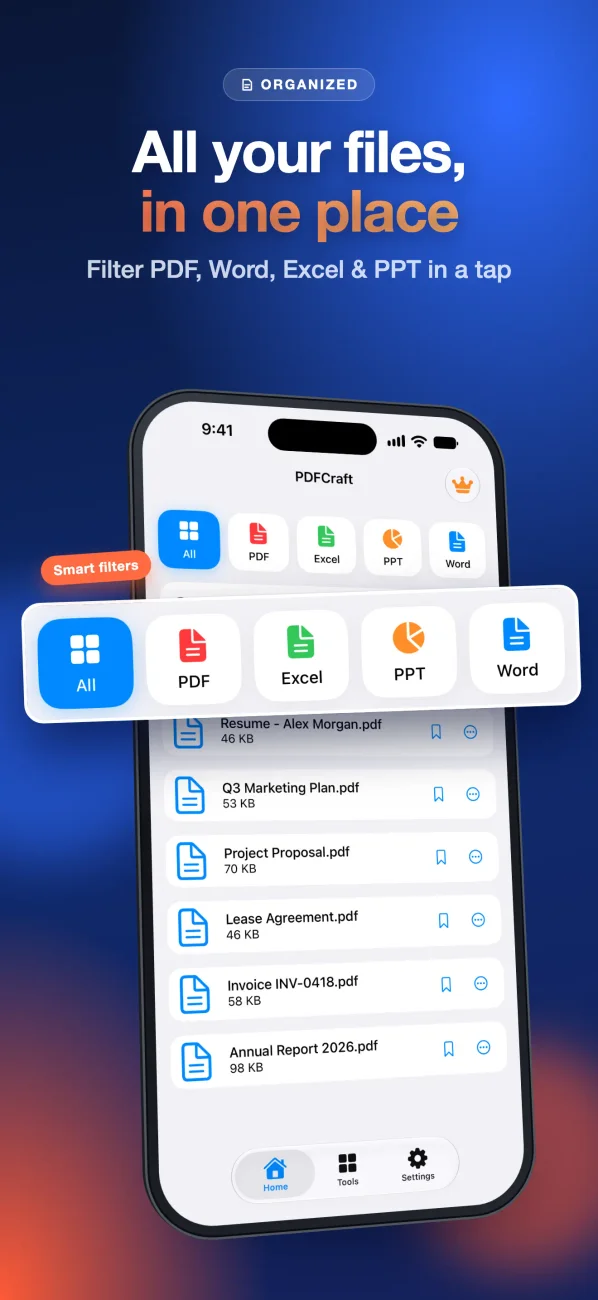
• Office to PDF – convert Word, Excel and PowerPoint files to PDF
• PDF to Text – extract text from any PDF
• Image to Text (OCR) – recognize and copy text from photos
• Searchable PDF (OCR) – make scanned documeble
Scan & Create
• Scan to PDF – scan documents, receipts, notes and IDs with your camera
• Create PDF – start a fresh PDF document an
Sign & Protect
• Sign PDF – draw your signature and sign documents on the go
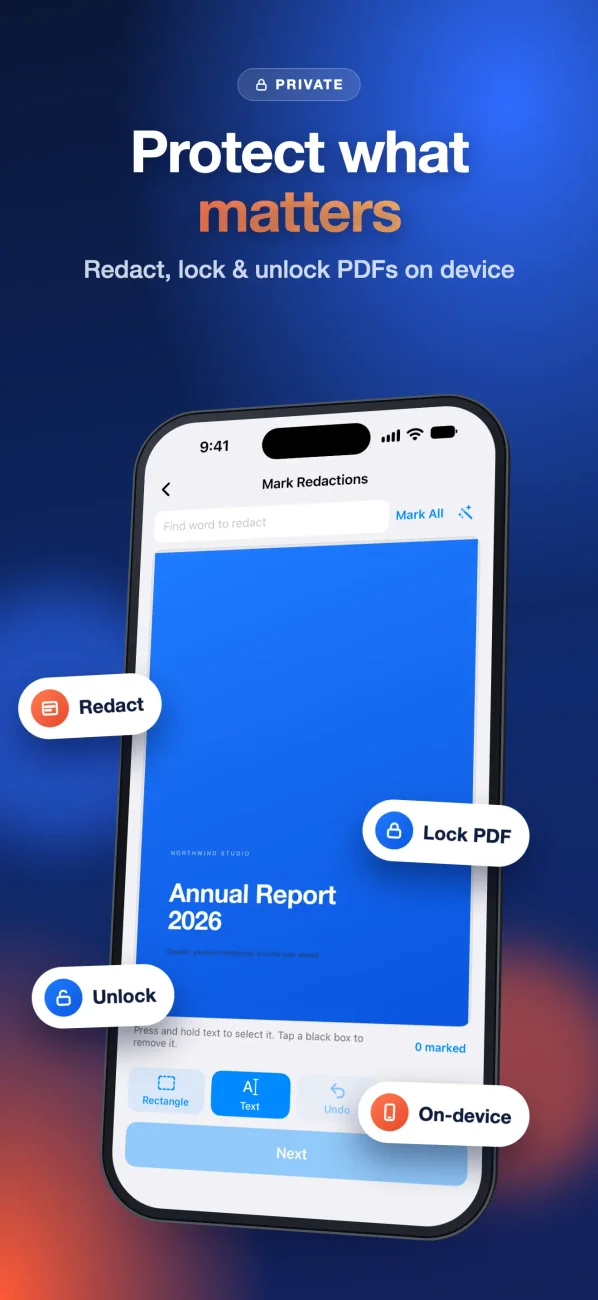
• Lock PDF – protect PDF files with a passwo
• Unlock PDF – remove the password from your own PDFs
• Watermark PDF – add text or image watermar
• Redact PDF – permanently black out private or sensitive information
• Flatten PDF – make annotations and form fi
Read, Compress & Share
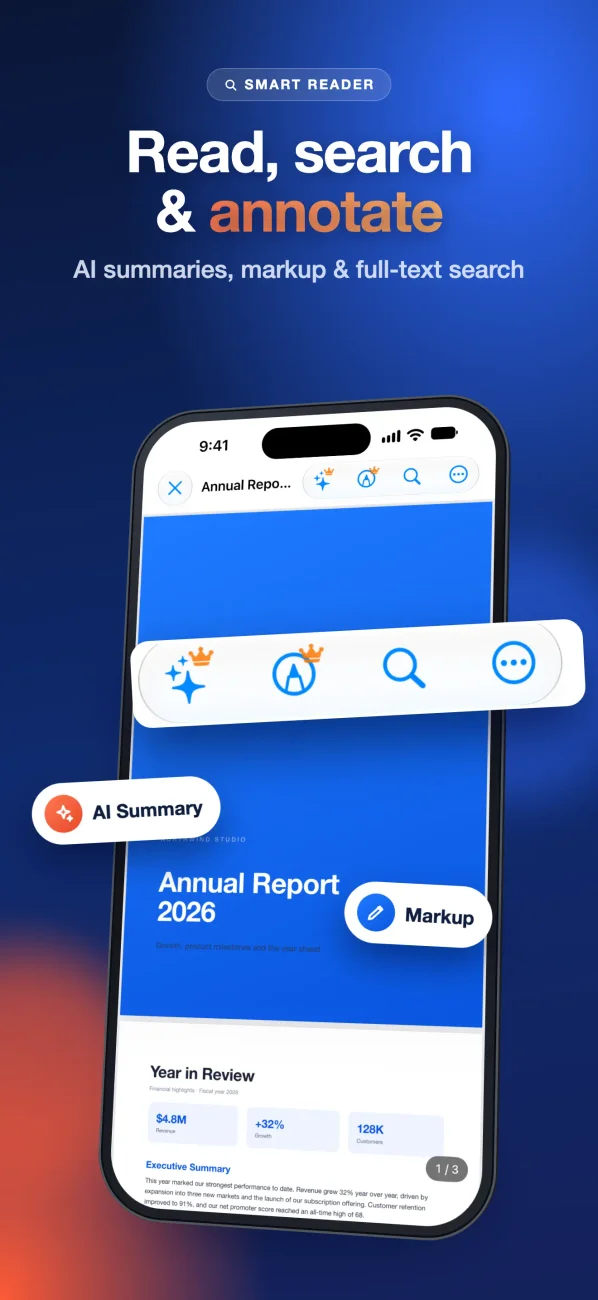
• AI PDF Summary – get a quick summary and key points of long documents, right on your device (Apple Intelligence
devices)
• Compress PDF – reduce PDF file size for email and upload
• Print – print PDFs directly from your devi
• Import – open PDFs from Files, iCloud Drive and other apps
WHY PDFCRAFT?
• Fast, simple and easy to use
• Works on iPhone and iPad
• Your files are processed on your device –
• Clean design with Light and Dark Mode
• Available in 13 languages
Perfect for students, teachers, business prod anyone who works with documents, contracts,invoices, forms, receipts and reports every day.
Download PDFCraft now and manage all your PDF files in one place!
SUBSCRIPTION AND TERMS:
You may purchase an auto-renewing subscription through an In-App Purchase to enjoy all App Features without Ads:
• Auto-renewable subscription
• Weekly, 1 month and 1-year durations
• Your subscription will be charged to your iTunes account at confirmation of purchase and will automatically renew
(at the duration selected) unless auto-renew hours before the end of the current period.
• Current subscription may not be canceled dion period; however, you can manage yoursubscription and/or turn off auto-renewal by visiting your iTunes Account Settings after purchase.
Privacy Policy : https://sites.google.com/view/pdfcraft-privacypolicy
Terms of use : https://sites.google.com/view
EULA : https://sites.google.com/view/pdfcraft-eula
Novedades
Versión 4.7 · 14/11/2026
- iPhone Duo support
- Bug fixes and performance improvements.
- Improved UI for a smoother, easier experience.
Privacidad de la aplicación
Lo que Varsha Patel declara en App Store sobre cómo esta aplicación gestiona los datos.
-
Datos usados para rastrearte
Pueden usarse para rastrearte en aplicaciones y sitios web propiedad de otras empresas.
- Datos de uso
-
Datos no vinculados a ti
Pueden recopilarse, pero no se vinculan a tu identidad.
- Ubicación
- Identificadores
- Datos de uso
- Diagnóstico
Las prácticas de privacidad pueden variar, por ejemplo, según las funciones que uses o tu edad.
Información
- Vendedor
- Varsha Patel
- Categoría
- Economía y empresa
- Versión
- 4.7
- Actualizado
- 14/11/2026
- Publicado
- 5/6/2025
- Tamaño
- 28,8 MB
- Requiere
- iOS 16.0 o posterior
- Clasificación por edad
- 4+
- Precio
- Gratis
- Compras en la aplicación
- Sí
- Idiomas
- Inglés, Danés, Neerlandés, Francés, Alemán, Hindi, Indonesio, Italiano, Malayo, Portugués, Ruso, Español + 1 más
- Copyright
- ©️ 2026 PDFCraft
Quizá también te guste
-
 Pdf Craft ToolsProductividad
-
 PdfCraft: Escanear DocumentosScan Documents & PDF converter
-
 PDF Craft: Local DeskScan, OCR, Merge PDFs
-
 PDF Gear: PDF Editor,ConverterLector, Anotar & Convierte PDF
-
 ONLYOFFICE DocumentsSuite móvil de ofimática
-
 Google AI Edge EloquentProductividad
-
 PDF & Document Scanner.Economía y empresa
-
 Proactor – Notas de VozVoice Memos & Transcribe
-
 PDF Fill & Sign. Editor FillerEconomía y empresa
-
 Autodesk FusionProductividad