- Clasificación por edad4+
- CategoríaEconomía y empresa
- DesarrolladorFour Positive Software Solutions Co. P.S.C
- IdiomasInglés
- Tamaño74,1 MB
Es posible que Positive GO no esté disponible en App Store en este momento
No se pudo acceder a la ficha de la tienda en nuestra última comprobación. El enlace sigue llevando a la página oficial de App Store.
Capturas de pantalla

Acerca de
El desarrollador no ha proporcionado este texto en tu idioma.
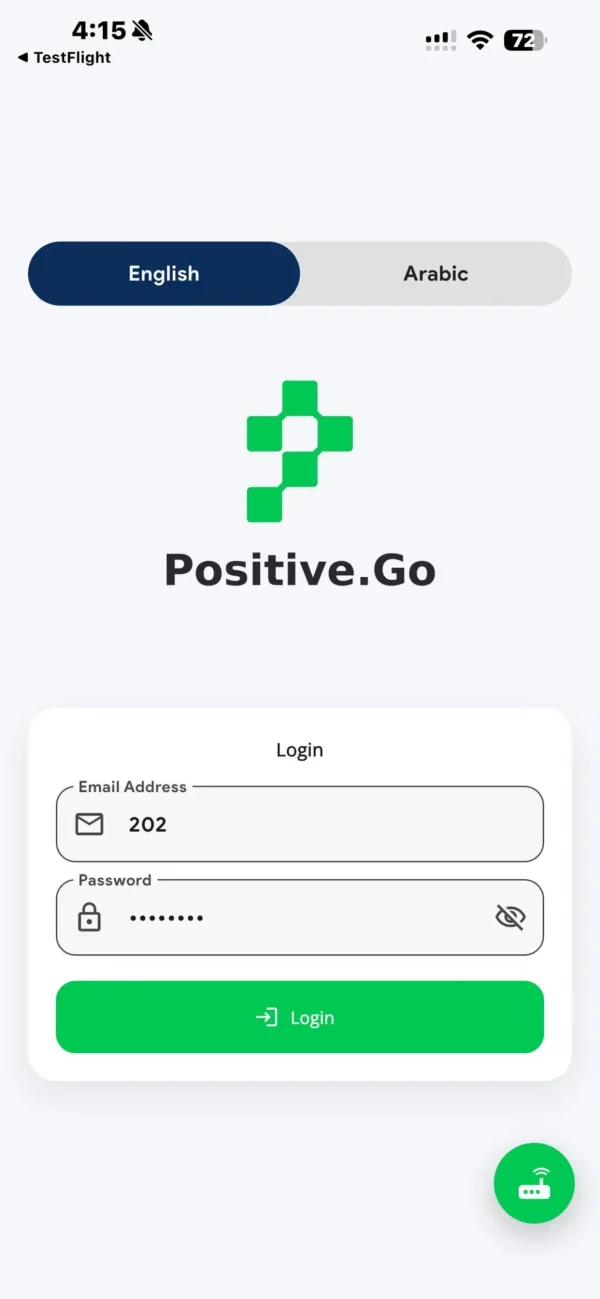
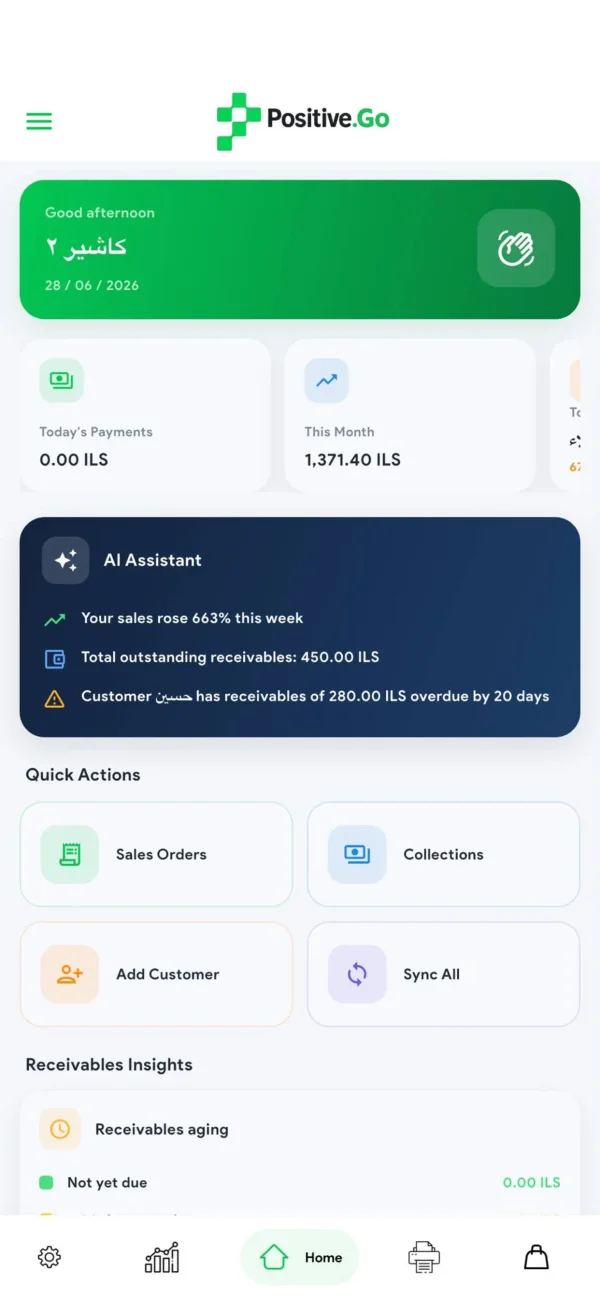
Positive.GO is the mobile companion to your company's ERPNext system. It is a workplace tool: you sign in with the account your employer issues you, and everything you see belongs to your company and lives on your company's own server.
WHAT YOU CAN DO
Sales and customers
• Browse the customer list, open a customer and see their full history
• Create and edit sales orders and quotations on the spot
• Record collections and see outstanding balances per customer
• Capture cheque images and attach them to the payment
Bookings
• A day view of every reservation, with free units at a glance
• Take a tentative booking, confirm it against a deposit, and settle at check-out
• Record the hand-over inspection, charge for damages, apply a discount
• Create a booking from a pasted customer message
Invoices
• Every invoice and order in one list, filtered by unpaid, partly paid and paid
• Open any document to see its full detail and record a payment against it
• Receivables per customer
Human resources
• Punch in and out for attendance
• Request leave, advances and other HR documents, and follow their approval
• Managers review and act on their team's requests from the same screen
Tasks and reports
• Your assigned tasks and their progress
• The reports your role is allowed to see, on live data
HOW IT WORKS
The app talks directly to your employer's ERPNext server over an encrypted HTTPS connection. Positive Solutions keeps no copy of your business data. The menu adapts to your role, so each user sees only the screens their permissions allow.
Location is read only at the moment you tap the attendance button, to confirm you are at the workplace. There is no background tracking.
Arabic and English, with full right-to-left support.
REQUIREMENTS
An active ERPNext subscription with Positive Solutions and an account issued by your company's administrator. The app cannot be used without one.
Novedades
Versión 1.0.19 · 14/9/2026
What's new in 1.0.19
• Barcode selling: add items to the cart by scanning — with a handheld scanner or the phone camera. Every unit of measure can carry its own barcode, so scanning a box adds a box.
• Edit any cart line: change quantity, bonus and discount right from the cart or the barcode screen — type the number or use the steppers.
• One cart everywhere: the barcode screen shows the whole cart and can add items from the catalogue; the cart can add from the catalogue too.
• Item guide: type quantities directly, and tap anywhere on an item to open its panel.
• Sales returns: filter by date range.
• Sales by item report: search for an item and get a card with its stock, sold and remaining quantities.
• Home: today's visits at a glance.
• Account statement now matches the receivables report and shows every movement — collections, invoices, returns and partial payments.
• ILS is the default currency wherever a currency is chosen.
• Fixes: barcodes now sync from the server; scanner input is read reliably whatever suffix the device sends.
Privacidad de la aplicación
Lo que Four Positive Software Solutions Co. P.S.C declara en App Store sobre cómo esta aplicación gestiona los datos.
-
No se recopilan datos
El desarrollador no recopila ningún dato de esta aplicación.
Las prácticas de privacidad pueden variar, por ejemplo, según las funciones que uses o tu edad.
Información
- Vendedor
- Four Positive Software Solutions Co. P.S.C
- Categoría
- Economía y empresa
- Versión
- 1.0.19
- Actualizado
- 14/9/2026
- Publicado
- 9/7/2026
- Tamaño
- 74,1 MB
- Requiere
- iOS 15.5 o posterior
- Clasificación por edad
- 4+
- Idiomas
- Inglés
- Copyright
- © 2026 PositiveERP