PreFace: Screen Time Control
AppBlocker: Focus Productivity
Diseñada para iPhone, iPod touch
Gratis · Compras en la aplicación
- Clasificación por edad4+
- CategoríaProductividad
- DesarrolladorRuben Zhou Yang
- IdiomasInglés
- Tamaño43,8 MB
Enlaza a la página oficial de App Store
Download.org no aloja ningún archivo de PreFace: Screen Time Control. El botón abre la página de la aplicación en App Store, donde la publica Ruben Zhou Yang. Ficha comprobada por última vez el 21/11/2026.
Capturas de pantalla
Acerca de
El desarrollador no ha proporcionado este texto en tu idioma.
Stop the scroll. Start your story.
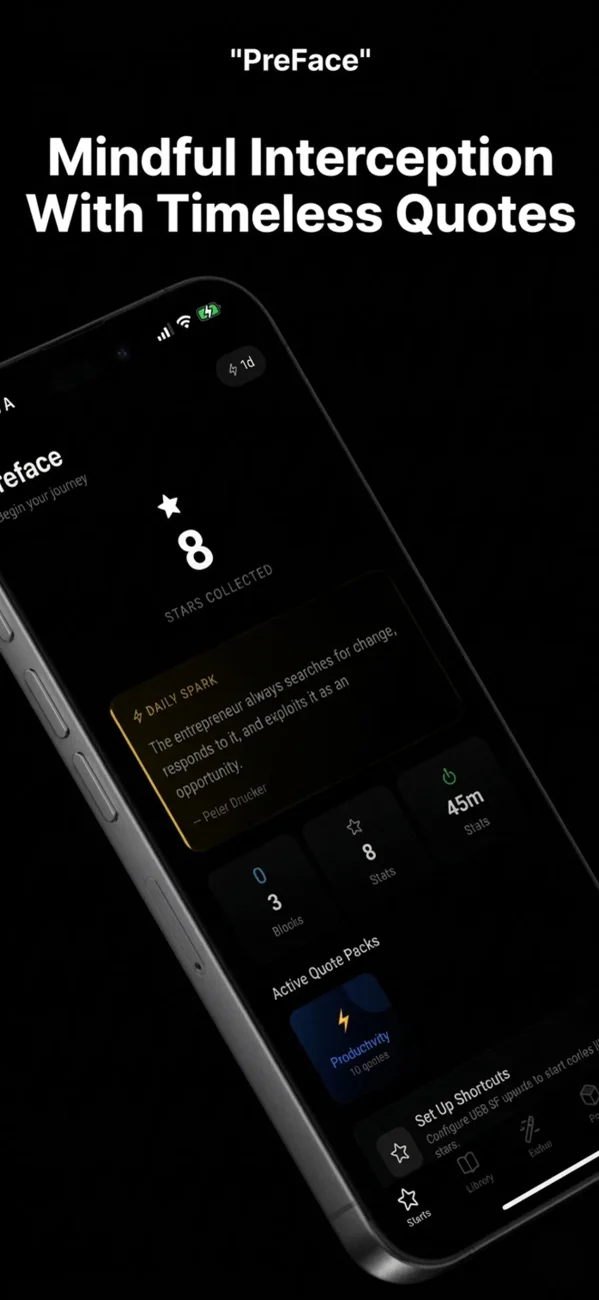
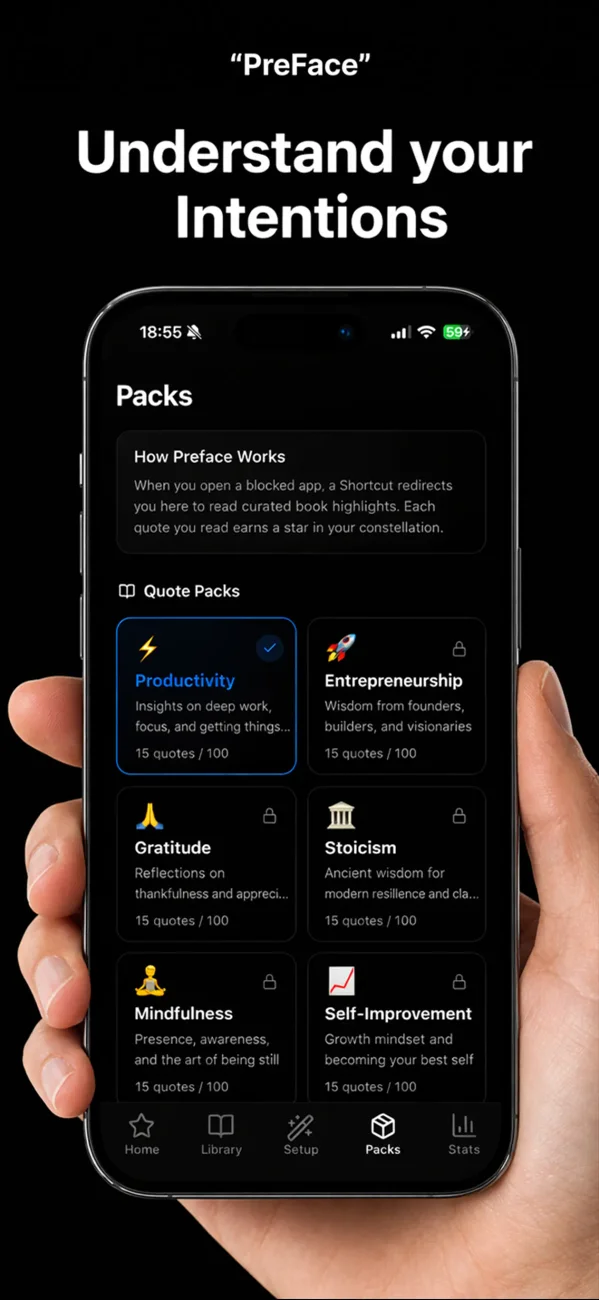
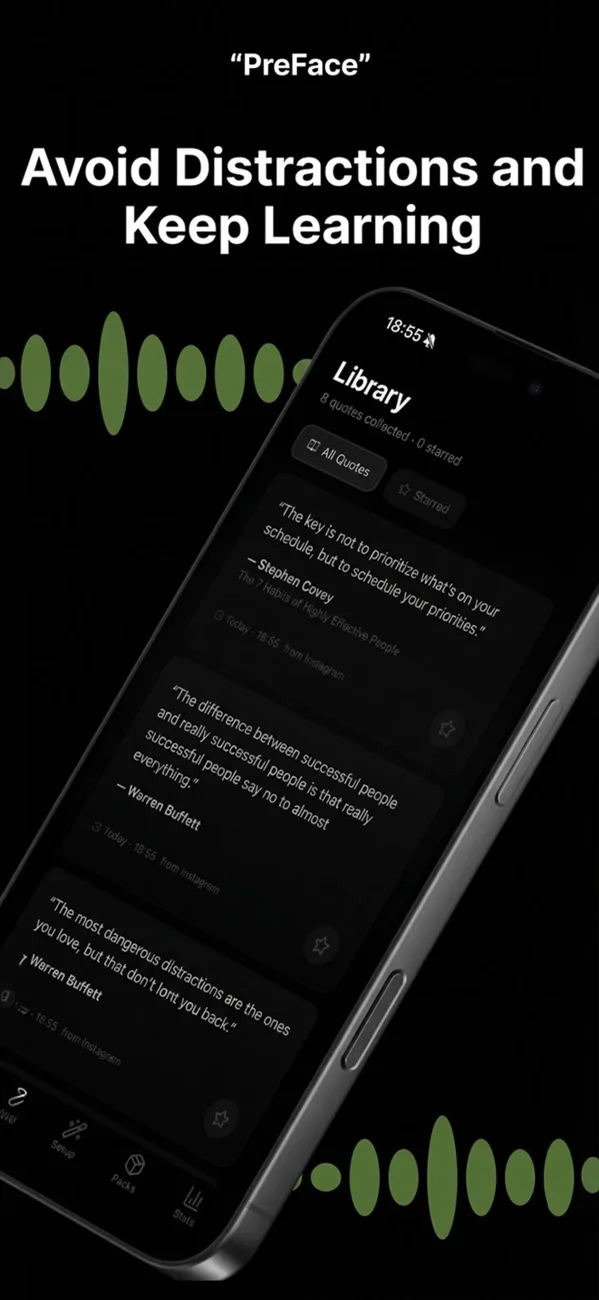
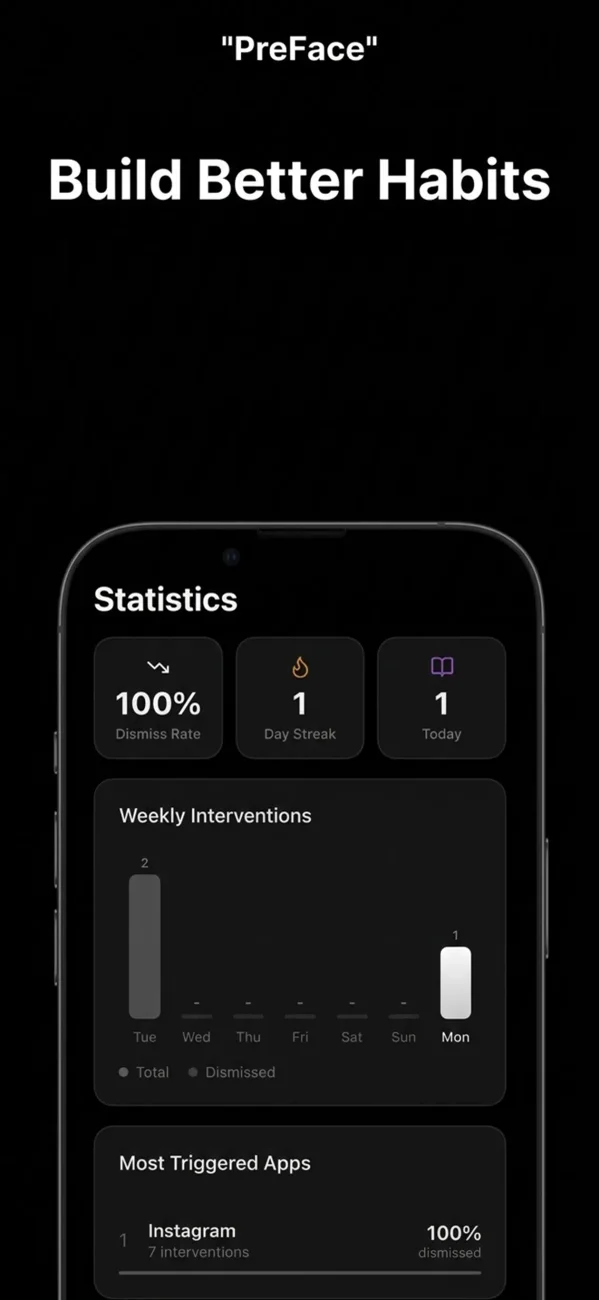
Most app blockers just shut you out. "Preface: Screen Time Control" invites you back to your focus. By turning a simple iOS Automation into a powerful mindfulness tool, Preface intercepts your digital distractions and replaces them with a curated moment of wisdom.
The "Preface" Experience:
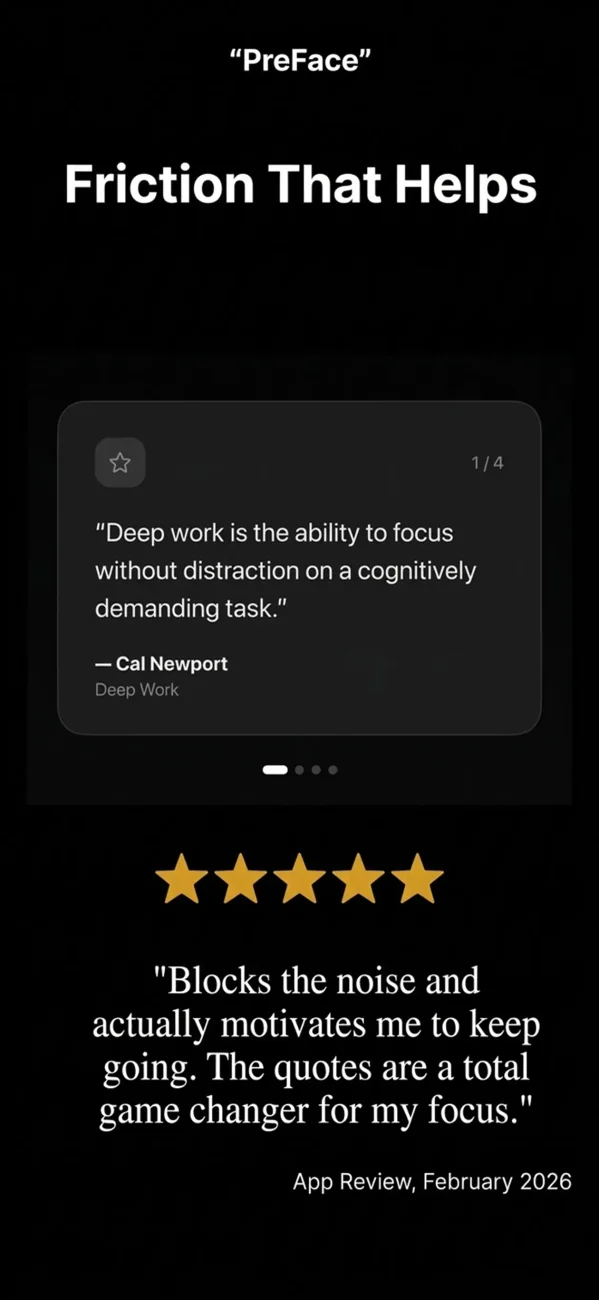
Instead of a cold "Blocked" notification, Preface provides a transition. It’s a pause, a moment of reflection that reminds you why you put the phone down, featuring a minimalist design and handpicked quotes from history’s greatest thinkers.
How it Works (Simple 1-Minute Setup):
Preface utilizes the power of iOS Shortcuts & Automations to give you full control over your focus.
Choose Your Distractions: Identify the apps that pull you away from your goals.
Set the Automation: Use our simple, step-by-step guide to link your target apps to Preface via the Shortcuts app.
The Redirection: Every time you instinctively tap a distracting app, Preface will automatically open first, presenting you with a beautiful quote and a chance to breathe.
Key Features:
Intentional Friction: We replace a mindless habit (scrolling) with a conscious choice (reflecting).
Privacy First: Because you use native iOS Automations, Preface never needs to track your "Screen Time" data or monitor your browsing history.
Curated Wisdom: A library of deep, inspiring quotes to help you reset your mindset in seconds.
Minimalist Aesthetics: A clean, distraction-free interface that respects your mental space.
Privacidad de la aplicación
Lo que Ruben Zhou Yang declara en App Store sobre cómo esta aplicación gestiona los datos.
-
Datos vinculados a ti
Pueden recopilarse y vincularse a tu identidad.
- Información financiera
Las prácticas de privacidad pueden variar, por ejemplo, según las funciones que uses o tu edad.
Información
- Vendedor
- Ruben Zhou Yang
- Categoría
- Productividad
- Versión
- 1.0
- Actualizado
- 3/4/2026
- Publicado
- 3/4/2026
- Tamaño
- 43,8 MB
- Requiere
- iOS 15.1 o posterior
- Clasificación por edad
- 4+
- Precio
- Gratis
- Compras en la aplicación
- Sí
- Idiomas
- Inglés
- Copyright
- © 2026 Preface: Screen Time Control
Quizá también te guste
-
 ateamsProductividad
-
 Free Time: Dopamine DetoxProductividad
-
 Mindrobe Plan Diario y EnfoqueRutinas y Hábitos, TDAH
-
 Timestamper: Activity TrackerProductividad
-
 Office PuzzleProductividad
-
 Codex AI - Remote CodexVibeCode
-
 Awesome Habits: Habit TrackerHábitos, rutinas y objetivos
-
 Things 3Lista de tareas
-
 Snipd | AI Podcast PlayerProductividad
-
 Bitwarden AuthenticatorProductividad