Print Remote - Printer Sharing
One printer. All your devices.
Diseñada para iPhone, iPad, iPod touch
Gratis
- Clasificación por edad4+
- CategoríaUtilidades
- DesarrolladorNTWIND, LLC
- IdiomasInglés+ 21 más
- Tamaño48,5 MB
Enlaza a la página oficial de App Store
Download.org no aloja ningún archivo de Print Remote - Printer Sharing. El botón abre la página de la aplicación en App Store, donde la publica NTWIND, LLC. Ficha comprobada por última vez el 12/11/2026.
Capturas de pantalla
Acerca de
El desarrollador no ha proporcionado este texto en tu idioma.
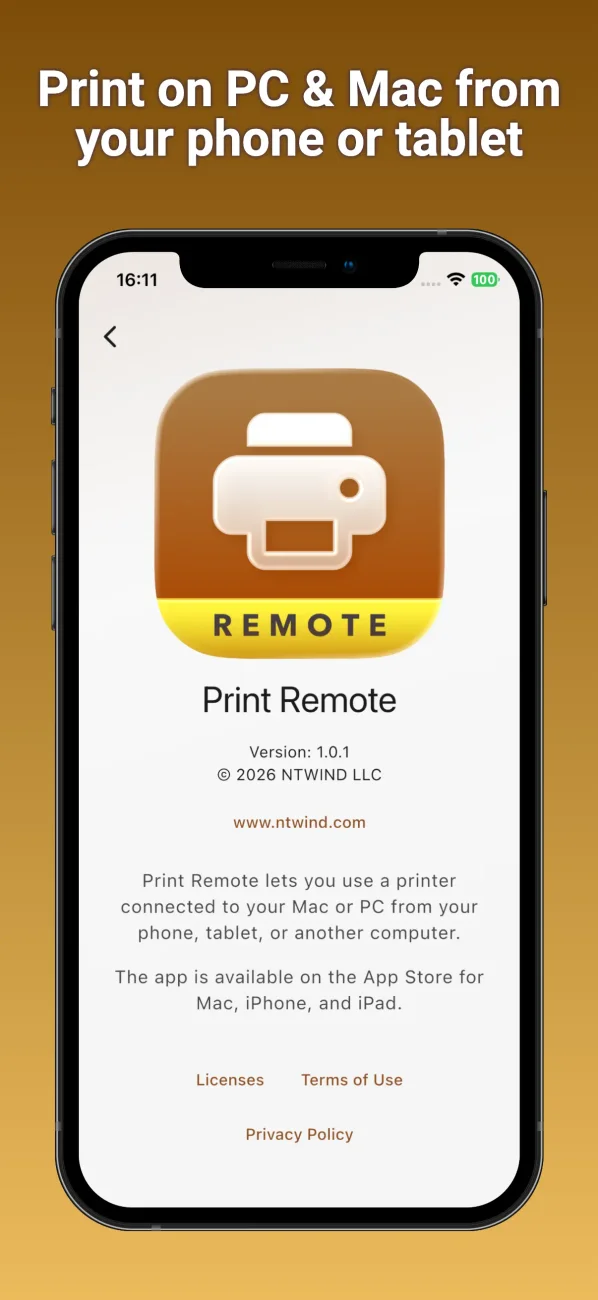
Keep your old USB printer. Print from your phone.
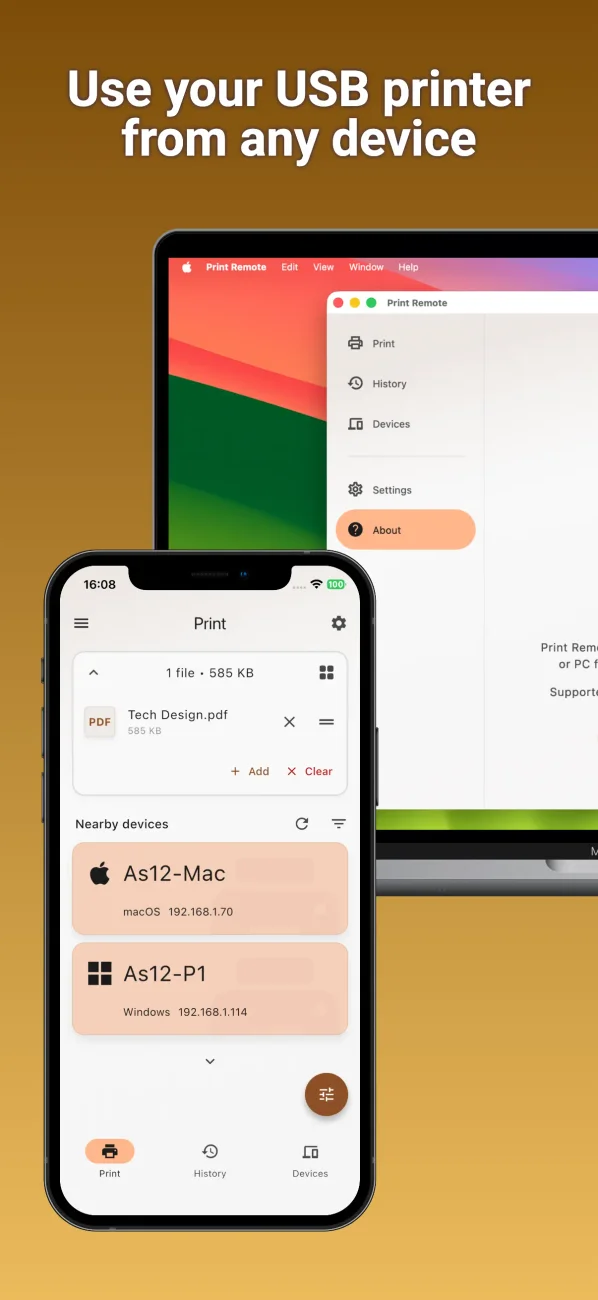
Print Remote lets you use a printer connected to a Windows PC or Mac from your iPhone or iPad. Keep the printer you already have, including an older USB model without Wi-Fi, and let the computer handle the printing.
CONNECT ONCE, PRINT FROM YOUR PHONE
Install Print Remote on your iPhone or iPad and on the computer that can already print to your printer. Connect both devices to the same local network, approve pairing, and choose your content. The computer can use Ethernet or Wi-Fi; the printer itself does not need a wireless connection.
BRING YOUR CONTENT
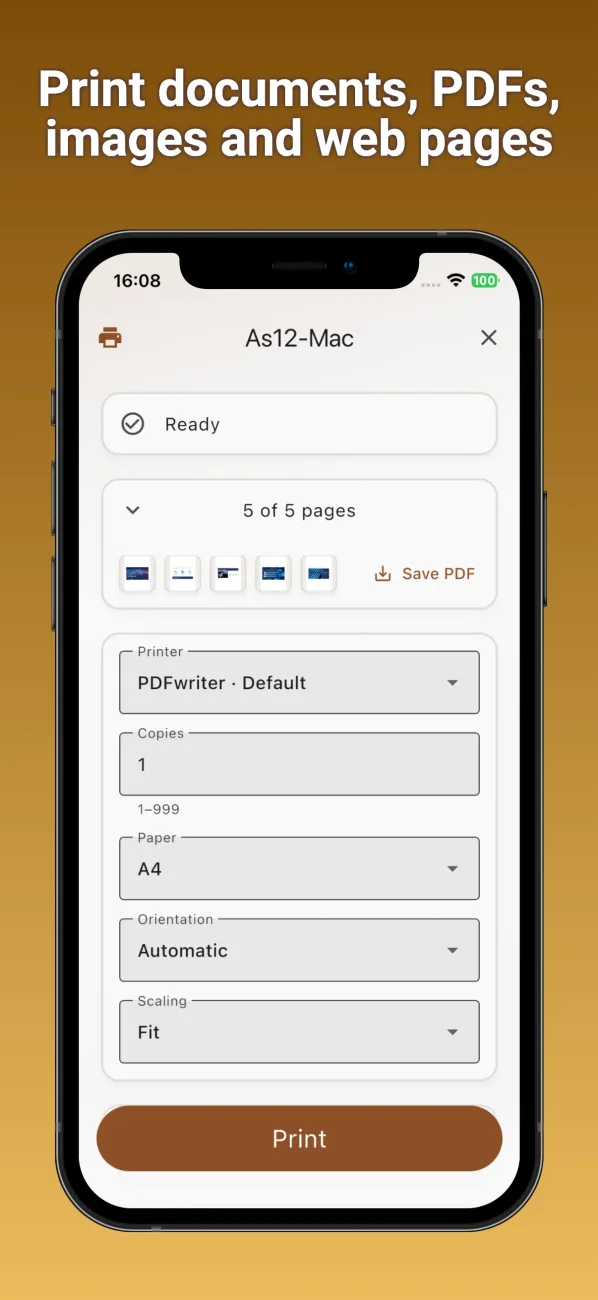
Add PDFs, supported images and documents, web pages, direct file links, or typed and pasted text. The receiving computer prepares the sources as pages. Supported Office documents need a compatible converter installed separately on that computer.
CHOOSE WHAT GOES ON PAPER
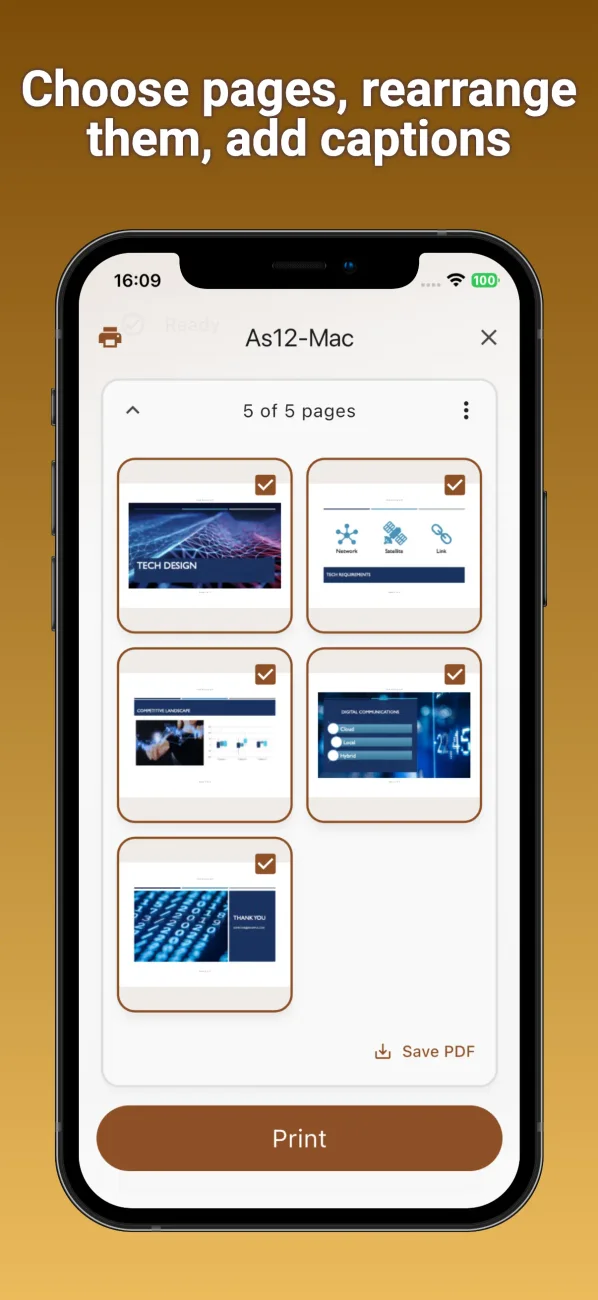
Review pages from different sources together in one sequence. Open larger previews, select only the pages you need, and rearrange their order. Choose a printer and its available options, including copies, paper, color, duplex, orientation, scaling, and collation. Add optional headers and footers with a source name, page number, or date.
SAVE A PDF INSTEAD
Combine selected pages into one PDF and get it back on your iPhone or iPad. Use the system share sheet to save or share it. The receiving computer is still needed to prepare the pages, but no physical printer is required for Save PDF.
FIND PREVIOUS ACTIVITY
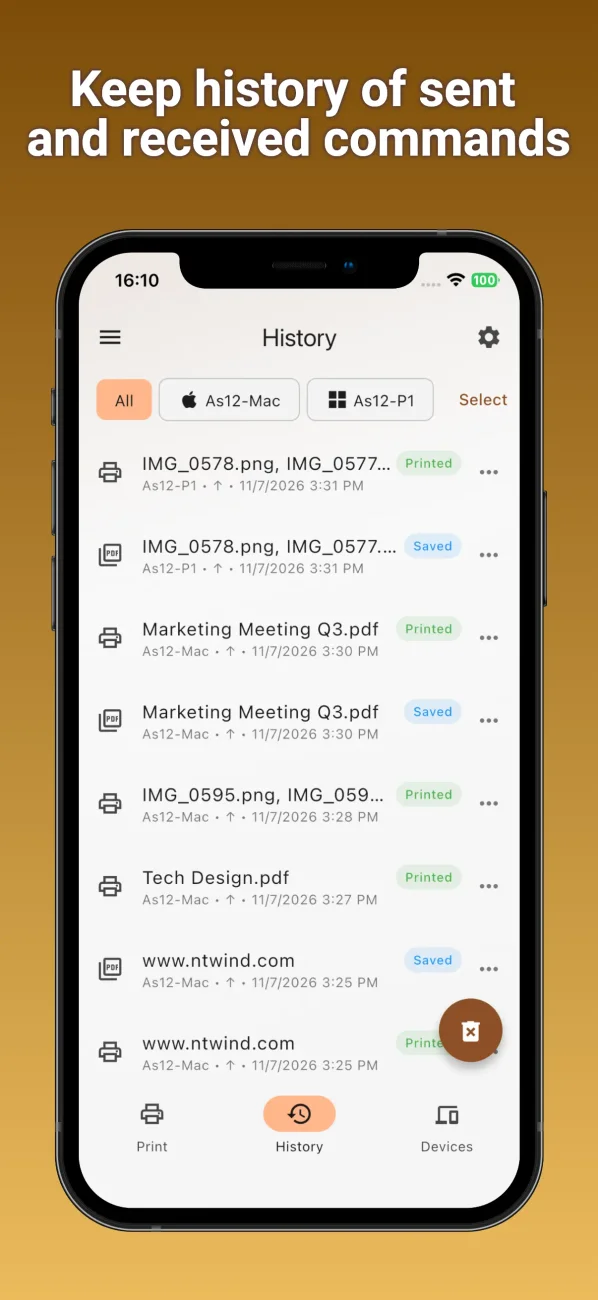
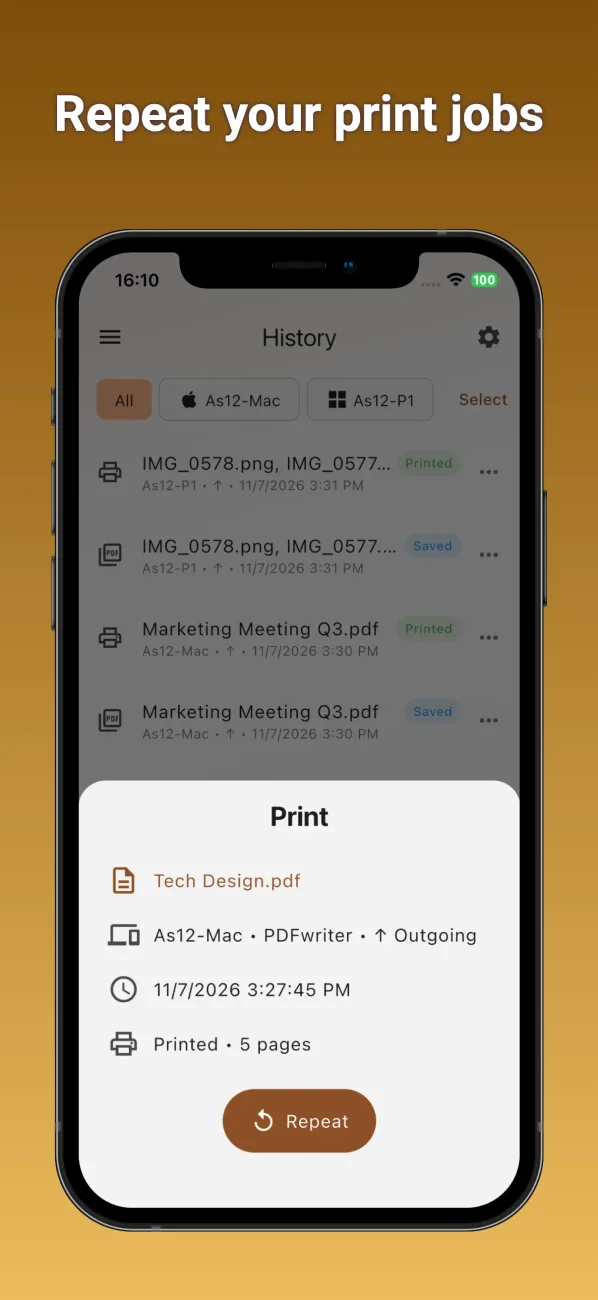
Review jobs in History. Repeat restores available sources for review before another job. Open saved or retained PDFs when available. Optional Keep received PDFs on the computer retains output PDFs rather than original incoming sources; storage limits apply.
CONNECT DIRECTLY
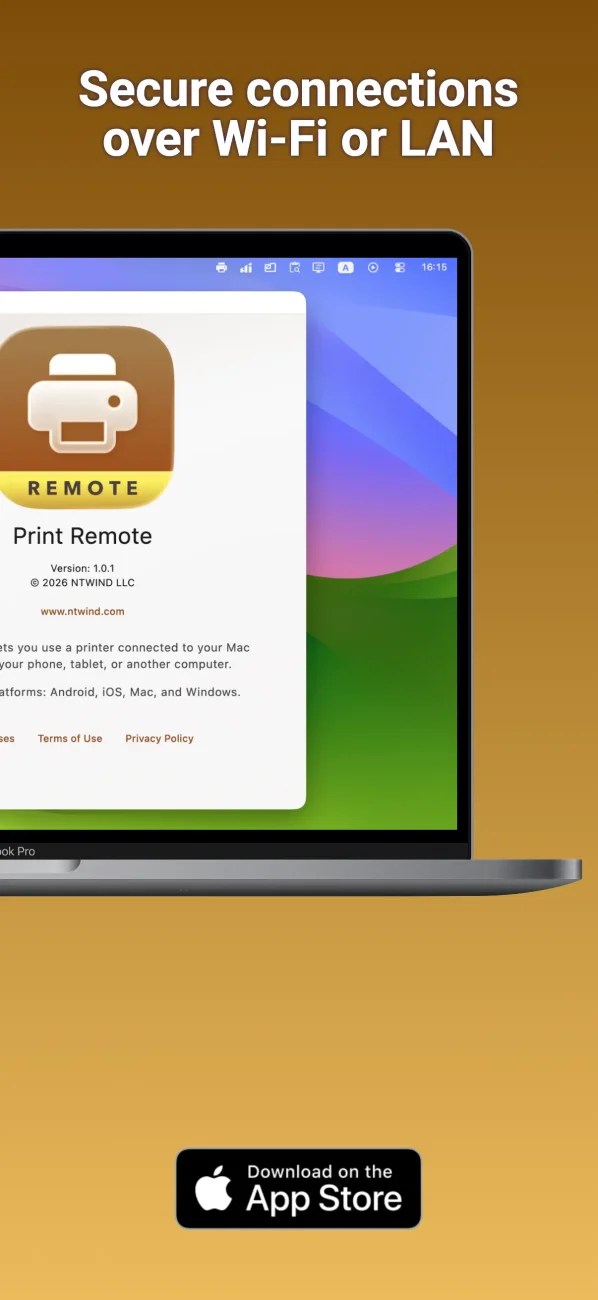
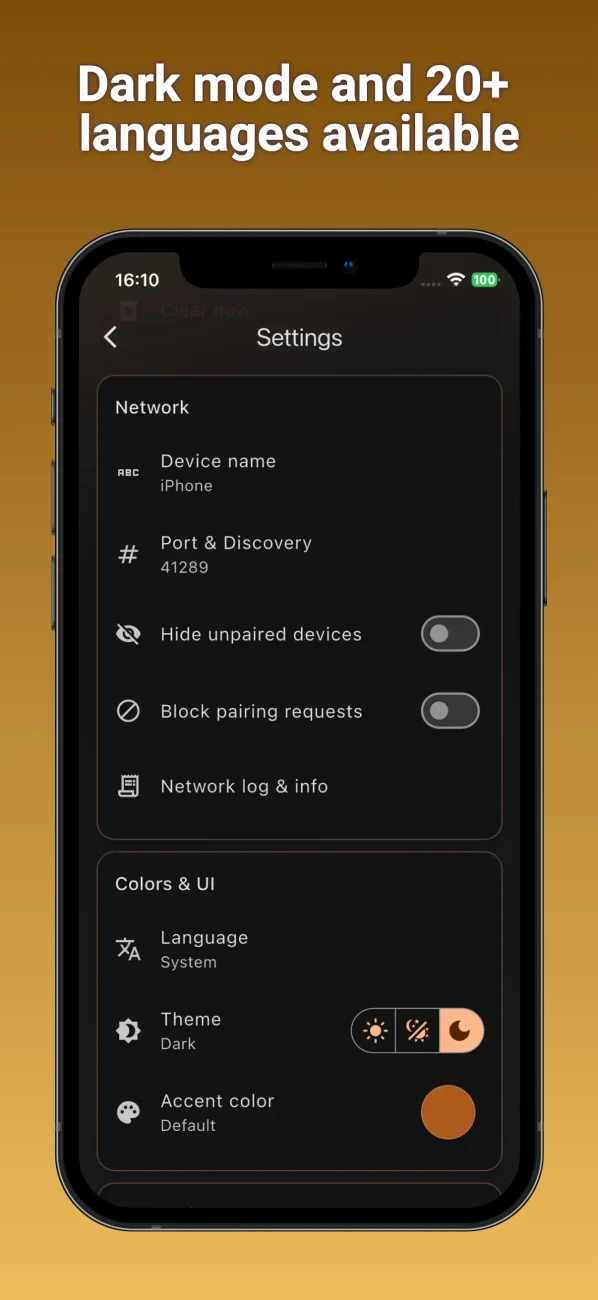
Paired devices communicate over encrypted local connections. No account is required, and there is no Print Remote cloud upload. The receiving computer manages Print and Save PDF permissions separately. Web links and cloud-backed sources may contact their providers.
iPhone, iPad, Mac, and Windows can send jobs. Mac and Windows receive them and can also prepare and print locally through This Device. Keep the receiving computer awake with Print Remote running, and make sure the printer works there with a compatible driver.
DOC/DOCX, XLS/XLSX, and PPT/PPTX require compatible Microsoft Office or LibreOffice on the receiver. ODT, ODS, ODP, and RTF require LibreOffice. PDFs, supported images, and typed or pasted text need no Office software. Windows web conversion requires Microsoft Edge WebView2 Runtime. Password-protected PDFs are not supported.
Privacidad de la aplicación
Lo que NTWIND, LLC declara en App Store sobre cómo esta aplicación gestiona los datos.
-
No se recopilan datos
El desarrollador no recopila ningún dato de esta aplicación.
Las prácticas de privacidad pueden variar, por ejemplo, según las funciones que uses o tu edad.
Información
- Vendedor
- NTWIND, LLC
- Categoría
- Utilidades
- Versión
- 1.0.1
- Actualizado
- 8/11/2026
- Publicado
- 7/11/2026
- Tamaño
- 48,5 MB
- Requiere
- iOS 15.0 o posterior
- Clasificación por edad
- 4+
- Precio
- Gratis
- Idiomas
- Inglés, Árabe, Checo, Neerlandés, Finés, Francés, Alemán, Griego, Indonesio, Italiano, Japonés, Coreano + 10 más
- Copyright
- © 2026 NTWIND LLC
Quizá también te guste
-
 QR-Code MasterUtilidades
-
 ASTA PrinterUtilidades
-
 Print HelperUtilidades
-
 Transcribir: audio a texto IANotas de Voz y Transcripción
-
 NilInkPrinterUtilidades
-
 HP Smart Printer App ; HPSmartPDF, Photo Editor & Converter
-
 Smart Printer: Mobile PrintingUtilidades
-
 SOS GPS RescueUtilidades
-
 nPerf Fleet AgentUtilidades
-
 FSJ-GroupUtilidades