
Pull: Acceleration Tracker
Monitor Real-Time G-Forces
Diseñada para iPhone
Gratis
- Clasificación por edad4+
- CategoríaUtilidades
- DesarrolladorCarl Sieber
- IdiomasInglés
- Tamaño1,9 MB
Enlaza a la página oficial de App Store
Download.org no aloja ningún archivo de Pull: Acceleration Tracker. El botón abre la página de la aplicación en App Store, donde la publica Carl Sieber. Ficha comprobada por última vez el 18/11/2026.
Capturas de pantalla


Acerca de
El desarrollador no ha proporcionado este texto en tu idioma.
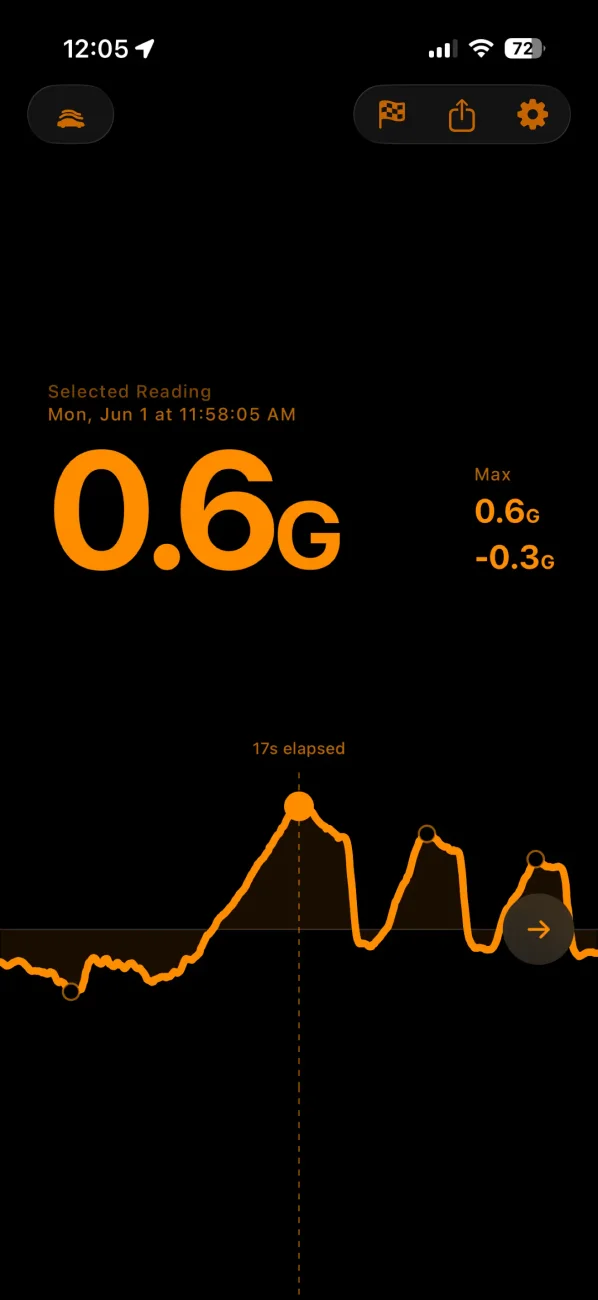
Pull turns your iPhone into a live longitudinal g-force meter for driving — every push into your seat and every dive into the belt, traced the instant it happens. Runs quietly catches every launch and roll while you drive, so a quarter-mile just gets banked without ever tapping a stopwatch. New in 1.3.1: made for iPhone Duo.
FEATURES
• Live G-force readings for acceleration and braking
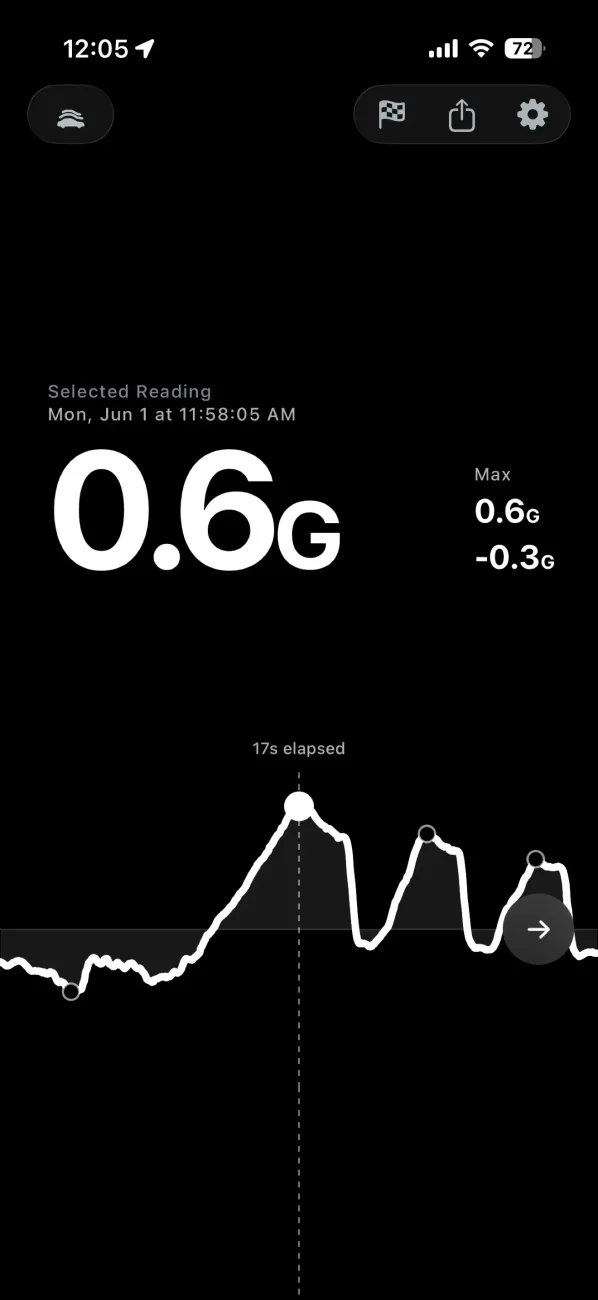
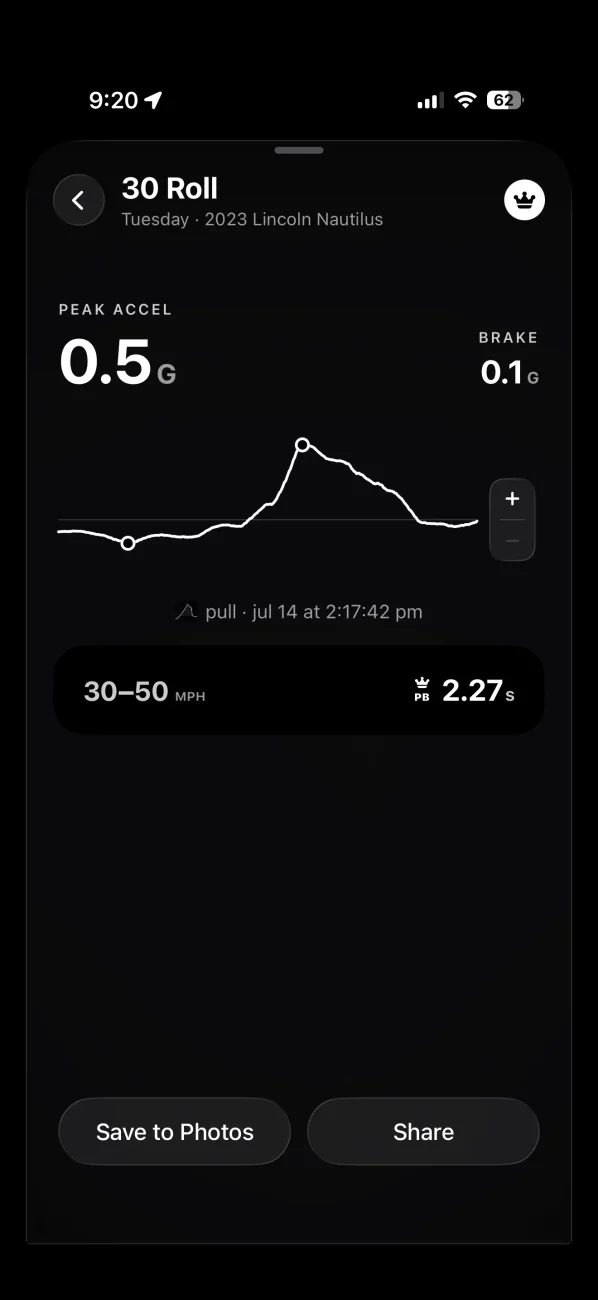
• Real-time scrolling telemetry chart with drag-to-explore review
• Peak acceleration and braking captured on every drive
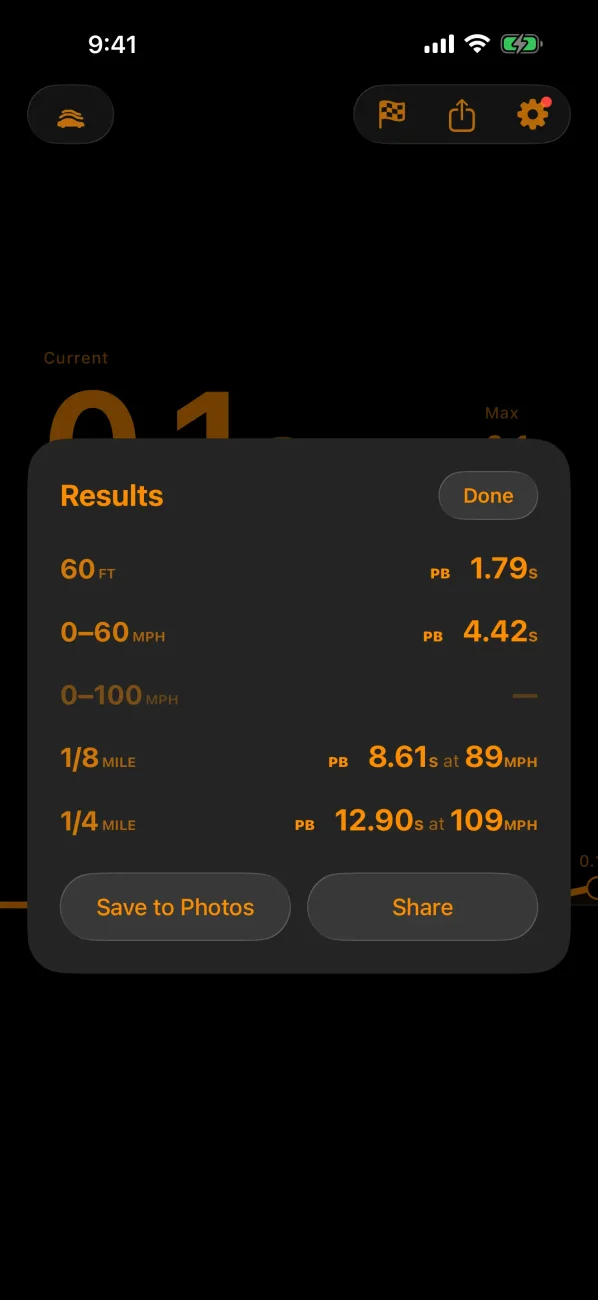
• Runs — set a roll or launch from a stop, floor it, and Pull banks your 60-foot, 0–60, and quarter-mile automatically. No button, no countdown
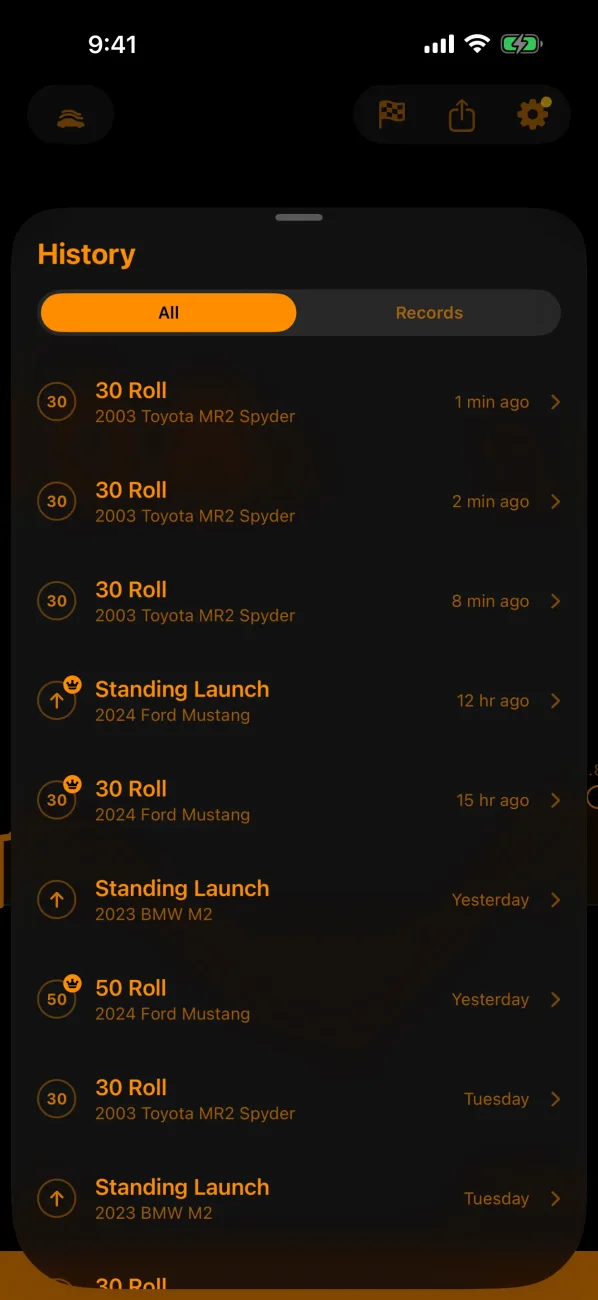
• History — every banked run files itself in a logbook you never wrote
• Records — your personal bests across every measure, one trophy shelf
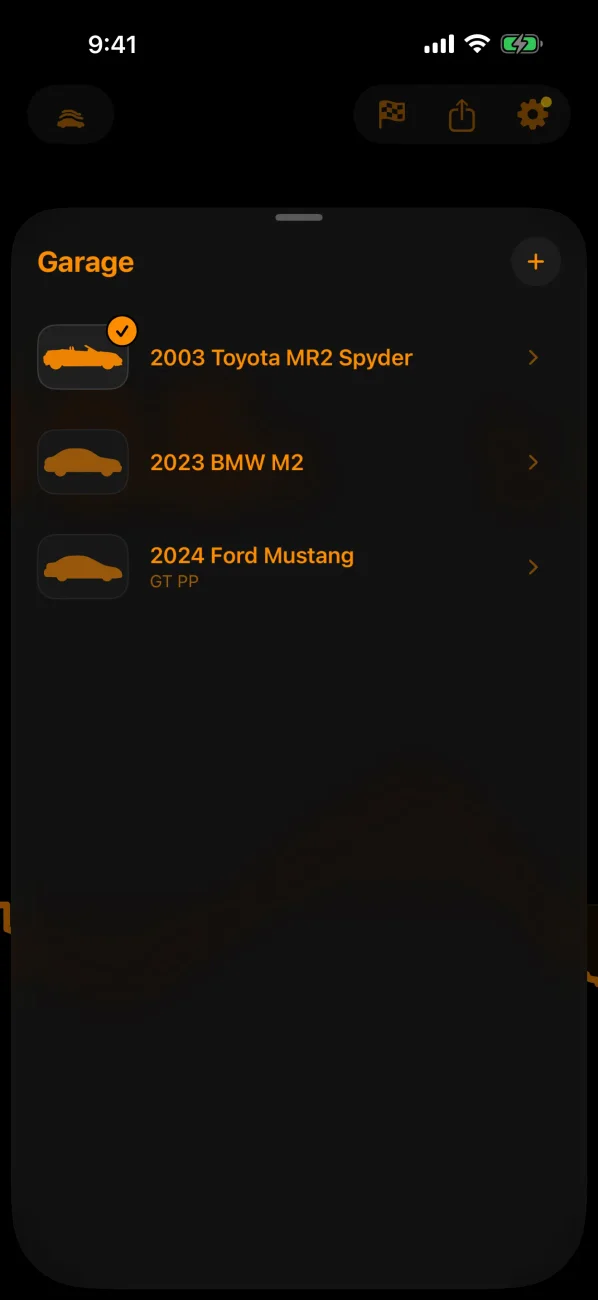
• Garage — add your cars, and every run is stamped with the one you set it in. Each car remembers its own dash color
• Share any peak, whole ride, or banked run as a clean card — or save a run straight to Photos
• Made for iPhone Duo — readings on the cover display, a split meter held tall, a full-width trace held wide
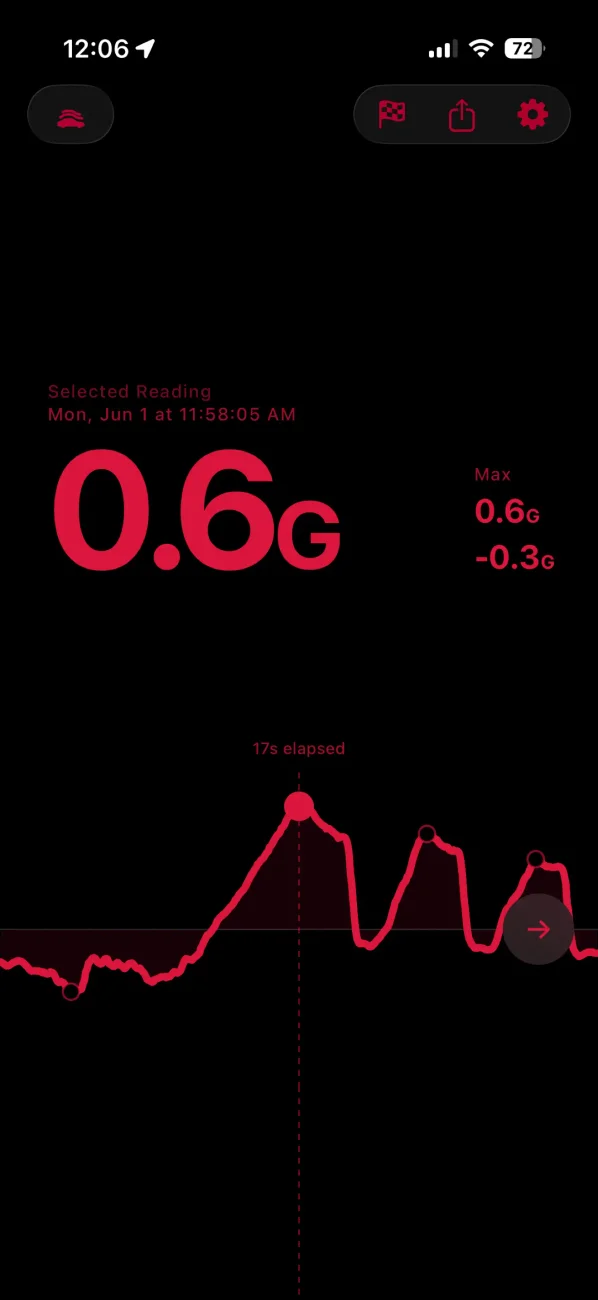
• Ten dashboard tints — pick what reads cleanest against your dash
• Follows your region for miles or kilometres — flip whenever you like
• Automatic setup — no calibration step; it learns your direction of travel as you drive
• Works in any mount or orientation — dashboard, vent, or a flat console charger
HOW IT WORKS
Pull uses your iPhone's motion sensors and your direction of travel to measure longitudinal acceleration accurately. It works the moment you start moving and sharpens within seconds — no calibration step and no fixed mounting position.
While you drive, Runs watches quietly in the background. Set a roll or come to a stop and launch, and Pull times it against your true from-crossing — no stopwatch to tap, no countdown to fumble. You decide it was a run after the run. Ordinary driving stays silent.
Location is used only to sense the direction of travel. It's processed entirely on your device and never leaves it.
Place your phone in any mount — dashboard, vent, or a flat charging pad — open Pull, and drive.
GREAT FOR
• Enthusiasts who want their 60-foot, 0–60, and quarter-mile without fuss
• Drivers working on smoother acceleration and braking habits
• Exploring how a car pulls, brakes, and settles across a drive
• Anyone who's ever wished the pull they just made had been timed
PRIVACY
Your measurements, location, and drive data stay on your device and are never uploaded to the cloud. Pull does not collect, store, or share your personal data.
No account. No signup. No internet connection required.
QUICK START
1. Place your iPhone in any mount in your vehicle
2. Open Pull and allow Location access
3. Drive and watch live acceleration data update in real time
4. Review your session history and telemetry afterward
IMPORTANT
Pull measures longitudinal acceleration only (forward and backward motion). Always drive responsibly and obey local traffic laws. Never operate the app in a way that distracts from safe driving.
Novedades
Versión 1.3.1 · 28/10/2026
Pull now unfolds with you. On iPhone Duo, read it on the cover display, open it tall for the readout above the fold and the trace below, or turn it wide for a trace that runs edge to edge.
Also new:
• Save any run to Photos, or share it, right from its detail page
• Change which car a run belongs to
• Run charts crop tightly to the run itself, including older runs
• The readout holds still when you tap a moment
• A close button on the share sheet
• A one-time safety note before your first run
Privacidad de la aplicación
Lo que Carl Sieber declara en App Store sobre cómo esta aplicación gestiona los datos.
-
No se recopilan datos
El desarrollador no recopila ningún dato de esta aplicación.
Las prácticas de privacidad pueden variar, por ejemplo, según las funciones que uses o tu edad.
Información
- Vendedor
- Carl Sieber
- Categoría
- Utilidades
- Versión
- 1.3.1
- Actualizado
- 28/10/2026
- Publicado
- 11/6/2026
- Tamaño
- 1,9 MB
- Requiere
- iOS 17.6 o posterior
- Clasificación por edad
- 4+
- Precio
- Gratis
- Idiomas
- Inglés
- Copyright
- © 2026, Carl Sieber
Quizá también te guste
-
 Calculadora AI: Tutor & TareasCalculadora Científica
-
 VisicountHands-Free Voice Counter App
-
 Kinetiq: Ride QualityUtilidades
-
 StarPilot BTUtilidades
-
 Unit Converter TS - All in OneUtilidades
-
 Holidate - FestivosFestivos del mundo y agenda
-
 KaliTrueUtilidades
-
 Lower Merion Twp Report-ItUtilidades
-
 TeSlateUtilidades
-
 H-1 Pro SeriesUtilidades