
QuikFlow Pro
Mind Mapping for Flowcharts
Diseñada para iPhone, iPad, Mac
29,99 €
- Clasificación por edad4+
- CategoríaProductividad
- Desarrolladorconeno GmbH
- IdiomasInglés+ 3 más
- Tamaño82,2 MB
Enlaza a la página oficial de App Store
Download.org no aloja ningún archivo de QuikFlow Pro. El botón abre la página de la aplicación en App Store, donde la publica coneno GmbH. Ficha comprobada por última vez el 23/11/2026.
Capturas de pantalla
Acerca de
El desarrollador no ha proporcionado este texto en tu idioma.
QuikFlow, but with the Pro In-App-Purchase already unlocked!
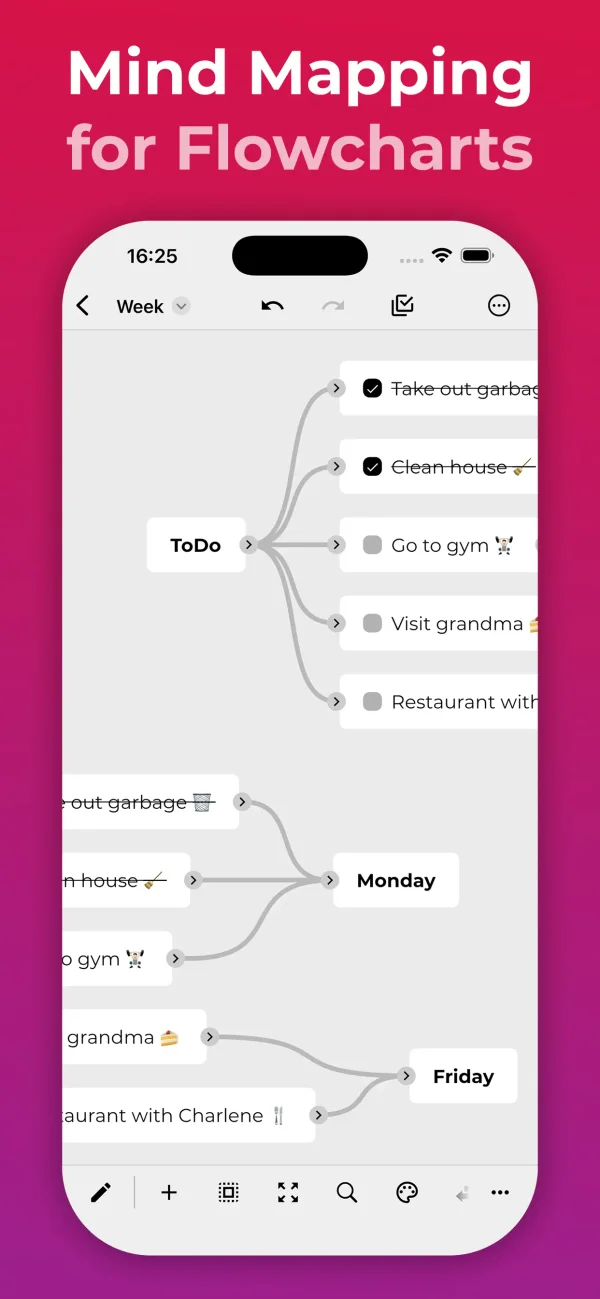
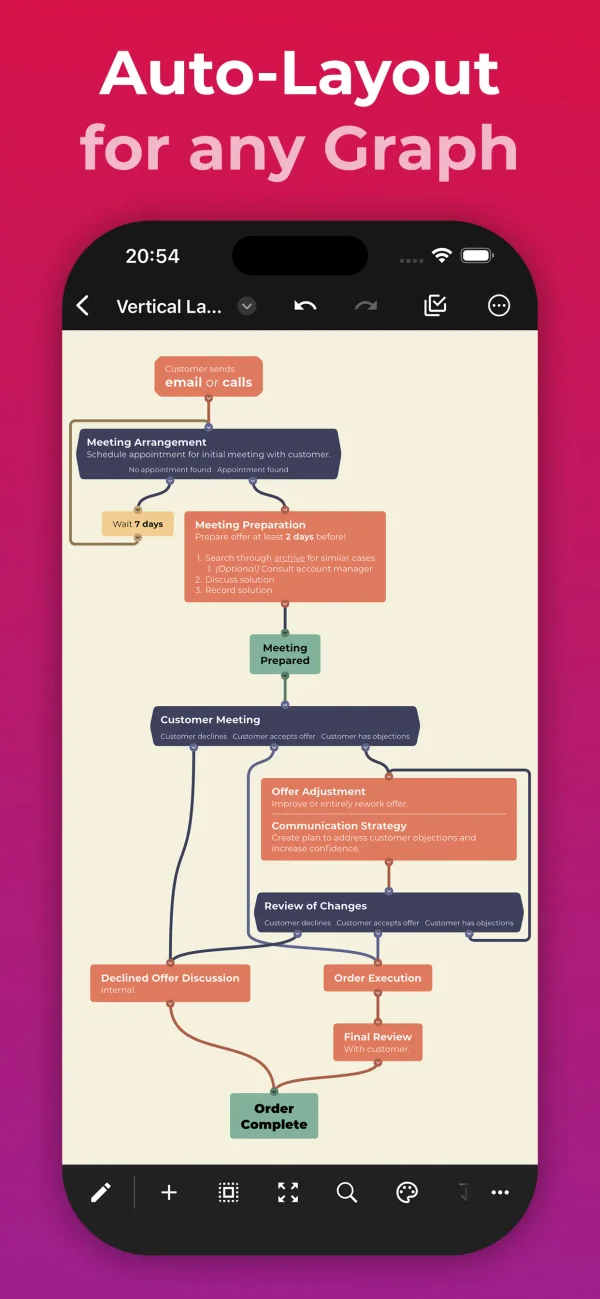
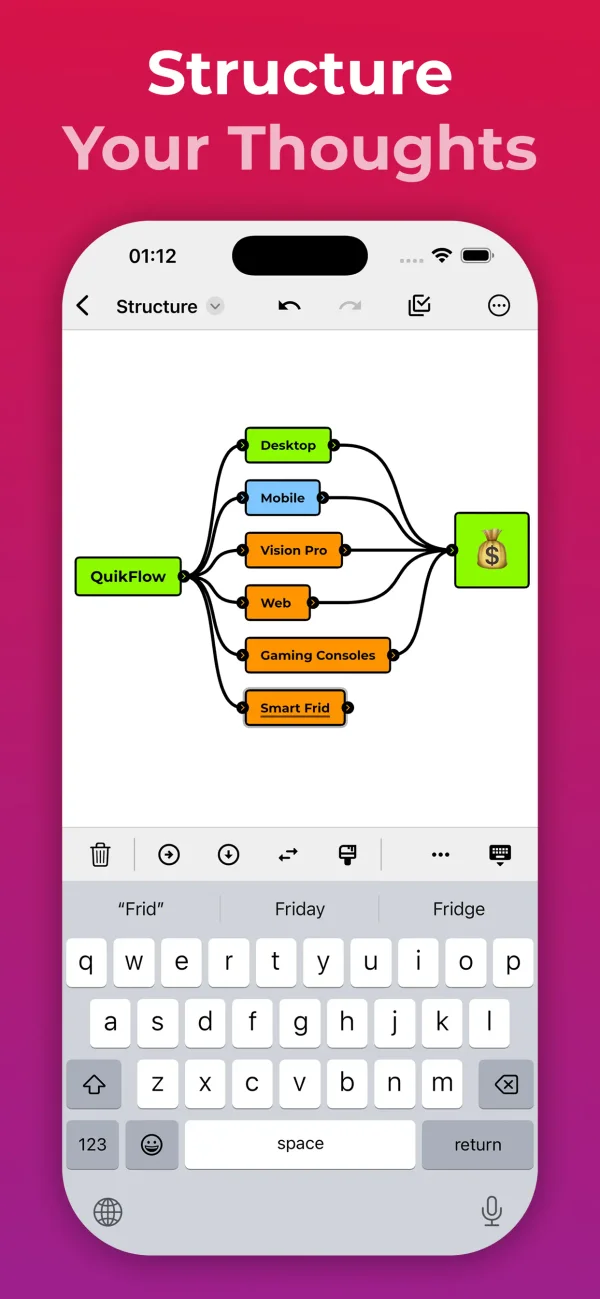
Create flowcharts (and mind maps) without worrying about layout in QuikFlow. With our innovative interactive layout algorithms, you can work as if you were using a mind mapping application while creating flowcharts. Define your structure and the app handles the layout!
CREATE FLOWS, NOT JUST MIND MAPS
Creating flows is just like creating mind maps. But without the restrictions. Let flows converge or loop back around. All while retaining the same intuitive workflow.
FOCUS ON YOUR CONTENT, NOT ON THE LAYOUT
Define your flow and the relationships between different elements. The layout happens automatically while you are working. To adjust the layout, you can reorganize elements using drag-and-drop.
MAKE CHANGES WITHOUT WORRYING ABOUT THE DETAILS
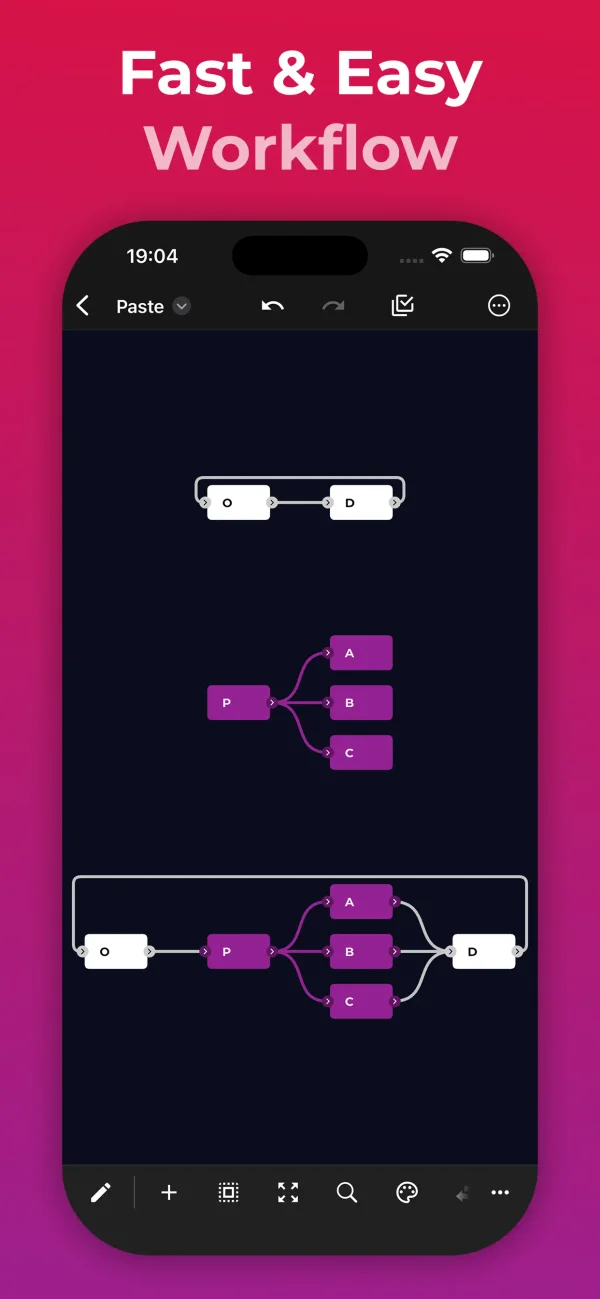
No matter what you change, the layout will automatically adapt. Paste a whole subflow into the middle of the flow. Delete any part of the flow, no matter how intertwined. You won’t have to spend most of your time fixing the layout.
EXPAND YOUR FLOW
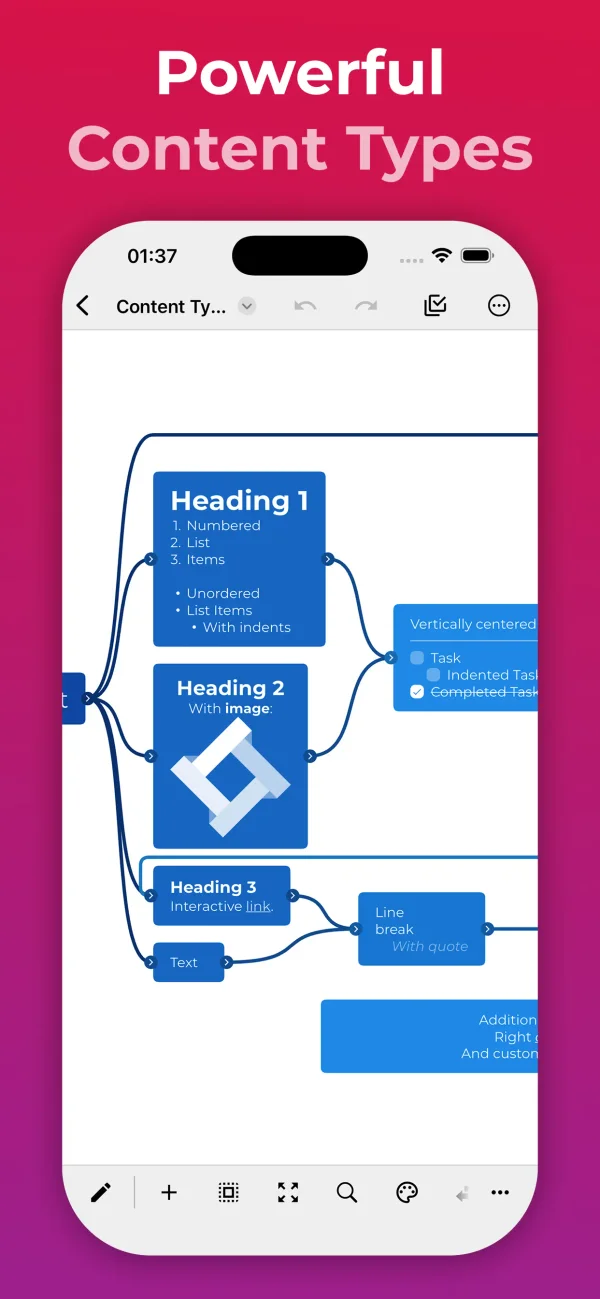
A node is simple. But every node can expand into a full rich-text document with headlines, lists, images, links, dividers and more. On canvas or in off-canvas notes. There can even be interactive tasks and checklists, allowing you to do flow-based task management.
FIND YOUR STYLE
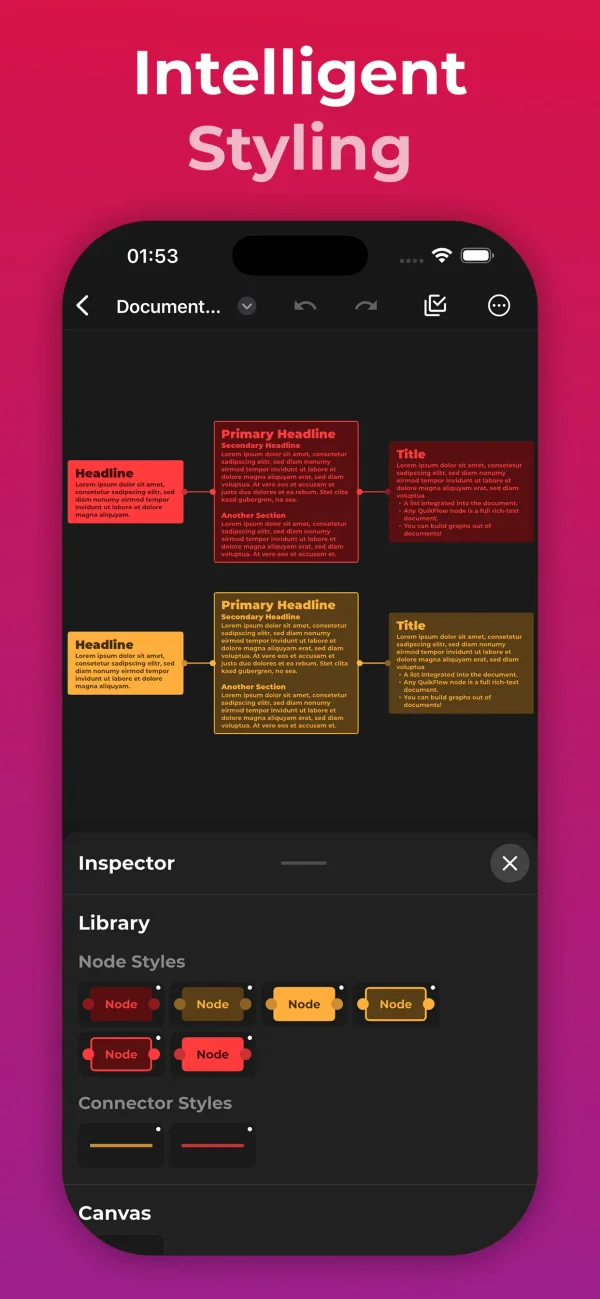
Style each node and connector. Quickly reuse styles across your graph using the automatically generated library. Find the right look for new files using our premade templates or your own custom templates.
SHARE AND EXPORT WITHOUT SURPRISES
Easily share your creations in popular file formats (PDF and PNG). In high quality and without fuss. It is that simple.
INPUT BEYOND THE TOUCH
We think we built the qui(c)kest way to create a flow using touch. But QuikFlow started on desktop. And we brought all the mouse and keyboard support over to iPad.
Website: https://quikflow.app
Email: quikflow@coneno.com
Terms of Use: https://www.apple.com/legal/internet-services/itunes/dev/stdeula/
Novedades
Versión 2.0.15 · 21/11/2026
Features
- QuikFlow now supports iPhone Duo. The canvas and toolbar adapt when you fold or unfold the phone.
Improvements
- Zoom To Fit frames your diagram more reliably when the inspector is open or the window is resized.
- The canvas follows your typing more reliably when a node grows or moves.
- New standalone nodes added from the toolbar are placed more reliably in the visible part of the canvas.
- The toolbar adapts to long document titles and narrow windows. Undo and Redo are available under More actions when space is tight.
- New documents save their template content when they’re created, so you can close them before making an edit.
- Updated the in-app legal notice and privacy policy link.
Fixes
- Fixed toolbar buttons occasionally failing to respond and Undo and Redo getting out of sync.
- Fixed a color mismatch around the on-screen keyboard on iOS 27.
- Fixed pasting text that contains email addresses into nodes.
- Fixed the initial size of rotated JPEGs when inserting or pasting them.
- Fixed node placement when inserting a node on a collapsed connector.
- Fixed a font-loading issue in PDF and PNG exports and improved PNG export stability.
- Fixed a submenu memory leak when switching themes.
If you like QuikFlow, please consider leaving a review. It really helps!
Privacidad de la aplicación
Lo que coneno GmbH declara en App Store sobre cómo esta aplicación gestiona los datos.
-
No se recopilan datos
El desarrollador no recopila ningún dato de esta aplicación.
Las prácticas de privacidad pueden variar, por ejemplo, según las funciones que uses o tu edad.
Información
- Vendedor
- coneno GmbH
- Categoría
- Productividad
- Versión
- 2.0.15
- Actualizado
- 21/11/2026
- Publicado
- 4/12/2023
- Tamaño
- 82,2 MB
- Requiere
- iOS 18.0 o posterior
- Clasificación por edad
- 4+
- Precio
- 29,99 €
- Idiomas
- Inglés, Alemán, Húngaro, Chino simplificado
- Copyright
- © 2026 coneno GmbH
Quizá también te guste
-
 Plan&RipProductividad
-
 NetGesucht AIProductividad
-
 OffgridScribe: Voice to TextProductividad
-
 Bend AidProductividad
-
 Mindscope 2Productividad
-
 ProdoClock: Visual PlannerProductividad
-
 StenographerProductividad
-
 Echo - AIProductividad
-
 Untold Novel - Story Plannerescribir y planificar un libro
-
 OrchesterDienstProductividad