
Rabbit Reader: Speed Reading
Read Faster. Read Smarter.
Diseñada para iPhone, iPad, iPod touch
Gratis · Compras en la aplicación
- Clasificación por edad9+
- CategoríaLibros
- DesarrolladorREYNALDO TOLENTO
- IdiomasInglés
- Tamaño41,6 MB
Enlaza a la página oficial de App Store
Download.org no aloja ningún archivo de Rabbit Reader: Speed Reading. El botón abre la página de la aplicación en App Store, donde la publica REYNALDO TOLENTO. Ficha comprobada por última vez el 24/11/2026.
Capturas de pantalla
Acerca de
El desarrollador no ha proporcionado este texto en tu idioma.
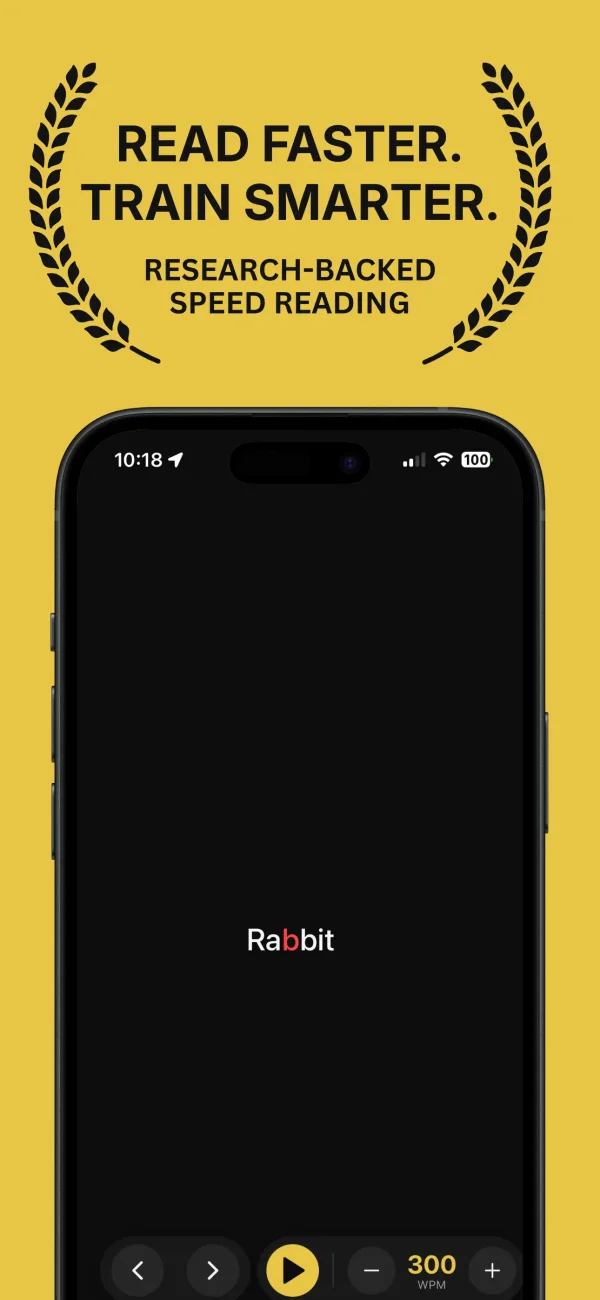
Read faster and remember more. Rabbit Reader is a speed reading app and trainer that turns any book, PDF or article into practice, with four reading modes, six training games, and 1,000+ classic books.
Bring your own PDF, EPUB or TXT files, share any article from Safari, pick a speed, and read. Train a few minutes a day with games built to sharpen focus and widen your visual span. Track your WPM as it climbs.
FOUR WAYS TO READ
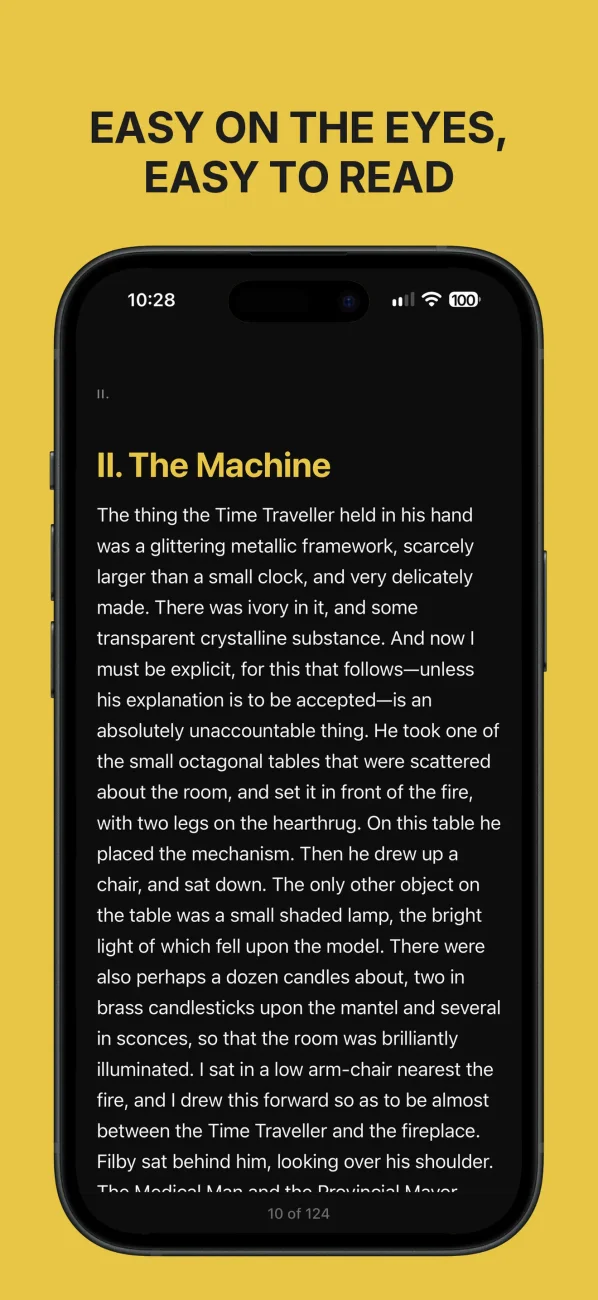
• Page Mode: classic full-page reading with clean formatting
• Highlighted Reading: words light up at your chosen speed and pages turn themselves
• Word Mode (RSVP): one word at a time, with an optional focus letter (ORP) to keep your eyes still
• Chunk Mode: 3 to 12 words at a time, split by sentence
READ ANY ARTICLE
• Share a link from Safari or any app, or paste one in
• Articles open clean and distraction-free in the speed reader
• Saved articles track your progress just like books
SIX TRAINING GAMES
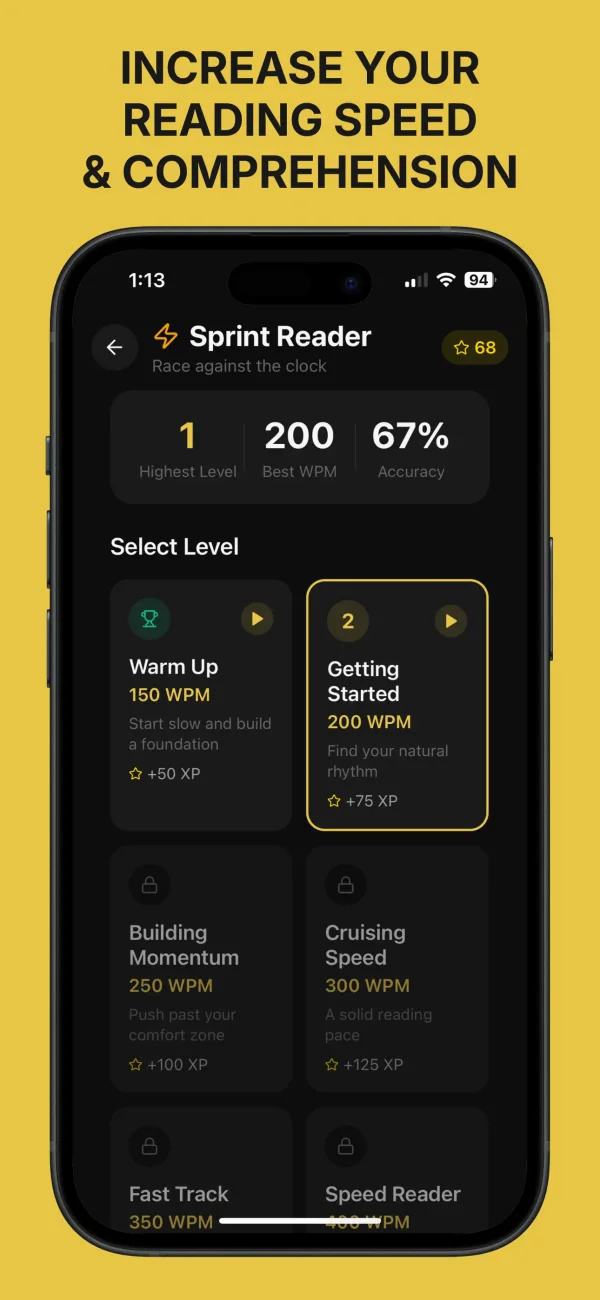
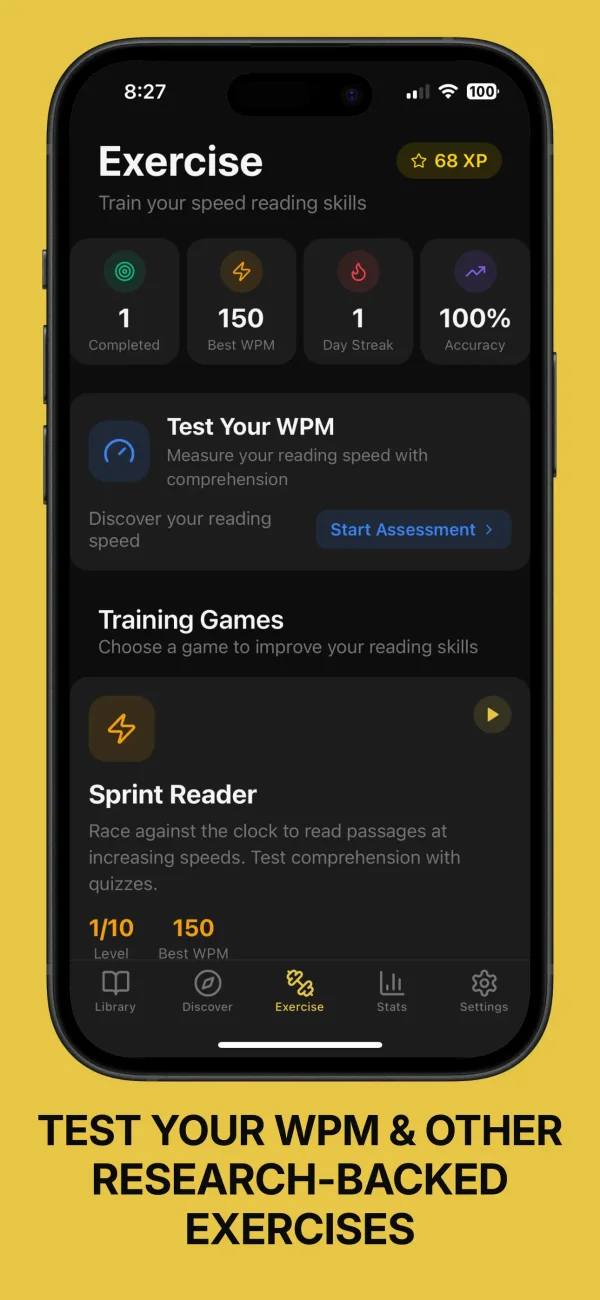
• Sprint Reader: 23 levels from 150 to 700 WPM with comprehension questions
• Test Your WPM: measure your speed and comprehension
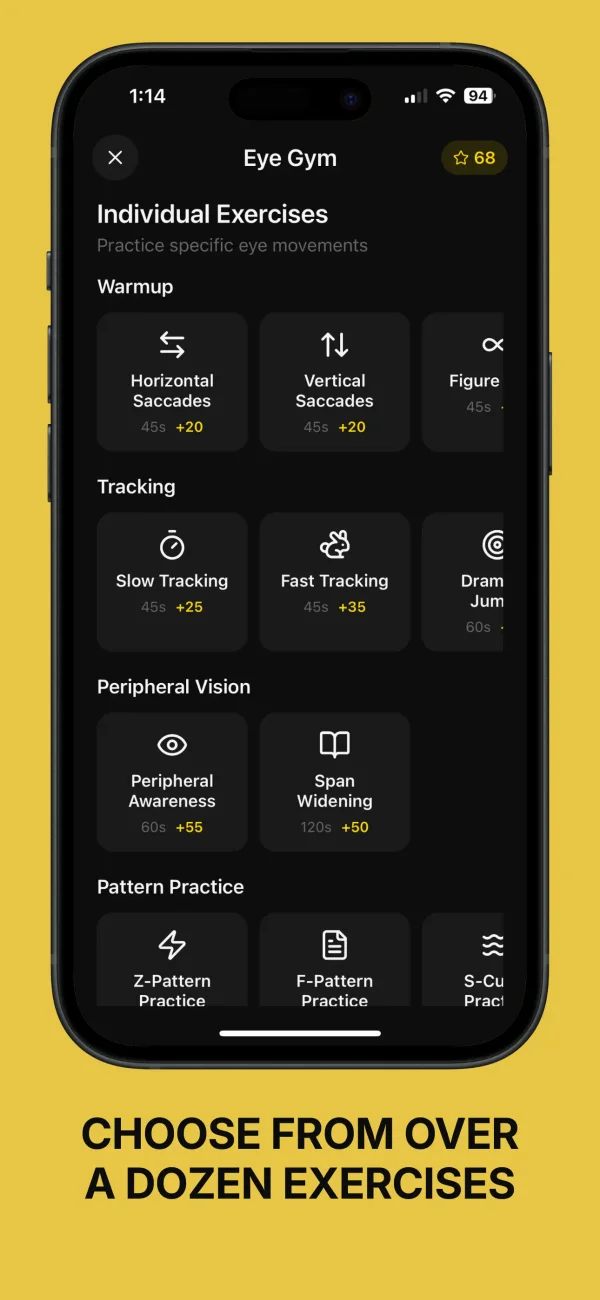
• Eye Gym: 11 eye exercises with 4 workout modes
• Word Shape Detective: recognize words in as little as 25 ms
• Peripheral Pro: 10 levels to expand how much you see at a glance
• Fade Master: text fades as you read to break the habit of re-reading
A LIBRARY THAT TRAVELS WITH YOU
• NEW: Import PDFs, from papers and reports to full books, with titles detected automatically
• Import TXT and EPUB files, with automatic cleanup
• Open files straight from the Files app with "Open in Rabbit Reader"
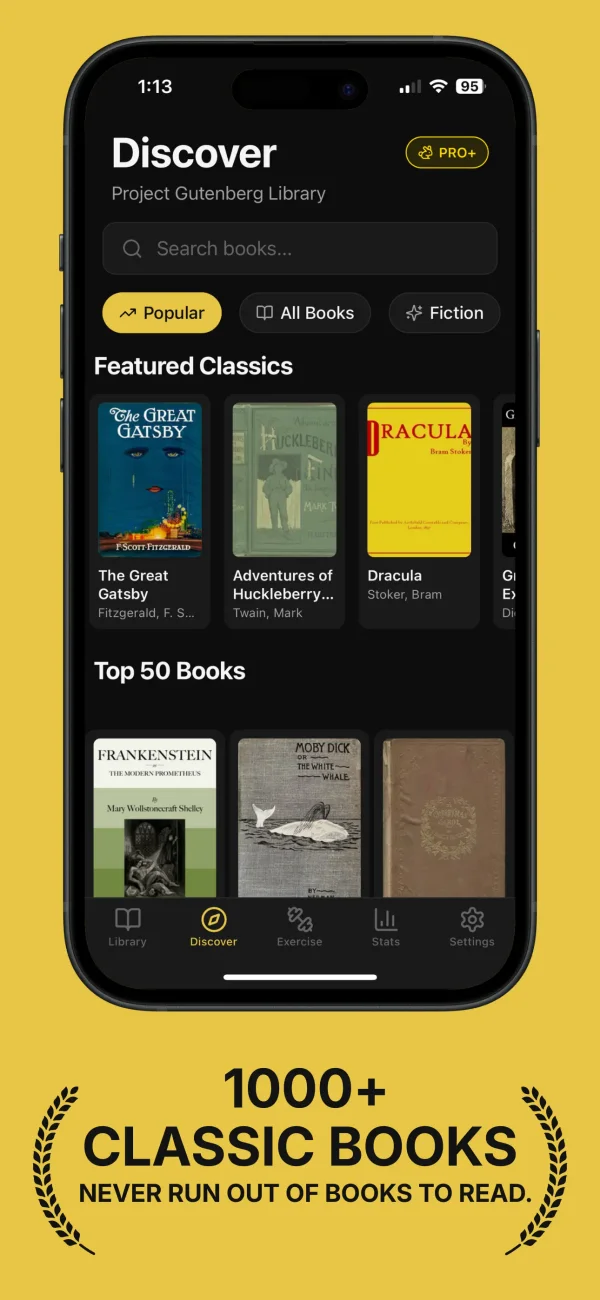
• Browse 1,000+ classics from Project Gutenberg across 18 categories, from mystery and sci-fi to philosophy and poetry
• Bookmarks, highlights and notes in 5 colors
• Auto-detected chapters and a progress scrubber to jump anywhere
• Works offline, with no account needed
MAKE IT YOURS
• 40 to 1,000 WPM
• 13 themes, including Pure Dark, Night Owl, Sepia and Sage
• 11 fonts and sizes from 12 to 40 pt
STAY MOTIVATED
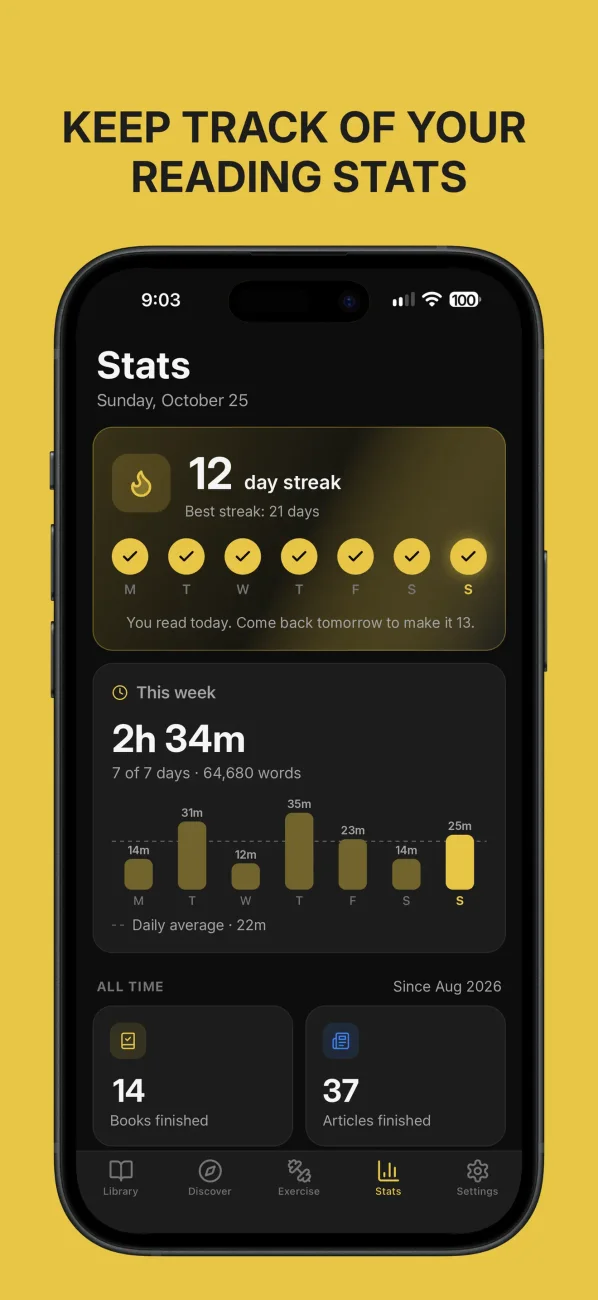
• Daily reading and training streaks, with your best streak
• 23 achievements, XP and levels
• Weekly reading chart with your daily average
• All-time stats on books and articles finished, words read and average WPM
FREE TO START
Reading in all four modes, Sprint Reader and Test Your WPM are free, with books up to 350 WPM, 2 articles a week, 2 themes, TXT imports, and 3 bookmarks and highlights per book.
PREMIUM
• Books at up to 1,000 WPM
• Unlimited articles
• PDF and EPUB imports and the full Discover library
• All 13 themes
• Unlimited bookmarks and highlights
• Eye Gym, Word Shape Detective, Peripheral Pro and Fade Master
Choose monthly, annual with a 3-day free trial, or a one-time lifetime purchase.
Start with the free welcome book and see your WPM in minutes.
Terms of Use (EULA): https://www.apple.com/legal/internet-services/itunes/dev/stdeula/
Privacy Policy: https://rabbitreaderapp.com/privacy
Novedades
Versión 1.4.1 · 22/11/2026
New in 1.4.1:
• Contents pages now show a tappable chapter list instead of a blank page.
• Simpler Word, Chunk and Page buttons, plus an ⓘ that explains Highlighted Reading.
• A new set of six free Featured Classics in Discover. Books already in your library stay yours.
• Books that need PRO+ now carry a gold PRO+ ribbon.
• Highlighting: tap the checkmark to save in yellow, cleaner colours while selecting, and a taller Highlights panel.
• Bug fixes and small improvements.
Privacidad de la aplicación
Lo que REYNALDO TOLENTO declara en App Store sobre cómo esta aplicación gestiona los datos.
-
Datos vinculados a ti
Pueden recopilarse y vincularse a tu identidad.
- Compras
- Información de contacto
- Identificadores
- Datos de uso
- Otros datos
-
Datos no vinculados a ti
Pueden recopilarse, pero no se vinculan a tu identidad.
- Identificadores
- Diagnóstico
Las prácticas de privacidad pueden variar, por ejemplo, según las funciones que uses o tu edad.
Información
- Vendedor
- REYNALDO TOLENTO
- Categoría
- Libros
- Versión
- 1.4.1
- Actualizado
- 22/11/2026
- Publicado
- 18/2/2026
- Tamaño
- 41,6 MB
- Requiere
- iOS 15.1 o posterior
- Clasificación por edad
- 9+
- Precio
- Gratis
- Compras en la aplicación
- Sí
- Idiomas
- Inglés
- Copyright
- © 2026 Rabbit Reader
Quizá también te guste
-
 SpeedReadifyLibros
-
 Spead - Speed ReadingLibros
-
 Absorb: Read Faster & DiscoverLibros
-
 SwiftReader: Speed TrainerLibros
-
 Overread: Faster Speed ReadingLibros
-
 Lectura Rápida, Leer RápidoEntrenamiento Velocidad WPM
-
 SpeedRead RSVP: books in a dayLibros
-
 Speed Reader - RSVP ReadingLibros
-
 Lee rápido - AbsorbLector RSVP: EPUB y PDF
-
 Fovea: Speed ReadingLibros